Time tracking integration for Spectrum ERP
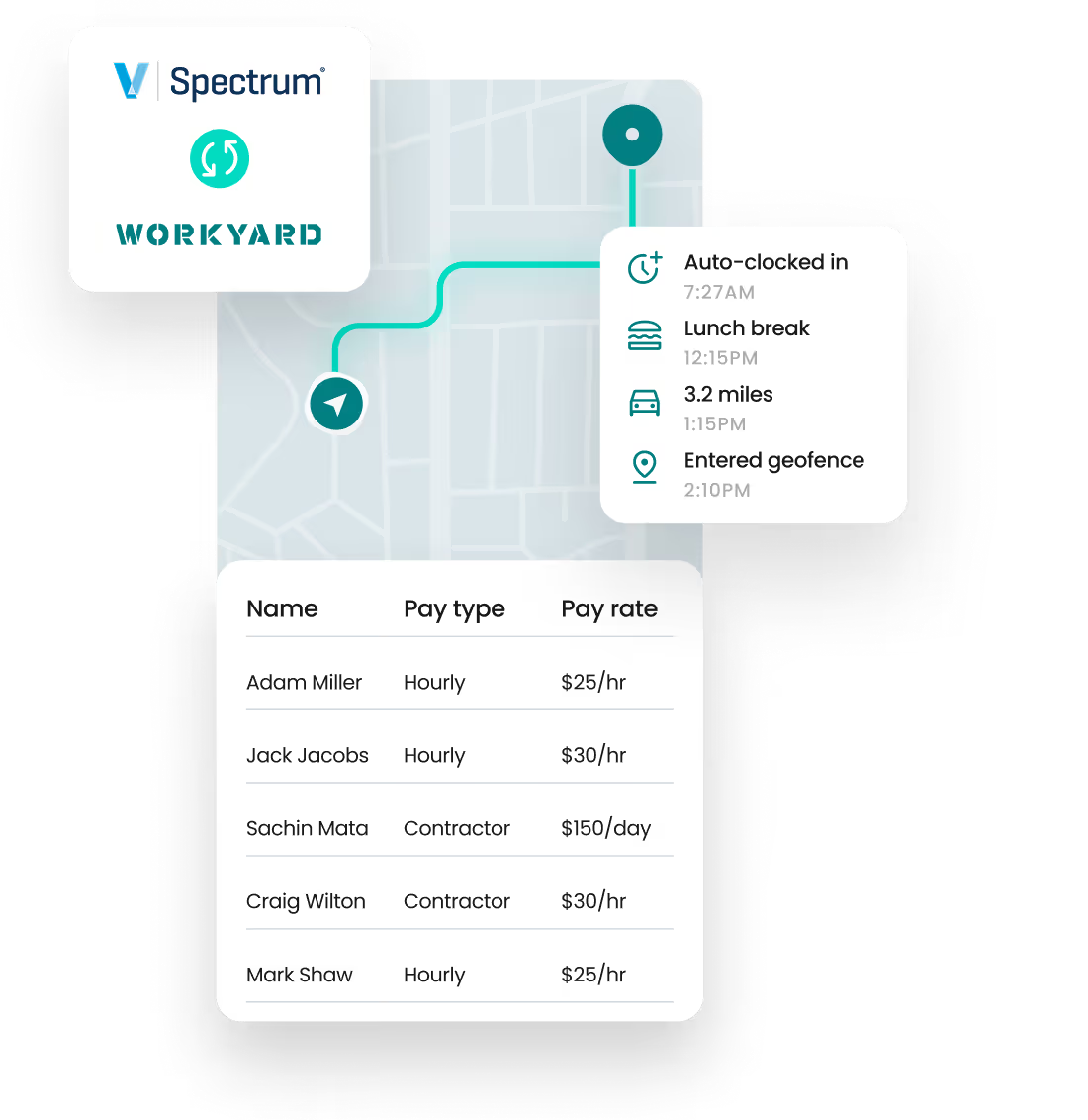
Workyard time tracking software integrates into Spectrum ERP, giving you automated, hyper-accurate job costing and payroll workflows instantly.

At a glance
.svg)
Import worker hours instantly

Reduce Manual Errors

Perfect data match between tools

Easy Set Up
Why Use Workyard with Spectrum ERP?
Eliminate manual data entry
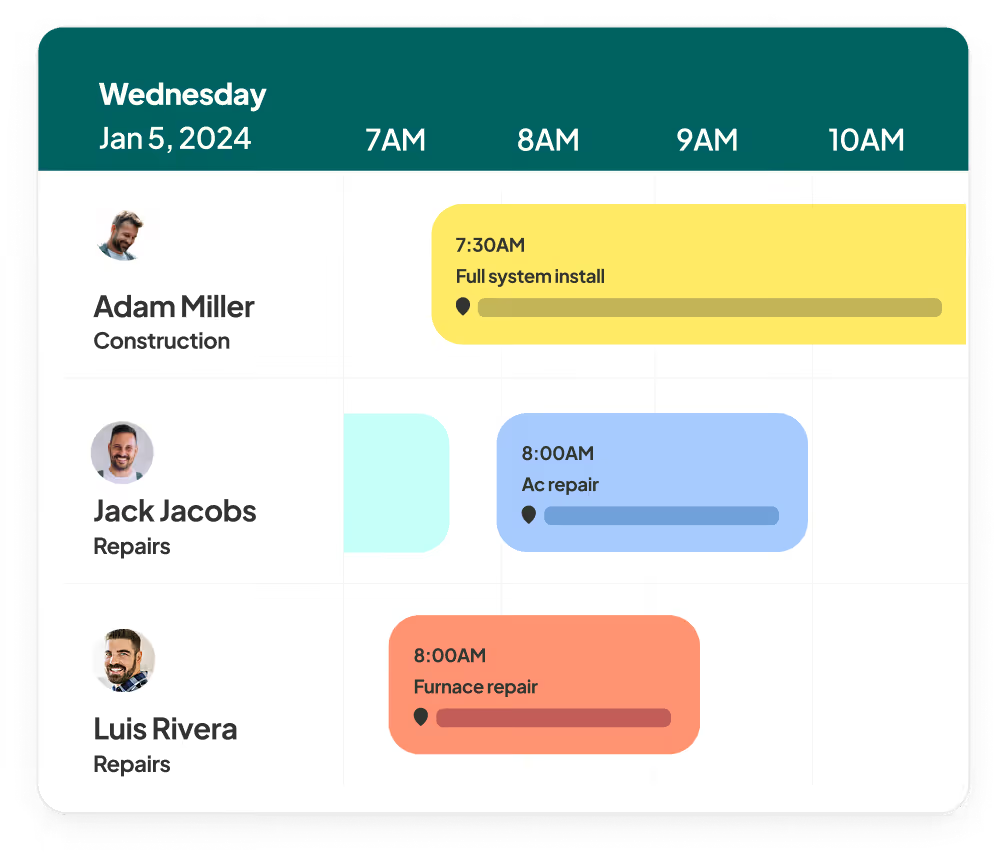
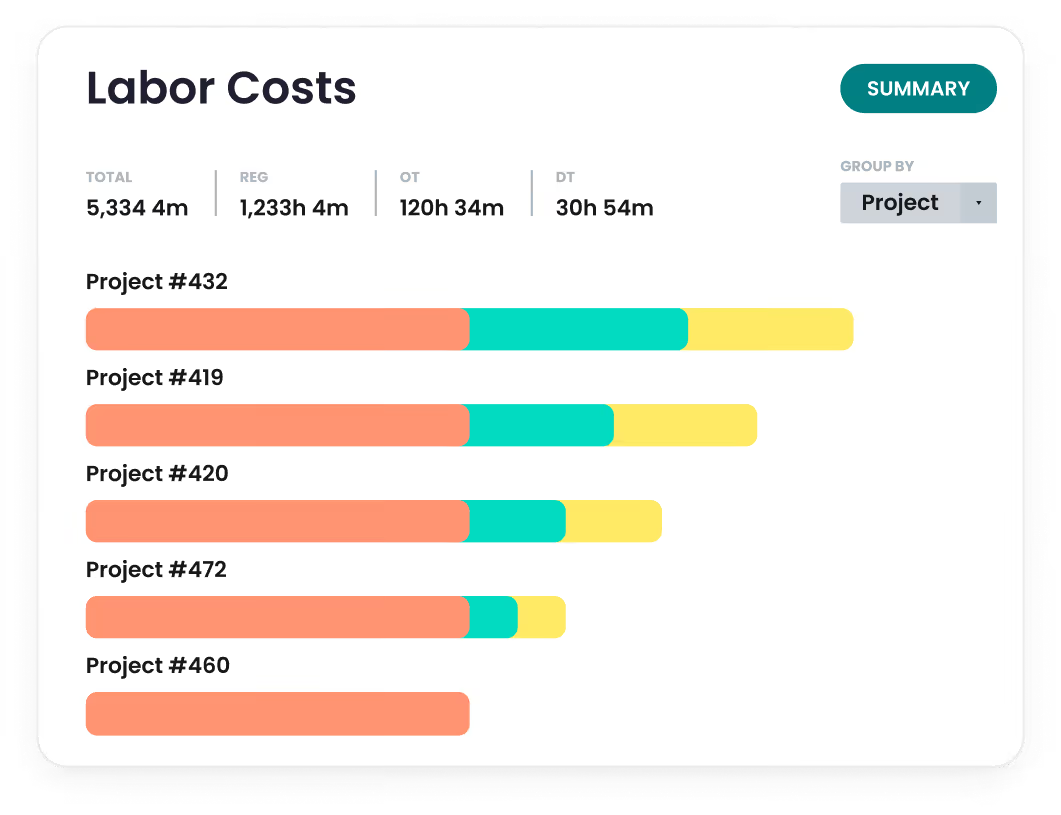
Get hyper-accurate job costing

Bridge the gap between field ops and back office
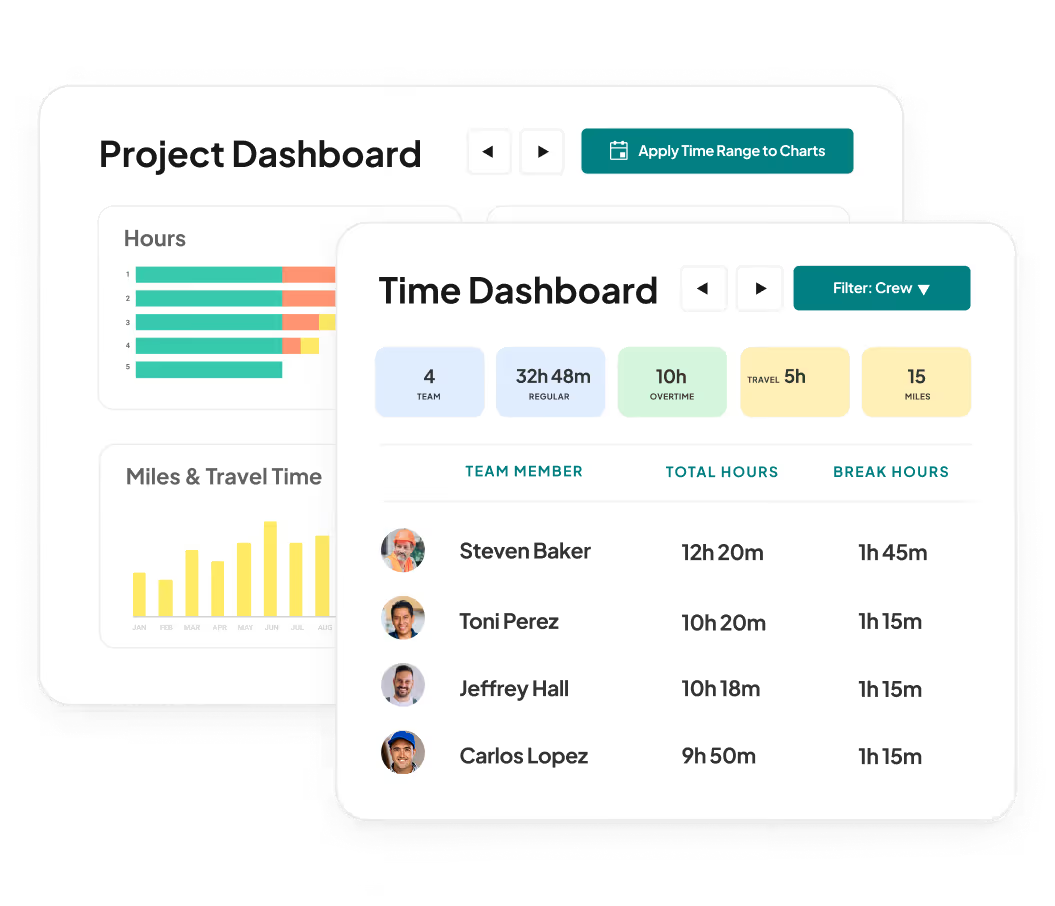

Scale without increasing back-office headcount
How it works
How to set up integration

Contact Support
You can either reach out to us via the in-app chat service or email support@workyard.com to request the integration.
Confirm Spectrum Configuration
Workyard will guide you through verifying your Spectrum setup (including API access and credentials).
Enable Integration
Once Spectrum is ready, the Workyard team will enable the integration on your account.
Ready to save time & money?
FAQS
All your
Spectrum ERP
questions answered.
The only way to truly get accurate labour costs broken down into project costs is using construction-specific time tracking software like Workyard. Such software not only uses GPS and other technologies to ensure hours worked data is accurate, it can also use GPS to tag worker hours to specific job sites, saving double on admin: less time manually entering worker hours, and less time spent coding those hours to each project a worker worked on.
The integration is directional by design. On a per worker basis, Workyard can send:
- regular hours
- overtime hours
- double time hours
- project / job code
- cost code / phase
- any notes entered on worker's timecard
Spectrum can send Workyard:
- project / job code
- cost code / phase
- worker details for both W-2 and 1099 workers.
This ensures:
- field crews working in Workyard have the exact same job list and cost code structure as used in Spectrum to maximise data accuracy.
- Onboarding or staffing changes can be pulled into Workyard from Spectrum via API; reduces administrative overhead and errors.
- Ensures any job changes/cost code updates in Spectrum get reflected in Workyard, ensuring crews use up-to -date job codes / cost codes regardless of which tool they use.
Because job data is imported directly from Spectrum, field teams can only select from approved projects, jobs, cost codes, and phases. This reduces free-text entry and mismatches. Time cards must be tagged correctly in Workyard before they can be exported to Spectrum, which helps catch errors before payroll or job costing.
Yes. Workyard exports regular time, overtime, and double time separately into Spectrum’s pre-time card batches. This allows Spectrum to apply payroll rules correctly without manual rework.
Requirements: access to a computer and internet connection, access to your Spectrum account and an active Workyard Enterprise plan.
Setup is initiated by contacting Workyard Support, and whilst actual setup time depends on your Spectrum environment, the integration usually only takes 1-2 days to complete. There is no custom development or deep technical skills beyond basic computer skills required on the customer side.