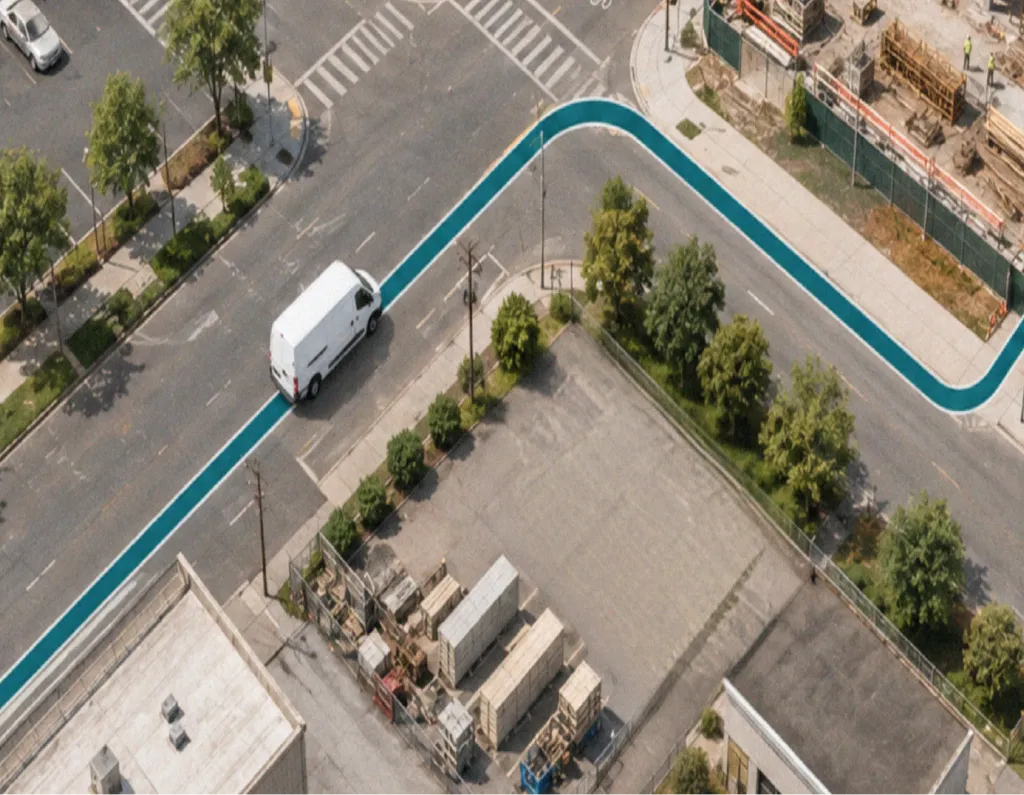

100s of hrssaved a week routing supervisors by proximity
"It's preventing us from losing more on each project — saving us money."

Every crew hour lands on the roof it was worked, drive and supply runs on the right job, so you see what each job really costs while there’s still time to act.
100s of hrssaved a week routing supervisors by proximity
"It's preventing us from losing more on each project — saving us money."

“The auto tagging is helping a lot. It’s working… This is actually causing it, you know, causing us to catch a lot more things.”
VPWaterproofing contractor, 50+ workers

“That whole process just takes five to seven minutes. It’s really reduced having to rekey anything.”
CTORoofing contractor, 50+ workers

“Even for a non-tech guy like me, it’s pretty simple.”
CTORoofing contractor, 50+ workers

“For the employee, it’s very easy to use. … It told me right where I was, and all I had to do is pick that and then take a picture and then write a note.”
Project ManagerWaterproofing contractor, 11–50 workers

The payoff
Time
30 mins
to prep payroll, not 12 hours
The typical drop for customers.
Money
10–18%
off payroll
Rounded times, buddy punches, forgotten clock-outs: eliminated.
Job costs
5–25%
unassigned hours before Workyard
GPS and agents put each hour on the job it was worked.

Workyard is not another everything-suite. It runs the crew side of the business, deeply, and connects to the rest.
For payroll and accounting: QuickBooks, Sage, ADP and 18 more. Jobs come in, and approved hours go to the systems that cost and pay.










Other tools wait for someone to do the work. Workyard’s agents check every timecard and flag only what needs you. That’s the whole job.
From quick answers to hours of work, handled
Time tracking that runs itself
Reports you need, without the spreadsheet work
Works your way
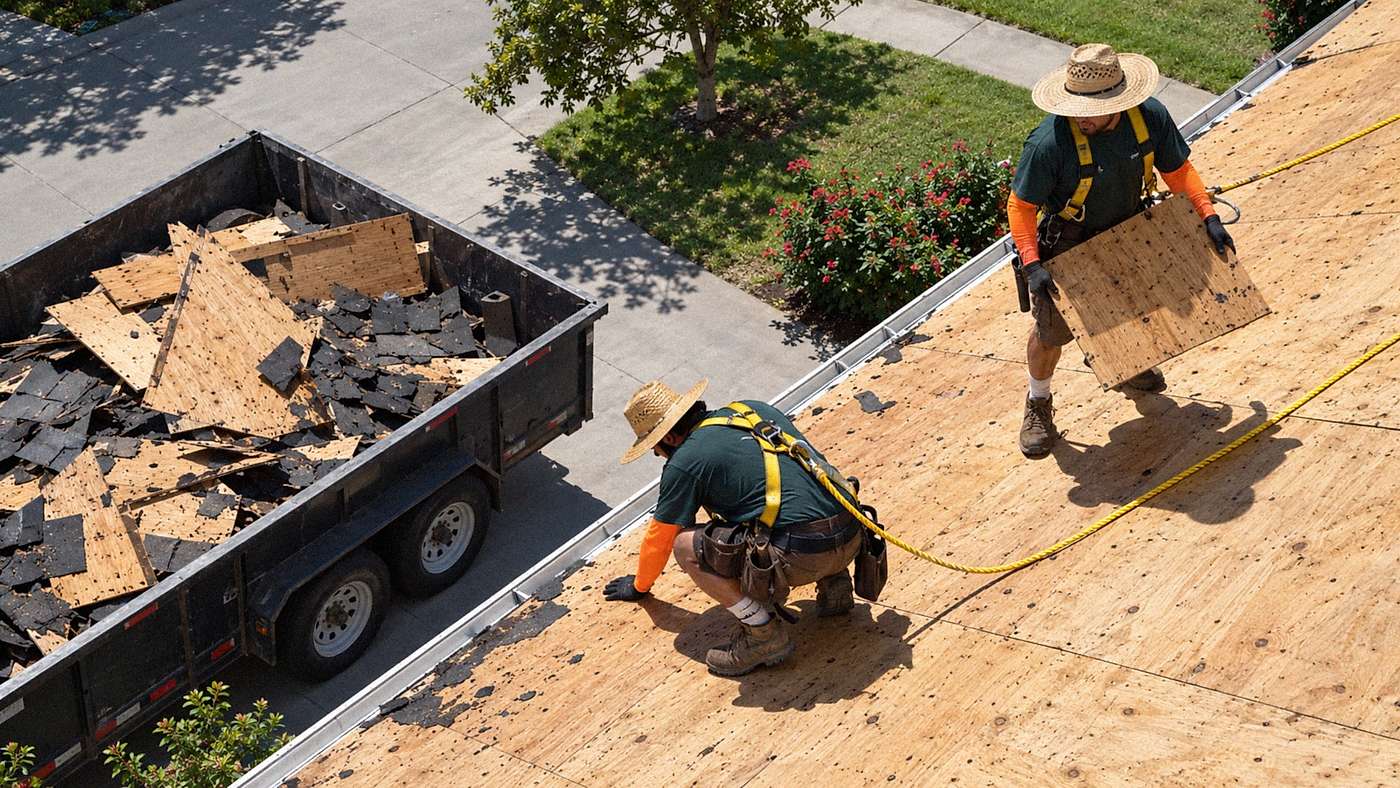
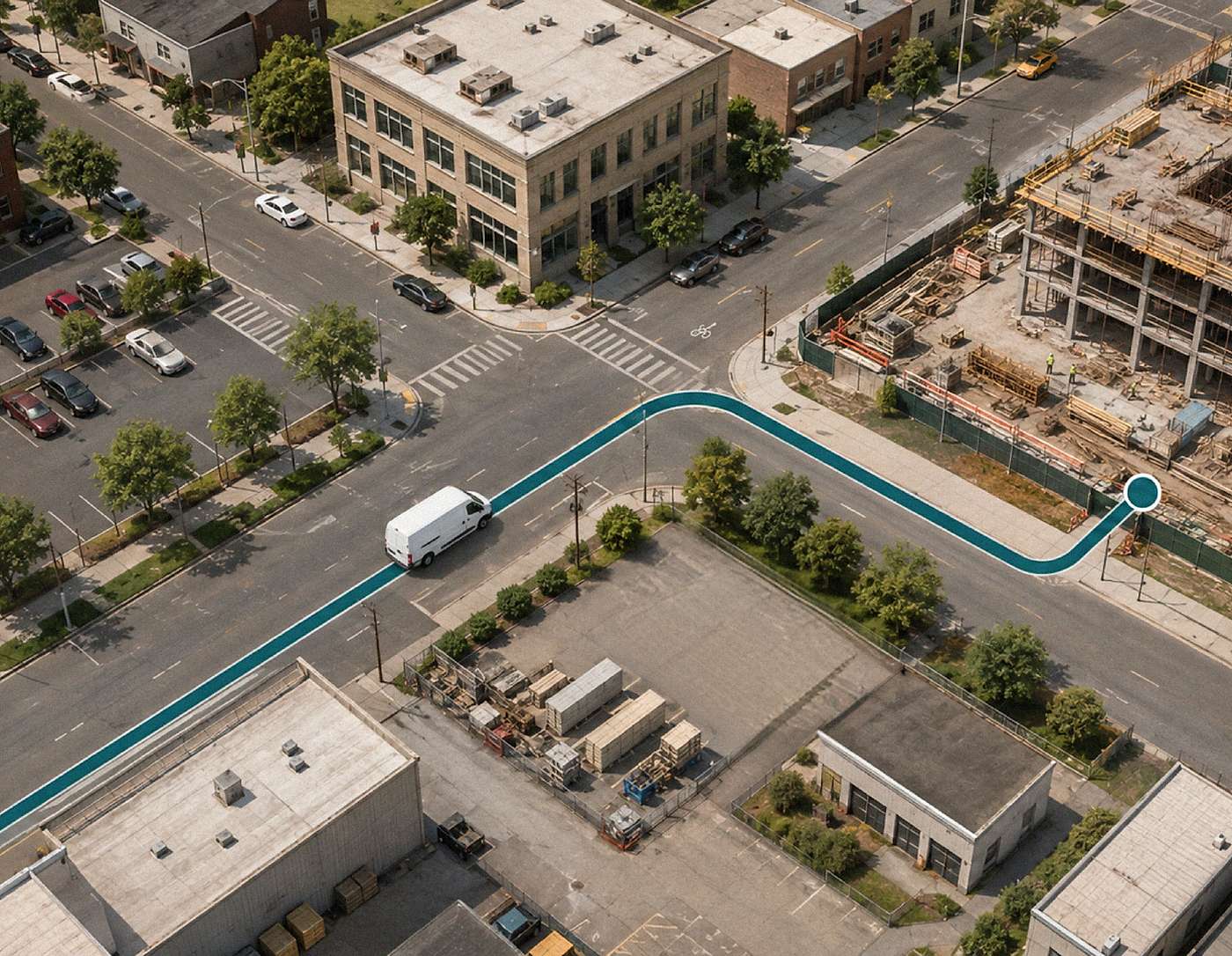
Roofing crews stay on one roof all day. Repair techs cover several a day. Workyard fits both.
A foreman and crew on one roof all day
Small repair crews on several roofs a day
Built for the way roofing runs
The three things roofing contractors raise with us more than any other trade, each one built in.
Codes sync in from your books, and each job shows the crew only its own few: roofing, repair, shop. Set a default and there’s nothing to pick, or the foreman codes the crew. Roofing and waterproofing hours land on their own codes.
Pick which jobs come in from your books, so years of closed ones stay there. When a job’s geofence goes quiet for the days you set, it archives itself, its geofence switches off and admins get an email. Back for a repair? Restore it.
Clock-in only starts inside the job’s geofence, and a card that starts before the crew’s start time begins at it. Forget to clock out and the finish is trimmed back to when they left the site, flagged for you to approve.
Thousands already do, every day.
GPS and AI drive the capture and correction, so they don't have to.
Works offline. Works in Spanish. Prevents buddy punching. Detects and corrects mistakes.
Location is only shared while on the clock, never after hours. You choose the level of tracking that fits your crew.

"I love this app. It makes it so easy for me to clock in and clock out and it tracks my mileage for my work and everything. I would recommend it, great way to keep up with everything."
"By far the best app I've ever used for work. Most consistent and accurate. Haven't had any difficulties at all. I will never use another app for clocking my hours at work."
"This app is extremely easy for my construction staff to use. It creates reports for me that show different costs by projects and honestly just saves me time and headaches."
You're wondering…
They come in, each with a geofence at its address. You pick which jobs to bring in, so years of closed jobs stay in your books. With auto-import on, new jobs follow every 30 minutes in business hours from QuickBooks Online; from Foundation or Sage 100 Contractor, they come in the next time you sync. Cost codes and crews come in the same way.
Approve the pay period and send it. RUN Powered by ADP gets each person’s regular, overtime and double-time hours on its Time Sheet Import, ready for you to review, and ADP Workforce Now takes them coded by cost number and rate code. QuickBooks, Gusto, Paychex, Sage, Foundation and more connect too, plus custom file exports for anything else.
Sage 100 Contractor, yes: a direct connection our team sets up with you. Approved hours land in Daily Payroll Entry as a line for each person, day, job, phase, cost code and pay type, so a crew that works two roofs in a day sends two lines.
Arriving on site can start the clock, so there’s less to forget. A missed clock-out is closed for them with a “Forgot to clock out?” notice and trimmed back to when they left the geofence, with the trim on the card’s log for you to approve. Anything else gets fixed on the card with a reason, and every change is logged.
Yes. Each worker has a time approver who approves their crew’s cards, and project managers can approve the time on their jobs. It’s one approval, not a chain: the office can approve anything still open.
No. A kiosk on a tablet at the job clocks people in with a PIN and a face photo, or the foreman clocks in the whole crew. No personal phones required.
Yes. Fix the card in Workyard and send the period again: QuickBooks and Sage 100 Contractor get the corrected hours in place of the old ones, so nothing counts twice. In Sage, do it before you create timecards. A sent card is locked, so only an admin can change it, with a reason.
It sits beside them. Workyard runs the crew side: time, scheduling, locations, job costs, field forms and payroll prep, next to the system that sells and invoices the work. AccuLynx, JobNimbus, Roofr and Salesforce connect through Workyard’s developer API rather than a ready-made connector. Tell us what you run and we’ll confirm the connection on the call.
Archive the job, one at a time or a batch, and its geofence switches off with it. Or turn on auto-archive: a job with no geofence activity for the number of days you set archives itself, and admins and managers get an email listing it. The job’s hours stay on record, and you can restore it when a crew goes back.
No circle needed. Draw the polygon on the real lot lines, at whatever size the job is, so two roofs on the same street don’t bleed into each other. Fences start from your job addresses, and you adjust the ones that need it.
Yes, both. Restrict clock-in so it only starts inside the job’s geofence. Then set when the day can start for each crew’s rule group: a card that starts early begins at that time, so getting to the shop early doesn’t start the clock, and one that runs late is cut back to the day’s limit.
Yes. Assign each job only the codes it uses, so the crew sees a few, like tear-off, decking and flashing. Cost code groups narrow it by team or person, a default code leaves nothing to pick, or the foreman codes the whole crew. Approved hours post back to your books by job and cost code, so roofing and waterproofing hours stay apart.
Yes. Overtime rules sit on each team member, with an effective date, so one roofer can be on daily overtime after 8 and another on weekly overtime after 40. Start from a state preset, California’s included, or describe the rule in plain English and Workyard builds it.
The stop is captured and labelled on its own, separate from job time, and added to the job they head to next. Back on the roof, the clock picks the job back up.
Yes, if you turn it on. Daily Sign Off asks each worker at clock-out about injuries, rest and meal breaks and whether they recorded all their time, and takes their signature. A no flags the card for their time approver. End of Pay Period Sign Off has them confirm their hours or ask for a correction.
Yes, as leave requests, approved in Time Cards against your paid, unpaid and holiday policies. Approved and pending time off shows on the schedule, and approved paid time can go with the payroll export. Balances and accruals stay in payroll: Workyard doesn’t track them.
Yes. Time cards stay in Workyard with their logs, photos, sign-offs and the GPS location of every punch, searchable by worker and date range. Reports pull any date range or pay period, and the crew’s signed sign-offs export as PDF or CSV.
Days, not months. Your jobs and crew sync from your accounting system, and a real person walks you through it.
Not today. Workyard keeps each job’s actual hours and labor cost current by cost code as every shift ends, and the estimate stays in your bidding system. You compare against the bid with this week’s number instead of last month’s, and the next bid starts from what the roof really took.
Not as its own rate today. Drive time is tracked apart from time on site and goes where your rule says: the next job, split across the day’s jobs, or left unallocated. But it isn’t sent to payroll as its own pay type, and a worker has one rate at a time, not a rate per job or kind of work.
We import your jobs, cost codes, and crews. Connected to your systems and live in days, with a person on the phone the whole way.