
1 hourto prepare payroll, down from 8 hours
"You should ditch the paper, get rid of the other software, get on something that can track your crew's time, track your job costing, and save you real money."
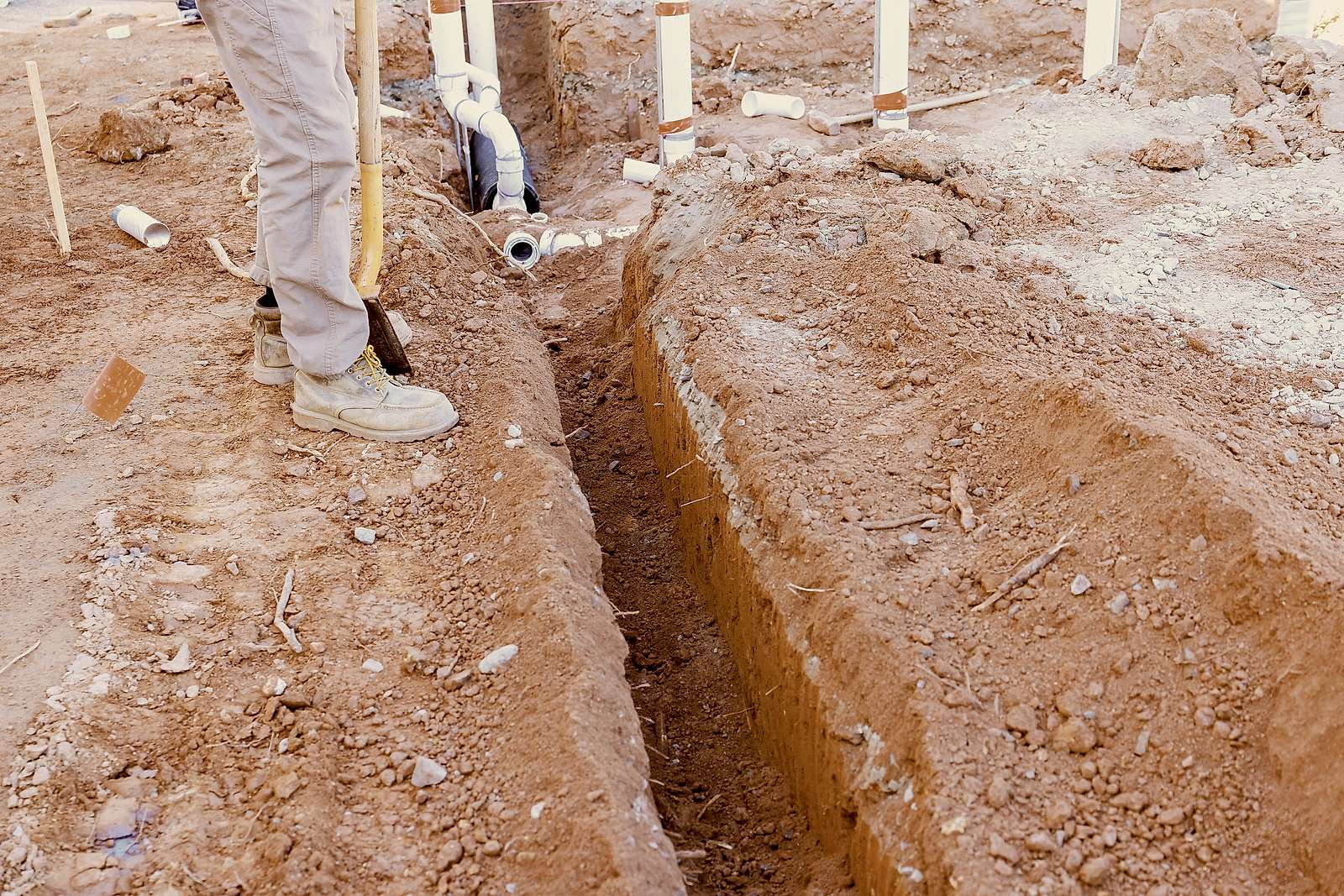
Service plumbers and new-construction crews clock in when they reach the job, not from home. Every hour lands on the right job and cost code, padded time stays off payroll, and approved hours reach payroll with nobody retyping them.
1 hourto prepare payroll, down from 8 hours
"You should ditch the paper, get rid of the other software, get on something that can track your crew's time, track your job costing, and save you real money."

“The way the geofences set up for this office, uh, they have to almost enter the building for it to call it. That's what we want to see, right?”
OwnerPlumbing contractor, 11–50 workers

“It's super simple… I give them the policy in Spanish or in English whatever way they want it. Then I send them their links… It's really easy.”
ControllerPlumbing and HVAC contractor, 50+ workers

“As far as us here in accounting and streamlining it and making our job a lot easier, 100%.”
AccountantPlumbing contractor, 11–50 workers

“We've already saved a bunch of money on that… keeps guys accountable for when they're starting and stopping their times.”
CEOPlumbing and HVAC contractor, 50+ workers
The payoff
Time
30 mins
to prep payroll, not 12 hours
The typical drop for customers.
Money
10–18%
off payroll
Rounded times, buddy punches, forgotten clock-outs: eliminated.
Job costs
5–25%
unassigned hours before Workyard
GPS and agents put each hour on the job it was worked.
Workyard is not another everything-suite. It runs the crew side of the business, deeply, and connects to the rest.
For invoicing, payroll and accounting: QuickBooks, ADP, Sage and 18 more, so hours flow to the systems that bill and pay.









Other tools wait for someone to do the work. Workyard’s agents check every timecard and flag only what needs you. That’s the whole job.
From quick answers to hours of work, handled
Time tracking that runs itself
Reports you need, without the spreadsheet work
Works your way
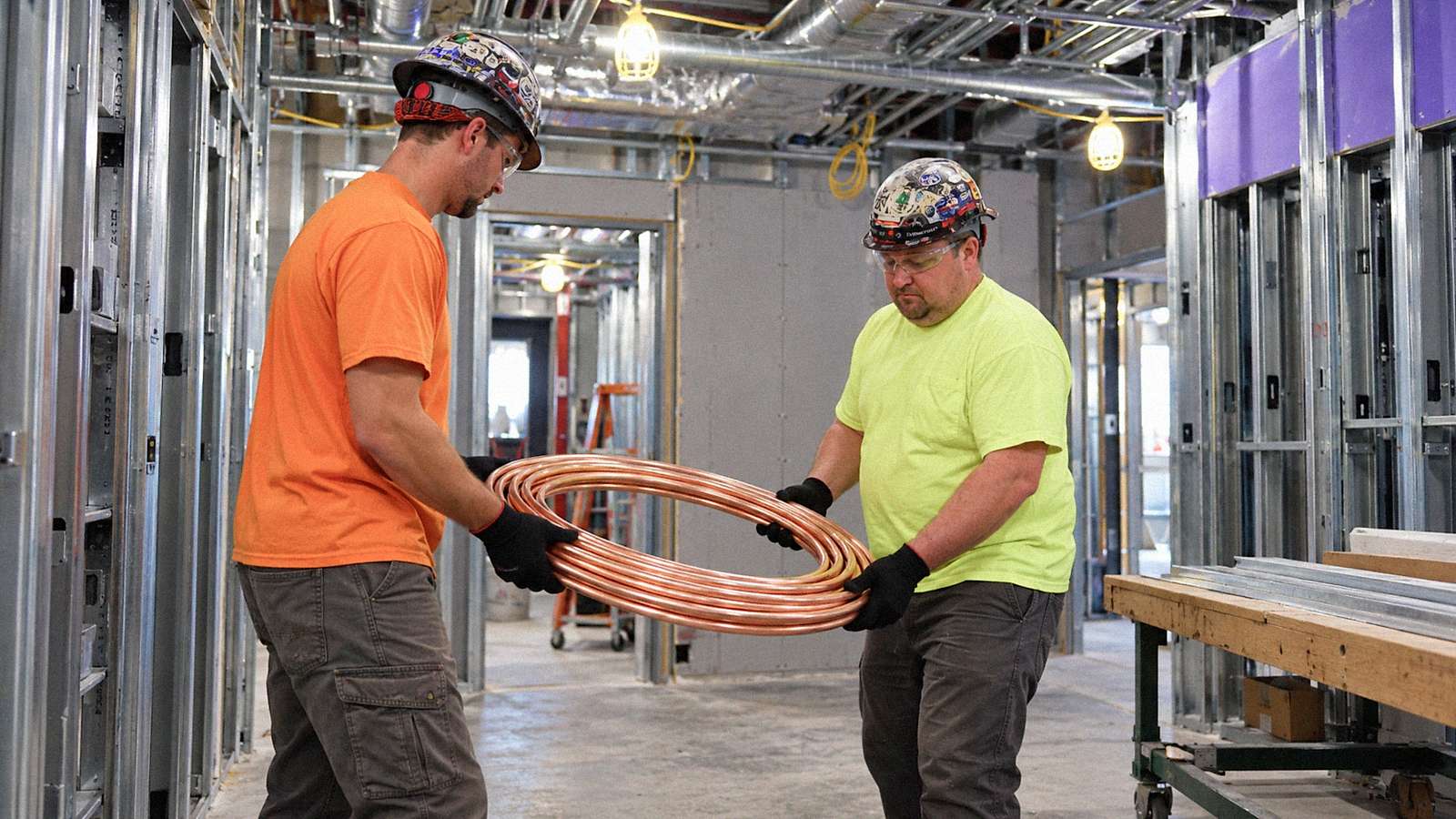
Service plumbers run call to call. New-construction crews stay on one site for months. Workyard fits both.
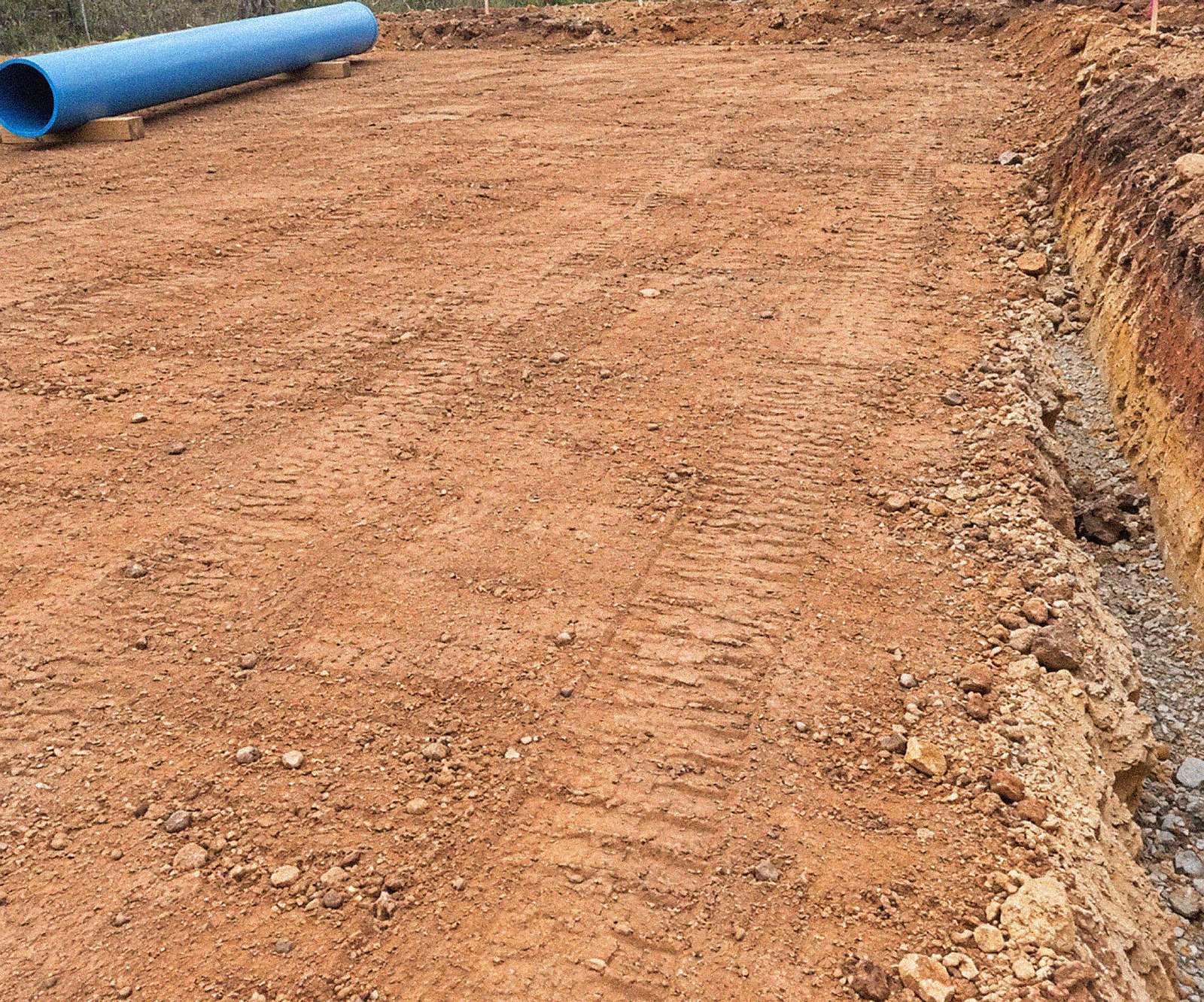
Rough-in to top-out on one site
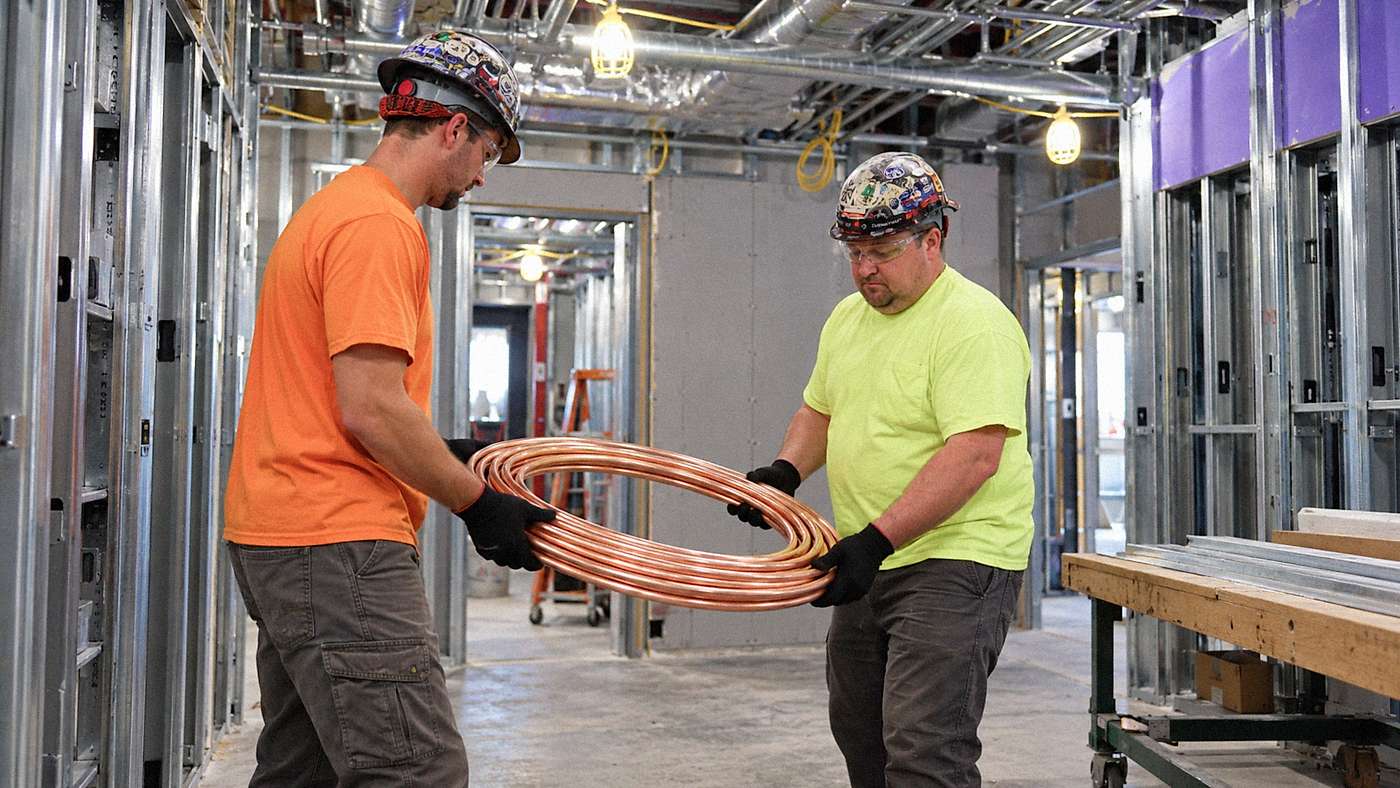
Call to call, a van on its way
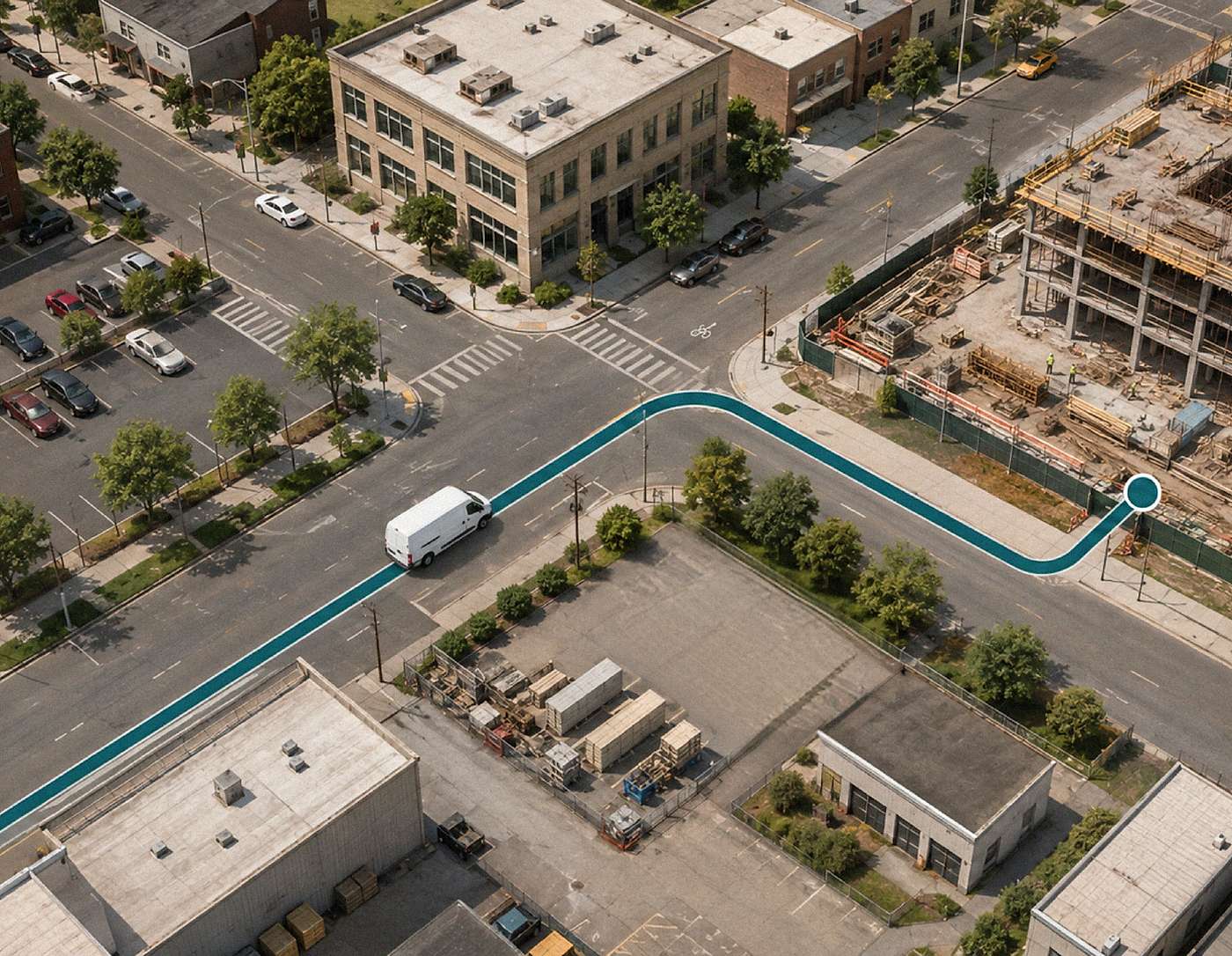
Built for the way plumbing runs
Plumbing shops ask about these far more than other contractors do. They’re built in.
Photos taken in a form file to the job with the time and place, so the pre-cover shots are easy to find months later at trim. Extra work goes on a field ticket with the hours, the photos and the GC’s signature before the crew drives away.
Daily after 8, weekly after 40, double time, the seventh day: start from your state’s preset or describe your own rule in a sentence. Overtime splits out on every card as the hours land, and a missing lunch is added at clock-out.
The clock follows the crew from job to job. Each drive goes to the next job, splits across the day’s jobs or stays off them, as you set it. Supply house runs show as their own stop, and the office moves shop time to a job on the card before approving.
Thousands already do, every day.
GPS and AI drive the capture and correction, so they don't have to.
Works offline. Works in Spanish. Prevents buddy punching. Detects and corrects mistakes.
Location is only shared while on the clock, never after hours. You choose the level of tracking that fits your crew.
"I love this app. It makes it so easy for me to clock in and clock out and it tracks my mileage for my work and everything. I would recommend it, great way to keep up with everything."
"By far the best app I've ever used for work. Most consistent and accurate. Haven't had any difficulties at all. I will never use another app for clocking my hours at work."
"This app is extremely easy for my construction staff to use. It creates reports for me that show different costs by projects and honestly just saves me time and headaches."
You're wondering…
Yes. Put the codes that belong on each job, say underground, rough-in, top-out and trim, and that’s all a plumber sees at clock-in. Cost code groups narrow it further by crew or person, a job with one code can default to it, or the foreman codes the whole crew.
They come in when you import from your payroll or accounting system, ADP and QuickBooks included, and each import picks up new hires. Someone who leaves stays in Workyard until you archive them from the office.
Jobs come in from your accounting system with their numbers and cost codes, and each one gets a geofence made from its address. Hours worked inside it land on that job number. You pick which jobs come in, so closed ones stay in your books.
No. They can clock in on a personal or company phone, the foreman can clock in the whole crew from one tablet, or a kiosk at the shop takes a PIN and a photo. iPhone and Android both work.
Yes. QuickBooks Online and Desktop, RUN Powered by ADP, ADP Workforce Now, Sage 100 Contractor, Sage Intacct and NetSuite connect directly, and ComputerEase and Sage 300 CRE get a file built for them. Procore projects and cost codes sync in, approved hours export to Excel, and Gusto, Foundation, Paychex and more are on the list too.
Yes. Time cards are searchable by worker and date range, reports pull any date range or pay period, and approved hours export to Excel by employee, job and cost code. Or ask the Reporting Agent for the numbers the way you want them, like labor by cost code this month, and rerun it any week.
If you turn on time card editing for them, yes: they fix it with a reason, and the card’s log keeps every change. Or they ask for a correction when they sign off the pay period. Each plumber has a time approver, and project managers can approve the time on their jobs. There’s one level of approval, not a chain, and the office can approve anything still open.
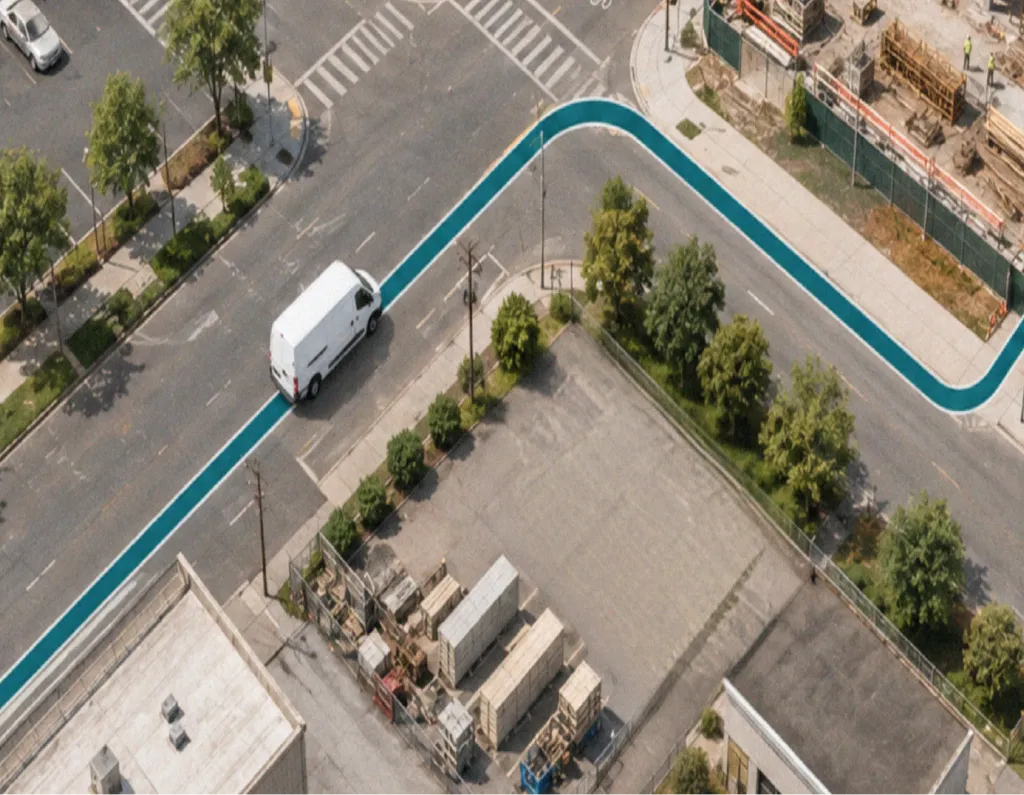
Yes. Geofences start from each job’s address and follow the real lot lines, so neighboring lots stay apart: set each lot up as its own job and its hours stay on it. Turn on site-restricted clock-in and nobody can start the clock until they’re inside the fence. Driving past a site doesn’t punch anyone in.
In Automatic mode, one clock-in covers the day. The clock moves to each job as they arrive, and the drive in between goes where your rule says: to the next job, split across the day’s jobs, or unallocated, with its own cost code if you like. Travel time is tracked, but it doesn’t go to payroll as its own pay type.
Give the shop its own geofence and the clock starts when they get there. That time sits on the shop until the office moves it to the job on the card, before approving. A supply house run is captured and named as its own stop, separate from job time, and the clock picks the job back up when they’re back on site.
Your rules. Start from your state’s preset or describe yours in a sentence: daily after 8, weekly after 40, double time, the seventh day in a row. Overtime splits out on every card as the hours land. Two rates for one person, not today: each worker has one rate at a time, with its history by effective date.
Yes. Set a meal break rule per crew, with a first and a second meal after the hours you choose, and a missing lunch is added at clock-out; one that’s too short isn’t accepted. California and Washington shops can run the state’s own break rules, with reminders on the phone.
Only while they’re on the clock, wherever the work takes them, and never after clock-out. Any day replays as the sites they visited, how long they stayed and the routes between.
Tracking is set per rule group: all day on the clock, only at clock-in and clock-out, or off. A crew with tracking off clocks in at a kiosk with a PIN or through their foreman, and salaried project managers can be left out too. What your contract allows is your call, made with your own counsel.
Yes. A field ticket on the phone takes the out-of-scope work, the hours and the photos, and the GC’s super or the homeowner signs with a finger. It files to the job, and you can pull the hours for one job and one week as a report to send with the invoice.
Yes. Clock-ins, clock-outs and the forms that fire at clock-in or clock-out work with no signal and send when the phone finds coverage again.
No. Workyard runs the crew side: hours, locations, schedules, job costs, field forms and payroll prep. Your work orders and invoices stay in the app you use for them.
Days, not months. Your jobs, cost codes and crew come in from your accounting system, and a real person from our team walks you through setup.
Per diem, not today. Miles are logged automatically for each plumber and each job.
Not today. Workyard keeps each job’s actual hours and labor cost, by cost code, current as every shift ends, so you compare against the bid with this week’s numbers. The estimate stays in your bidding system.
Partly. Hours are coded to the job, so prevailing-wage and private work stay apart, and you can export the crews on prevailing-wage work as their own batch to the system that files the report. Workyard doesn’t calculate prevailing wage or produce WH-347s or state certified payroll.
We bring in your jobs, cost codes and crew, connect your payroll and accounting, and have you live in days, with a real person on the phone the whole way.