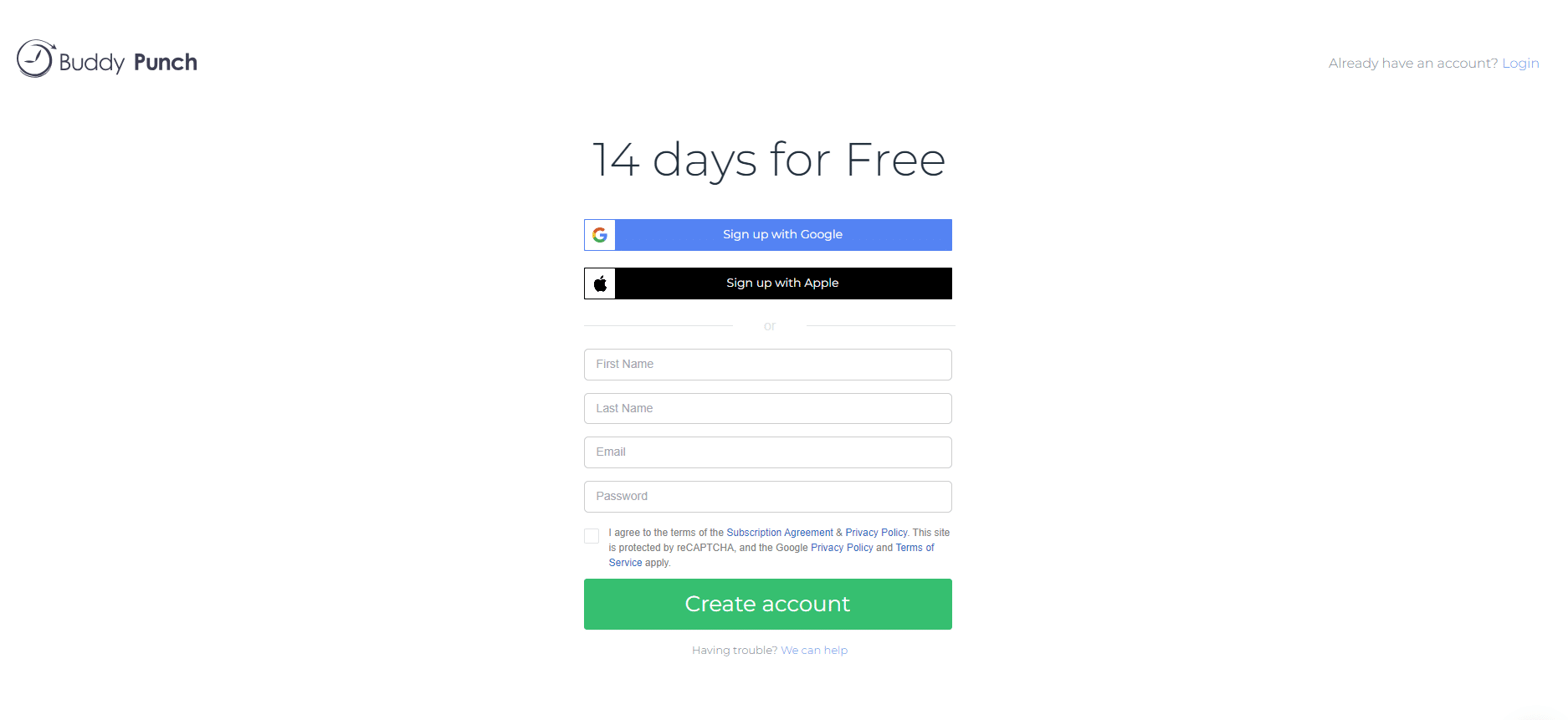
Buddy Punch offers a 14-day free trial with no credit card required. You can create your account with your Apple or Google account, or by entering your name and email address and assigning a password.
Buddy Punch asks whether you want to create a new organization for your business or join an account made by your employer. After that you fill out an online form with your company name, time zone, and number of employees.
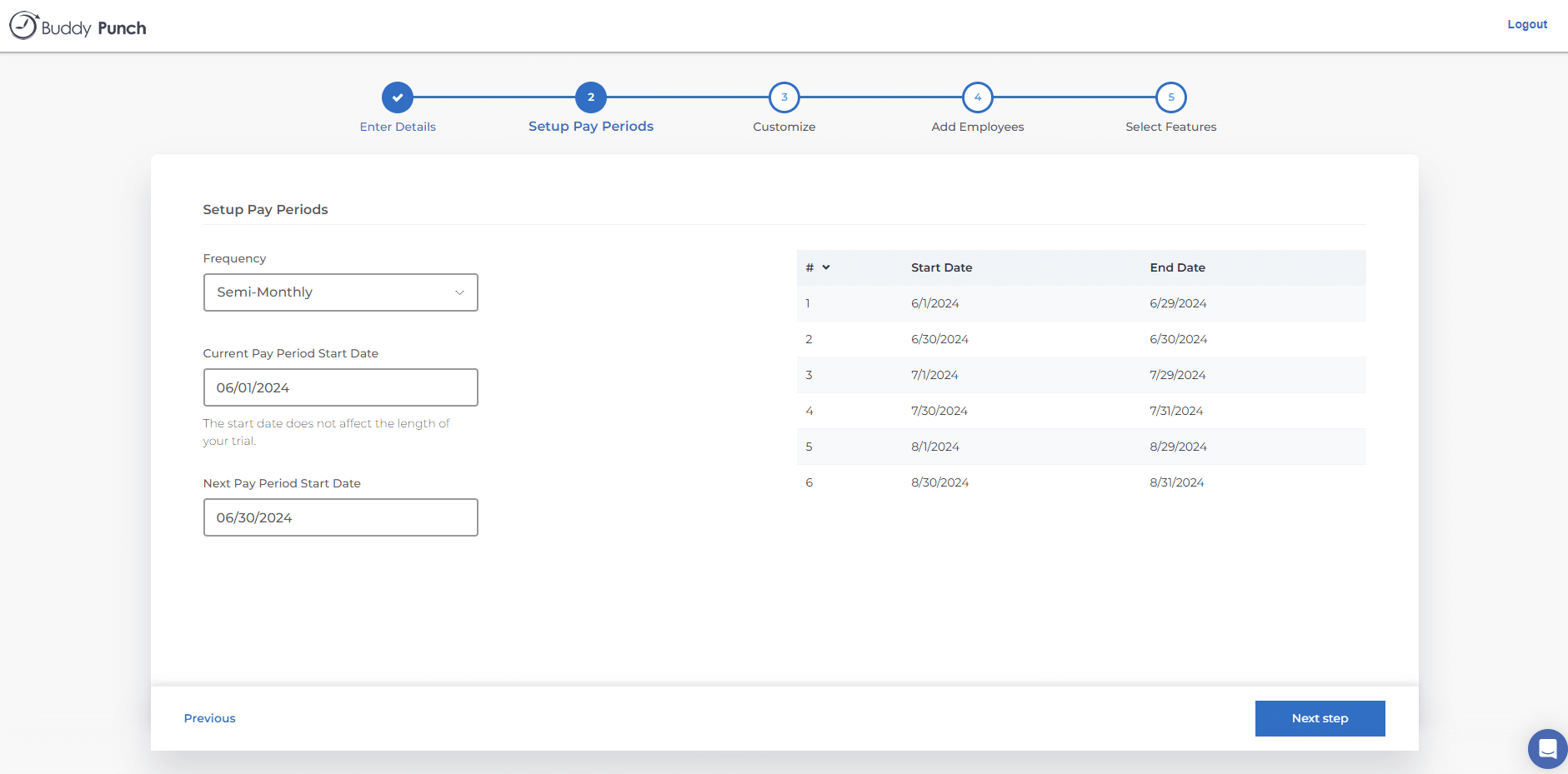
The next step is setting up pay periods. Choose a frequency from the dropdown (weekly, bi-weekly, semi-monthly, or monthly), then set the pay period start date. Once set, the pay schedule appears on the right side of the screen.
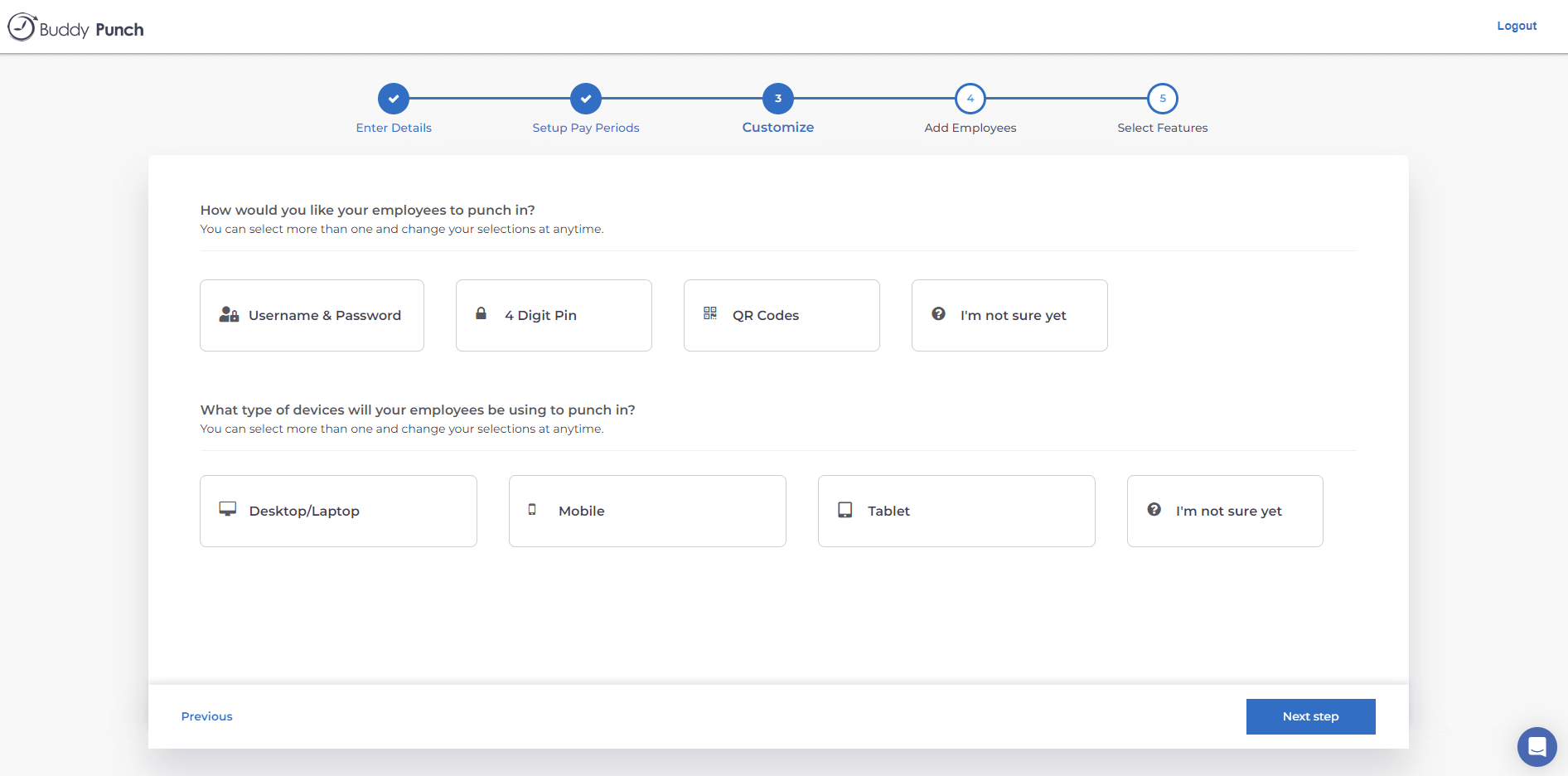
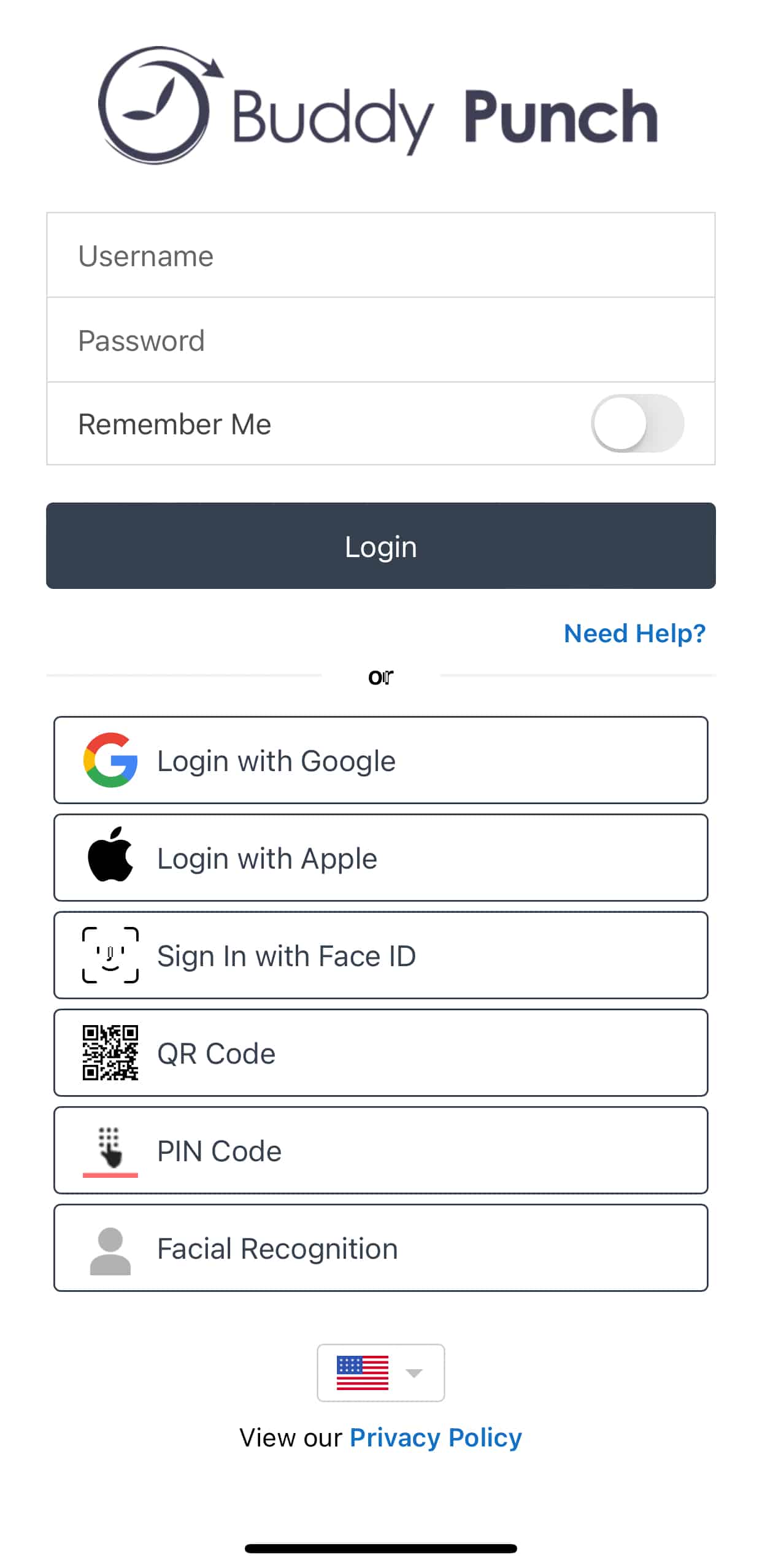
Then you select how employees punch in and on which devices: username and password, 4-digit PIN, or QR code, on desktop, mobile, or tablet. You can pick more than one. If you're unsure, click 'I'm not sure yet' and change it later.
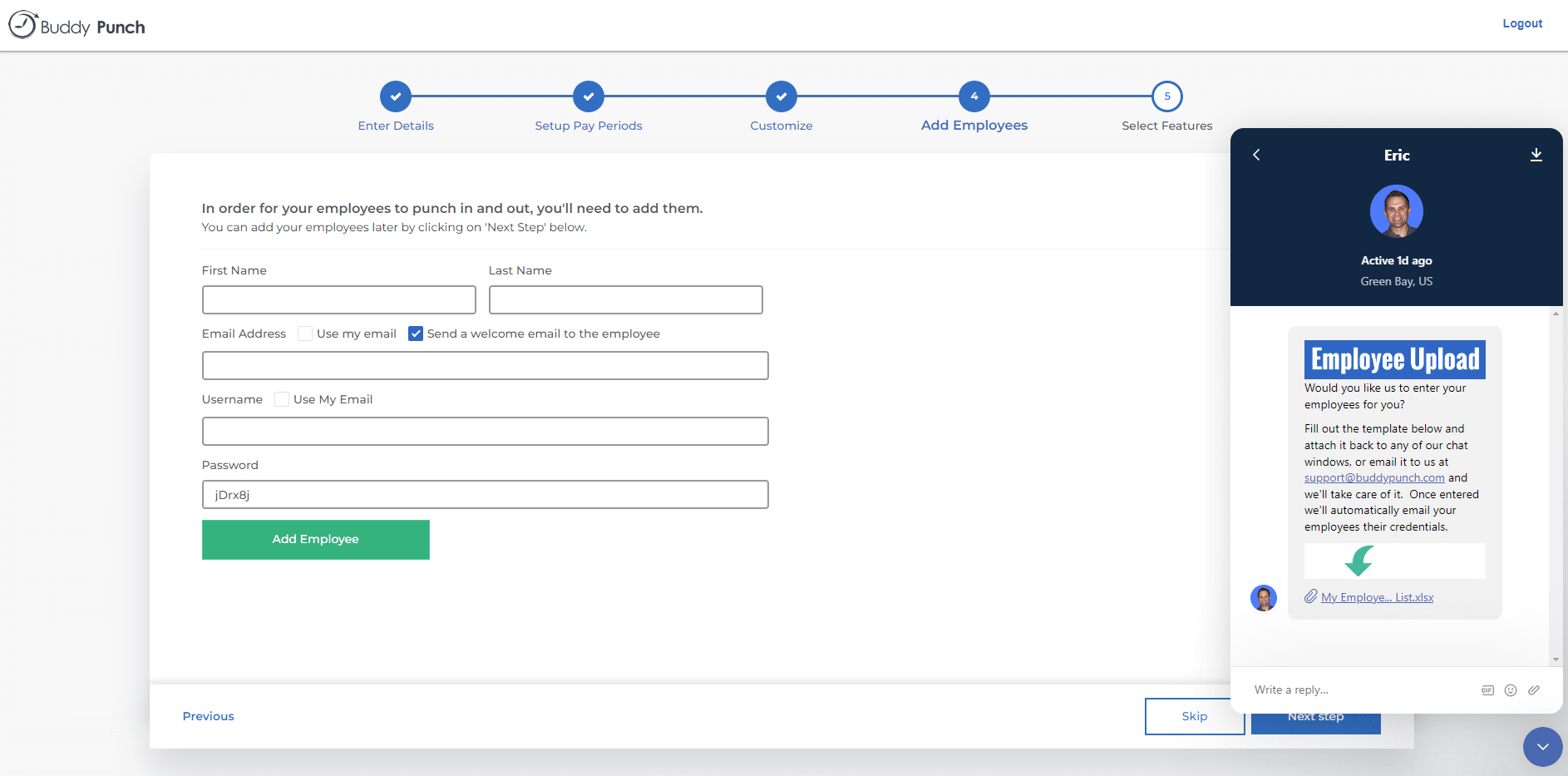
Next you add employee names and email addresses. You can tick a box to assign their email as username and send a welcome email, or skip and do it later.
Two invitation details are easy to miss until they bite. Resending a welcome email resets that worker's password, so a worker who lost the original and asks for another one also loses any credentials they had already saved. And there is no bulk resend in the normal admin flow. Support can run a mass resend, but it is not a self-serve button.
For a larger crew you can upload a CSV instead. The template covers username, first and last name, email, password, and time zone. Check the 'send welcome emails after import' box before you run it. It is unchecked by default, which means a bulk import can create your whole crew in the system without telling any of them.
You can also hand this step to Buddy Punch. A chat box appears with instructions to send the completed Employee Upload template, and they email your employees their login credentials.
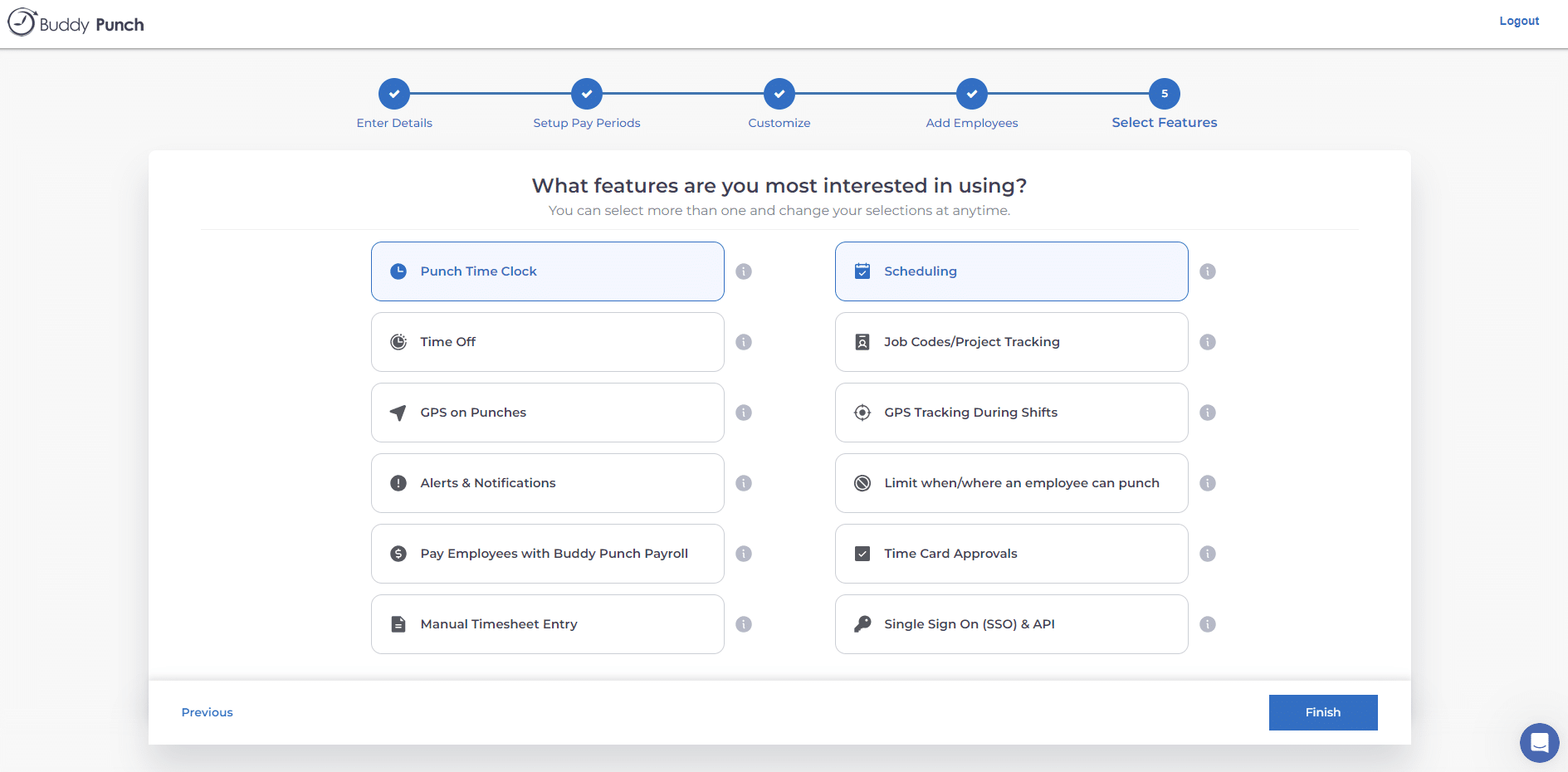
Last, you pick the features you want: punch time clock, scheduling, time off, job codes and project tracking, GPS on punches, GPS tracking during shifts, alerts, punch restrictions, payroll, time card approvals, manual timesheet entry, and single sign-on with API.
You can select more than one and change them anytime.
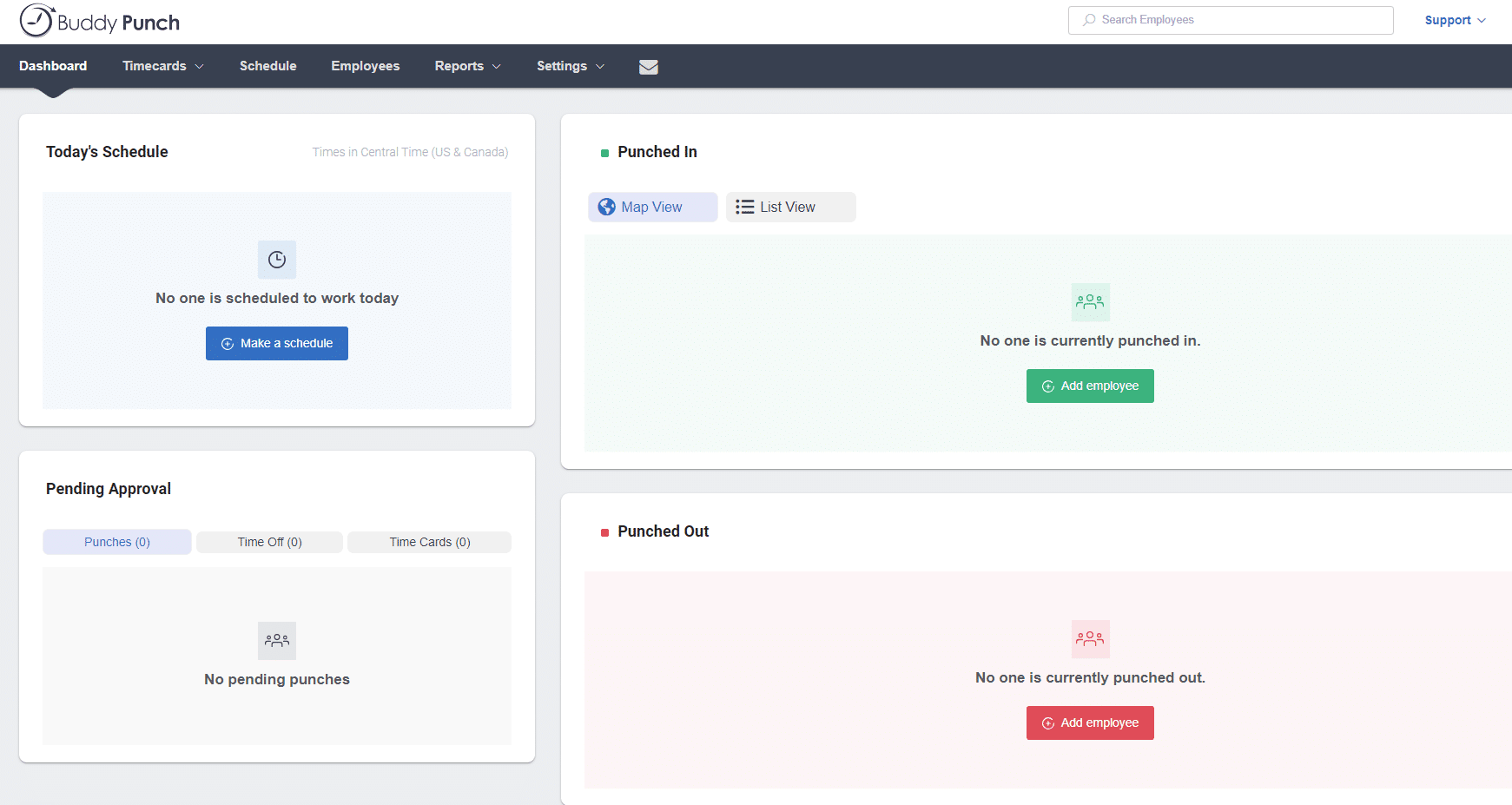
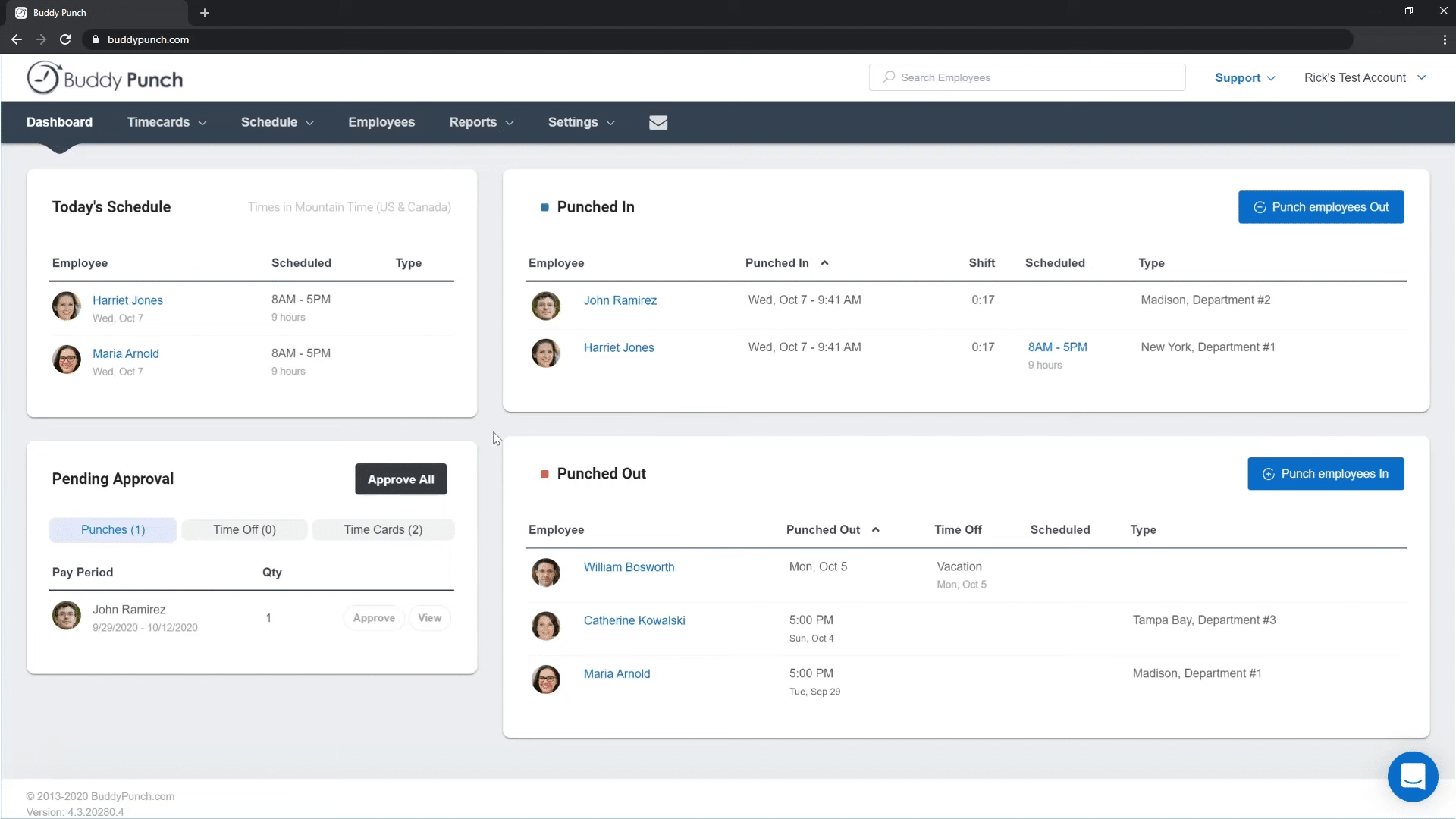
Before you reach the dashboard there are short tutorial videos on the core features and a welcome message you can reply to. We liked the quick, straightforward five-step process, and having Buddy Punch send employee credentials off the back of the upload template is a nice touch.
Two more quirks are worth catching during setup rather than on day one. Usernames are shared across Buddy Punch's entire customer base, so a predictable naming convention can collide with names another company already took. And administrator accounts cannot track their own time, so a working owner who also needs a timesheet needs a second account.