




"I would probably ballpark it to be roughly about $5,000 and that's just something that we saw fairly immediate, where we were able to save roughly about five visits per job"
Victor Rodriguez, HR Field ManagerSynaptic Solar
Timekeeping Agent
Timekeeping Agent clocks your crew in, codes every hour to the right project, drafts fixes for problem timecards, and answers your questions, so all that's left is your approval.
Timekeeping Agent
Aug 11–17 · 42 crew
"I would probably ballpark it to be roughly about $5,000 and that's just something that we saw fairly immediate, where we were able to save roughly about five visits per job"
Victor Rodriguez, HR Field ManagerSynaptic Solar
$123Ksaved with Workyard’s Smart Forms
"Smart Forms pays for itself through accurate invoicing, insurance savings, and keeping our business moving every single day."

"We wanted more than a time tracking app since many exist. We sought something that helps beyond just tracking time."
Brian Mata, Project ManagerWagler Custom Homes

100s of hrssaved a week routing supervisors by proximity
"It's preventing us from losing more on each project — saving us money."

"Of all the solutions we’ve been exposed to, Workyard is the best. It’s a good value for the money, and the team is always willing to work with you to meet your needs."
James Monzello, CFOGreen Wall Tech

$1,000+in payroll errors found in one week
"You should ditch the paper, get rid of the other software, get on something that can track your crew's time, track your job costing, and save you real money."

90%fewer timesheet corrections
"If you have field crews, Workyard is one of those tools that pays for itself. It saves us hours every payroll, keeps everyone accountable, and gives us real-time visibility into every job."


The Timekeeping Agent runs all day, alongside your crew. By the time you ask a question, the hours are already captured, checked, and waiting on you for the few that need a decision.
The moment a phone crosses the jobsite geofence, the clock starts, coded to that job. When the crew leaves, it stops. Forgotten punches stop turning into Monday-morning guesses.
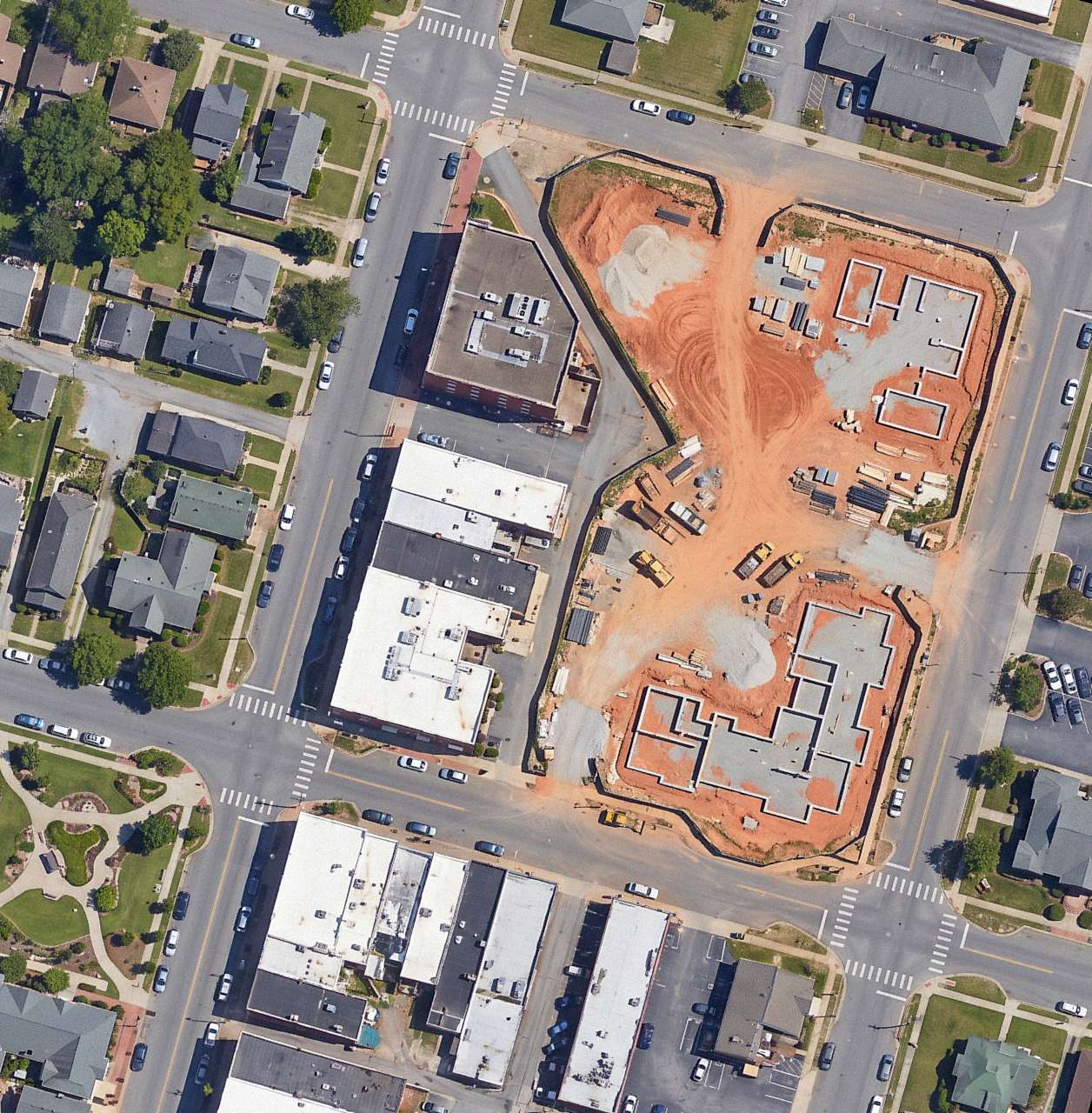
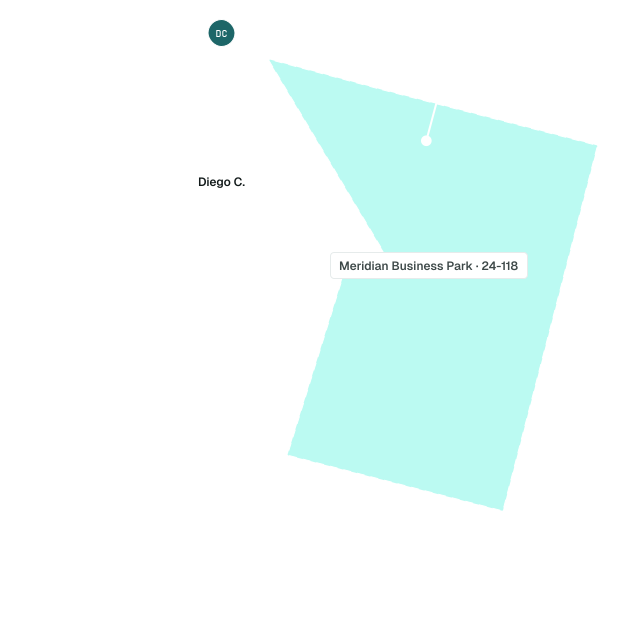
Location decides where the hours go, so they land on the job where the work happened. Drive time follows your allocation rule instead of padding the job. Labor costs stay right while the job is still running.
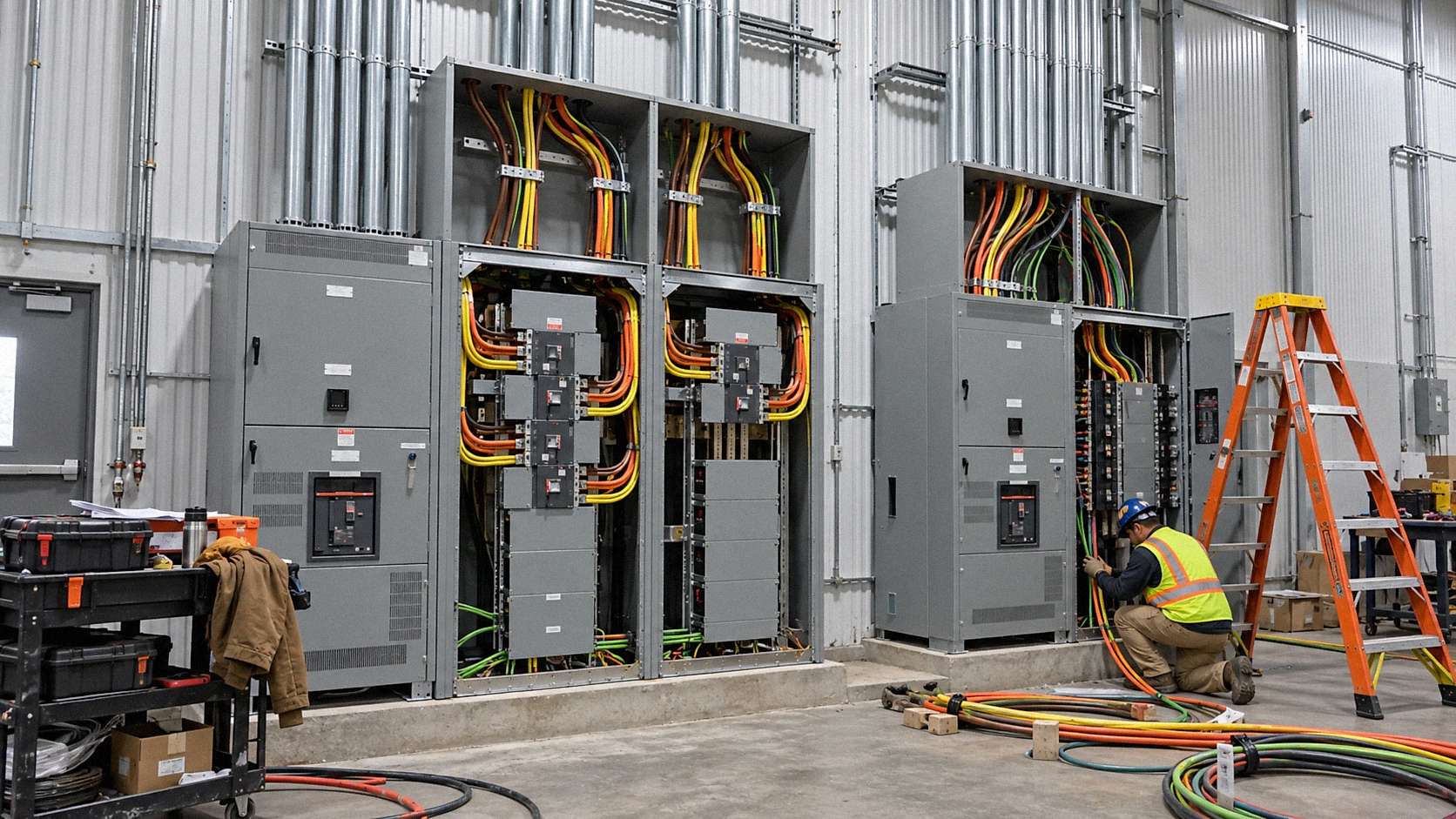
Marcus R. · Tue Aug 128h 38m
Cost codes for Electrical crewRough-in · Conduit & wire · Trim · Service · Punch list
Ask Timekeeping Agent to review the pay period and it checks every timecard against the GPS, your break rules, and your crew's own notes. When something's off, it drafts the exact edit and tells you why. Nothing saves until you approve.

3 fixes readyPay period · Aug 11–17
Approve all 3Review one by one

Ask Workyard
What used to take an afternoon of digging through records now takes one question. Every fix comes drafted, and nothing changes until you approve.
Workyard Agent
Ready when you are
Pick one to watch it work
What do I need to review before I run payroll for Oct 12–25?

Everything else is ready. 10 changes drafted: 6 from workers' notes and 4 meal break premiums.Everything else is ready. 13 changes drafted: 6 from workers' notes, 4 meal break premiums and 3 cost codes. 3 people missed scheduled hours, 18 in all, which I left for you.
10 timecards updated · 4 break premiums added · every edit logged13 timecards updated · 4 break premiums added · every edit logged
Try another question or request
Who's heading for overtime this week, and who's under 40?
On their scheduled hours, 9 people go past 40 by Saturday, 64 overtime hours, and 38 of those are Riverside's planned Saturday push. 14 people stay under 40 with 92 hours to spare, 2 of them on Harbor Point, where 3 go over.
XLSXOvertime outlook · Oct 26–31New report
| Name | Job | Scheduled | Against 40 |
|---|---|---|---|
| Marcus R. | Harbor Point | 46 | 6 over |
| Ray K. | Fairview Clinic | 48 | 8 over |
| Sam W. | Harbor Point | 32 | 8 under |
| + 20 more people | |||
| 23 people | 64 over · 92 under | ||
overtime-outlook-oct26-31.xlsx downloaded
Try another question or request
XLSXTenant improvement bids.xlsx
Here are the bids for our last 8 tenant improvements. What did each one actually cost in labor, and where did we go over?
Labor came in $53,300 over the bids across the 8 jobs, 6.6%: 5 went over and 3 came in under. Framing is the pattern, over on all 5, and Main St Dental's framing alone ran $14,800 over, on three weeks of Saturday overtime.
XLSXLabor, bid against actual · 8 jobsYour bids
| Job | Bid | Actual | Variance | Went over on |
|---|---|---|---|---|
| Main St Dental | $84,000 | $106,100 | $22,100 over | Framing · Saturday overtime |
| Parkview Offices | $126,500 | $141,800 | $15,300 over | Framing · hanging |
| Lakeside Clinic | $72,000 | $81,600 | $9,600 over | Framing · taping |
| + 5 more jobs, 2 over and 3 under | ||||
| 8 jobs | $812,000 | $865,300 | $53,300 over | |
bids-against-actual-8-jobs.xlsx downloaded
Try another question or request
Build the T&M backup for change order 7 on Harbor Point, for the GC
$14,000 of extra work on change order 7: 112 hours over 6 days at your $125 T&M rate, every hour on site by GPS, with 38 photos.
XLSXT&M backup · Harbor Point · CO 7New report
| Day | Hours | On site (GPS) | Photos | Amount |
|---|---|---|---|---|
| Mon Oct 19 | 18.0 | 7:04–3:30 | 6 | $2,250 |
| Tue Oct 20 | 22.0 | 6:58–3:41 | 8 | $2,750 |
| Wed Oct 21 | 20.0 | 7:01–3:22 | 7 | $2,500 |
| + 3 more days | ||||
| Total | 112.0 | 38 | $14,000 | |
harbor-point-co7-backup.pdf downloaded
Try another question or request
The GC says we only had 4 guys on Riverside Tower on Tuesday. Prove it.
9 people were on Riverside Tower on Tuesday, 6:52 AM to 3:41 PM: 74.5 hours, every arrival and departure on GPS, with clock-in photos and Diego's daily report.
XLSXCrew on site · Riverside Tower · Tue Oct 20New report
| Name | Arrived | Left | Hours | Proof |
|---|---|---|---|---|
| Diego M. | 6:52 | 3:41 | 8.3 | GPS · photo |
| Marcus R. | 6:58 | 3:38 | 8.2 | GPS · photo |
| Sam W. | 7:02 | 3:30 | 8.0 | GPS · photo |
| + 6 more people | ||||
| 9 people | 74.5 | |||
riverside-tower-oct-20-crew.pdf downloaded
Try another question or request
Who was late to site last week against our 7 AM start, and how often?
11 people got to site after 7:05 at least once last week: 23 late starts, 5 h 45 m in all. 3 were late 3 days or more, 2 of them on Diego's crew at Riverside Tower.
XLSXLate starts · Oct 19–24New report
| Name | Crew | Late days | Average late | Total |
|---|---|---|---|---|
| Jesse T. | Diego M. | 4 | 18 m | 1 h 12 m |
| Omar B. | Diego M. | 3 | 22 m | 1 h 06 m |
| Cody R. | Marcus R. | 3 | 12 m | 36 m |
| + 8 more people | ||||
| 11 people | 23 | 15 m | 5 h 45 m | |
late-starts-oct19-24.xlsx downloaded
Try another question or request
This demo runs on a sample crew of 42 and the questions below. On your own crew's data, the real agent answers what you ask, with your permissions.
Example responses. The real agent runs inside your account, on your crew's data and your permissions.
Want to see it on your own crew's hours?
Book a demoFrom the office
“Payroll could take an entire Monday. With Workyard, I’m not relying on them to say, ‘I think I clocked out 2 hours ago’. I can look at the geofencing and see when they left. Payroll today takes about 1 hour.”
1 hourto prepare payroll, down from 8+ hours
Read the story“Within 30 seconds it did what I've been having to look at manually through truck GPS or calling somebody. I'm extremely impressed.”
“The Timekeeping Agent is saving us approximately 2–3 hours each week, and it has significantly improved our payroll processing efficiency.”
“You can say, hey, find all of my lunches that are non compliant and it'll flag every single one for you.”

Workyard AI takes on the repetitive and time-consuming work, from checking timecards to building reports and planning the week, so your people spend their time where it counts.
From quick answers to hours of work, handled
Time tracking that runs itself
Reports you need, without the spreadsheet work
You're wondering…
No. Timekeeping Agent drafts the fix and waits for your approval. Even the automatic ones, like trimming a missed clock-out to the last moment on site, are flagged for you to approve, and every edit is logged.
Every answer shows the timecards and GPS it's based on, so you can check it in a click. Nothing changes until you approve, and you can still edit any timecard yourself.
It applies the rules you've set up, including state presets like California's daily overtime and meal breaks. Custom policies come from the Pay Rule Builder.
Yes. Approved hours sync to QuickBooks, ADP, Gusto, Paychex, Sage, Foundation, NetSuite, and more, with custom exports and an API for everything else.
Timekeeping Agent is included in every Workyard package.
Today Timekeeping Agent runs in the Workyard web app, for admins and managers.
Yes. Managers see only the timecards they're responsible for, so a PM can fix cost codes on their own jobs without seeing the rest of the company.

See how Timekeeping Agent fits the way your crew already works.





