"I would probably ballpark it to be roughly about $5,000 and that's just something that we saw fairly immediate, where we were able to save roughly about five visits per job"
Victor Rodriguez, HR Field ManagerSynaptic Solar
Construction equipment tracking
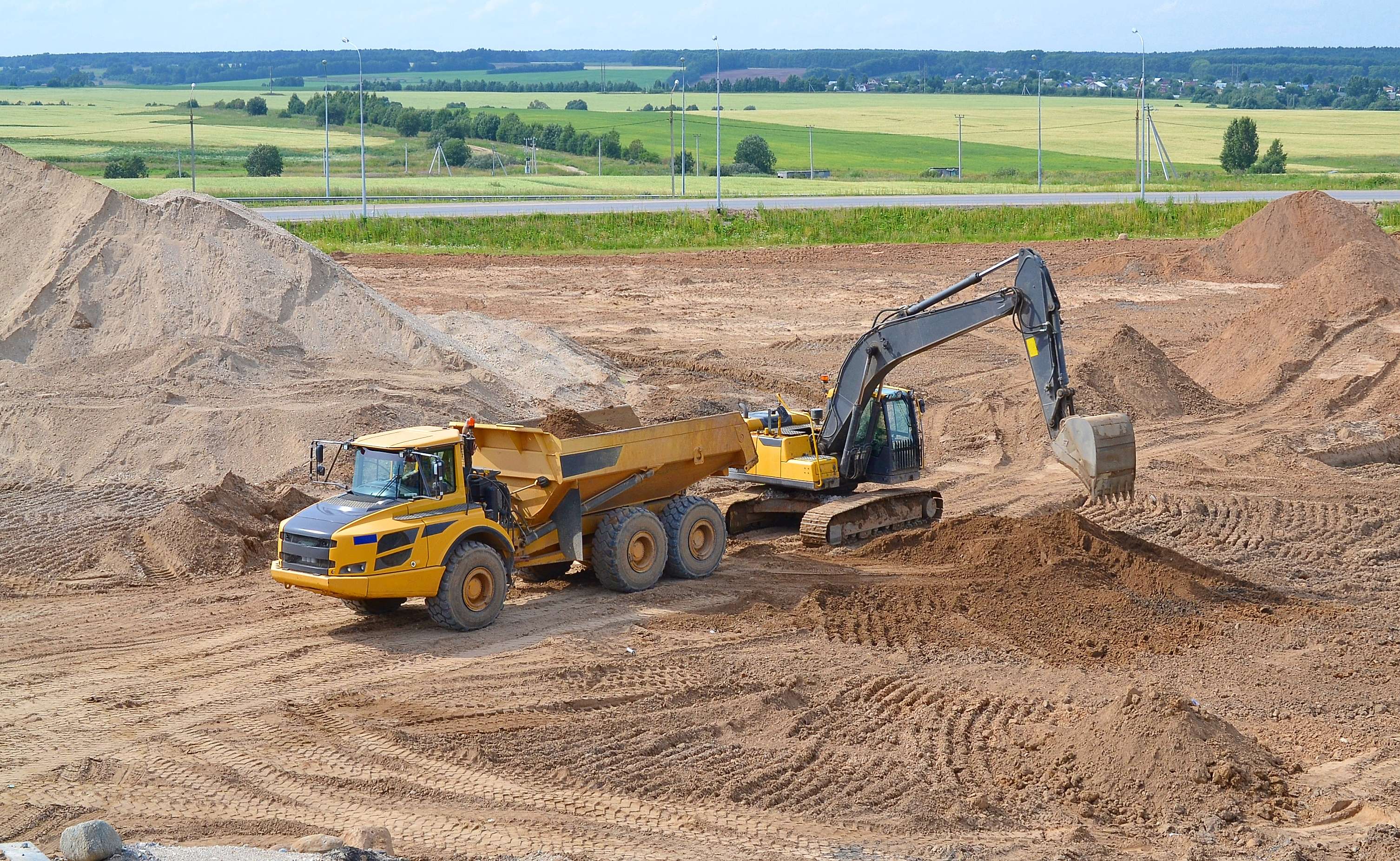
Operators tag the machine when they clock in or as the day goes, so its hours land on the same job and cost code as their labor, priced at your rate. You see what every machine costs every job, without a paper log at the tailgate.
"I would probably ballpark it to be roughly about $5,000 and that's just something that we saw fairly immediate, where we were able to save roughly about five visits per job"
Victor Rodriguez, HR Field ManagerSynaptic Solar

100s of hrssaved a week routing supervisors by proximity
"It's preventing us from losing more on each project — saving us money."
$123Ksaved with Workyard’s Smart Forms
"Smart Forms pays for itself through accurate invoicing, insurance savings, and keeping our business moving every single day."

"We wanted more than a time tracking app since many exist. We sought something that helps beyond just tracking time."
Brian Mata, Project ManagerWagler Custom Homes

"Of all the solutions we’ve been exposed to, Workyard is the best. It’s a good value for the money, and the team is always willing to work with you to meet your needs."
James Monzello, CFOGreen Wall Tech

2 weeksto roll out to all 120 crew
"You should ditch the paper, get rid of the other software, get on something that can track your crew's time, track your job costing, and save you real money."

15–20admin hours back every month
"If you have field crews, Workyard is one of those tools that pays for itself. It saves us hours every payroll, keeps everyone accountable, and gives us real-time visibility into every job."

How it works
No hardware on the machine, no second app. Operators tag equipment in the app they already clock in with, at clock-in or when they start running it, and its hours go on the job and cost code they’re working.
Choose Required, Optional or Off for each crew’s rule group. Nobody can pick a machine someone else is running, or one that’s out of service, so no machine gets logged twice.
Equipment TrackingChoose whether team members are asked to tag equipment when they clock in
Operators
Laborers’ rule group: Off
Each machine’s hours are priced at its rate and land on the job beside the crew’s labor: equipment cost, equipment hours and the split between labor and machines, week by week. The Equipment tab breaks it down machine by machine.
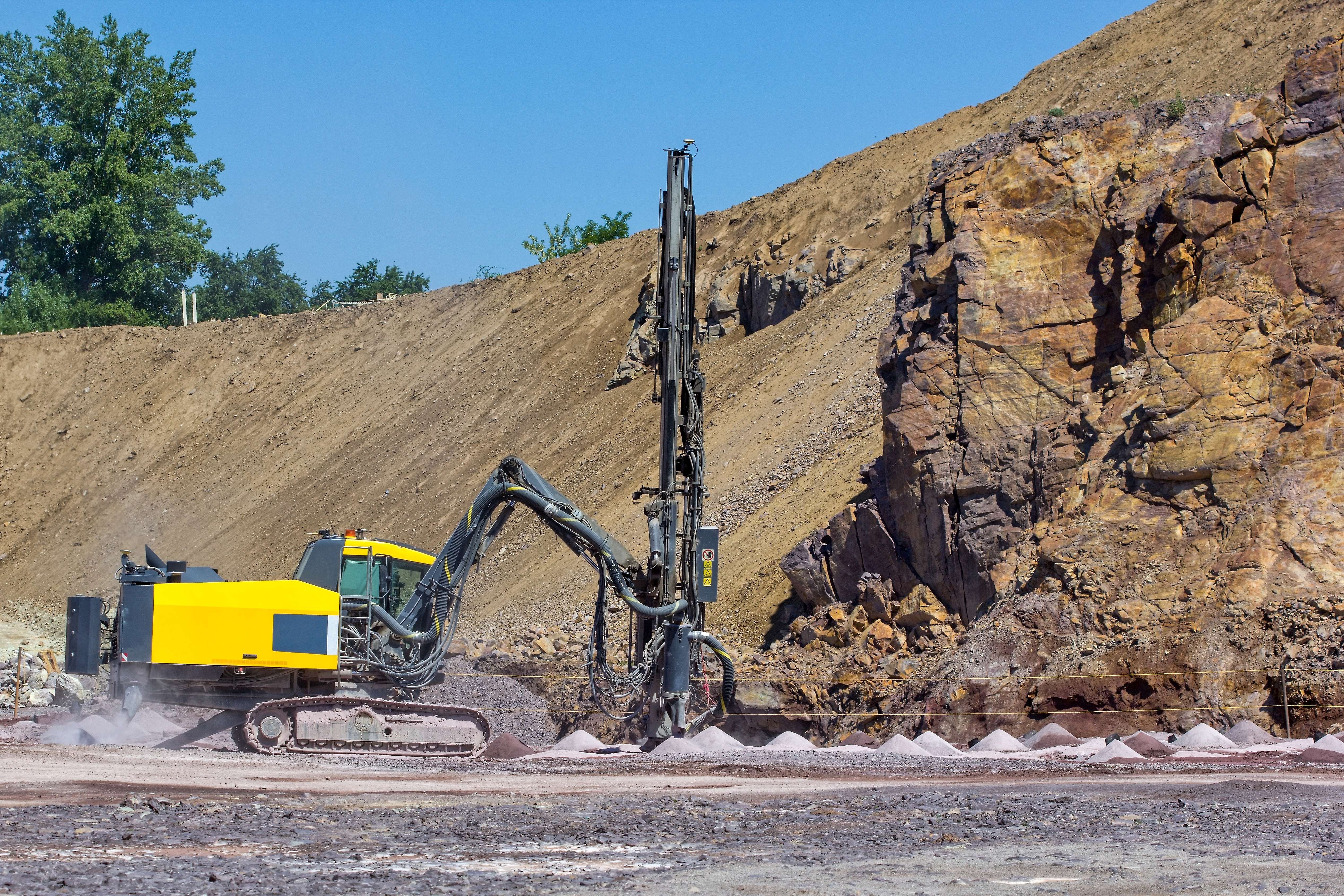
Not every operator knows at clock-in what they’ll run. They tag a machine the moment they get on it and switch as they change machines, so its hours follow the job as the day happens. If one slips, the clock-out checklist reminds them to tag it before they finish.
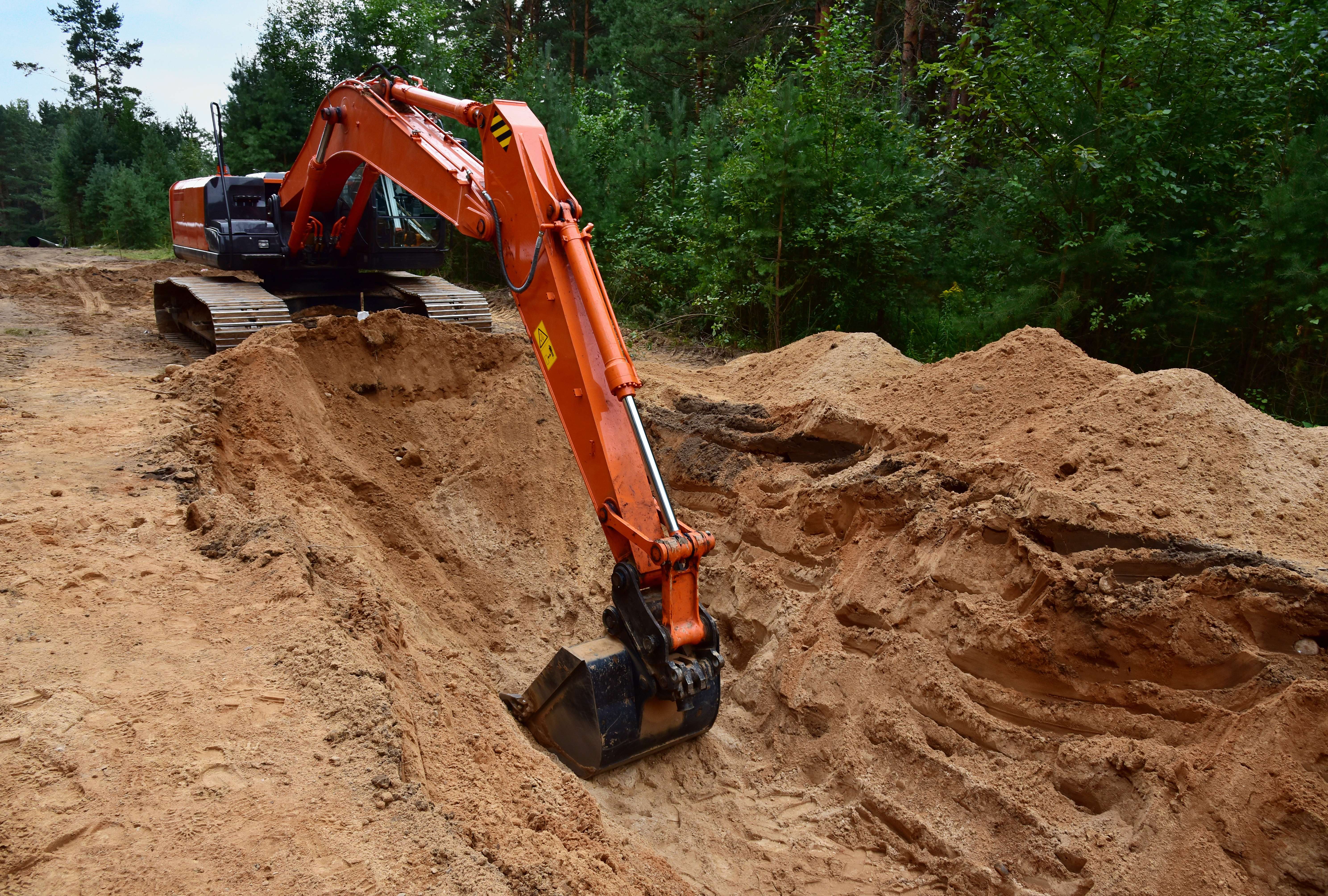
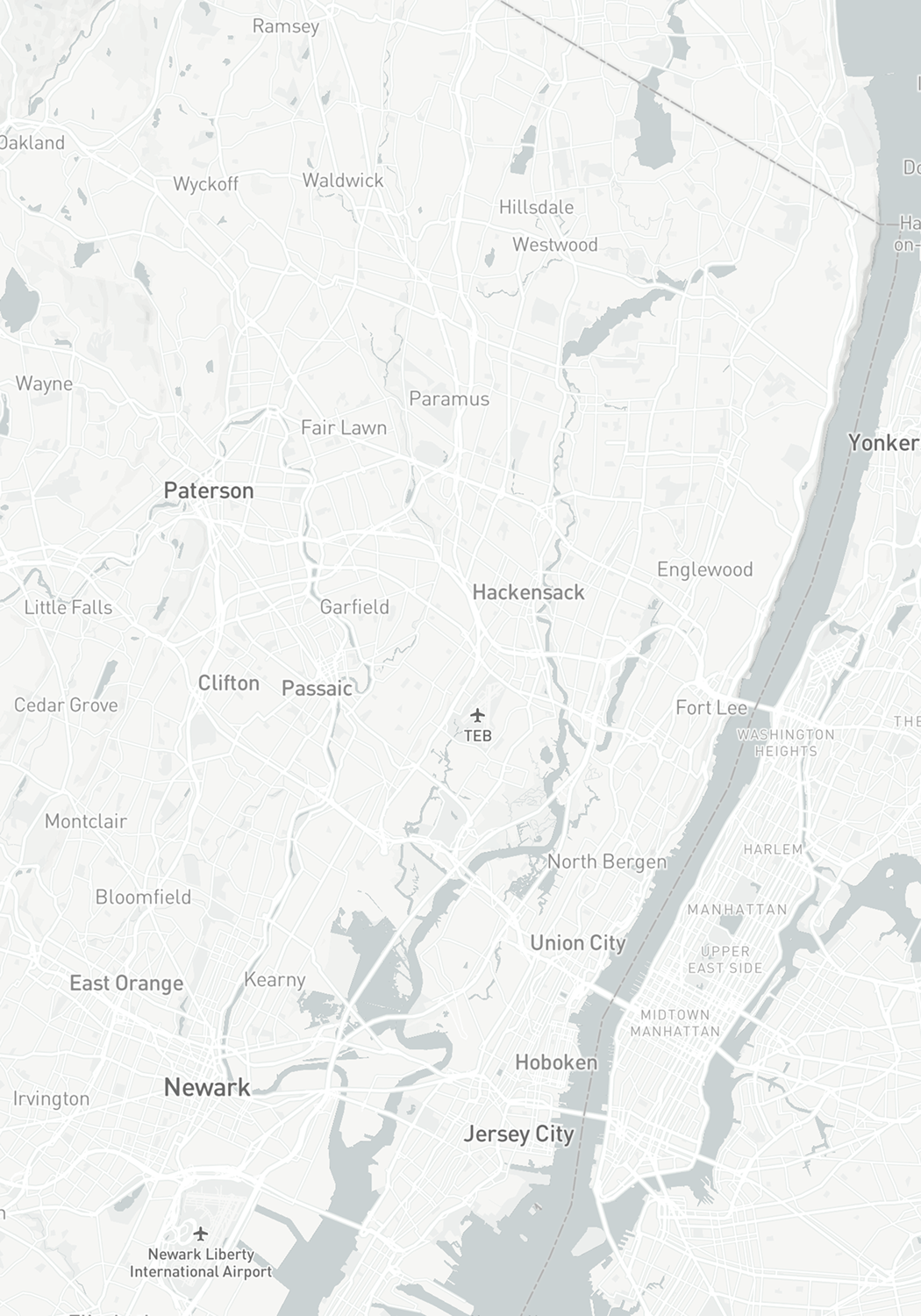
See your equipment on the same map as your jobs, each machine pinned to the site it was last used on, with the date. No more calling around to find it.
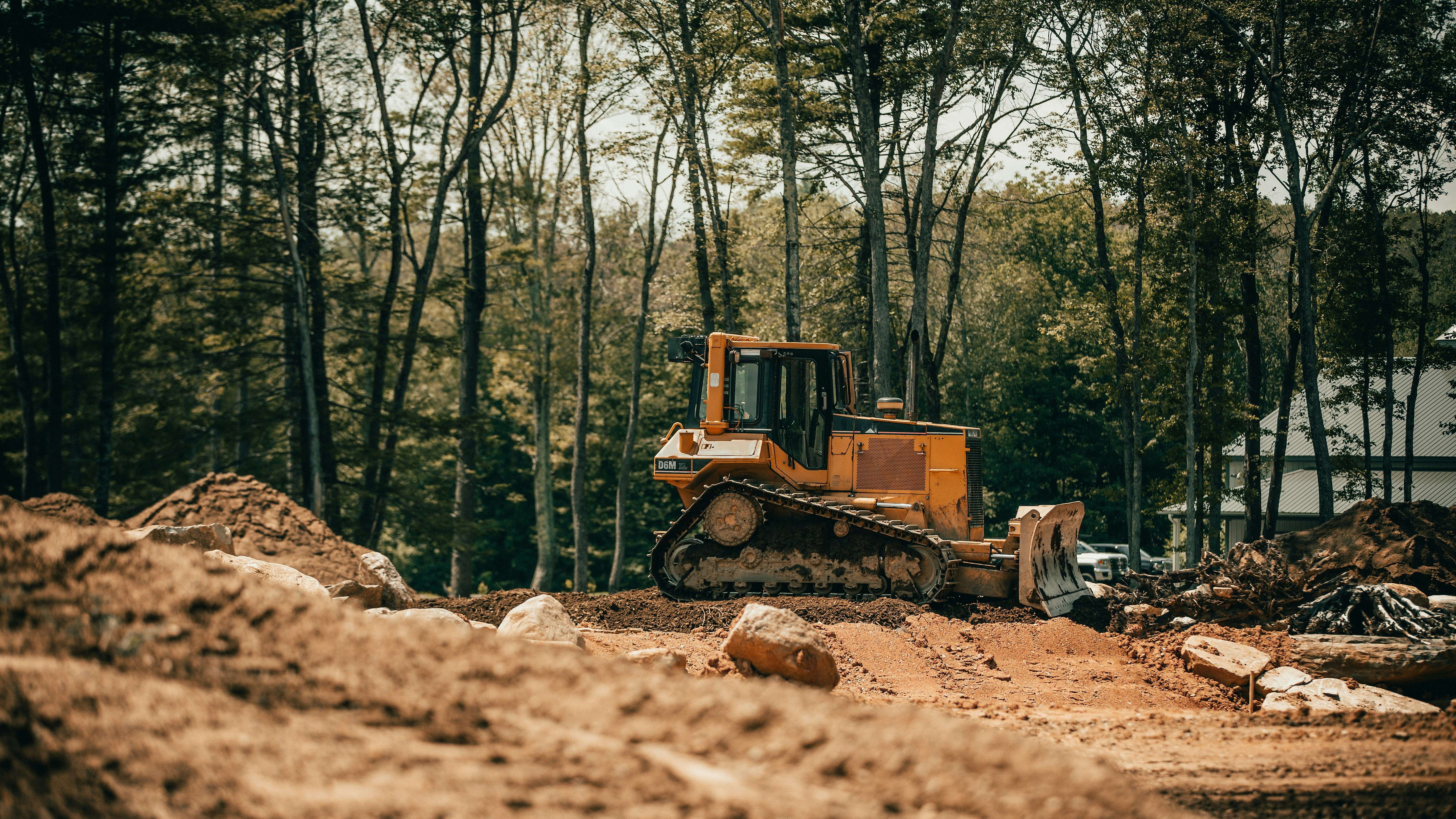
The payoff
Priced
at each machine’s rate
Every hour of machine time costs the job what that machine costs you.
Tagged
by the operator, as they work
Picked from your list at clock-in or during the day, on the job and cost code they’re on.
Integrates
with the systems you already run
Jobs and crews sync in, labor and equipment hours flow out. Nothing re-keyed.
On the map
every machine, at its last job
Each machine is pinned to the job it last ran on, with the date. No calling around to find it.
Set each crew’s rule group to Required, Optional or Off. Operators pick the machine at clock-in, crews who only sometimes run equipment tag it when they get on, and everyone else is never asked.
The machine is part of clocking in
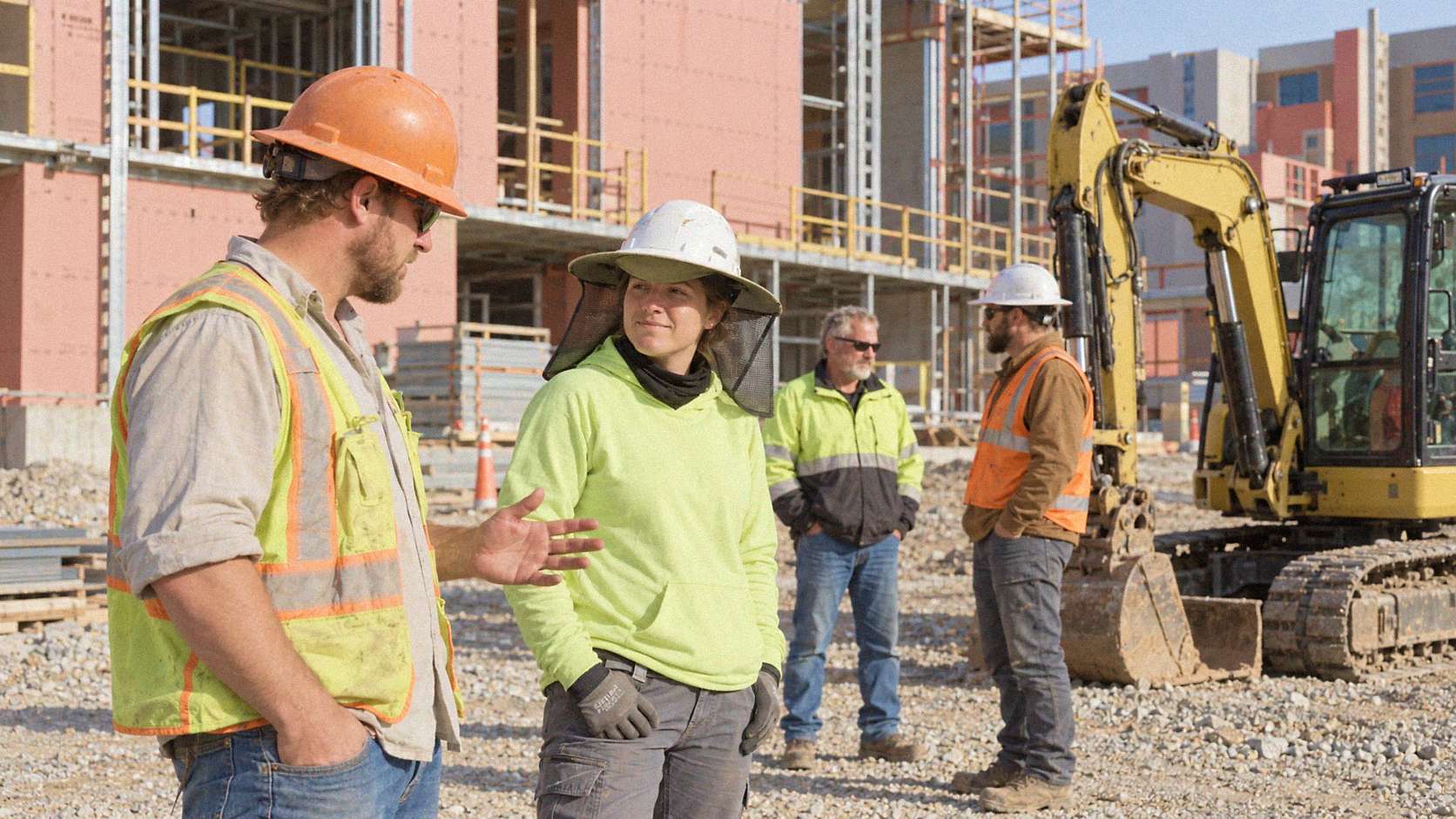
Tag a machine when they get on one
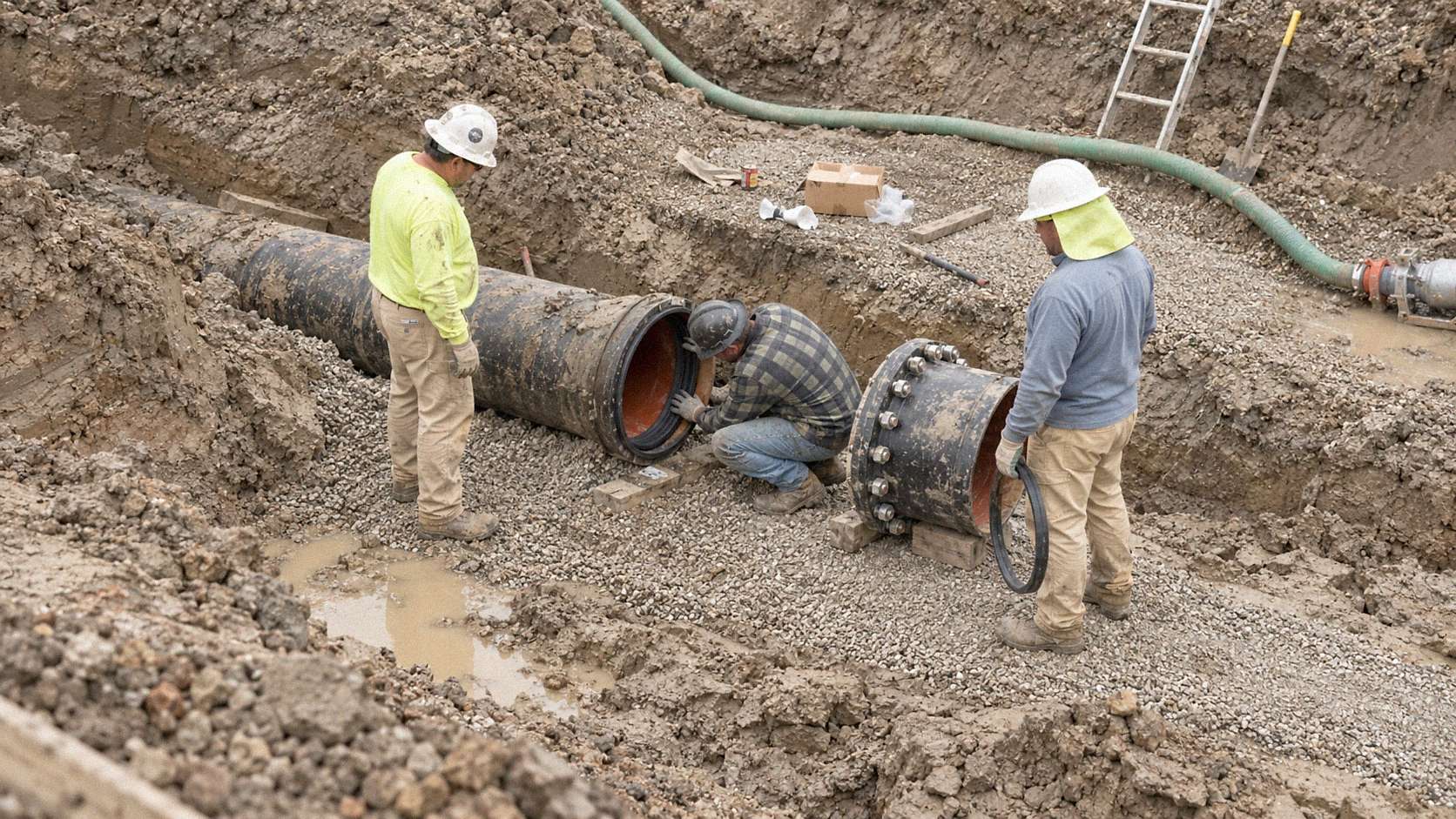

"Smart Forms pays for itself through accurate invoicing, insurance savings, and keeping our business moving every single day."
$123Ksaved with Workyard’s Smart Forms
Read the story
"Moving our repair requests to digital forms with Workyard made a huge difference. Before, issues would get lost in the shuffle, and it could take too long to get equipment fixed. Now, as soon as a problem is reported, we get notified immediately, and our mechanics can take care of it right away."

"I would probably ballpark it to be roughly about $5,000 and that's just something that we saw fairly immediate, where we were able to save roughly about five visits per job"
$5,000 a weeksaved on payroll and job costs
Read the storyEverything in Equipment Tracking
Equipment list
Every machine with its ID, category, status and rate.
Tag at clock-in or later
At clock-in, during the day, or at the clock-out check.
Required, optional or off
Set crew by crew in each rule group.
In use, out of service
A machine someone else has, or that’s down, can’t be picked.
Integrates with your systems
Labor and equipment hours flow into the payroll, accounting and ERP systems you already run.
Equipment time
Machine hours on the project time they ran, never more.
Clock-out check
Untagged machine time is asked for before clock-out.
Edit any card
Foremen and the office add the machine to a crew member’s time.
Equipment cost on every job
Hours priced at each machine’s rate, split from labor on the job.
Works offline
Tag a machine with no signal. It syncs when coverage returns.
Categories
Earthmoving, Lifting, Compaction, Paving, Power & Air and more.
Who can use it
Open a machine to everyone, or to the team members you pick.
Looking for something specific?
If a crew needs it, we probably built it.

Connect 21 payroll, accounting and project systems. Your jobs and crews sync automatically, and labor and equipment hours flow back out, with nothing re-keyed.









Fair questions, straight answers
No. There’s nothing to mount on the machine. Its hours come from the operator tagging it when they clock in, and where it ran is the job and site on that time. If you already run telematics, it sits beside Workyard; nothing has to come out.
Yes. They tag it at clock-in if they know what they’ll run, or the moment they actually start running it: when the excavator shows up at 10, or the loader frees up after lunch. Its hours start then, on the job and cost code they’re clocked in to, and can’t run past their time on the job.
Only if you want them to. There are three settings, and you choose one for each crew’s rule group based on how that crew works:
They can’t both log it. Once one operator has tagged a machine, it shows to everyone else as in use by them and can’t be picked. A machine marked out of service can’t be picked at all.
Yes. Each stretch of project time carries its own machine, tagged at clock-in or added during the day, and its hours can’t run past the time on that stretch. If one was missed, the clock-out checklist asks for it before they can clock out, and a foreman or the office can add it afterwards.
Yes, at the rate you set for each machine. Its hours are priced at that rate and show on the job beside labor: equipment cost, equipment hours and the split between them. When a rate changes, Workyard support updates it for you.
Yes. Equipment hours and cost export with labor hours to the payroll, accounting and ERP systems you connect, on the same job and cost code, so nobody re-keys them. They also show in the Project Hub and on time cards.
No. There are no service intervals, meter readings or work orders. For pre-start and daily inspections, Workyard’s forms can fire at clock-in; see Safety.
No. Machine time sits on the time of the person who ran it, so every hour has a name beside it.
Equipment Tracking is included in the Autopilot, Max and Enterprise plans. Compare plans.
See it on your crews and machines. Live in days, not months.