

Small business · 1–20 employees
The admin team you never hired
Your crew taps once. Hours arrive GPS-verified, coded to the job and ready for QuickBooks. No chasing texts, no arguing over start times, and you’ll finally know which jobs make money.
Sound familiar?
Every hat in the business is yours
The problem
“I’m paying them through QuickBooks myself, which is a pain.”
The solution
Payroll on autopilot
Timecards arrive verified and coded. Review, tap approve, and they go straight to QuickBooks: minutes, not an evening.
The problem
“I can’t keep track of everybody.”
The solution
Every crew, no chasing
See who’s on which job right now. Arrival, departure, drive time and mileage record themselves, so nobody argues about start times.
The problem
“We just wanna know if we’re making money on the job or not.”
The solution
Margins you can see
Live hours on every job, every day, so you catch the leak while the crew is still on site.

The payoff
Why small shops choose Workyard
Up to 15%
off payroll, paying only for verified hours
Every minute GPS-verified and accounted for, from clock-in to clock-out.
100%
of hours land on the right job
Fully billed on T&M, truly costed on fixed price, so you know what every job makes.
6x
growth at Mainsail Painting, on accurate hours and billing
Know which jobs make money while the crew is still on site.

“This platform became my admin team”
Construction Punch Services bills about 30 clients, each their own way, with a team of five. Workyard tracks the labor cost for every client and how long every task really takes, so every invoice is right and every job is priced on real numbers.
How it works
One tap in the field. Real numbers in the office.
Every minute verified
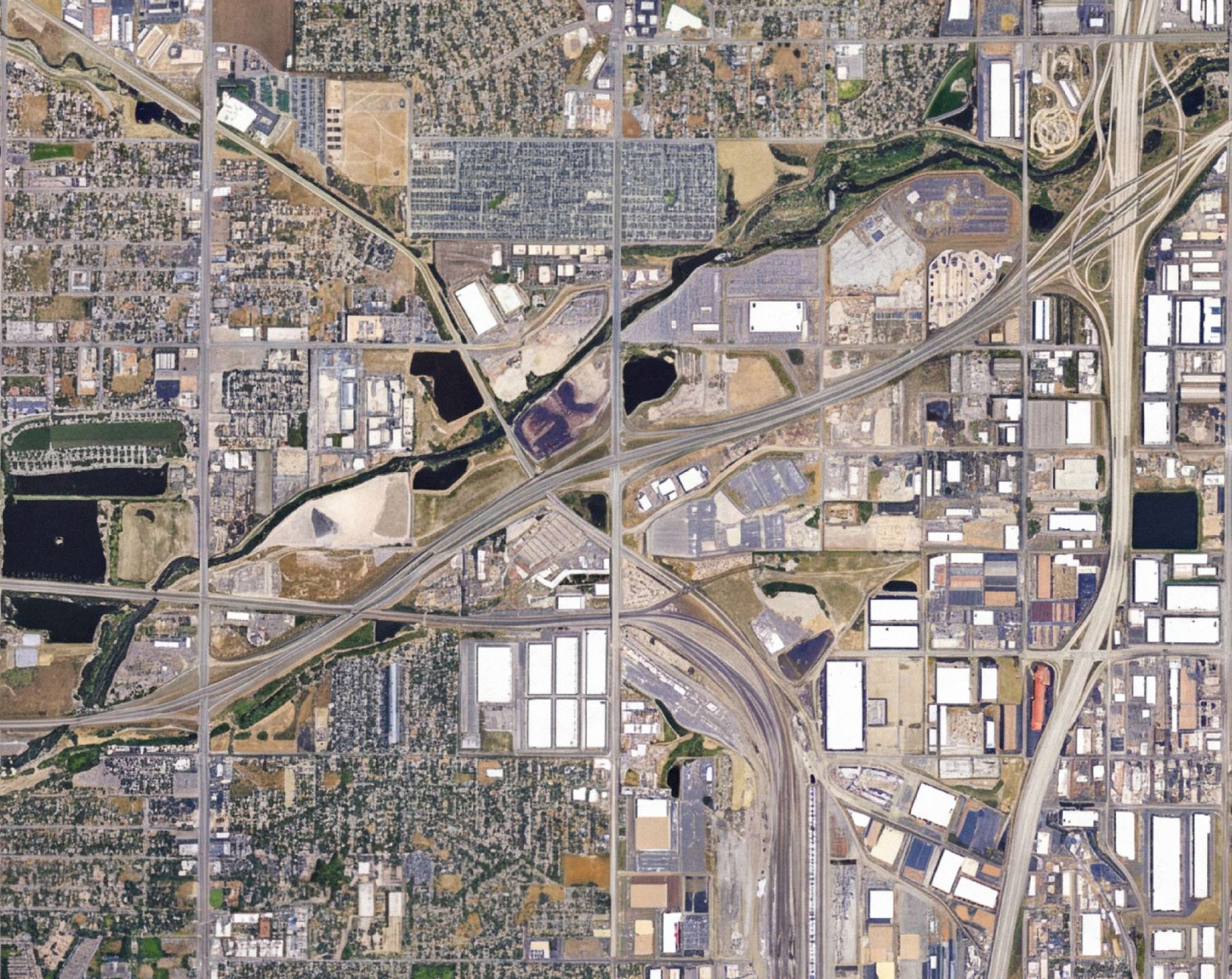
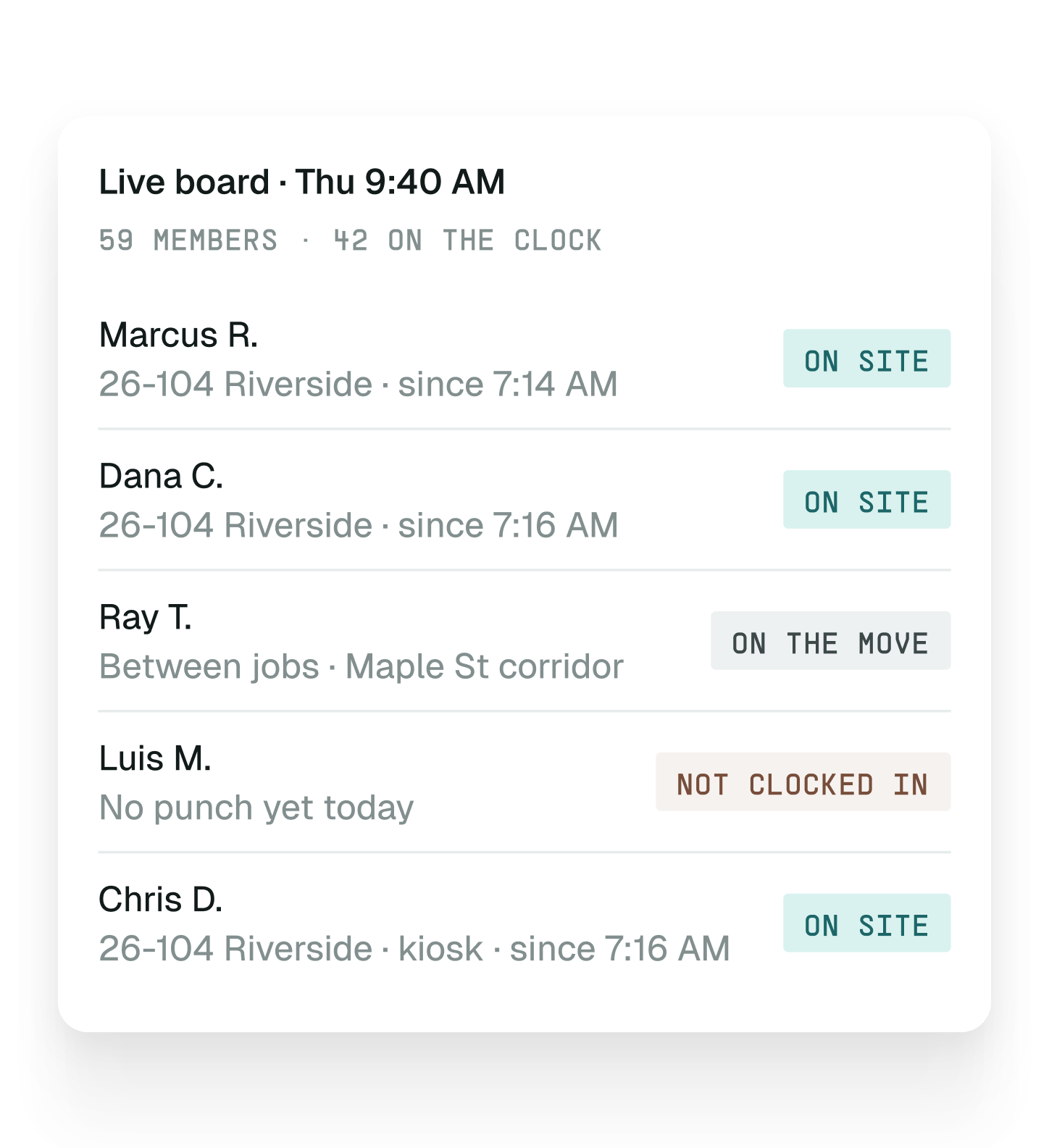
Your crew taps once, in English or Spanish, and GPS records the rest: arrival, departure, drive time and mileage. You see who’s on which job right now, and every hour on the timecard is one that was worked.
Know which jobs make money
Every hour lands on its job as it happens. On fixed price, you see what each job really costs while there’s still time to act; on T&M, every hour gets billed.
Fairview Clinic · 27-203
Live
Labor today · as of 4:46 PM46.5 h
- Rough-in24.0 h
- Conduit & wire16.5 h
- Trim & fixtures6.0 h
- Materials$214.60
Payroll that’s right the first time
Timecards arrive verified and coded to the job, with missed punches already caught. Approve them, and they go straight to QuickBooks, accurate down to the minute.


AI that does the work. You approve.
Other tools wait for someone to do the work. Workyard’s agents check every timecard and flag only what needs you. That’s the whole job.
Ask Workyard
NewFrom quick answers to hours of work, handled
- Answers about any crew, job or timecard
- Builds the schedule the way you run your crews
- Sweeps a whole pay period in one request
Timekeeping Agent
Time tracking that runs itself
- Clocks crews in and out, verified by GPS
- Codes every hour to the right project automatically
- Finds problem timecards and drafts the fix when you ask
Reporting Agent
NewReports you need, without the spreadsheet work
- Upload a report, or describe one
- Custom reports filled with live Workyard data
- Excel, CSV or PDF, ready to send
Straight answers
What small shops ask us
Does it work with QuickBooks?
Yes, QuickBooks Online and QuickBooks Desktop. Approved hours sync on the right employee and job, ready for payroll, so nothing gets retyped.
We already use QuickBooks Time (or Connecteam). Why switch?
QuickBooks Time and Connecteam are general-purpose time clocks. They wait for your crew to enter everything perfectly: clock in on time, pick the right job, remember the break, clock out before they drive home. When they don’t, the mistakes flow straight into payroll and your job costs. Garbage in, garbage out.
Workyard does that work for them. Geofences clock crews in and out on site, GPS verifies every minute, missed punches and forgotten clock-outs are caught and fixed before they reach you, and every hour lands on the right job as it’s worked. What reaches payroll and your job costs is right the first time.
And it’s built for contractors, to help you grow: live job costs, drive time and mileage, overtime and break rules, daily reports and forms, all from the same clock-in. It typically pays for itself within months, and keeps paying after that.
What does it cost?
A per-user license fee, based on the plan and configuration you need. It’s built to pay for itself in hours you stop overpaying. Start a free trial before you spend a dollar, and a 30-minute call gets you your exact price.
My crew isn’t techy. Will this stick?
It’s one tap, in English or Spanish, and a geofence can clock them in on arrival. If someone forgets their phone, a foreman can clock in the whole crew, or use a kiosk in the shop. No signal on site? It keeps tracking and syncs later.
Will my crew feel watched?
Location is shared only while they’re on the clock, never after hours, and every worker can see their own timecards. Clear records cut disputes; they don’t create them.
I just need simple timecards. Is this overkill?
Start with the time clock and payroll. Job costs build up from the same clock-ins, so they’re there the day you want them, with nothing extra for the crew to do.
How long does it take to get set up?
Most small crews are clocking in the same week. We bring over your employees and jobs from QuickBooks, and someone stays on the phone while your crew goes live.
Do I have to sign a long contract?
No. Pay monthly or annually; annual plans come with a discount.
Does it track mileage and drive time?
Yes. GPS records drive time between jobs and the miles driven, so you can pay drive time correctly and reimburse mileage from a record, not a guess.
Can I see where my crew is right now?
Yes, while they’re on the clock: who’s on which job, since when, and who’s between jobs. Never after hours.
Does it handle overtime and breaks?
Set your overtime and break rules once, and every timecard follows them, including state rules like California’s.
Can I bill clients from it?
Every hour is on its job, so reports show exactly what to bill each client on T&M, and what each fixed-price job really cost.

Whatever size you are, see it on your own jobs
A 30-minute walkthrough with a Workyard specialist: your crew, your systems, your quote.