$123Ksaved with Workyard’s Smart Forms
"Smart Forms pays for itself through accurate invoicing, insurance savings, and keeping our business moving every single day."
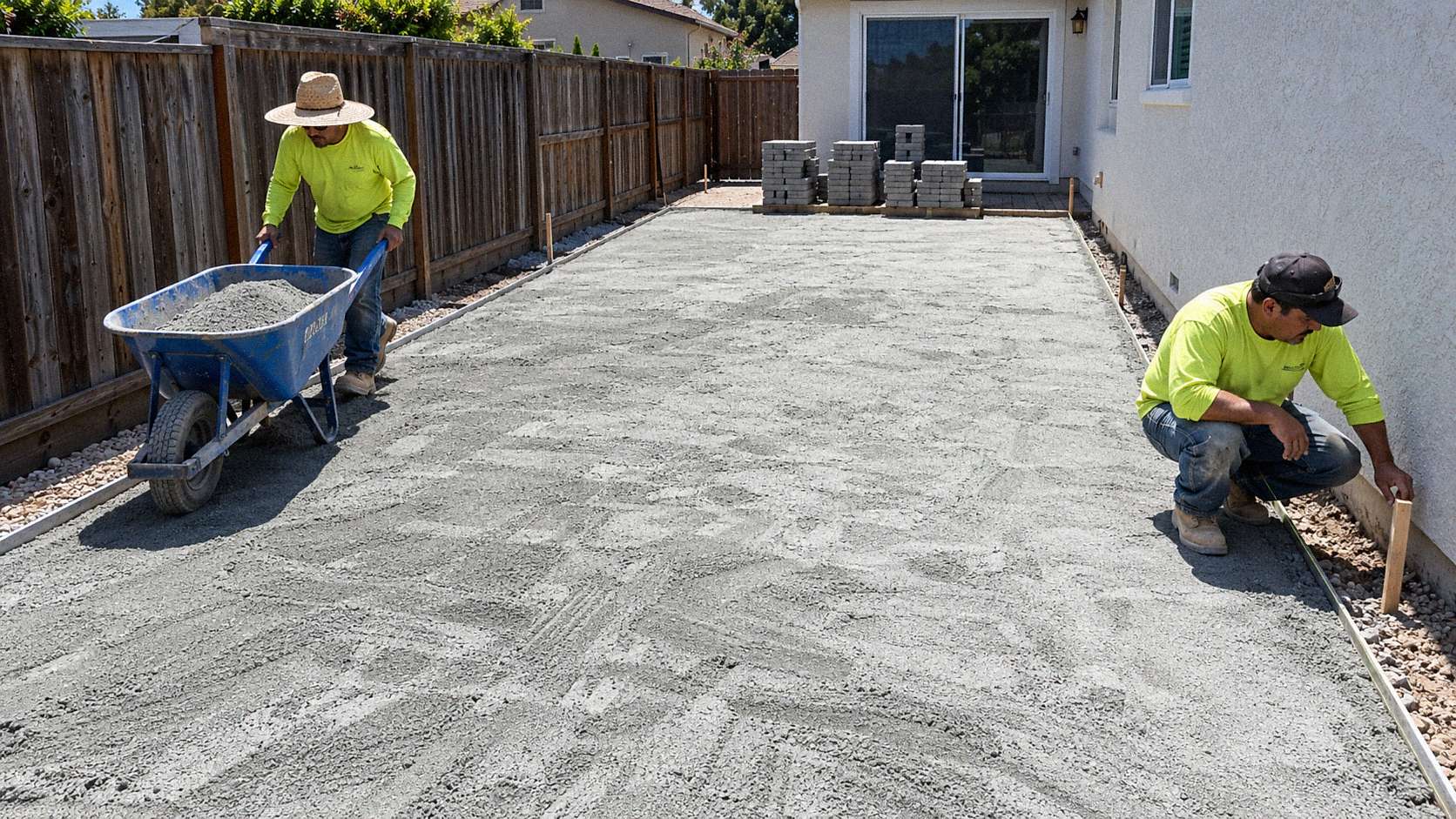
For maintenance routes and install crews: every hour lands on the right property and cost code, padded time comes off payroll, and each job's cost updates as every shift ends.
$123Ksaved with Workyard’s Smart Forms
"Smart Forms pays for itself through accurate invoicing, insurance savings, and keeping our business moving every single day."

“Just a Monday for clocking. We save 40 something dollars… it’s kinda crazy.”
Landscaping contractor, 11–50 workers

“You’ve always been responsive. You’ve always answered questions, and you’ve fixed things if there’s a problem.”
Landscaping contractor, 11–50 workers

“Every morning I come in and the first thing I do is assign those project codes, and it… takes maybe 10 minutes tops.”
Operations directorLandscaping contractor, 11–50 workers

“Whatever three bucks a guy a month, it’s totally paid for itself.”
OwnerLandscaping contractor, 11–50 workers
The payoff
Job costs
5–25%
unassigned hours before Workyard
GPS and agents put each hour on the job it was worked.
Time
30 mins
to prep payroll, not 12 hours
The typical drop for customers.
Money
10–18%
off payroll
Rounded times, buddy punches, forgotten clock-outs: eliminated.

Workyard is not another everything-suite. It runs the crew side of the business, deeply, and connects to the rest.
For payroll and accounting: QuickBooks, Sage, ADP and 18 more, so hours flow to the systems that pay and cost them.










Other tools wait for someone to do the work. Workyard’s agents check every timecard and flag only what needs you. That’s the whole job.
From quick answers to hours of work, handled
Time tracking that runs itself
Reports you need, without the spreadsheet work
Works your way
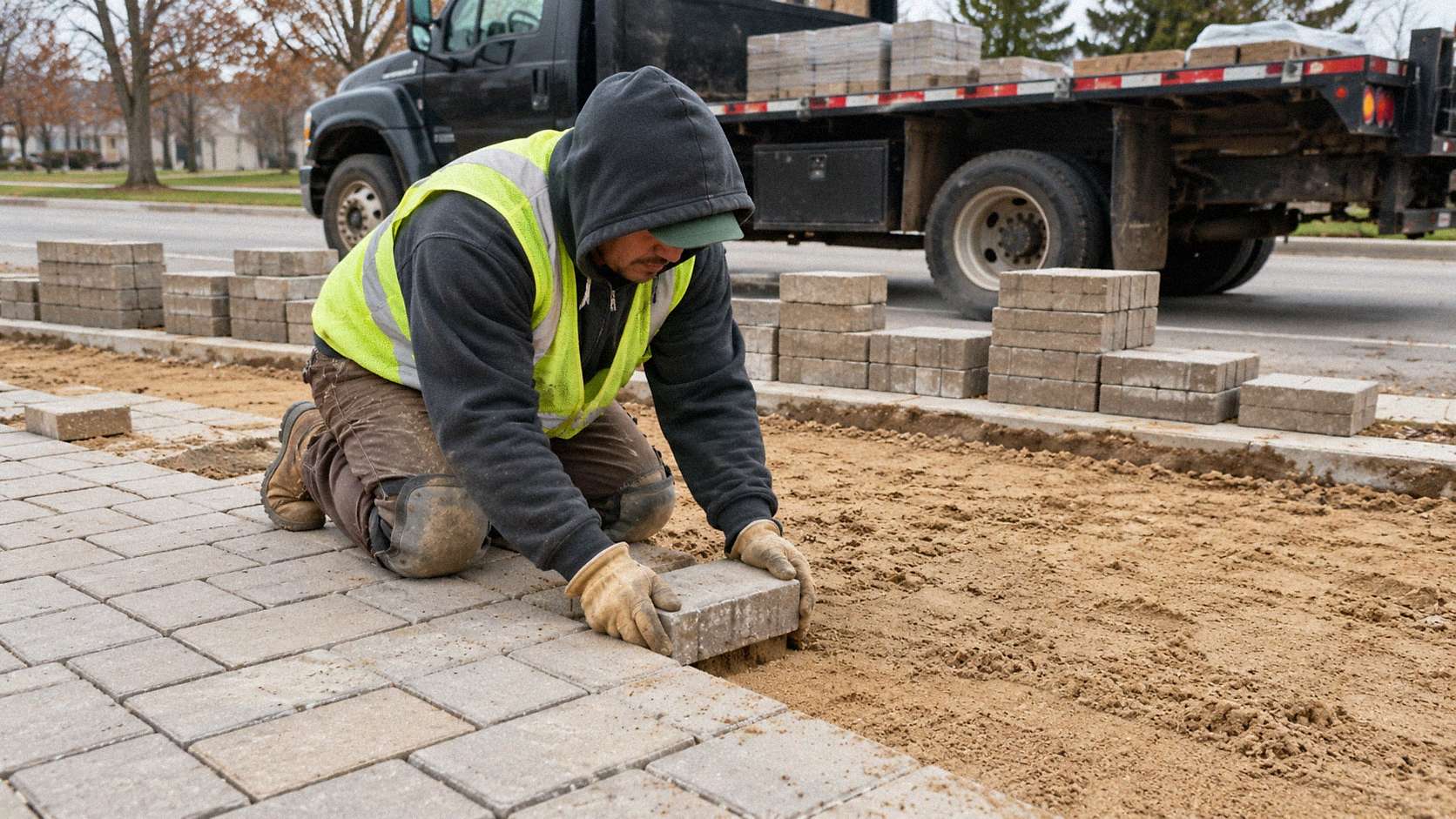
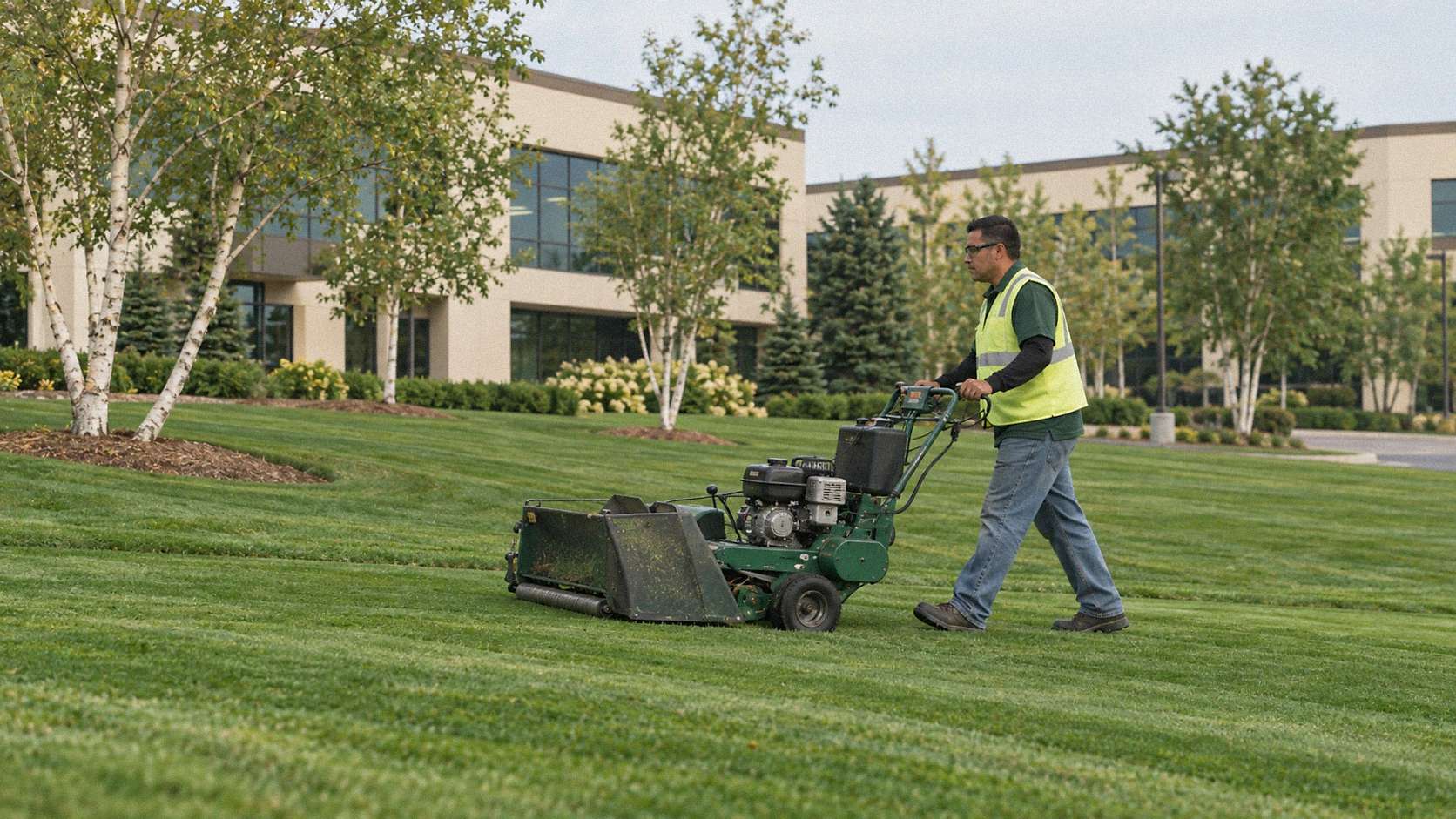
Construction crews stay on one job. Maintenance crews run a route of properties a day. Workyard fits both.
Crew leaders on one install for days
Crews on multiple sites in a day
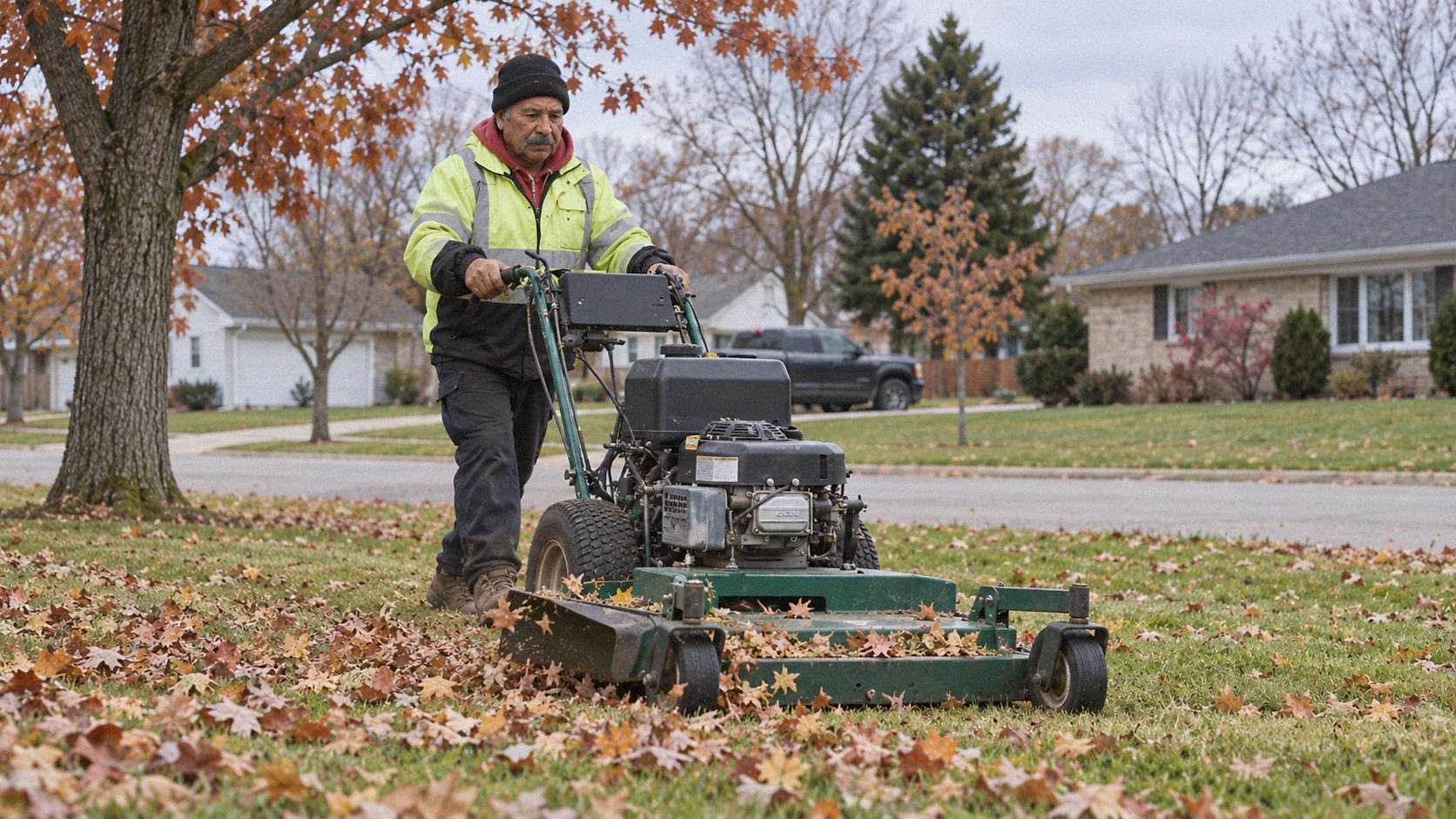
Built for the way landscaping runs
What landscaping companies ask us for more than other trades do, built in.
Crew and equipment hours land on the job and cost code as each shift ends, so a property running heavy shows this week. Every finished job leaves its true hours by cost code, so the next bid starts from what the work took. The estimate stays in your bidding system.
Arrive at a property and the clock switches to it, so a six-stop maintenance day comes back split six ways. Each drive goes where your rule says: the next job, split across the day’s jobs, or left unallocated. Nobody re-codes the week on Friday.
Drag a whole crew onto a job and every phone gets it: the property, the start time, directions and the checklist. A multi-day install runs as long as the job does, and weekly mowing repeats on its own.
Thousands already do, every day.
GPS and AI drive the capture and correction, so they don't have to.
Works offline. Works in Spanish. Prevents buddy punching. Detects and corrects mistakes.
Location is only shared while on the clock, never after hours. You choose the level of tracking that fits your crew.
"I love this app. It makes it so easy for me to clock in and clock out and it tracks my mileage for my work and everything. I would recommend it, great way to keep up with everything."
"By far the best app I've ever used for work. Most consistent and accurate. Haven't had any difficulties at all. I will never use another app for clocking my hours at work."
"This app is extremely easy for my construction staff to use. It creates reports for me that show different costs by projects and honestly just saves me time and headaches."
You're wondering…
Yes. The foreman picks the crew members who are there and clocks them in at once, on the job and cost code, from one phone. When the crew moves to another property mid-day, the foreman switches them all to the new job and cost code the same way.
Yes. Assign cost codes to each job and a worker sees only the few that belong there. Cost code groups narrow it further by crew or person, and where a job carries one code, set it as the default and there’s nothing to pick.
Yes. Drag a crew or one person onto a job and every phone gets the property, the start time, directions, the checklist and the notes, with a push when it changes. A multi-day install runs as long as the job does, and maintenance visits repeat daily, weekly or monthly on their own.
By your rule. Each drive can go to the job it ends at, be split across the day’s jobs, or stay unallocated, with its own cost code if you like. The drive from the yard to the first property follows the same rule, and it’s kept apart from time on the job.
Yes. Each property gets a geofence drawn on its lot lines, so neighboring properties stay apart. Arrive and the time moves to that job; drive past and nothing happens. Want the crew to pick the job themselves? Turn automatic off for that crew.
Both. A worker changes cost code as the work changes, the foreman can switch the whole crew at once, and the office can move time to another job or code on the time card afterwards. Every change stays in the card’s log, the worker is told, and exported cards lock.
Managers and admins schedule, and a manager can be limited to the jobs they manage; workers see only their own tasks. Each crew’s rule group sets how they clock in, what’s tracked, which breaks apply and what they sign, and you move people between groups when the season changes.
Yes. Approved hours go into QuickBooks Online or Desktop by customer, job and service item, into Sage 100 Contractor by job, phase and cost code, and into ADP by person, split into regular, overtime and double time. Paychex, Gusto, NetSuite, Excel exports and more too.
No. They can clock in on their own phone or a company one, the foreman can clock in the whole crew from one device, or a kiosk on an iPad at the site does it with a PIN and a photo. Location tracking is set per crew: all day on the clock, at clock-in and clock-out only, or off.
Yes. Open any job and its labor and equipment hours and cost are on the first screen, by cost code, updated as each shift ends, overtime and workers’ comp included. Workyard keeps the cost side; revenue and profit stay in your accounting system.
Each crew has its own time approver, who approves their cards on the phone or the web, by crew or all at once. Cards that need a look, like a missed break or a correction request, are flagged and go to the approver in a morning email.
Yes, on one live map from the office or your phone: every clocked-in worker, the property they’re on and since when, only while they’re on the clock. Workyard tracks people, not trucks, so there’s nothing to install. A driver can tag the truck or machine they’re running at clock-in.
It keeps working. Clock-ins, clock-outs and forms record on the phone with no signal and send when it finds coverage again.
Yes. Set a meal break rule for each crew: a first and a second meal after the hours you choose, added at clock-out if it’s missing. The foreman can also add the break for the whole crew at once.
Yes. Set them up as their own jobs or cost codes, the way your books split them, and the hours stay apart from the clock-in to the export. If your accounting system uses phases, as Sage 100 Contractor does, cost codes come in by phase and hours go back by job, phase and cost code.
Yes. Snap a photo of the form you use, or upload the PDF, Word or Excel file, and it comes back as a digital form with your fields. Photos attach to the form and the job with the time and place, and a checklist on the task lets the crew tick off what’s done.
Yes. Leave requests are approved beside the hours, as paid, unpaid or holiday, and approved and pending time off shows on the schedule, so nobody gets sent out on a day off. Accruals and balances, not today.
Days, not months. Your jobs, cost codes and crew sync from your accounting system, new seasonal hires come in on the next import, and a real person walks you through it.
Not today. Workyard doesn’t optimize routes. Each task carries its own start time, so a crew’s day lists every stop with directions, and each arrival moves their time to that property.
No. Workyard keeps the actuals current: each job’s hours and cost by cost code as each shift ends. Every finished job leaves its true hours by cost code, so the next bid starts from what the work took. The estimate stays in your bidding system.

We import your jobs, cost codes, and crews. Connected to your systems and live in days, with a person on the phone the whole way.