


Took its drywall and plaster crews off paper time cards and cut payroll errors under California's to-the-minute rules.
Green Wall Tech

For hang, tape and finish crews: see who's on every job live, pay only for the hours worked, and put every hour on the right job and cost code, with lunch taken off by rule.
Took its drywall and plaster crews off paper time cards and cut payroll errors under California's to-the-minute rules.
Green Wall Tech
5xmore accurate payroll
Ended costly time card errors and cut labor costs on its fixed-bid framing jobs.

“The first week, we found on another job, a crew that was hanging out outside the geofence, and… it was… proven that it was right.”
Insulation contractor, 50+ workers

“We had 27 hours of strict project time, and we had an hour 45 of drive time during this pay period here… I like that.”
Insulation contractor, 50+ workers

The payoff
Time
30 mins
to prep payroll, not 12 hours
The typical drop for customers.
Money
10–18%
off payroll
Rounded times, buddy punches, forgotten clock-outs: eliminated.
Job costs
5–25%
unassigned hours before Workyard
GPS and agents put each hour on the job it was worked.

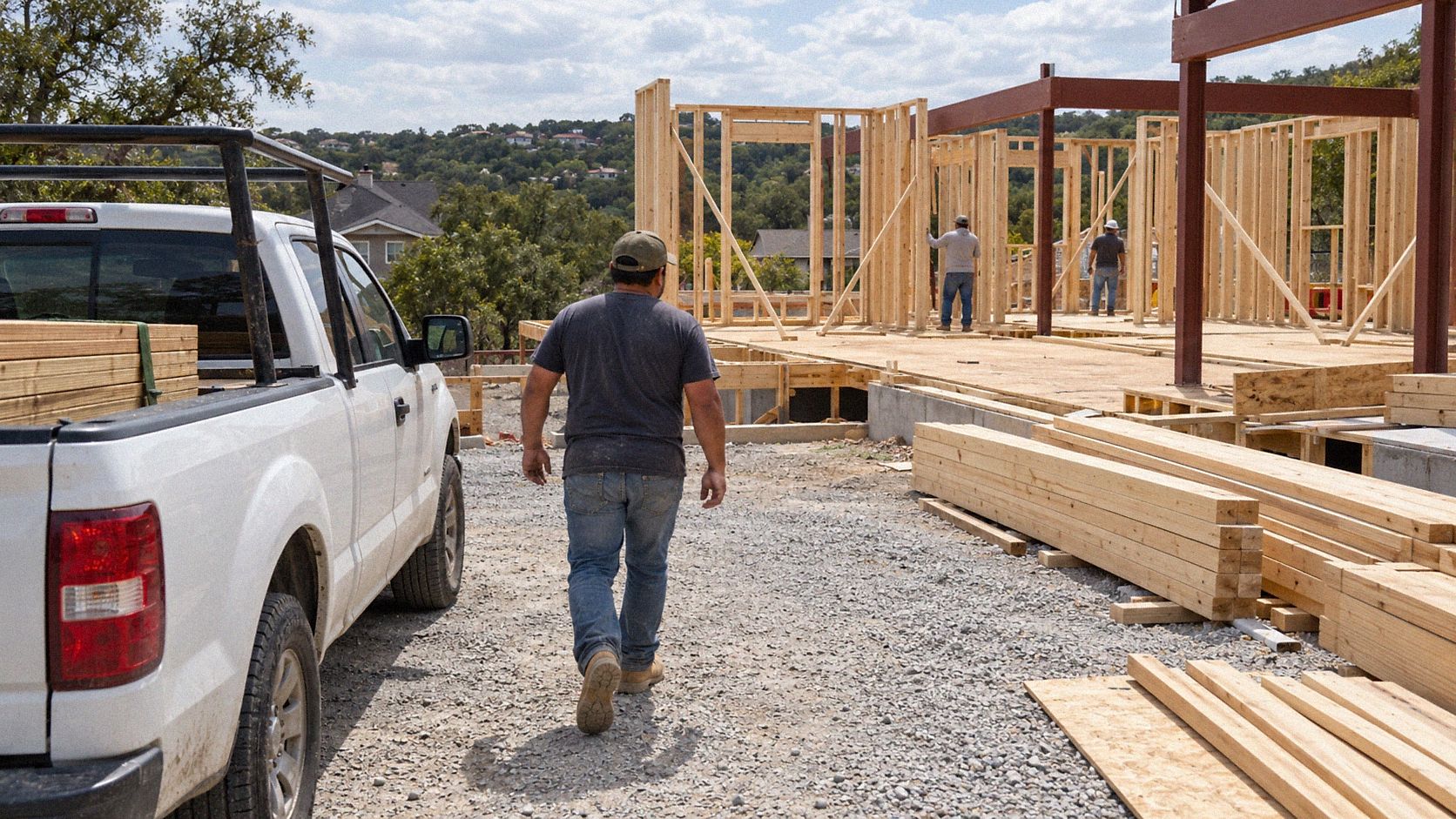
Fremont drywall and plaster crews, held to California's to-the-minute rules. Foremen wrote crew hours on paper; now each worker clocks in to the job and cost code and certifies their own card.

Workyard is not another everything-suite. It runs the crew side of the business, deeply, and connects to the rest.
For payroll, accounting and projects: QuickBooks, Sage, ADP, ComputerEase and 17 more, so hours flow to the systems that bill and pay.








Other tools wait for someone to do the work. Workyard’s agents check every timecard and flag only what needs you. That’s the whole job.
From quick answers to hours of work, handled
Time tracking that runs itself
Reports you need, without the spreadsheet work
Works your way
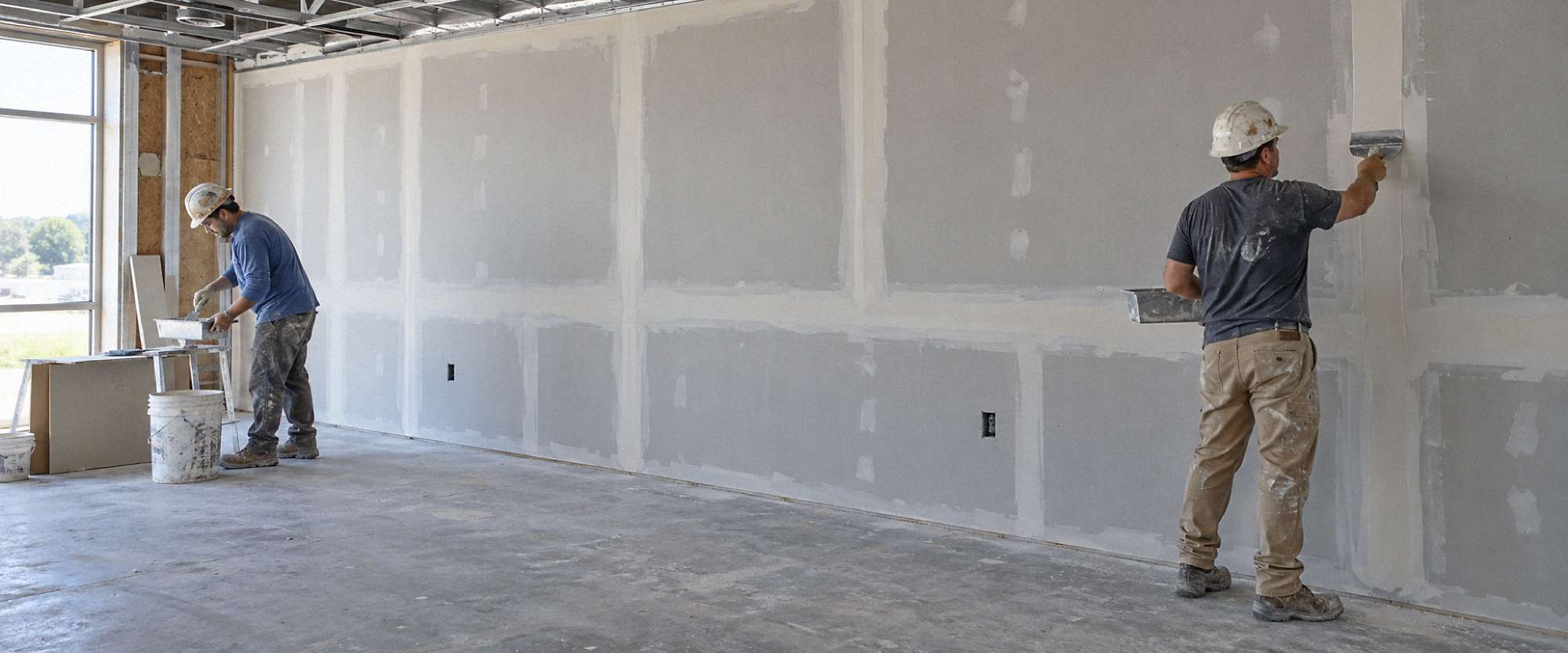
Crews on big jobs stay put for weeks. Hangers and tapers who travel move job to job through the day. Workyard fits both.
Foreman-led crews on one job for weeks
Workers moving job to job through the day
Built for the way drywall runs
What drywall contractors ask us for more than other trades do, built in.
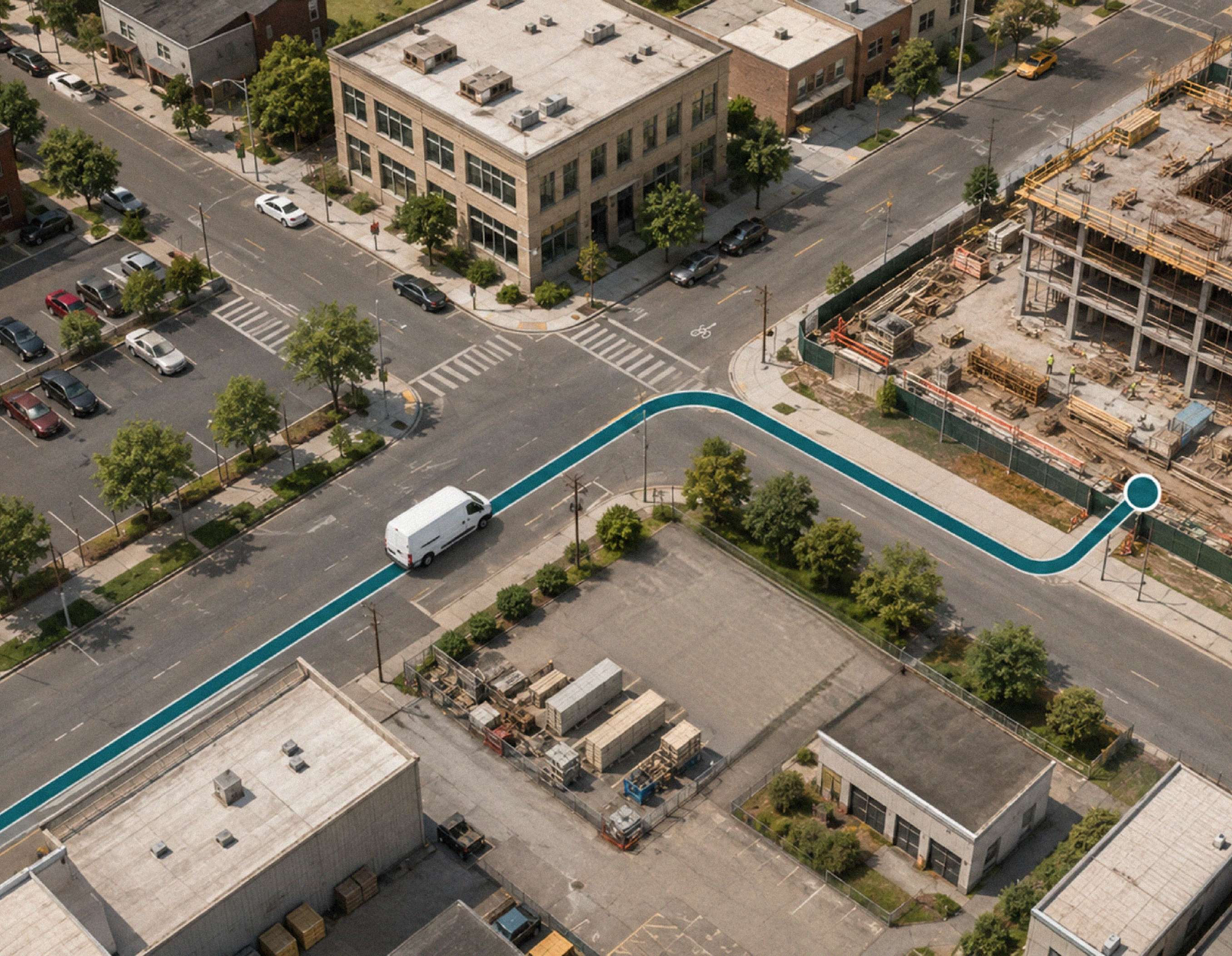
The live map shows every clocked-in hanger and taper, the job they're on and since when, on the web or your phone. Check the crew on a job against how far the hang has got today, not a week later when the time cards come in.
Each job's geofence follows the real lot lines, so two houses side by side are two jobs. Arrive and the clock moves to that job, restrict clock-in and nobody punches in from home, and each job shows only its own short list of cost codes.
Set a meal break rule per crew: a first and a second meal after the hours you choose. If nobody recorded lunch, the break goes on the card at clock-out, and the daily sign-off asks every worker whether they took it.
Thousands already do, every day.
GPS and AI drive the capture and correction, so they don't have to.
Works offline. Works in Spanish. Prevents buddy punching. Detects and corrects mistakes.
Location is only shared while on the clock, never after hours. You choose the level of tracking that fits your crew.
"I love this app. It makes it so easy for me to clock in and clock out and it tracks my mileage for my work and everything. I would recommend it, great way to keep up with everything."
"By far the best app I've ever used for work. Most consistent and accurate. Haven't had any difficulties at all. I will never use another app for clocking my hours at work."
"This app is extremely easy for my construction staff to use. It creates reports for me that show different costs by projects and honestly just saves me time and headaches."
You're wondering…
Yes. Each job has a geofence: arrive and the clock starts on that job, and driving past doesn’t count. Leaving doesn’t end the shift (crews step off for supplies and the next job), but a missed clock-out is trimmed back to when they left the site and flagged for you to approve. Prefer a lighter touch? Have it ask them to confirm, or leave it off, per crew.
Any job they’re standing on. Clock-in follows the job’s geofence, not the schedule, and in Automatic mode each arrival moves their time to that job. Fences follow the real lot lines, so two houses side by side stay two jobs. Want it strict? Restrict clock-in to inside a job’s geofence.
Yes, on the live map, from the office or your phone: every clocked-in worker, the job they’re on and since when, and who’s driving between sites. Punches made outside a job’s fence are flagged on the time card, so a look first thing tells you who’s missing. Location runs only while they’re on the clock.
Yes. Direct connections to QuickBooks Online and Desktop, ADP Workforce Now and RUN, Sage 100 Contractor, Sage Intacct, Foundation, Gusto, NetSuite, Spectrum, Acumatica and Coastal Payroll. Files built for ComputerEase, Paychex Flex, Paylocity, Sage 50, Sage 300 CRE and Rippling, plus Excel, a custom file export and the API.
Every punch carries its GPS location, and you can restrict clock-in to inside the job’s geofence. At a kiosk, each worker uses their own PIN. Turn on face photos and one is taken at each clock in and clock out, kept on the card for anyone to check (it isn’t matched to a name). Location switched off shows as a gap, not a blank.
New hires come in with the next import from your payroll or accounting system, and someone who leaves stays in Workyard until you archive them. Pricing is a per-user license fee, based on the plan and configuration you need, and we build your seasonal swings into the quote.
Yes. Each worker has a time approver, or more than one, who sees and approves that crew’s cards, and the office can approve anything still open. Managers can be limited to the jobs they run, and to hours only or costs too. Tracking, auto clock-in and clock-in limits are set per crew.
Pick the pay period or a custom range and send it. Hours go by employee, split into regular, overtime and double time by your rules; direct connections put them straight in, and file exports hand you a file built for your system. Time card reports give you the period’s time, sign-offs and notes as PDF or CSV, ready to print.
On the job. A daily report fills in the crew and their hours from the time cards; the foreman adds what got done, photos stamped with the time and place, and a signature. Pull one job’s reports for a date range, or download one as a PDF. Going the other way, a scheduled task carries notes, plans and photos to the crew’s phones.
Yes. Move a batch of time to another job and cost code at once, or split a day across jobs on the card, any time before it’s approved. If you allow it, workers fix their own time and say why. Every change asks for a reason and stays on the card’s log, and the notes print with the time card report.
They come over. Jobs and cost codes sync in from QuickBooks Online and Desktop, Foundation, Sage 100 Contractor, Sage Intacct, Acumatica, Spectrum and NetSuite, and new jobs keep syncing as you create them. Each job carries a project number and gets a geofence from its address, and approved hours go back by job and cost code.
Yes. Make it a field ticket: describe the extra work, add the hours, take the photos and get the super’s signature with a finger before the crew leaves. It files to the job and downloads as a PDF with your logo.
By your rule. In Automatic mode each drive goes to the next job, splits across the day’s jobs or stays unallocated, with its own cost code if you like, and it stays apart from time on the job. Miles are logged per worker and per job. Travel time isn’t sent to payroll as its own pay type.
No. Location is captured only while they’re on the clock, never nights or weekends, and they can see that in the app. You choose how much, per crew: all day on the clock, only at clock in and clock out, or off. Sampling is tuned so a full workday fits on one charge.
Yes. Drag a crew or a person onto a job on the board, and it lands on their phones with a push: the job, the start, directions, the checklist and notes. Group the board by person to see each one’s week, with time off on it, and color it by label, residential or commercial. Move someone mid-day and their time goes to the new job when they get there.
Yes. Set a meal break rule per crew: a first and a second meal after the hours you choose. If a worker didn’t record one, it goes on the card at clock-out, and a break that’s too short isn’t accepted. Companies based in California or Washington can turn on the state’s break reminders too.
Yes. 1099 workers clock in like your crew, so their hours count toward each job’s cost; from QuickBooks Online or Sage 100 Contractor they come in as 1099 team members. Workyard doesn’t pay them or file their taxes. Cost code groups decide which codes each team or person can pick, so a special-pay code only shows to the people you choose.
No, it works beside it. Projects and standard cost codes sync in from Procore, so crews clock in to the jobs and codes your team runs there. Workyard runs the crew’s day: hours, locations, forms, daily reports and each job’s labor cost. Plans, RFIs and submittals stay in Procore.
Days, not months. Your jobs and crew sync from your accounting system, and a real person walks you through it. Green Wall Tech set new hires up on Workyard during orientation, so they clock in right from day one.
No. Workyard keeps the actuals current: each job’s hours and labor cost by cost code, as of the last shift that ended. Your bid stays in your estimating system, and you check against it with this week’s number instead of last month’s.


We import your jobs, cost codes, and crews. Connected to your systems and live in days, with a person on the phone the whole way.



