1 hourto prepare payroll, down from 8 hours
Rolled out to all 120 crew in two weeks and cut payroll from 8 hours to 1.
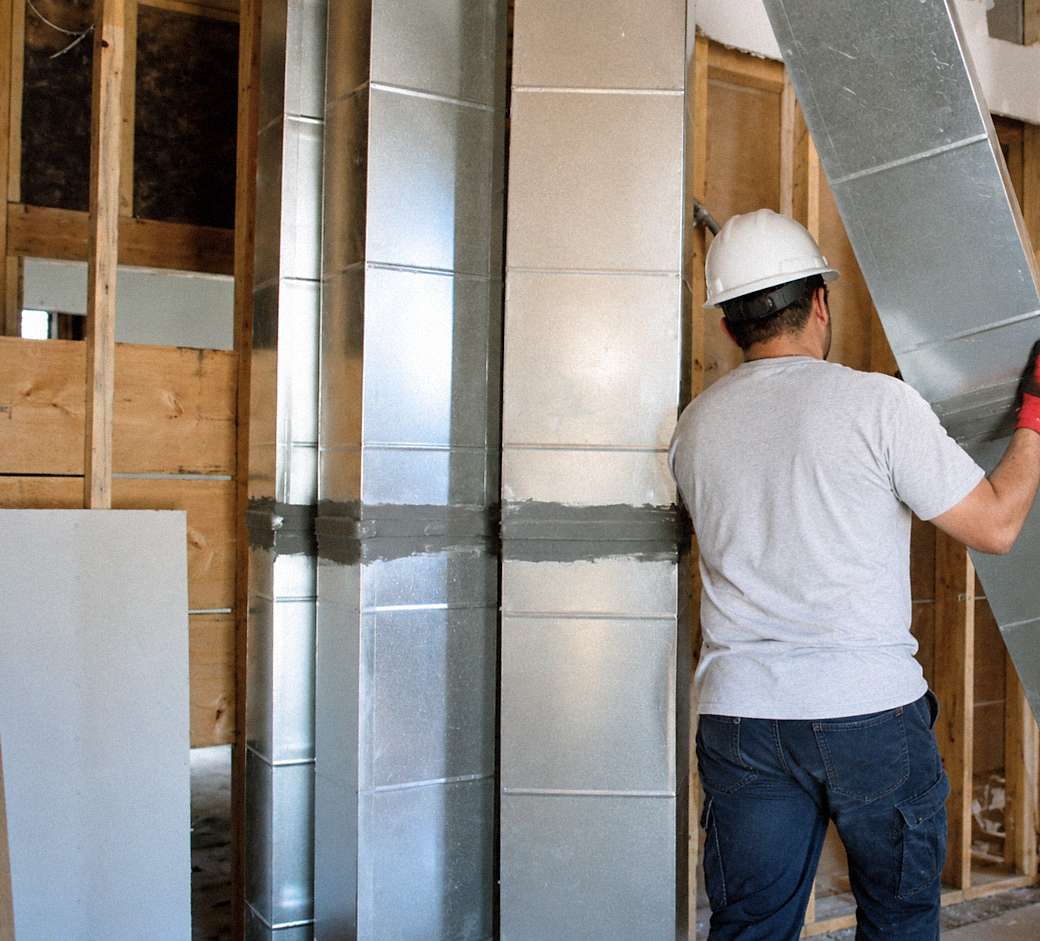
For install crews and service techs: padded time comes off payroll, every drive and supply-house run lands on the right job, and extra work comes back signed, with photos, ready to bill.
1 hourto prepare payroll, down from 8 hours
Rolled out to all 120 crew in two weeks and cut payroll from 8 hours to 1.
$1,000+in payroll errors found in one week
Caught over $1,000 in payroll errors in a single week, from GPS-verified time cards.

“Rolled it out on Monday to all the employees and the onboarding was seamless. It went so smooth… It was just the easiest thing I've ever done.”
OwnerDesign-build mechanical contractor, 11–50 workers

“It's super simple… I give them the policy in Spanish or in English whatever way they want it. Then I send them their links… It's really easy.”
ControllerPlumbing and HVAC contractor, 50+ workers

“It's just easy to have it in here… this helps us keep everything, you know, honest and correct.”
Commercial mechanical and refrigeration contractor, 11–50 workers

“We've already saved a bunch of money on that… keeps guys accountable for when they're starting and stopping their times.”
CEOPlumbing and HVAC contractor, 50+ workers
The payoff
Money
10–18%
off payroll
Rounded times, buddy punches, forgotten clock-outs: eliminated.
Time
30 mins
to prep payroll, not 12 hours
The typical drop for customers.
Job costs
5–25%
unassigned hours before Workyard
GPS and agents put each hour on the job it was worked.

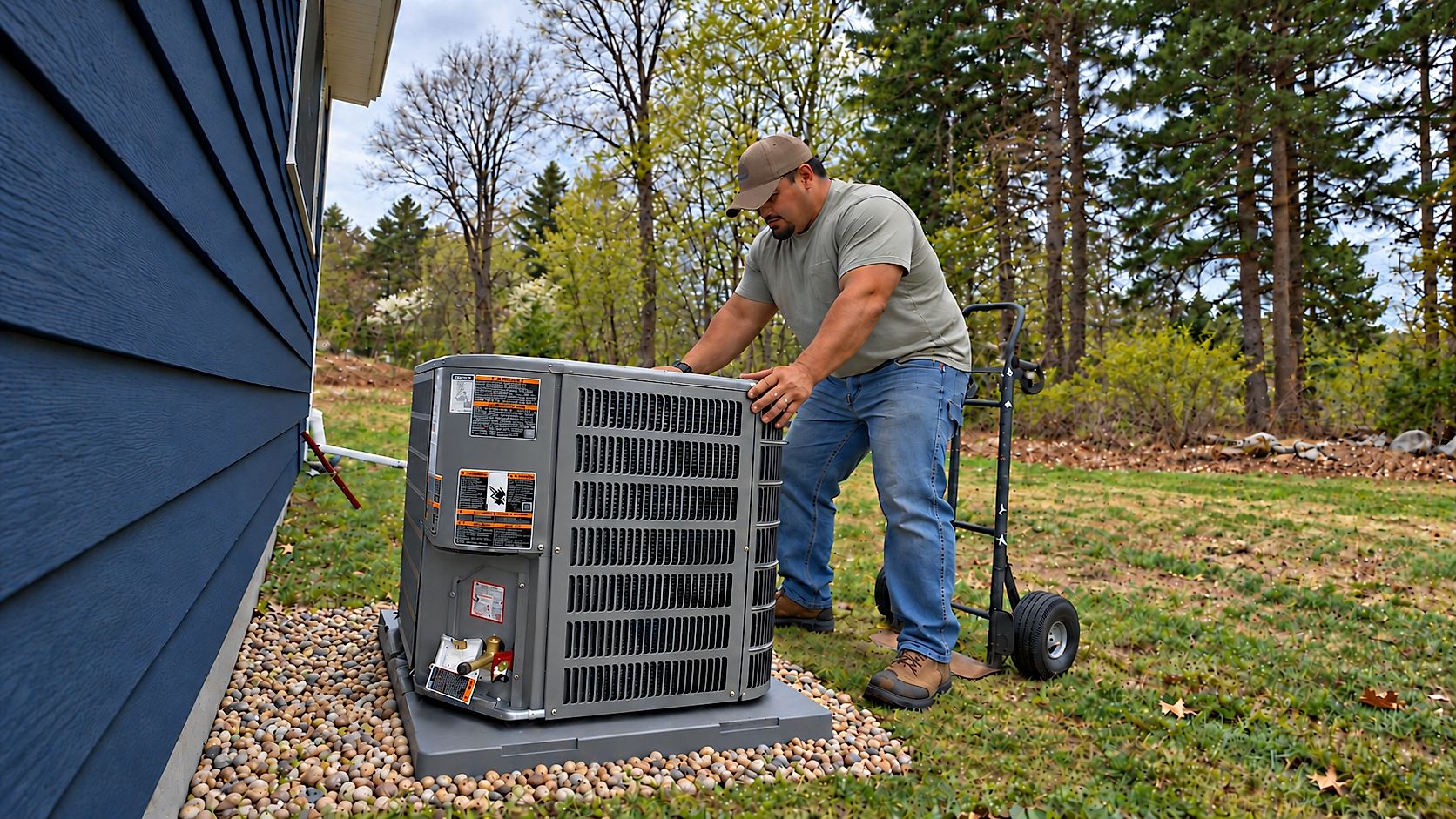
A 120-person HVAC crew on residential and commercial jobs across Phoenix. After a one-crew trial, everyone was live within two weeks, and payroll went from a full day to an hour.
Workyard is not another everything-suite. It runs the crew side of the business, deeply, and connects to the rest.
For payroll and accounting: QuickBooks, ADP, Sage and 18 more. Jobs and crews come in, and approved hours go to the systems that cost and pay.









Other tools wait for someone to do the work. Workyard’s agents check every timecard and flag only what needs you. That’s the whole job.
From quick answers to hours of work, handled
Time tracking that runs itself
Reports you need, without the spreadsheet work
Works your way
Install crews stay on one job for days. Service techs run call to call, with stops at the supply house. Workyard fits both.
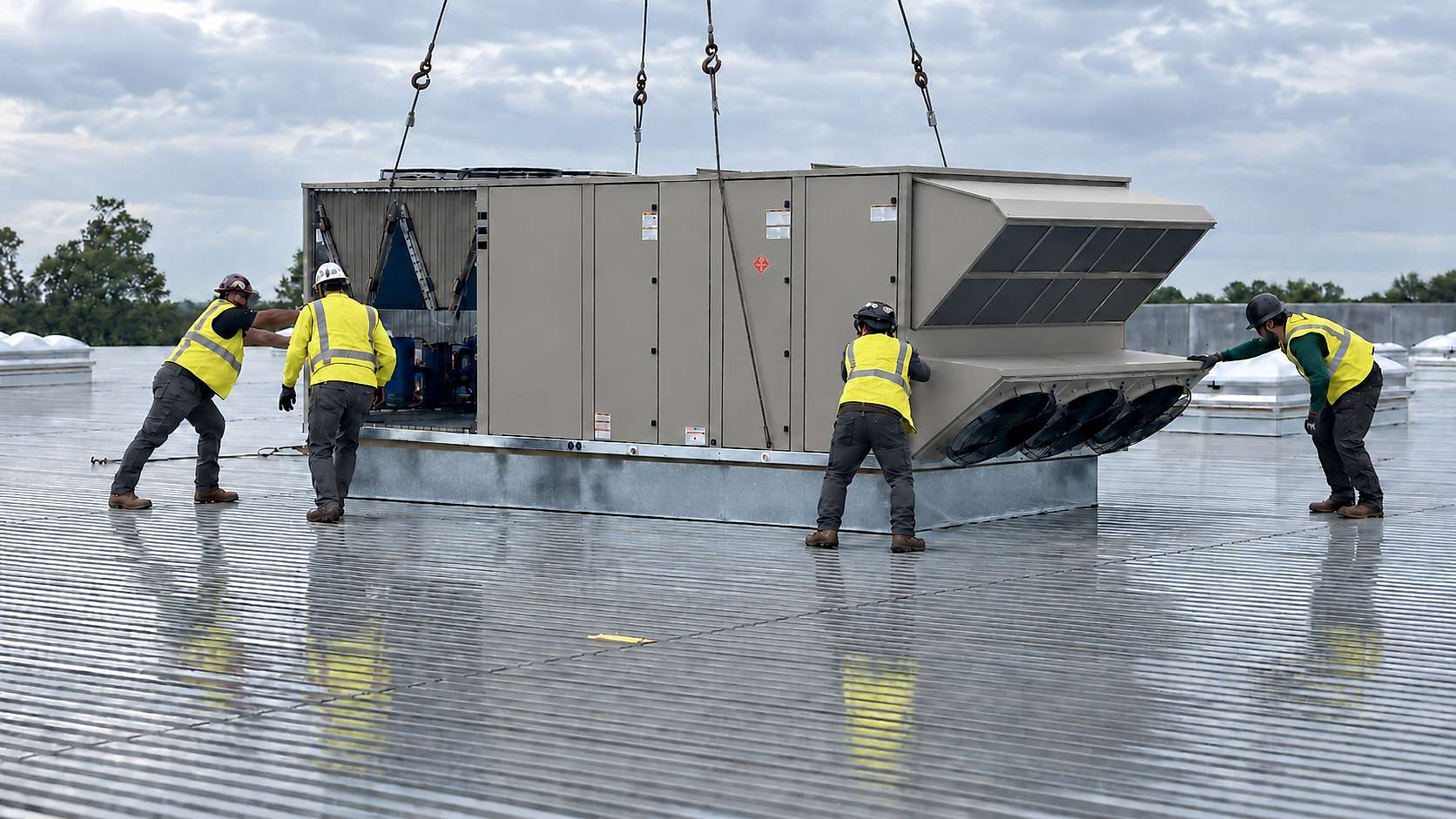
Crews on installs and new construction
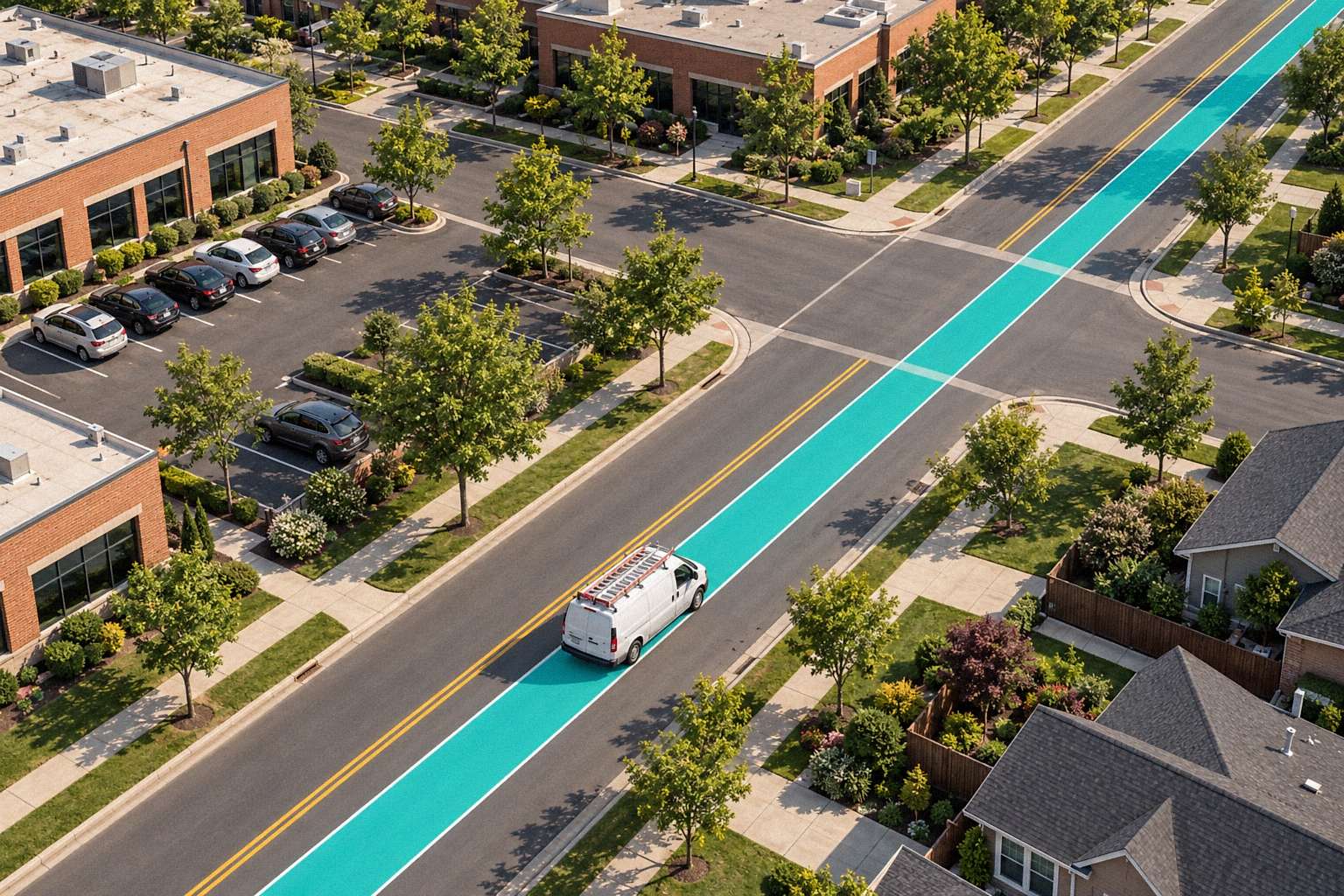
Techs on several calls a day, all over town
Built for the way HVAC runs
What HVAC shops ask us for more than other trades do, built in.
Arrive at a job and the clock switches to it. Each drive goes where your rule says: the next job, split across the day’s jobs, or left unallocated, and supply-house stops get a rule of their own. Nobody re-codes the week on Friday.
The extra work ticket shows up at the T&M job, takes the photos and the customer’s signature on the phone, and files to the job beside the hours the crew’s time cards put there. Nothing waits on a paper ticket.
Open any job to see its labor cost, overtime split out, updated as each shift ends. Jobs and cost codes sync in from your ERP, and approved hours go back by job, so nobody retypes a time card.
Thousands already do, every day.
GPS and AI drive the capture and correction, so they don't have to.
Works offline. Works in Spanish. Prevents buddy punching. Detects and corrects mistakes.
Location is only shared while on the clock, never after hours. You choose the level of tracking that fits your crew.

"I love this app. It makes it so easy for me to clock in and clock out and it tracks my mileage for my work and everything. I would recommend it, great way to keep up with everything."
"By far the best app I've ever used for work. Most consistent and accurate. Haven't had any difficulties at all. I will never use another app for clocking my hours at work."
"This app is extremely easy for my construction staff to use. It creates reports for me that show different costs by projects and honestly just saves me time and headaches."
You're wondering…
Yes. Give each job its own short list of cost codes, and that’s all a tech sees when they clock in. Or let the foreman code the whole crew, or let the job’s geofence put the hours on the job by itself.
Team members come in from your payroll or accounting system, and new hires come in on the next import. Each tech gets an invite by text or email, downloads the app and signs in.
Yes. Jobs come in from your accounting system with their numbers and cost codes, or you add them, and each job gets a geofence at its address, so the hours land on the job number your books use.
If you let them, techs fix their own time from the phone and say why, and every change stays on the card’s log. Each tech has a time approver, or more than one, and the office can approve anything still open. It’s one approval, not a chain.
No. Techs can clock in on their own phone or a company one, the foreman can clock in the whole crew, or a kiosk on a tablet does it: each tech enters their own PIN, and the camera can add a photo.
Yes. QuickBooks Online and Desktop, ADP Run and Workforce Now, Sage 100 Contractor, Sage 300 CRE and Sage Intacct, and ComputerEase, plus Gusto, Paychex, Foundation, NetSuite and more. Anything else gets a custom export or the developer API.
Enter the job’s address and draw the geofence on the real lot lines, at whatever size the work is: one building, a whole subdivision, a site where the crew parks in a garage.
By your rule. Each drive can go to the job it ends at, be split across the day’s jobs, or stay unallocated, and it’s kept apart from the time on the job, so your job costs stay clean.
Yes. Each job has a geofence: arrive and the clock moves to that job, and driving past a site doesn’t count. If a tech leaves without clocking out, Workyard flags it and can trim the finish back to when they left the site, with the change on the card’s log.
The foreman can clock them in with the crew, or they clock in on another phone. If a phone dies before clock-out, your daily time limit cuts the card back, and the right finish goes in, with a reason, before payroll.
Yes. Restrict clock-in so a tech can only clock in inside the job’s geofence.
Your rules. Pick your state’s, or describe your own in plain English, and overtime and double time split out on every card as the hours land.
Yes, and most shops do. TruTek trialled it with one crew in the first week and had all 120 people on it by the second.
It tracks them while they’re on the clock, wherever the work takes them, and never after hours. Each card shows the day’s trace with when they arrived at and left each job, and you choose how much: all day, only at clock in and clock out, or off.
Yes. Clock-ins, clock-outs and forms record on the phone with no signal and send when it finds coverage again.
The stop is captured and labelled on its own, separate from job time, and goes where your rule says: the job they head to next, split across the day’s jobs, or left off. Back on site, the clock picks the job back up.
Yes. Install crews clock in themselves, or their foreman clocks the whole crew, against the job’s short list of cost codes. Service techs’ clocks switch jobs on their own as they arrive at each call. Both land in one approval and one payroll run.
Days, not months. Your jobs and crew sync from your accounting system, and a real person walks you through it.
No, and that’s deliberate. Workyard runs the crew side: time, scheduling, locations, job costs, field forms and payroll prep. It plugs into your invoicing, CRM and estimating instead of replacing them.
Mileage, yes: miles are logged per tech and per job, automatically. Per diem, not today.

We import your jobs, cost codes, and crews. Connected to your systems and live in days, with a person on the phone the whole way.