
One dayof admin recovered each week
"I tried using my payroll provider but they couldn’t adapt to the way I worked. Then I discovered Workyard, and in a way, this platform became my admin team."
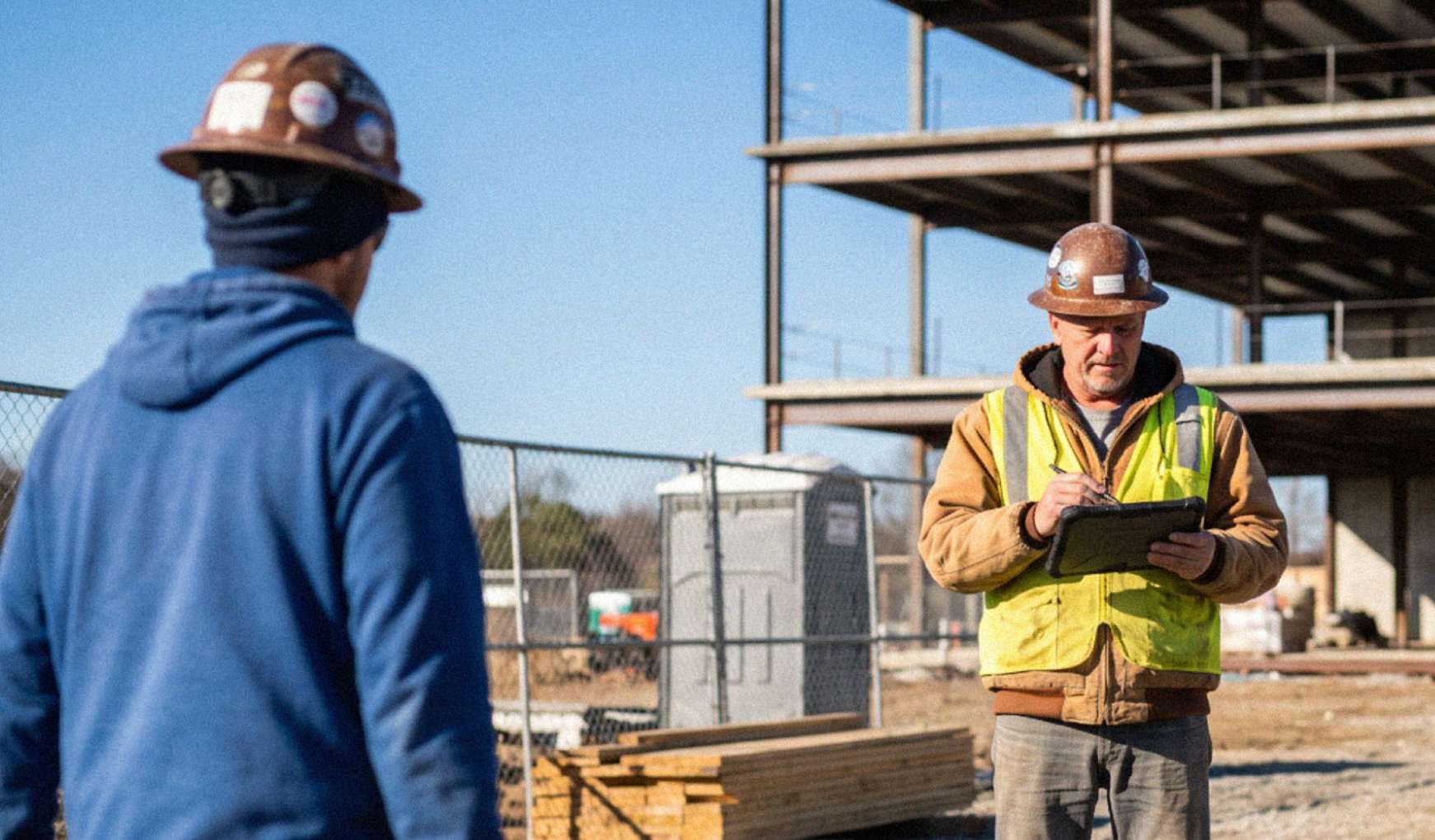
For superintendents and their crews: every hour lands on the right job and cost code, padded time comes off payroll, and each job gets one daily report, filed before clock-out.
One dayof admin recovered each week
"I tried using my payroll provider but they couldn’t adapt to the way I worked. Then I discovered Workyard, and in a way, this platform became my admin team."

"The automated timekeeping that Workyard offers is above and beyond any other timekeeping system we have used in the past and we would definitely recommend to other companies."
Hunter Porter, OwnerPhoenix Construction Solutions

“They can, you know, leave their phone in their pockets … when they roll in, and it catches them when they get to the fence.”
General contractor, 11–50 workers

“We've got almost all of them now, with the exception of one guy, on the system. … I mean, we love the program. Like I said, it's really very simple to use.”
Operations ManagerGeneral contractor, 11–50 workers

“As soon as they walk in or drive close enough to the door, it clocks them in.”
Office ManagerGeneral contractor, 11–50 workers

The payoff
Job costs
5–25%
unassigned hours before Workyard
GPS and agents put each hour on the job it was worked.
Time
30 mins
to prep payroll, not 12 hours
The typical drop for customers.
Money
10–18%
off payroll
Rounded times, buddy punches, forgotten clock-outs: eliminated.

A five-person commercial construction company in Maine, with about 30 retail and hospitality clients who each want billing their own way. Workyard keeps every client’s labor costs and shows how long each task really takes.
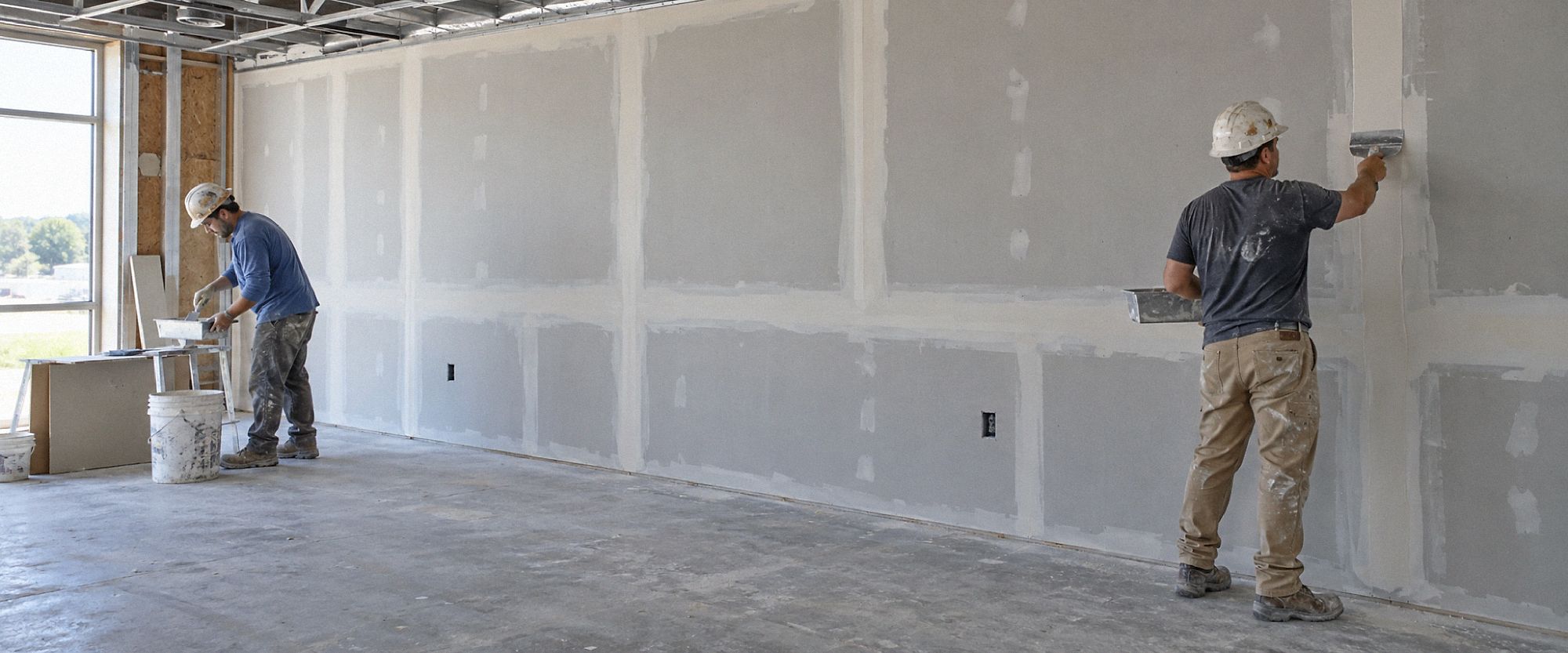
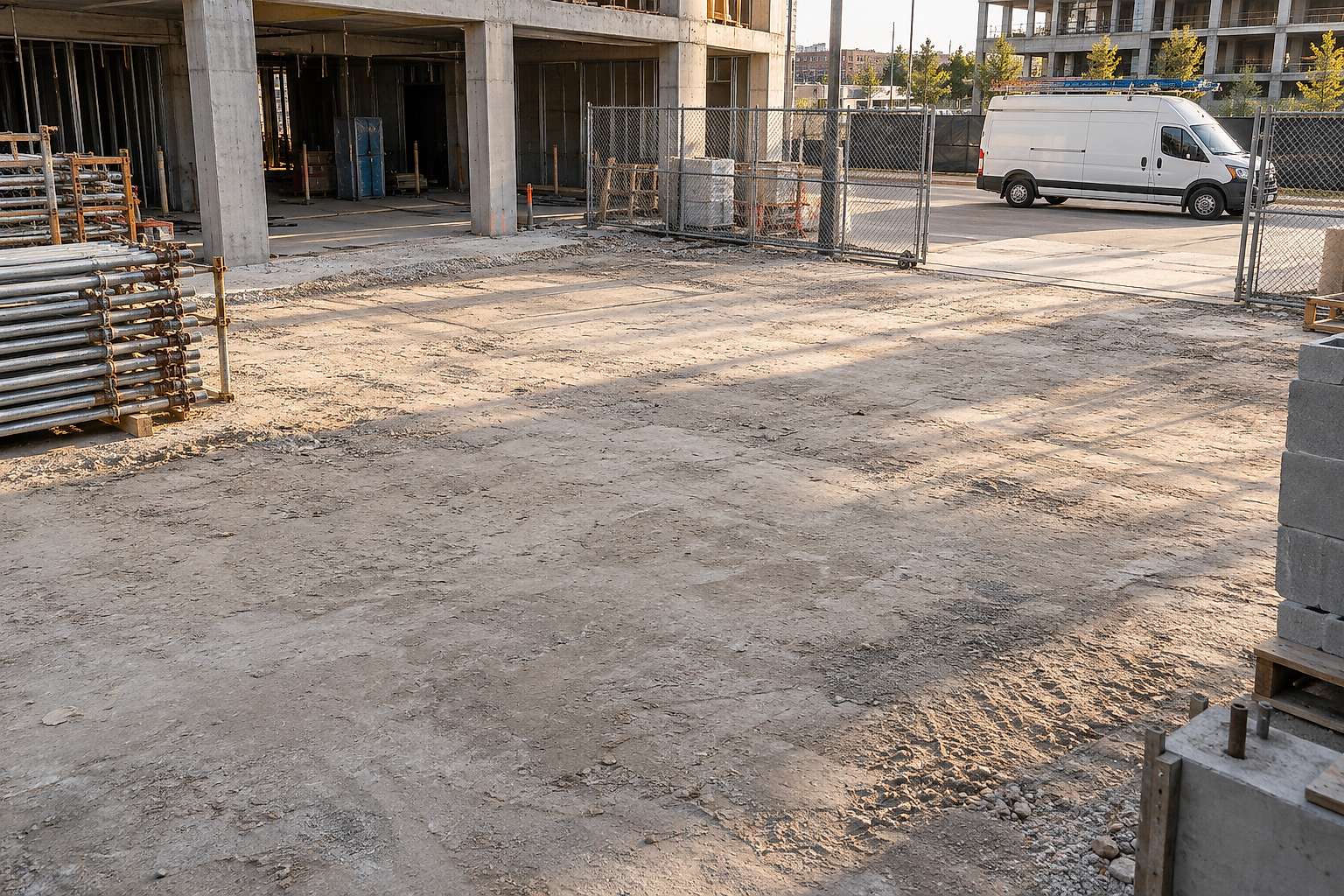
Workyard is not another project management suite. It runs the crew side of every job, deeply, and connects to the rest.
For projects, payroll and accounting: QuickBooks, Sage, Foundation and 18 more. Jobs come in, and approved hours go to the systems that cost and pay.








Other tools wait for someone to do the work. Workyard’s agents check every timecard and flag only what needs you. That’s the whole job.
From quick answers to hours of work, handled
Time tracking that runs itself
Reports you need, without the spreadsheet work
Works your way
Supers run each job's crew. Some workers move between sites all day. Workyard fits both.
A super keeps each job's crew and time

Workers on two or three sites a day, PMs approving
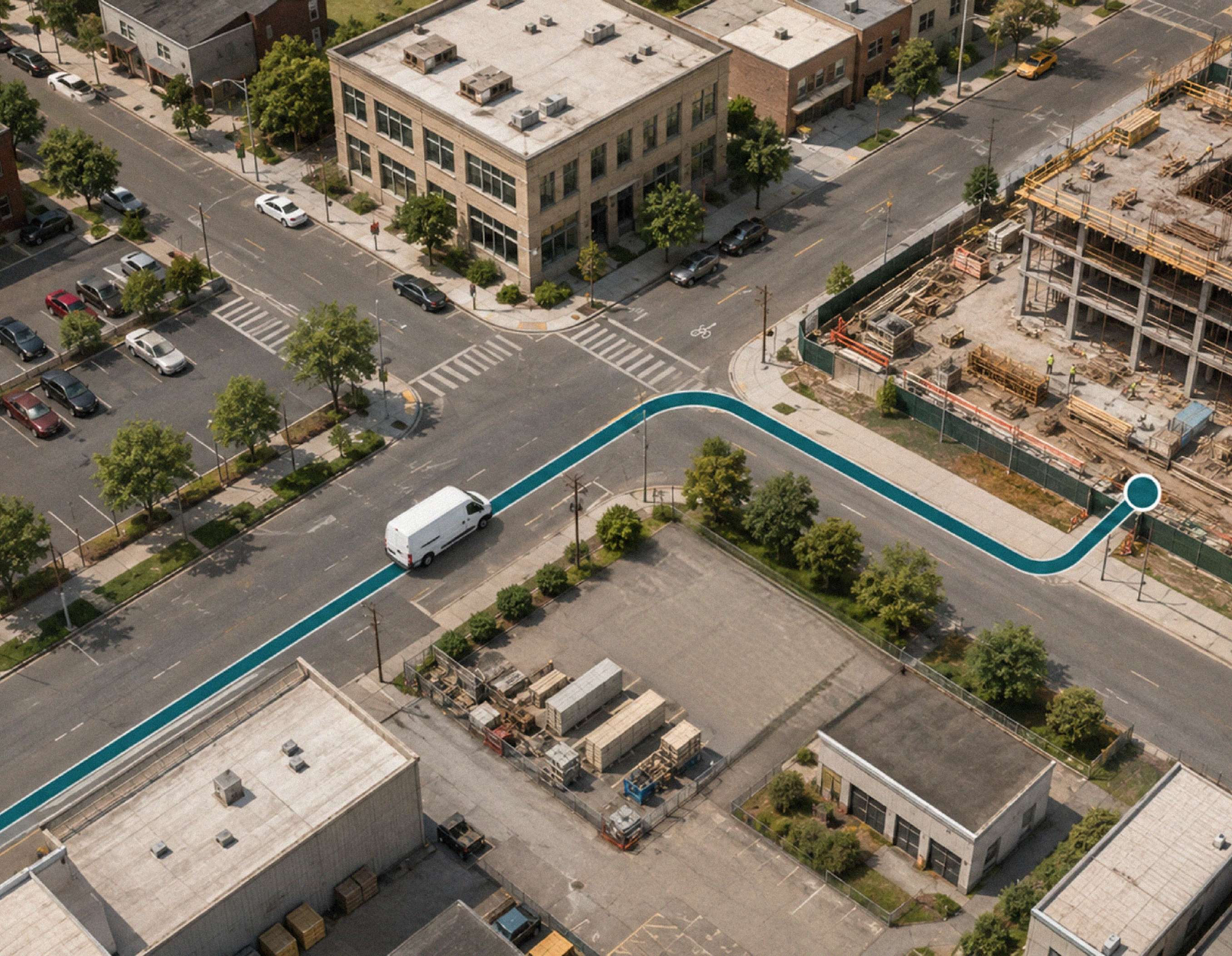
Built for the way GCs run
What general contractors ask us for more than other trades do, built in.
California and Washington crews get the state's rest and meal break reminders, and a worker who says they missed one flags the card for their approver by morning. Time limits set when each crew's day can start and end.
Arrive on site and the clock starts; drive past and nothing happens. A missed clock-out is trimmed back to when they left, flagged for you to approve. Track all day, only at the punch, or not at all, crew by crew, and never after hours.
The super’s daily report fills in the crew and their hours from the time cards. The super adds what got done and the photos, it’s due before clock-out, and it lands with the job’s PM the moment it’s in. Nobody chases it on Monday.
Customer stories

Thousands already do, every day.
GPS and AI drive the capture and correction, so they don't have to.
Works offline. Works in Spanish. Prevents buddy punching. Detects and corrects mistakes.
Location is only shared while on the clock, never after hours. You choose the level of tracking that fits your crew.

"I love this app. It makes it so easy for me to clock in and clock out and it tracks my mileage for my work and everything. I would recommend it, great way to keep up with everything."
"By far the best app I've ever used for work. Most consistent and accurate. Haven't had any difficulties at all. I will never use another app for clocking my hours at work."
"This app is extremely easy for my construction staff to use. It creates reports for me that show different costs by projects and honestly just saves me time and headaches."
You're wondering…
No. Laborers can clock in on their own phone or a company one, iOS or Android. Or the super clocks in the whole crew from one tablet, or a kiosk in the site office takes a PIN and a photo. Each crew’s rule group sets which.
Geofences are made from your job addresses, so you only adjust the ones that need it. Draw the shape on the real lot lines, from one building to a whole campus. GPS can tell neighboring lots apart but not floors, so inside one high-rise, hours are kept apart by job instead.
It tracks only while they’re on the clock, never after hours or on weekends, and they can see that in the app. Each worker gets a plain-language document, in English or Spanish, of what’s captured and when. You choose the level per crew: all day, only at clock in and clock out, or off. A full day fits on one charge.
Yes. Time cards search by worker and date range, and a pay period’s time, sign-offs and notes come out as a PDF or CSV. Any day replays the job sites they visited, how long they spent at each, the drives between them and the miles.
Yes. Restrict which jobs each worker can clock into, and give each job its own cost codes, so a super sees the short list that belongs there. Cost code groups narrow it by team or person, and a job with one code can default to it. Coded it wrong? Split the day across jobs and codes on the time card afterwards.
Yes. Jobs and cost codes come in from Foundation, Sage 100 Contractor, Sage Intacct, Spectrum and QuickBooks Online or Desktop, and new jobs keep coming over. Once a pay period is approved, you send the hours back by job and cost code, overtime split out: straight in for most, as a ready-made import file for Foundation and Sage 300 CRE. ADP, Paychex, Gusto and NetSuite connect too.
Both. With tracking off for a crew, they can still clock in at a kiosk with a PIN; what they lose is the automatic part, clocking in on arrival and switching jobs by location. With it on, a stop at an address with no geofence, like an emergency call, still shows on the day as its own named stop.
By your rule, with nothing for the worker to tap. In Automatic mode each drive goes to the job it ends at, is split across the day’s jobs, or stays unallocated, with its own cost code if you like. A Home Depot run is labeled as its own stop and added to the next job. Travel is tracked, but it isn’t sent to payroll as its own pay type.
Yes, for projects. Your Procore projects and standard cost codes come in, so crews clock in to the jobs and codes your project team runs. Hours don’t go back to Procore today; they go to your payroll or accounting system. Workyard runs the crew’s working day (hours, locations, daily reports, photos and each job’s labor cost), not plans, RFIs or submittals.
Days, not months. Your jobs and crew sync from your accounting system, Procore projects come in too, and a real person walks you through it.
Yes, the one they clock in with. The crew, their hours and cost codes fill in from the time cards; the super adds what got done, what held it up, the photos and a signature. Make it due at clock-out or on arrival at each job, and it files to the job and goes to its PM the moment it’s in. Any report downloads as a PDF with your logo.
Yes. Make the super the crew’s time approver, and project managers can approve the time on their jobs. Each manager sees project hours and activity, with or without financials, for the jobs they manage. Pay rates stay on the admin side.
Yes. Each crew’s rule group decides how they clock in, whether location is tracked, when the day can start and end, which breaks are required and what they sign. Put the union crew in one group and the office staff in another. Overtime rules sit on each worker, so a California crew and a Nevada crew each run their own state’s.
Clock-ins, clock-outs and forms record on the phone with no signal and send when it finds coverage; photos upload once it’s back. If a phone dies, the super can clock that worker in with the crew, and your daily time limit cuts back a card left running.
A super with access to the crew’s cards corrects them on the phone or the web, giving a reason, and workers can fix their own if you allow it. Every change stays on the card’s log, and the worker gets an email and a push. It’s one approval, not a chain, and the office can approve anything still open. Once exported, only an admin can change a card.
Both. Rounding is one company setting: 1, 5, 10, 15 or 30 minutes, not to the hour, and at 1 minute punches stay to the minute. Time limits per crew set when the day can start and end: a card that starts early begins at the limit, one that runs late is cut back, and the worker gets a push 30 minutes before. Whether rounding suits your state is a question for your attorney.
Yes. Companies based in California or Washington can turn on the state’s break rules: a rest break reminder at two hours, a meal at four and a half, and a prompt when a card is missing a meal. The daily sign-off asks every worker whether they took their breaks, and a no flags the card for their approver the next morning. The missed-meal premium isn’t calculated; that stays with payroll.
If you turn it on. Arriving on site starts the clock, and driving past a job doesn’t. A missed clock-out is trimmed back to when they left the site and flagged, with the GPS trail, for you to approve. Prefer a lighter touch? Have it ask them to confirm, or leave it off, crew by crew.
Not today. A worker has one rate at a time, kept by effective date so it stays put week to week, not a rate per job or classification. Machines can be tagged on the time and priced on the job at the machine’s rate, but that’s job cost, not pay.
Not the report itself: Workyard doesn’t calculate prevailing wage or produce WH-347s. Hours are coded to the job and cost code, so public and private work stay apart, and you can export the crew on prevailing wage work as its own batch to the system that files it.


We import your jobs, cost codes, and crews. Connected to your systems and live in days, with a person on the phone the whole way.