

"I would probably ballpark it to be roughly about $5,000 and that's just something that we saw fairly immediate, where we were able to save roughly about five visits per job"
Victor Rodriguez, HR Field ManagerSynaptic Solar
Construction daily report software
Every job’s daily is done at clock-out: hours from the crew’s time cards, notes and photos from the foreman, signed before anyone leaves and sent to the job’s PM.
"I would probably ballpark it to be roughly about $5,000 and that's just something that we saw fairly immediate, where we were able to save roughly about five visits per job"
Victor Rodriguez, HR Field ManagerSynaptic Solar
$123Ksaved with Workyard’s Smart Forms
"Smart Forms pays for itself through accurate invoicing, insurance savings, and keeping our business moving every single day."

"We wanted more than a time tracking app since many exist. We sought something that helps beyond just tracking time."
Brian Mata, Project ManagerWagler Custom Homes

100s of hrssaved a week routing supervisors by proximity
"It's preventing us from losing more on each project — saving us money."

"Of all the solutions we’ve been exposed to, Workyard is the best. It’s a good value for the money, and the team is always willing to work with you to meet your needs."
James Monzello, CFOGreen Wall Tech

2 weeksto roll out to all 120 crew
"You should ditch the paper, get rid of the other software, get on something that can track your crew's time, track your job costing, and save you real money."

15–20admin hours back every month
"If you have field crews, Workyard is one of those tools that pays for itself. It saves us hours every payroll, keeps everyone accountable, and gives us real-time visibility into every job."

How it works
The daily report your foremen already fill in by hand, now on their phones, with the crew’s hours filled in automatically from their time cards.
Take a photo of your paper daily, or upload the file. Workyard turns it into the same form on your crews’ phones: same questions, same order. You look it over and make any changes before your crews see it.
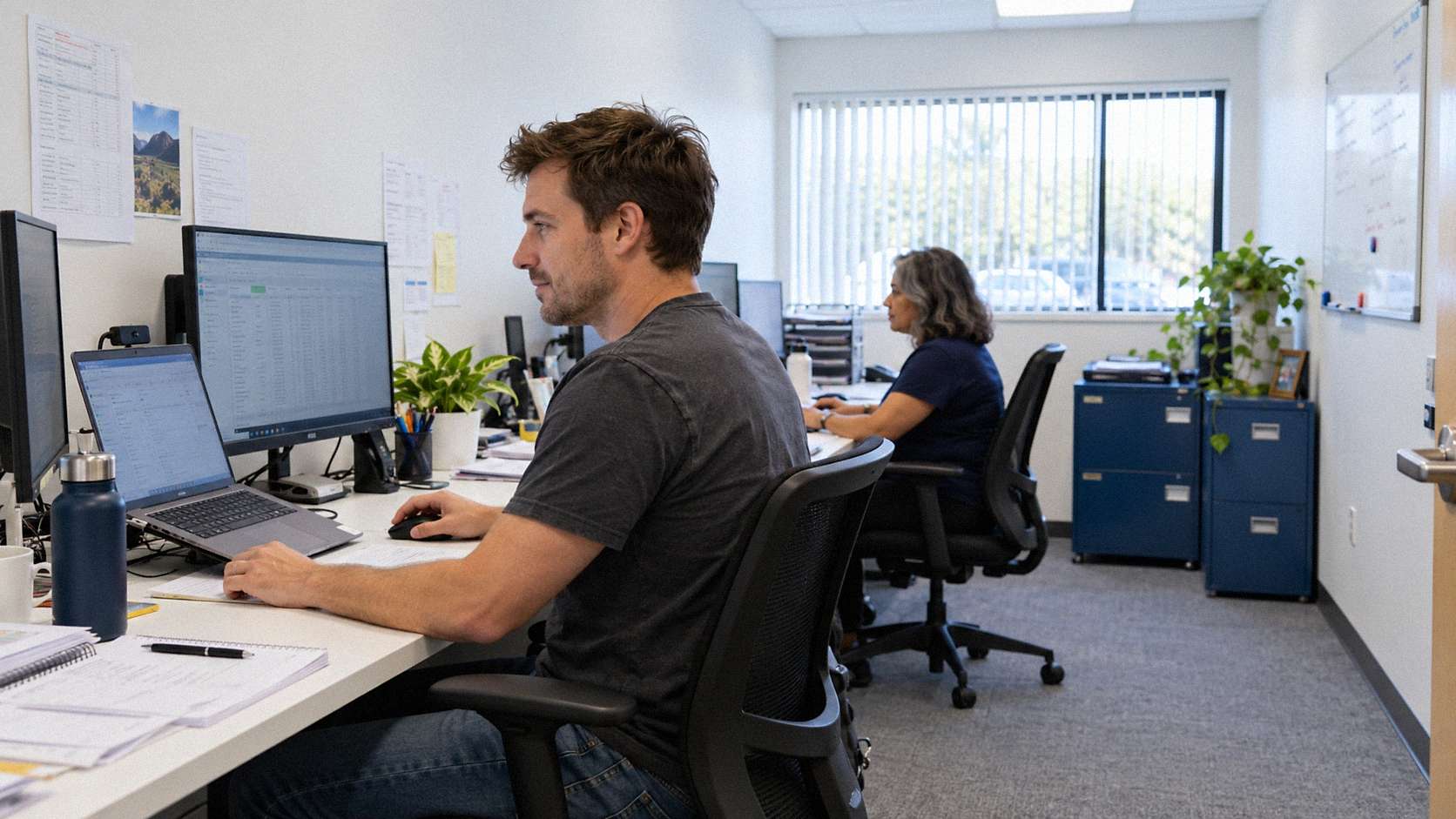
Before clocking out, they fill in the daily. Your foremen can file for the whole crew, or each worker for their own day. On three jobs today? A form can also pop up each time someone arrives on a job.
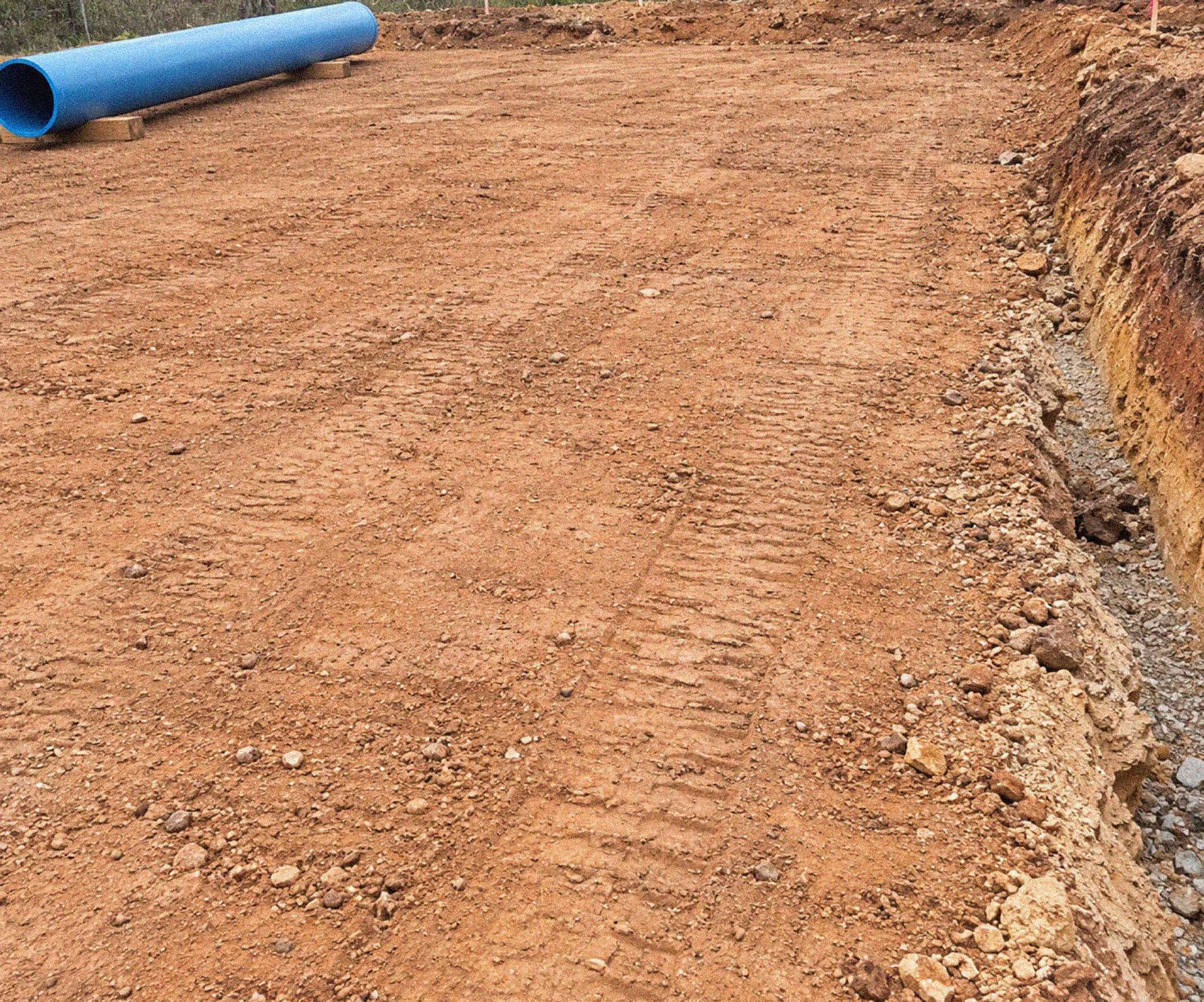
Who was on site, their hours, overtime, breaks and cost codes come straight from the time cards, so nobody types them twice. Your foreman adds what got done, what held it up, and the photos.
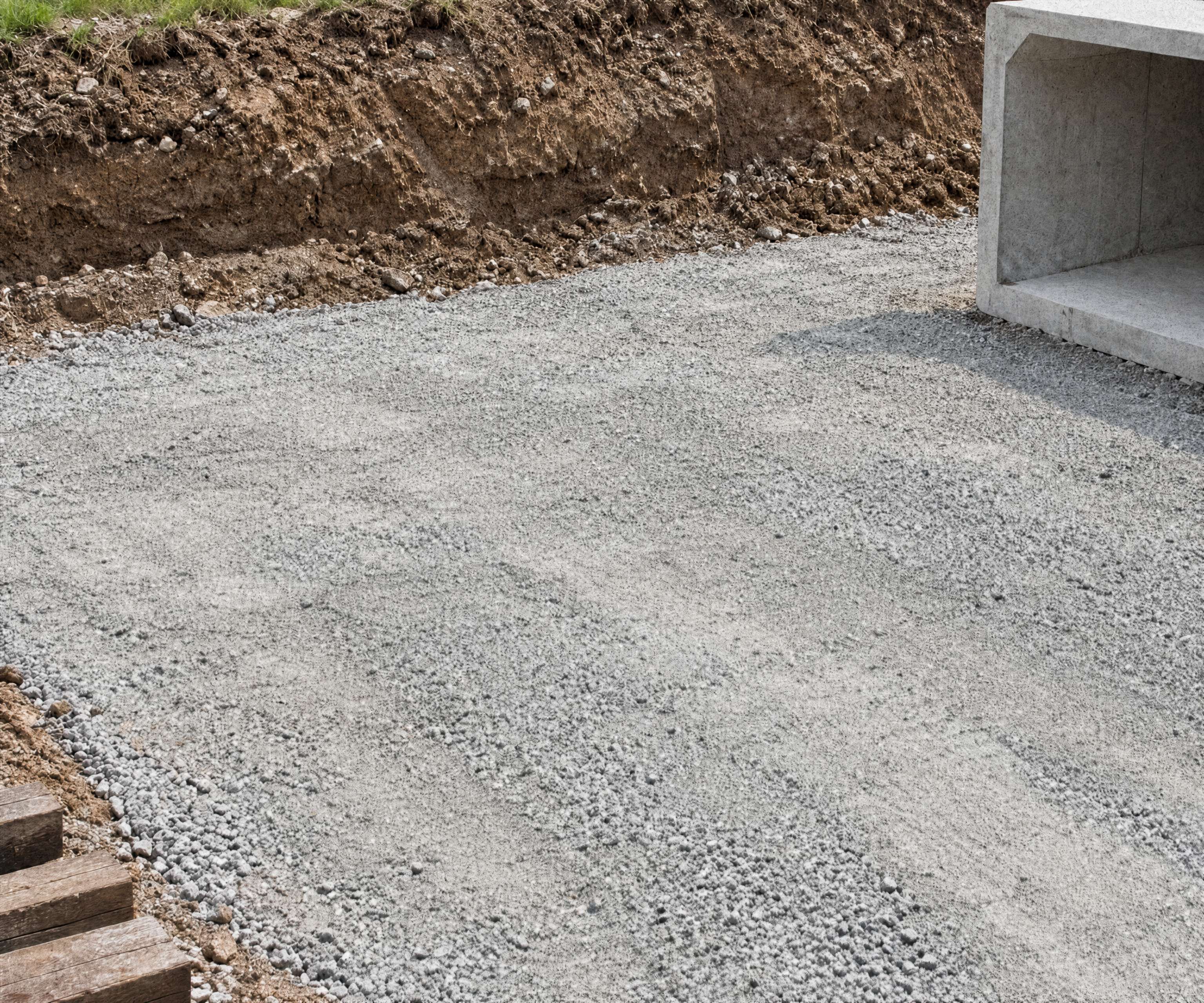
Thu Aug 19 · 26-104 Riverside
Time cards
Every daily comes out as a clean, branded report with the crew’s hours, photos and signatures. Download the PDF and send it straight to the owner or GC. No screenshots, no reformatting, no Word docs to stitch together.

Each job site asks for its own daily report on the foreman’s phone, so no job goes unreported. Once it’s submitted, it goes straight to that project’s PM, so a PM running multiple jobs sees every crew’s day without driving out to each site.


The payoff
$123K
saved by TR3 Group with forms required at clock-out
Complete records on every job cut their insurance bill.
Zero
chasing for the daily report
No clock-out until the daily report is in, so nobody spends the evening calling foremen for it.
GPS-backed
evidence for every bill and dispute
Each daily report carries the crew’s hours with GPS behind them and time-stamped photos, ready when a client questions a bill or a GC says your crew was never there.
Every crew runs its dailies a little differently. Workyard supports each way, so you choose what fits.
One foreman files for the whole crew
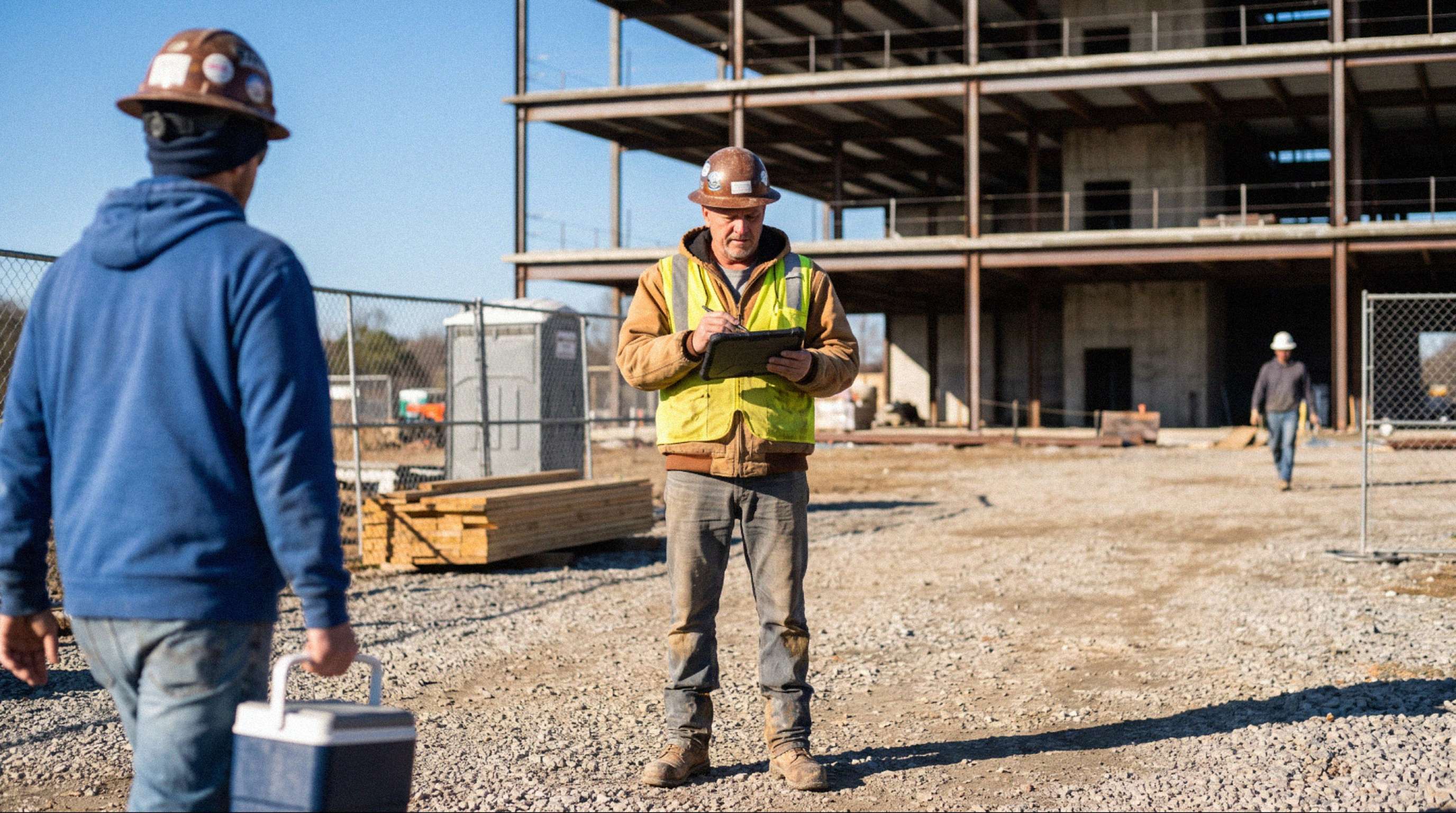
Each worker answers for their own day
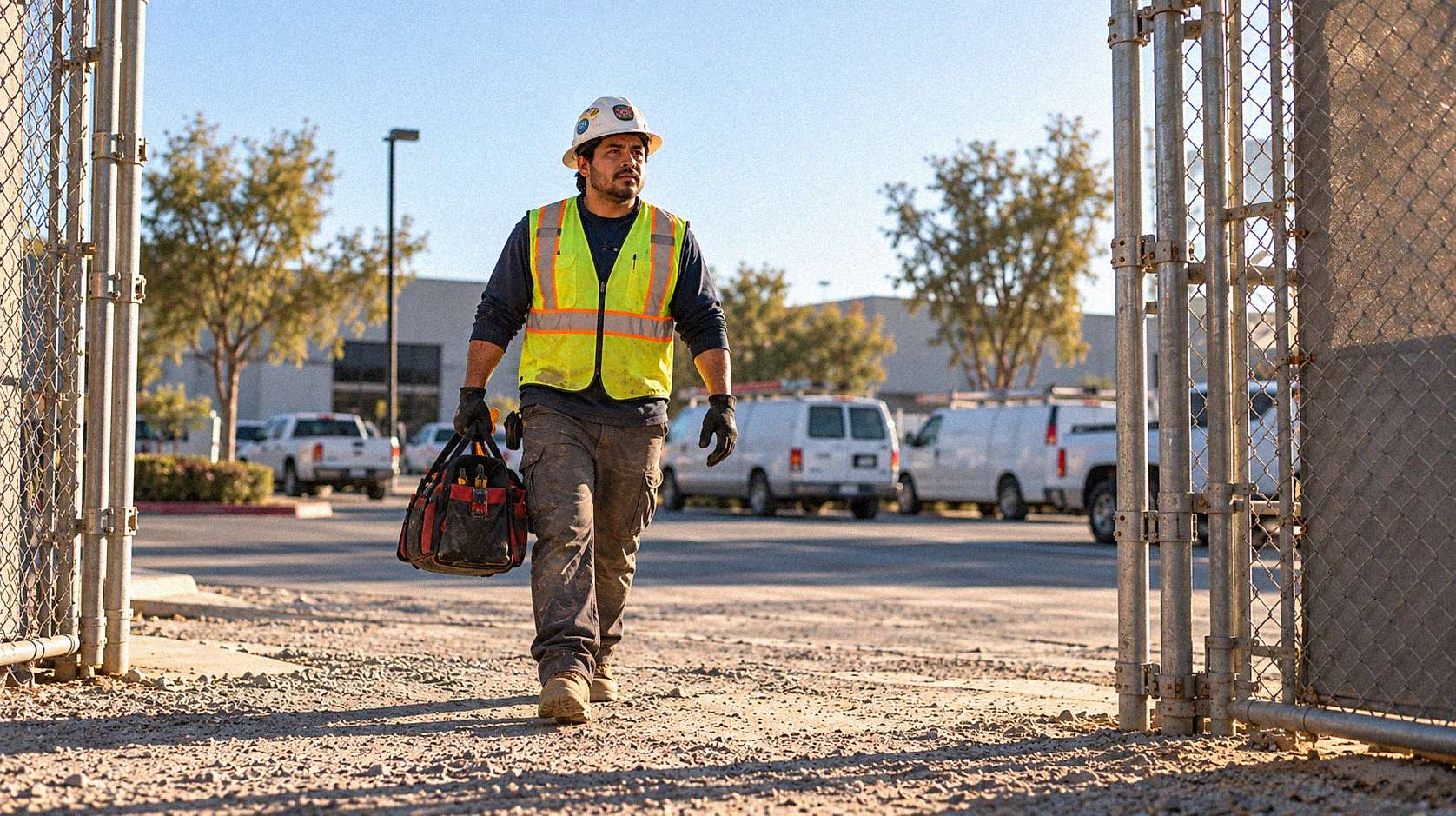
Each job’s dailies go straight to its PM


"Smart Forms pays for itself through accurate invoicing, insurance savings, and keeping our business moving every single day."
$123Ksaved with Workyard’s Smart Forms
Read the story
"I would probably ballpark it to be roughly about $5,000 and that's just something that we saw fairly immediate, where we were able to save roughly about five visits per job"
$5,000 a weeksaved on payroll and job costs
Read the story
"We can present a complete bill to clients at the end of every 30 day period with an audit trail. Prior to Workyard we didn’t have that supporting evidence."

"I tried using my payroll provider but they couldn’t adapt to the way I worked. Then I discovered Workyard, and in a way, this platform became my admin team."
Features
Required at clock-out
Make a form required at clock-out. The app holds clock-out until it’s in.
Due on arrival
It fires when a clocked-in worker reaches the job’s geofence, and again at the next job.
Attach a form to a scheduled task. The worker’s notification opens straight to it.
Works offline
Forms that fire at clock-in or clock-out work with no signal. Save a draft and finish later.
Timecard Autofill
Crew, hours, overtime, breaks and cost codes, straight from the time cards.
Photos and sign-offs on the form. Any answer, photos included, can be stamped with the time and place.
Workyard fields
Pick the job, customer or cost code from your Workyard lists, then filter and export by them.
Calculations
Material, equipment and labor costs, volumes and mileage, totalled on the form.
Snap a photo of the form you use, like your daily job report, and we build the digital version. Or drag in the questions: checklists, dropdowns, tables, photos and signatures.
Daily job report
A ready-made daily job report: crew and hours, work done, delays, weather, photos and sign-off. Use it as is or make it yours.
Template library
200+ forms by trade and use: daily reports, vehicle inspections, JSAs. Pick one and make it yours.
AI translation
Translate the whole form into Spanish or Portuguese in one click, then check it.
Client-ready PDF
Any submission as a clean report with your logo and company header. Internal fields stay internal.
Routed to the right person
Each submission to the people or teams you choose, by email and push. An unexpected answer is flagged right away.
Fix a submission
Admins correct a wrong answer in place. Every change is logged with who and when.
Filed to the job
Each job keeps its forms together in one Forms tab, to filter and export as PDF or CSV.
Connect 21 payroll, accounting and project systems. Your jobs and employees sync automatically.









Fair questions, straight answers
No. The crew’s details fill in from their time cards: who was on site, start and end times, hours, overtime, breaks and cost codes. Your foreman adds the rest: what got done, what held things up, the photos and a signature.
Job and date, crew and hours, work performed, delays, equipment, materials, weather, safety notes, photos and a signature. You decide which of those your form asks for. In Workyard the crew and their hours fill in from the time cards, and your foreman adds the rest.
Want the format on paper first? Our free daily construction report template is that sheet.
Up to you. Make the report due at clock-out and he files one for his day. Make it due when he enters a job’s geofence and he gets one for each job he visits, with a reminder if it isn’t done 15 to 60 minutes later.
Make it required at clock-out: the app won’t finish clocking out until it’s filled in. You decide who fills it in: your foremen for the whole crew, or every worker for their own day.
Yes. Give the form to every worker instead of just your foremen, and each one answers for their own day at clock-out.
Mark that answer as unexpected, like “Was anyone injured? Yes”, and choose who hears about it. The moment the report is submitted, your safety lead gets it by email and push, instead of finding it when someone reads the dailies. The report still goes to the job’s PM as usual.
Yes. Upload a photo of the one you print, or the PDF, Word or Excel file, and Workyard builds the digital version with your fields in your order. You check it, then publish it to your crews.
Yes. Add project managers as the form’s recipients, and each daily goes to the manager of the project it’s on the moment it’s submitted, by email and push. Each job’s reports also stay together on its Forms tab, to filter by date and export.
Into the report, with the time and place each one was taken, and the report is filed against the job. When a client, a GC or an adjuster disputes the work months later, the job’s reports and their photos are in one place.
Yes. Filter by job and date range, then export to Excel or CSV. Any single report downloads as a PDF with your logo.
Yes. Download it as a PDF with your logo, the job and the date. If your client wants their own form, build it from a photo of theirs. Workyard doesn’t send reports for you, so you email or share the PDF the way you do today.
No. They describe the same day. The report’s hours come from the time cards and stay in step with them: fix a time card and the report catches up. There’s no second set of hours for anyone to retype.
Yes. Fill it in and submit it offline, and it sends once the phone is back online. That’s also when the photos upload and the crew’s hours fill in.
No. Workyard runs the record of the working day: hours, locations, forms, photos, daily reports and each job’s labor cost. It doesn’t hold plans, RFIs or submittals. If you need a project hub with a client portal, a project management suite is the right buy, and we’ll tell you so on the first call.
Same record, different names. Some trades say daily log, GCs often say daily field report. It’s one account of one job for one day: who was there, what got done, what held it up, and the photos.




Live in days, not months, and a real person on the phone the whole way.