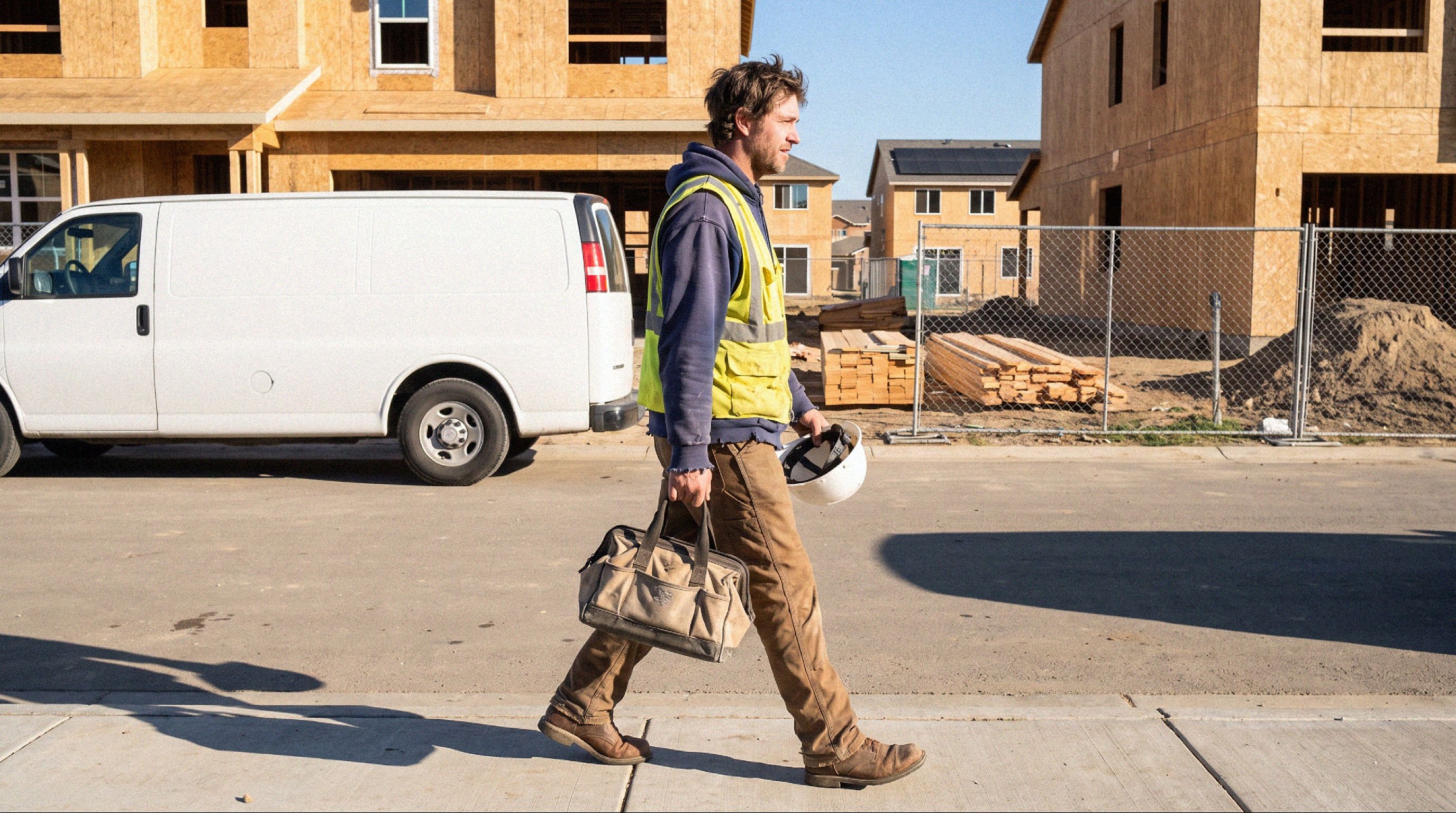

$123Ksaved with Workyard’s Smart Forms
"Smart Forms pays for itself through accurate invoicing, insurance savings, and keeping our business moving every single day."
Construction safety software
Your JSAs, toolbox talks, inspections and incident reports, on the crew’s phone at clock-in, clock-out or the job that needs them. Nothing to chase. Every form comes back signed and filed to the job, a record that’s there when it counts.
$123Ksaved with Workyard’s Smart Forms
"Smart Forms pays for itself through accurate invoicing, insurance savings, and keeping our business moving every single day."


"I would probably ballpark it to be roughly about $5,000 and that's just something that we saw fairly immediate, where we were able to save roughly about five visits per job"
Victor Rodriguez, HR Field ManagerSynaptic Solar

"We wanted more than a time tracking app since many exist. We sought something that helps beyond just tracking time."
Brian Mata, Project ManagerWagler Custom Homes

100s of hrssaved a week routing supervisors by proximity
"It's preventing us from losing more on each project — saving us money."

"Of all the solutions we’ve been exposed to, Workyard is the best. It’s a good value for the money, and the team is always willing to work with you to meet your needs."
James Monzello, CFOGreen Wall Tech

2 weeksto roll out to all 120 crew
"You should ditch the paper, get rid of the other software, get on something that can track your crew's time, track your job costing, and save you real money."

15–20admin hours back every month
"If you have field crews, Workyard is one of those tools that pays for itself. It saves us hours every payroll, keeps everyone accountable, and gives us real-time visibility into every job."

How it works
The forms are yours, built from a photo of the ones you already use: your JSA, your toolbox talk, your equipment check. Workyard puts each one on the right phone the moment the work happens, and files it to the job before anyone goes looking for it.
Take a photo of the JSA, toolbox talk or inspection sheet you use today, or upload the PDF, and Workyard builds the digital version: your questions, your order, your sign-off. You check it, set when it fires and who gets it, and publish. Nothing gets redesigned.

JSAs, toolbox talks, inspections, incident reports and the injury question at clock-out, each filed to the job. If it’s on a clipboard today, it runs here.
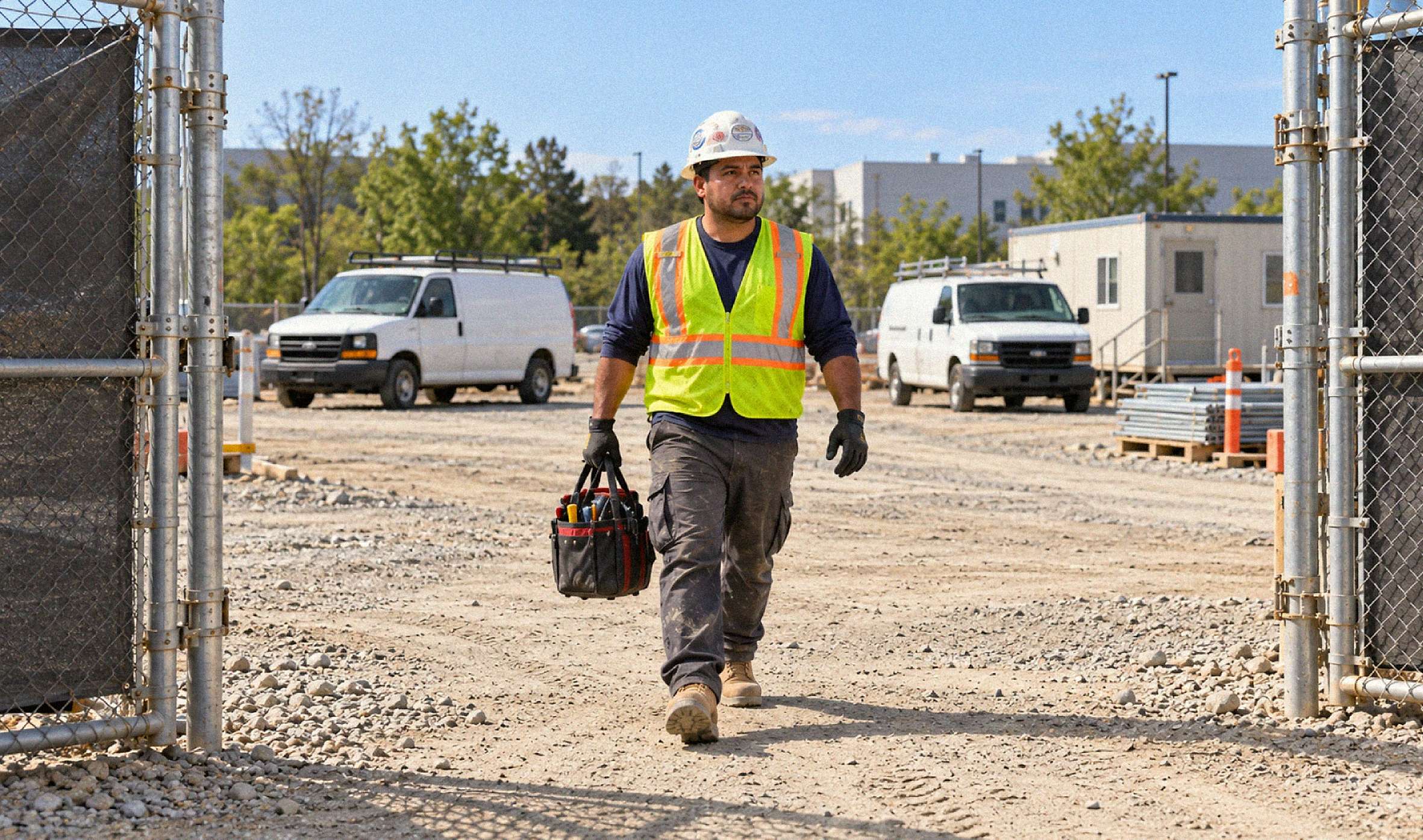
At clock-in, at clock-out or on arrival at a specific job. A clock-in form that’s still open at the end of the day has to be done before they can clock out.
Any injury today? Any hazards or close calls? You write the questions on a clock-out form, and the app holds the clock-out until they’re answered and signed. Every answer is dated and kept, so when a claim turns up, you have the record, signed by the worker.
A close call goes to your safety lead. A cracked strap goes to the mechanic. The people you name hear about it the moment it’s sent, and every submission lands on the job’s Forms tab with the date, the photos, the signature and who filled it in.

End of shift check · sent to
4:47 PM
The payoff
$123K
cut from TR3 Group’s insurance costs
The paperwork their insurer was charging for: vehicle inspections prompted at clock-in, signed, dated and shown on a phone in the yard.
Every day
fired on cue and done, no chasing
Each form opens on its own at clock-in, clock-out or on arrival, and the crew signs it on the phone. Nobody has to remember it or follow up.
Every shift
a paper trail, built in
Every clock-out answer is dated, signed and filed to the job. If a claim comes in, it’s checked against the record, not someone’s memory.

"Smart Forms pays for itself through accurate invoicing, insurance savings, and keeping our business moving every single day."
$123Ksaved with Workyard’s Smart Forms
Read the story
"Moving our repair requests to digital forms with Workyard made a huge difference. Before, issues would get lost in the shuffle, and it could take too long to get equipment fixed. Now, as soon as a problem is reported, we get notified immediately, and our mechanics can take care of it right away."

"Of all the solutions we’ve been exposed to, Workyard is the best. It’s a good value for the money, and the team is always willing to work with you to meet your needs."
Features
Required at clock-out
Make a form required at clock-out. The app holds clock-out until it’s in.
Due on arrival
It fires when a clocked-in worker reaches the job’s geofence, and again at the next job.
Attach a form to a scheduled task. The worker’s notification opens straight to it.
Routed to the right person
Each submission to the people or teams you choose, by email and push. An unexpected answer is flagged right away.
Photos and signatures
Photos and sign-offs on the form. Any answer, photos included, can be stamped with the time and place.
Works offline
Forms that fire at clock-in or clock-out work with no signal. Save a draft and finish later.
Template library
200+ forms by trade and use: daily reports, vehicle inspections, JSAs. Pick one and make it yours.
AI translation
Translate the whole form into Spanish or Portuguese in one click, then check it.
Snap a photo of the form you use, or upload the file. We build the digital version.
Fix a submission
Admins correct a wrong answer in place. Every change is logged with who and when.
Client-ready PDF
Any submission as a clean report with your logo and company header. Internal fields stay internal.
Filed to the job
Each job keeps its forms together in one Forms tab, to filter and export as PDF or CSV.
Site, quality and pre-start inspections, filled on site and filed to the job.
Run the talk, collect every signature, and file it to the job.
The job hazard analysis opens at clock-in, signed before the work starts.
The pre-trip check opens at the driver’s clock-in, photos and signature included.

Connect 21 payroll, accounting and project systems. Your jobs and employees sync automatically.









Fair questions, straight answers
It fires the moment they clock in. The JSA, pre-task plan or toolbox talk opens on each worker’s phone as they clock in at the site, with required fields that have to be filled before it submits. Set it for every crew or only the teams that need it. If it’s still open at the end of the day, the app won’t let them clock out until it’s done. An inspector who turns up mid-morning finds it signed and dated against the job.
Yes, two ways. Put the questions on a clock-out form you write (“Any injury today?”, “Any hazards or close calls?”) and the app holds the clock-out until they’re answered and signed. Or turn on the daily sign-off, which asks about injuries, medical attention, breaks and the hours, in English or Spanish, takes the worker’s signature and emails them a copy as a PDF. Either way the answer is dated and kept with that day’s record.
We can’t promise an outcome, and you should be wary of anyone who does. What we can promise is that the record exists: for every shift, a dated, signed answer from the worker, kept next to the hours and the location that verified them, and searchable long after the job closes. Contractors who have been through a late claim tell us that what hurt was having nothing at all from the day itself. What you do with the record is between you and your insurer or your attorney.
Whoever you name, the moment it’s submitted. A form’s submissions can go to people, to a team, or to the project managers of the job it was filled on, by email and push notification, with a link to the form and its photos. Mark an answer as unexpected, like a Yes to “Was anyone injured?”, and that answer goes to its own person. The office hears about it the day it happens, not when the paperwork comes in from the truck on Friday.
They fill them out because the form comes to them, in the app they already clock in on. No second app, no second login, no clipboard to find. The form opens at clock-in or clock-out, asks only what you put on it, and won’t submit with required fields empty. Photos are a tap, the signature is a finger. And a clock-in form that’s still open at the end of the day has to be done before they can clock out.
Yes. Your form, as it is. Snap a photo of the paper version, or upload the PDF, Word or Excel file, and Workyard turns it into a form on the crew’s phones. Or start from one of 200+ field-ready templates and make it yours. Sections, required fields, photo slots and signatures are yours to set.
Forms that fire at clock-in or clock-out work offline. They’re on the phone whether or not there’s coverage, and the submissions send once the phone finds signal again. Drafts save offline too. Browsing the full form library needs a connection.
We can’t promise a premium, and we won’t. What we can do is make the record your underwriter asks for exist: pre-trip inspections, equipment checks and site walk-throughs, done on the schedule you set, signed, dated, photographed and pulled up by job, date or worker. TR3 Group, an excavation contractor, prompted their vehicle inspections at clock-in and cut $123,000 in insurance costs. Your carrier and your history are your own; the record is what we can put in your hand.
Both come with the Max plan, which includes Safety: Smart Forms, the forms that fire at clock-in, clock-out and on arrival, and the daily sign-off with its injury and break questions. Ask us on the demo which plan fits, so nothing surprises you after the trial.
It runs your safety paperwork, not a safety program. JSAs, toolbox talks, inspections, permits and incident reports fire on cue, get signed, and file to the job. What Workyard is not is a safety management program: it doesn’t run training or track certifications, and it doesn’t analyze incident trends. If that’s what you’re shopping for, we’d rather say so now.
Yes. Put your drivers in a team and set the pre-trip to fire at their clock-in, and nobody else gets it. A form that fires on arrival can be set for a specific job too, so the hot work permit only reaches the welders who arrive at the job that needs one.
Yes. A form can take as many signatures as you need, so one toolbox talk or JSA can carry each worker’s name and signature, collected on the foreman’s phone. That also covers the sites that ban phones: the foreman carries it.
Yes, on the form itself. Photo slots take a picture straight from the camera, and the signature is drawn with a finger. Any answer, photos included, can carry the time and place it was given. Photos filed to the job are what settle “was the guard in place” long after everyone’s memory has moved on.
A form that fires at clock-in and is still open at the end of the day has to be finished before the worker can clock out. A form that fires on arrival at a job can remind the worker if it isn’t done after 15, 30, 45 or 60 minutes. And a task shows how many of its attached forms are in.
Filter, don’t dig. Each form’s submissions filter by job, date range and who submitted them, and every job has a Forms tab with everything filed against it, photos and signatures intact. Pulling six months of one job’s inspections is a filter, not a project.
Yes. Any submission opens as a clean, client-ready report with your logo and company header, its photos, signatures and time and location stamps, and downloads as a PDF. Fields you mark internal stay off it.
Yes. The crew app runs in Spanish, and AI translation turns your form’s questions into Spanish or Portuguese in one click, for you to check before it goes out. Answers come back as the crew writes them.
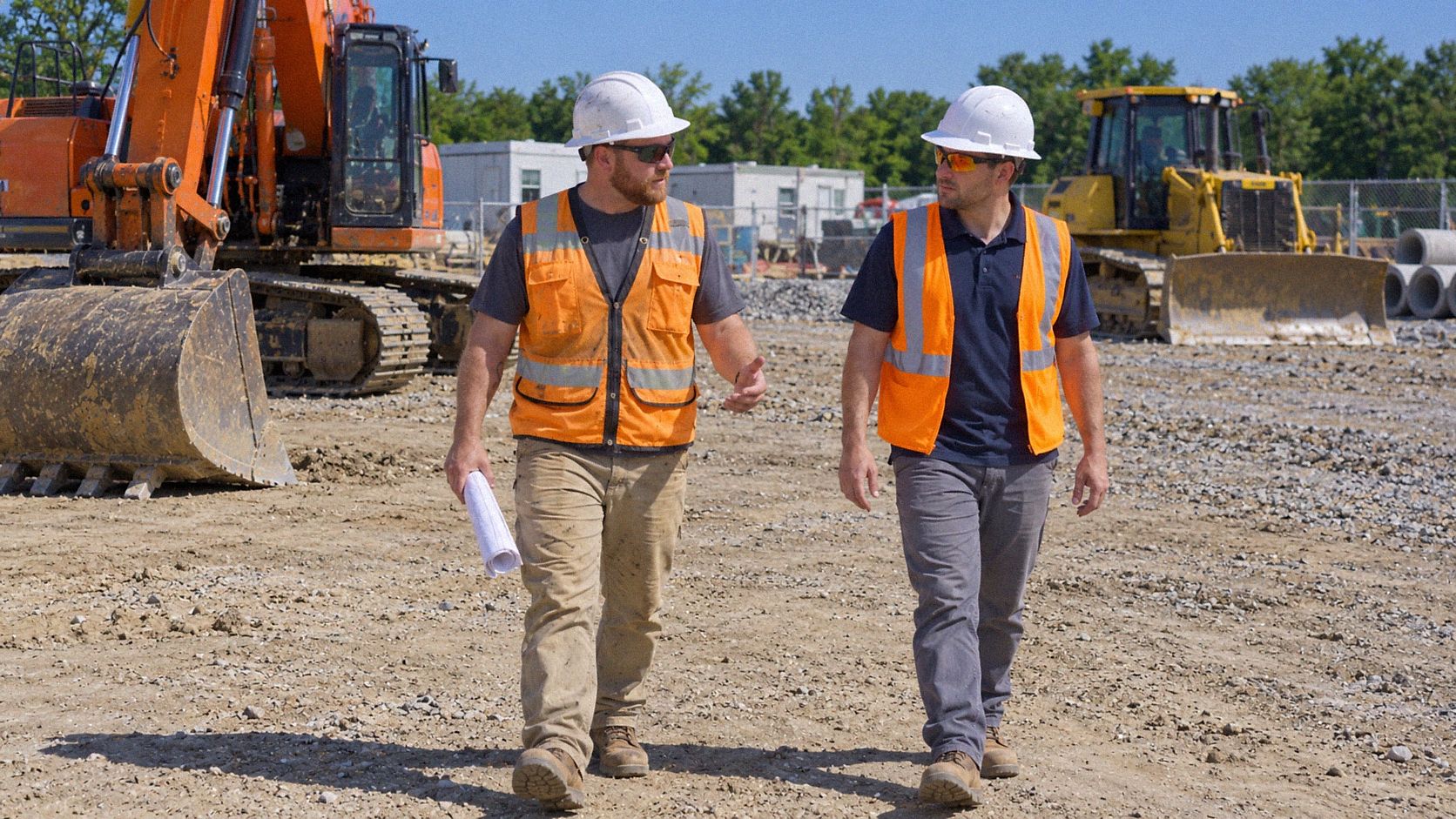



Live in days, not months, and a real person on the phone the whole way.