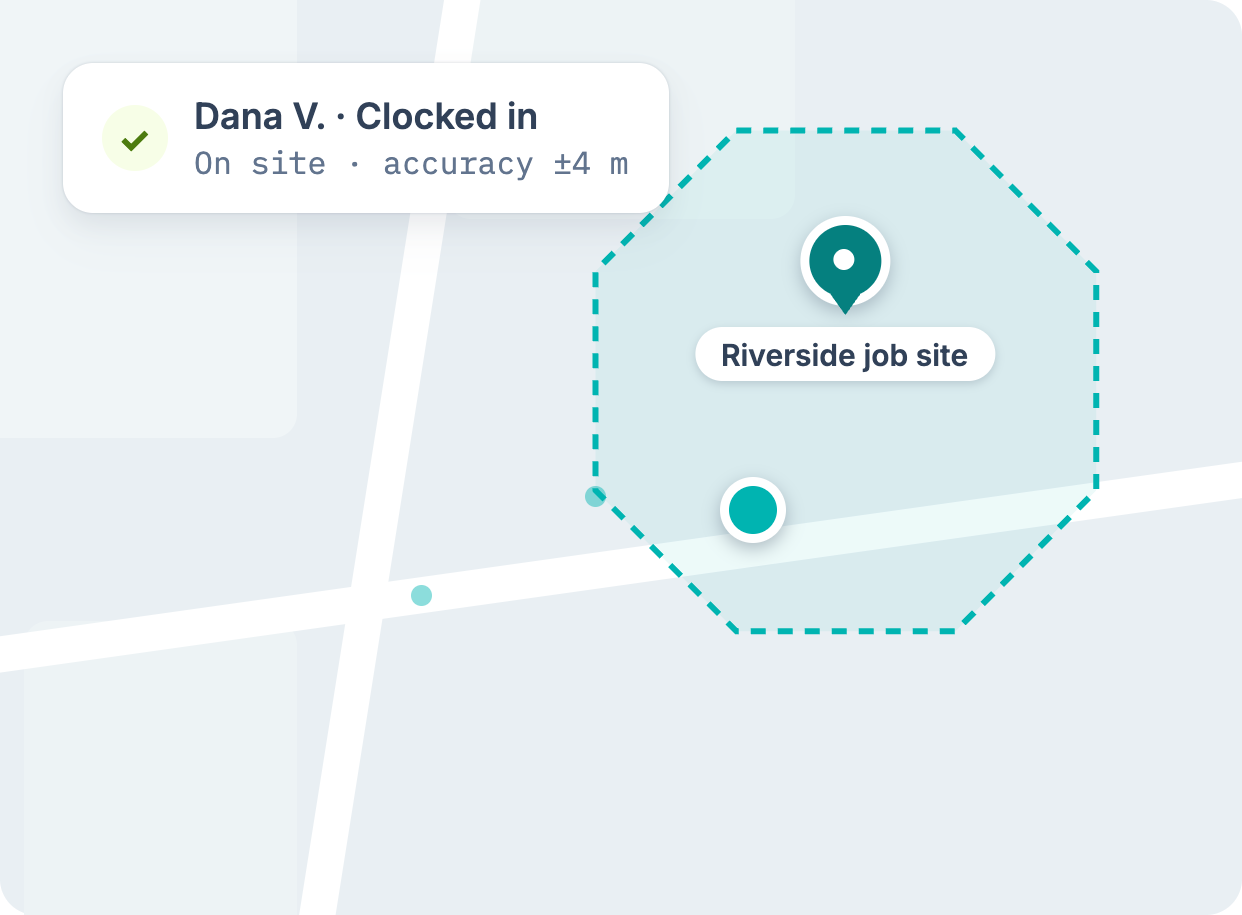
Hours that hold up at the jobsite
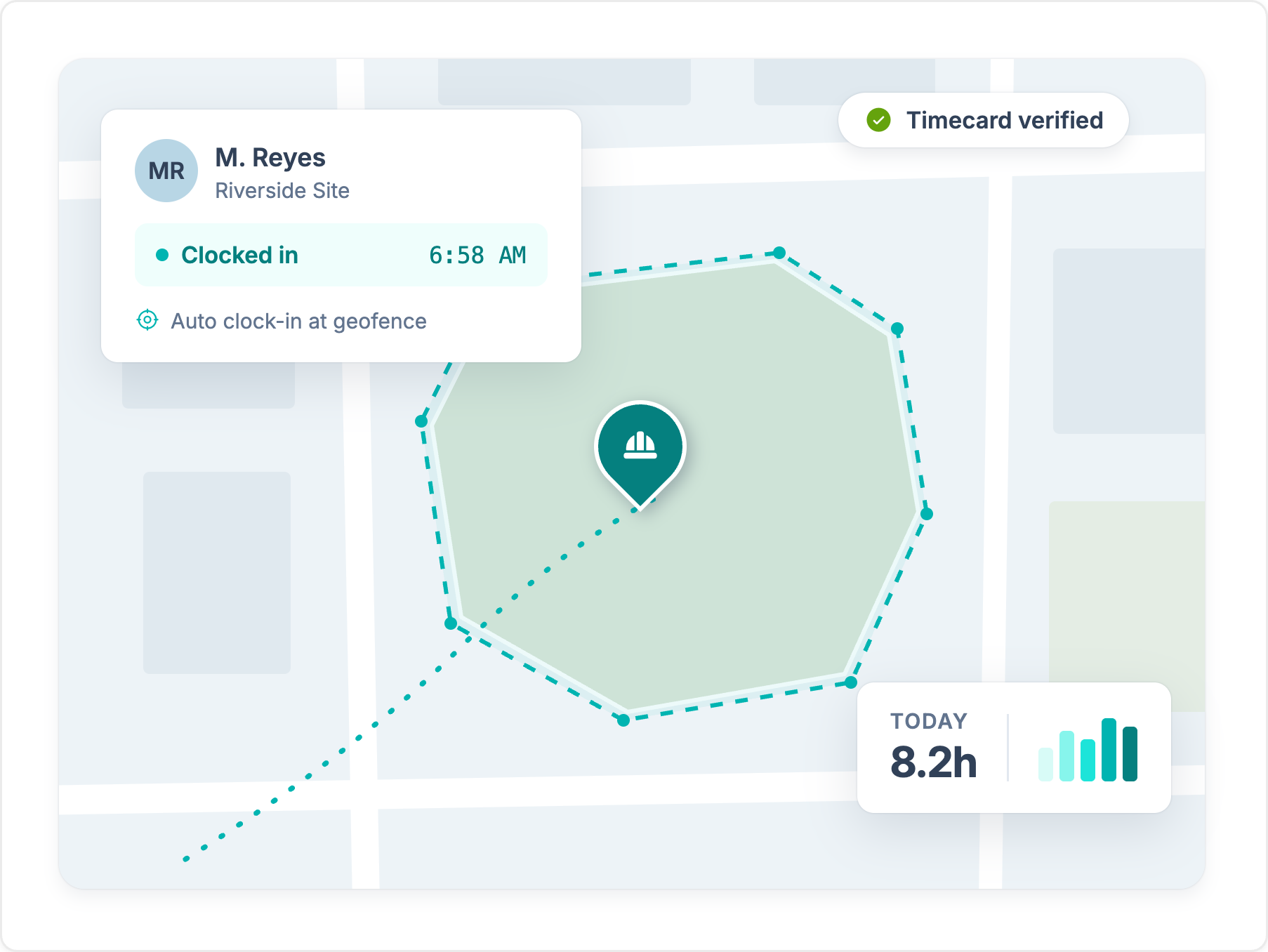
Geofences start and stop the clock at the fence line and log every jobsite visit. In Kickserv, a technician taps Clock In inside each job to start the timer.
Explore GPS time clockKickserv runs the office side of a service business: estimates, invoices, and customer records. Workyard is built for construction crews that need GPS-verified hours, cost codes, and labor law rules applied before payroll.
Trusted by 4,000+ contractors and 100,000+ workers every day.







Geofences start and stop the clock at the fence line and log every jobsite visit. In Kickserv, a technician taps Clock In inside each job to start the timer.
Explore GPS time clock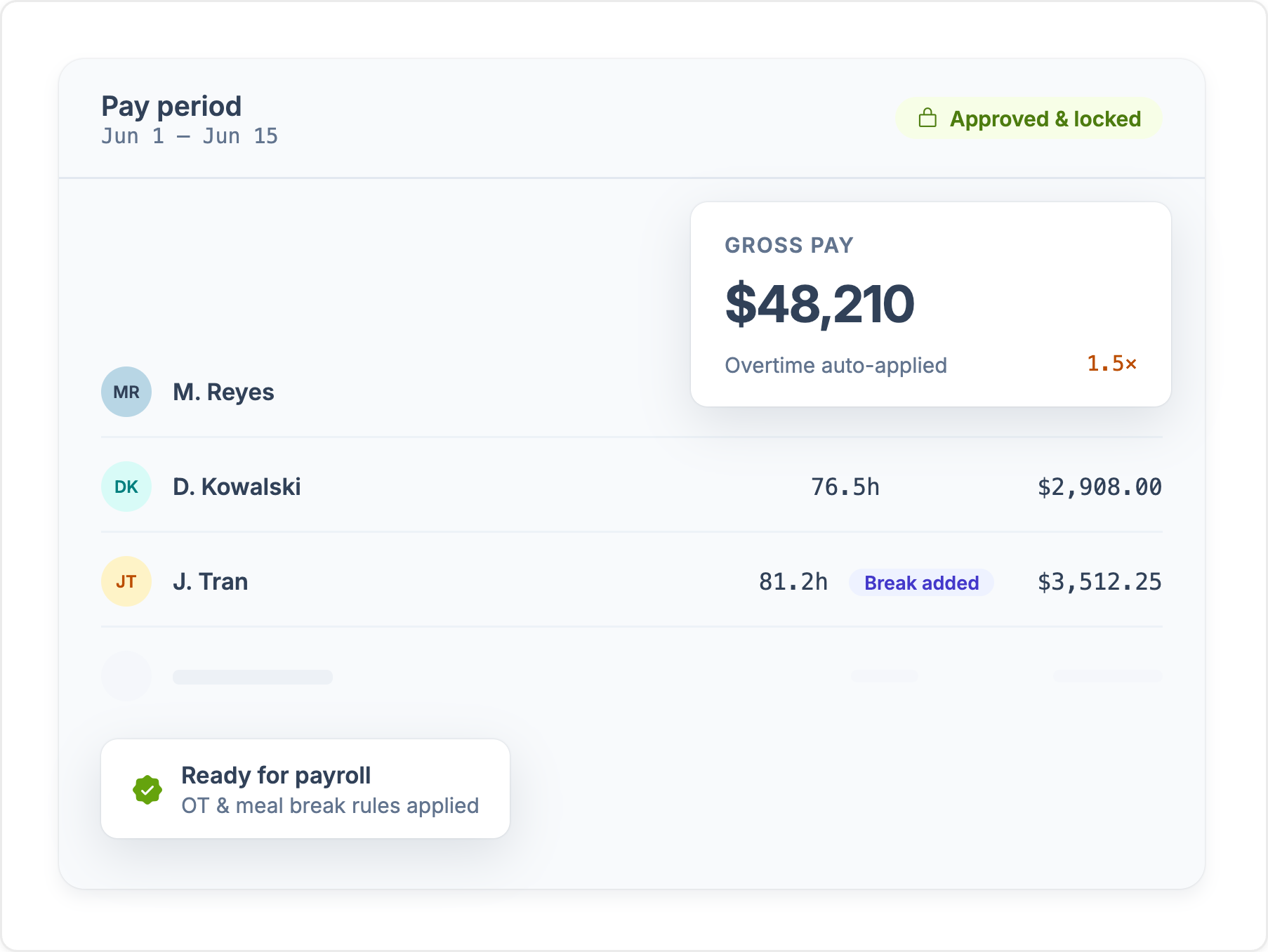
Workyard applies meal breaks, rest breaks, and overtime by state, including California and Washington, before hours reach payroll. Nobody fixes time cards by hand on Friday.
See compliance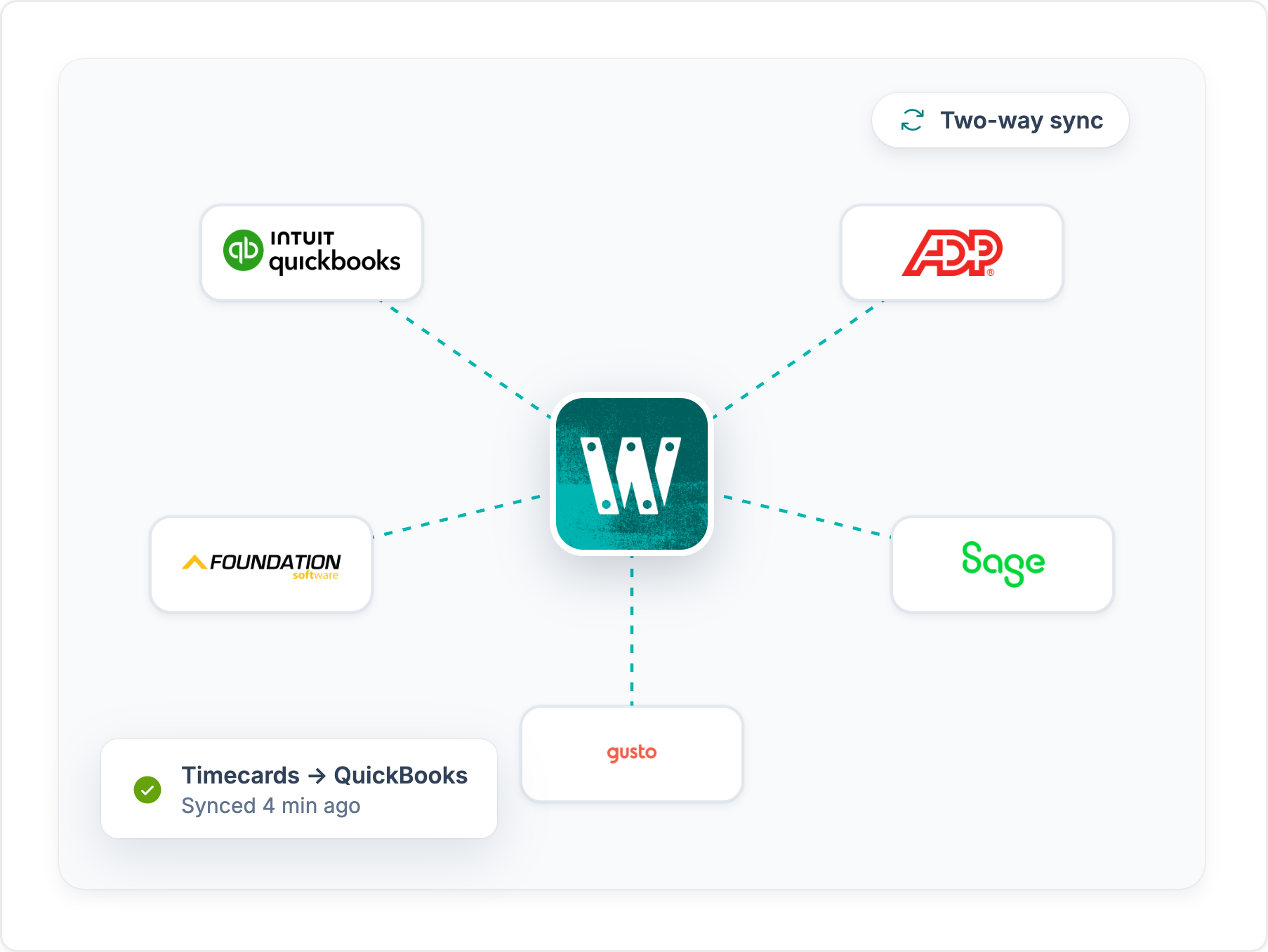
Approved hours sync to QuickBooks, Sage, Foundation, ComputerEase, ADP, and more, already coded to the job. Nobody re-keys time before payroll.
See integrationsWhen it comes to selecting workforce management software tailored specifically for the construction industry, Workyard stands out as a compelling choice over Kickserv. While both platforms offer valuable tools, Workyard’s specialization in construction and field service management provides unique advantages that make it the better option for construction professionals.
One of the key reasons construction professionals might prefer Workyard over Kickserv is its superior time tracking and GPS capabilities. Workyard offers a GPS time clock that not only tracks when employees clock in and out but also provides detailed GPS breadcrumb trails of their movements throughout the day. This feature ensures that you have an accurate and complete audit trail of site entries and exits, which is crucial for managing labor costs and ensuring accountability on job sites. Unlike Kickserv, Workyard also supports mileage tracking and automatic clock-in/out based on geofencing, further reducing administrative overhead and enhancing accuracy in payroll processing.
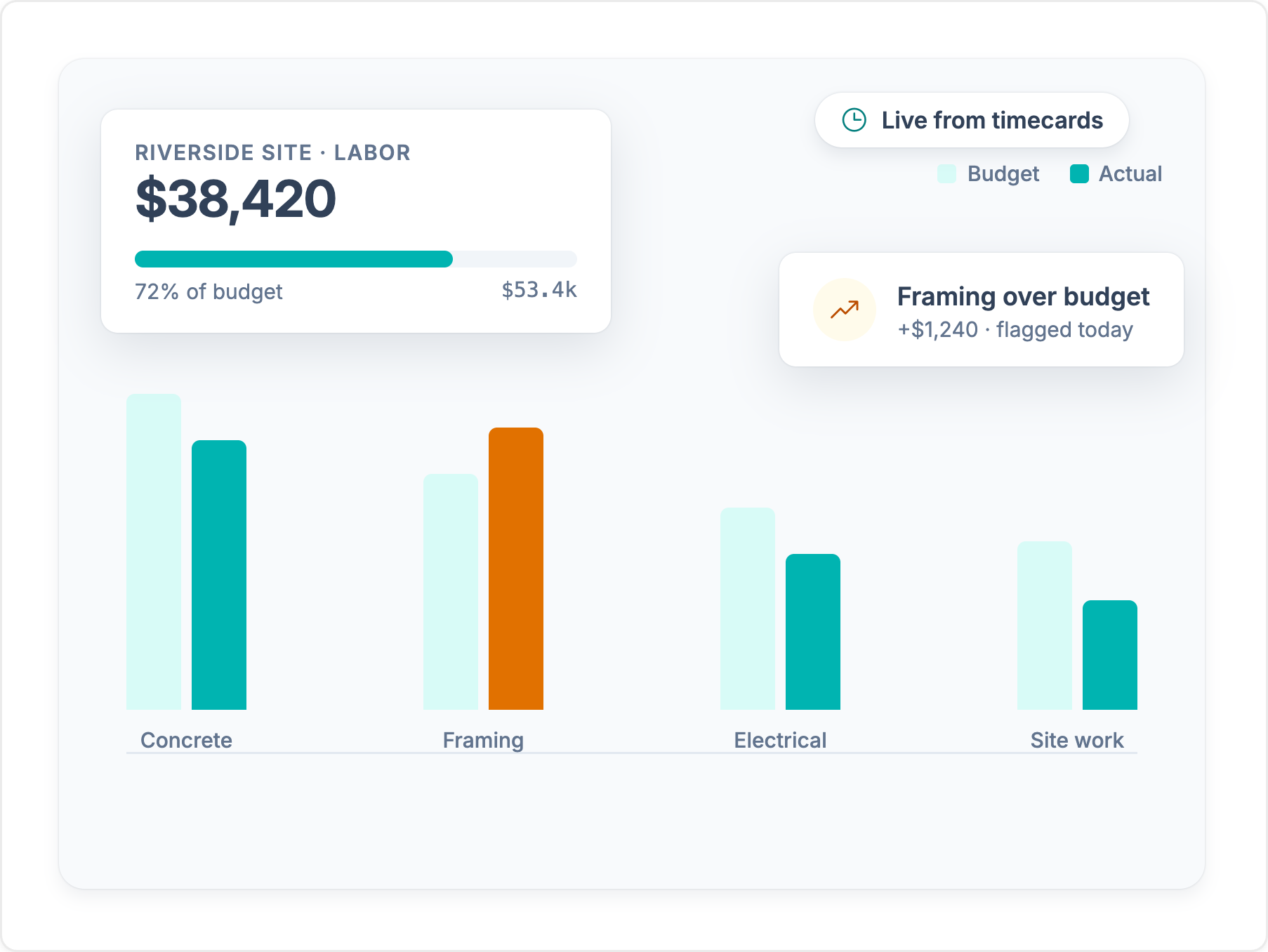
Workyard is designed with the construction industry in mind, offering job costing features that allow you to track labor costs by project, employee, and cost code. This level of detail is critical for maintaining profitability across multiple projects. With Workyard, you can easily generate real-time job cost reports, giving you insights into how your labor costs are impacting your bottom line. This is particularly important for construction businesses that need to maintain tight control over their budgets. While Kickserv offers project tracking, it lacks the specialized job costing features that Workyard provides, making Workyard the superior choice for detailed cost management.
For construction professionals, staying compliant with labor laws is a significant concern. Workyard excels in this area by offering built-in labor compliance features, including meal and rest break reminders, automatic overtime adjustments, and customizable break rules based on location-specific regulations such as those in California and Washington. These tools help ensure that your business remains compliant with local labor laws, thereby reducing the risk of costly fines and legal issues. Kickserv, while offering basic compliance tools, does not match the depth and customization that Workyard provides in this area.
Construction projects require detailed reporting to ensure that everything stays on track, from labor costs to project timelines. Workyard offers comprehensive reporting tools that provide insights into every aspect of your workforce management. Whether you need to analyze time card data, track project progress, or evaluate labor costs, Workyard’s reporting features are designed to meet the needs of construction professionals. Kickserv also offers reporting tools, but Workyard’s focus on construction-specific metrics makes it a more powerful option for those in the industry.
Workyard is known for its user-friendly interface and ease of setup, making it accessible even for those who are not tech-savvy. This ease of use, combined with top-rated customer support, ensures that you can quickly get your team up and running with minimal disruption to your operations. Additionally, Workyard provides extensive user onboarding and detailed self-serve knowledge bases, which are crucial for helping your team maximize the platform’s capabilities. While Kickserv also offers good customer support, Workyard’s specialized focus on construction and field service industries gives it an edge in understanding and addressing the unique challenges faced by these professionals.
For construction professionals who need a platform that goes beyond general field service management and offers specialized tools for managing labor, costs, and compliance, Workyard is the clear choice over Kickserv. Its advanced GPS tracking, detailed job costing, superior compliance features, and construction-specific reporting make it an invaluable tool for managing your workforce efficiently and effectively.
By choosing Workyard, construction businesses can ensure they are not only meeting industry standards but also optimizing their operations for better profitability and compliance.
See where each app stands, feature by feature. For the full picture on Kickserv, read our Kickserv review.
Feature comparison based on publicly available information and may change. Refer to the Kickserv website for the most up-to-date details.
We break down Kickserv's core features, how they hold up for crews in the field, and the tradeoffs contractors should know about.
Every platform costs money. The real question is what leaky time tracking costs you today. Set the sliders to match your crew and see how fast a tool like Workyard can save you money.
Money lost to inflated payroll per year
$0
Pays for itself
Book a demoCalculation: Field employees × extra minutes logged per day × 260 working days × hourly wage. The 49-minute default reflects the American Payroll Association's reported average daily time theft per employee. Workyard cost modeled on an Annual Autopilot plan. Your numbers will vary.
Published scores from the four biggest software review platforms, exactly as they appear on each site.

Workyard
51 reviews
4.8 /5
Kickserv
181 reviews
4.5 /5

Workyard
102 reviews
4.7 /5
Kickserv
387 reviews
4.4 /5

Workyard
242 ratings
4.0 /5
Kickserv
62 ratings
3.8 /5

Workyard
256 reviews
3.8 /5
Kickserv
172 reviews
2.9 /5
Ratings as displayed on G2, Capterra, Apple App Store, and Google Play in September 2026. Scores change as new reviews are published. Check each platform for current numbers.
“The geofencing feature ensures my employees stay clocked in and out, which is very helpful. I also like that the Autopilot feature works on its own, especially with automatic clock-ins, streamlining the whole process. Setting up Workyard was also very, very easy, making the transition smooth.”
“I like how Workyard auto clocks my employees in and how it works even if there's no cellular data. These features help keep the data accurate and save me from having to manually input data. It also helps keep up with my guys' hours and automatically tracks them on different jobs, which allows me to do better job costing.”
“I really love how Workyard makes it easy to invoice. It's intuitive, and I can link it to QuickBooks, which is really convenient. I also like how easy it is to manage time and track my employees.”
“I can view the workers' locations at each job site, which is very helpful. If they forget to log their tasks or projects, I am still able to check their location history and enter the time for each project afterward.”



“Weekly time spent on payroll and job allocation went from four hours weekly to less than one hour.”Read customer story
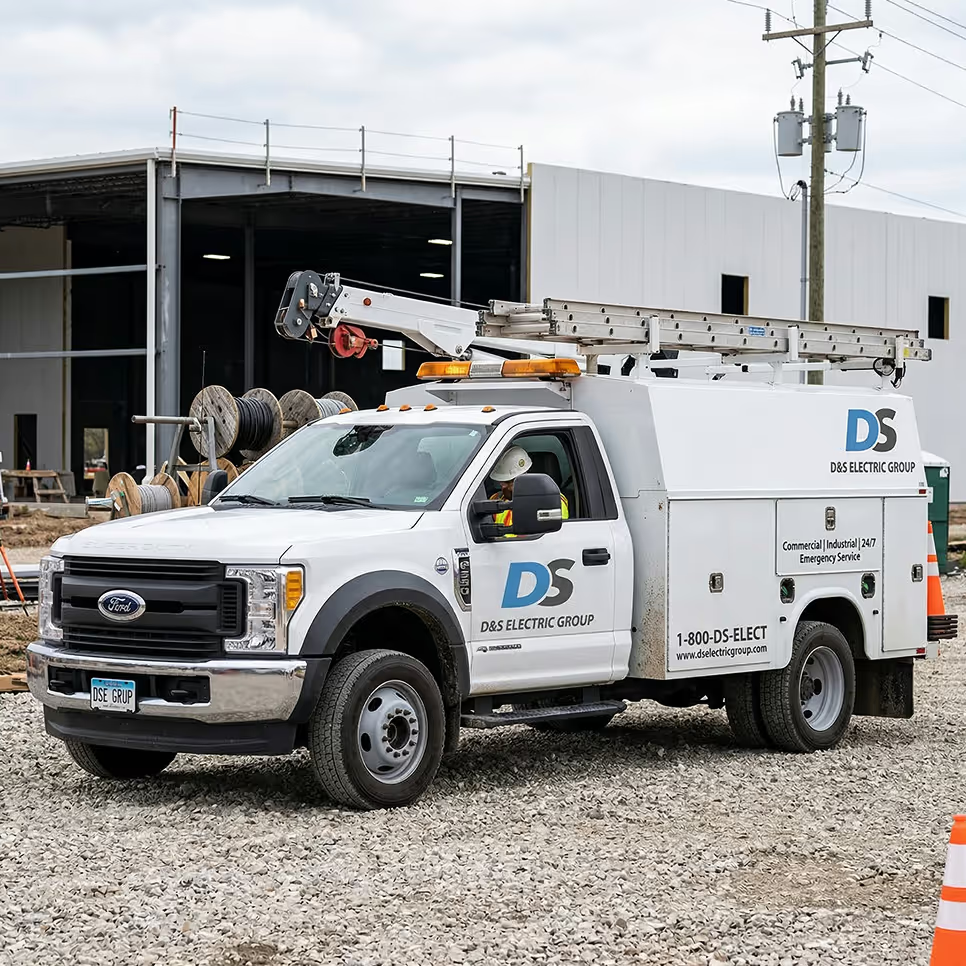
Workyard captures field time and location data, turns approved hours into job costs, and sends payroll-ready records to the back office - all in one system.
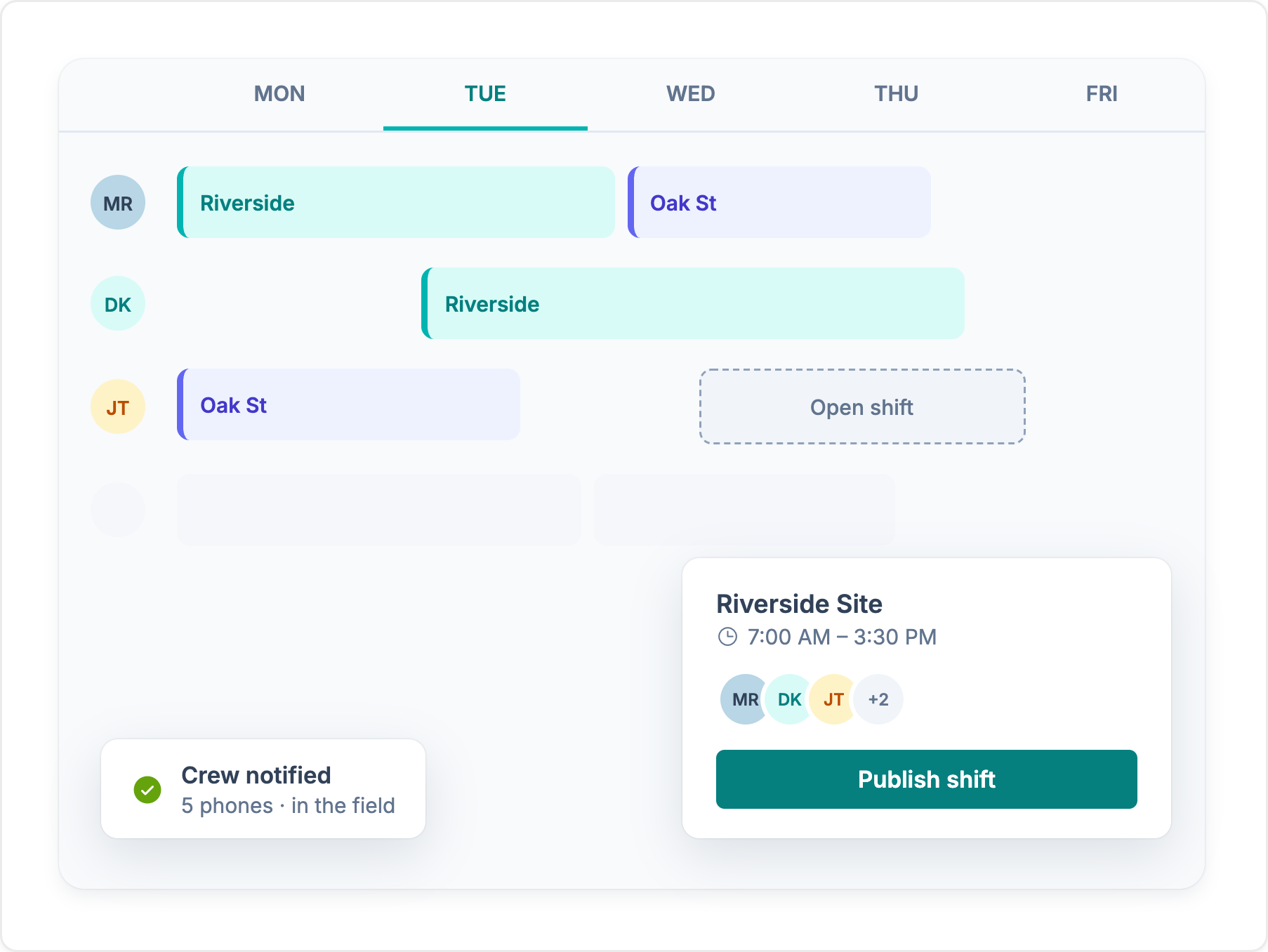

Learn how AI can support construction scheduling by predicting delays, flagging conflicts, comparing scenarios, and helping teams adjust plans as job conditions change.

Learn how to calculate construction equipment utilization from field data, which metrics matter, and when telematics is needed.
We compared field service dispatch software on what the technician

Compare the best construction job costing software for labor, budgets, WIP, and accounting in 2026.