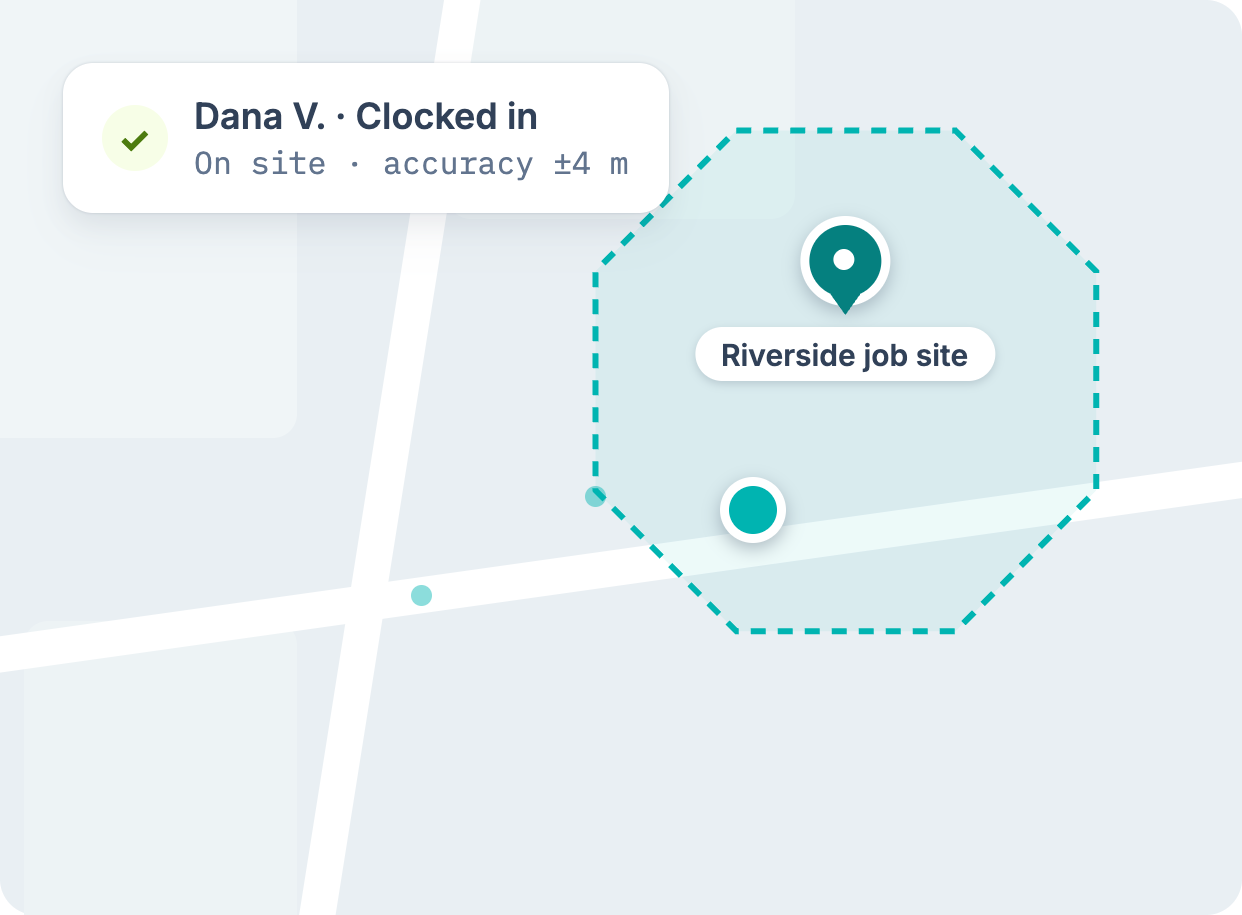
Clock-in that starts at the fence line
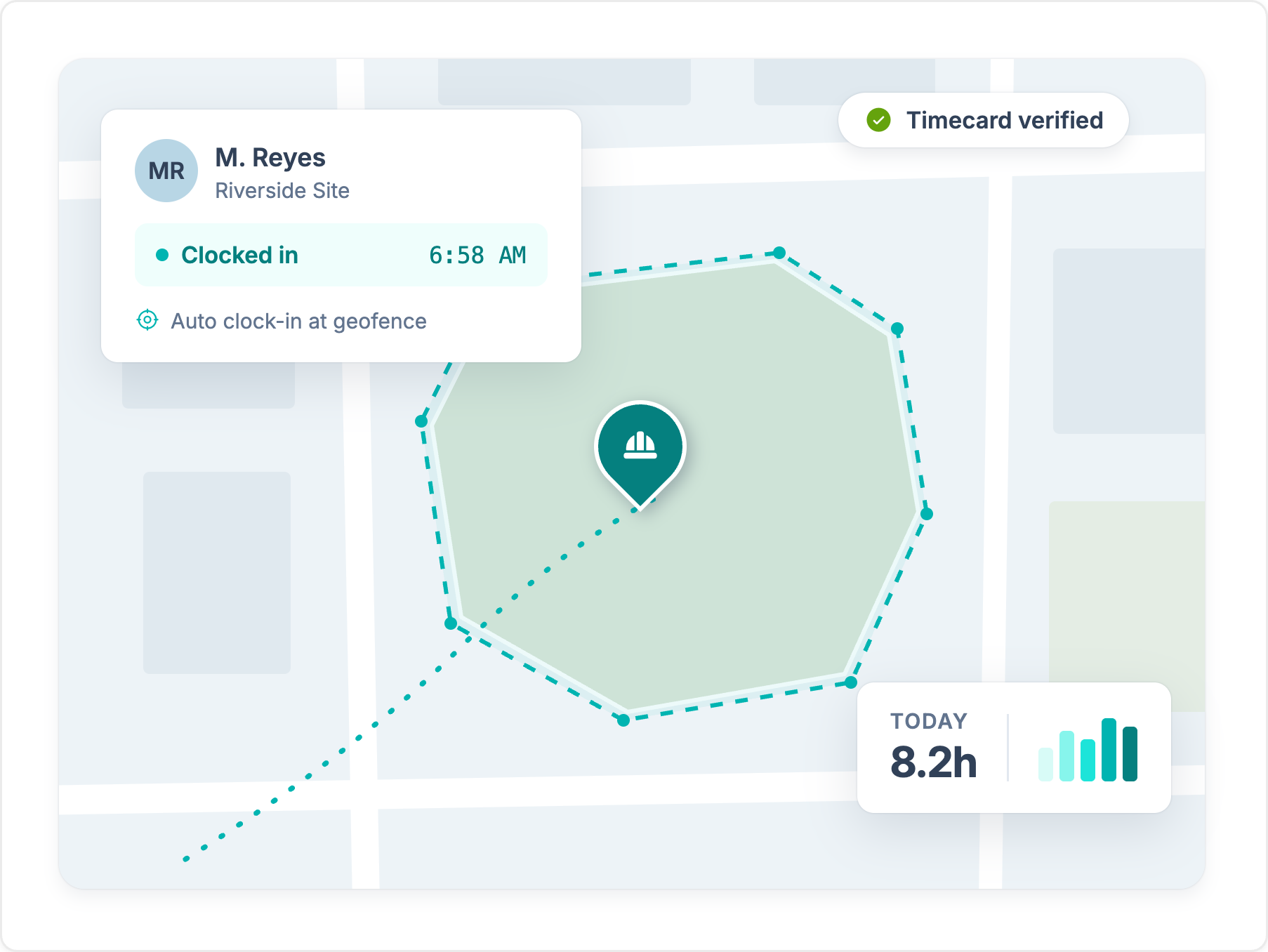
Workyard clocks crews in and out automatically when they reach or leave a jobsite. Buddy Punch geofences restrict where workers can punch, but the punch is still manual.
Explore GPS time clockBoth apps track time with GPS and geofences. Workyard is built for construction crews that need automatic clock-in at the jobsite and hours coded to Sage, Foundation, and other construction accounting software.
Trusted by 4,000+ contractors and 100,000+ workers every day.







Workyard clocks crews in and out automatically when they reach or leave a jobsite. Buddy Punch geofences restrict where workers can punch, but the punch is still manual.
Explore GPS time clock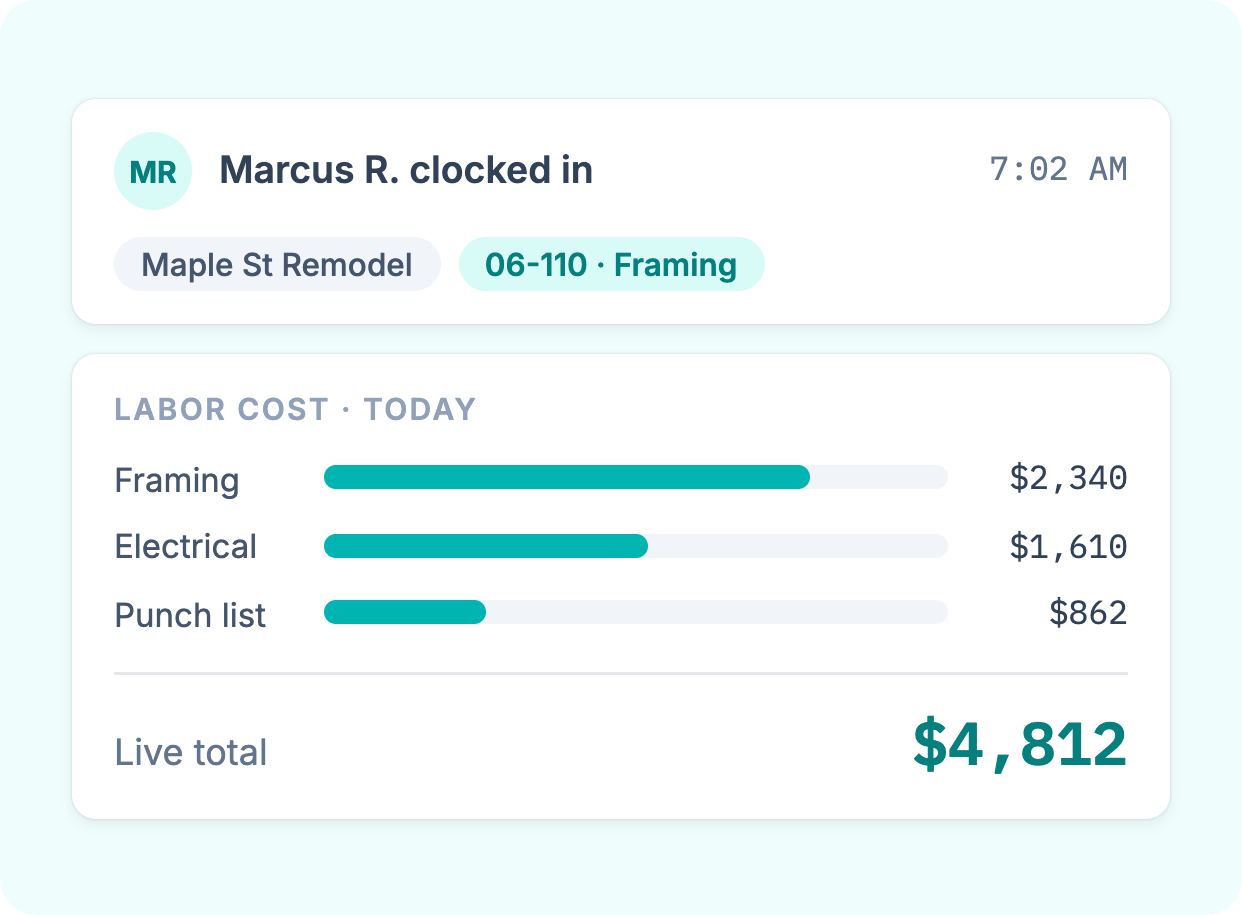
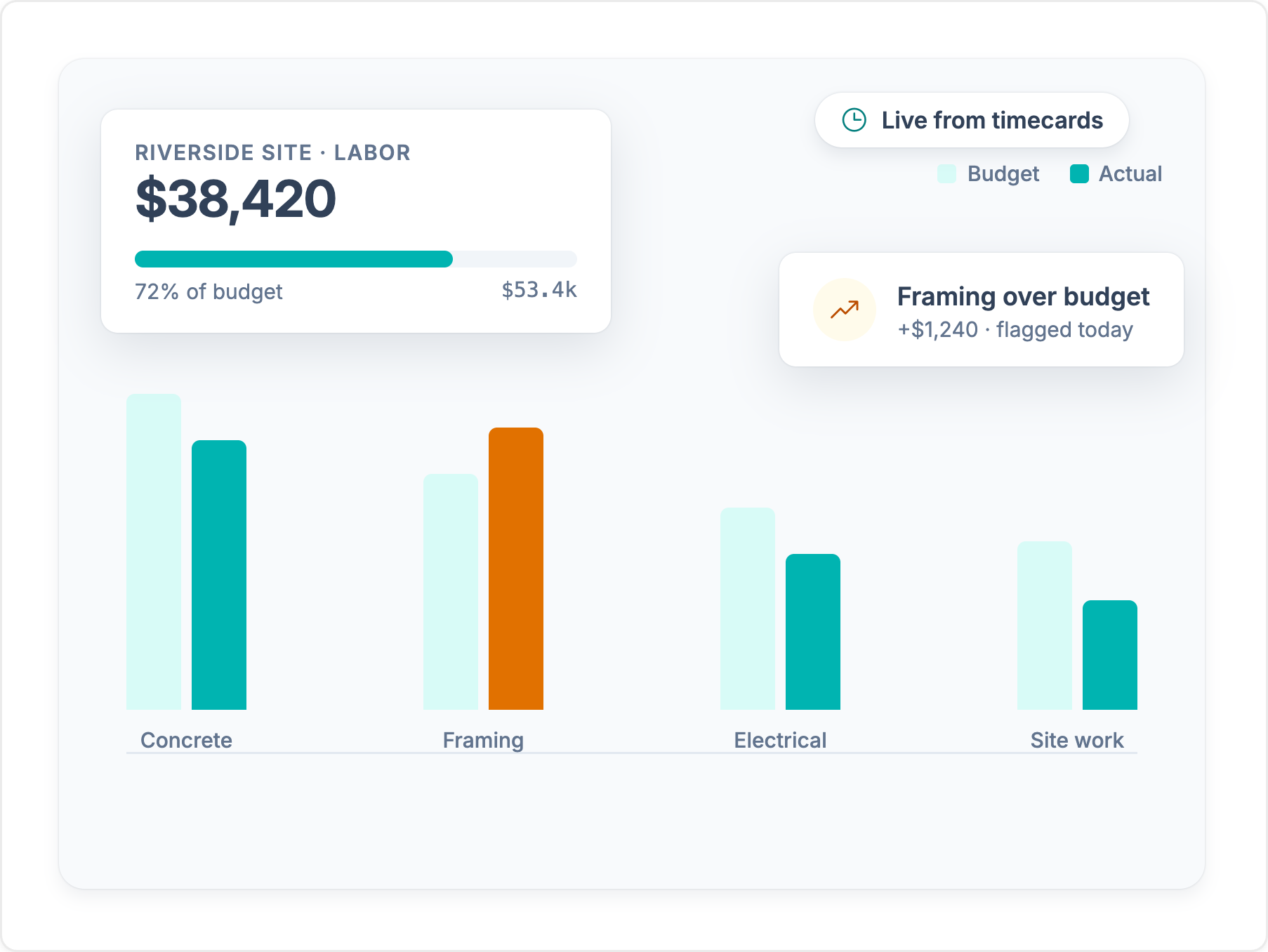
Every hour lands on a job, cost code, and phase as your crew records it. You see labor cost while the job is running, not after you rebuild timesheets at month end.
Explore job costing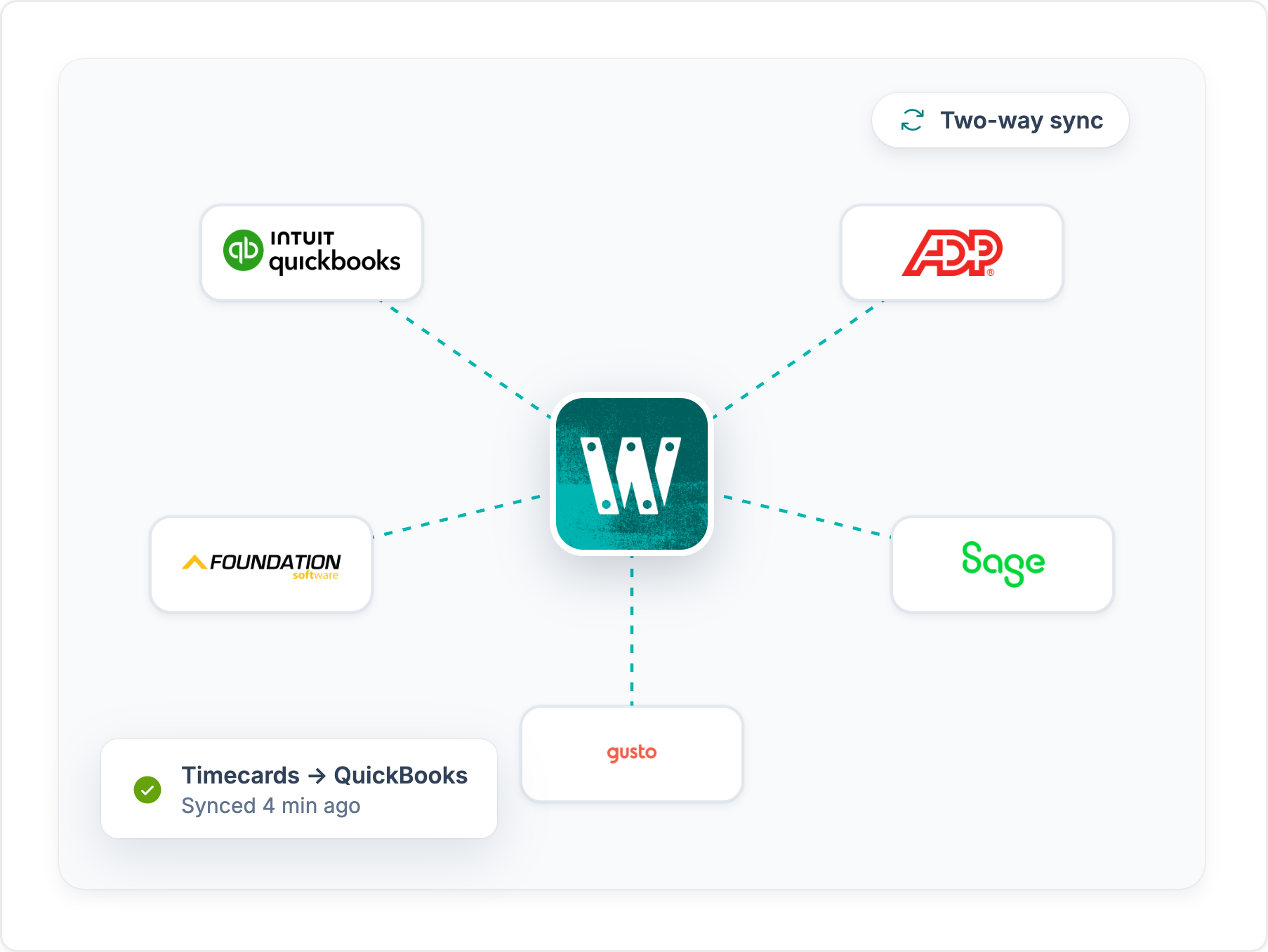
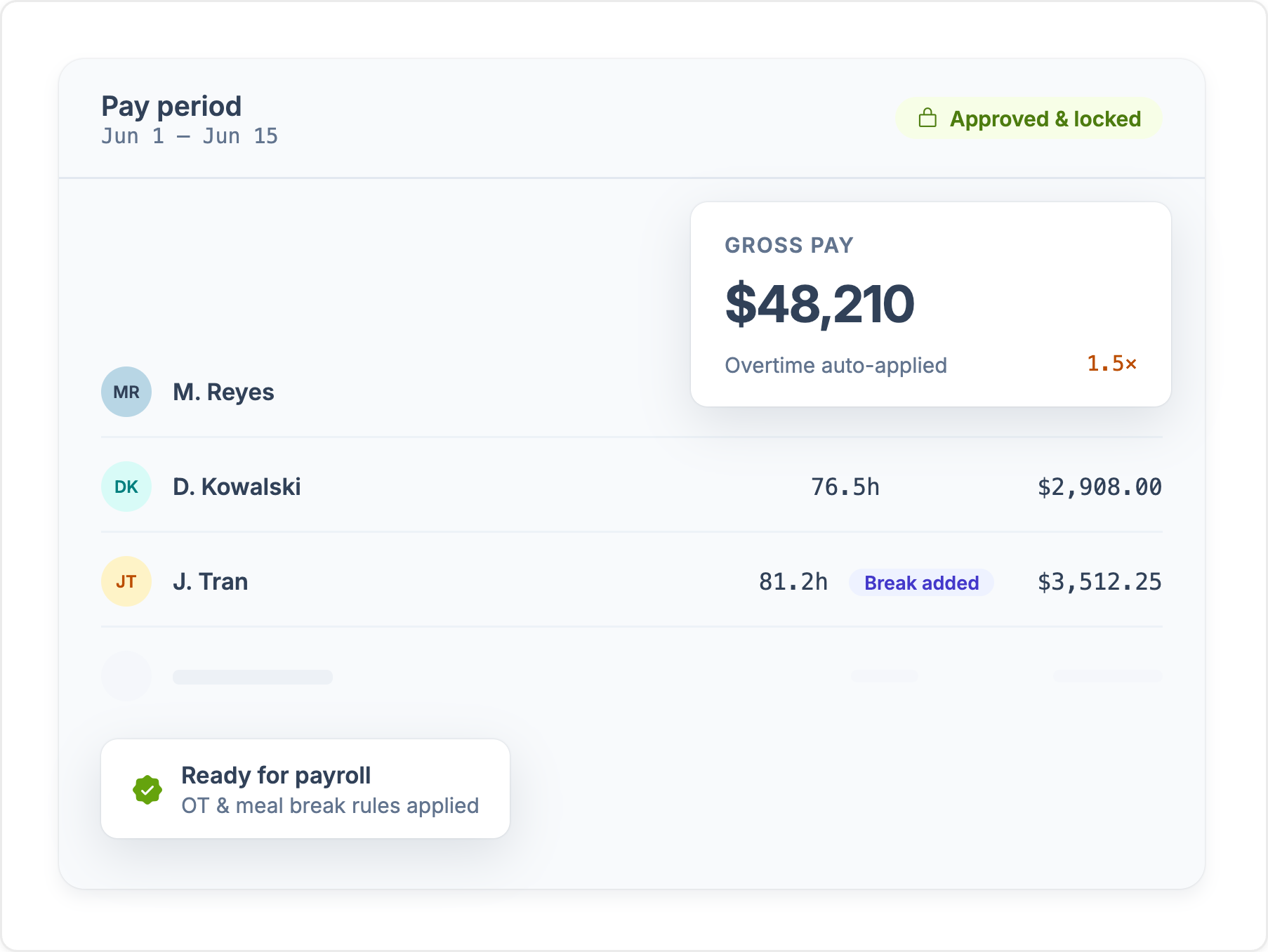
Approved hours sync to QuickBooks, Sage, Foundation, ComputerEase, ADP, and more, already coded to the job. Nobody re-keys time before payroll.
See integrationsWhen considering whether to choose Workyard over Buddy Punch, construction professionals may find several advantages that Workyard offers, such as the following:
Workyard is specifically designed for the construction industry, offering features tailored to the unique needs of construction projects, such as job costing, project tracking, and compliance management. While Buddy Punch provides essential time-tracking features, it may not be as focused on the specific requirements of construction professionals.
Workyard offers a GPS time clock with advanced geofencing capabilities, ensuring accurate tracking of employee hours based on their location. This is particularly beneficial for managing multiple job sites, providing real-time visibility into labor costs and hours worked.
Workyard offers comprehensive job tracking features, allowing real-time updates and insights into project progress. This includes detailed labor cost tracking and the ability to capture job progress through its mobile app.
While Buddy Punch includes job coding and project-specific pay rates, Workyard emphasizes job costing as a core functionality, which can enhance billing accuracy and project management.
Workyard is noted for its user-friendly mobile experience, making it easier for field workers to log hours, track job progress, and access essential information on the go. This intuitive design can lead to higher adoption rates among field teams compared to Buddy Punch, which has received some feedback regarding connectivity issues with its mobile app.
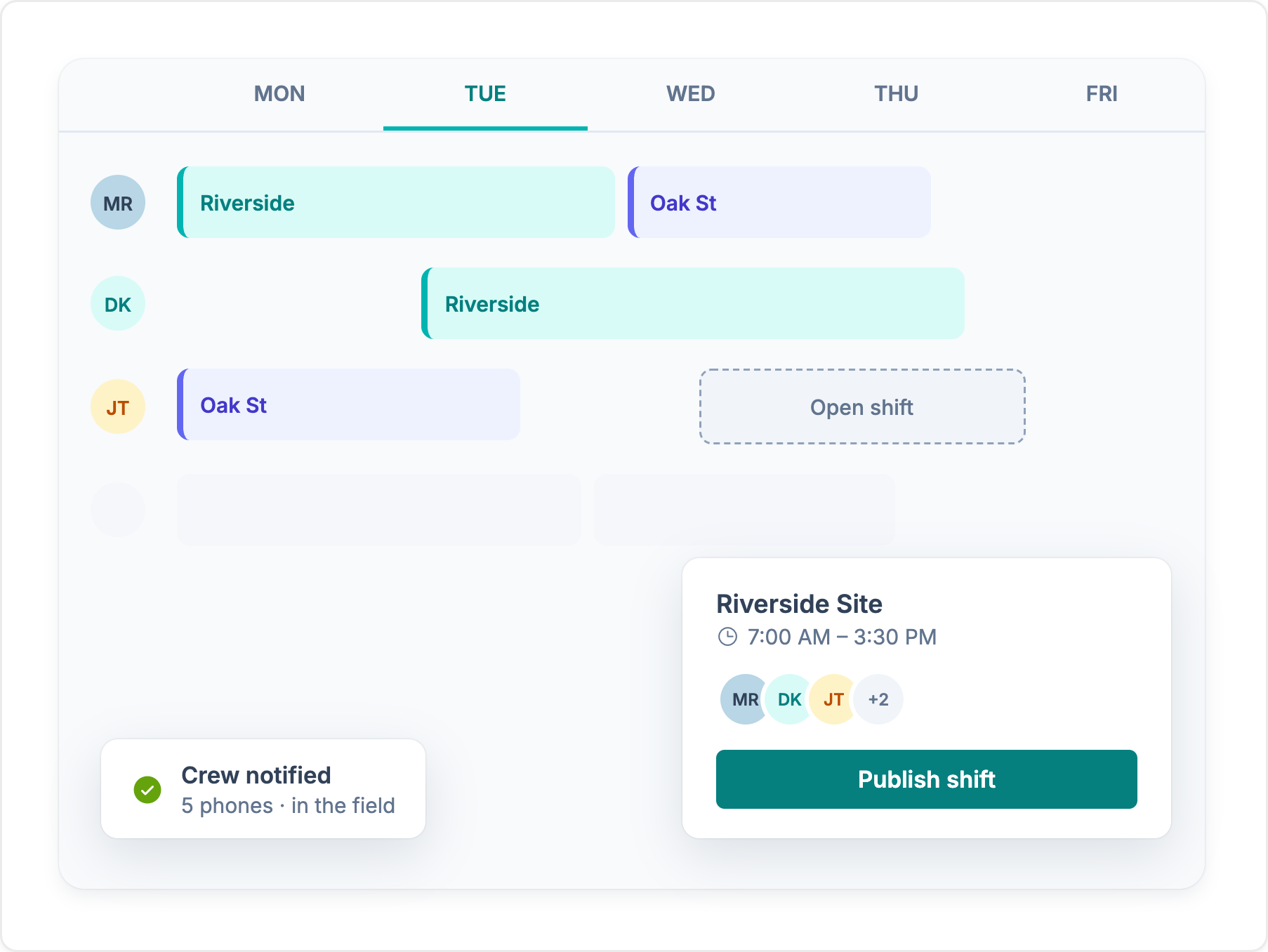
Workyard includes advanced scheduling tools for efficient management of individual workers and teams. This feature can help optimize labor allocation and improve project timelines. While Buddy Punch offers scheduling capabilities, Workyard’s tools may provide more depth and flexibility for construction teams.
Workyard has built-in tools for labor compliance, which are essential for maintaining regulatory standards in the construction industry. This focus on compliance can help mitigate risks associated with labor laws.
Workyard emphasizes quick integration with key payroll systems, allowing businesses to streamline their workflows more efficiently. While Buddy Punch also integrates with popular payroll providers, Workyard also connects to construction accounting systems such as Sage and Foundation, which Buddy Punch doesn't.
While both Workyard and Buddy Punch offer valuable features for time tracking and workforce management, Workyard’s specialized focus on construction management, advanced GPS tracking, comprehensive job costing, and user-friendly design may make it a more suitable choice for construction professionals looking for a tool built around their industry-specific challenges.
See where each app stands, feature by feature. For the full picture on Buddy Punch, read our Buddy Punch review.
Feature comparison based on publicly available information and may change. Refer to the Buddy Punch website for the most up-to-date details.
We break down Buddy Punch's core features, how they hold up for crews in the field, and the tradeoffs contractors should know about.
Every platform costs money. The real question is what leaky time tracking costs you today. Set the sliders to match your crew and see how fast a tool like Workyard can save you money.
Money lost to inflated payroll per year
$0
Pays for itself
Book a demoCalculation: Field employees × extra minutes logged per day × 260 working days × hourly wage. The 49-minute default reflects the American Payroll Association's reported average daily time theft per employee. Workyard cost modeled on an Annual Autopilot plan. Your numbers will vary.
Published scores from the four biggest software review platforms, exactly as they appear on each site.

Workyard
51 reviews
4.8 /5
Buddy Punch
404 reviews
4.8 /5

Workyard
102 reviews
4.7 /5
Buddy Punch
1,131 reviews
4.8 /5

Workyard
242 ratings
4.0 /5
Buddy Punch
734 ratings
4.9 /5

Workyard
256 reviews
3.8 /5
Buddy Punch
433 reviews
4.5 /5
Ratings as displayed on G2, Capterra, Apple App Store, and Google Play in September 2026. Scores change as new reviews are published. Check each platform for current numbers.
“The geofencing feature ensures my employees stay clocked in and out, which is very helpful. I also like that the Autopilot feature works on its own, especially with automatic clock-ins, streamlining the whole process. Setting up Workyard was also very, very easy, making the transition smooth.”
“I like how Workyard auto clocks my employees in and how it works even if there's no cellular data. These features help keep the data accurate and save me from having to manually input data. It also helps keep up with my guys' hours and automatically tracks them on different jobs, which allows me to do better job costing.”
“I really love how Workyard makes it easy to invoice. It's intuitive, and I can link it to QuickBooks, which is really convenient. I also like how easy it is to manage time and track my employees.”
“I can view the workers' locations at each job site, which is very helpful. If they forget to log their tasks or projects, I am still able to check their location history and enter the time for each project afterward.”



“Weekly time spent on payroll and job allocation went from four hours weekly to less than one hour.”Read customer story
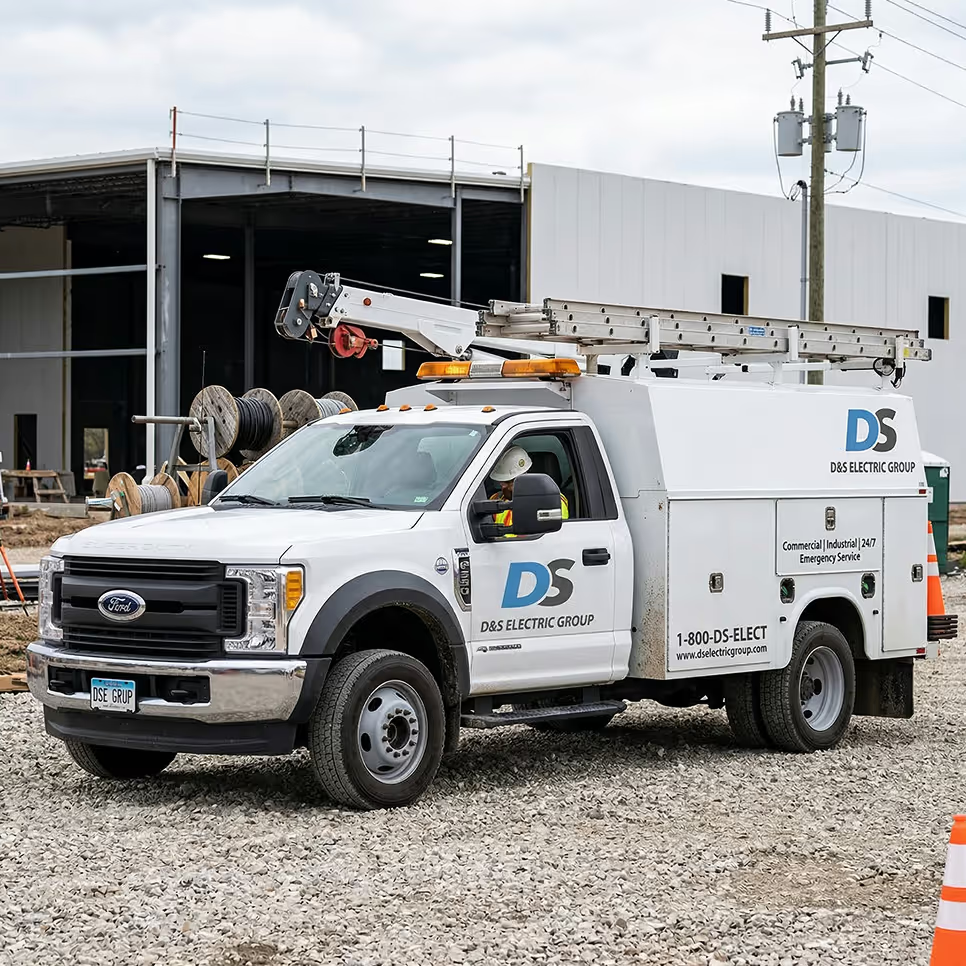
Workyard captures field time and location data, turns approved hours into job costs, and sends payroll-ready records to the back office - all in one system.

Compare construction scheduling software for contractor companies: top picks, budget-friendly options, and payroll integration.

Looking for a biometric time clock for your construction business? We’ve reviewed 7 of the best apps on the market to help you choose!

Stop off-site clock-ins with polygon geofencing built for construction crews. GPS-verified time tracking with jobsite-shape accuracy.
Compare the best apps for contractors and construction companies: what each does best, what crews can send from the field, and the plan you actually need.