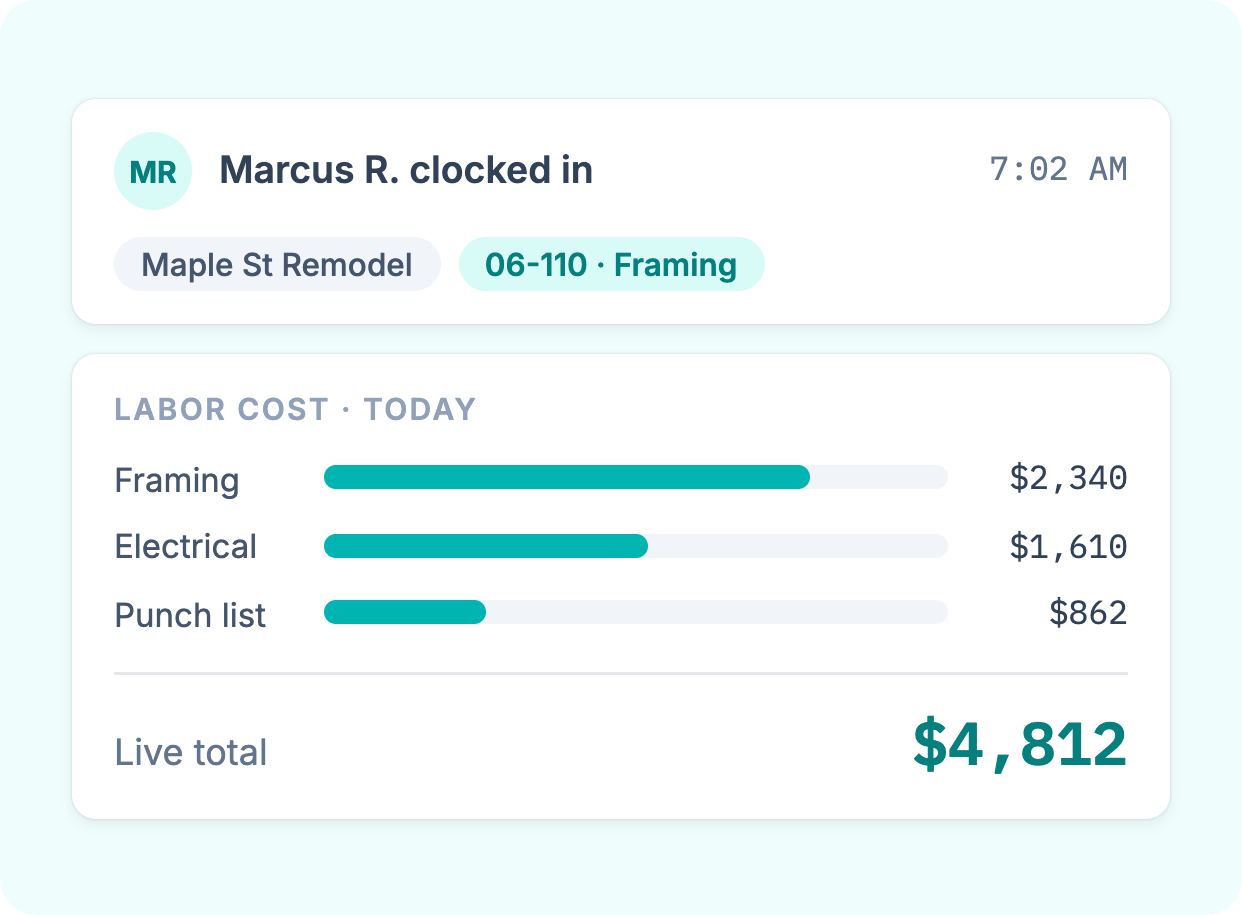
Labor costs tied to the right job
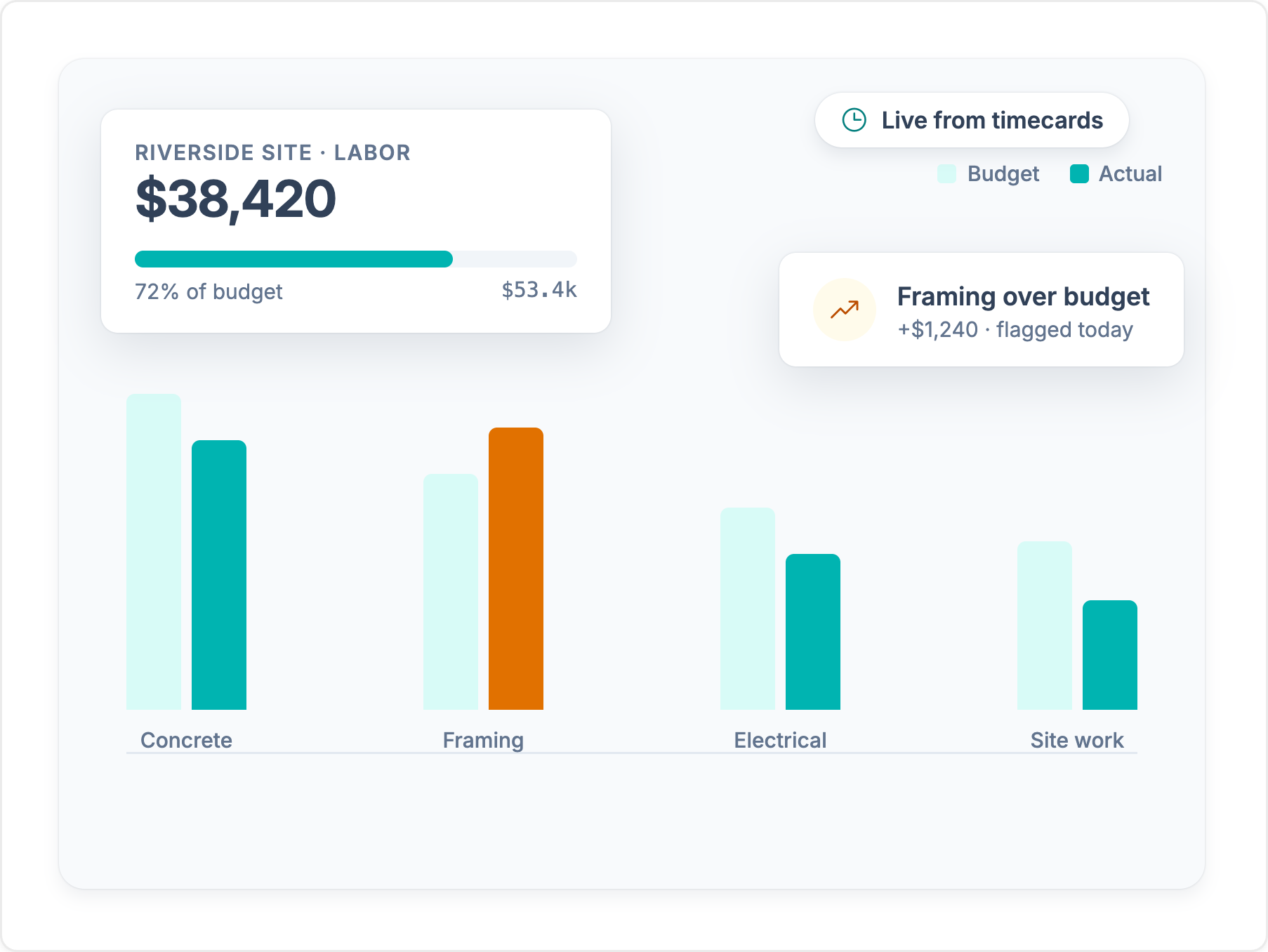
Every hour lands on a job, cost code, and phase as your crew records it. You see labor cost while the job is running, not after you rebuild timesheets at month end.
Explore job costingBoth apps clock hourly crews in and out. Workyard is built for contractors who also need every hour tied to the right job and cost code, with a GPS record to back it up.
Trusted by 4,000+ contractors and 100,000+ workers every day.







Every hour lands on a job, cost code, and phase as your crew records it. You see labor cost while the job is running, not after you rebuild timesheets at month end.
Explore job costing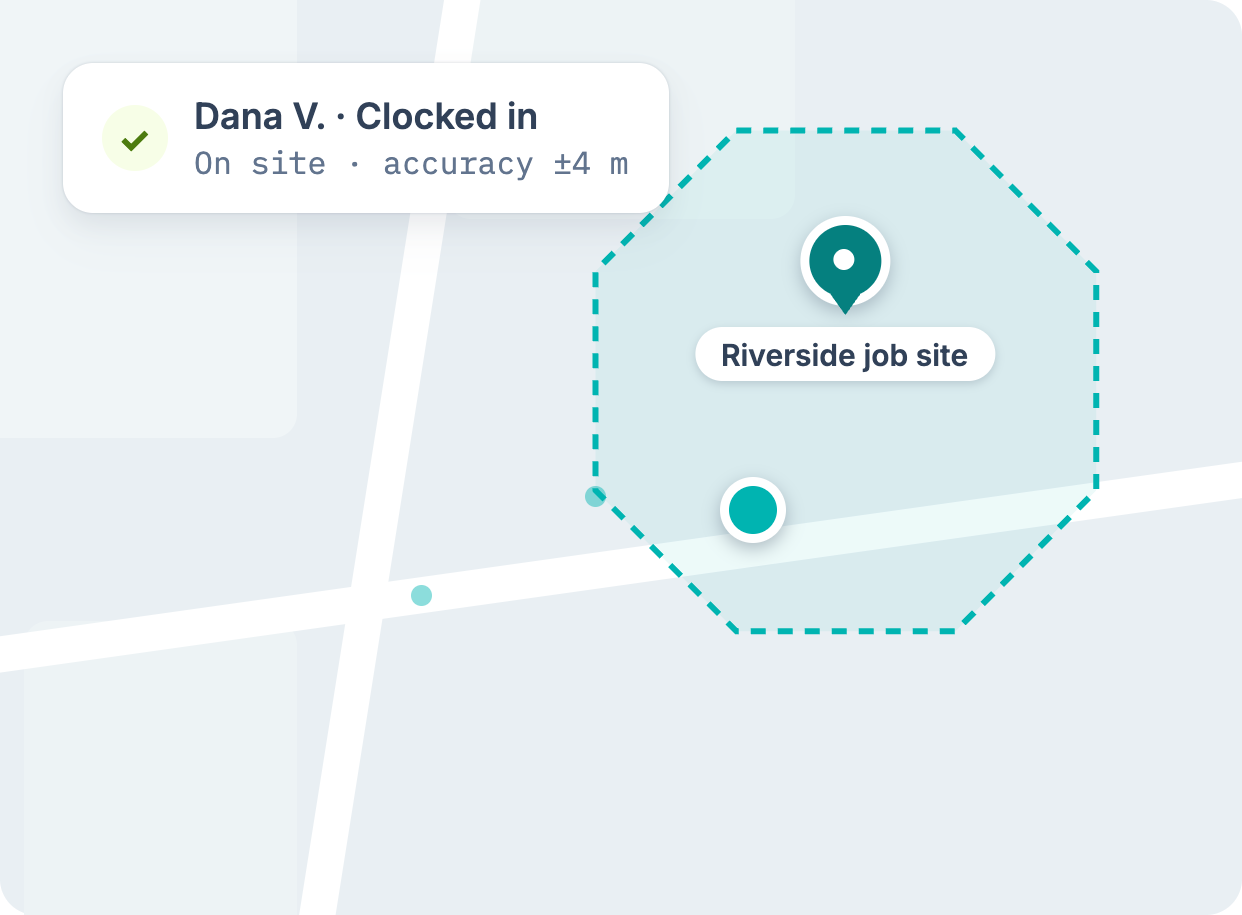
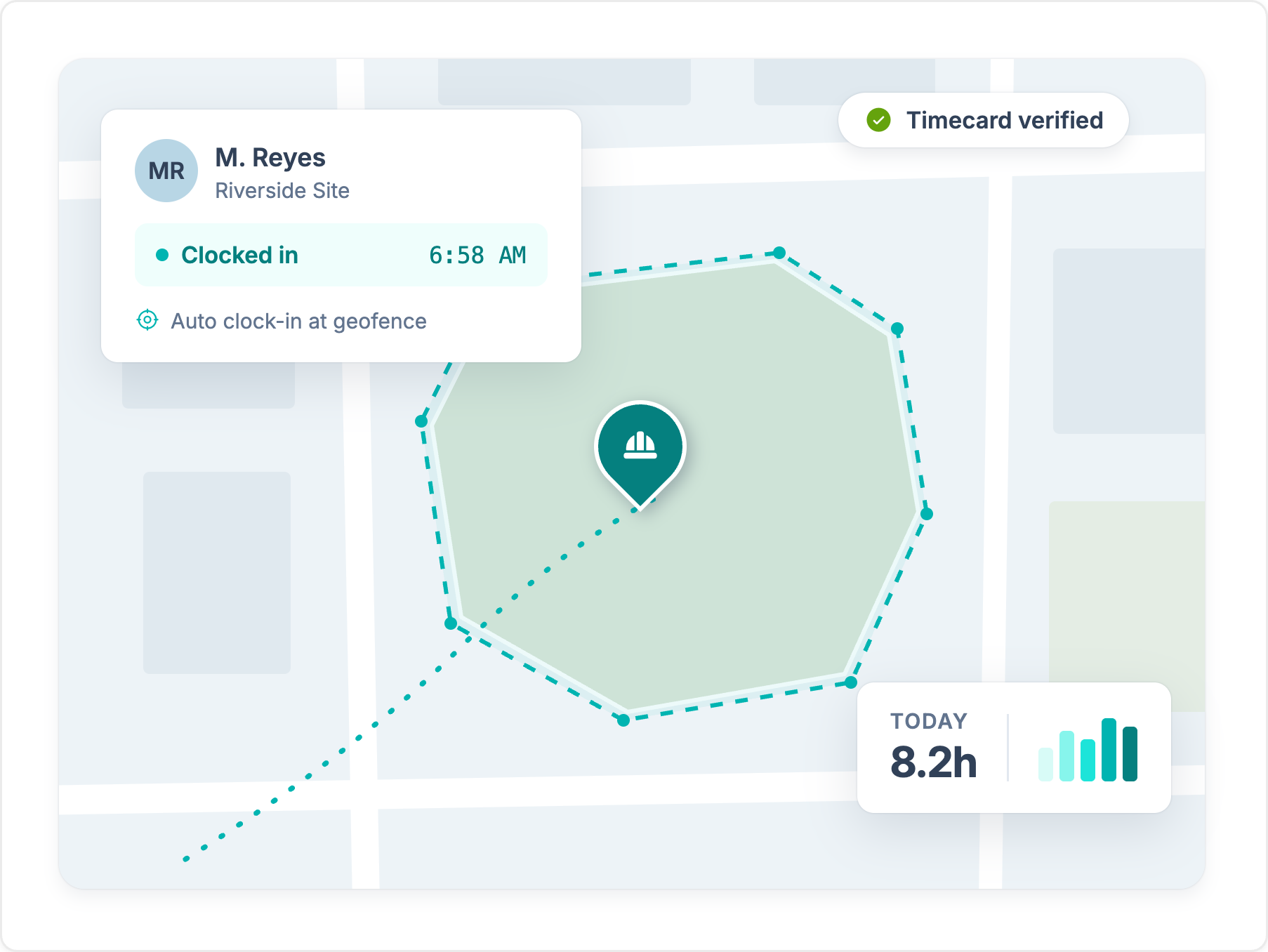
Geofences record jobsite arrivals and departures on their own, and auto clock-in rules start and stop the clock at the fence line. Fewer missed punches, fewer Monday-morning corrections.
Explore GPS time clock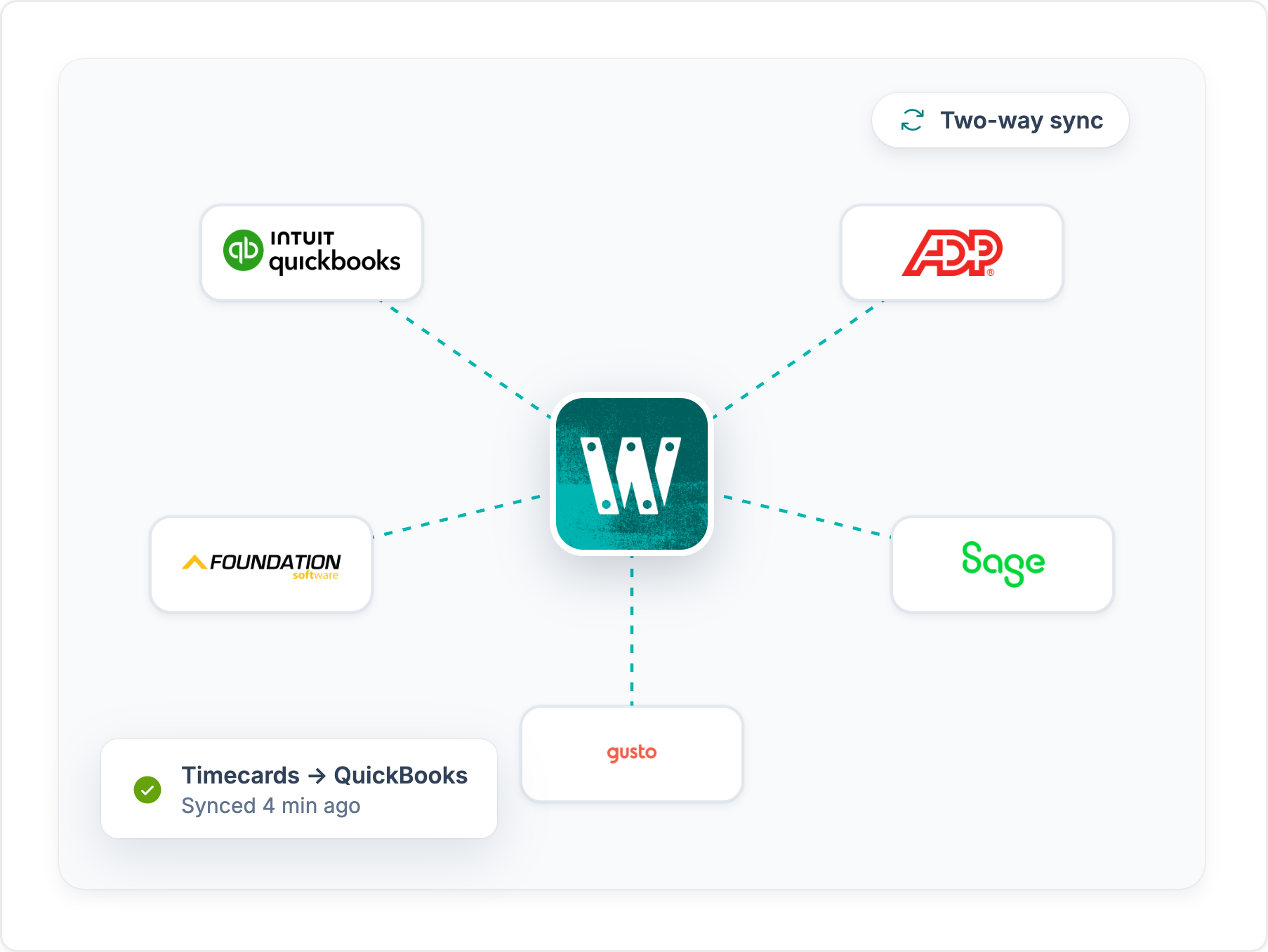
Approved hours sync to QuickBooks, Sage, Foundation, ComputerEase, ADP, and more, already coded to the job. Nobody re-keys time before payroll.
See integrationsConstruction professionals face unique challenges that require specialized solutions. While Homebase is a solid tool for general workforce management, Workyard offers features specifically designed to meet the needs of construction teams. Here are key reasons why construction professionals should choose Workyard over Homebase:
Workyard provides real-time GPS tracking, which is crucial for construction teams spread across multiple job sites. This feature allows managers to monitor employee locations during work hours, ensuring that workers are on-site and engaged in their tasks. In contrast, Homebase only offers GPS snapshots at clock-in and clock-out, lacking continuous real-time tracking.
Additionally, Workyard includes mileage tracking, an essential feature for businesses that need to reimburse employees for travel between job sites. This ensures accurate calculation of travel costs and proper compensation, a feature not available in Homebase.
Construction projects require meticulous cost tracking and management, and Workyard excels in this area with features like customizable cost codes, project-based cost tracking, and project cost tracking by employee. These capabilities allow construction managers to monitor expenses at a granular level, ensuring that projects remain within budget. Homebase lacks these advanced project management and cost tracking features, making it less suitable for the construction industry.
Workyard’s automatic site visit capture feature logs visits to job sites without the need for manual input, enhancing accountability and reporting. The platform also includes rule-based geofencing, ensuring that employees can only clock in and out within designated areas, reducing time theft and increasing the accuracy of time tracking. Homebase offers geofencing, but only one geofence per location, and it doesn't capture site visits automatically. That limits its usefulness for crews that move between job sites.
Workyard offers labor law compliance tools built for construction, including customizable overtime and break rules, automatic overtime adjustments, and location-specific break and overtime settings. These features help construction companies comply with complex labor regulations, reducing the risk of legal issues and penalties. While Homebase does offer some compliance tools, it does not provide the same level of customization and specificity required for construction teams operating in multiple jurisdictions.
Workyard supports integrations with industry-specific software like Foundation Software and ComputerEase, providing smooth workflow and data management for construction professionals. The platform also allows exporting data to PDF or CSV formats, facilitating detailed reporting and analysis. Homebase, while integrated with several payroll and HR systems, does not offer the same level of integration with construction-specific tools, limiting its utility for construction management.
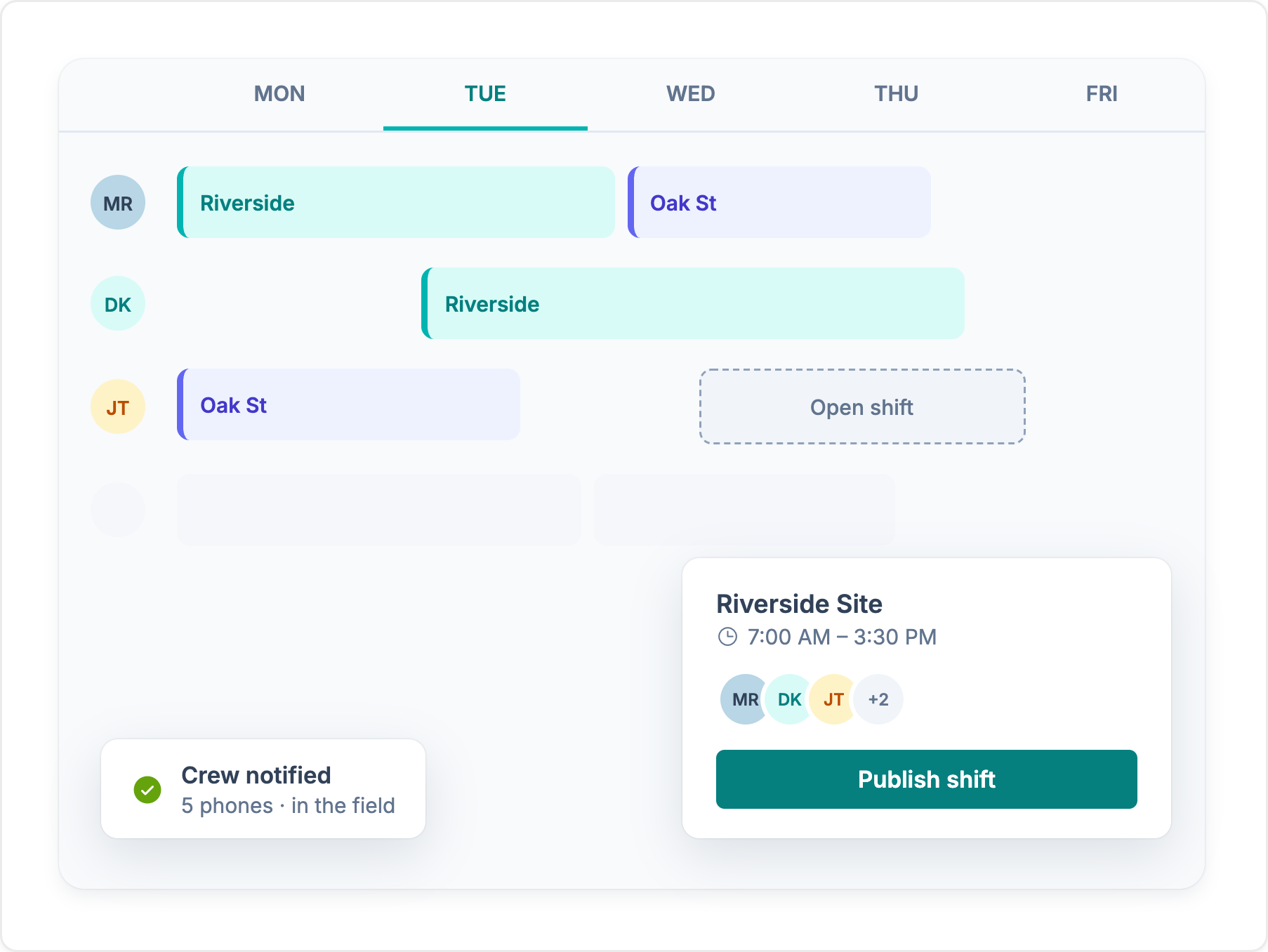
Workyard includes advanced task and project management features, such as worker task updates (with files and notes), real-time project management (including updates and reassignments), and automated customizable project rules. These features enable managers to assign tasks, monitor progress, and make adjustments in real-time, ensuring that projects are completed efficiently and on schedule. In contrast, Homebase focuses more on general employee scheduling and lacks these specialized project management capabilities.
In summary, Workyard offers features specifically designed for the construction industry, such as advanced time tracking, project and cost management, automatic site visit capture, compliance tools, and task management. These make Workyard a better fit for construction professionals compared to Homebase, which is more suited for general workforce management but lacks the specialized tools required for complex construction projects.
See where each app stands, feature by feature. For the full picture on Homebase, read our Homebase review.
Feature comparison based on publicly available information and may change. Refer to the Homebase website for the most up-to-date details.
We break down Homebase's core features, how they hold up for crews in the field, and the tradeoffs contractors should know about.
Every platform costs money. The real question is what leaky time tracking costs you today. Set the sliders to match your crew and see how fast a tool like Workyard can save you money.
Money lost to inflated payroll per year
$0
Pays for itself
Book a demoCalculation: Field employees × extra minutes logged per day × 260 working days × hourly wage. The 49-minute default reflects the American Payroll Association's reported average daily time theft per employee. Workyard cost modeled on an Annual Autopilot plan. Your numbers will vary.
Published scores from the four biggest software review platforms, exactly as they appear on each site.

Workyard
51 reviews
4.8 /5
Homebase
597 reviews
4.6 /5

Workyard
102 reviews
4.7 /5
Homebase
1,155 reviews
4.6 /5

Workyard
242 ratings
4.0 /5
Homebase
93,887 ratings
4.8 /5

Workyard
256 reviews
3.8 /5
Homebase
24.7K reviews
4.1 /5
Ratings as displayed on G2, Capterra, Apple App Store, and Google Play in September 2026. Scores change as new reviews are published. Check each platform for current numbers.
“The geofencing feature ensures my employees stay clocked in and out, which is very helpful. I also like that the Autopilot feature works on its own, especially with automatic clock-ins, streamlining the whole process. Setting up Workyard was also very, very easy, making the transition smooth.”
“I like how Workyard auto clocks my employees in and how it works even if there's no cellular data. These features help keep the data accurate and save me from having to manually input data. It also helps keep up with my guys' hours and automatically tracks them on different jobs, which allows me to do better job costing.”
“I really love how Workyard makes it easy to invoice. It's intuitive, and I can link it to QuickBooks, which is really convenient. I also like how easy it is to manage time and track my employees.”
“I can view the workers' locations at each job site, which is very helpful. If they forget to log their tasks or projects, I am still able to check their location history and enter the time for each project afterward.”



“Weekly time spent on payroll and job allocation went from four hours weekly to less than one hour.”Read customer story
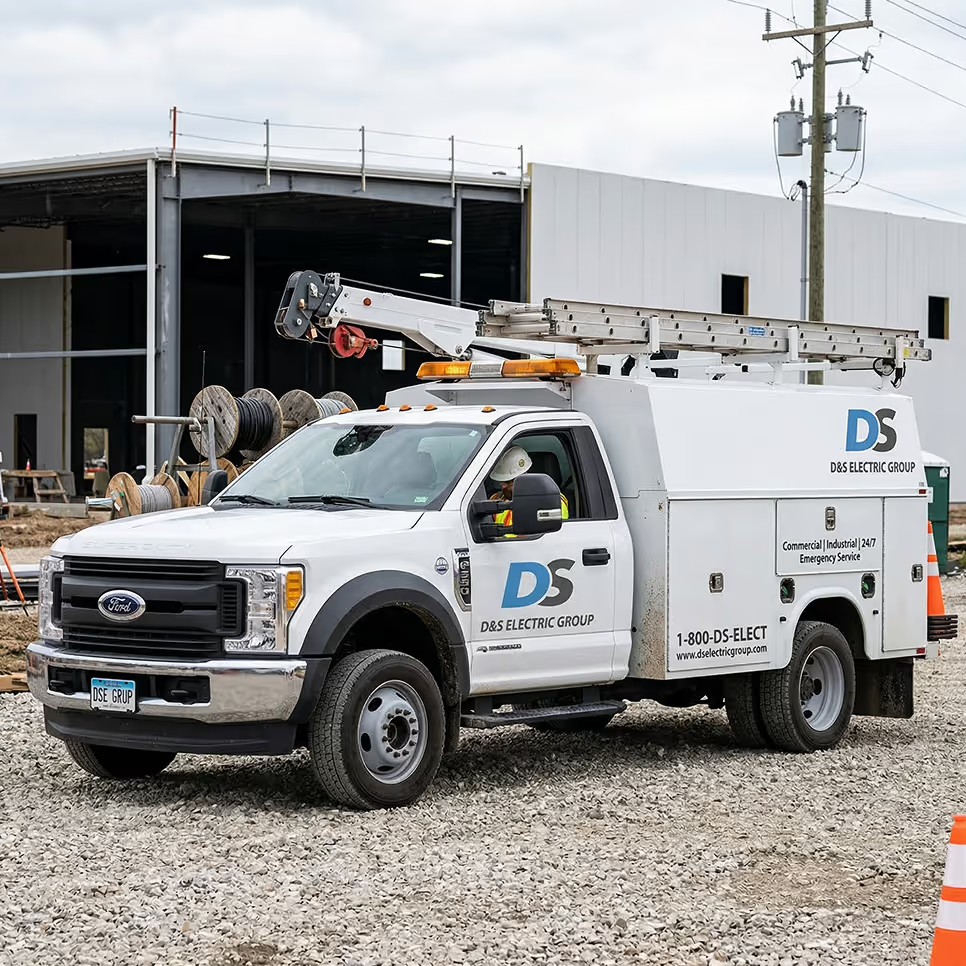
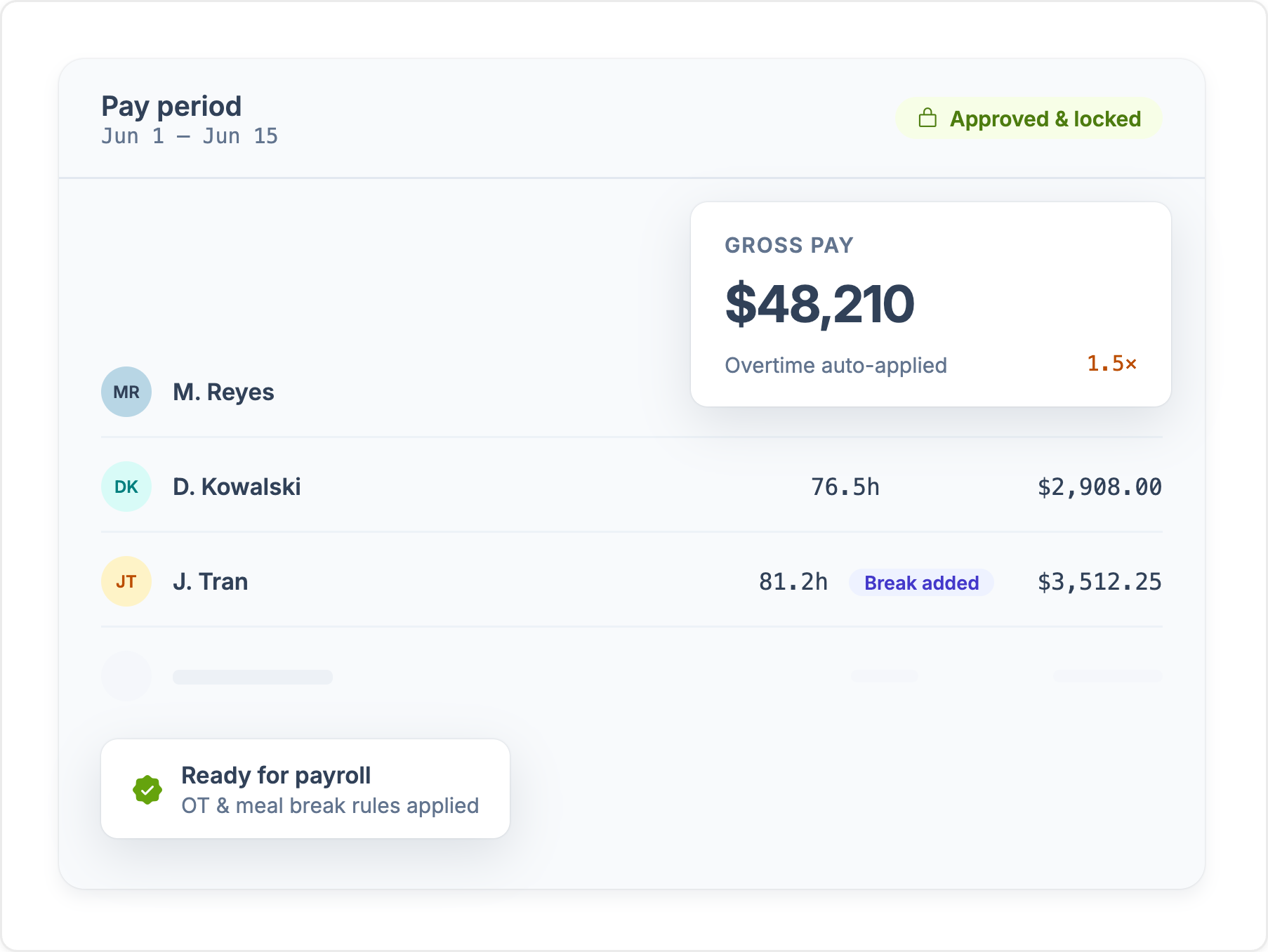
Workyard captures field time and location data, turns approved hours into job costs, and sends payroll-ready records to the back office - all in one system.

Compare construction time clock apps for GPS and geofencing, offline tracking, job costing, payroll integrations, pricing, and crew workflows.

We compare 7 time card apps for construction by GPS, job tracking, payroll workflow, pricing, and ratings.
We compared the top clock-in and clock-out apps for contractors and field teams on GPS accuracy, geofencing, job costing, payroll, and price.

Compare Workyard, Procore, Forma Build, Buildertrend, Fieldwire & Raken to find your best fit.