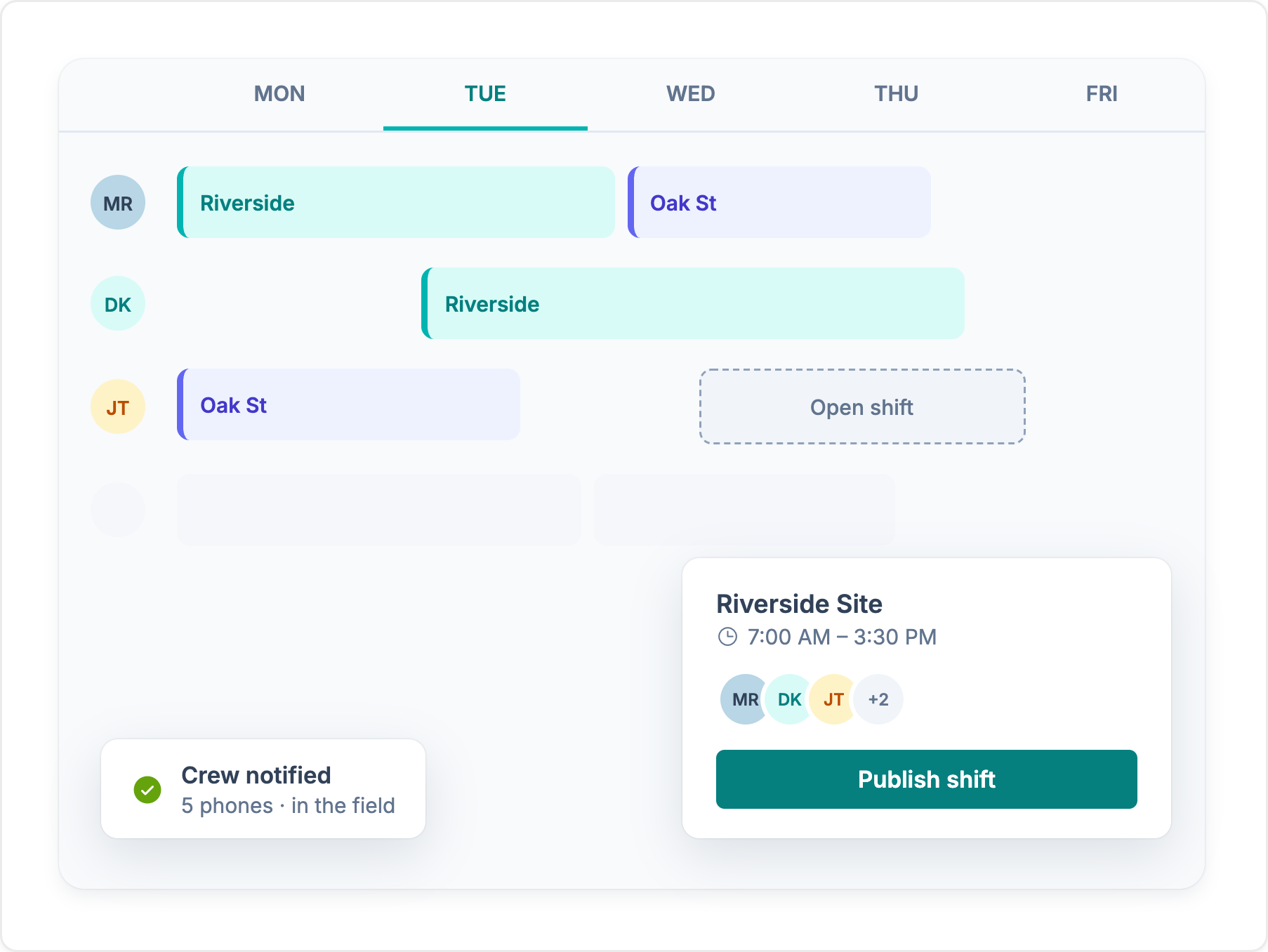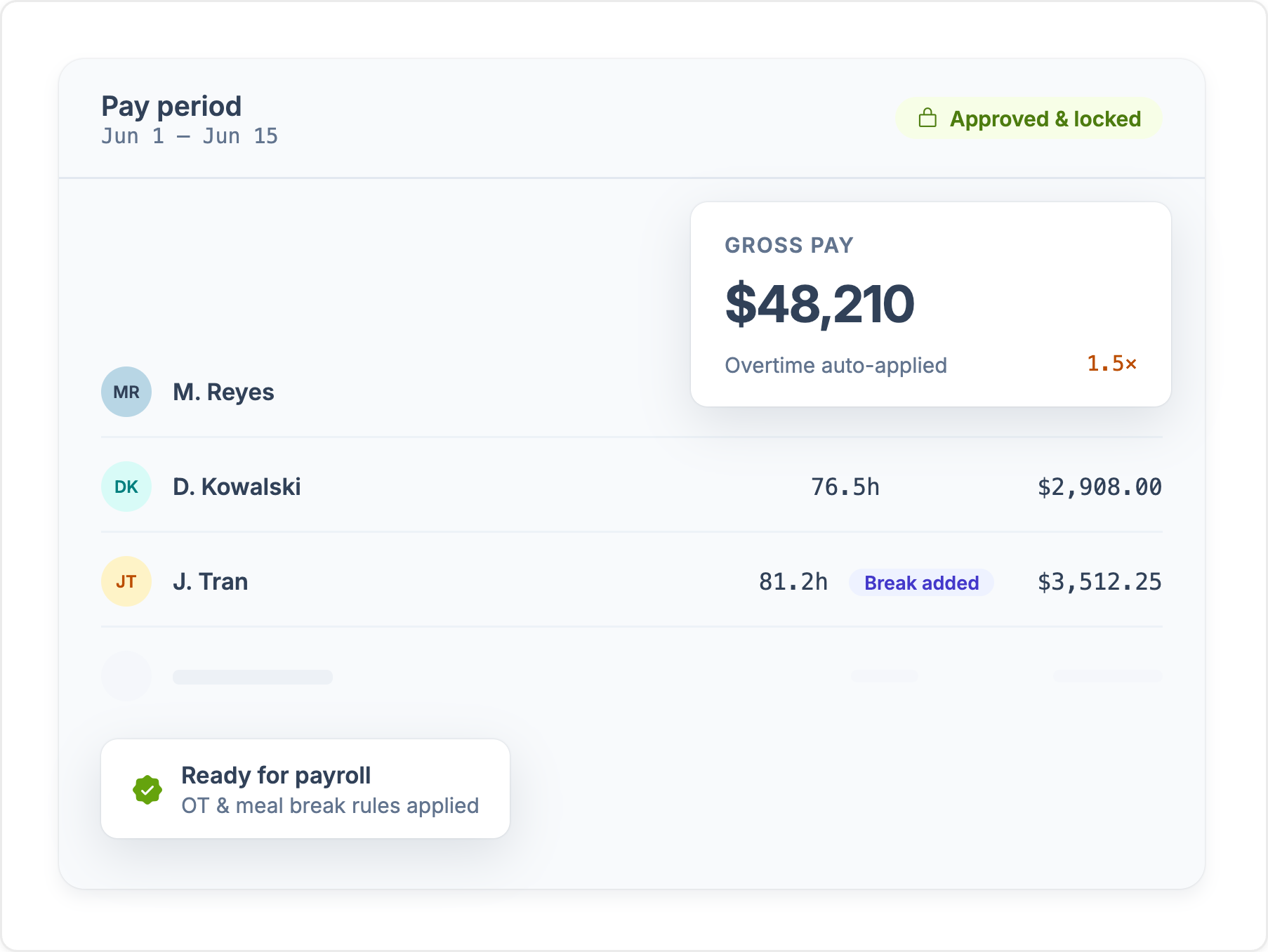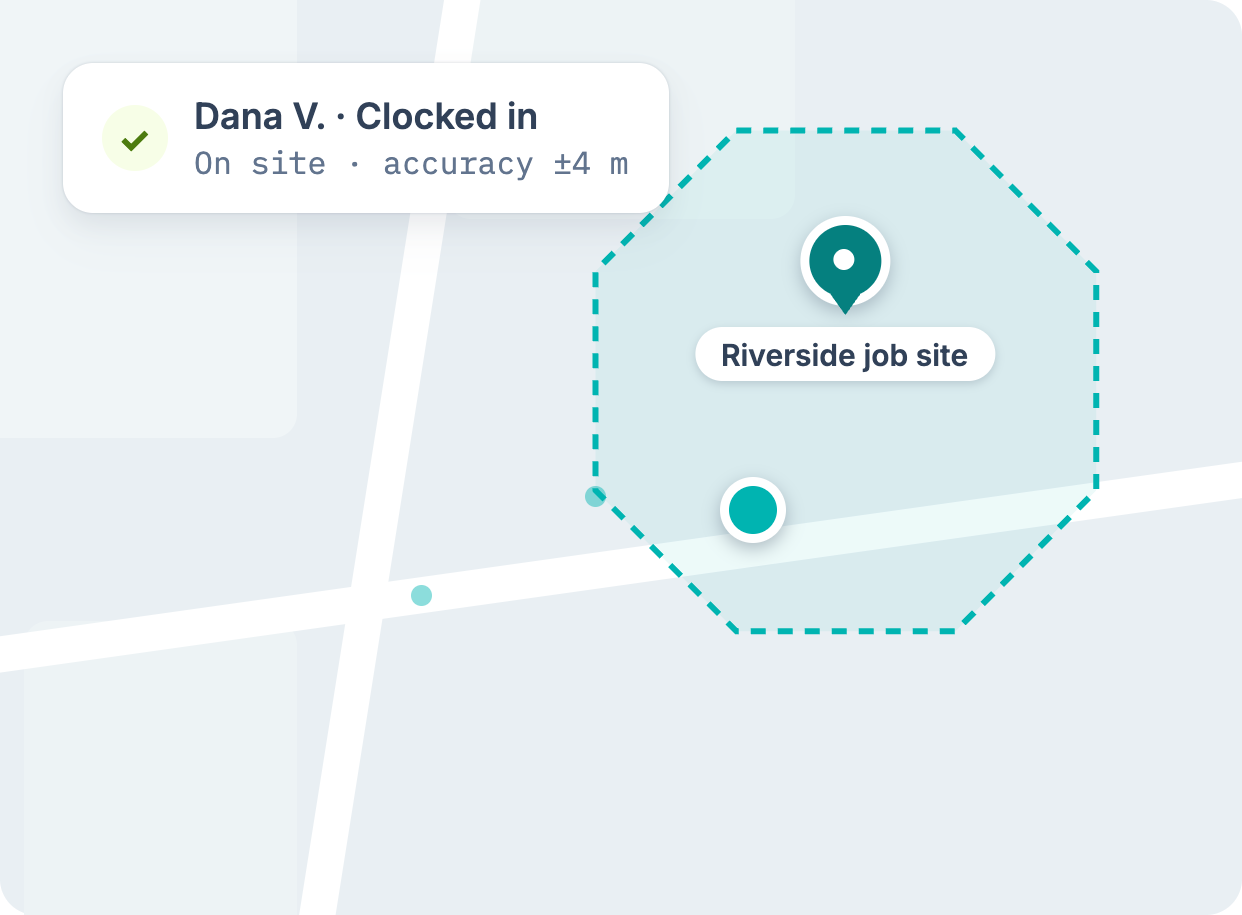
Workyard vs Connecteam

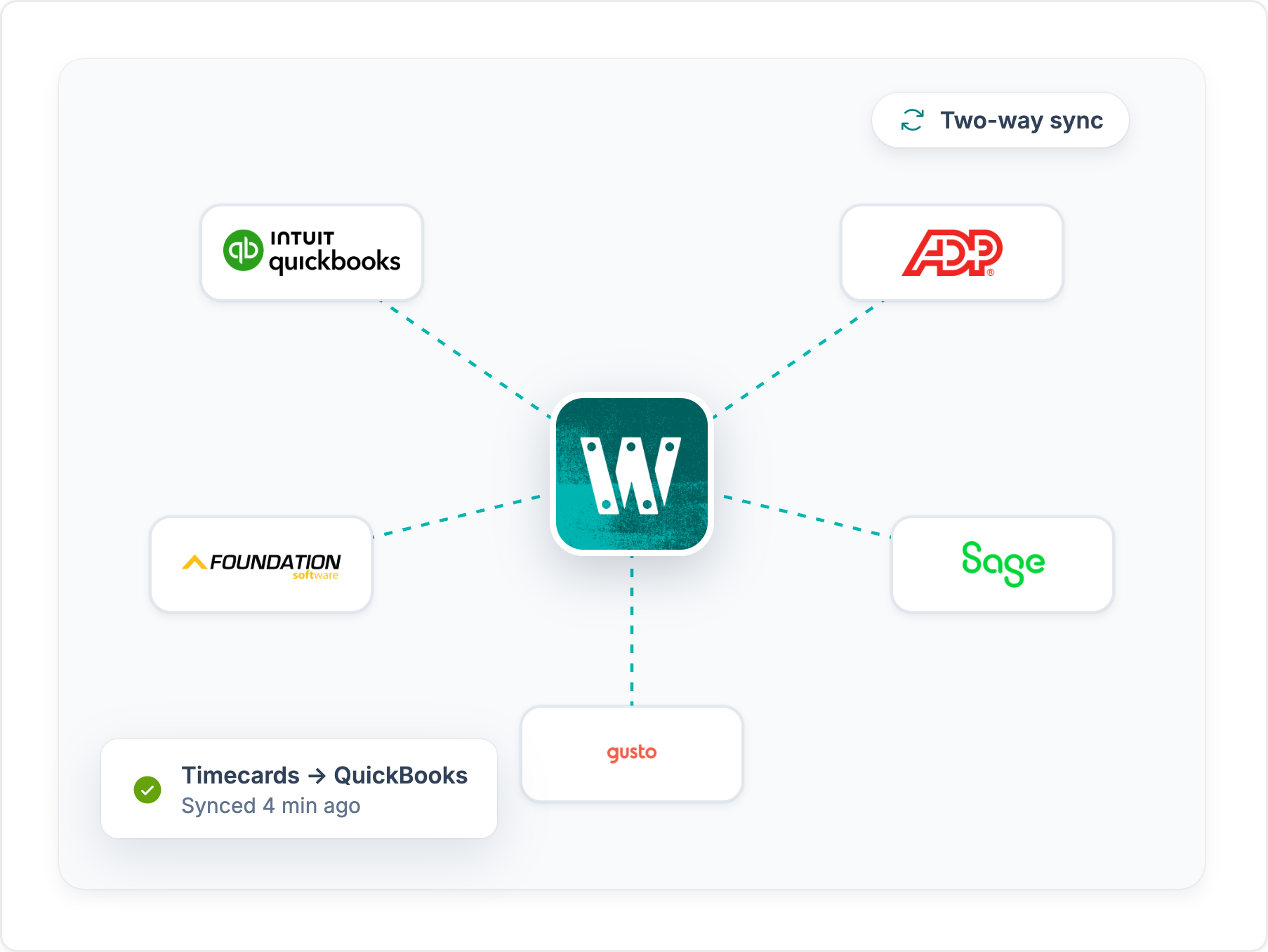
Both apps handle time tracking and scheduling. Workyard is built for construction, with labor costs tracked by job and by worker, mileage costed to the job, and hours coded to Sage, Foundation, and other construction accounting software.

  • US-based support
  • No credit card required

Trusted by 4,000+ contractors and 100,000+ workers every day.

  • AV Decking
  • Synaptic Solar
  • Earned Run
  • Wagler Custom Homes
  • D&S Electric
  • Beam Concrete Construction
  • Dallas Underground

Where Workyard has an edge for construction teams

Read the full Workyard vs Connecteam breakdown

Here are a few reasons construction professionals are choosing Workyard over Connecteam as their construction operations platform of choice.

GPS accuracy

Workyard records accurate GPS location throughout the shift, which is critical for construction companies managing mobile teams across multiple job sites. Connecteam records GPS breadcrumbs as sampled points while someone is on the clock, so the map shows where a worker was at intervals, not a live trail.

Auto clock-in and clock-out

Workyard’s time tracking app automatically clocks employees in and out as soon as they enter their assigned worksites, even if they forget to use their phones. This ensures precise time tracking down to the minute.

Construction-first features

Workyard is specifically designed for the construction industry, while Connecteam targets a broader range of industries. Workyard’s features like job scheduling, cost codes, and payroll are tailored to construction needs. Furthermore, Workyard has been developed by construction professionals who know the pain points of both managers and workers alike, making the app an ideal companion for both office- and field-based employees.

Cost-tracking

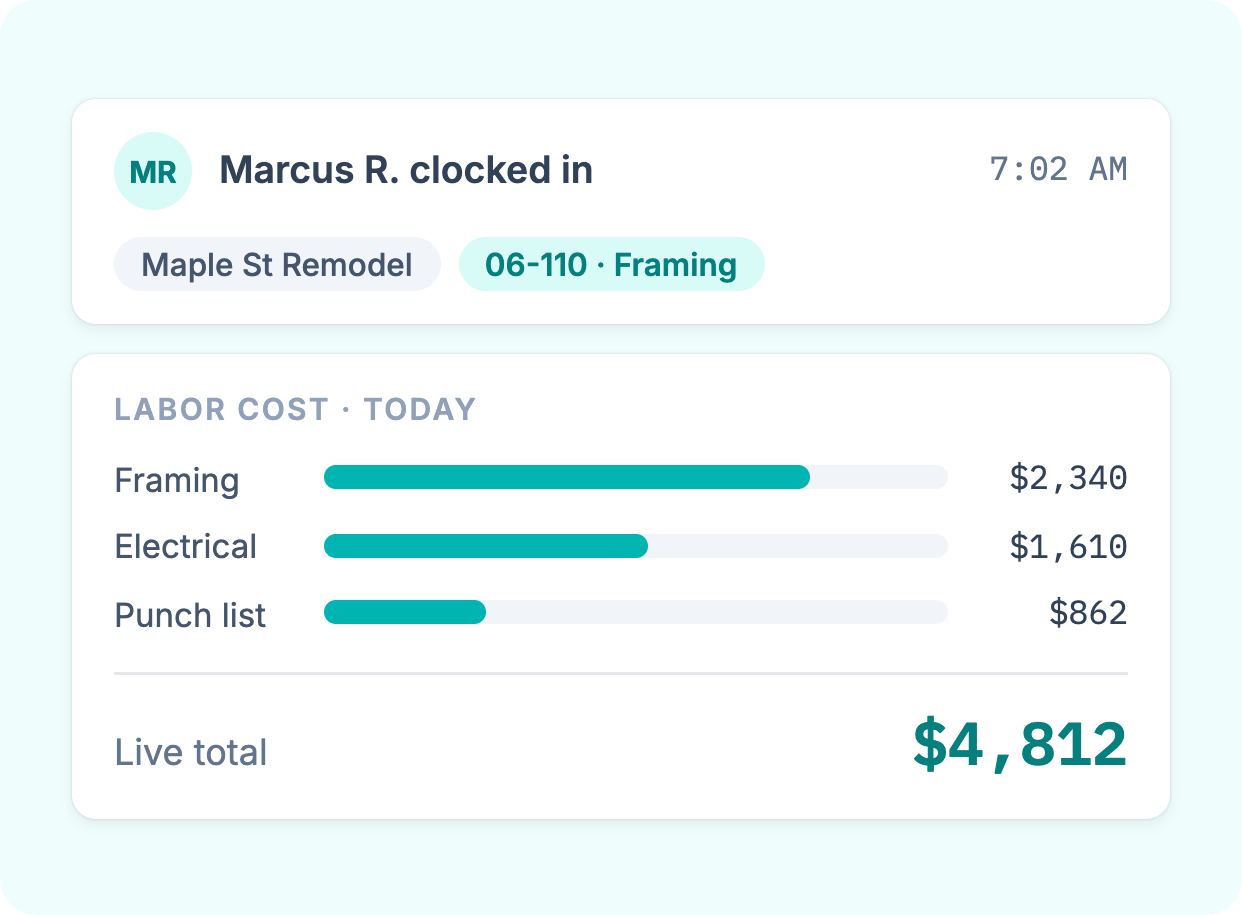
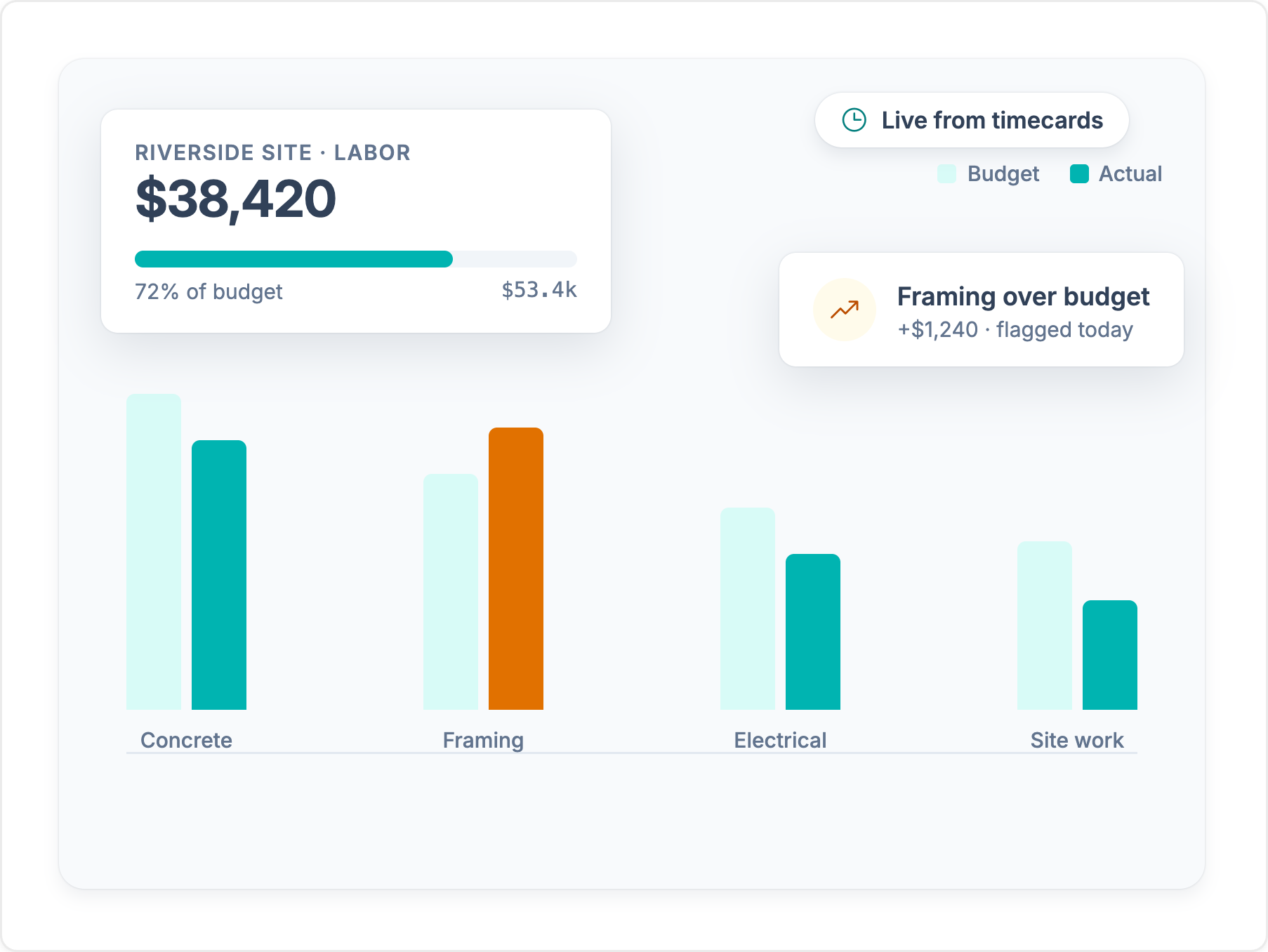
Because every hour lands on a job and cost code, contractors can see which jobs make money and which ones run over. Workyard is specifically designed to collate and track cost metrics important to construction professionals and project owners.

User-friendly app

Workyard offers a more user-friendly mobile experience for field workers compared to Connecteam. Its apps are designed around the needs of construction field service managers and workers alike. Designed for simplicity, Workyard’s app delivers reliable time-tracking functionality minus the complexity for field workers.

In summary, Workyard’s industry-specific features, GPS accuracy, auto clock-in/out, and mobile-first design make it a better choice for construction companies compared to the more general Connecteam platform. With its construction-first features, Workyard is a more natural fit for construction professionals and firms compared to Connecteam.

Compare Workyard and Connecteam features

See where each app stands, feature by feature. For the full picture on Connecteam, read our Connecteam review.

Time Tracking
Connecteam

Real-time GPS

Included
Included

Mileage tracking

Included
Included

Rule-based geofencing

Included
Included

Auto clock-in and clock-out

Included
Included

Offline tracking and logging

Included
Not included

Time card location tagging

Included
Included

Worker/admin notes on time cards

Included
Included

Downloadable time card reports

Included
Included

GPS breadcrumb trails for worker travel

Included
Included

Facial / biometric clock-in

Included
Included

Manual supervisor clock-ins

Included
Included
Time Tracking

Real-time GPS

Workyard Included
Connecteam Included

Mileage tracking

Workyard Included
Connecteam Included

Rule-based geofencing

Workyard Included
Connecteam Included

Auto clock-in and clock-out

Workyard Included
Connecteam Included

Offline tracking and logging

Workyard Included
Connecteam Not included

Time card location tagging

Workyard Included
Connecteam Included

Worker/admin notes on time cards

Workyard Included
Connecteam Included

Downloadable time card reports

Workyard Included
Connecteam Included

GPS breadcrumb trails for worker travel

Workyard Included
Connecteam Included

Facial / biometric clock-in

Workyard Included
Connecteam Included

Manual supervisor clock-ins

Workyard Included
Connecteam Included
Worker Scheduling
Connecteam

Integrated visual calendar

Included
Included

Real-time worker availability

Included
Included

Task/job checklists

Included
Included

Live map view of active workers

Included
Included

Drag-and-drop schedule editing

Included
Included

Bulk schedule updates

Included
Included

Repeatable/recurring tasks

Included
Included

Dispatch route optimization

Included
Included

Downloadable task/project reports

Included
Included
Worker Scheduling

Integrated visual calendar

Workyard Included
Connecteam Included

Real-time worker availability

Workyard Included
Connecteam Included

Task/job checklists

Workyard Included
Connecteam Included

Live map view of active workers

Workyard Included
Connecteam Included

Drag-and-drop schedule editing

Workyard Included
Connecteam Included

Bulk schedule updates

Workyard Included
Connecteam Included

Repeatable/recurring tasks

Workyard Included
Connecteam Included

Dispatch route optimization

Workyard Included
Connecteam Included

Downloadable task/project reports

Workyard Included
Connecteam Included
Job and Cost Tracking
Connecteam

Customizable cost codes

Included
Included

Project-based cost tracking

Included
Included

Automatic site visit capture

Included
Not included

Project cost tracking by employee

Included
Not included

Mileage costing

Included
Not included

Worker task updates (files + notes)

Included
Included

Centralized team communications

Included
Included

Real-time project management (updates, reassignments, etc.)

Included
Included

Automated customizable project rules

Included
Not included

Receipt tracking

Included
Included
Job and Cost Tracking

Customizable cost codes

Workyard Included
Connecteam Included

Project-based cost tracking

Workyard Included
Connecteam Included

Automatic site visit capture

Workyard Included
Connecteam Not included

Project cost tracking by employee

Workyard Included
Connecteam Not included

Mileage costing

Workyard Included
Connecteam Not included

Worker task updates (files + notes)

Workyard Included
Connecteam Included

Centralized team communications

Workyard Included
Connecteam Included

Real-time project management (updates, reassignments, etc.)

Workyard Included
Connecteam Included

Automated customizable project rules

Workyard Included
Connecteam Not included

Receipt tracking

Workyard Included
Connecteam Included
Compliance
Connecteam

Meal and rest break reminders

Included
Included

Auto-add/insert meal and rest breaks

Included
Included

Automatic overtime adjustments

Included
Included

Customizable overtime and break rules

Included
Included

Auto-clock rules based on geofencing settings

Included
Included

Location-specific (CA, WA, etc.) break and OT settings

Included
Included
Compliance

Meal and rest break reminders

Workyard Included
Connecteam Included

Auto-add/insert meal and rest breaks

Workyard Included
Connecteam Included

Automatic overtime adjustments

Workyard Included
Connecteam Included

Customizable overtime and break rules

Workyard Included
Connecteam Included

Auto-clock rules based on geofencing settings

Workyard Included
Connecteam Included

Location-specific (CA, WA, etc.) break and OT settings

Workyard Included
Connecteam Included
User Experience
Connecteam

Detailed user onboarding

Included
Included

Easy/quick new-user walkthroughs

Included
Included

Intuitive modern interface

Included
Included

User permission settings (user, admin, etc.)

Included
Included

User and team groups (by division, project, etc.)

Included
Included

Manager time card editing and approval

Included
Included

Admin controls via mobile app

Included
Included

Multilingual support

Included
Included

U.S. based customer support team

Included
Included

Detailed self-serve knowledge base

Included
Included
User Experience

Detailed user onboarding

Workyard Included
Connecteam Included

Easy/quick new-user walkthroughs

Workyard Included
Connecteam Included

Intuitive modern interface

Workyard Included
Connecteam Included

User permission settings (user, admin, etc.)

Workyard Included
Connecteam Included

User and team groups (by division, project, etc.)

Workyard Included
Connecteam Included

Manager time card editing and approval

Workyard Included
Connecteam Included

Admin controls via mobile app

Workyard Included
Connecteam Included

Multilingual support

Workyard Included
Connecteam Included

U.S. based customer support team

Workyard Included
Connecteam Included

Detailed self-serve knowledge base

Workyard Included
Connecteam Included
Integrations
Connecteam

QuickBooks (Desktop/Online)

Included
Included

ADP (Workforce Now, Run, etc.)

Included
Included

Sage (50, 100, 300, etc.)

Included
Not included

Foundation Software

Included
Not included

Gusto

Included
Included

Rippling

Included
Not included

Paychex

Included
Included

Paycor

Included
Not included

Paylocity

Included
Not included

ComputerEase

Included
Not included

Oracle NetSuite

Included
Not included

Developer API

Included
Included

Export to PDF or CSV (Excel, GSheets, etc.)

Included
Included
Integrations

QuickBooks (Desktop/Online)

Workyard Included
Connecteam Included

ADP (Workforce Now, Run, etc.)

Workyard Included
Connecteam Included

Sage (50, 100, 300, etc.)

Workyard Included
Connecteam Not included

Foundation Software

Workyard Included
Connecteam Not included

Gusto

Workyard Included
Connecteam Included

Rippling

Workyard Included
Connecteam Not included

Paychex

Workyard Included
Connecteam Included

Paycor

Workyard Included
Connecteam Not included

Paylocity

Workyard Included
Connecteam Not included

ComputerEase

Workyard Included
Connecteam Not included

Oracle NetSuite

Workyard Included
Connecteam Not included

Developer API

Workyard Included
Connecteam Included

Export to PDF or CSV (Excel, GSheets, etc.)

Workyard Included
Connecteam Included

Feature comparison based on publicly available information and may change. Refer to the Connecteam website for the most up-to-date details.

Deep dive into Connecteam

We tested Connecteam hands-on and talked to 181 contractors about it. See where its time tracking, job costing, and pricing hold up for crews in the field.

Connecteam review

Don't compare price tags. Compare payback.

Every platform costs money. The real question is what leaky time tracking costs you today. Set the sliders to match your crew and see how fast a tool like Workyard can save you money.

Money lost to inflated payroll per year

$0

  • Per week$0
  • Per month$0
  • If that time lands in overtime (1.5×)$0
  • Admin time back0 hrs
How much Workyard would cost you a year $0

Pays for itself

Book a demo

Calculation: Field employees × extra minutes logged per day × 260 working days × hourly wage. The 49-minute default reflects the American Payroll Association's reported average daily time theft per employee. Workyard cost modeled on an Annual Autopilot plan. Your numbers will vary.

How contractors rate Workyard and Connecteam

Published scores from the four biggest software review platforms, exactly as they appear on each site.

G2

Higher rated

Workyard

51 reviews

4.8 /5

Connecteam

3,506 reviews

4.6 /5

Capterra

Higher rated

Workyard

102 reviews

4.7 /5

Connecteam

5,315 reviews

4.6 /5

App Store

Workyard

242 ratings

4.0 /5

Higher rated

Connecteam

59,123 ratings

4.9 /5

Google Play

Workyard

256 reviews

3.8 /5

Higher rated

Connecteam

29.4K reviews

4.8 /5

Ratings as displayed on G2, Capterra, Apple App Store, and Google Play in September 2026. Scores change as new reviews are published. Check each platform for current numbers.

What our contractors say about Workyard

“The geofencing feature ensures my employees stay clocked in and out, which is very helpful. I also like that the Autopilot feature works on its own, especially with automatic clock-ins, streamlining the whole process. Setting up Workyard was also very, very easy, making the transition smooth.”

— Rushdi K., G2 review

“I like how Workyard auto clocks my employees in and how it works even if there's no cellular data. These features help keep the data accurate and save me from having to manually input data. It also helps keep up with my guys' hours and automatically tracks them on different jobs, which allows me to do better job costing.”

— Chad P., G2 review

“I really love how Workyard makes it easy to invoice. It's intuitive, and I can link it to QuickBooks, which is really convenient. I also like how easy it is to manage time and track my employees.”

— John R., G2 review

“I can view the workers' locations at each job site, which is very helpful. If they forget to log their tasks or projects, I am still able to check their location history and enter the time for each project afterward.”


— Michael S., G2 review

G2 Best Software Top 100G2 High PerformerG2 Best Estimated ROIG2 Fastest Implementation
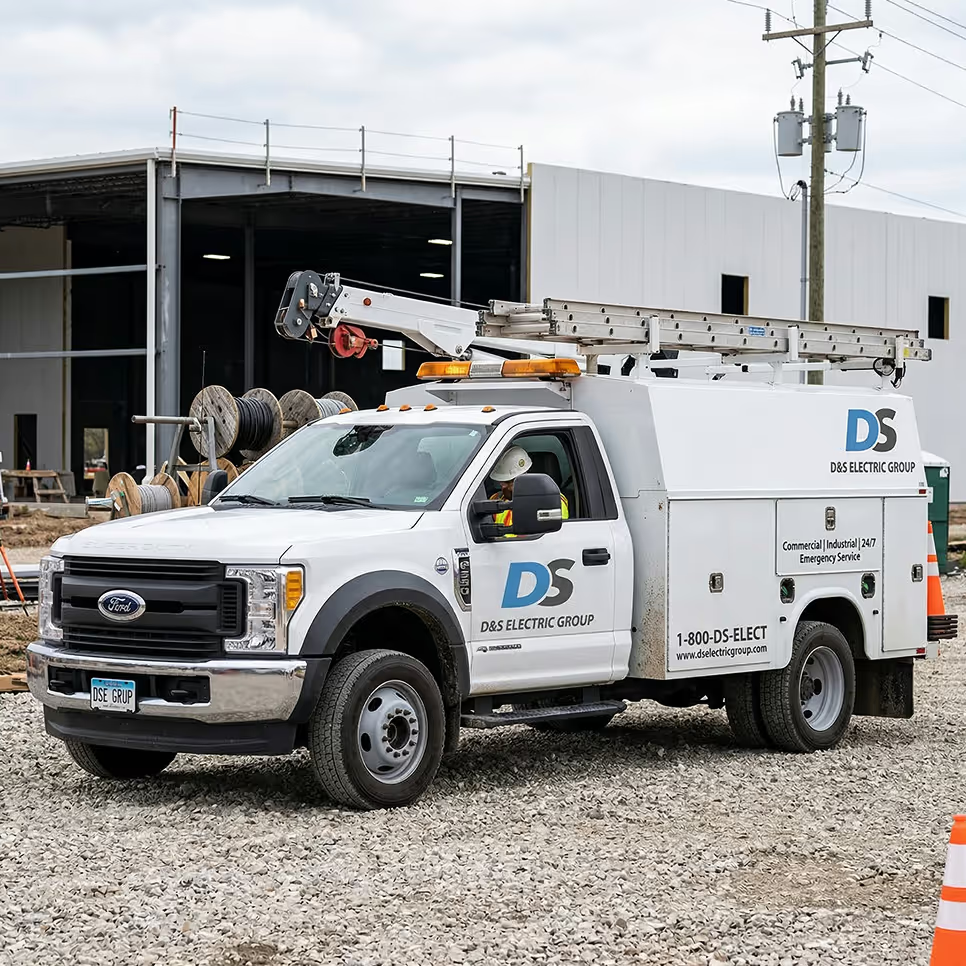
“Weekly time spent on payroll and job allocation went from four hours weekly to less than one hour.”
Kathi Smith Vice President, D&S Electric
Read customer story
Kathi Smith, Vice President of D&S Electric

Workyard powers construction teams from the field to the office

Workyard captures field time and location data, turns approved hours into job costs, and sends payroll-ready records to the back office - all in one system.
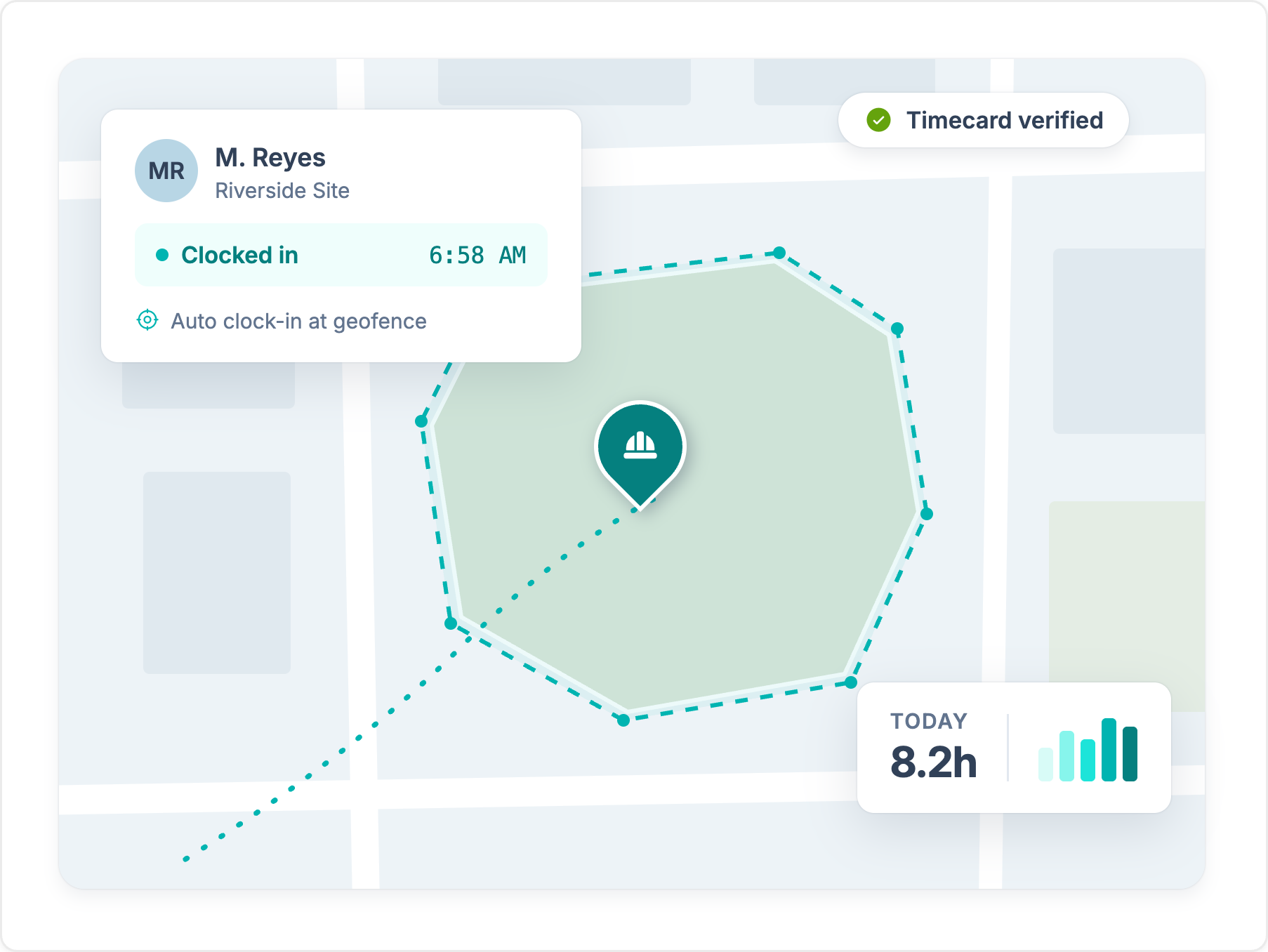
Workyard app map view showing worker M. Reyes auto-clocked in at the Riverside Site geofence at 6:58 AM, timecard verified, 8.2 hours tracked today.

Accurate hours you can defend

  • Workyard records locations throughout the shift and uses geofences to connect time with the right jobsite.
  • Crews can add notes, photos, and files from the field, even when cell service drops.
See time tracking