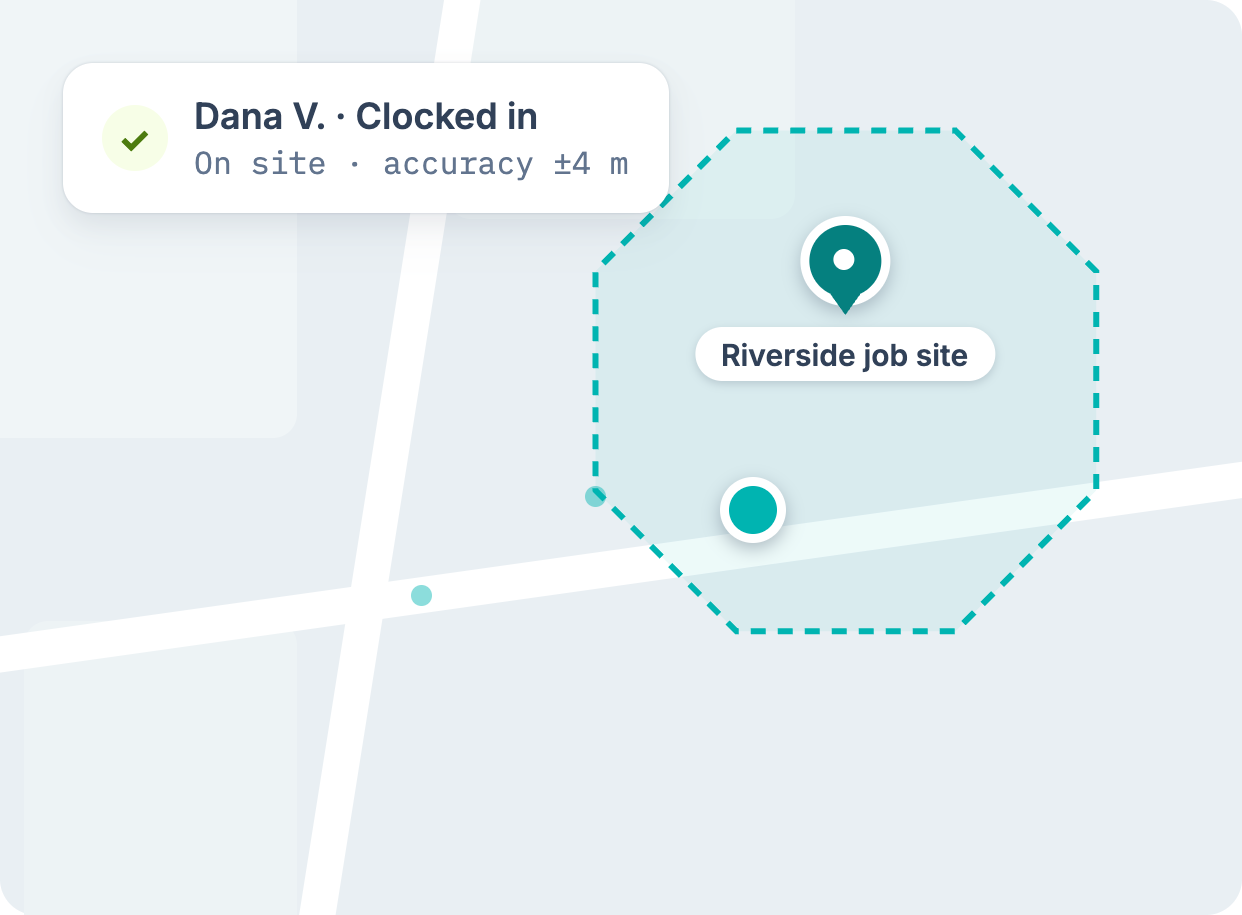
GPS proof of who was on site
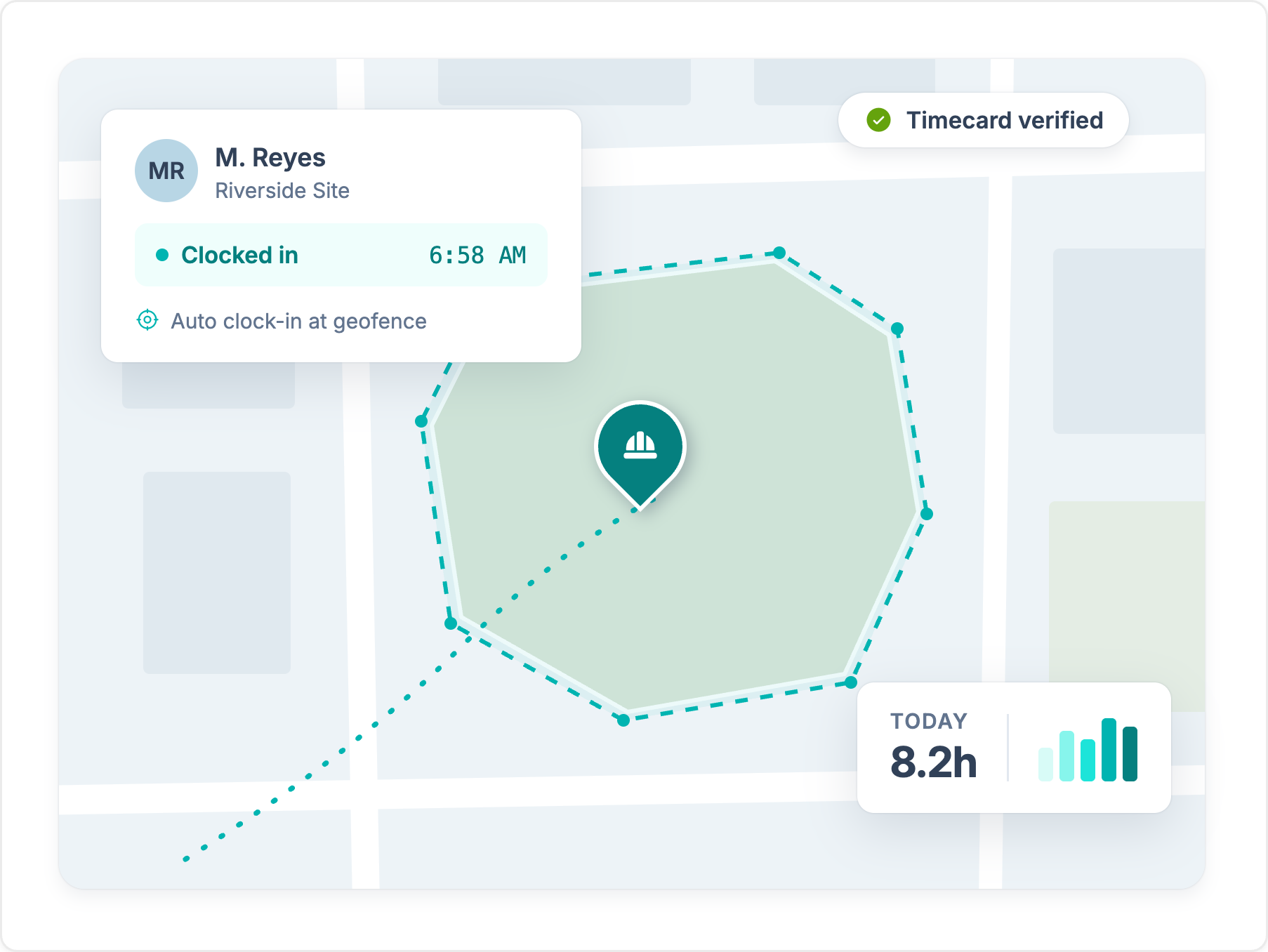
Workyard records location through the shift and ties each hour to the jobsite. Time Doctor's mobile app records hours only, with no location data.
Explore GPS time clockTime Doctor tracks computer activity for remote teams. Workyard is built for construction crews, with GPS-verified hours, geofences, and labor cost by job.
Trusted by 4,000+ contractors and 100,000+ workers every day.







Workyard records location through the shift and ties each hour to the jobsite. Time Doctor's mobile app records hours only, with no location data.
Explore GPS time clock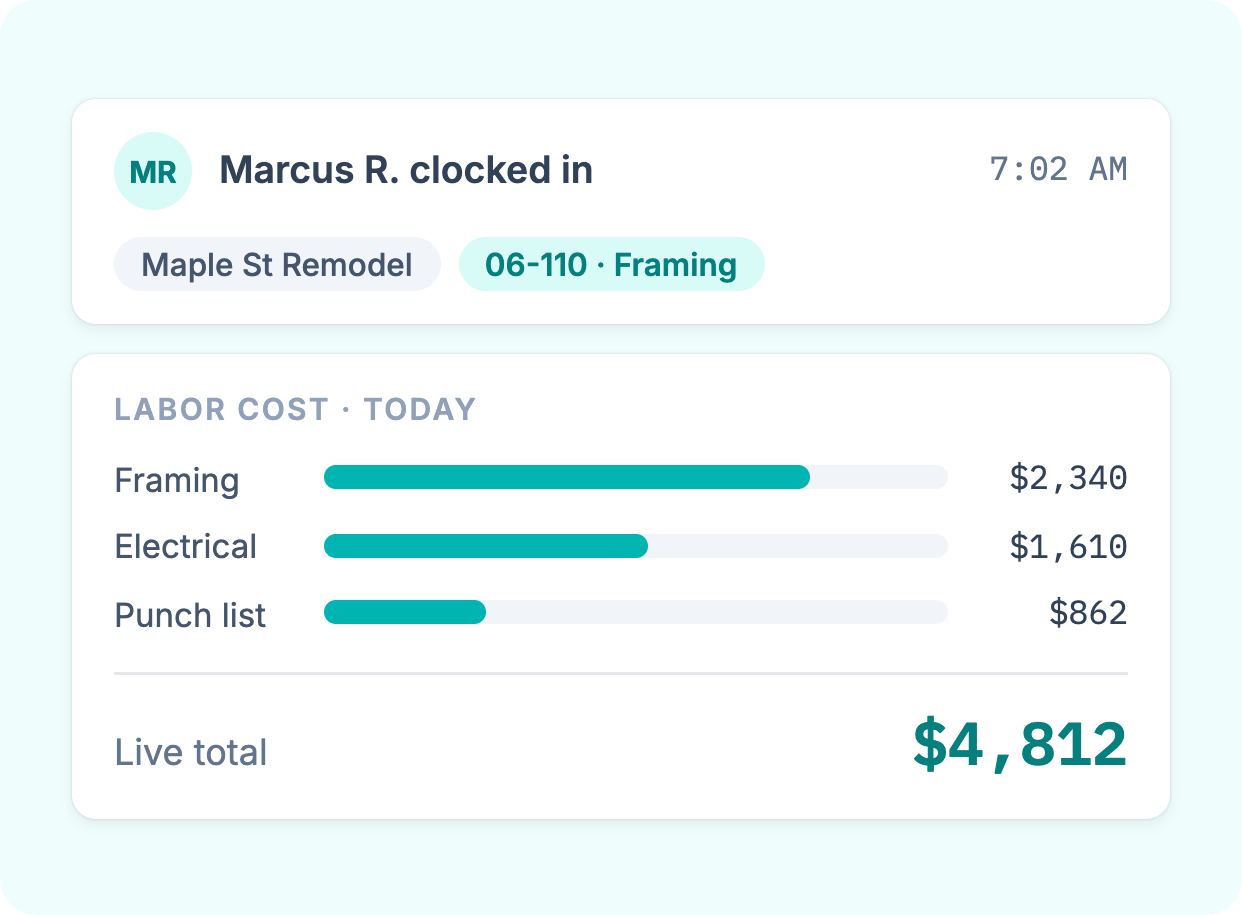
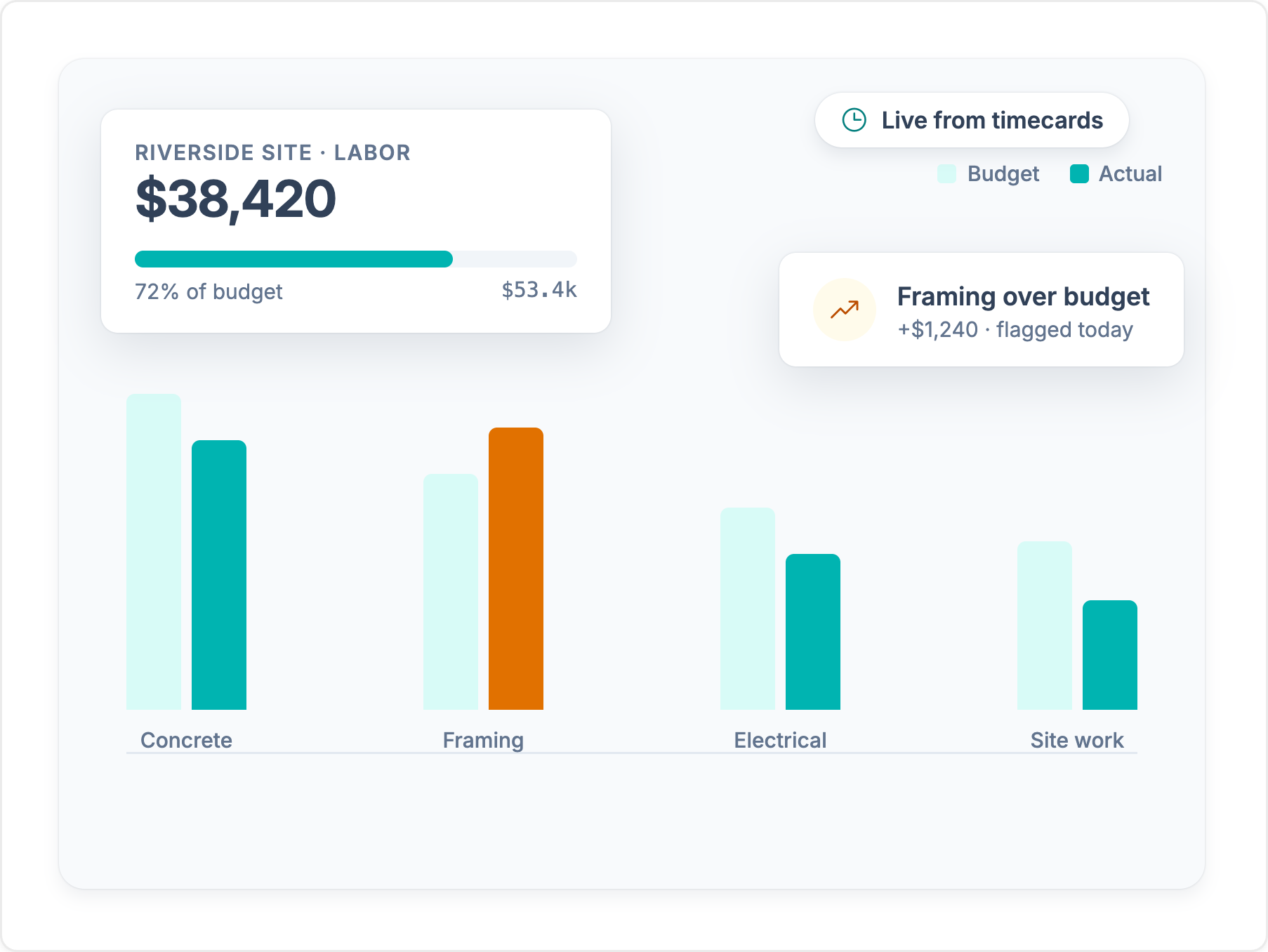
Every hour lands on a job, cost code, and phase as your crew records it. You see labor cost while the job is running, not after you rebuild timesheets at month end.
Explore job costing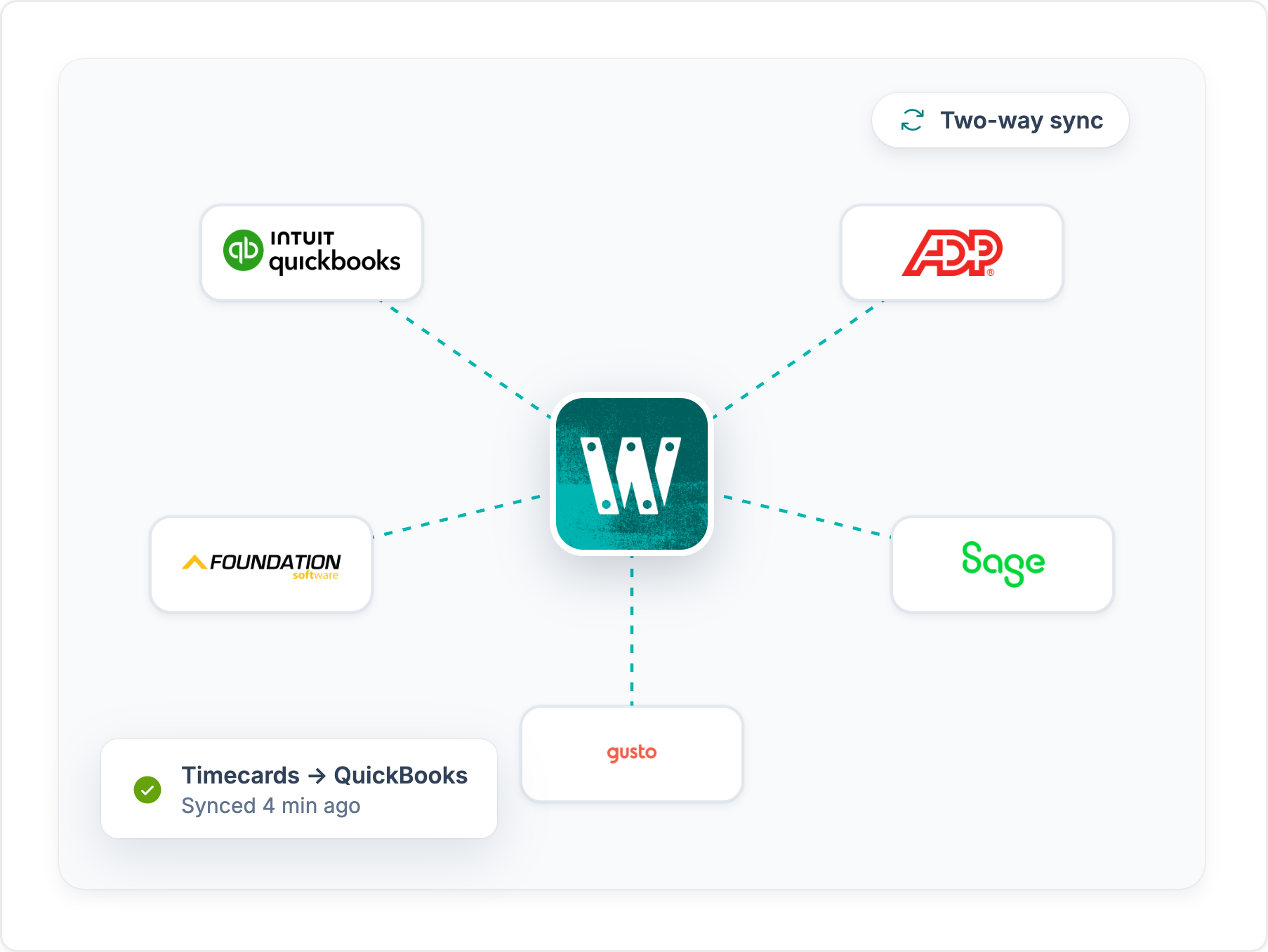
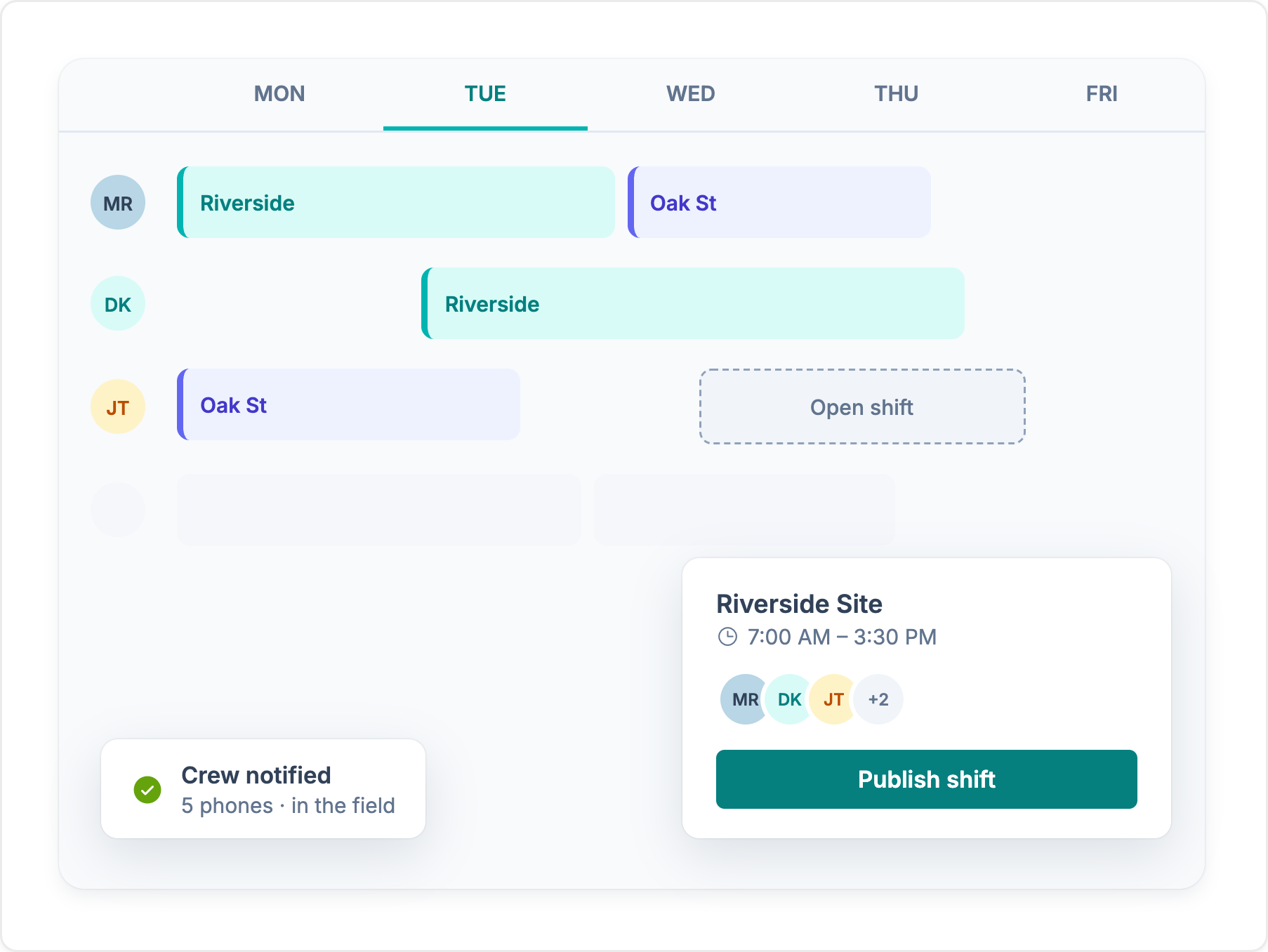
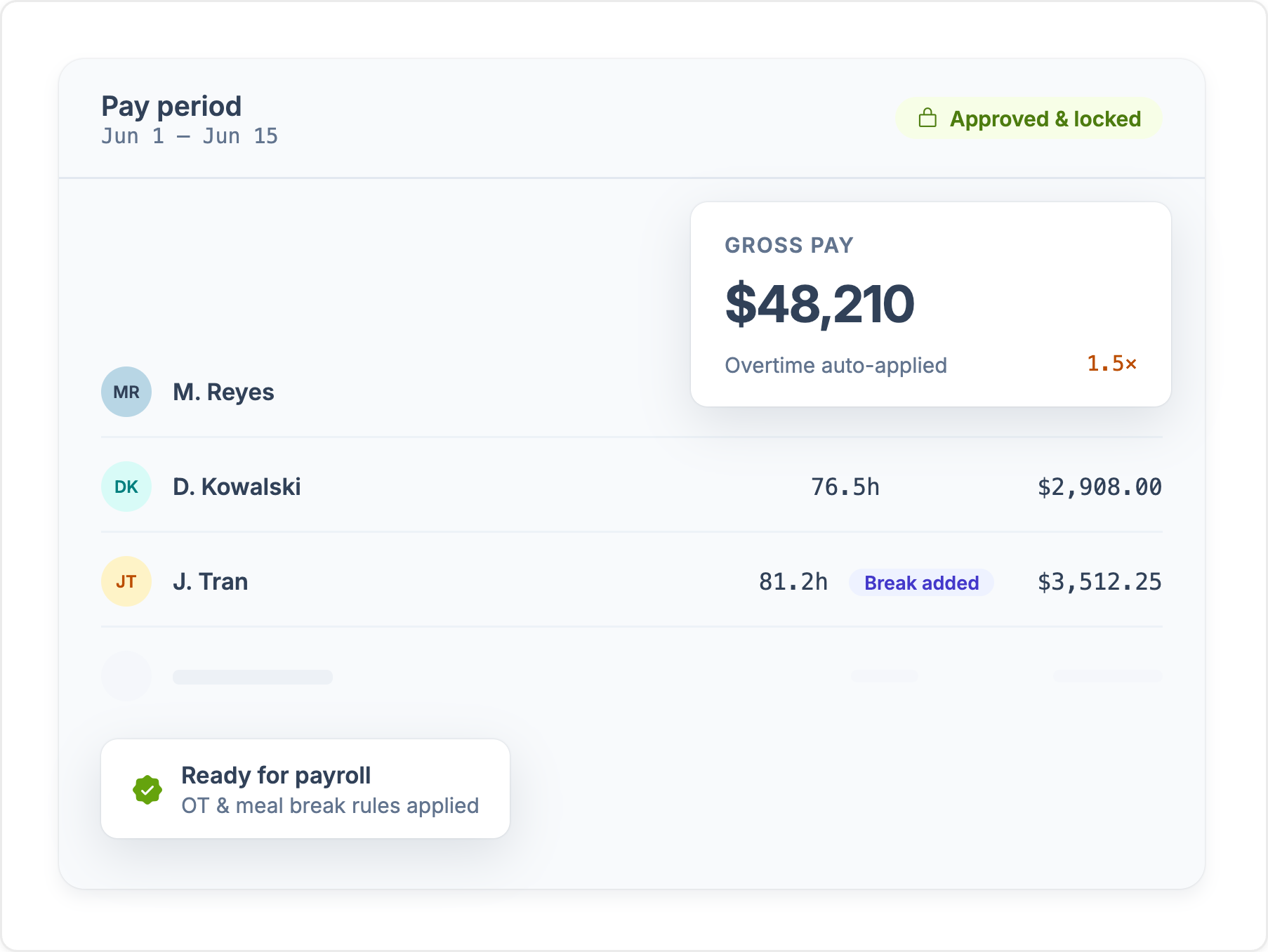
Approved hours sync to QuickBooks, Sage, Foundation, ComputerEase, ADP, and more, already coded to the job. Nobody re-keys time before payroll.
See integrationsConstruction professionals should consider choosing Workyard over its competitors for a variety of reasons that cater specifically to the unique challenges of the construction industry. Here’s a detailed explanation of why Workyard stands out:
Workyard is designed specifically for the construction industry, with features tailored to the unique needs of construction professionals. Unlike Time Doctor, which is a more generic employee monitoring and time tracking tool, Workyard offers specialized capabilities such as GPS tracking, geofencing, and job costing that are essential for managing construction projects and field crews.
One of Workyard’s key advantages is its highly accurate GPS tracking and geofencing features. The app uses real-time GPS data from workers’ phones to automatically record their arrival and departure times at job sites, eliminating the need for manual clock-ins and reducing the risk of time theft.
This level of precision is crucial for construction companies that need to track employee locations across multiple sites and ensure accurate payroll and invoicing.
By automatically capturing time worked at each job site, Workyard simplifies the process of generating payroll and client invoices. The app turns timesheet data into accessible labor cost analyses, helping construction professionals guarantee accuracy in payroll and invoicing. This feature is particularly beneficial for construction firms that need to bill clients based on hours worked on a project.
Workyard offers detailed reporting tools that allow construction professionals to analyze labor costs and project hours effectively. Its real-time job costing functionality provides insights into how much labor is being spent on each project, enabling managers to make informed decisions about resource allocation and project budgeting. This level of visibility is essential for maintaining profitability in construction projects.
Workyard integrates with popular construction software like Foundation Software, Sage 100 Contractor, Sage 300 CRE, and ComputerEase. This direct integration allows construction professionals to streamline their workflows and avoid manual data entry between different systems.
Time Doctor, on the other hand, may not offer the same level of integration with construction-specific software.
The Workyard app is designed with a user-friendly interface that encourages consistent use among workers. Employees can easily clock in and out using their mobile devices, which is particularly beneficial for construction teams that work across multiple job sites. The mobile accessibility also allows workers to manage their time tracking from anywhere, reducing administrative burdens for managers.
By utilizing Workyard’s precise GPS tracking and automated payroll integration, construction companies can potentially save thousands of dollars in wasted payroll expenses due to inaccuracies and inefficiencies in time tracking.
The combination of accurate location data, streamlined invoicing, and detailed reporting helps ensure that labor costs are kept in check, making Workyard a financially savvy choice for construction professionals.
Workyard offers construction professionals a specialized tool that addresses the industry’s unique challenges. Its features, such as precise GPS tracking, automated payroll integration, and detailed job costing reports, make it a superior choice to generic time tracking applications like Time Doctor.
By choosing Workyard, construction firms can enhance their operational efficiency, ensure accurate payroll processing, and ultimately improve their profitability.
See where each app stands, feature by feature. For the full picture on Time Doctor, read our Time Doctor review.
Feature comparison based on publicly available information and may change. Refer to the Time Doctor website for the most up-to-date details.
We break down Time Doctor's core features, how they hold up for crews in the field, and the tradeoffs contractors should know about.
Every platform costs money. The real question is what leaky time tracking costs you today. Set the sliders to match your crew and see how fast a tool like Workyard can save you money.
Money lost to inflated payroll per year
$0
Pays for itself
Book a demoCalculation: Field employees × extra minutes logged per day × 260 working days × hourly wage. The 49-minute default reflects the American Payroll Association's reported average daily time theft per employee. Workyard cost modeled on an Annual Autopilot plan. Your numbers will vary.
Published scores from the four biggest software review platforms, exactly as they appear on each site.

Workyard
51 reviews
4.8 /5
Time Doctor
497 reviews
4.4 /5

Workyard
102 reviews
4.7 /5
Time Doctor
548 reviews
4.5 /5

Workyard
242 ratings
4.0 /5
Time Doctor
10 ratings
2.1 /5

Workyard
256 reviews
3.8 /5
Time Doctor
161 reviews
2.4 /5
Ratings as displayed on G2, Capterra, Apple App Store, and Google Play in September 2026. Scores change as new reviews are published. Check each platform for current numbers.
“The geofencing feature ensures my employees stay clocked in and out, which is very helpful. I also like that the Autopilot feature works on its own, especially with automatic clock-ins, streamlining the whole process. Setting up Workyard was also very, very easy, making the transition smooth.”
“I like how Workyard auto clocks my employees in and how it works even if there's no cellular data. These features help keep the data accurate and save me from having to manually input data. It also helps keep up with my guys' hours and automatically tracks them on different jobs, which allows me to do better job costing.”
“I really love how Workyard makes it easy to invoice. It's intuitive, and I can link it to QuickBooks, which is really convenient. I also like how easy it is to manage time and track my employees.”
“I can view the workers' locations at each job site, which is very helpful. If they forget to log their tasks or projects, I am still able to check their location history and enter the time for each project afterward.”



“Weekly time spent on payroll and job allocation went from four hours weekly to less than one hour.”Read customer story
Workyard captures field time and location data, turns approved hours into job costs, and sends payroll-ready records to the back office - all in one system.

Learn how AI can support construction scheduling by predicting delays, flagging conflicts, comparing scenarios, and helping teams adjust plans as job conditions change.

Learn how to calculate construction equipment utilization from field data, which metrics matter, and when telematics is needed.
We compared field service dispatch software on what the technician

Compare the best construction job costing software for labor, budgets, WIP, and accounting in 2026.