$123Ksaved with Workyard’s Smart Forms
"Smart Forms pays for itself through accurate invoicing, insurance savings, and keeping our business moving every single day."

Operators, ground crews and haul drivers clock in on their own phones. Each machine’s hours land on the job beside the operator’s labor, padded time comes off payroll, and the foreman’s daily is in before clock-out.
$123Ksaved with Workyard’s Smart Forms
"Smart Forms pays for itself through accurate invoicing, insurance savings, and keeping our business moving every single day."
"Moving our repair requests to digital forms with Workyard made a huge difference. Before, issues would get lost in the shuffle, and it could take too long to get equipment fixed. Now, as soon as a problem is reported, we get notified immediately, and our mechanics can take care of it right away."
Brittany Konitzer, Office ManagerFalcon Drilling & Blasting

“It usually takes me about 15-20 minutes, once a week, doing time cards on Monday morning to edit or confirm anything that may be lost or not checked in the correct boxes.”
Excavation contractor, 11–50 workers

“We freed up two full days of a team of 4 in a week, because our payroll's done every week.”
Operations ManagerExcavation contractor, 50+ workers

“They take a photo and they sign. So I can use this for all of our OSHA and safety requirement documentation for compliance. And so this has been working great.”
Operations ManagerExcavation contractor, 50+ workers

“If I had to put a dollar value to it, you're probably looking, let's say, 15 to 17% that we've cut down on overall cost.”
CEOUnderground utility contractor, 50+ workers

The payoff
Money
10–18%
off payroll
Rounded times, buddy punches, forgotten clock-outs: eliminated.
Job costs
5–25%
unassigned hours before Workyard
GPS and agents put each hour on the job it was worked.
Time
30 mins
to prep payroll, not 12 hours
The typical drop for customers.

TR3 put its crews’ time on Workyard in 2022, so hours stopped being reported on trust. Then a DOT citation sent the insurance on its dump trucks and hook trucks soaring. Now the inspection opens when drivers clock in, mechanics hear about a problem the moment it’s reported, and every check is on record when the insurer asks.
Workyard is not another everything-suite. It runs the crew side of the business, deeply, and connects to the rest.
For payroll, accounting and job costing: QuickBooks, Sage, Foundation, ComputerEase and 17 more. Jobs and cost codes come in, and approved hours go to the systems that pay and cost each job.









Other tools wait for someone to do the work. Workyard’s agents check every timecard and flag only what needs you. That’s the whole job.
From quick answers to hours of work, handled
Time tracking that runs itself
Reports you need, without the spreadsheet work
Works your way
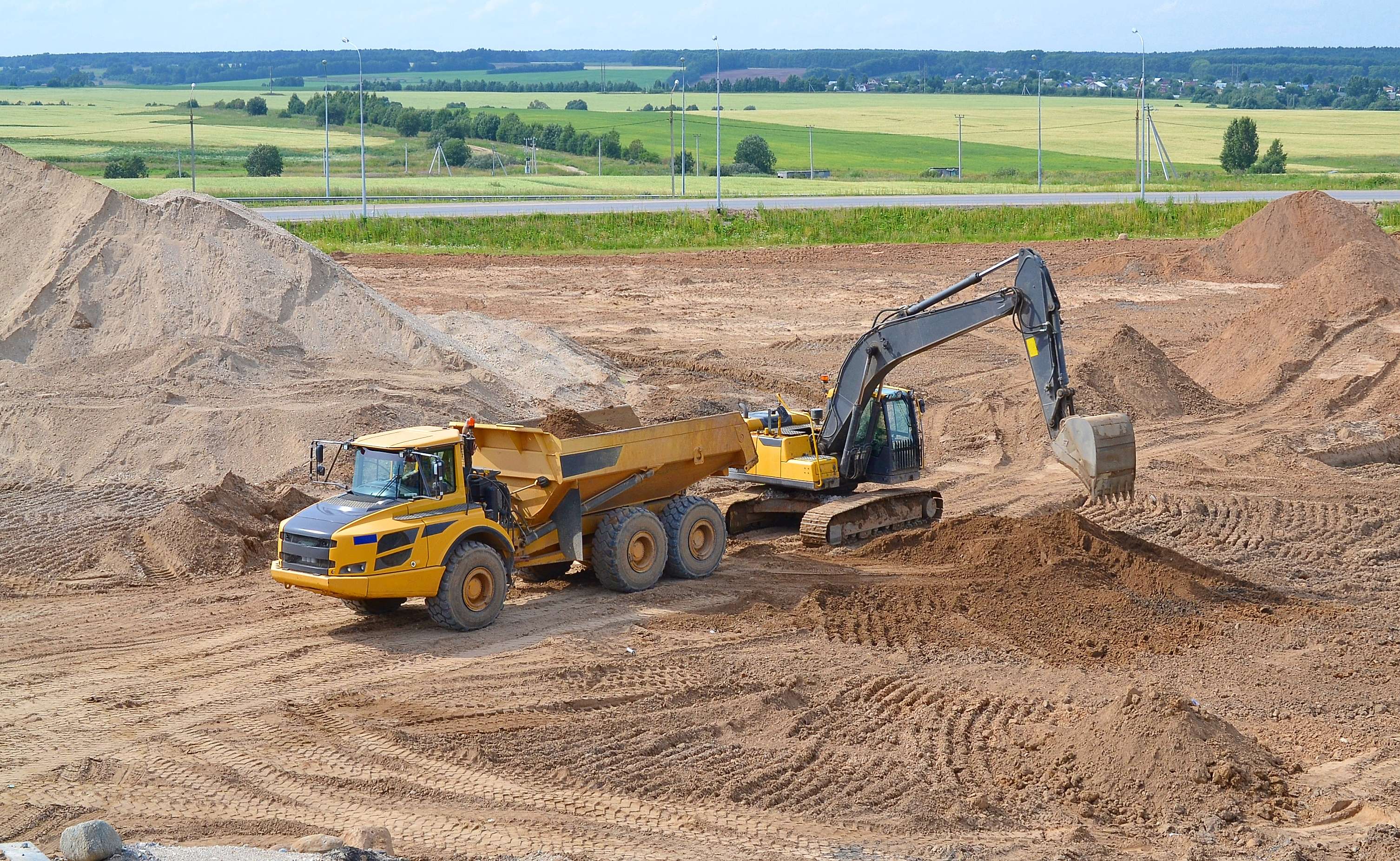
Operators switch machines and cost codes through the day. Truck drivers haul between the yard and your jobs. Workyard fits both.
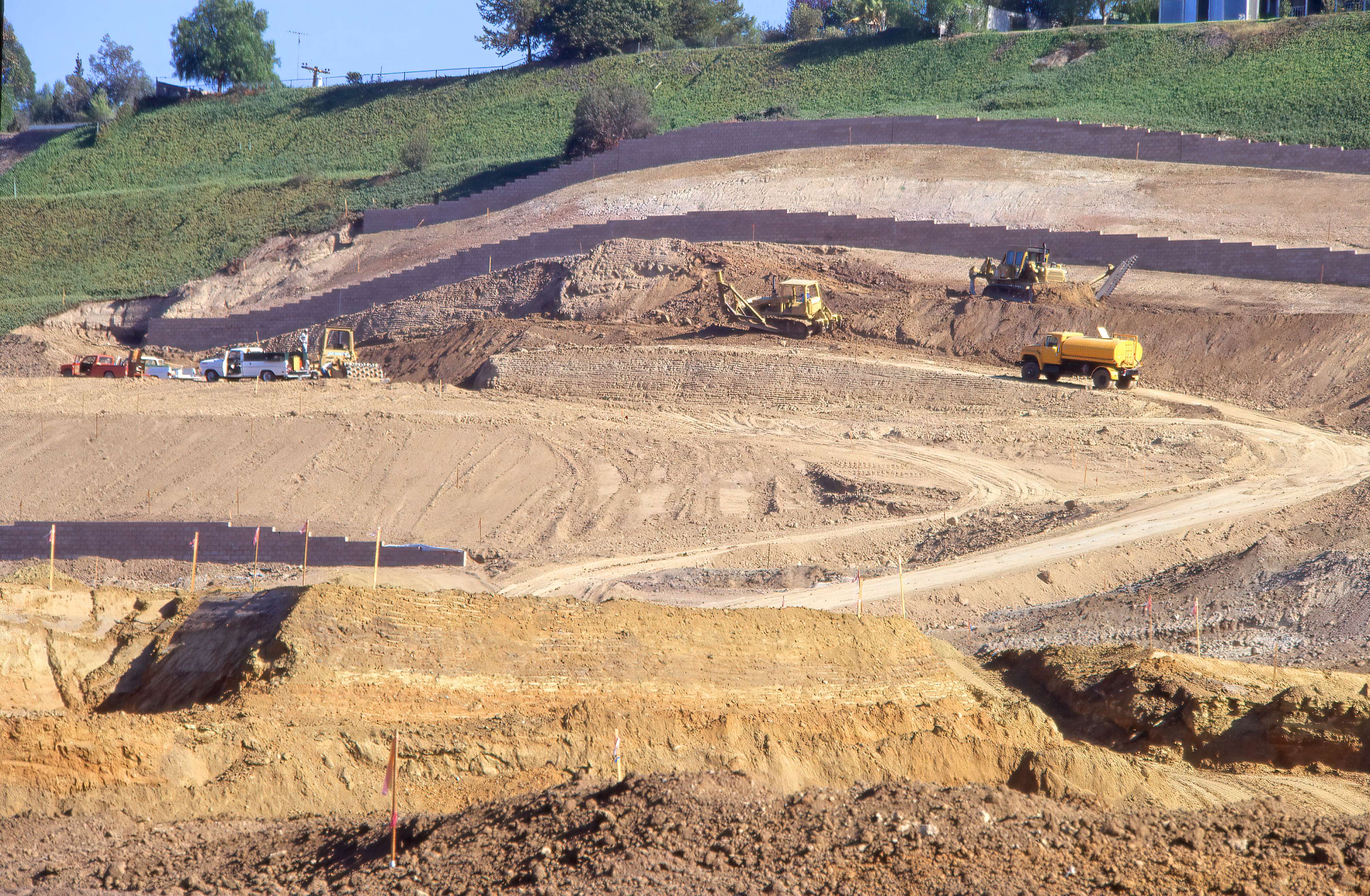
Switching machines and cost codes all day
Running loads to several jobs a day
Built for the way excavation runs
What excavation contractors ask us for more than other trades do, built in.
Operators tag the excavator, dozer or loader at clock-in, or the moment they climb on, and switch as they change machines. Its hours land on the job and cost code beside their labor, priced at the machine’s rate. A machine someone else is running can’t be picked, and a missed one is asked for at clock-out.
Your own daily, built from a photo of the paper one. The crew and their hours fill in from the time cards, the foreman adds the loads, the yards, the delays and the photos, and the form totals the volumes. Make it required and clock-out waits until it’s in.
The pre-trip opens when drivers clock in, and a pre-start when operators do. Mark an answer like a failed brake check as unexpected and it goes to your mechanic the moment it’s sent, photos and all. Every check is signed and dated, ready when the insurer or the DOT asks.
Thousands already do, every day.
GPS and AI drive the capture and correction, so they don't have to.
Works offline. Works in Spanish. Prevents buddy punching. Detects and corrects mistakes.
Location is only shared while on the clock, never after hours. You choose the level of tracking that fits your crew.

"I love this app. It makes it so easy for me to clock in and clock out and it tracks my mileage for my work and everything. I would recommend it, great way to keep up with everything."
"By far the best app I've ever used for work. Most consistent and accurate. Haven't had any difficulties at all. I will never use another app for clocking my hours at work."
"This app is extremely easy for my construction staff to use. It creates reports for me that show different costs by projects and honestly just saves me time and headaches."
You're wondering…
Yes. Operators tag the excavator, dozer or loader at clock-in or when they get on it, and its hours land on the job and cost code beside their labor, priced at the rate you set for it. Make tagging required, optional or off crew by crew, and two operators can’t log the same machine. It isn’t a GPS tracker: if you run telematics, it sits beside Workyard.
Yes. Direct connections to QuickBooks Online and Desktop, Foundation, Spectrum, Sage 100 Contractor, Sage Intacct, Acumatica, ADP Workforce Now, RUN Powered by ADP, Gusto and NetSuite. Files built for ComputerEase, Paychex Flex, Sage 50, Sage 300 CRE, Rippling and more, plus a custom export and a developer API.
Yes. The crew, their start and end times, hours, overtime, breaks and cost codes fill in from their time cards and stay in step with them. The foreman adds what got done, the quantities, the delays, the photos and a signature, on your own form. Make it required at clock-out and the day can’t close until it’s in. An admin can correct a submitted report, and every change is logged with who made it and when.
A specialist sets up your jobs, cost codes, geofences and pay rules with you, imported from your accounting where we can, and runs the first payroll sync with you watching. Crews download the app and clock in on their own phones; anyone without one clocks in at a kiosk or with the foreman.
No. Crews clock in on their own phones or company ones, the foreman can clock in the whole crew, or a kiosk on an iPad at the job or the yard takes a PIN and a face photo. The crew app runs in English or Spanish.
If you want. Per crew, clock them in on arrival, remind them to clock in, or leave it off. A forgotten clock-out is trimmed back to when they left the site and flagged for the office, and the card’s trace shows when they reached and left each job.
Yes. Each stretch of the day carries its own job, cost code and machine, picked at clock-in or switched as the work changes: finish grade in the morning, base rock after lunch. Automatic mode moves their time to each job they arrive at, and a missed machine is asked for at the clock-out check.
Not if you set them up for it. Give drivers their own rule group with auto clock-in off, so they clock in anywhere while field crews keep site-only clock-in. Where auto clock-in is on, archive finished jobs so phones stop watching them and draw fences to the lot to keep the road outside. On iPhone, an automatic clock-in is cancelled if the phone leaves the fence within a minute.
Yes, if the fences follow the lots. Draw each fence on the real lot lines, as large or irregular as the work, and a drawn outline can’t overlap another job’s fence. Where the ground is shared, have workers pick the job at clock-in and switch when they move.
Yes. Put your drivers in a team and set the pre-trip to open when they clock in, so nobody else gets it. A failed check goes to your mechanic the moment it’s submitted, and every inspection is signed, dated and pulled up by job, date or driver when the insurer or the DOT asks.
Yes. The foreman picks who’s on the job, clocks them in together from one phone, and clocks them out the same way. Assign a whole team or pull one or two people off to another job, and each person’s hours land on their own card.
Yes. A foreman with access to the crew’s time cards, or the office, can fix a card on the phone or the web. Every edit is kept with who made it and why, so a change made by a supervisor shows on the card. Once project time is approved, it’s locked.
Yes. Each job keeps its labor and equipment hours and cost by cost code, and reports pull any date range or pay period, so a season on one job is one report. Time cards stay searchable by worker and date range too.
Yes, on your own daily. Add a table for loads, yards, tons or feet of pipe, and the form totals the volumes. Each daily files to its job, so you can filter by job and date range and export to Excel or CSV. The quantities stay on the forms: they don’t feed job costs.
Yes. Each submission goes to the people or teams you choose, or the job’s project manager, by email and push. Mark an answer like “Yes, I was injured” as unexpected, and it goes straight to your safety person the moment it’s sent.
Yes. Assign cost codes to a job and a worker sees only the ones that belong there, and cost code groups narrow it further by team or person, so a laborer never scrolls an operator’s list. Where a job has one code, make it the default and there’s nothing to pick.
No. It records the hours each machine runs on a job, but there are no service intervals, meter readings or work orders. A machine marked out of service can’t be picked, a failed pre-start or pre-trip goes to your mechanic the moment it’s sent, and the repair is signed off on its own form.
Not yet. Equipment hours and cost show on each job in Workyard and on the time cards, but they aren’t part of the payroll and accounting exports today. Labor hours export as they always have.
Not today. A worker has one pay rate at a time in Workyard, with its history by effective date. Every hour carries the job and cost code it was worked on, so a payroll system that prices by code, like Foundation with its union and prevailing rates, applies the rate there.
Partly. Hours are coded to the job and cost code, so public and private work stay apart in the export, and you can export the crews on prevailing-wage work as their own batch. Your payroll system applies the prevailing rate and files the report: Workyard doesn’t calculate prevailing wage or produce certified payroll.

We import your jobs, cost codes and crews from your accounting system, and a specialist sets up your geofences and pay rules with you. Live in days, with a person on the phone the whole way.