“There’s plenty of times a guy goes between two jobs, but it’s only clocked in under one. And so I have to split the shift… And this was very easy.”
Office ManagerResidential painting contractor, 11–50 workers

For flooring and tile installers moving job to job through the day, and crews working out of town: every hour, drive and pickup run lands on the right job, padded time comes off payroll, and you see each job’s labor cost while it runs.

“There’s plenty of times a guy goes between two jobs, but it’s only clocked in under one. And so I have to split the shift… And this was very easy.”
Office ManagerResidential painting contractor, 11–50 workers

“The first week, we found on another job, a crew that was hanging out outside the geofence, and… it was… proven that it was right.”
Insulation contractor, 50+ workers

The payoff
Money
10–18%
off payroll
Rounded times, buddy punches, forgotten clock-outs: eliminated.
Time
30 mins
to prep payroll, not 12 hours
The typical drop for customers.
Job costs
5–25%
unassigned hours before Workyard
GPS and agents put each hour on the job it was worked.
Workyard is not another everything-suite. It runs the crew side of the business, deeply, and connects to the rest.
For payroll and accounting: QuickBooks, Sage, ADP, ComputerEase and 17 more, so approved hours flow to the systems that cost and pay.









Other tools wait for someone to do the work. Workyard’s agents check every timecard and flag only what needs you. That’s the whole job.
From quick answers to hours of work, handled
Time tracking that runs itself
Reports you need, without the spreadsheet work
Works your way
Installers on two or three jobs a day. Crews out of town on one commercial site for days. Workyard fits both.
Carpet and LVP rooms, apartment turns and repairs, two or three stops a day
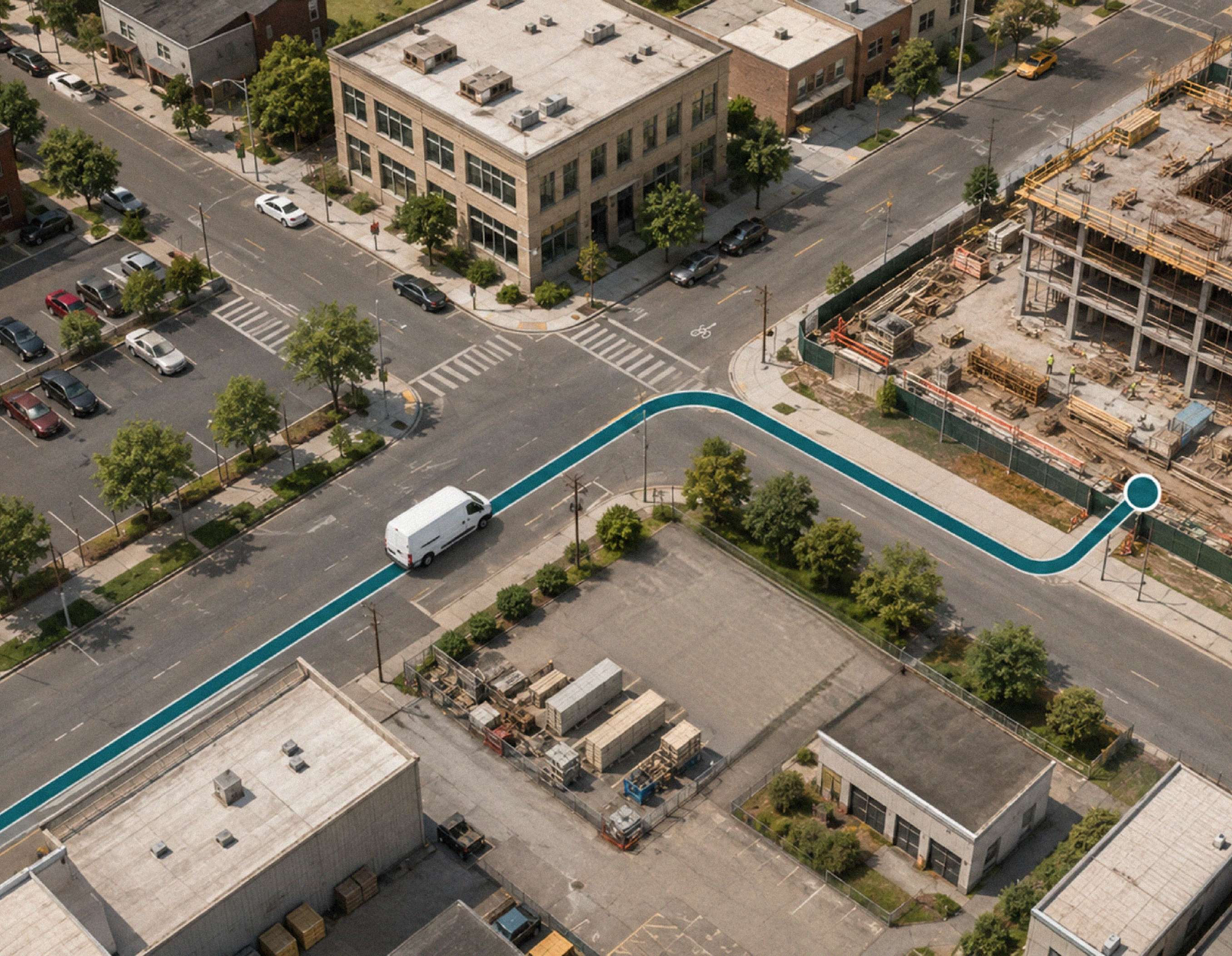
Crews on one site for days, far from the shop
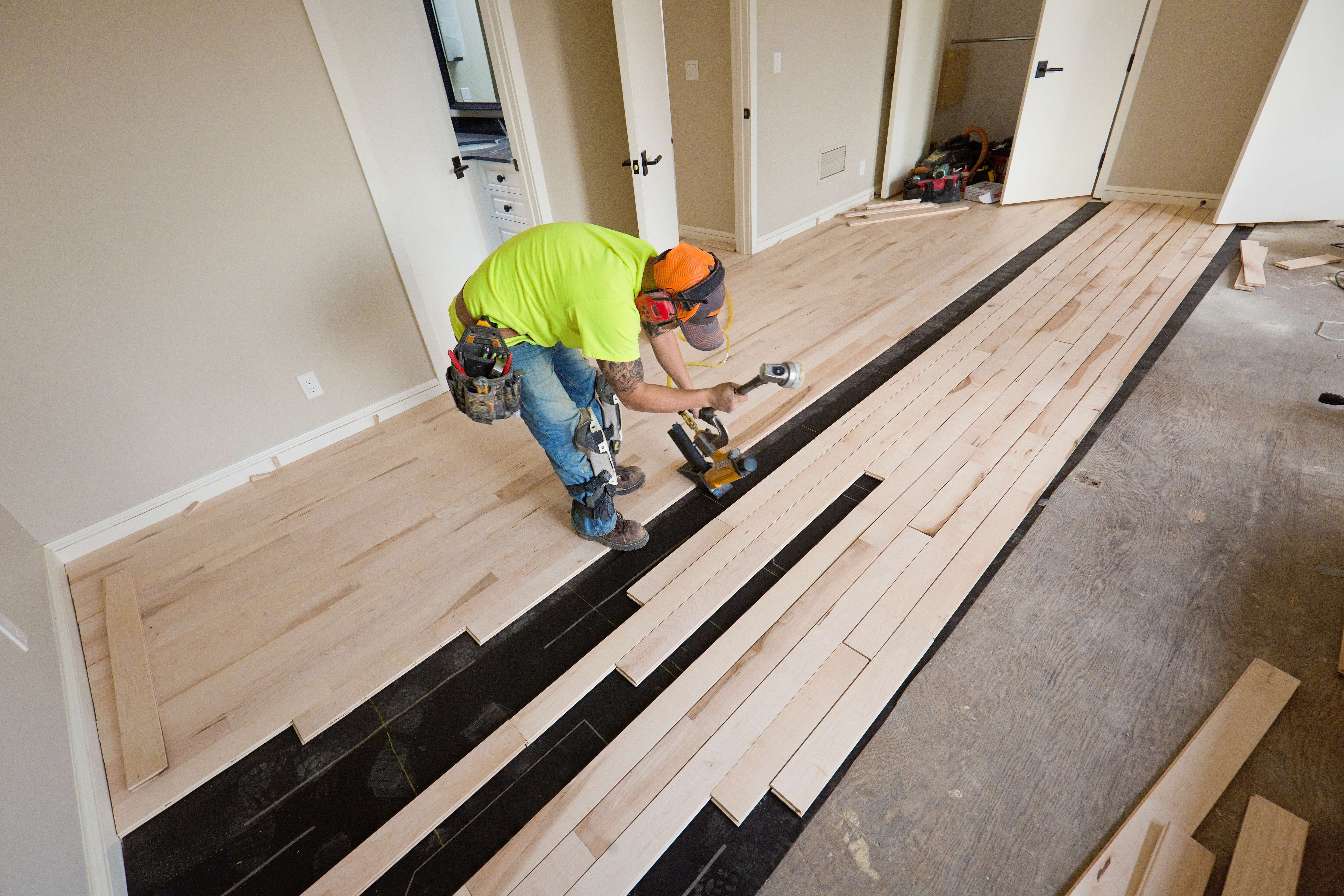
Built for the way flooring runs
What flooring contractors ask us for more than other contractors do, built in.
Installers can clock in to the day’s job right at the shop, or make the shop a job with its own fence so loading up stays shop time. Each drive goes to the next job, splits across the day’s jobs or stays off them, with its own cost code if you like, and a pickup on the way is named as its own stop under the same rule.
Drag an installer or a crew onto a job, and it’s on their phone with the address, the start, directions and the notes: the layout, plans and punch-list photos. Press Send when the week is set, and installers mark each job done in the app, so nobody has to call around to ask.
Pick which jobs come in from your books, so hundreds of closed ones stay there. When a job’s geofence goes quiet for the days you set, it archives itself, its geofence switches off and admins get an email. Back for a punch list? Restore it.
Thousands already do, every day.
GPS and AI drive the capture and correction, so they don't have to.
Works offline. Works in Spanish. Prevents buddy punching. Detects and corrects mistakes.
Location is only shared while on the clock, never after hours. You choose the level of tracking that fits your crew.

"I love this app. It makes it so easy for me to clock in and clock out and it tracks my mileage for my work and everything. I would recommend it, great way to keep up with everything."
"By far the best app I've ever used for work. Most consistent and accurate. Haven't had any difficulties at all. I will never use another app for clocking my hours at work."
"This app is extremely easy for my construction staff to use. It creates reports for me that show different costs by projects and honestly just saves me time and headaches."
You're wondering…
From most accounting systems, yes. Jobs and cost codes sync in from QuickBooks Online and Desktop, Sage 100 Contractor, Sage Intacct, Spectrum, ADP Workforce Now and more, and new jobs keep syncing as you create them. Each job carries its job number and gets a geofence from its address. Jobs that start in RFMS or Salesforce come in through Workyard’s developer API rather than a ready-made connector.
Yes. Give each job only the codes it uses, so nobody picks laminate on an LVP job, and workers choose the code for each job when they clock out, or switch as the work changes. A default code leaves nothing to pick, and the office can split a day across jobs and codes on the time card afterwards.
Yes. Drag an installer or a crew onto a job on the board, and it lands on their phones with a push and an email: the address, the start, directions, the checklist and the notes with layouts, plans and photos. Press Send when the week is set and everyone gets it at once. There’s no text message option, and the board doesn’t block double-booking, but it tells you when someone’s already on that task.
Each its own way. QuickBooks Online and Desktop, Sage Intacct, Sage 100 Contractor, Spectrum and ADP Workforce Now connect directly. ComputerEase gets an import file by day, job, phase and category. RFMS has no ready-made connector: approved hours come out as a custom file export, or through Workyard’s API. Workyard runs the crew side beside RFMS, and your orders and invoices stay there.
No. Location is captured only while they’re on the clock, never nights or weekends, and they can see that in the app. You choose how much, per crew: all day on the clock, only at clock in and clock out, or off. Sampling is tuned so a full workday fits on one charge.
Yes. Each job has a geofence: arrive and the clock starts on that job, and driving past doesn’t count. Driving on to the next job doesn’t end the day: arriving at its fence moves the hours with them, and the drive goes where your rule says. A forgotten clock-out is trimmed back to when they left the last job, flagged for you to approve. Prefer a reminder? Set it per crew.
Days, not months. Your jobs and crew sync from your accounting system, and a real person walks you through it. Start with a few installers if you like: a free trial has your first crew clocking in the same day.
Yes, on the live map, from the office or your phone: every clocked-in installer, the job they’re on and since when, and who’s driving between jobs. Every punch carries its time and GPS location on the card. Location runs only while they’re on the clock.
Where you decide. Let that crew clock in anywhere, and installers start on the day’s job right at the shop. Or make the shop a job with its own fence and loading up lands on the shop. The drive out goes to the next job, splits across the day’s jobs or stays unallocated, with its own cost code if you like, and a pickup on the way is named as its own stop under the same rule. No setting sends a drive back to the job they just left, but the office can move any time on the card to another job before approving.
Yes. Jobs inside the same building share the same ground, and no fence can tell them apart, so workers pick the job at clock-in and switch when they move. Next door is different: a drawn outline can’t overlap another job’s fence, so neighboring lots in a subdivision each get their own.
Archive the job, one at a time or a batch, and its geofence switches off with it. Or turn on auto-archive: a job with no geofence activity for the number of days you set archives itself, and admins and managers get an email listing it. The job’s hours stay on record, and you can restore it when a crew goes back for a punch list.
Yes. Each task carries the checklist and notes with layouts, plans, photos and files, and a new note reaches everyone on the task by push and email. When the work is done, the installer marks the task complete in the app and the board shows it done. There’s no alert when a task is finished, so check the board.
No. Put their foreman on the same task and the foreman can clock the whole crew in from one phone, or they clock in at a kiosk on an iPad at the shop with their own PIN. Everyone else clocks in on their own phone or a company one, iPhone or Android.
Yes. Set a meal break rule per crew: if a worker didn’t record a meal break, one goes on the card at clock-out after the hours you choose. Turn on Daily Sign Off and each worker says at clock-out whether they took their breaks, and a no flags the card for their time approver.
Yes, if you turn it on. Daily Sign Off asks each worker at clock-out about injuries, rest and meal breaks and whether they recorded all their time, and takes their signature. End of Pay Period Sign Off has them confirm their hours or ask for a correction. The signed sign-offs stay on the cards and export as PDF or CSV.
New hires come in with the next import from your payroll or accounting system, and someone who leaves stays in Workyard until you archive them. Pricing is a per-user license fee, based on the plan and configuration you need, and we build your seasonal swings into the quote.
Partly. Each crew’s rule group sets where its drive time goes, and the drive is tracked apart from time on site, with its miles. Rule groups also decide who can clock in away from a job, so a crew driving out from home or a hotel can start there while the local crew can’t. Travel isn’t sent to payroll as its own pay type, and Workyard doesn’t track per diem, so a rule like paying travel only over an hour is applied in payroll.
Not today. Workyard tracks hours, not footage: a worker has one pay rate at a time, with its history by effective date, and material quantities aren’t tracked on the job. Every hour carries its job and cost code, so a payroll system that prices by code can apply union or job rates there.
Partly. Hours are coded to the job and cost code, so public and private work stay apart in the export, and you can export the crews on prevailing-wage work as their own batch. Your payroll system applies the prevailing rate and files the report: Workyard doesn’t calculate prevailing wage or produce certified payroll.
We import your jobs, cost codes, and crews. Connected to your systems and live in days, with a person on the phone the whole way.