

“The auto tagging is helping a lot. It’s working, helping a lot… causing us to catch a lot more things.”
VPWaterproofing contractor, 50+ workers
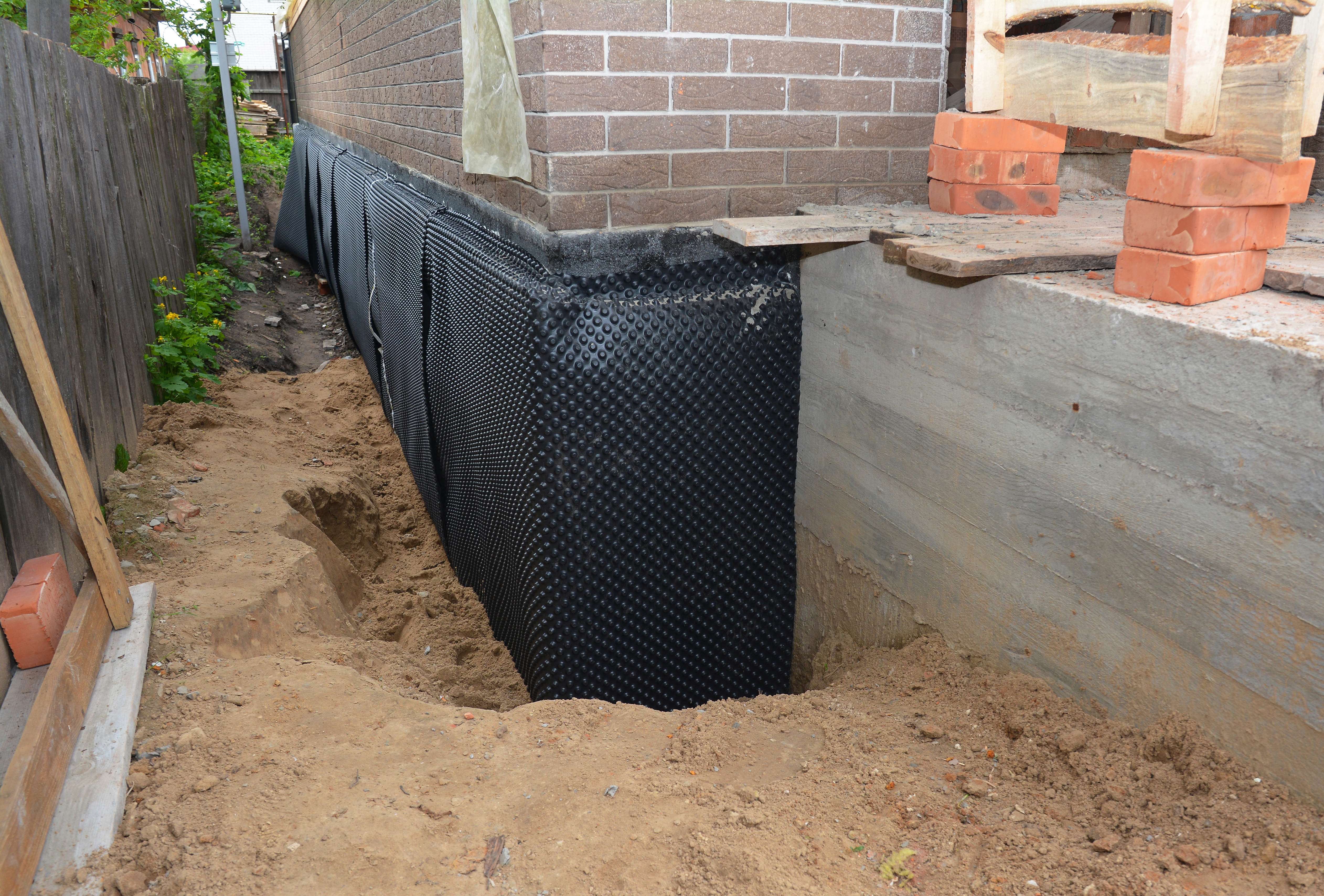
For repair crews under a crew chief and waterproofing crews on several jobs a day: every hour lands on the job and cost code it was worked, supply runs included, and approved hours reach payroll without re-keying.

“The auto tagging is helping a lot. It’s working, helping a lot… causing us to catch a lot more things.”
VPWaterproofing contractor, 50+ workers

“I haven’t seen a program that is this user friendly for pre trip inspections… I’m really impressed with it.”
VP of operationsFoundation contractor, 50+ workers

“I rolled up onto a job site and wanted to put notes in… It told me right where I was, and all I had to do is pick that and then take a picture and then write a note.”
Project managerWaterproofing contractor, 11–50 workers

The payoff
Job costs
5–25%
unassigned hours before Workyard
GPS and agents put each hour on the job it was worked.
Time
30 mins
to prep payroll, not 12 hours
The typical drop for customers.
Money
10–18%
off payroll
Rounded times, buddy punches, forgotten clock-outs: eliminated.

Workyard is not another everything-suite. It runs the crew side of the business, deeply, and connects to the rest.
For payroll and accounting: QuickBooks, Foundation, Sage and 18 more. Jobs and cost codes come in, and approved hours go to the systems that cost and pay.










Other tools wait for someone to do the work. Workyard’s agents check every timecard and flag only what needs you. That’s the whole job.
From quick answers to hours of work, handled
Time tracking that runs itself
Reports you need, without the spreadsheet work
Works your way
Repair crews go job to job under a crew chief. Waterproofing crews cover several jobs a day. Workyard fits both.
A crew chief and their crew, job to job
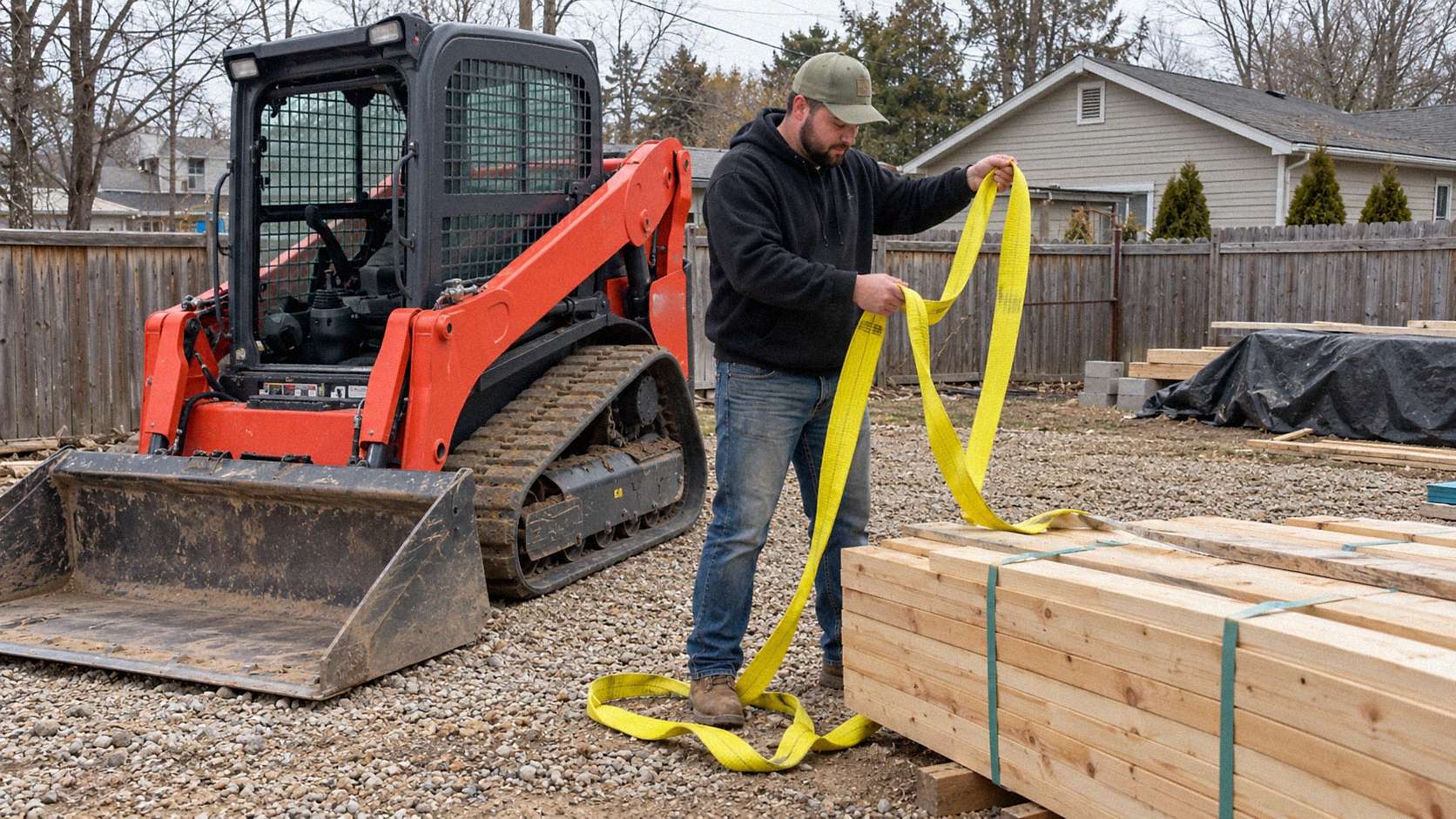
Each on their own phone, several jobs a day
Built for the way foundation & waterproofing runs
The three things foundation and waterproofing contractors raise with us more than other contractors do, each one built in.
Codes sync in from your books, and each job shows the crew only its own few: waterproofing, flashing, above grade. Set a default and there’s nothing to pick, or the foreman codes the crew. Coded wrong? Move the hours on the card, and the change is logged.
Make the daily due at clock-out and the JHA open at clock-in, for everyone or just the leads. The T&M ticket shows only on T&M jobs, signed by the GC’s super before the crew leaves. Each one files to its job with its photos, as a PDF with your logo.
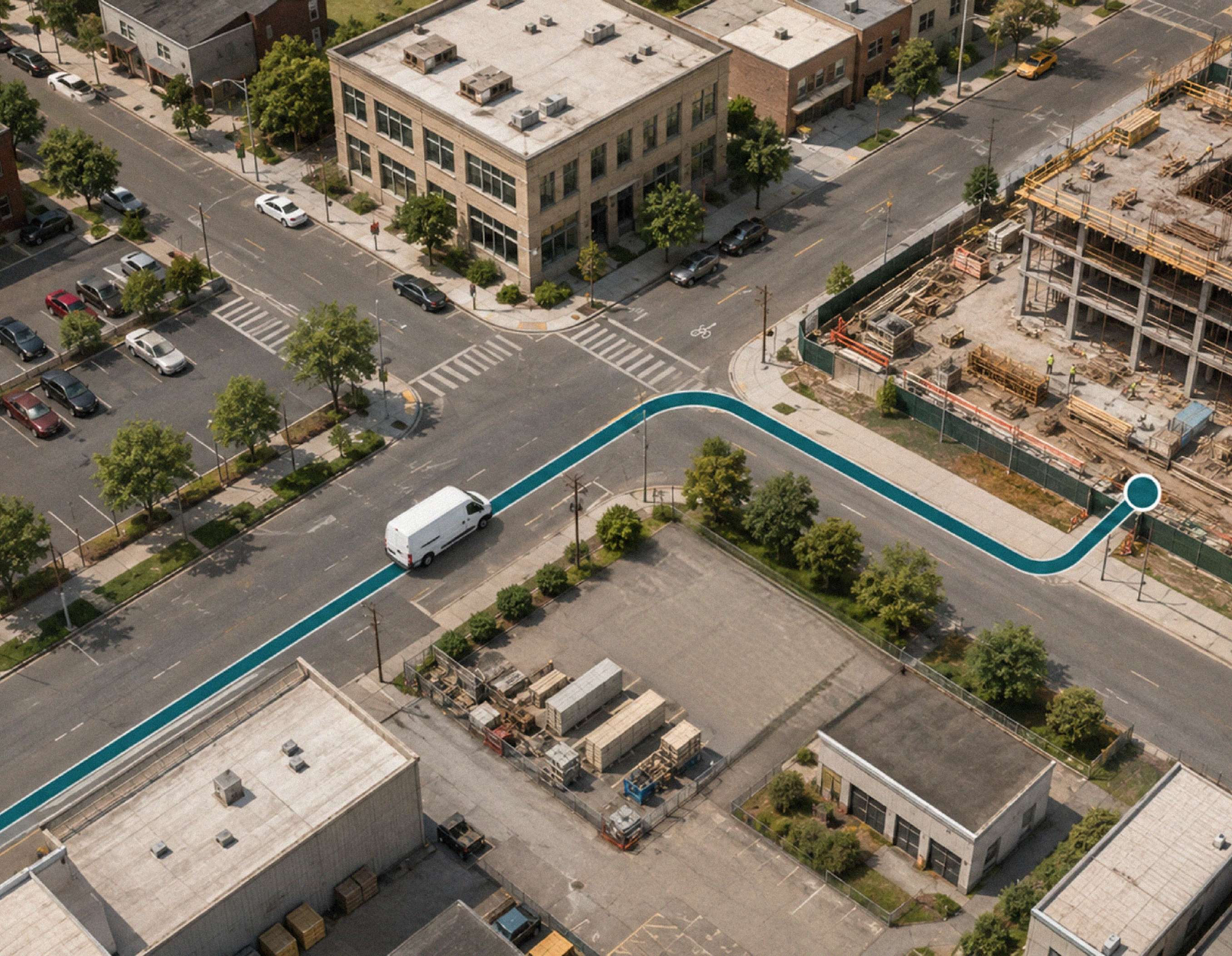
Every stop is captured and named, the supply house apart from job time. A supply stop on the way counts toward the job they drive on to. Drive time goes to the next job, splits across the day’s jobs or stays unallocated, by your rule.
Thousands already do, every day.
GPS and AI drive the capture and correction, so they don't have to.
Works offline. Works in Spanish. Prevents buddy punching. Detects and corrects mistakes.
Location is only shared while on the clock, never after hours. You choose the level of tracking that fits your crew.
"I love this app. It makes it so easy for me to clock in and clock out and it tracks my mileage for my work and everything. I would recommend it, great way to keep up with everything."
"By far the best app I've ever used for work. Most consistent and accurate. Haven't had any difficulties at all. I will never use another app for clocking my hours at work."
"This app is extremely easy for my construction staff to use. It creates reports for me that show different costs by projects and honestly just saves me time and headaches."
You're wondering…
Yes. The crew chief picks the crew, or just the ones who showed up, picks the job and cost code and clocks them all in at once from one phone. Each worker gets their own time card, and the crew needs no app or phone. The crew chief adds the crew’s breaks and switches them to the next job the same way, and needs a manager role to run the clock.
Yes. Foundation connects straight to your database, Cloud or on-premise: jobs, cost codes with their phases or trades, and employees come in, and approved hours go back as Foundation’s own timecard import. QuickBooks Desktop, Enterprise included, connects through the Web Connector, QuickBooks Online and Sage 100 Contractor directly, and Sage 300 CRE takes a file by job and cost code. ADP, Gusto, Paychex and more connect too.
The job they drive on to. The stop is captured and named on its own, apart from job time, and a supply stop on the way counts toward the next job, not the one they left. Drive time follows your rule: the next job, split across the day’s jobs, or unallocated, with one cost code like Travel on all of it if you like.
Yes. Assign each job only the codes it uses, like waterproofing, flashing and above grade, and that’s all a worker sees. Cost code groups narrow it by team or person, a default code leaves nothing to pick, or the foreman codes the whole crew. Coded wrong? Move a batch of time to another job and cost code before approval, and the change stays on the card’s log.
Someone does, on the card, not on paper. The break’s start and end are on the time card, the crew chief can add breaks for the whole crew, and the office corrects any card with a reason, kept in the card’s log. Rather they didn’t punch breaks at all? Set a meal break rule per crew and a missing lunch is added at clock-out.
A specialist sets up your jobs, cost codes, geofences and pay rules with you, imported from your accounting where we can, and runs the first payroll export with you watching. Crews download the app and clock in on their own phones; anyone without one clocks in at a kiosk or with the crew chief.
Location is captured only while they’re on the clock, never after hours. Tracking is set per rule group: all day on the clock, only at clock-in and clock-out, or off. GPS is sampled, so a full day fits on one charge.
No. The crew chief clocks them in with the crew from one phone, and they need no app. Or put an iPad kiosk where crews start, at the shop or the yard: each worker taps their name and enters their own PIN, and the camera can add a photo. Only a manager’s PIN starts or stops it. Phones, kiosk and crew clock-ins land on the same time cards.
A missed clock-out is closed for them with a “Forgot to clock out?” notice and trimmed back to when they left the job’s geofence. Clock out later from home, and it’s trimmed back the same way. Every trim is on the card’s log for you to review before you approve.
Yes. Time card editing is something you turn on for them, or leave off. With it off, turn on End of Pay Period Sign Off: a worker who spots a mistake asks for a correction there, and their approver is told. The office fixes the card with a reason, and the card’s log keeps every change.
Yes. Set when the day can start for each crew’s rule group: a card that starts early begins at that time, so beating traffic to the shop doesn’t start the clock. Put the person who opens up in a rule group of their own with an earlier start. Or restrict clock-in so it only starts inside the job’s geofence.
Yes. Make it a field ticket: describe the extra work, add the hours, take the photos and get the super’s signature with a finger before the crew leaves. It files to the job and downloads as a PDF with your logo, and you can attach it to the jobs that run T&M, so it only shows up there.
Yes. Make the daily due at clock-out and the day can’t close until it’s in. The crew and their hours fill in from the time cards; the foreman adds what got done, what held it up and the photos, each with its time and place. Every report files to its job and downloads as a PDF with your logo.
As near as an app can. Set the form to open at clock-in, for everyone or just the leads: it won’t submit with required fields empty, and the app won’t let them clock out with it still open. The app can’t stop someone picking up a shovel, so pair it with your rule: no JHA, no start.
Clock-ins, clock-outs and the forms that fire at them record on the phone with no signal and send when it finds coverage. Photos upload once it’s back in range. A kiosk keeps clocking workers in too, and syncs when the connection returns.
Through Workyard’s developer API rather than a ready-made connector, so your team or a partner builds the link: jobs and workers pushed in, verified time and locations pulled back out. Tell us what you run and we’ll confirm the connection on the call.
Days, not months. Your jobs and crew sync from your accounting system, and a real person walks you through it. Start with one crew if you like, and add the rest when it’s working.
Not today. Every drive on the clock is recorded with its route and miles, and a pre-trip inspection can open at a driver’s clock-in, signed and dated. But Workyard doesn’t track hours of service or the 10-hour and 34-hour clocks, and it doesn’t connect to an ELD.
Not today. The foreman can record the count on the daily report, and every hour is on its job and cost code, both exportable by job. Workyard doesn’t track material quantities or work out hours per pier for you.
Partly. Hours are coded to the job and cost code, so public and private work stay apart in the export, and you can export the crews on prevailing-wage work as their own batch. Your payroll system applies the prevailing rate and files the report: Workyard doesn’t calculate prevailing wage or produce certified payroll.


We import your jobs, cost codes, and crews. Connected to your systems and live in days, with a person on the phone the whole way.


