"We decided to stay with Workyard because the Geofencing feature does a good job automatically clocking our guys in."
Andrew Simmons, DirectorNeihi Glass

For storefront, curtain wall and window crews, on one big job or several a day: the day starts when the work does, padded punches get flagged, and every shop and site hour lands on its job, so each job’s labor cost is current every shift.
"We decided to stay with Workyard because the Geofencing feature does a good job automatically clocking our guys in."
Andrew Simmons, DirectorNeihi Glass

“For the employee, it’s very easy to use. … It told me right where I was, and all I had to do is pick that and then take a picture and then write a note.”
Project ManagerWaterproofing contractor, 11–50 workers

The payoff
Money
10–18%
off payroll
Rounded times, buddy punches, forgotten clock-outs: eliminated.
Time
30 mins
to prep payroll, not 12 hours
The typical drop for customers.
Job costs
5–25%
unassigned hours before Workyard
GPS and agents put each hour on the job it was worked.

Workyard is not another everything-suite. It runs the crew side of the business, deeply, and connects to the rest.
For payroll and accounting: QuickBooks, Sage, Paychex and 18 more. Jobs come in, and approved hours go to the systems that cost and pay.










Other tools wait for someone to do the work. Workyard’s agents check every timecard and flag only what needs you. That’s the whole job.
From quick answers to hours of work, handled
Time tracking that runs itself
Reports you need, without the spreadsheet work
Works your way
Install crews stay on one big job all day. Installers on service and small jobs cover several a day. Workyard fits both.
Install crews on one building all day
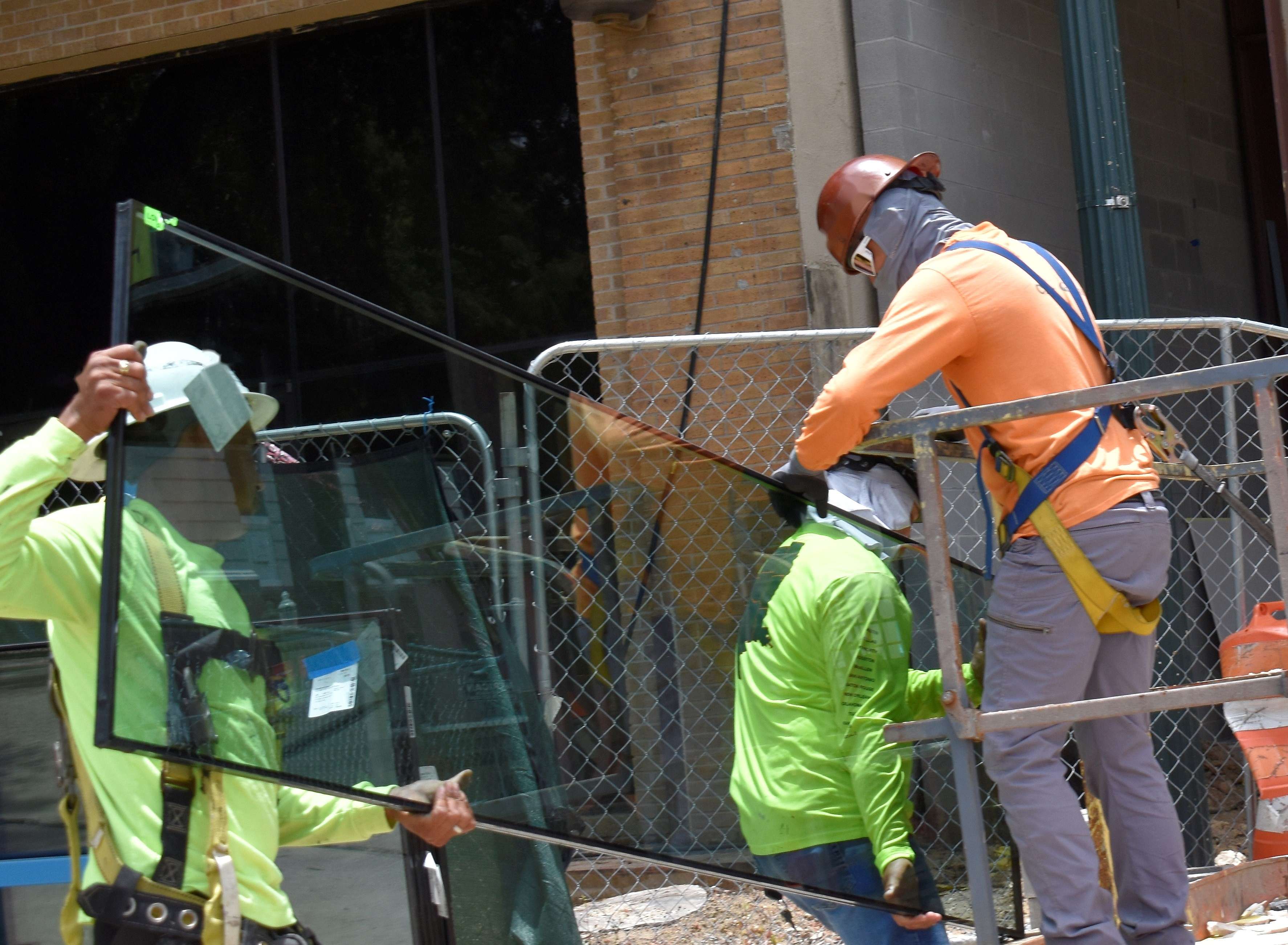
Installers covering several jobs a day
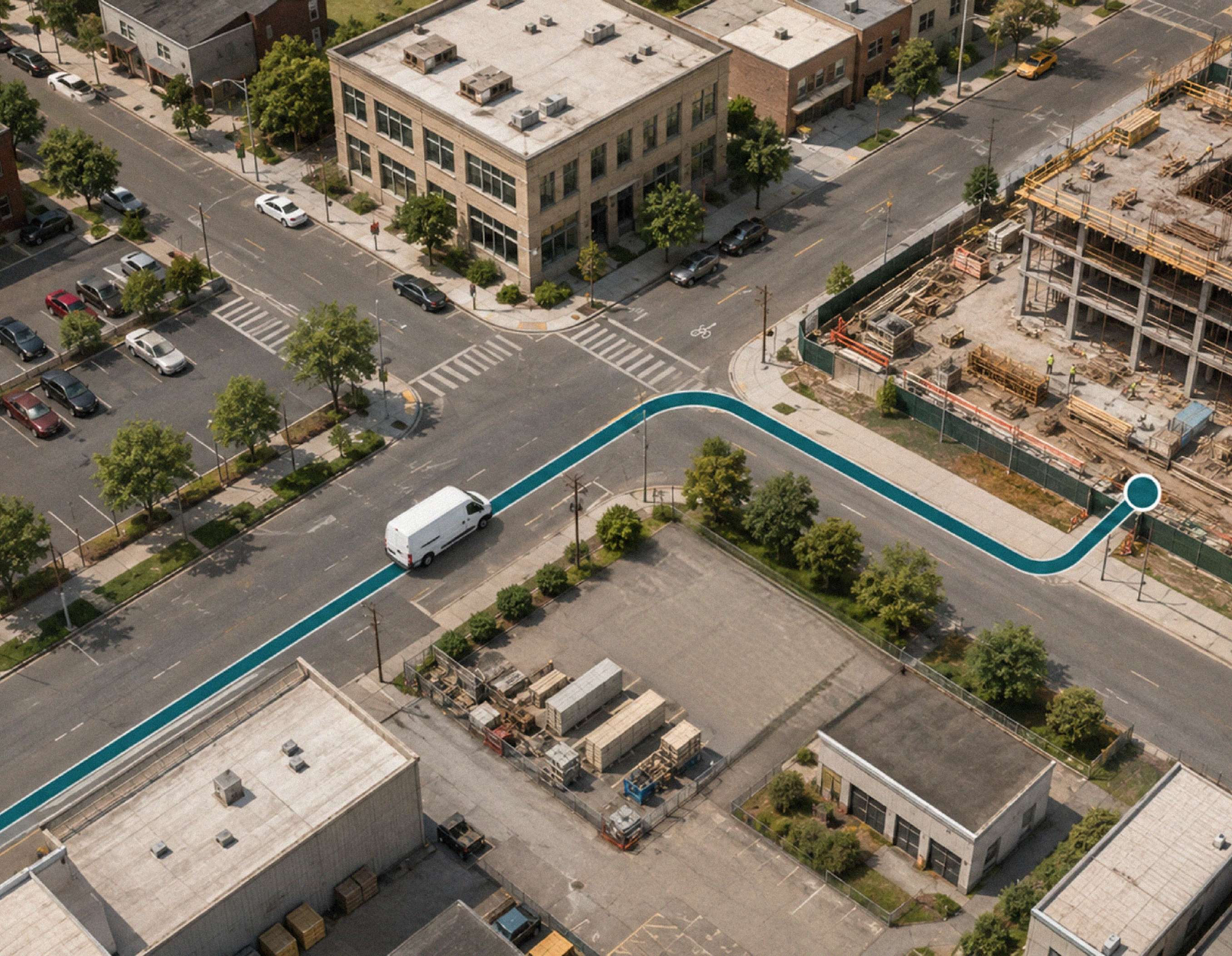
Built for the way glazing runs
What glazing contractors ask us for more than other contractors do, built in.
Set when each crew’s day can start, and a 6:15 punch starts at 7:00. A start written in before the clock really started is flagged Late clock in, a finish after the phone’s last location Early clock out, and anyone who didn’t come in shows No time card.
Move a batch of time to another job and cost code in one go, and approve by crew, by job or all at once. The foreman or the PM on the job can be the approver, the office approves anything still open, and every edit asks for a reason that stays on the card.
Arrive at a site and the clock moves to that job, so a day that starts at the shop comes back split by job without a tap. In the shop, one fence covers every job on the bench, so workers switch jobs in the app as they start the next job’s frames, and the office can split a day across jobs on the card.
Thousands already do, every day.
GPS and AI drive the capture and correction, so they don't have to.
Works offline. Works in Spanish. Prevents buddy punching. Detects and corrects mistakes.
Location is only shared while on the clock, never after hours. You choose the level of tracking that fits your crew.

"I love this app. It makes it so easy for me to clock in and clock out and it tracks my mileage for my work and everything. I would recommend it, great way to keep up with everything."
"By far the best app I've ever used for work. Most consistent and accurate. Haven't had any difficulties at all. I will never use another app for clocking my hours at work."
"This app is extremely easy for my construction staff to use. It creates reports for me that show different costs by projects and honestly just saves me time and headaches."
You're wondering…
Yes. Each job has a geofence: arrive and the clock starts on that job, and driving past doesn’t count. Leaving doesn’t end the shift (crews step off for supplies and the next job), but a missed clock-out is trimmed back to when they left the site and flagged for you to approve. Prefer a lighter touch? Have it ask them to confirm, or leave it off, per crew.
The job they’re standing on. Make the shop a job with its own fence, and shop time lands on the shop; arriving inside a site’s geofence moves the hours to that job. The drive goes where your rule says: the next job, split across the day’s jobs, or unallocated. A stop with no job set up still shows on the day as its own named stop, and the office can move any time on the card to another job before approving.
Yes. Drag a crew or a person onto a job on the board, and it lands on their phones with a push: the job, the start, directions, the checklist and the notes. On site, the foreman picks the crew, or just the ones who showed up, and clocks them in together, and each person’s hours land on their own card.
Approve the pay period and export it. Paychex Flex gets an import file with each person’s regular, overtime and double-time hours on their Worker ID: a couple of minutes. ADP, Gusto, QuickBooks and Sage connect directly. Heartland has no ready-made connector, so it takes a custom file export, as any other payroll company can, or a connection through Workyard’s API.
Yes. Each worker has a time approver, or more than one, and project managers can approve the time on their jobs, by crew, by job or all at once. Move a batch of time to another job and cost code in one go before approving. It’s one approval, not a chain: the office can approve anything still open, and every edit asks for a reason that stays in the card’s log.
Clock-ins, clock-outs and forms record with no signal and send when the phone finds coverage. If a phone dies, the foreman can clock that worker in with the crew, and a card left running is cut back by your daily time limit, with the right finish put in, and a reason, before payroll.
Yes. Make the daily required at clock-out and the app holds clock-out until it’s in, with whatever you ask on it (what went in, any broken glass, notes and photos), sent to the project manager of that job by email and push the moment it’s submitted. Build it, or the forklift inspection, from a photo of the sheet you use today, and name who gets each form: a person, a team, or the job’s project managers. Every submission files to its job and exports as PDF or CSV for your own records.
On Time Cards, yes: every card shows when each person clocked in and out, and where. Set when each crew’s day can start, and a 6:15 punch starts at 7:00. A start written in before the clock really started is flagged Late clock in, and a finish after the phone’s last location is flagged Early clock out. Turn on Show empty timecards and anyone who didn’t come in shows No time card. Filter by alert to see every one each morning.
What it doesn’t do: send a text or email when someone is late, or check punches against the schedule.
Yes, in one step, for the whole pay period. Once it’s approved, an admin picks the dates and the crew and sends them: a line in Daily Payroll Entry for each person, day, job, phase, cost code and pay type, with the hours and the employee’s work comp code. Each line can carry the rate too, or leave it to Sage. No day-by-day pasting from a spreadsheet.
Yes. Workyard only adds the timesheet entries it sends: your customers, jobs and employees, and the leave you enter in QuickBooks, stay yours to change there. Fix hours in Workyard and send the week again, and QuickBooks gets the corrected hours in place of the old ones, not a second copy.
A specialist sets up your jobs, cost codes, geofences and pay rules with you, imported from your accounting where we can, and runs the first payroll export with you watching. Crews download the app and clock in on their own phones; anyone without one clocks in at a kiosk or with the foreman. The difference you’ll notice: every hour is GPS-verified and coded to your jobs, and the office approves each card before anything reaches QuickBooks.
No. Put an iPad kiosk where the punch clock stands: each worker taps their name and enters their own PIN, and the camera can add a photo (a PIN, not a fingerprint). Or the foreman clocks the crew in from one phone. Everyone else clocks in on their own phone or a company one, and it all lands on the same time cards.
Yes, when both are clocked in Workyard. Overtime follows each worker’s rule across the whole day and week, every job together, so night service after a full day lands as overtime on the job being worked when it crosses the line. A punch clock outside Workyard can’t be counted, which is why the kiosk goes where that clock was.
Yes, crew by crew. Set when the day can start, and a card that starts early begins at that time. Put the person who opens the shop in a rule group of their own with an earlier start. Restrict clock-in to the job’s geofence for the crews who need it. Limits are set per crew, not from each worker’s schedule.
An address gets a 200-foot circle, adjustable from 66 to 656 feet. No address yet? Drop a pin or enter coordinates. For a big or odd-shaped site, draw the outline, or give the job more than one fence.
Yes. A foreman with access to the crew’s time cards, or the office, can fix a card on the phone or the web, and every edit is kept with who made it and why. The worker gets an email and a push when their card changes. You choose, per rule group, whether workers can edit their own time.
Yes. Give them a rule group of their own and they clock in like the crew, and arriving at each job moves their hours to it. Salaried hours land on the jobs they visit, so job costs stay complete without touching pay. Overtime is split only for team members set as non-exempt.
Not with an overtime alert: nothing pings as someone nears 8 or 40 hours. What Workyard does instead: time limits per crew set the earliest clock-in, the latest clock-out and the most hours on a card, the worker gets a push 30 minutes before the day’s limit, and a card can’t run past it unless a manager adds the time. Overtime shows on Time Cards as the week goes.
No. Workyard keeps the actuals current: each job’s hours and labor cost by cost code, as of the last shift that ended. Your bid stays in your estimating system, and you check against it with this week’s number instead of last month’s.
Partly. Hours are coded to the job and cost code, so public and private work stay apart in the export, and arriving at the prevailing-wage job moves the hours off the shop. You can export the crews on prevailing-wage work as their own batch. Your payroll system applies the prevailing rate and files the report: Workyard doesn’t calculate prevailing wage or produce certified payroll.

We import your jobs, cost codes, and crews. Connected to your systems and live in days, with a person on the phone the whole way.