885 hrssaved by auto-trim
“885 hours of paid time our crews spent off the job, cut without anyone touching it. At this point we don’t even think about it. Auto-trim just handles it.”
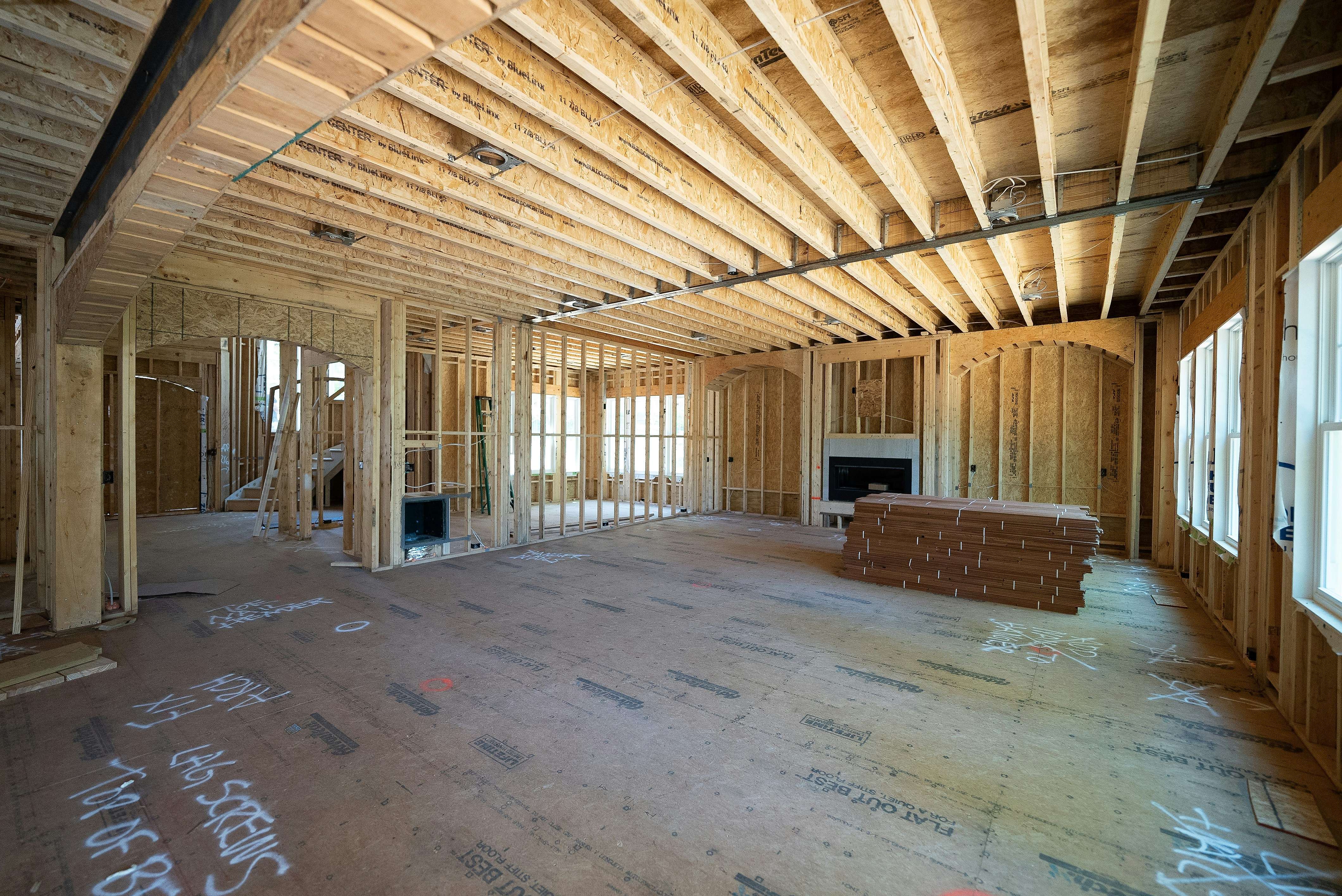
Small crews, more lots than supers. Everyone clocks in on their phone, even with no signal. The week’s schedule reaches every phone, every hour lands on the right house and cost code, and hours go to Sage, QuickBooks or Paychex without retyping.
885 hrssaved by auto-trim
“885 hours of paid time our crews spent off the job, cut without anyone touching it. At this point we don’t even think about it. Auto-trim just handles it.”
"It was so simple and easy to use compared to other apps, and the real-time GPS tracking was a huge win for us. Ultimately, that’s why we went with Workyard."
Brenda Tait, Office ManagerPro Home and Sunrooms

“Now that we have the drive time and that break is set automatically, then I can trust it more.”
OwnerResidential builder, 11–50 workers

“I've got it set where these guys can't even clock in unless they're in a geofenced area.”
Residential builder, 11–50 workers

“I can't tell you how excited I am that I don't have to chase one week of doing all these entries.”
Office ManagerHome builder, 11–50 workers

“I found it kind of friendly for the guys to use the clock in and clock out.”
Residential builder, 11–50 workers
The payoff
Money
$1,950/yr
of padded time, per worker
Typical: 15 padded minutes a day at $30 an hour.
Time
30 mins
to prepare payroll, not 12 hours
The typical drop, across 131 customer data points.
Job costs
70%
of unbilled hours back on invoices
Typical with GPS job tagging, 35+ customer data points.

Workyard is not another everything-suite. It runs the crew side of the business, deeply, and connects to the rest.
For accounting, payroll and projects: Sage, QuickBooks, Paychex and 18 more, so jobs and cost codes come in and approved hours go to the systems that pay.









Other tools wait for someone to do the work. Workyard’s agents check every timecard and flag only what needs you. That’s the whole job.
From quick answers to hours of work, handled
Time tracking that runs itself
Reports you need, without the spreadsheet work
Works your way
Custom homes and production communities run very different weeks. Workyard fits both and lands them in one payroll run.
One house for months

Crews across many lots
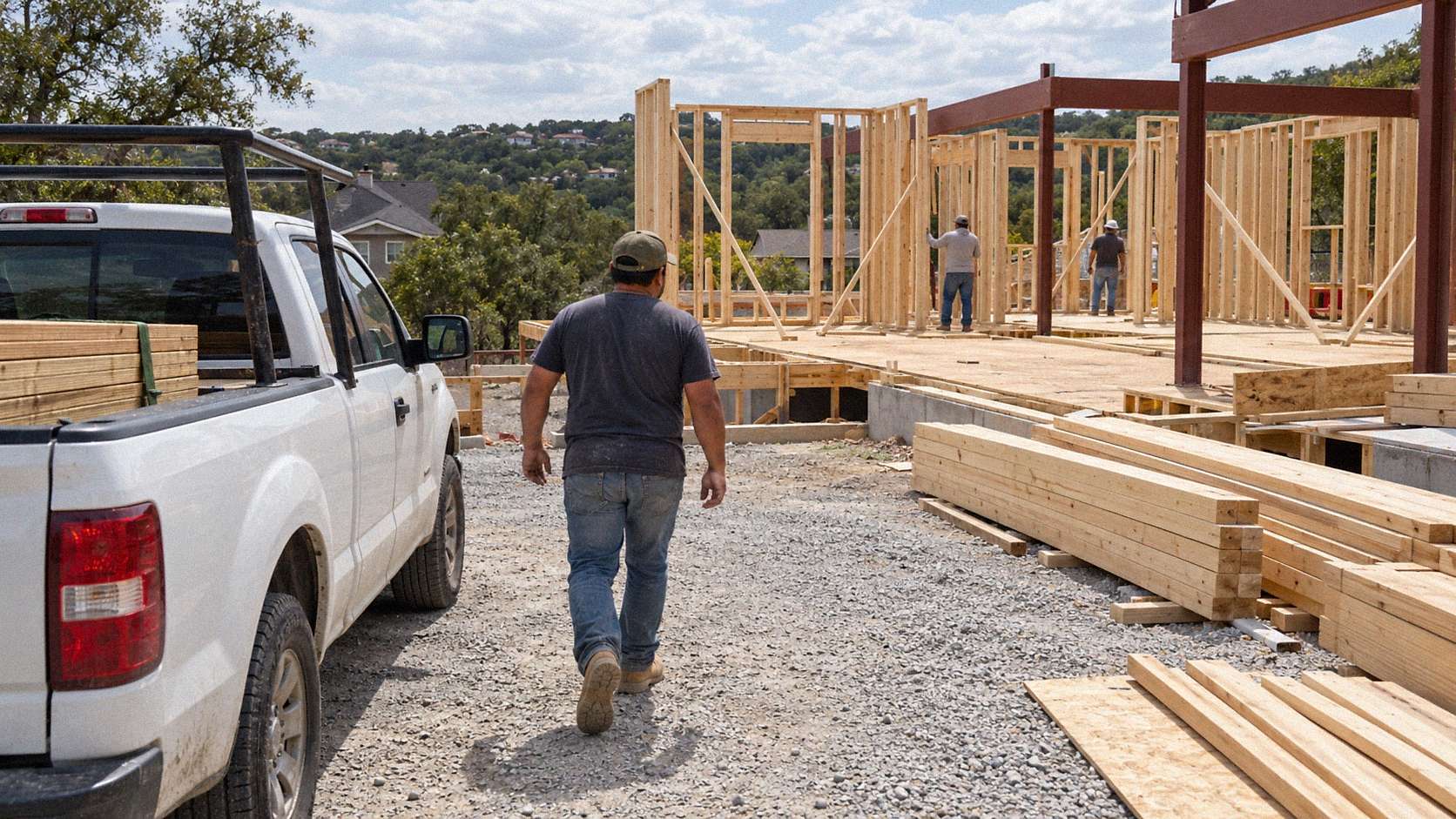
Built for the way home builders run
What home builders ask us for more than other trades do, built in.
Drag a crew onto a house and it’s on their phones: the job, the start, directions in Apple or Google Maps, the checklist, and notes with plans and photos. Change it Tuesday night and they get a push and an email. Send the whole week in one tap.
Late starts, clock-ins outside the geofence and clock-outs while driving are flagged on the card. A forgotten clock-out is trimmed back to when they left the site. Every change keeps who made it, when and why, and the worker is told.
Draw each house’s geofence on the real lot lines, so hours go to the lot the crew is standing on, even when lots sit side by side. Crews pick from that job’s short list of codes, or the foreman codes the whole crew. Miscoded time moves in place, with the change logged.
Thousands already do, every day.
GPS and AI drive the capture and correction, so they don't have to.
Works offline. Works in Spanish. Prevents buddy punching. Detects and corrects mistakes.
Location is only shared while on the clock, never after hours. You choose the level of tracking that fits your crew.
"I love this app. It makes it so easy for me to clock in and clock out and it tracks my mileage for my work and everything. I would recommend it, great way to keep up with everything."
"By far the best app I've ever used for work. Most consistent and accurate. Haven't had any difficulties at all. I will never use another app for clocking my hours at work."
"This app is extremely easy for my construction staff to use. It creates reports for me that show different costs by projects and honestly just saves me time and headaches."
You're wondering…
No. Jobs and cost codes sync in from QuickBooks Online and Desktop, Sage Intacct, Sage 100 Contractor, Foundation, Acumatica, Spectrum or NetSuite, new ones on the next sync. Team members come in from your payroll or accounting system. Workyard reads those lists; it doesn’t add jobs to your books.
Whoever you set. Each worker has a time approver, or more than one, and project managers can approve the time on their jobs. It’s one approval, not a chain: the office can approve anything still open.
No. Give each job its own short list of cost codes, and that’s all a worker sees. Or let the geofence put the hours on the house they’re standing on, let the foreman code the whole crew, or set a default code so there’s nothing to pick. A day that covered two codes splits on the time card afterwards.
The meal break’s start and finish are on the card, and the GPS trace shows when they left the site and came back. A meal break rule adds a missing break at clock-out, California’s and Washington’s rules prompt the worker when a meal is missing, and the clock-out sign-off asks whether they took their breaks. A no flags the card.
Through the app they clock in with. Each task carries the job, the start, directions in Apple or Google Maps, the checklist, and notes with plans and photos. A new or changed task sends a push notification and an email; it doesn’t go out as a text message today. Send the whole week to everyone in one tap.
No, they follow the worker. Overtime rules sit on each team member, so a California crew and a Nevada crew on the same payroll each get their state’s preset, and a worker who crosses the line keeps their own. Rules don’t switch by job site today.
Make the daily report due at clock-out. The crew’s hours and cost codes fill in from their time cards, and the foreman adds what got done, what held it up and the photos, stamped with the time and place, then signs. Each job’s reports file together, and its labor cost updates as each shift ends.
That it only records while they’re on the clock, never after hours, and they can see that in the app. You choose how much, crew by crew: all day on the clock, only at clock in and clock out, or off. Every worker gets a plain-language note, in English or Spanish, of what’s captured and when.
Whoever fits the crew: workers pick from the job’s list, the foreman codes the whole crew, or the geofence sets the job. When hours land on the wrong house, the office moves them, a batch at a time if needed, with the change kept in the card’s log. Or tell Ask Workyard what happened and confirm the change it drafts.
Yes. Hours go direct to QuickBooks Online and Desktop (hosted files too), Sage Intacct, Sage 100 Contractor, ADP, Gusto, Foundation and more, or as a file built for Paychex Flex, Sage 50 and Sage 300 CRE, plus a custom file export and the API. From Procore, projects and standard cost codes come in; hours don’t go back to Procore today.
By your rule. If they clock in before they drive, the drive is on the clock, kept apart from time on the house, and goes to the job it ends at, splits across the day’s jobs, or stays unallocated. Or restrict clock-in to the job’s geofence and the day starts on site.
Yes. The clock-out sign-off asks about injuries, breaks and whether all their time is recorded, and any form you build can be required before they clock out: an incident report, a toolbox talk, the daily. An unexpected answer flags the card and goes to the person you name.
Yes, crew by crew. Time limits set when the day can start, when it must end and the most hours a card can run, so a card that starts early begins at the limit. Restrict clock-in to the job’s geofence for the crews who need it, and everyone else keeps their own rules. Limits are set per crew, not from each worker’s schedule.
Yes. Draw each geofence on the real lot lines instead of a circle round an address, so neighboring lots don’t bleed together, at whatever size the work is, up to a whole subdivision. Driving past a lot doesn’t clock anyone in.
Clock-ins, clock-outs and forms record with no signal and send when the phone finds coverage. If a phone dies, the foreman can clock that worker in with the crew, and a card left running is cut back by your daily time limit, with the right finish put in, and a reason, before payroll.
Yes. Every edit keeps who made it, when and why, and the worker gets an email and a push when someone edits their card. Workers change their own time only if you allow it, and once a card is exported only an admin can change it.
Yes. The live map shows every clocked-in worker, the job they’re on and since when, and who hasn’t clocked in yet. Late starts and clock-ins outside the geofence are flagged on the card.
QuickBooks Time is Intuit’s general time tracker. Workyard is built for crews: hours are GPS-verified and coded to your QuickBooks jobs and cost codes, overtime rules apply before payroll, and the office approves every card before anything reaches QuickBooks.
No, and that’s deliberate. Workyard runs the crew side: time, scheduling, locations, job costs, daily reports, forms and payroll prep. It keeps each house’s labor cost current as each shift ends, but it doesn’t compare it against a budget or estimate, and RFIs and client portals stay in the tools built for them.
Days, not months. Your jobs and crew sync from your accounting system, and a real person walks you through it.
We import your jobs, cost codes, and crews. Connected to your systems and live in days, with a person on the phone the whole way.