$123Ksaved with Workyard’s Smart Forms
"Smart Forms pays for itself through accurate invoicing, insurance savings, and keeping our business moving every single day."

For dock, pier and bulkhead crews, and service crews working dock to dock: every hour lands on the right job, even one spread along the shore, padded hours come off payroll, and the daily matches the time cards.
$123Ksaved with Workyard’s Smart Forms
"Smart Forms pays for itself through accurate invoicing, insurance savings, and keeping our business moving every single day."
"Moving our repair requests to digital forms with Workyard made a huge difference. Before, issues would get lost in the shuffle, and it could take too long to get equipment fixed. Now, as soon as a problem is reported, we get notified immediately, and our mechanics can take care of it right away."
Brittany Konitzer, Office ManagerFalcon Drilling & Blasting

The payoff
Job costs
5–25%
unassigned hours before Workyard
GPS and agents put each hour on the job it was worked.
Money
10–18%
off payroll
Rounded times, buddy punches, forgotten clock-outs: eliminated.
Time
30 mins
to prep payroll, not 12 hours
The typical drop for customers.

Workyard is not another everything-suite. It runs the crew side of the business, deeply, and connects to the rest.
For payroll and accounting: QuickBooks, ADP and 19 more. Jobs come in, and approved hours go to the systems that cost and pay.









Other tools wait for someone to do the work. Workyard’s agents check every timecard and flag only what needs you. That’s the whole job.
From quick answers to hours of work, handled
Time tracking that runs itself
Reports you need, without the spreadsheet work
Works your way
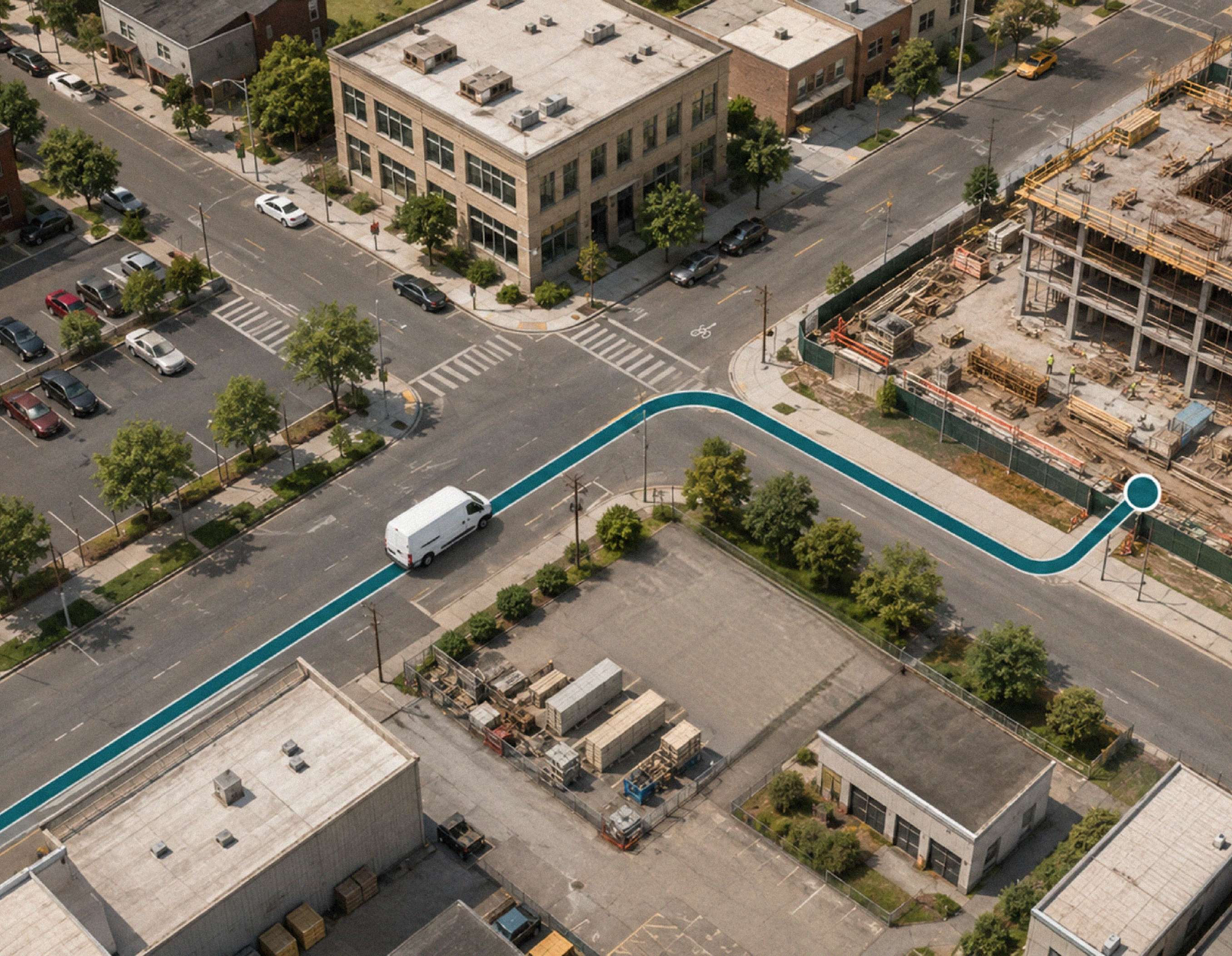
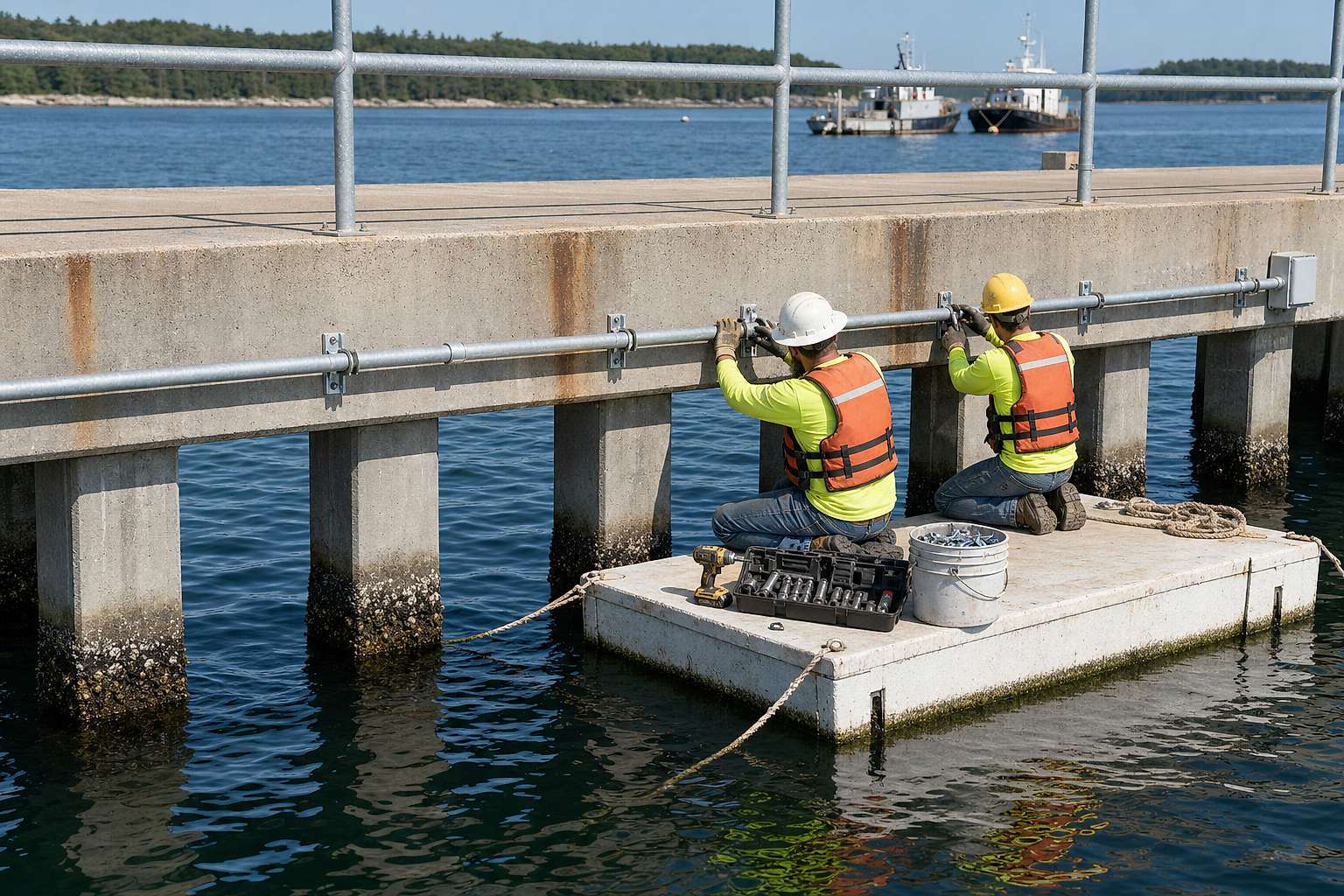
Dock crews work one job at a time, some spread along the shore. Service crews cover several docks a day. Workyard fits both.
One waterfront job at a time, for a day or longer
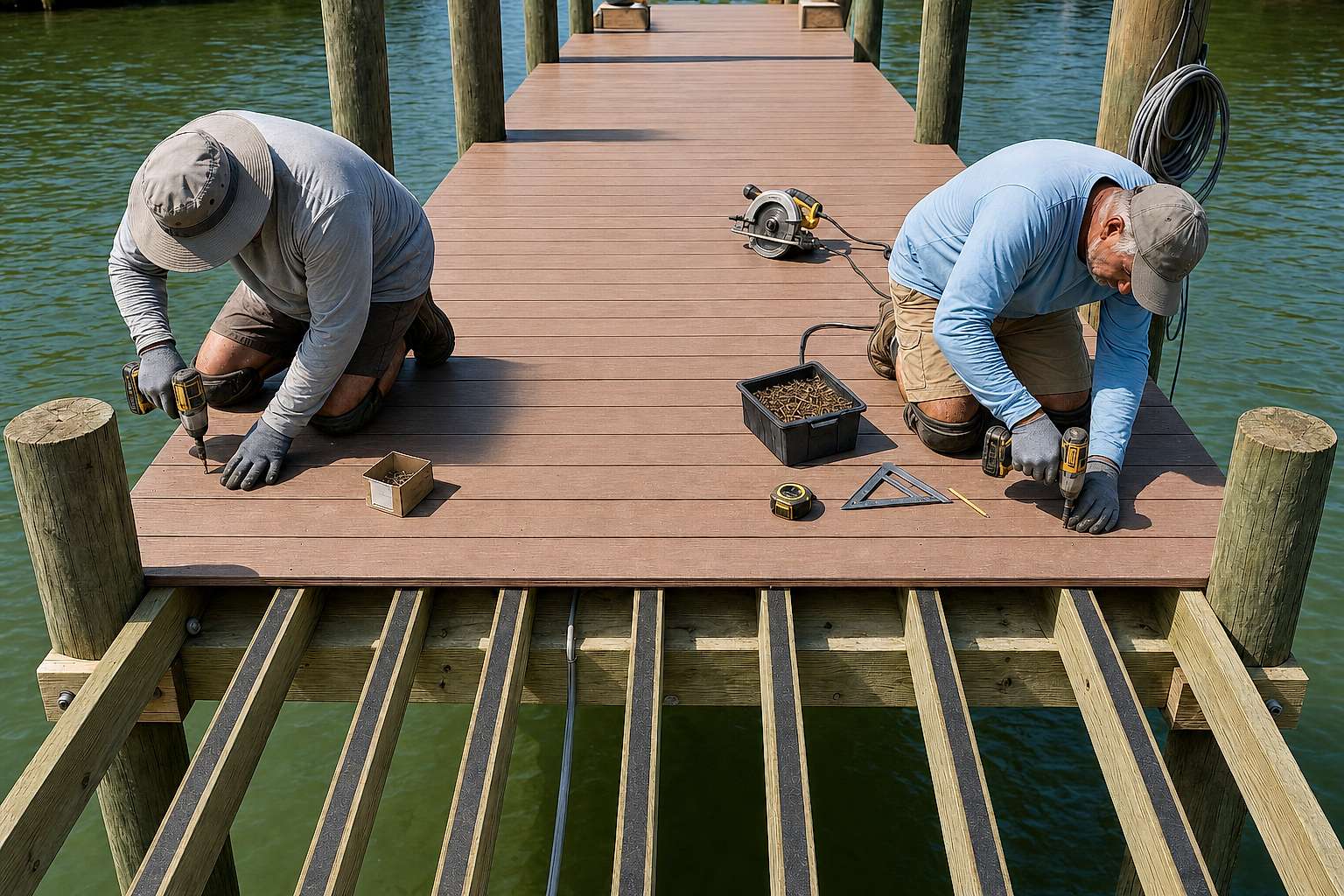
Boat lift and dock service, several stops a day
Built for the way marine construction runs
What marine contractors ask us about most, built in.
Give a job more than one fence, each drawn as a polygon along the shoreline, or set from a dropped pin or coordinates where the work has no street address. Crews clock in at whichever site they’re on, and the hours land on that one job.
Your own daily, built from a photo of the paper one. The crew and their hours fill in from the time cards and stay in step with them; the foreman adds what got done, the delays and the photos. Make it required and clock-out waits until it’s in.
Jobs come in from your books with a fence at each address, and arriving moves the crew’s time to the job, so nobody has to remember to pick it. Each job’s hours and labor cost, by cost code, update as every shift ends.
Thousands already do, every day.
GPS and AI drive the capture and correction, so they don't have to.
Works offline. Works in Spanish. Prevents buddy punching. Detects and corrects mistakes.
Location is only shared while on the clock, never after hours. You choose the level of tracking that fits your crew.
"I love this app. It makes it so easy for me to clock in and clock out and it tracks my mileage for my work and everything. I would recommend it, great way to keep up with everything."
"By far the best app I've ever used for work. Most consistent and accurate. Haven't had any difficulties at all. I will never use another app for clocking my hours at work."
"This app is extremely easy for my construction staff to use. It creates reports for me that show different costs by projects and honestly just saves me time and headaches."
You're wondering…
Yes. A job can have more than one fence, and any one can be a polygon drawn along the shoreline, so a job spread across several sites keeps its hours on that one job. No street address at the water? Drop a pin or enter coordinates. A drawn outline can’t overlap another job’s fence, so jobs next door stay apart.
Yes. Snap a photo of your paper report and Workyard builds the same form on the foreman’s phone. The crew and their hours fill in from the time cards and stay in step with them; the foreman adds what got done, the photos and a signature. Make it required at clock-out and the app won’t finish clocking out until it’s in. It’s filed to the job and downloads as a PDF with your logo.
Yes. Jobs, employees and payroll items come in from your QuickBooks Desktop company file through Intuit’s Web Connector, which checks in every 15 minutes, and approved hours go back on the right Customer:Job, service item and payroll item. ADP Workforce Now takes the same hours coded by cost number, so labor posts to the job, and RUN Powered by ADP takes each person’s regular, overtime and double-time hours. QuickBooks Online, Sage, Foundation and more connect too.
Yes, in the app they clock in on: each day’s tasks with the job, the hours, directions in Apple or Google Maps, the checklist, notes and forms. Put the truck number in the task’s notes. Add someone to a task and they get a push and an email; there’s no text message option. The schedule doesn’t clock anyone in: hours go to the job where they clock in or arrive.
Yes, as leave requests, approved in Time Cards against your paid, unpaid and holiday policies, and the office can enter time off for anyone. Approved and pending time off shows on the schedule, and approved paid and holiday time can go with the payroll export. Balances and accruals stay in payroll: Workyard doesn’t track them.
Yes. Each job’s labor hours and cost, by cost code, update as every shift ends, before you approve anything, and approved hours go to your books on that job. Against the bid, not today: the estimate stays in your estimating system, and the next bid starts from what the job really took.
A specialist sets up your jobs, cost codes, geofences and pay rules with you, imported from your accounting where we can, and runs the first payroll sync with you watching. Crews download the app and clock in on their own phones; anyone without one clocks in at a kiosk or with the foreman. Most companies are live in days, not months.
Yes. Make the shop a job with its own fence, so a start there counts as on site, and turn on site-only clock-in so nobody starts the clock from home. In Automatic mode, arriving at the job moves the clock there, and the drive goes where your rule says: to the next job, split across the day’s jobs, or unallocated. Shop time stays on the shop’s job.
No. Jobs come in from your accounting system, each with a geofence at its address: from QuickBooks Online every 30 minutes if you turn on auto-import, and from QuickBooks Desktop, Foundation or Sage 100 Contractor when you sync. In Automatic mode the crew doesn’t have to pick the job: arriving moves their time to it. A stop at an address that isn’t a job yet still shows on the card, and a manager can turn it into a job from the time card map.
By your rule. Each drive can go to the job it ends at, be split across the day’s jobs, or stay unallocated, with its own cost code if you like, so job costs stay clean and you see how much of the day goes to the road. Travel time is tracked, but it isn’t sent to payroll as its own pay type.
Location is recorded only between clock-in and clock-out, never nights or weekends, and workers can see that in the app. Each worker gets a plain-language notice in English or Spanish saying exactly what’s captured, and you choose the level per crew: through the shift, at the punches only, or off. If someone switches location off on the clock, the clock keeps running and the card shows the gap and why, so the office decides what to pay.
Yes. Put each crew in its own rule group: how they clock in, their meal break rules, how much location is tracked, whether they tag equipment and what they sign at the end of the day. A union crew with tracking off can still clock in at a kiosk with a PIN.
No. Break rules are set crew by crew, so a crew that works the tide can run without break reminders. They start and end lunch with Break and End Break whenever the tide allows, and at clock-out the daily sign-off asks whether they took their breaks: a no flags the card for their time approver.
Yes. Workers edit their cards only if you allow it, crew by crew. Every change made in the office needs a reason and stays in the card’s log, and the worker gets an email and a push. At clock-out they answer the daily sign-off (injuries, breaks, whether all their time is recorded) and sign, and you can add your own questions on a clock-out form. At the end of the pay period they confirm their hours or ask for a correction.
The day splits, yes: each stretch carries its own job and cost code, picked at clock-in or switched as the work changes, so operator and dock-building hours stay apart. The rate, not today: a worker has one pay rate at a time in Workyard, so your payroll system applies it by code. In QuickBooks Desktop, map each cost code to a payroll item for union scale or prevailing wage.
Partly. Hours are coded to the job and cost code, so public and private work stay apart in the export, and you can export the crews on prevailing-wage work as their own batch. Your payroll system applies the prevailing rate and files the report: Workyard doesn’t calculate prevailing wage or produce certified payroll.
We import your jobs, cost codes and crews from your accounting system, and a specialist sets up your geofences and pay rules with you. Live in days, with a person on the phone the whole way.