1 hourto prepare payroll, down from 8 hours
Rolled out to all 120 crew in two weeks and cut payroll from 8 hours to 1.

Big crews on long commercial jobs, and a service team beside them. Every hour lands on its job and cost code, duct apart from pipe, fab shop hours go to the job they’re for, and padded minutes stay off payroll.
1 hourto prepare payroll, down from 8 hours
Rolled out to all 120 crew in two weeks and cut payroll from 8 hours to 1.

“It's just easy to have it in here… this helps us keep everything, you know, honest and correct.”
Commercial mechanical and refrigeration contractor, 11–50 workers

“Rolled it out on Monday to all the employees and the onboarding was seamless. It went so smooth… It was just the easiest thing I've ever done.”
OwnerDesign-build mechanical contractor, 11–50 workers

“It's super simple… I give them the policy in Spanish or in English whatever way they want it. Then I send them their links… It's really easy.”
ControllerPlumbing and HVAC contractor, 50+ workers
The payoff
Money
10–18%
off payroll
Rounded times, buddy punches, forgotten clock-outs: eliminated.
Job costs
5–25%
unassigned hours before Workyard
GPS and agents put each hour on the job it was worked.
Time
30 mins
to prep payroll, not 12 hours
The typical drop for customers.

Workyard is not another everything-suite. It runs the crew side of the business, deeply, and connects to the rest.
For accounting and payroll: ComputerEase, Sage, ADP and 18 more, so approved hours land in the systems that cost and pay them.









Other tools wait for someone to do the work. Workyard’s agents check every timecard and flag only what needs you. That’s the whole job.
From quick answers to hours of work, handled
Time tracking that runs itself
Reports you need, without the spreadsheet work
Works your way
Foremen run crews on one job for months at a time. Service techs cover several buildings a day. Workyard fits both.
Foremen and crews on one commercial job for months

Service techs on several buildings a day
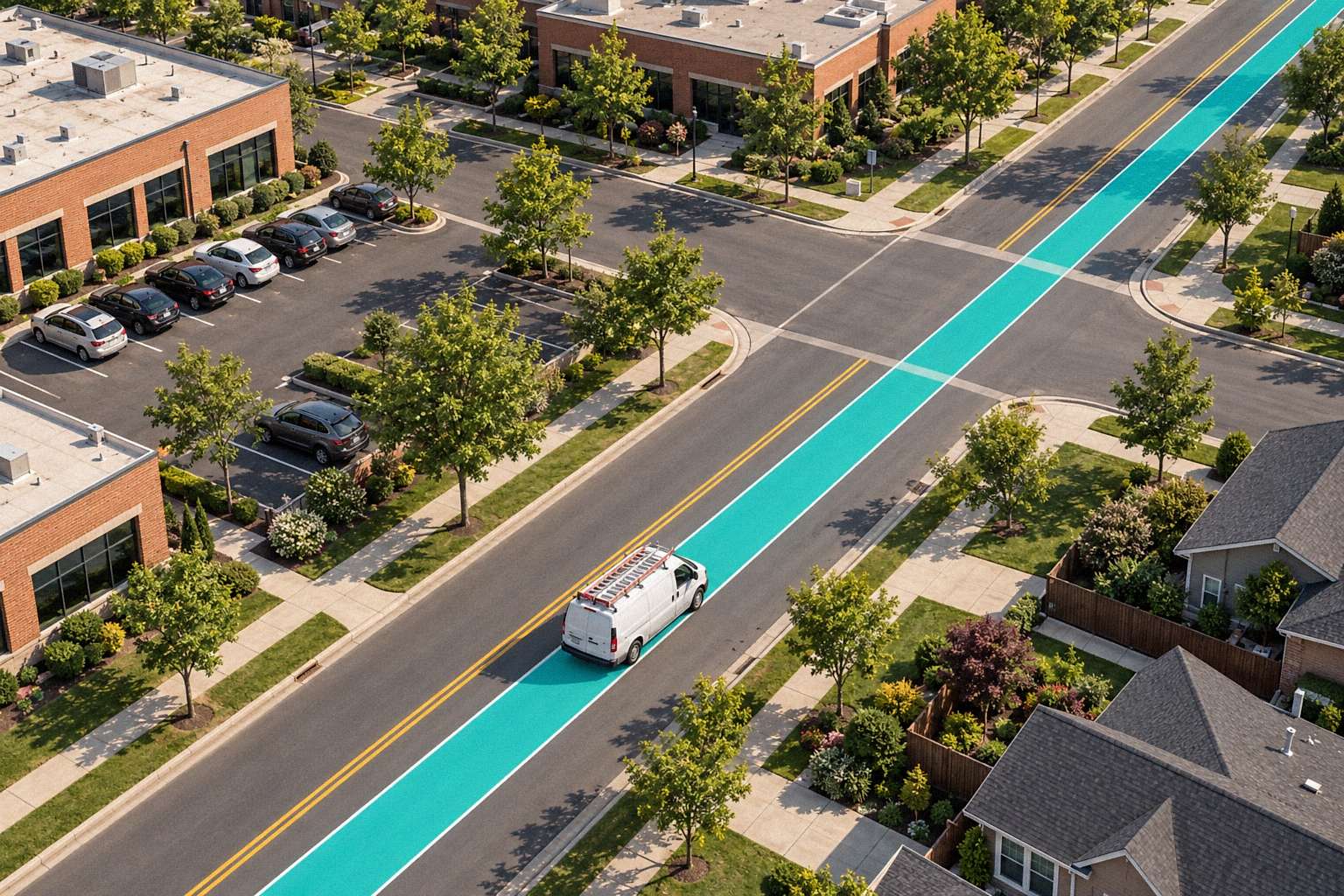
Built for the way mechanical runs
Mechanical contractors raise these with us far more than other contractors do. Each one is built in.
Overtime rules sit on each worker, so a union crew, a 4/10 crew and a California crew share one payroll, each with its own split. Start from a state preset or describe your agreement in plain English. Time limits cap the day, with a push to the worker 30 minutes before.
Clock-ins, clock-outs and clock-out forms record on the phone in a basement mechanical room or a parking garage, and send when it finds coverage. If the app is closed or a phone dies, the clock keeps running and the card shows the gap and why.
Each job shows the crew only its own cost codes, and cost code groups narrow them by team or person. A worker switches code as the work changes, or the foreman switches the crew. The office splits a day across jobs and codes on the card before approving.
Thousands already do, every day.
GPS and AI drive the capture and correction, so they don't have to.
Works offline. Works in Spanish. Prevents buddy punching. Detects and corrects mistakes.
Location is only shared while on the clock, never after hours. You choose the level of tracking that fits your crew.
"I love this app. It makes it so easy for me to clock in and clock out and it tracks my mileage for my work and everything. I would recommend it, great way to keep up with everything."
"By far the best app I've ever used for work. Most consistent and accurate. Haven't had any difficulties at all. I will never use another app for clocking my hours at work."
"This app is extremely easy for my construction staff to use. It creates reports for me that show different costs by projects and honestly just saves me time and headaches."
You're wondering…
Yes. Approve the pay period and export it: ComputerEase gets a file for its labor distribution, by day, job, phase, category and pay type, and Sage 300 CRE gets one by job and cost code, with regular, overtime and double time on their own lines. You enter each ComputerEase or Sage ID once and every export uses it; their job lists stay in those systems. ADP, QuickBooks, Foundation, Spectrum, Paychex and more connect too. A system that isn’t on the list gets a file in the layout it imports, built with you during onboarding, or the developer API.
One. Each worker clocks in once and out once, and every punch carries its location. In Automatic mode, arriving at a job’s geofence moves the hours to that job, so a day across two sites comes back split by job without another punch. Rather they pick the job? Set the crew to manual project time and they choose from your list as they go.
Yes. Give each job only the codes it uses, and cost code groups narrow them by team or person, so a sheet metal worker never scrolls the pipe codes. A worker changes code as the work changes, or the foreman switches the whole crew at once. Coded it wrong? Split the day across jobs and codes on the time card, or move a batch of time at once, before it’s approved. Every change asks for a reason and stays on the card’s log.
Yes. The foreman picks who’s on the job and clocks them in together from one phone, and each person’s hours land on their own card. Or set an iPad at the shop or the gate as a kiosk: each worker enters their own PIN, the camera can add a photo, and they can switch jobs and take breaks there during the day. Most contractors mix them with workers on their own phones, and every punch lands on the same time cards.
Yes, with one setting for the whole company: 1, 5, 10, 15 or 30 minutes. At 1 minute, punches stay to the minute. You can also set when each crew’s day can start, so a card that starts early begins at that time. Whether rounding suits your crews and state is a question for your attorney.
A specialist sets up your jobs, cost codes, geofences and pay rules with you, imported from your accounting where we can, and runs the first payroll export with you watching. Crews download the app and clock in on their own phones; anyone without one clocks in at a kiosk or with the foreman. If you change accounting or payroll systems later, your crews, jobs and time cards stay in Workyard.
Clock-ins, clock-outs and the forms that fire at clock-in or clock-out record on the phone with no signal and send when it finds coverage. A kiosk keeps clocking people in on the iPad and syncs later; only a brand-new worker’s very first clock-in needs a connection. If a phone dies or the app is closed, the clock keeps running and the card marks the gap and why. The foreman can clock that worker in with the crew, and your daily time limit cuts back a card left running.
Yes. Turn on site-only clock-in and nobody can start the clock until they’re inside the job’s geofence; outside it, the app shows the nearest job and how far away it is. Set it per rule group, so drivers who start at the shop can clock in anywhere while the field crew can’t. Time limits set when each crew’s day can start and end, and a card that starts early begins at the limit.
Yes. Overtime rules sit on each worker, with an effective date, so union, non-union and California crews share one payroll, each with its own split. Start from a state preset, California’s included, or describe your agreement in plain English and Workyard builds the rule. Each crew’s rule group also sets how they clock in and how much location is tracked.
Yes. At a shop kiosk or on their phone, workers can pick the job they’re building for as they clock in. Or give the shop its own geofence, and its time sits on the shop until the office moves it to the job on the card, before approving. Tell Ask Workyard which afternoon in the shop was for which job, and it drafts the change for you to confirm, with the original kept in the log.
It tracks them while they’re on the clock, wherever the work takes them, and never after clock-out. Draw the geofence on the real site lines at whatever size the job is, and any day replays the sites they visited, how long they stayed and the drives between. Choose the level per crew: all day on the clock, only at clock-in and clock-out, or off.
Yes. Open a job to see its hours and labor cost by cost code, updated as each shift ends, and time cards search by worker and date range. Ask for a report in a sentence, in your own layout, and rerun it any week, or export approved hours to Excel by employee, job and cost code.
Yes. The foreman can put a break on the whole crew, or set a meal break rule per crew: a first and a second meal after the hours you choose. If a worker didn’t record one, it goes on the card at clock-out, and a break that’s too short isn’t accepted. Companies based in California or Washington can turn on the state’s break reminders too.
If you turn on time card editing for them, yes: they fix it with a reason, and the card’s log keeps every change. Or they ask for a correction when they sign off the pay period. Each worker has a time approver, like their foreman, and project managers can approve the time on their jobs. There’s one level of approval, not a chain, and the office can approve anything still open.
Add them in Workyard, or let new hires come in with the next import from ADP, QuickBooks, Foundation or another system that sends its team list. Each gets an invite by text or email, downloads the app and signs in. Someone who leaves stays in Workyard until you archive them from the office. Pricing is per worker, per month, for anyone who tracks time in Workyard.
Days, not months. The connection to your accounting or payroll system is one setup session, a file layout your system needs is built with you during onboarding, and a real person walks your office through the first pay period.
Not with an overtime alert: nothing pings as someone nears 8 or 40 hours. What Workyard does instead: time limits per crew set the earliest clock-in, the latest clock-out and the most hours on a card, the worker gets a push 30 minutes before the day’s limit, and a card can’t run past it unless a manager adds the time. Overtime shows on Time Cards as the week goes, so you can move people before Friday.
Not today. A worker has one pay rate at a time in Workyard, kept by effective date. Every hour carries the job and cost code it was worked on, so a payroll system that prices by code applies the rate there, and each job’s labor cost includes overtime and workers’ comp at the worker’s rate.
Mileage, yes: miles are logged per worker and per job, on the clock. Per diem, not today. Workyard gives you each worker’s hours, jobs and miles by day, the record most per-diem rules are checked against.
Partly. Hours are coded to the job and cost code, so public and private work stay apart in the export, and you can export the crews on prevailing-wage work as their own batch. Your payroll system applies the prevailing rate and files the report: Workyard doesn’t calculate prevailing wage or produce certified payroll.
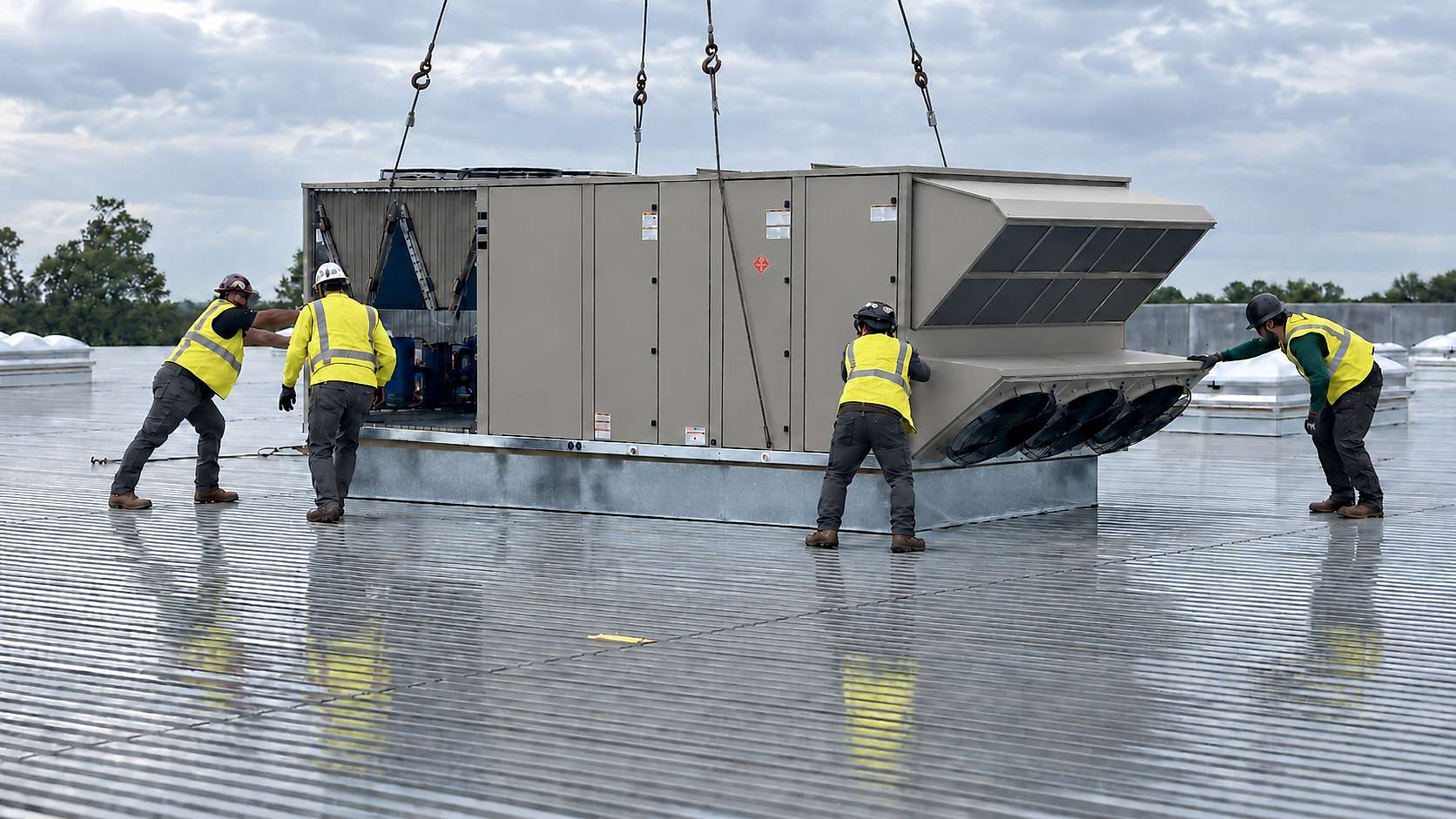
We set up and import your jobs, cost codes and crews where your systems allow, connect payroll and accounting, and have you live in days, with a person on the phone the whole way.