Skip to content
Log InBook a demo
Book a demo

More margin on every oilfield job.

For oilfield service, energy construction and well drilling crews: every hour lands on the job it was worked, padded time comes off payroll, field tickets get signed on location, and sites with no signal still record.

Join 3,000 of America's most ambitious contractors

  • "Moving our repair requests to digital forms with Workyard made a huge difference. Before, issues would get lost in the shuffle, and it could take too long to get equipment fixed. Now, as soon as a problem is reported, we get notified immediately, and our mechanics can take care of it right away."

    Brittany Konitzer, Office ManagerFalcon Drilling & Blasting

  • $123Ksaved with Workyard’s Smart Forms

    "Smart Forms pays for itself through accurate invoicing, insurance savings, and keeping our business moving every single day."

  • Wood Wireline logo
  • “If I had to put a dollar value to it, you're probably looking, let's say, 15 to 17% that we've cut down on overall cost…”

    CEOUnderground utility contractor, 50+ workers

  • Atlas Pressure Control logo
  • “…the GPS is really on point. For us, it works out great for me to be able to figure out where people are and where they're spending their time.”

    Water and wastewater contractor, 50+ workers

  • SSI Petroleum logo

The payoff

Why oil, gas and energy contractors choose Workyard

  • Money

    Stop paying for hours nobody worked.

    10–18%

    off payroll

    Rounded times, buddy punches, forgotten clock-outs: eliminated.

  • Job costs

    Get every hour on the correct job.

    5–25%

    unassigned hours before Workyard

    GPS and agents put each hour on the job it was worked.

  • Time

    Payroll in minutes, not hours.

    30 mins

    to prep payroll, not 12 hours

    The typical drop for customers.

The field side of your oilfield business, handled

Workyard is not another everything-suite. It runs the crew side of the business, deeply, and connects to the rest.

Plug into what you already run.

For payroll, accounting and ERP: Sage, ADP, Foundation and 18 more, so hours land in the systems that pay and cost them.

Explore integrations
  • Sage
  • ADP
  • Foundation Software
  • QuickBooks
  • Paychex
  • Trimble Viewpoint
  • Oracle NetSuite
  • Acumatica
  • Gusto
  • Rippling
  • Deltek
  • Developer API
See how it all works together

AI that does the work. You approve.

Other tools wait for someone to do the work. Workyard’s agents check every timecard and flag only what needs you. That’s the whole job.

  • Ask Workyard

    New

    From quick answers to hours of work, handled

    • Answers about any crew, job or timecard
    • Builds the schedule the way you run your crews
    • Sweeps a whole pay period in one request
  • Timekeeping Agent

    Time tracking that runs itself

    • Clocks crews in and out, verified by GPS
    • Codes every hour to the right project automatically
    • Finds problem timecards and drafts the fix when you ask
  • Reporting Agent

    New

    Reports you need, without the spreadsheet work

    • Upload a report, or describe one
    • Custom reports filled with live Workyard data
    • Excel, CSV or PDF, ready to send

Works your way

Works the way you already work

Site crews stay on one location for days or weeks. Service techs drive out from the yard to the next job. Workyard fits both.

Site crews

A foreman’s crew on one location for days or weeks

  • Kiosk clock-in
  • Works offline
  • Cost code splits
Hendrick 4 Tank Battery18 on site • week 3

Service techs

Sent from the yard to a new well site, sometimes several a day

  • Worker clock-in
  • Drive time
  • Job switching
Stop 2 of 3Hendrick 14-2H • 48m travel

Built for the way oil, gas & energy runs

The features oilfield crews lean on most

What oil, gas and energy contractors ask us for more than other contractors do, built in.

  • Field tickets signed before the crew leaves location

    Snap a photo of your paper ticket and it comes back as your own form: hours, equipment, materials, notes and photos, signed with a finger by the customer’s rep on location. Put it on the job’s task and it’s on the crew’s list before they clock out. It files to the job as a PDF with your logo.

  • The whole crew clocked in, signal or not

    Set an iPad at the site as a kiosk: each worker punches in with their own PIN, and with face photos on, the camera adds a photo to their card. With no signal it keeps clocking people in and syncs when the connection comes back. Phones out on location record the same way.

  • Hours that hold up when a day is questioned

    Every phone punch carries its GPS location, and with face photos on, every kiosk punch a photo. Every edit keeps who made it, when and why, and the worker is told. Workers can sign off their day at clock-out, so a disputed shift is checked against the record, not anyone’s memory.

Will my crew actually use it?

Thousands already do, every day.

  • Less work for your crew

    GPS and AI drive the capture and correction, so they don't have to.

  • Field-proof

    Works offline. Works in Spanish. Prevents buddy punching. Detects and corrects mistakes.

  • Protects their privacy

    Location is only shared while on the clock, never after hours. You choose the level of tracking that fits your crew.

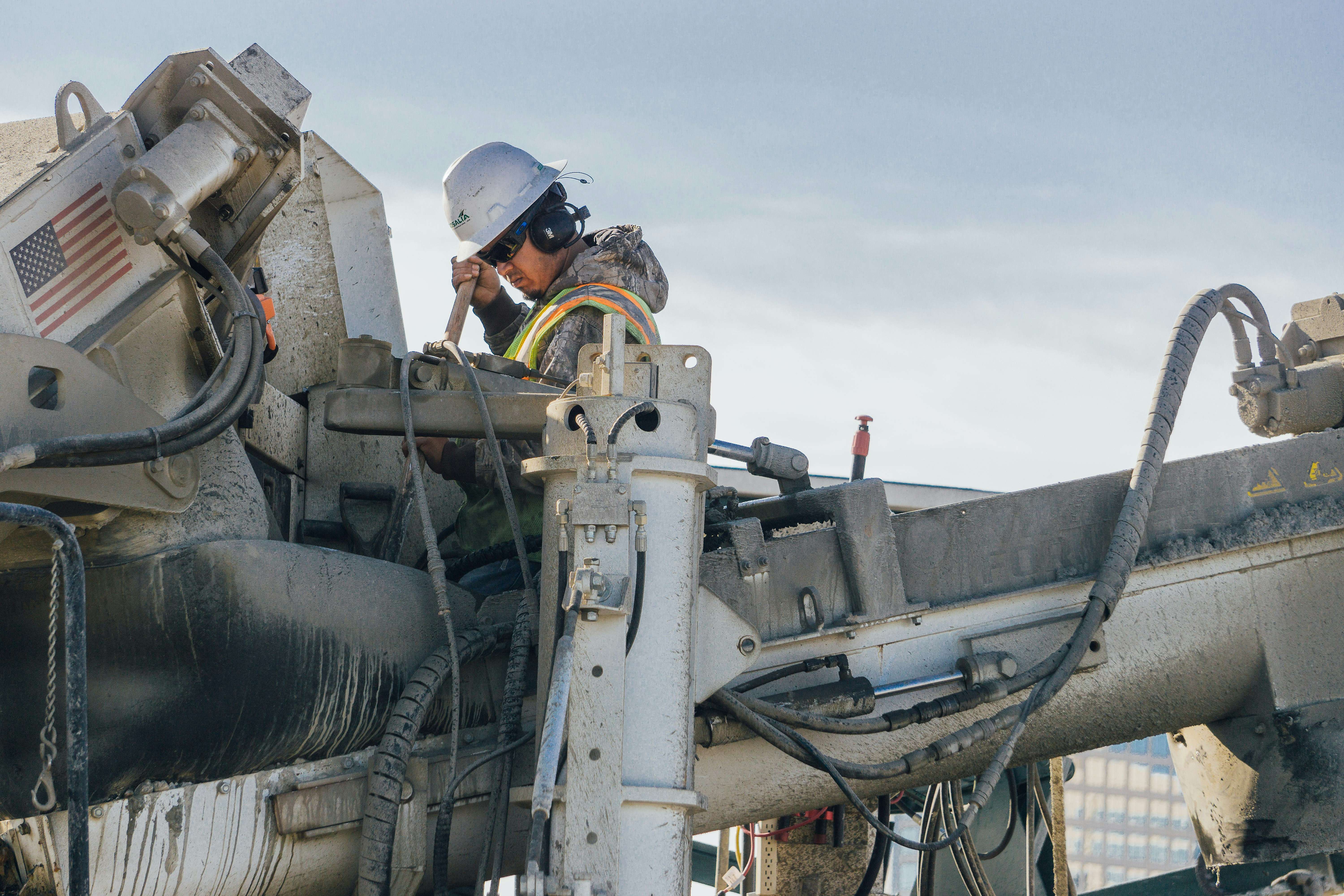
A rig hand in a hard hat and ear defenders working on hoses and fittings high on a piece of oilfield equipment
  • "I love this app. It makes it so easy for me to clock in and clock out and it tracks my mileage for my work and everything. I would recommend it, great way to keep up with everything."

    Jezz
  • "By far the best app I've ever used for work. Most consistent and accurate. Haven't had any difficulties at all. I will never use another app for clocking my hours at work."

    R.H.
  • "This app is extremely easy for my construction staff to use. It creates reports for me that show different costs by projects and honestly just saves me time and headaches."

    Lucas
  • Rated 4.8 out of 5 on G2, from 54 reviews
  • Rated 4.7 out of 5 on Capterra, from 102 reviews
  • Rated 4.7 out of 5 on Software Advice, from 102 reviews
  • Rated 4.8 out of 5 on Google, from 26 reviews

You're wondering…

What oil, gas and energy contractors ask us

Can the whole crew clock in on one iPad at the site?

Yes. Set an iPad up as a kiosk and each worker clocks in with their own PIN, sent to them by email and text, and with face photos on, the camera adds a photo to their card. Choose which crews can use it and give it a default job and cost code, so a punch takes seconds. Nobody needs a phone of their own, and where there’s no iPad, the foreman can clock in the crew from one phone.

Our well sites have no cell service. Does it still record?

Yes. Phones record clock-ins, clock-outs, location and the forms that open at clock-in or clock-out with no signal, and send them when they find coverage. The kiosk keeps clocking people in and syncs when the connection comes back; only a brand-new worker’s very first kiosk clock-in needs a connection.

Can crews fill in a field ticket on location and get it signed?

Yes. Snap a photo of your paper ticket and we build it as a form: the hours, equipment, materials, notes and photos, and a signature drawn with a finger by the customer’s rep before the crew leaves. Put it on the job’s task and it’s on the crew’s list before they clock out. It files to the job and downloads as a PDF with your logo. Workyard doesn’t price the ticket or send the invoice.

Does it work with Sage, ADP, Foundation or Paychex? What about CMiC or JD Edwards?

Direct connections to QuickBooks Online and Desktop, Foundation, Spectrum, Sage 100 Contractor, Sage Intacct, Acumatica, ADP Workforce Now, RUN Powered by ADP, Gusto and NetSuite. Files built for Paychex Flex, Paylocity, Sage 50, Sage 300 CRE, Rippling and more. CMiC, JD Edwards or any other system that imports a file gets an export in the exact layout it reads, built with you during onboarding, or connects through the developer API.

We pay drive time from the yard to location. Where does it go?

Clock in at the yard and the drive is on the card with its miles, kept apart from time on location. Your rule sends it to the job it ends at, splits it across the day’s jobs, or leaves it off the jobs, with its own cost code like Travel if you like. Travel is tracked, but it isn’t sent to payroll as its own pay type.

Our techs work several locations in a day. Do the hours split by job?

Yes. In Automatic mode, arriving at each job’s geofence moves their hours to that job, so the day comes back split without a tap, or set the crew to pick the job as they go. A stop at a location that isn’t a job yet still shows on the card, and a manager can turn it into a job, geofence and all, from the time card map. A miscoded hour is fixed on the card, with the change logged.

Can workers answer questions at clock-in or clock-out, like lunch, injuries or fit for duty?

Yes, if you turn it on. Daily Sign Off asks each worker at clock-out about injuries, rest and meal breaks and whether they recorded all their time, and takes their signature; a no flags the card for their time approver. Put your own questions on a clock-in or clock-out form, mark an answer like “Yes, I was injured” as unexpected, and it goes straight to your safety person.

Join the growing community of oilfield contractors on Workyard

We import your jobs, cost codes, and crews from your accounting system. Connected and live in days, with a person on the phone the whole way.

Book a demo with a Workyard specialist

Your local Workyard specialist

Works with 50 contractors across the US

Your details

30 min · Video call