


"With Workyard, I get the answers I need in minutes. Everything is right there in front of me, and there is no more he-said she-said."
Brenda Tait, Office ManagerPro Home and Sunrooms

For install crews and repair techs: a geofence drawn to each lot keeps next-door jobs apart, drive and shop time go where your rule says, and padded time comes off before payroll, so each job shows its real labor cost.
"With Workyard, I get the answers I need in minutes. Everything is right there in front of me, and there is no more he-said she-said."
Brenda Tait, Office ManagerPro Home and Sunrooms

“The product’s great. I… love it. It’s awesome.”
Exterior remodeling contractor, 11–50 workers

“We definitely have cleaned that up quite a bit. They’re good. I don’t see how anybody can get away with time theft now.”
Office managerSunroom contractor, 50+ workers

The payoff
Job costs
5–25%
unassigned hours before Workyard
GPS and agents put each hour on the job it was worked.
Time
30 mins
to prep payroll, not 12 hours
The typical drop for customers.
Money
10–18%
off payroll
Rounded times, buddy punches, forgotten clock-outs: eliminated.

A four-person sunroom and patio company in Rochester, NY. Their old app had no GPS and didn’t work offline, so some workers took advantage, and “no signal” meant paying for hours nobody could check. Now crews are reminded to clock in as they reach the job, and hours record with no signal.

Workyard is not another everything-suite. It runs the crew side of the business, deeply, and connects to the rest.
For payroll and accounting: QuickBooks, ADP, Gusto and 18 more. Jobs come in, and approved hours go to the systems that cost and pay.









Other tools wait for someone to do the work. Workyard’s agents check every timecard and flag only what needs you. That’s the whole job.
From quick answers to hours of work, handled
Time tracking that runs itself
Reports you need, without the spreadsheet work
Works your way
Install crews spend a few days at each home. Repair techs cover several homes a day. Workyard fits both, on one payroll.
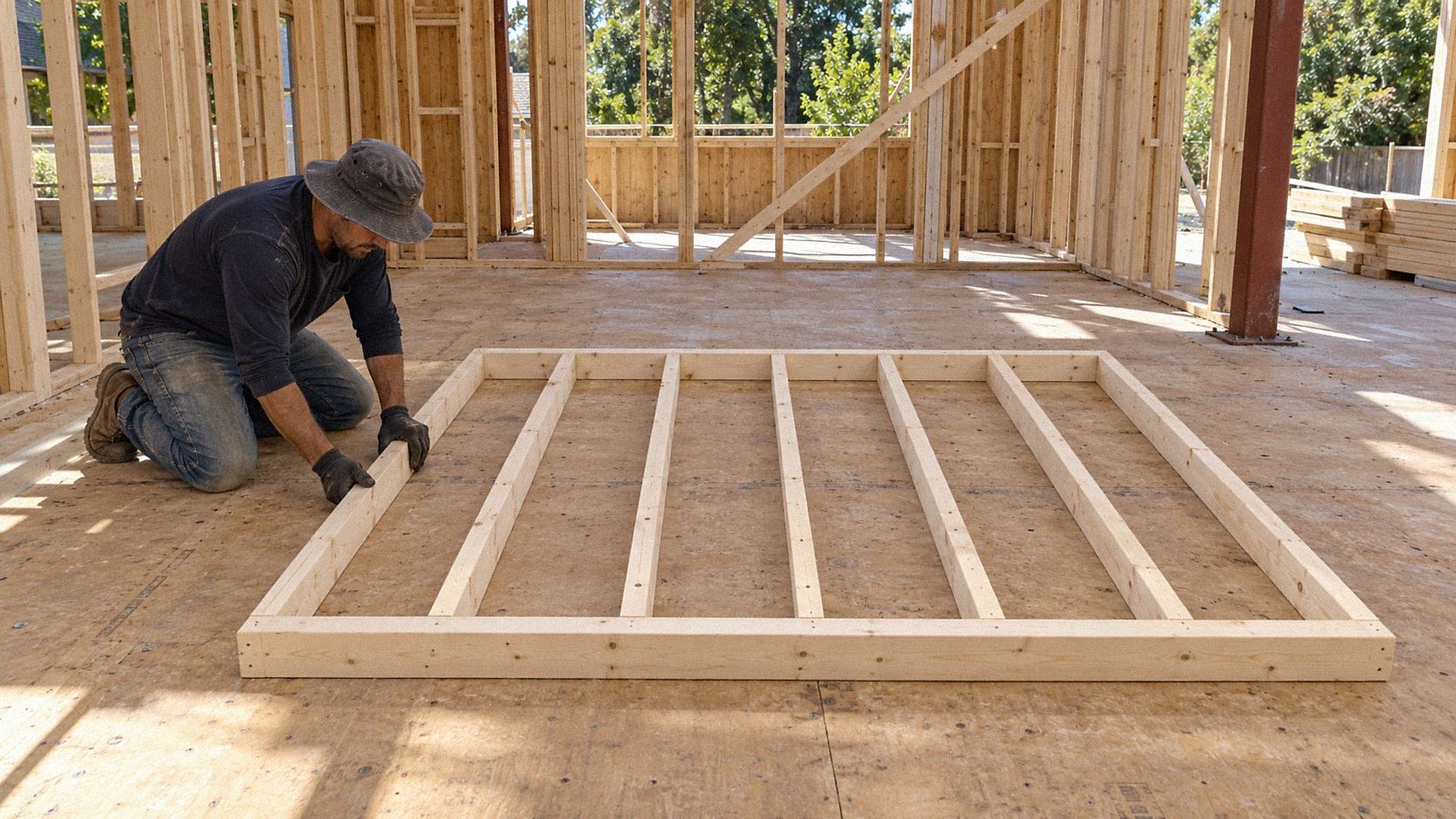
A small crew at each home for a few days
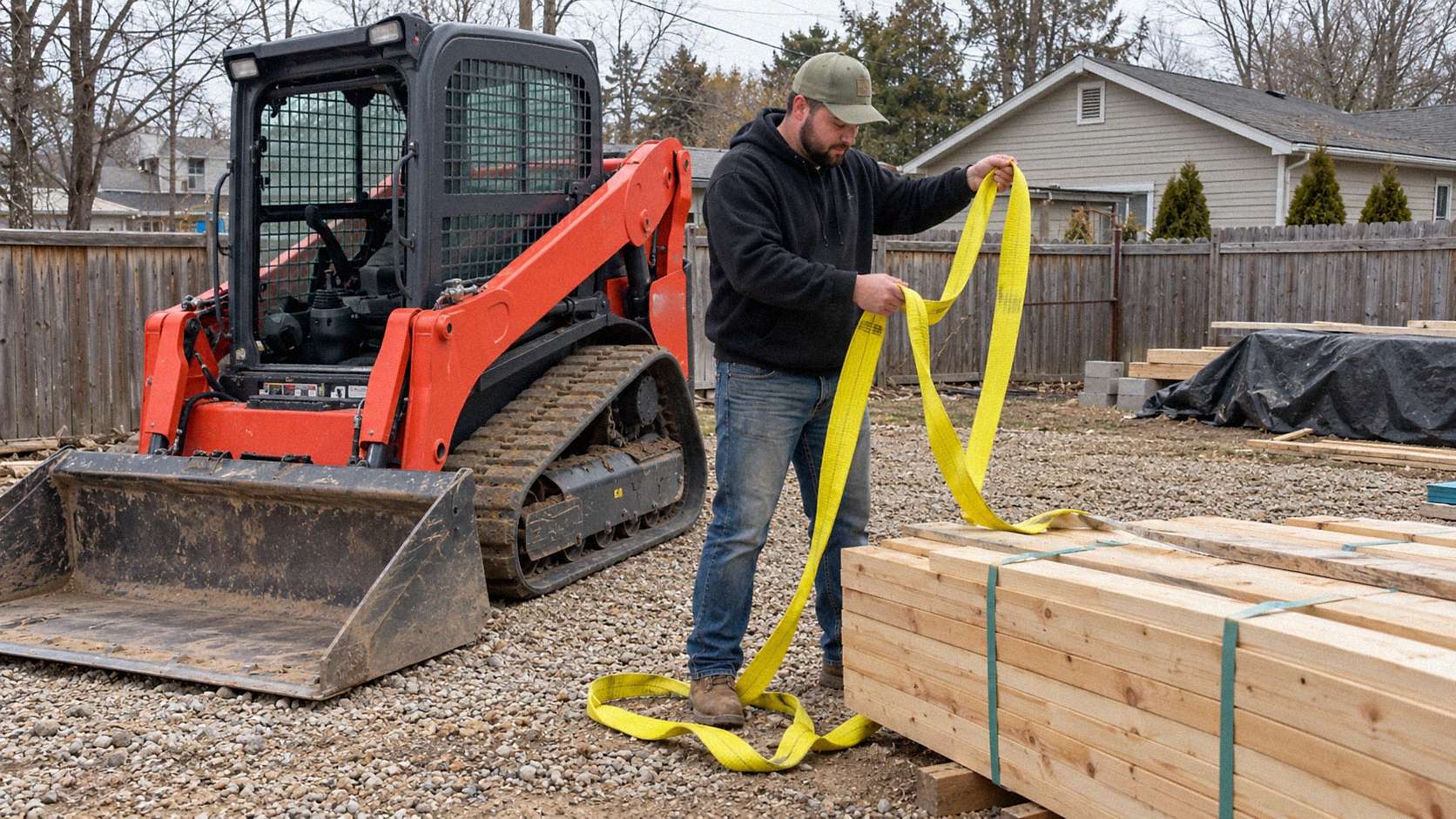
Repair techs on several homes a day
Built for the way sunroom and patio contractors run
What sunroom, patio cover and awning contractors ask us about, each one built in.
Draw each job’s geofence on its lot lines and it can’t overlap the next one, so jobs a few doors apart keep their own hours. Driving past last year’s sunroom does nothing. Where two jobs sit too close for phone GPS, the crew picks the job and switches it as they move.
In California, the phone calls a rest break at two hours and the meal at four and a half, and prompts when a card is missing one. Anywhere, a meal break rule per crew adds a missed break at clock-out, and the clock-out sign-off asks each worker about their breaks.
Drives and stops that aren’t jobs, like Lowe’s, go to the next job, split across the day’s jobs or stay off them, as you choose. Make the shop a job and its hours show in each week’s job costs, next to the installs.
Thousands already do, every day.
GPS and AI drive the capture and correction, so they don't have to.
Works offline. Works in Spanish. Prevents buddy punching. Detects and corrects mistakes.
Location is only shared while on the clock, never after hours. You choose the level of tracking that fits your crew.
"I love this app. It makes it so easy for me to clock in and clock out and it tracks my mileage for my work and everything. I would recommend it, great way to keep up with everything."
"By far the best app I've ever used for work. Most consistent and accurate. Haven't had any difficulties at all. I will never use another app for clocking my hours at work."
"This app is extremely easy for my construction staff to use. It creates reports for me that show different costs by projects and honestly just saves me time and headaches."
You're wondering…
Yes, if the geofences follow the lots. Draw each job’s geofence on its lot lines: an outline can’t overlap another job’s geofence, so next-door jobs each get their own, and driving past a house you finished last year does nothing. Geofences start from the job’s address; adjust the ones that need it.
Phone GPS has limits, so Workyard warns you when a geofence is drawn under 200 feet. Where jobs sit closer than that, have workers pick the job at clock-in and switch when they move, and the office can move any hour to the right job with a reason in the card’s log.
Where your rule says. Drives and stops that aren’t jobs, like Lowe’s or the gas station, go to the next job, split across the day’s jobs, or stay unallocated. Make the shop a job with its own geofence, or give the shop’s kiosk a default job, and shop hours land on the shop, where you see what they cost each week. The drive home after clock-out is never recorded.
They come in. You pick which customers and jobs to import, so years of finished jobs stay in QuickBooks, and new jobs you add there come in on the next import. From QuickBooks Online, new jobs can come in every 30 minutes in business hours, each with a geofence from its address.
Approve the week and send it: pick the dates and the crew, and each person’s hours land on their QuickBooks timesheet by job, service item and payroll item, with overtime kept apart. QuickBooks Desktop takes them through Intuit’s Web Connector; Online takes them directly. Fix a card later and send the period again, for everyone or one worker: QuickBooks gets the corrected hours, not a second copy.
Yes. Companies based in California or Washington can turn on the state’s break rules: a rest break reminder at two hours, a meal at four and a half, and a prompt when a card is missing a meal. Workers start and end the meal in the app with Break and End Break, so its times are on the card. The daily sign-off asks every worker whether they took their breaks, and a no flags the card for their approver. The missed-meal premium isn’t calculated; that stays with payroll.
A missed clock-out is closed for them with a “Forgot to clock out?” notice and trimmed back to when they left the geofence, with the trim on the card’s log for you to approve. Rules like this are set per crew’s rule group, not for the whole company. Anything else gets fixed on the card with a reason, and every change is logged.
Yes, both. Restrict clock-in so it only starts inside the job’s geofence. Then set when the day can start for each crew’s rule group: a card that starts early begins at that time, and one that runs late is cut back to the day’s limit. Crews who start at the shop? Make the shop a job with its own geofence, so a shop start counts as on site.
On the job it was worked. Weekly overtime counts the whole workweek, every job together, and the hours that cross the line are overtime on the job and cost code being worked at the time, so the job that ran long carries the cost. It isn’t shared back across the jobs worked earlier in the week. Daily overtime and double time work the same way, from your state’s preset or a rule you describe in plain English.
No. They pick it from your job list, or the job’s geofence picks it for them. If you’d rather, limit which jobs each worker can clock into.
Yes. Hours land on the job either way. When you add codes, give each job only the ones it uses, like demo and framing, so the crew sees a few. Set a default and there’s nothing to pick, and the office can split a day across codes on the time card afterwards.
Yes. A kiosk on an iPad at the shop takes each worker’s PIN and a photo, and breaks are taken there too. In the field the same people clock in on their phones. Every punch lands on the same time cards, reviewed and exported once.
Yes. Snap a photo of the form you run today, or upload the PDF, Word or Excel file, and it comes back as a form on the crew’s phones. Make it due at clock-out and the day can’t close without it. Point it at specific people, like your crew leads, if not everyone needs to fill it in.
Yes. With pay period sign-off on, each worker confirms their hours, or taps Request correction and says what’s wrong, and their approver makes the fix before payroll. Workers only edit their own cards if you allow it, and every change stays in the card’s log.
It shows. The time card marks that stretch as no signal, with the reason: the location permission switched off, the app closed or the phone turned off. Losing location doesn’t stop the clock, so the office sees the gap and decides what to pay.
It runs on iPhone and Android, their own phone or a company one, in English or Spanish. Anyone without a phone that works clocks in at a kiosk on an iPad, with a PIN and a photo.
Archive the job, one at a time or a batch, and its geofence switches off with it. Or turn on auto-archive: a job with no geofence activity for the number of days you set archives itself, and admins and managers get an email listing it. The job’s hours stay on record, and you can restore it when a tech goes back.
Days, not months. A specialist sets up your jobs, cost codes, geofences and pay rules with you, imported from QuickBooks, and connecting QuickBooks is one working session with our integration expert. Crews download the app and clock in on their own phones; anyone without one clocks in at a kiosk.


We import your jobs, cost codes, and crews. Connected to your systems and live in days, with a person on the phone the whole way.


