5xmore accurate payroll
"We wanted more than a time tracking app since many exist. We sought something that helps beyond just tracking time."
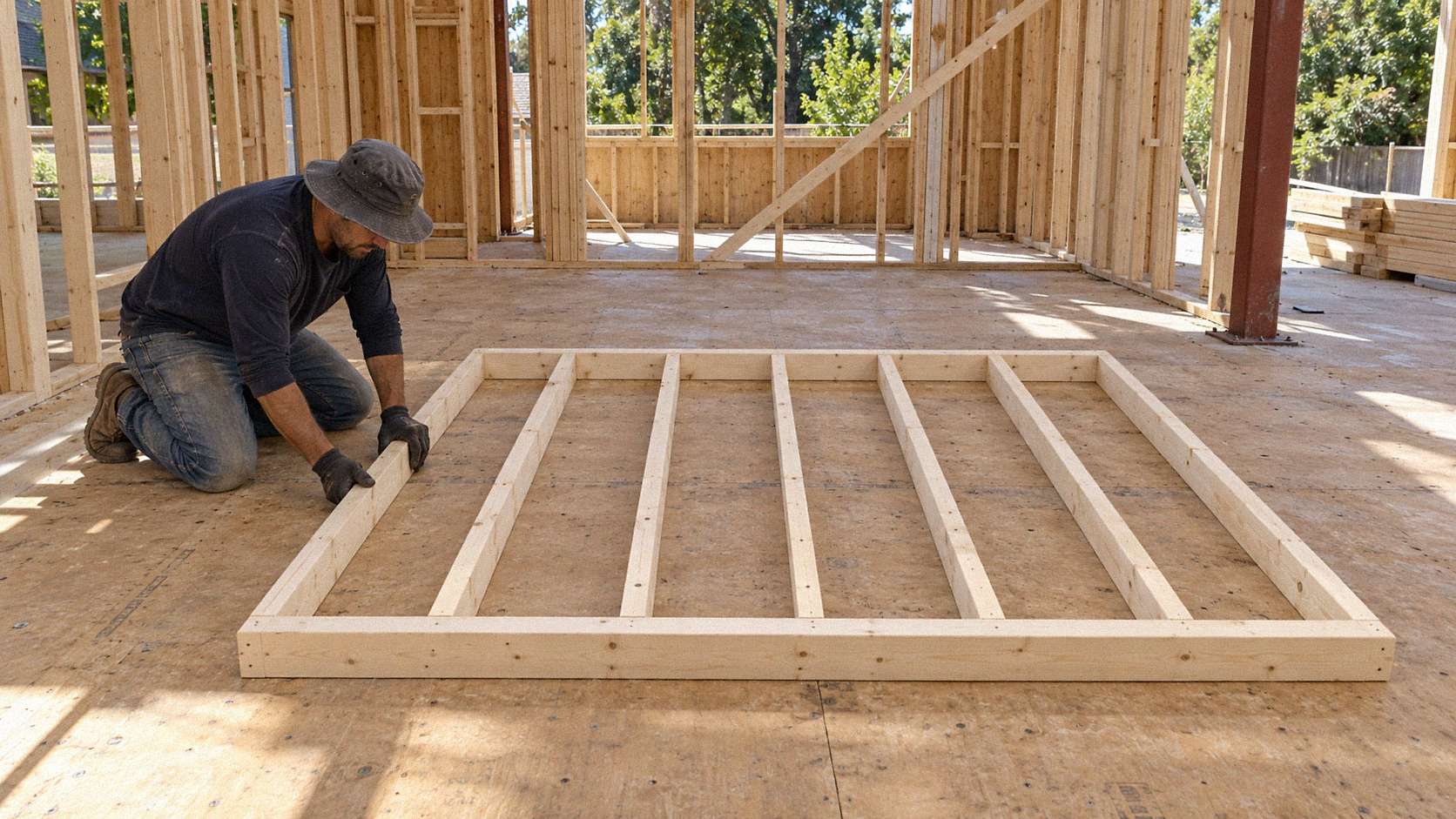
For framing crews and finish carpenters: every hour lands on the job and cost code it was worked, padded hours and missed clock-outs come off payroll, and each job’s labor cost is current while the frame is still going up.
5xmore accurate payroll
"We wanted more than a time tracking app since many exist. We sought something that helps beyond just tracking time."
"Of all the solutions we’ve been exposed to, Workyard is the best. It’s a good value for the money, and the team is always willing to work with you to meet your needs."
James Monzello, CFOGreen Wall Tech

“We've estimated that we've saved tens of thousands of dollars a year in just kind of waste of time because guys weren't necessarily being tracked under the old time card, time tracking method …”
Framing contractor, 11–50 workers

“That auto clock in again is a massive time saver for our logistics drivers.”
Framing contractor, 11–50 workers
The payoff
Money
10–18%
off payroll
Rounded times, buddy punches, forgotten clock-outs: eliminated.
Job costs
5–25%
unassigned hours before Workyard
GPS and agents put each hour on the job it was worked.
Time
30 mins
to prep payroll, not 12 hours
The typical drop for customers.

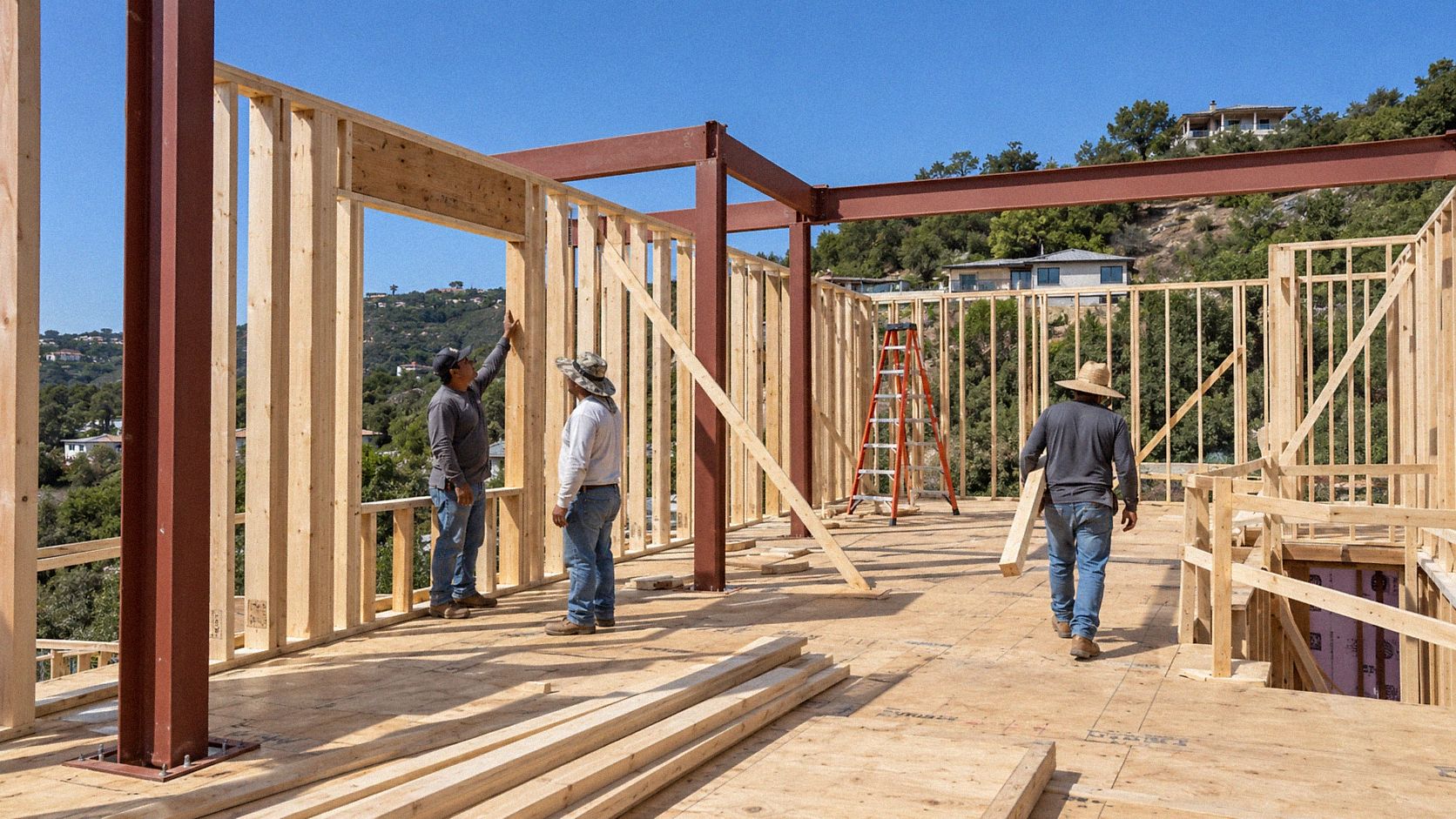
Commercial framers working from Michigan to Florida, each job bid at a set price. Photos, hand logs and an app crews couldn’t log in to let hours run past the bid. Now framers log in with a phone number, a forgotten clock-out goes back to when they left the site, and cost codes show the task.

Workyard is not another everything-suite. It runs the crew side of the business, deeply, and connects to the rest.
For payroll and accounting: QuickBooks, ADP, Sage and 18 more. Jobs and cost codes come in, and approved hours go to the systems that cost and pay.









Other tools wait for someone to do the work. Workyard’s agents check every timecard and flag only what needs you. That’s the whole job.
From quick answers to hours of work, handled
Time tracking that runs itself
Reports you need, without the spreadsheet work
Works your way
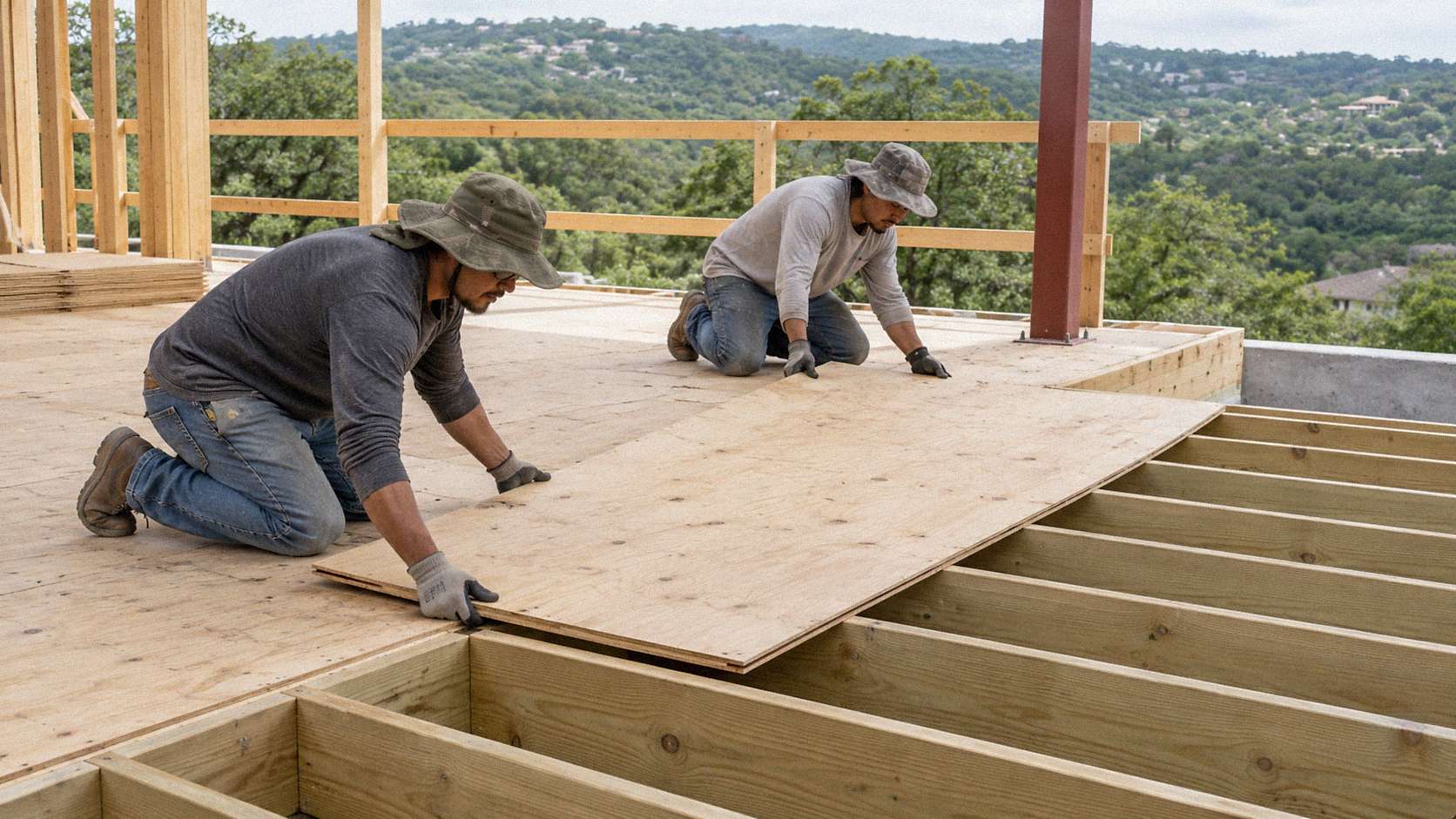
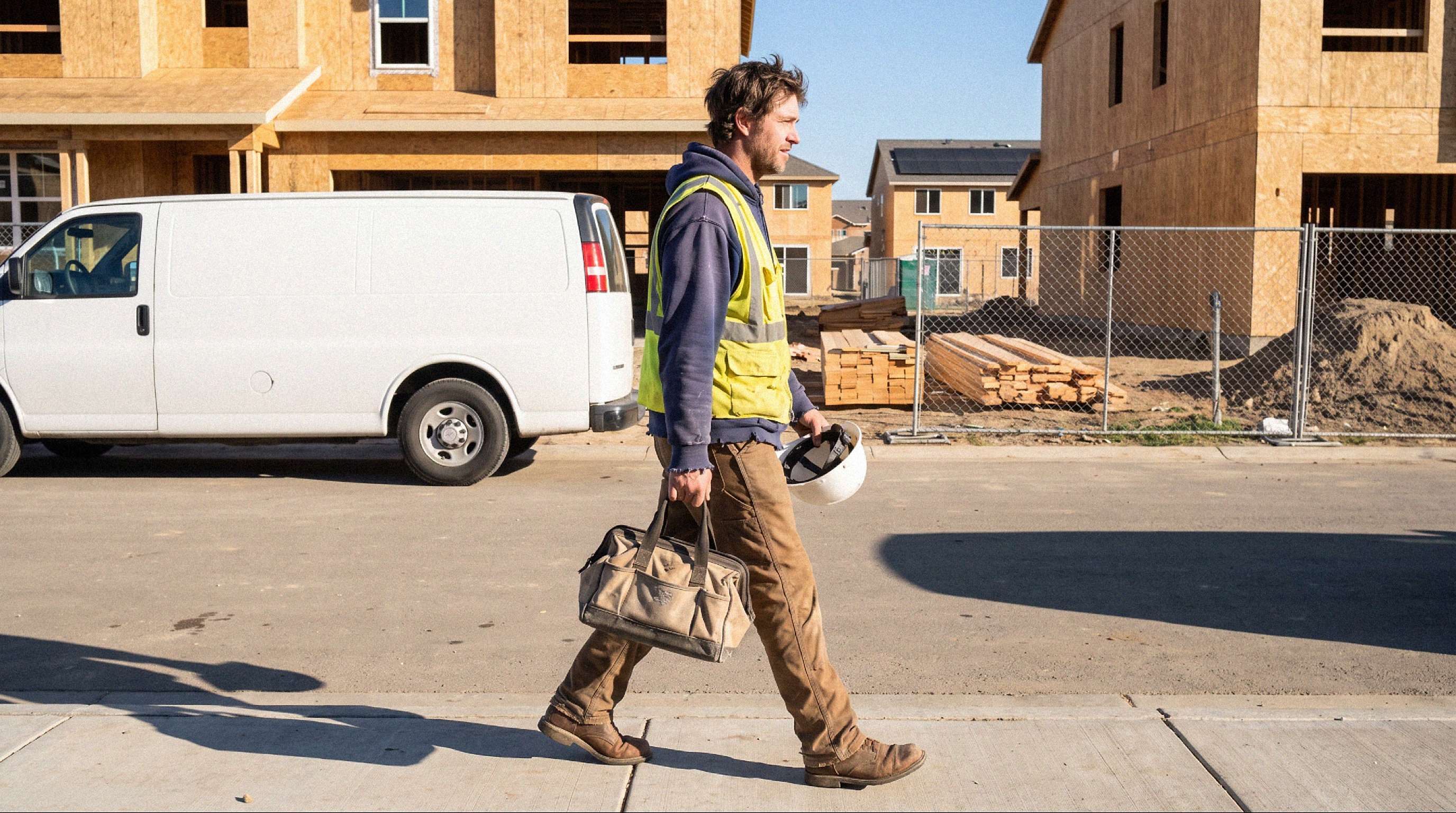
Framing crews stay on one house or building until it’s framed. Crew leads and carpenters move lot to lot. Workyard fits both.
A foreman and crew on one house or building
Crew leads and carpenters on several jobs a day
Built for the way framing runs
What framing and carpentry contractors ask us for more than other contractors do, built in.
When the super asks for work outside the contract, the foreman moves just the guys on it to the change order’s cost code and fills in the extra work ticket: what was done, the hours, the photos and the super’s signature with a finger. It files to the job as a PDF with your logo.
At clock-out, on their phone or at the kiosk, each worker says whether they got hurt, took their breaks and recorded all their time, then signs. A no flags the card for their approver. Late starts and clock-ins outside the geofence are flagged too, and a forgotten clock-out is trimmed back to when they left.
Hours and labor cost update by cost code as every shift ends, overtime and workers’ comp included, so nobody tallies time cards by code on Monday. Give each crew only its own codes, like layout, framing and joists, and check this week’s number against the bid.
Thousands already do, every day.
GPS and AI drive the capture and correction, so they don't have to.
Works offline. Works in Spanish. Prevents buddy punching. Detects and corrects mistakes.
Location is only shared while on the clock, never after hours. You choose the level of tracking that fits your crew.

"I love this app. It makes it so easy for me to clock in and clock out and it tracks my mileage for my work and everything. I would recommend it, great way to keep up with everything."
"By far the best app I've ever used for work. Most consistent and accurate. Haven't had any difficulties at all. I will never use another app for clocking my hours at work."
"This app is extremely easy for my construction staff to use. It creates reports for me that show different costs by projects and honestly just saves me time and headaches."
You're wondering…
Yes. 1099 workers clock in like your crew, so their hours count toward each job’s cost; from QuickBooks Online or Sage 100 Contractor they come in as 1099 team members. Workyard doesn’t pay them or file their taxes. Cost code groups decide which codes each team or person can pick, so a special-pay code only shows to the people you choose.
Yes. Arriving at the job’s geofence can clock them in, or remind them to. A clock-out made later, from somewhere else, can be trimmed back to when they left the job, and a card nobody stops ends after 24 hours with a “Forgot to clock out?” push. Every automatic change is written in the card’s log.
Yes, on the live map, from the office or your phone: every clocked-in worker, the job they’re on and how long they’ve been there. Anyone who left while still on the clock shows where they are now. There’s no alert when someone leaves, but punches made outside a fence are flagged on the time card. Location runs only while they’re on the clock.
Every punch carries its GPS location, and you can restrict clock-in to inside the job’s geofence. At a kiosk, each worker uses their own PIN. Turn on face photos and one is taken at each clock in and clock out, kept on the card for anyone to check (it isn’t matched to a name). Location switched off shows as a gap, not a blank.
They come over. Jobs and cost codes sync in from QuickBooks Online and Desktop, Foundation, Sage 100 Contractor, Sage Intacct, Acumatica, Spectrum and NetSuite, and new jobs keep syncing as you create them. Each job carries a project number and gets a geofence from its address, and approved hours go back by job and cost code.
Switch just those four. The foreman moves the workers who broke off to the change order’s job or cost code, so their hours land apart from the contract work, or each worker switches on their own phone. Then make it a field ticket: describe the extra work, add the hours, take the photos and get the super’s signature with a finger before the crew leaves. It files to the job and downloads as a PDF with your logo.
Approve the pay period and send it. RUN Powered by ADP gets each person’s regular, overtime and double-time hours on its Time Sheet Import, ready for you to review, and ADP Workforce Now takes them coded by cost number and rate code. QuickBooks, Gusto, Paychex, Sage, Foundation and more connect too, plus custom file exports for anything else.
New hires come in with the next import from your payroll or accounting system, and someone who leaves stays in Workyard until you archive them. Pricing is a per-user license fee, based on the plan and configuration you need, and we build your seasonal swings into the quote.
A punch is a name, a PIN and a photo, and a default job and cost code saves the rest of the taps. A second iPad splits the line at a big gate, and a foreman can clock in a crew that arrives together from their phone.
Yes, if you turn it on. At clock-out, Daily Sign Off asks each worker about injuries, rest and meal breaks and whether they recorded all their time, and takes their signature, on their phone or at the kiosk. A no flags the card for their time approver. A crew clocked out by the foreman skips the questions, so crews who need them clock out themselves.
Yes. A foreman needs a manager role to start kiosk mode or clock in the crew, and each manager can be set to see only hours and activity, limited to the jobs they run. Pay rates stay on the admin side.
Yes. Draw each geofence on the real lot lines instead of a circle round an address, so neighboring lots don’t bleed together, at whatever size the work is, up to a whole subdivision. Driving past a lot doesn’t clock anyone in.
Yes. At the shop’s kiosk or on their phones, workers pick the job and cost code as they clock in, and switch jobs when they move on to the next job’s cuts, so each hour lands on the job the material is for.
Yes. Time cards stay in Workyard with their logs, photos, sign-offs and the GPS location of every punch, searchable by worker and date range. Reports pull any date range or pay period, and the crew’s signed sign-offs export as PDF or CSV. Each job’s labor cost includes workers’ comp.
It keeps working. The kiosk clocks workers in and out with no signal, holds the punches and photos on the iPad and syncs them when the connection comes back; only a brand-new worker’s very first clock-in needs one. Phones record clock-ins, clock-outs and forms offline and send them when they find coverage.
Days, not months. Your jobs and crew sync from your accounting system, and a real person walks you through it.
Not today. Workyard records each piece worker’s hours, job and cost code and sends the hours to payroll, but it doesn’t work out pay by the piece or the task: the task price goes in your payroll system. A worker has one pay rate at a time.
Not today. Workyard keeps each job’s actual hours and labor cost current by cost code as every shift ends, and the estimate stays in your bidding system. You compare against the bid with this week’s number instead of last month’s, and the next bid starts from what the job really took.
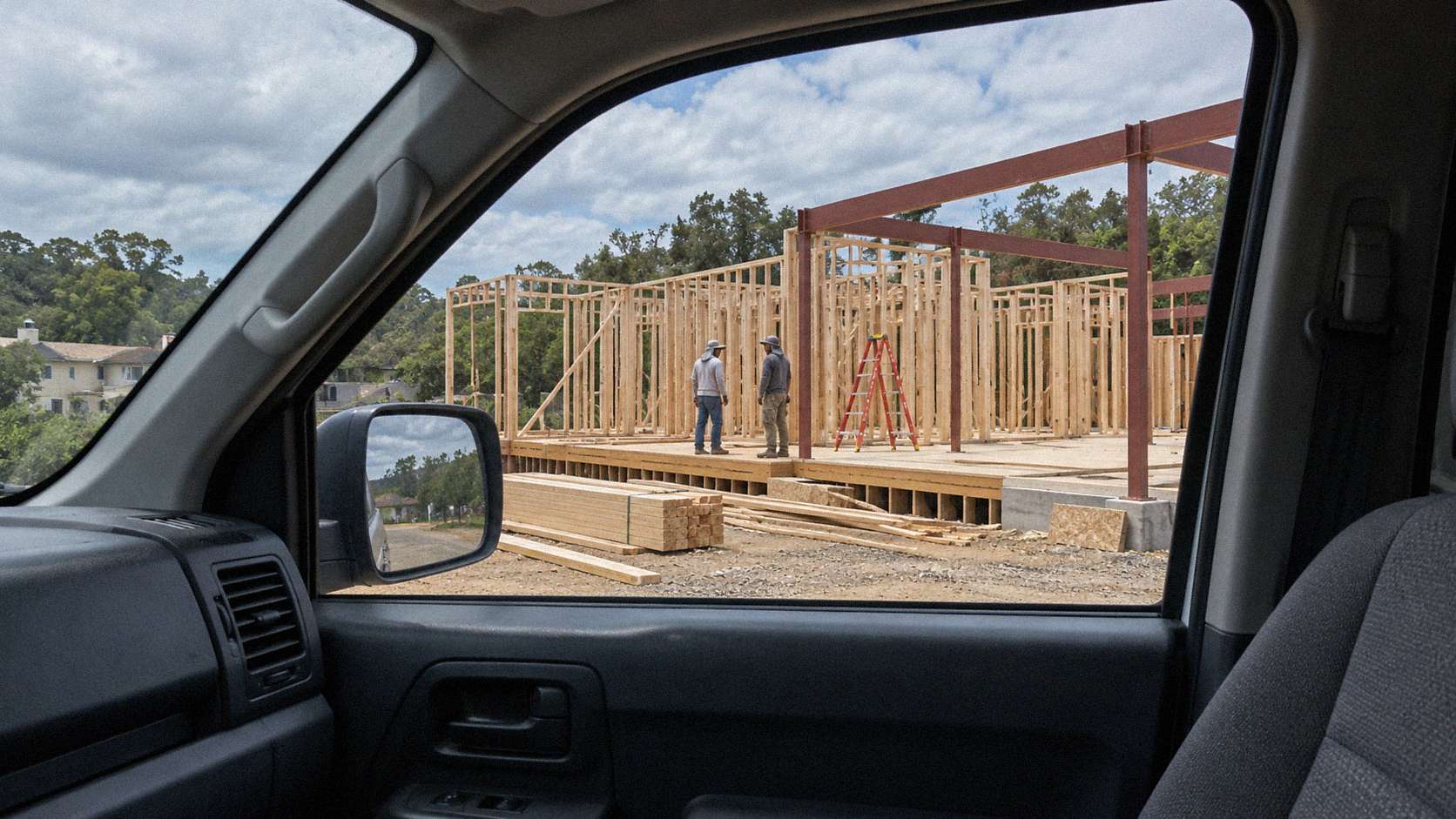
We import your jobs, cost codes, and crews. Connected to your systems and live in days, with a person on the phone the whole way.