4h to 45mpayroll prep each cycle
"If you have field crews, Workyard is one of those tools that pays for itself. It saves us hours every payroll, keeps everyone accountable, and gives us real-time visibility into every job."
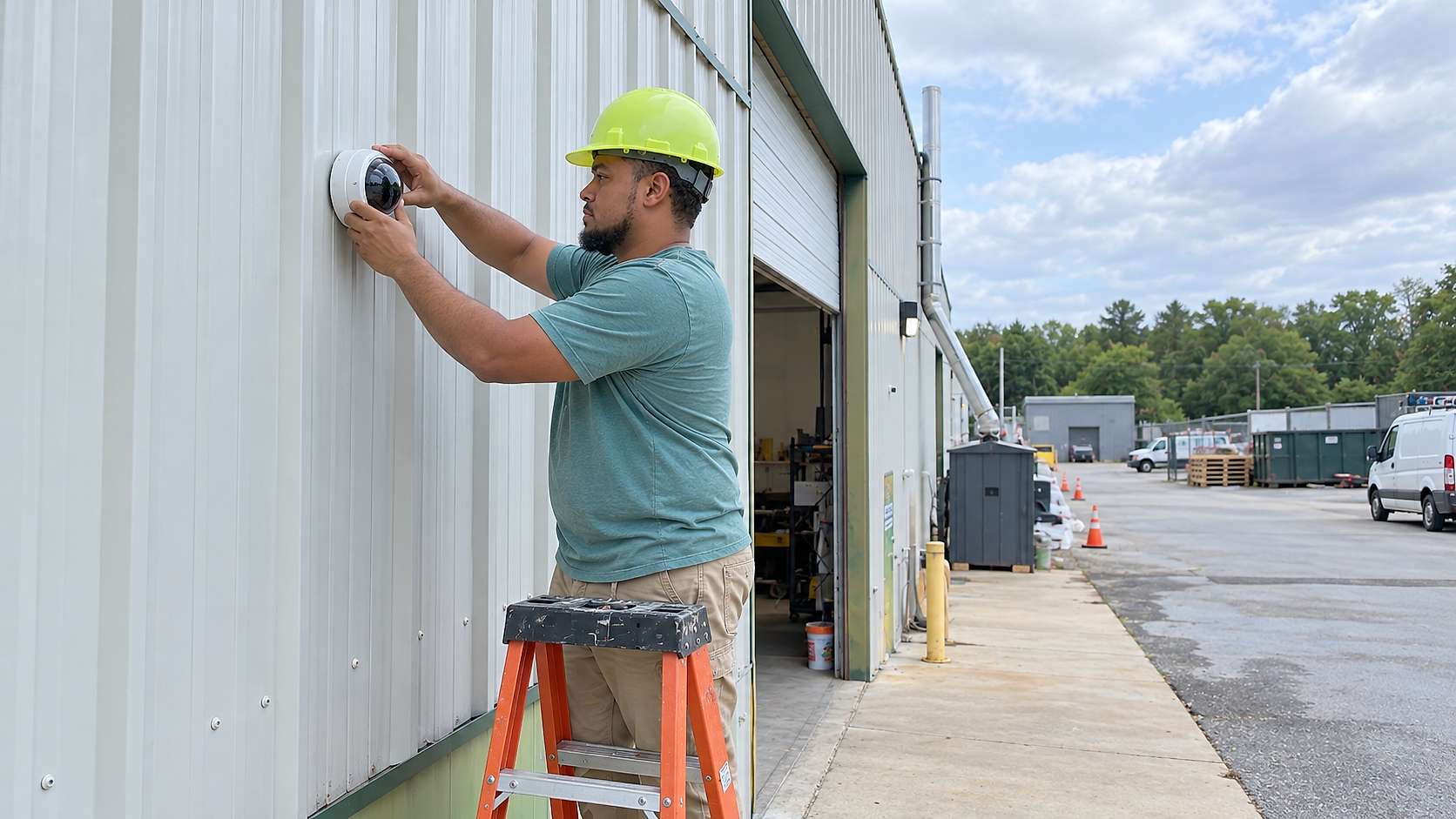
For install crews and service techs: today’s schedule on every tech’s phone, each hour on the job it was worked, and approved hours to payroll without re-keying, so the next quote starts from real numbers.
4h to 45mpayroll prep each cycle
"If you have field crews, Workyard is one of those tools that pays for itself. It saves us hours every payroll, keeps everyone accountable, and gives us real-time visibility into every job."
Every field hour GPS-verified and on the right job, so jobs trending over budget show while the work is still in progress.
TruControls

“Just the first year, the data alone is probably worth what what we paid”
Office administratorLow-voltage and electrical contractor, 11–50 workers

“I really like Workyard. I like the fact that… it auto clocks these guys in as they get so close to the job site.”
Project managerLow-voltage contractor, 11–50 workers

“That's 3 steps, but that's 5 less than we're doing now.”
Low-voltage contractor, 11–50 workers

“What we've inputted is an end of the day form… it's an audit trail that helps out tremendously.”
Project managerLow-voltage contractor, 11–50 workers
The payoff
Job costs
5–25%
unassigned hours before Workyard
GPS and agents put each hour on the job it was worked.
Money
10–18%
off payroll
Rounded times, buddy punches, forgotten clock-outs: eliminated.
Time
30 mins
to prep payroll, not 12 hours
The typical drop for customers.

TruControls installs access control, cameras and gates across Dallas–Fort Worth. Hours came in by text from techs already at their next site, then passed three layers of management. Now techs clock in at each job’s geofence, and every field hour lands on the right job.


Workyard is not another everything-suite. It runs the crew side of the business, deeply, and connects to the rest.
For payroll and accounting: ComputerEase, ADP, QuickBooks and 18 more, so approved hours land on the jobs and codes your books cost them to.










Other tools wait for someone to do the work. Workyard’s agents check every timecard and flag only what needs you. That’s the whole job.
From quick answers to hours of work, handled
Time tracking that runs itself
Reports you need, without the spreadsheet work
Works your way
Install crews stay on one building for weeks. Service techs run four or five calls a day. Workyard fits both.
Install crews on one building for weeks
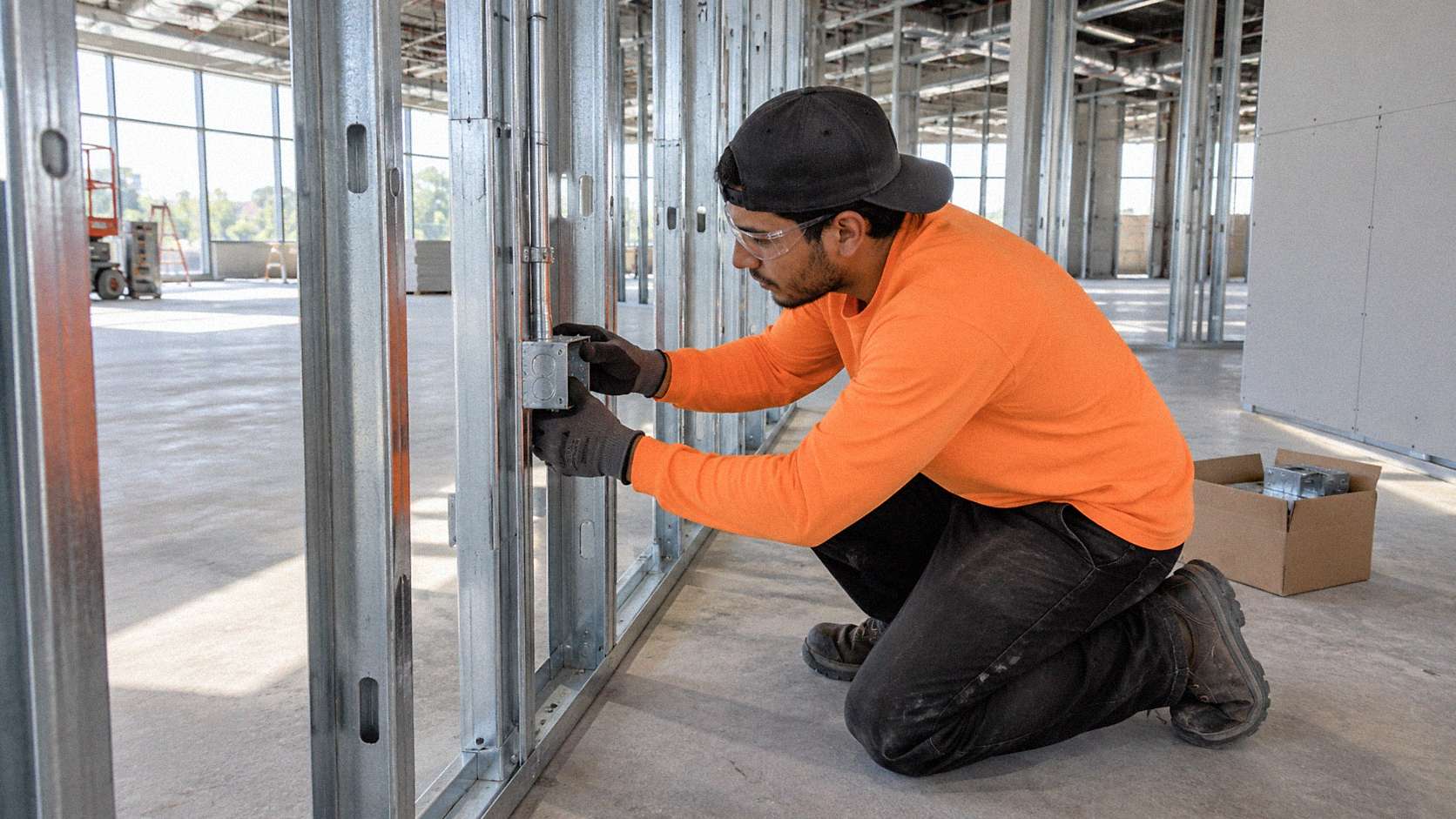
Techs on four or five calls a day
Built for the way low voltage & security runs
What low voltage and building automation contractors ask us for more than other contractors do, built in.
Put a tech or a whole install crew on a job from one board. The day lands in the app they clock in with: the job, start and due, directions, notes with plans and photos. Change a task and they get a push, so nobody works off last Friday’s spreadsheet.
Each job’s labor hours and cost, by cost code, update as every shift ends, and each tech’s card shows when they reached and left every call. Managers can see hours without the dollars, limited to their own jobs, and pay rates stay with admins.
A meal break rule for each crew adds a missing break at clock-out and won’t take one that’s too short. Daily Sign Off asks each tech about injuries, breaks and whether they recorded all their time, with a signature, and a no flags the card for their approver.
Thousands already do, every day.
GPS and AI drive the capture and correction, so they don't have to.
Works offline. Works in Spanish. Prevents buddy punching. Detects and corrects mistakes.
Location is only shared while on the clock, never after hours. You choose the level of tracking that fits your crew.

"I love this app. It makes it so easy for me to clock in and clock out and it tracks my mileage for my work and everything. I would recommend it, great way to keep up with everything."
"By far the best app I've ever used for work. Most consistent and accurate. Haven't had any difficulties at all. I will never use another app for clocking my hours at work."
"This app is extremely easy for my construction staff to use. It creates reports for me that show different costs by projects and honestly just saves me time and headaches."
You're wondering…
Leaving a site doesn’t clock anyone out, because techs leave all day for the next call or the supply house. Turn on Auto Fill Clock Out Time instead: at clock-out, the finish is set to when they left the last job, so a 6:40 PM clock-out from home comes back as 4:05 PM. A card nobody ends stops on its own after 24 hours, trimmed the same way, and every trim is in the card’s log for you to review before you approve.
Yes. Each tech opens the app they clock in with to their own tasks: the job, start and due, directions in Apple Maps or Google Maps, the checklist and notes with plans, photos and files. Change a task and they get a push and an email, and Send puts the day in front of everyone at once. Scheduling comes with the Max plan.
Yes. Each job’s labor hours and cost, by cost code, update as every shift ends, and each tech’s card shows when they reached each call, how long they stayed and the drives between. Admins see everything. Each manager can be set to see hours and activity only, or the dollars too, and limited to the jobs they manage. Pay rates stay on the admin side.
Yes, through an import file for ComputerEase’s labor distribution. Export the approved pay period, or any range you pick, and each person’s regular and overtime hours go into the file by day, job, phase and category, on your ComputerEase IDs. You enter those IDs once in Workyard’s File Exporter and every export after uses them, so there’s no job-by-job matching. ComputerEase doesn’t send its lists, so jobs are added in Workyard, and 1099 contractors can be left out of the file.
Yes, crew by crew. With Restrict Clock In on, a tech can only clock in inside a job’s geofence, so the clock starts at the site. For techs you pay from the shop, make the shop a job with its own fence. Every drive on the clock sits on the card with its miles, apart from the time on site, and goes to the next job, splits across the day’s jobs or stays off the jobs, as you choose.
Every clock-in and clock-out carries the phone’s location, and with location on through the shift the card shows each site, how long they stayed and the drives between. It runs on the tech’s phone, so there’s no truck hardware to trust. If location is switched off, the app is closed or the phone is off, the card marks that stretch as no signal with the reason. The clock keeps running, so the office sees the gap and decides what to pay.
That location is recorded only between clock-in and clock-out, never after hours, and they can see that in the app. Each tech gets a plain-language notice, in English or Spanish, saying what’s captured. You can record through the shift, only at clock-in and clock-out, or not at all, crew by crew, and the app drops to low-power location when they stay put, so a full day fits on one charge.
Yes. ADP Workforce Now and RUN Powered by ADP connect through Workyard’s connectors on the ADP Marketplace: you approve the period and send it, and nothing is paid until you run payroll in ADP. Paylocity takes an import file, each person’s regular, overtime and double-time hours on their Paylocity employee ID, and nothing reaches Paylocity until you import it. 1099 contractors can be left out of the file.
Yes. Each tech has a time approver, and can have more than one, who sees and approves their own team’s cards, and project managers can approve the time on their jobs. It’s one approval, not a chain: the office can approve anything still open.
Yes. Snap a photo of the form you already use, or upload the PDF, Word or Excel file, and it comes back as a digital form with your fields. Fire it at clock-in, at clock-out, on arriving at a job or with a scheduled task, and make it required before they clock out. Photos and the customer’s signature go on the form, and the form files to the job.
Yes, if you turn it on. Daily Sign Off asks each tech at clock-out about injuries, rest and meal breaks and whether they recorded all their time, and takes their signature. A no flags the card for their time approver. End of Pay Period Sign Off has them confirm their hours or ask for a correction.
Yes. Techs can change their own hours only if you turn on time card editing for them, rule group by rule group, and never once a card is approved. A change to a clocked-out, approved or exported card asks for a reason, the card’s log keeps who changed what and when, and the tech gets a push and an email when the office edits their card.
Yes, with a meal break rule for each crew: after the hours you choose, a missing meal break is added at clock-out, a second one on long days, and a break that’s too short isn’t accepted. Techs get reminders, and the break’s own start and finish stay on the card.
Yes. Overtime rules sit on each tech, with an effective date, so a California tech and a Texas tech on the same payroll each get their state’s preset, and meal break rules, clock-in limits and tracking are set per rule group. Rules don’t switch by job site, so a tech helping out in another state keeps their own rule.
A geofence can be drawn as large and irregular as the work, a whole building or a campus, so a tech walking from one end to the other stays on the job. Next door is fine: job fences can’t overlap. Two jobs at the very same address are different: location can’t tell which one the tech worked on, so have them pick the job, or move the time on the card before you approve it.
Yes. Every hour carries who worked, where, how long and on which cost code, from the GPS-verified time card: pull it for one job and one week as a report and send it with the invoice. A field ticket form can carry the work performed, the photos and the customer’s signature before the tech leaves.
Yes. A specialist sets up your jobs, cost codes, geofences and pay rules with you, imported from your accounting where we can, and runs the first sync with you watching, so you see your own hours land before go-live. Small crews clock in the same week; bigger companies go division by division.
Not today. Clock-in isn’t tied to the schedule: the geofence decides, and in Automatic mode the hours go to the job the tech is actually standing on. Punches made outside a fence are flagged on the card, and Live Locations shows which job each tech is on right now, so you can check it against the board.
Not today. Workyard keeps each job’s actual hours and labor cost current by cost code as every shift ends, and the estimate stays in your estimating system. You compare against it with this week’s number instead of last month’s, and the next quote starts from what the job really took.
Partly. Hours are coded to the job and cost code, so public and private work stay apart in the export, and you can export the teams on prevailing-wage work as their own batch. Your payroll or certified payroll system applies the prevailing rate and files the report: Workyard doesn’t calculate prevailing wage or produce certified payroll.

We import your jobs, cost codes and techs from your accounting system, or match them once for a file export like ComputerEase. Live in days, with a person on the phone the whole way.