

“I haven't seen a program that is this user friendly for pre trip inspections…”
VP of OperationsFoundation contractor, 50+ workers

For brick, block, stone and paver crews: workers clock in on their own phones or the foreman clocks in the crew, hours follow anyone sent to another job, and each job’s labor cost updates as every shift ends.

“I haven't seen a program that is this user friendly for pre trip inspections…”
VP of OperationsFoundation contractor, 50+ workers

“You can go from paying out 5,000 hours over a month to 4,300 and still get the same amount of work done.”
Director of OperationsCivil contractor, 11–50 workers

The payoff
Money
10–18%
off payroll
Rounded times, buddy punches, forgotten clock-outs: eliminated.
Job costs
5–25%
unassigned hours before Workyard
GPS and agents put each hour on the job it was worked.
Time
30 mins
to prep payroll, not 12 hours
The typical drop for customers.
Workyard is not another everything-suite. It runs the crew side of the business, deeply, and connects to the rest.
For payroll and accounting: QuickBooks, ADP, Sage and 18 more. Jobs and crews come in, and approved hours go to the systems that cost and pay.









Other tools wait for someone to do the work. Workyard’s agents check every timecard and flag only what needs you. That’s the whole job.
From quick answers to hours of work, handled
Time tracking that runs itself
Reports you need, without the spreadsheet work
Works your way
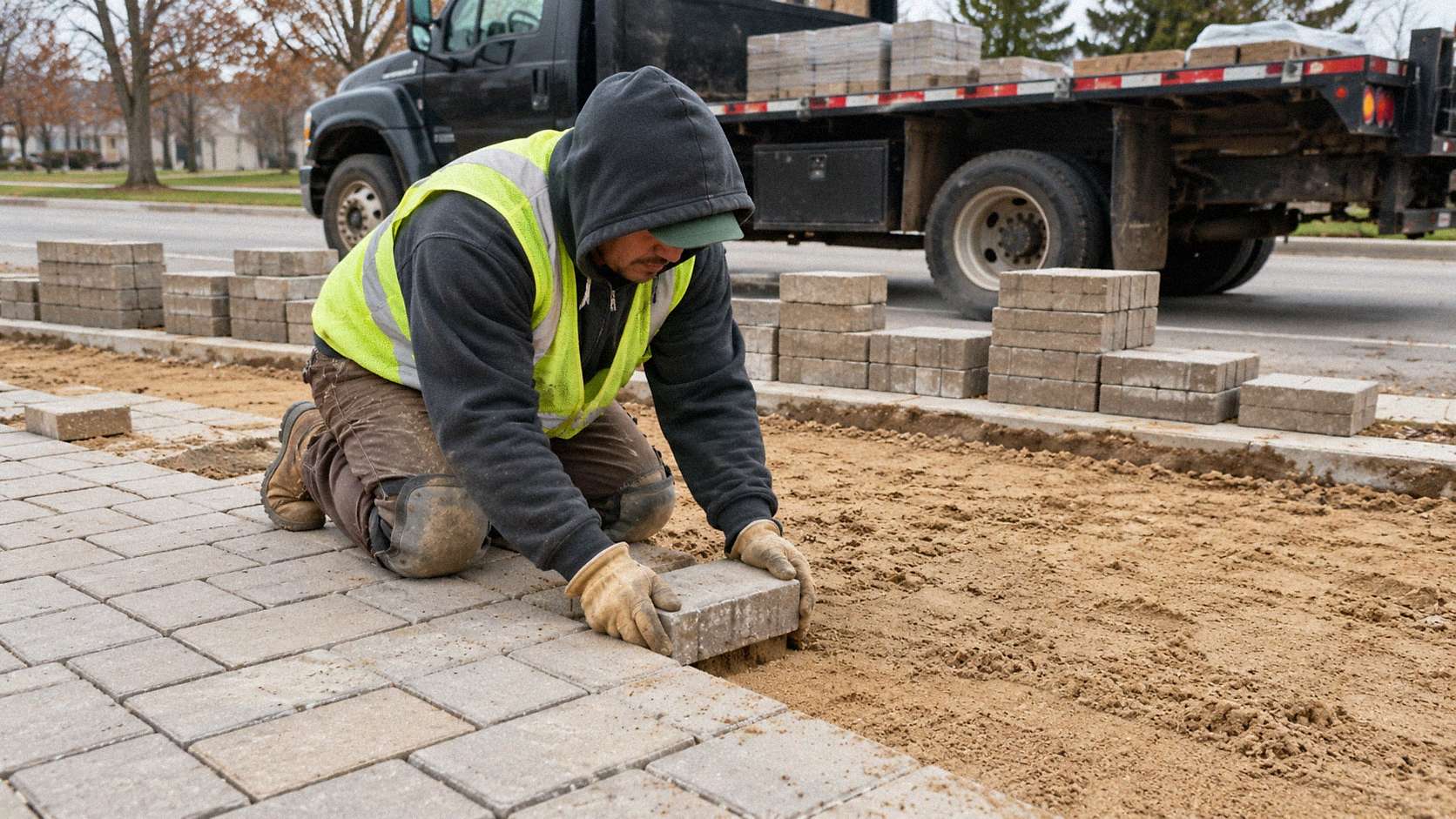
Masonry crews spend the day on one job under a foreman. Masons who move between jobs clock in on their own. Workyard fits both.
A foreman and crew on one job all day

Masons sent job to job through the day
Built for the way masonry & hardscape runs
What masonry and hardscape contractors ask us for more than other contractors do, built in.
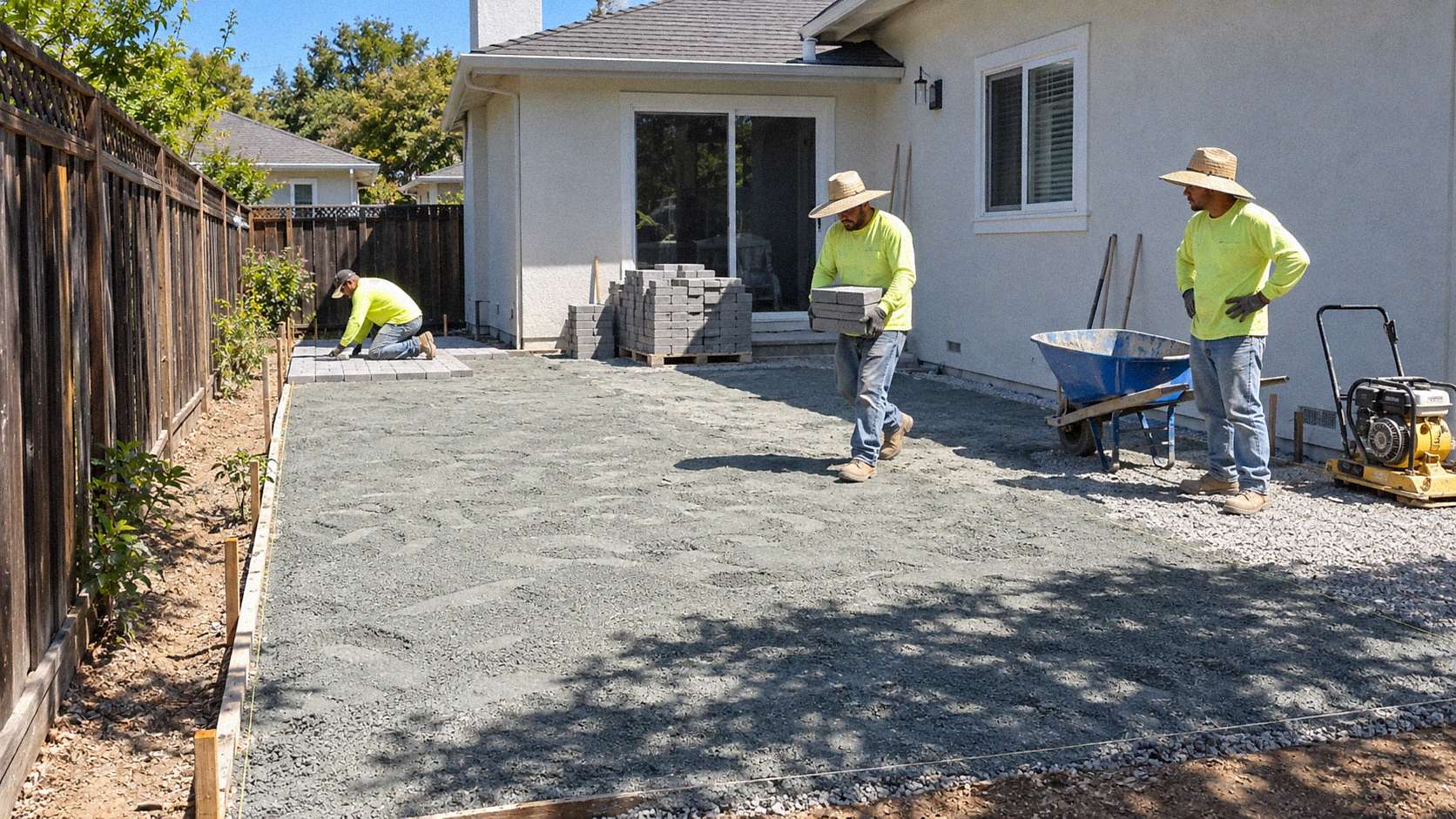
The foreman picks the crew, or just the ones who showed up, on a phone or the truck’s tablet, and clocks them in on the job and cost code. Workers without a phone, or who struggle with the screen, are covered, and a late arrival is clocked in alone at their time.
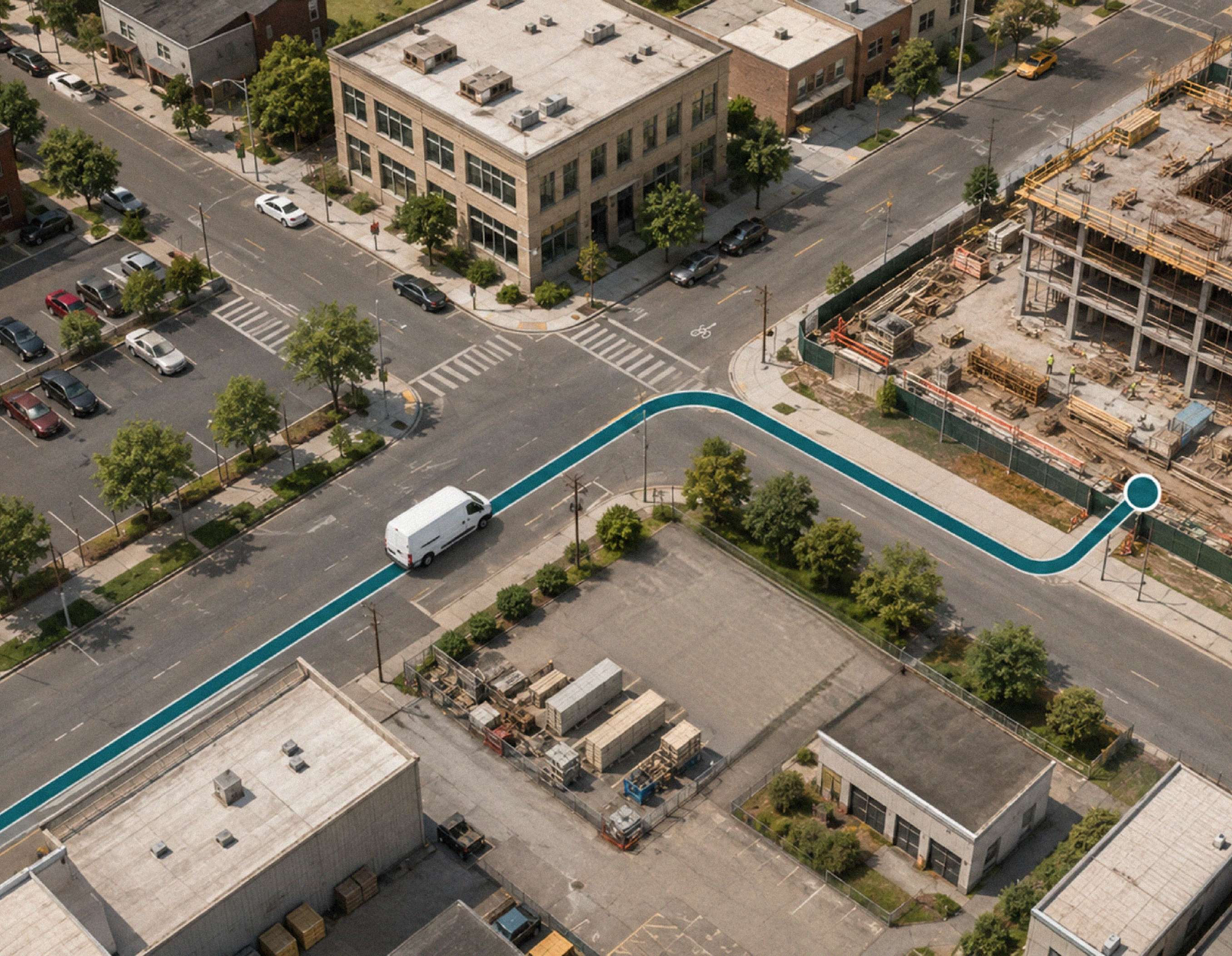
Two stay to finish the wall, the rest head to the next job. The foreman switches just the ones who left to the new job and cost code, and masons on their own phones move to the job they arrive at. Every entry is logged with who made it, so nobody untangles time sheets on Monday.
Every hour lands on its job and cost code, by phase where your books use them. Each job’s labor hours and cost update as every shift ends, masons and laborers at their own rates, so you see how the footings and walls are stacking up this week, not at month end.
Thousands already do, every day.
GPS and AI drive the capture and correction, so they don't have to.
Works offline. Works in Spanish. Prevents buddy punching. Detects and corrects mistakes.
Location is only shared while on the clock, never after hours. You choose the level of tracking that fits your crew.
"I love this app. It makes it so easy for me to clock in and clock out and it tracks my mileage for my work and everything. I would recommend it, great way to keep up with everything."
"By far the best app I've ever used for work. Most consistent and accurate. Haven't had any difficulties at all. I will never use another app for clocking my hours at work."
"This app is extremely easy for my construction staff to use. It creates reports for me that show different costs by projects and honestly just saves me time and headaches."
You're wondering…
Yes. The foreman picks the crew, or just the ones who showed up, sets the job and cost code and clocks them in together from a phone or the truck’s tablet. Someone who turns up at 7:40 is clocked in alone at 7:40, and someone who leaves early is clocked out alone. Workers who carry the app can still clock themselves, and every entry is logged with who made it.
Nobody needs a phone of their own. The foreman clocks them in with the crew, or they clock in at a kiosk on an iPad at the yard or the site by tapping their name and entering a PIN, with a photo on each punch if you turn it on. The whole app runs in English or Spanish, the kiosk included.
Yes. Approve the pay period and send it: ADP Workforce Now gets a worksheet in the open payroll cycle, each person’s hours by earnings code and cost number, and QuickBooks Desktop, Pro, Premier and Enterprise, gets weekly timesheets on the right Customer:Job, service item and payroll item. One approval can feed both. QuickBooks Online, Sage 100 Contractor, Sage Intacct, Foundation, Paychex and more connect too.
Yes. Employees, jobs and cost codes come in from ADP Workforce Now; jobs, service items and employees from QuickBooks Desktop; employees, jobs, phases and cost codes from Sage 100 Contractor. New hires come in on the next import, and someone who leaves stays in Workyard until you archive them.
Yes. The foreman picks the ones who are leaving and switches them to the new job and cost code while the rest stay put, so each worker’s hours land on the job they worked. Masons on their own phones move to the job they arrive at in Automatic mode. Each card’s log records who made every entry.
Yes. A foreman with access to the crew’s time cards, or the office, can fix a card on the phone or the web, and every edit is kept with who made it and why. The foreman is the approver on the cards they start, and the office approves one card or the whole crew at once. It’s one approval, not a chain.
Yes. Jobs and cost codes come in from QuickBooks or Sage, so crews pick from what’s already in your books, and every line goes back on that job and code: in Sage 100 Contractor, by job, phase and cost code in Daily Payroll Entry. Match your jobs and codes to ADP’s cost numbers once, and the same approved hours go to QuickBooks for job costing and to ADP for paychecks.
For workers on their own phones, yes: in Automatic mode, arriving inside the job’s geofence moves the clock to that job. A crew the foreman clocked in moves when the foreman switches them, the whole crew in one action. Rather the crew picked the job? Turn automatic off for that crew.
An address gets a 200-foot circle, adjustable from 66 to 656 feet. No address yet? Drop a pin or enter coordinates. For a big or odd-shaped site, draw the outline, or give the job more than one fence.
Yes. Every hour carries who worked it, on which job and cost code, and labor cost is each worker’s hours at their own pay rate, overtime and workers’ comp included. Ask for the job’s hours and cost by person in a sentence, in your own layout, and rerun it any week.
Yes. Each job’s labor hours and cost update as every shift ends, by cost code, and by phase where your codes come in by phase from Sage 100 Contractor. A job running heavy shows up this week, not at month end. Against the budget, not today: your estimate stays in your bidding system.
Yes. The crew, their start and end times, hours, overtime, breaks and cost codes fill in from their time cards and stay in step with them, so nobody types them twice. The foreman adds what got done, the quantities, the delays, the photos and a signature, on your own form.
Yes. A forgotten clock-out is trimmed back to when they left the site and flagged, punches made outside a fence are flagged too, and a worker who reports a missed break at sign-off flags the card for their approver in the next morning’s email. Flagged cards sit on the row at review, so you look at those, not every timeline.
Yes, two ways. Companies based in California or Washington can turn on the state’s break rules, with reminders on the phone and a prompt when a card is missing a meal. Anywhere else, set a meal break rule per crew and a lunch missing at clock-out is added for them, or the foreman adds the whole crew’s lunch in one action. The missed-meal premium isn’t calculated; that stays with payroll.
Every time card keeps the hours, the GPS trace, every edit with who made it and why, and the worker’s signed answers on injuries and breaks, ready to download years later. Turn on Daily Sign Off and each worker signs at clock-out. A crew the foreman clocks out skips those questions, so crews who need to sign clock out on their own phone or at a kiosk.
Yes. Put your drivers in a team and set the pre-trip to open when they clock in, so nobody else gets it. A failed check goes to your mechanic the moment it’s submitted, and every inspection is signed, dated and pulled up by date or driver when the insurer or the DOT asks.
A specialist sets up your jobs, cost codes, geofences and pay rules with you, imported from your accounting where we can, and runs the first payroll sync with you watching, so you see your own hours land before go-live. Start with one foreman and crew if you like, and add the rest when it’s working.
Pricing is a per-user license fee, based on the plan and configuration you need, and we build your seasonal swings into the quote. New hires come in with the next import when the season starts, and someone who leaves stays in Workyard until you archive them.
Not in Workyard today: a worker has one rate at a time, kept by effective date, not a rate per job or classification. Hours stay apart by job and cost code, so in QuickBooks Desktop you map cost codes to payroll items once and QuickBooks applies the rate it holds for each line.
Partly. Hours are coded to the job and cost code, so public and private work stay apart in the export, and you can export the crews on prevailing-wage work as their own batch. Your payroll system applies the prevailing rate and files the report: Workyard doesn’t calculate prevailing wage or produce certified payroll.


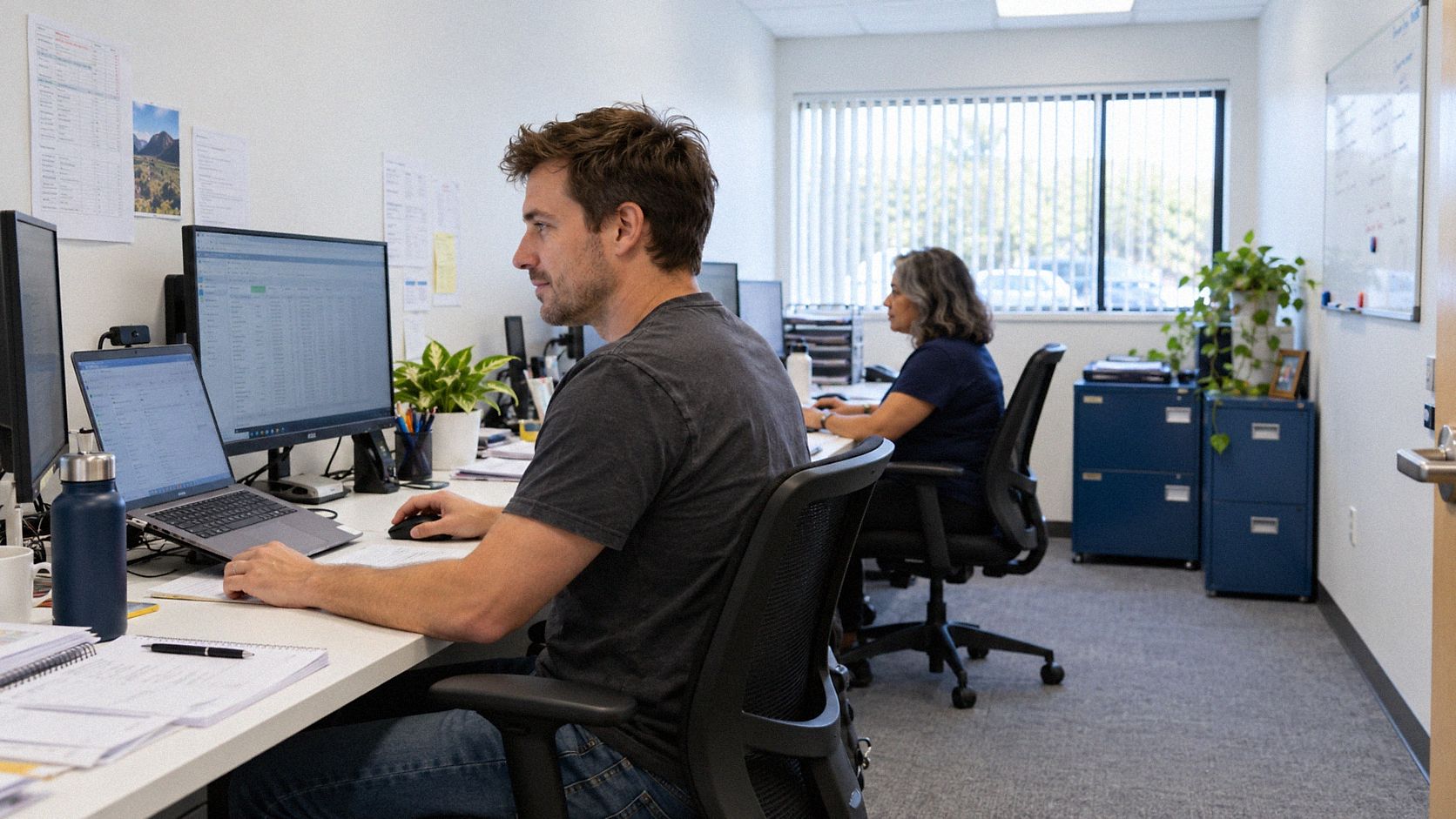
We import your jobs, cost codes, and crews. Connected to your systems and live in days, with a person on the phone the whole way.


