"I would probably ballpark it to be roughly about $5,000 and that's just something that we saw fairly immediate, where we were able to save roughly about five visits per job"
Victor Rodriguez, HR Field ManagerSynaptic Solar
Construction crew time tracking
For crews run by a foreman or supervisor. At the start of the day, the foreman picks the crew, the job and the cost code, and clocks everyone in from one phone. No phones for the crew, no paper sheet, no Monday re-keying. You approve.
"I would probably ballpark it to be roughly about $5,000 and that's just something that we saw fairly immediate, where we were able to save roughly about five visits per job"
Victor Rodriguez, HR Field ManagerSynaptic Solar
$123Ksaved with Workyard’s Smart Forms
"Smart Forms pays for itself through accurate invoicing, insurance savings, and keeping our business moving every single day."

"We wanted more than a time tracking app since many exist. We sought something that helps beyond just tracking time."
Brian Mata, Project ManagerWagler Custom Homes

100s of hrssaved a week routing supervisors by proximity
"It's preventing us from losing more on each project — saving us money."

"Of all the solutions we’ve been exposed to, Workyard is the best. It’s a good value for the money, and the team is always willing to work with you to meet your needs."
James Monzello, CFOGreen Wall Tech

2 weeksto roll out to all 120 crew
"You should ditch the paper, get rid of the other software, get on something that can track your crew's time, track your job costing, and save you real money."

90%fewer timesheet corrections
"If you have field crews, Workyard is one of those tools that pays for itself. It saves us hours every payroll, keeps everyone accountable, and gives us real-time visibility into every job."

How it works
The foreman is already there when the crew starts, so that’s where the clock starts: on site, on their phone, for everyone at once. Each worker still gets a time card of their own, on the job and cost code they worked.
On the Team tab, the foreman picks the crew, or just the workers who showed up, sets the start time, the job and the cost code, and clocks them all in at once. Nobody hands out phones or fills in a sheet at the yard.

Lunch goes on the whole crew in one action. When the crew moves to another job or onto a new cost code, switch them together, or just the two who moved. Codes stay editable after the punch.

Team actionPick what to do for the team, or for the workers you select
Crew A
Luis shows up at 7:40: clock him in alone, at 7:40. Ray leaves at three: clock him out and the rest keep running. Workers who carry the app clock themselves. Each card’s log records who made every entry.
"Workyard is going to save me $2,500 in inflated payroll costs from one guy alone."
Crew A · Thu Aug 14
26-104 Riverside
Every entry logged with who made it
Crew cards land on Time Cards beside everyone else’s, grouped by team, with the foreman as their approver. The office approves one card or the whole crew and exports the hours to payroll.

The payoff
One phone
clocks in the whole crew
No phones to hand out, and nothing new for the crew to learn.
On site
entered while the crew is there
Not written up at the yard at 5 PM, or re-keyed by the office on Monday.
Every entry
logged with who made it
One accountable person per crew, with a record behind them.
One payroll
however each crew clocks in
Foreman, phone and kiosk hours land on the same time cards.
Most contractors run more than one. The foreman clocks the crew, the floaters clock themselves on their own phones, and the yard has a kiosk. Every hour lands on the same time cards.
Crews that start and stop together
Workers who move between sites
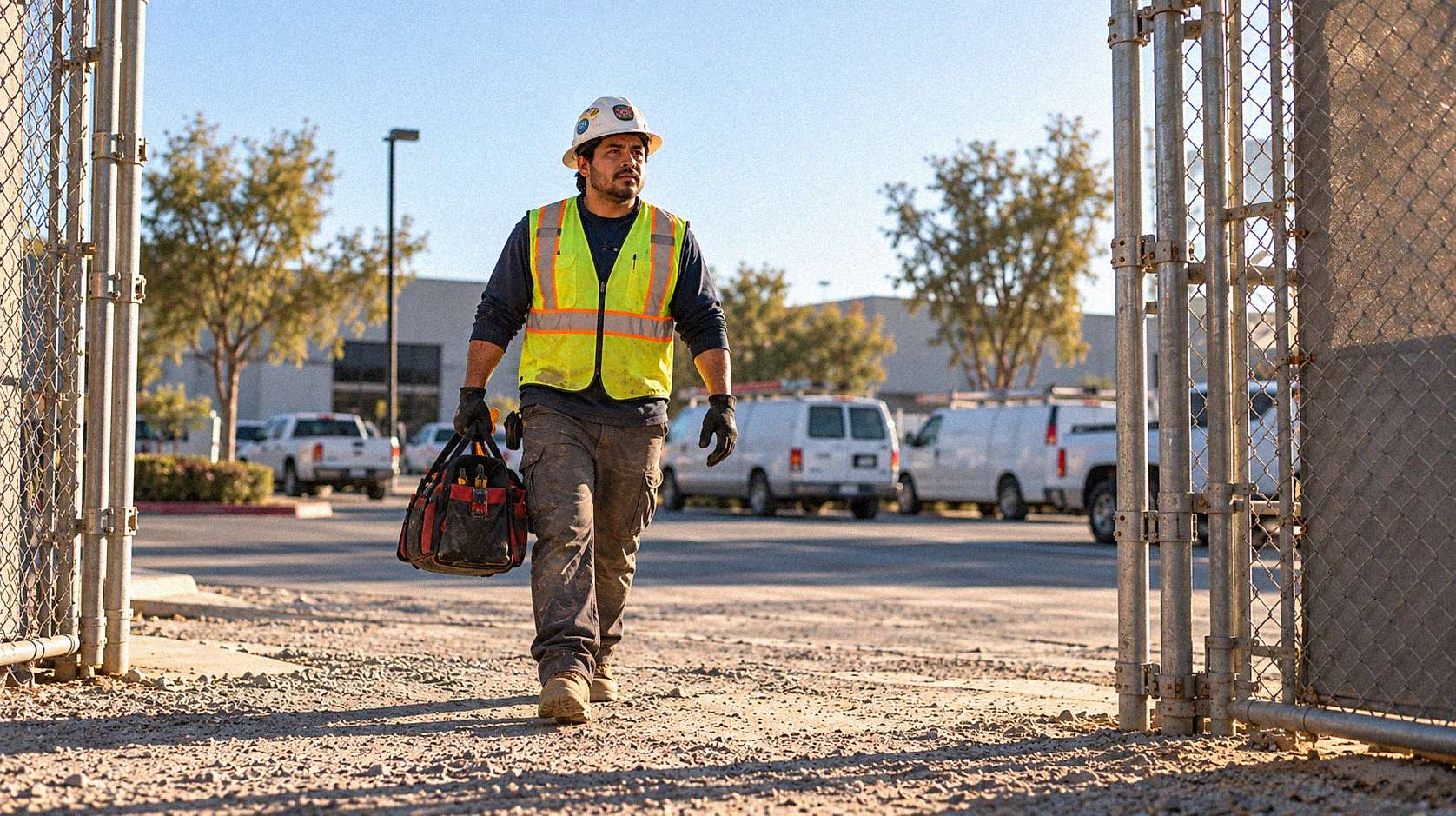
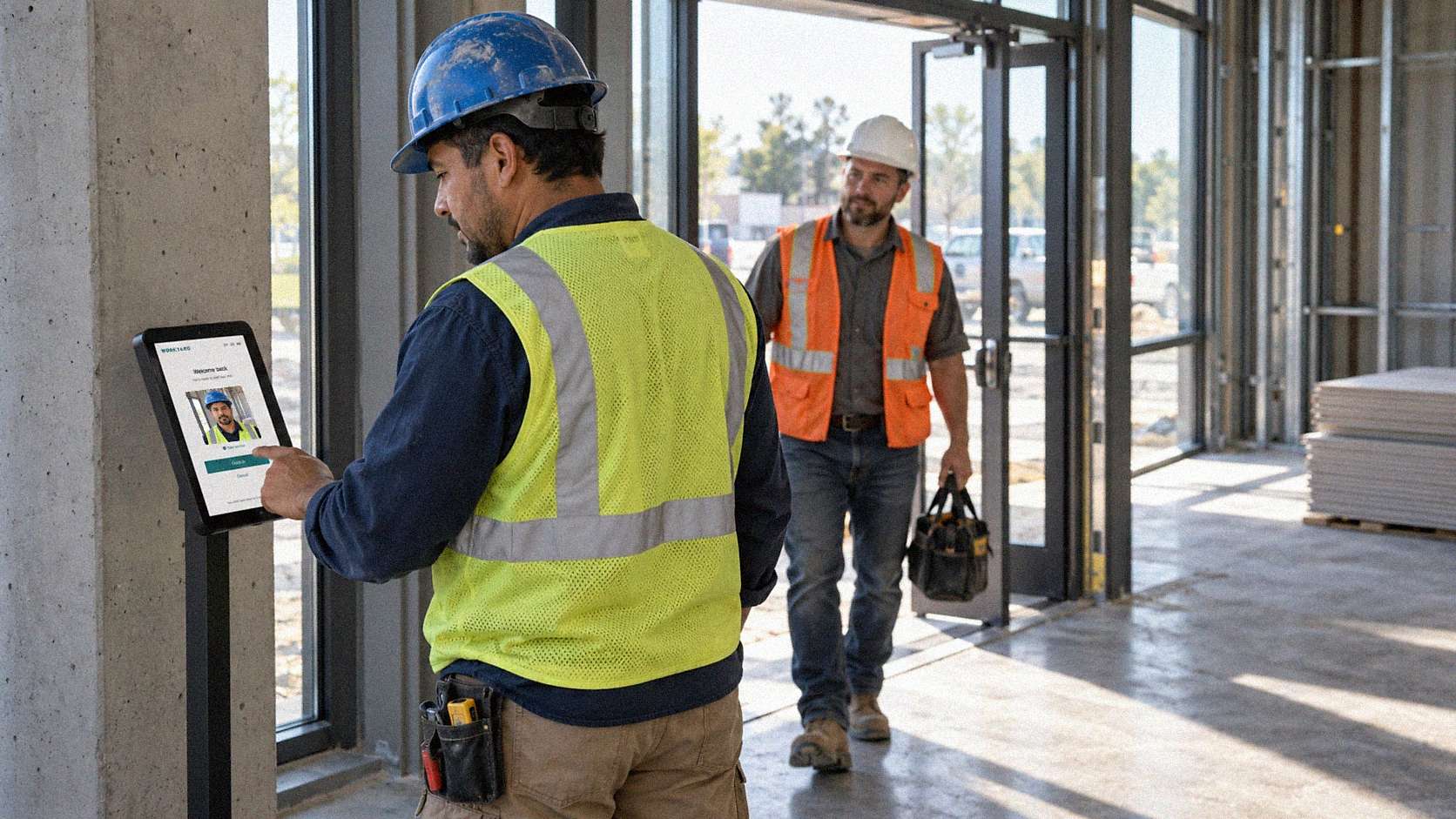
Yards and big sites with one way in

“885 hours of paid time our crews spent off the job, cut without anyone touching it. At this point we don’t even think about it. Auto-trim just handles it.”
885 hrssaved by auto-trim

"We wanted more than a time tracking app since many exist. We sought something that helps beyond just tracking time."
5xmore accurate payroll
Read the story
"I would probably ballpark it to be roughly about $5,000 and that's just something that we saw fairly immediate, where we were able to save roughly about five visits per job"
$5,000 a weeksaved on payroll and job costs
Read the story
"I tried using my payroll provider but they couldn’t adapt to the way I worked. Then I discovered Workyard, and in a way, this platform became my admin team."

"It was so simple and easy to use compared to other apps, and the real-time GPS tracking was a huge win for us. Ultimately, that’s why we went with Workyard."
Connect 21 payroll, accounting and project systems. Your jobs and employees sync automatically.









Fair questions, straight answers
Yes. On the Team tab, the foreman picks the team, or just the workers who are there, sets the start time, picks the job and cost code, and clocks everyone in at once. Each worker gets their own time card; the crew needs no app or phone. The Team tab shows for admins and managers, so foremen who run the clock need a manager role.
Two ways, and neither needs a personal phone. The foreman clocks them in and out from their own phone, or they clock in at a time clock kiosk: an iPad at the gate where each worker taps their name and enters their own PIN. Many contractors run both, crew by crew.
Yes, as long as the times are the hours the crew actually worked. Under the Fair Labor Standards Act (FLSA), employers must keep accurate records of the hours non-exempt employees work, and can use any timekeeping method they choose. The risk is a wrong record: a rounded start, a flat 8 for everybody, a punch for someone who wasn’t there.
In Workyard, each card’s log records who made every entry, and the office approves the cards before payroll. State laws and union agreements can add rules, so check yours. This isn’t legal advice.
It depends on the crew:
Most contractors mix them, and all three land on the same time cards.
Yes. A worker who carries the app can still clock in and out on their own phone, with GPS on their punches. The foreman just leaves them out of the team action.
It removes the usual way it happens. Buddy punching is one worker clocking in for another who isn’t there. Here the crew never punches: one accountable person enters the crew’s time, and each card’s log records who made every entry. The foreman’s own time card keeps its GPS as usual.
Crew cards don’t carry GPS of their own. For that, workers clock in on their own phones, and a kiosk can take a photo on every punch. More in Time Theft in Construction.
The foreman is the approver on the cards they start, and those cards sit on Time Cards beside everyone else’s. The office approves one card or a whole crew at once, and exports the hours to QuickBooks, ADP, Gusto, Paychex, Sage, Foundation, NetSuite and more. See Prepare Payroll.
With Switch project and cost codes, for the whole team or just the workers who moved. Their hours go to that job and cost code for job costing, and codes stay editable after the punch.
The foreman adds break times for the whole crew, or just the workers they pick, in the same Team action. Each break lands on that worker’s own time card.
Not as part of the crew clock-in. Workers aren’t notified and don’t sign the foreman’s entries, and a crew clock-out skips the clock-out questions. The office approves, and the log shows who made each entry. Where you want each worker’s own sign-off, as many California contractors do, have them clock out on their own phone or at a kiosk.
An app a foreman or supervisor uses to clock the crew in and out, add breaks and move them between jobs from one phone, so every worker’s hours are recorded without the crew needing phones. In Workyard it’s the Team tab, part of the same construction time tracking software the rest of your crews use.
The bar is the paper sheet. The foreman’s morning is: pick the crew, set the start time, pick the job and cost code, clock in. The app runs in English or Spanish, and a real person walks you through getting live.
Crew size isn’t the problem: one team action covers the whole team, and if one worker’s card can’t be changed, the foreman sees which. Workyard enforces state and custom pay rules. Running prevailing wage or union work? Talk to us about your setup.





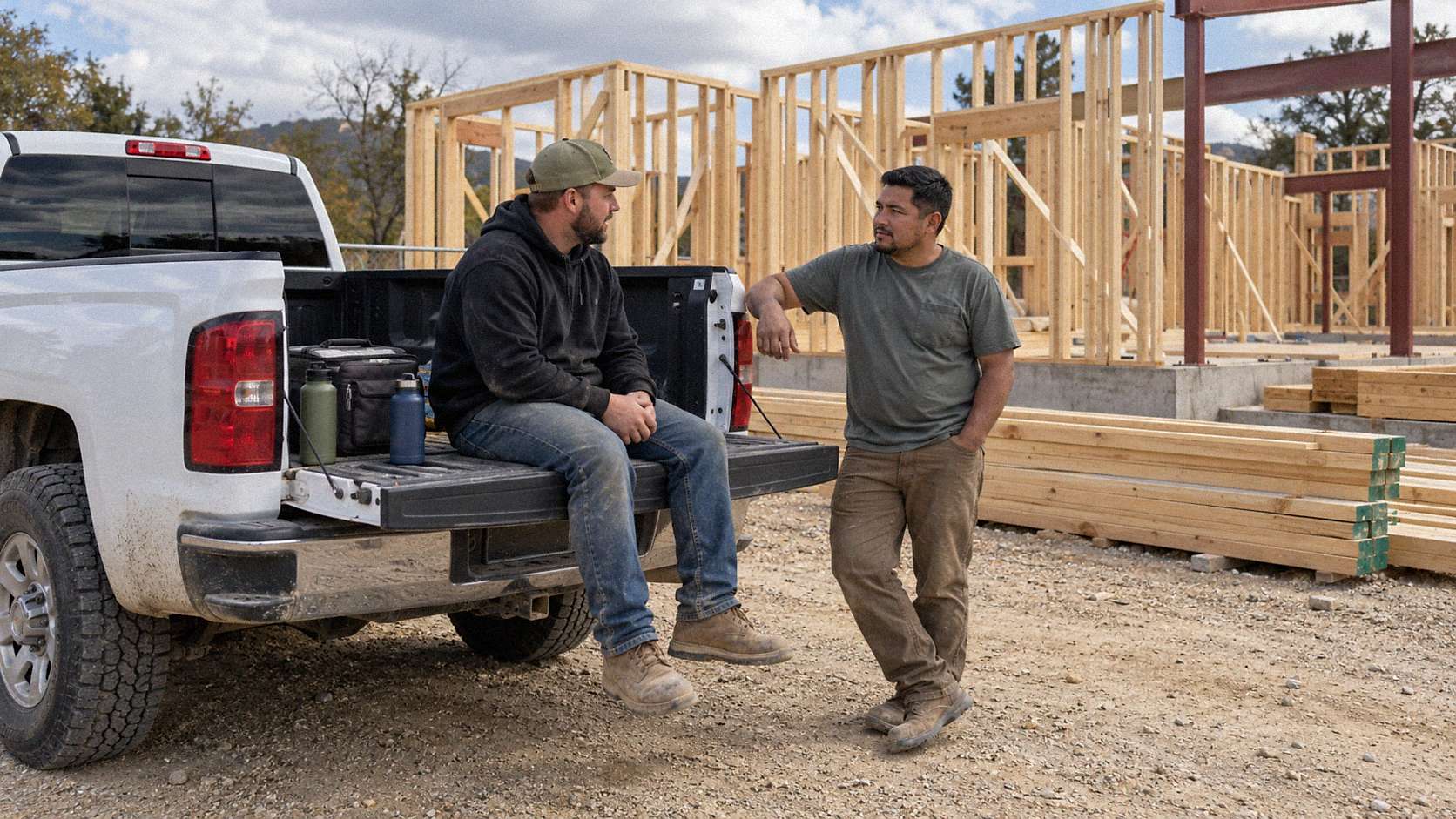
Live in days, not months, and a real person on the phone the whole way.