4h to 45mpayroll prep each cycle
"If you have field crews, Workyard is one of those tools that pays for itself. It saves us hours every payroll, keeps everyone accountable, and gives us real-time visibility into every job."

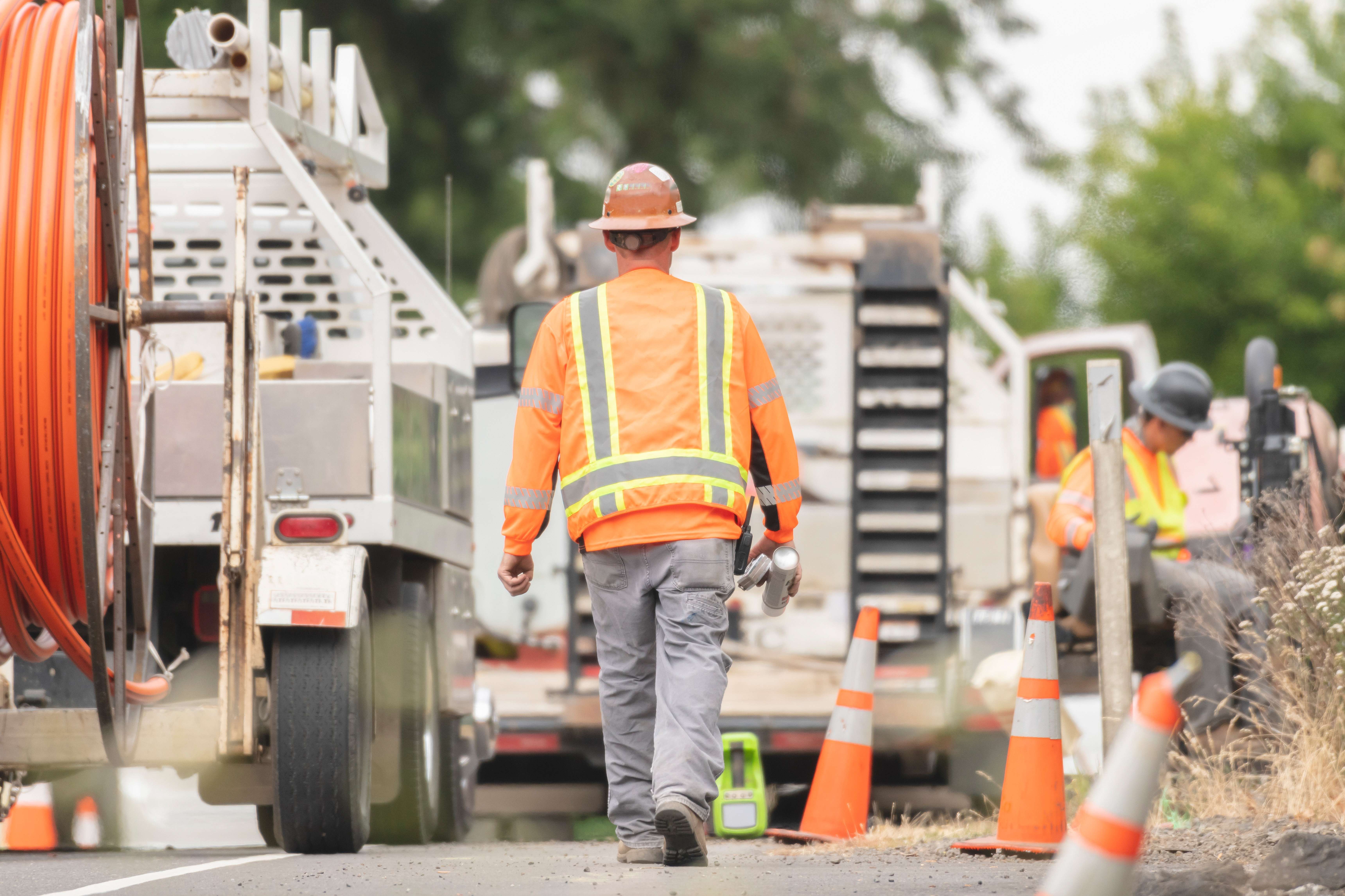
For crew leads and their crews on underground, aerial and install work: every hour lands on the right job and phase, drive time from the shop goes where your rules say, and approved hours reach payroll without re-keying.
4h to 45mpayroll prep each cycle
"If you have field crews, Workyard is one of those tools that pays for itself. It saves us hours every payroll, keeps everyone accountable, and gives us real-time visibility into every job."
“If we do it just like it's set up, now it will work and the correct times will be calculated by Workyard.”
Telecom contractor, 50+ workers

“Earlier, the work payroll was like a week… It's reduced to two days now.”
Telecom and electrical contractor, 50+ workers

“That's 3 steps, but that's 5 less than we're doing now.”
Low-voltage contractor, 11–50 workers
The payoff
Time
30 mins
to prep payroll, not 12 hours
The typical drop for customers.
Job costs
5–25%
unassigned hours before Workyard
GPS and agents put each hour on the job it was worked.
Money
10–18%
off payroll
Rounded times, buddy punches, forgotten clock-outs: eliminated.

Workyard is not another everything-suite. It runs the crew side of the business, deeply, and connects to the rest.
For payroll, accounting and ERP: NetSuite, QuickBooks, ADP and 18 more, so approved hours land on the jobs and codes your books cost them to.








Other tools wait for someone to do the work. Workyard’s agents check every timecard and flag only what needs you. That’s the whole job.
From quick answers to hours of work, handled
Time tracking that runs itself
Reports you need, without the spreadsheet work
Works your way
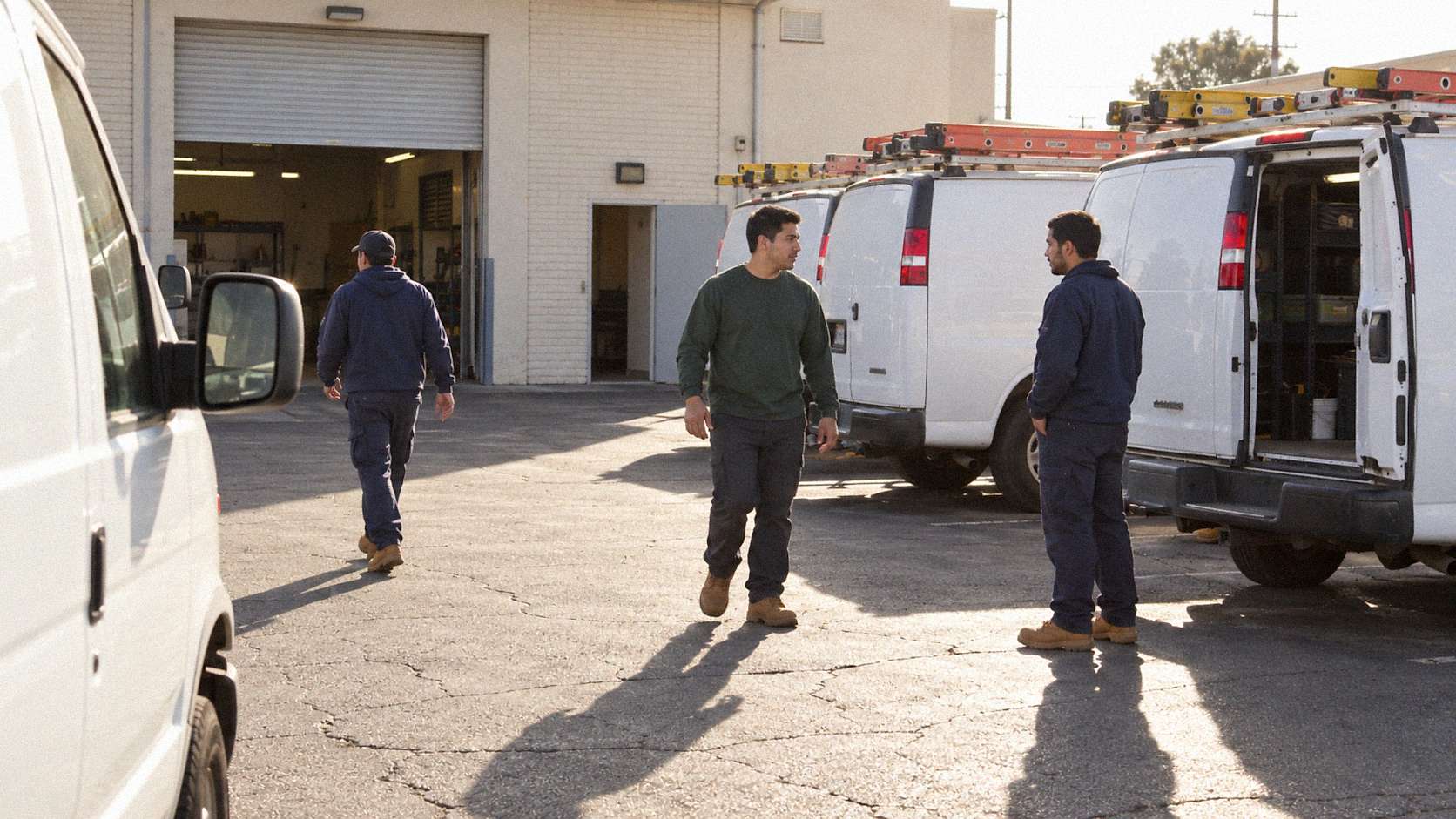
Underground and aerial crews run one route for days. Splicing and drop crews cover several jobs a day. Workyard fits both.
A crew lead and crew on one route for days
Small crews on many jobs a day
Built for the way telecom & fiber runs
What telecom and fiber contractors ask us for more than other contractors do, built in.
The crew lead picks who’s there, the job and the cost code, and clocks everyone in at once. Each worker gets their own time card and needs no phone of their own. Those who carry the app clock in themselves, in English or Spanish.
Jobs and codes come in from your books, or are matched to them once, and each job shows the crew only its own phases and categories. Nobody charges time to a phase that isn’t on the job, and approved hours go back on those same codes.
Approve the period and send it. Straight time, overtime and double time arrive split by your rules, daily overtime included, on the pay items you map once. Exported cards lock, and a later change needs an admin and a reason.
Thousands already do, every day.
GPS and AI drive the capture and correction, so they don't have to.
Works offline. Works in Spanish. Prevents buddy punching. Detects and corrects mistakes.
Location is only shared while on the clock, never after hours. You choose the level of tracking that fits your crew.
"I love this app. It makes it so easy for me to clock in and clock out and it tracks my mileage for my work and everything. I would recommend it, great way to keep up with everything."
"By far the best app I've ever used for work. Most consistent and accurate. Haven't had any difficulties at all. I will never use another app for clocking my hours at work."
"This app is extremely easy for my construction staff to use. It creates reports for me that show different costs by projects and honestly just saves me time and headaches."
You're wondering…
Yes. A specialist sets up your jobs, cost codes, geofences and pay rules with you, imported from your accounting where we can, and runs the first sync with you watching, so you see your own hours land before go-live. Small crews clock in the same week; bigger companies go division by division.
Yes, split by each person’s overtime rules, daily overtime included where your state has it, on the pay items you map once, so nobody tweaks the file in payroll. A ComputerEase file carries a line for every person, day, job, phase, category and pay type, regular or overtime. Travel time is tracked, but it isn’t sent as its own pay type, and your payroll system still works out the taxes.
Yes. NetSuite, QuickBooks Online and Desktop, ADP, Gusto, Foundation, Sage 100 Contractor and Sage Intacct connect directly, and approved hours go in when you send them. ComputerEase, Paychex Flex, Paylocity and Rippling take a file Workyard builds in the format each one imports, a couple of minutes a pay period. Anything else takes a custom file export or the developer API.
It depends on the system. From Foundation, jobs come in with their cost codes and phases; from NetSuite, projects and service items; from QuickBooks, jobs and service items. ComputerEase doesn’t send its lists, so each phase and category is set up once as a Workyard code (1.100), and the file splits it back into phase 1, category 100.
Each job gets its own. Assign cost codes to a job and a worker sees only the few that belong there, and cost code groups narrow it further by team or person. Where a job has one code, make it the default and there’s nothing to pick.
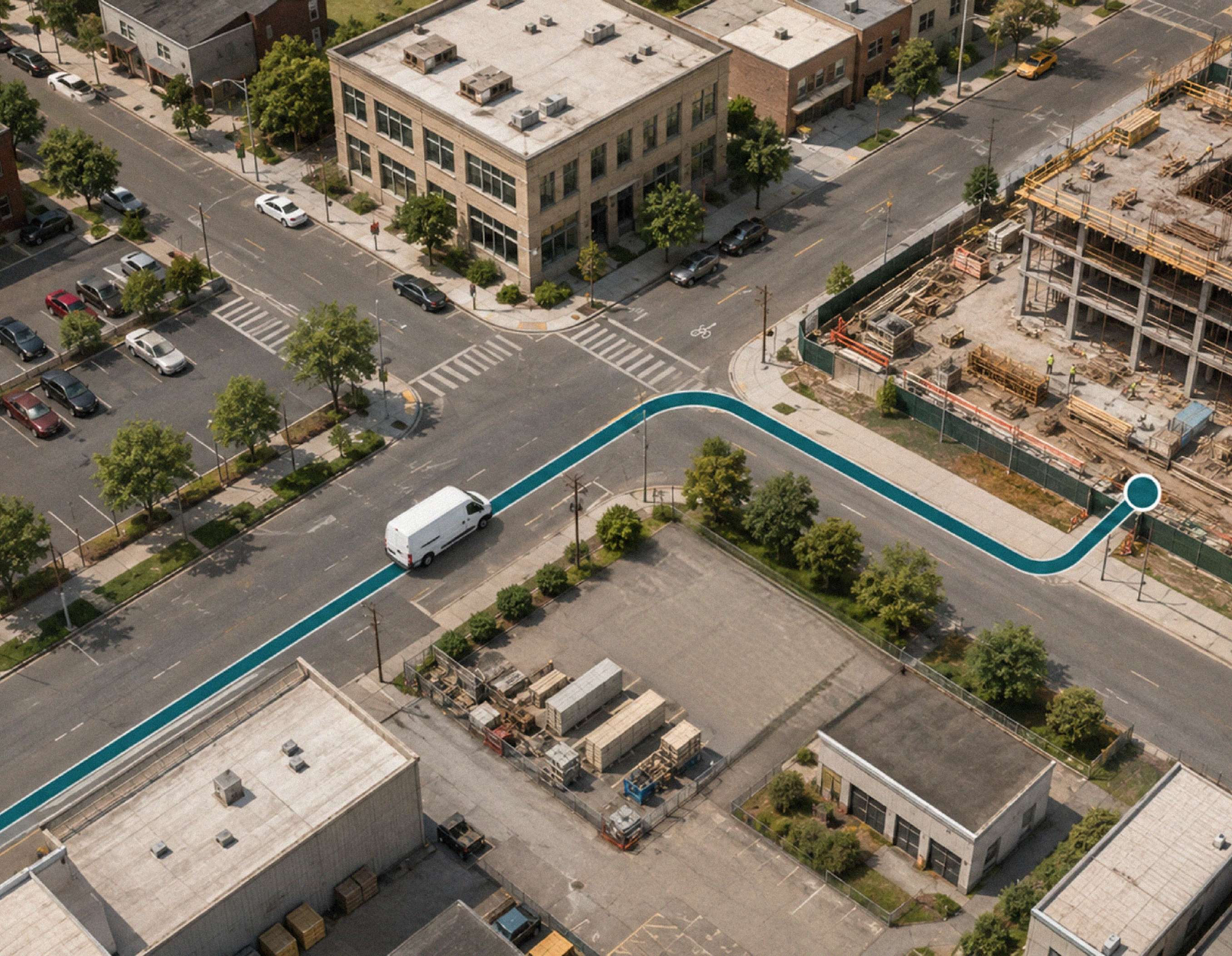
Yes. Draw the fence along the route, as long and irregular as the work, like a stretch of highway, or give the job more than one fence. Fences start from your job addresses, and you adjust the ones that need it. Archive a finished job and phones stop watching its fence.
No. The crew lead can clock in the whole crew at once from one phone or tablet, iPhone or Android, and each worker still gets their own time card. Workers who carry the app clock in themselves, in English or Spanish, and a kiosk on an iPad takes a PIN and a face photo.
Yes, division by division. Workyard takes over the time tracking, and each division or crew gets its own rule group for clock-in, location tracking and time limits. Companies on separate books each get their own organization, connected to their own system. Payroll and accounting stay where they are.
There’s a REST API: your team or a partner can pull approved, GPS-verified time cards, team members, projects and cost codes. With the connectors, your lists come in as you sync and hours go out when you send them, so nothing moves on a pay run’s schedule. Hours go one way: fix a card in Workyard and send the period again, and most direct connections replace what was sent before.
Yes. Snap a photo of the form you use, or upload the PDF, Word or Excel file, and Workyard builds it with your fields in your order. Or start blank with checklists, dropdowns, tables, photos and signatures. You check it before you publish it to your crews, and you can make it required at clock-out. AI translation turns the questions into Spanish in one click; answers come back as the crew writes them.
Each worker has a time approver, or more than one, who approves their own crew’s cards, and project managers approve the time on their jobs. It’s one approval, not a chain: the office can approve anything still open. Turn on End of Pay Period Sign Off and the crew confirms their hours, or asks for a correction, first.
Not with a direct connection: new hires come in each time you sync your team from NetSuite, QuickBooks, ADP, Gusto or Foundation. ComputerEase and the file exports don’t swap lists, so you add the person in Workyard and enter their payroll ID once in the File Exporter. Each new hire downloads the app and signs in.
Yes. Arriving at the next job’s fence moves the hours to that job, or they switch jobs in the app. At clock-out they pick a cost code for each job they visited, or the crew lead codes the crew. Drive time between jobs follows your rule.
By your rule. Each drive can go to the job it ends at, be split across the day’s jobs, or stay unallocated, with its own cost code if you like, so job costs stay clean. Make the shop a job with its own fence and a shop start counts as on site. Travel time is tracked, but it isn’t sent to payroll as its own pay type.
Yes. Operators tag the machine at clock-in or when they start running it, and its hours land on the same job and cost code as their labor, priced at the rate you set for each machine. There’s nothing to mount on the machine. It doesn’t schedule maintenance or track meter hours.
The app goes easy on batteries: when a worker stays put it drops to low-power location, and before the shift the phone’s own geofence alerts do the watching. If someone turns off location or closes the app, the card marks that stretch as no signal, with the reason, so the office sees the gap. For older phones, record location at clock-in and clock-out only.
Yes. Daily Sign Off asks each worker at clock-out about rest and meal breaks and whether they recorded all their time, with a signature, and a no flags the card for their time approver. Breaks are recorded on the card, and a meal break rule adds a missing break at clock-out.
On your own daily, yes. The crew and their hours fill in from the time cards, and the crew lead adds what got done, the footage and the photos, due at clock-out. Each job’s forms export to Excel or CSV, and any report downloads as a PDF with your logo. Job costs don’t track material quantities.
Not today. A worker has one rate at a time, with its history by effective date, rather than a rate per job or kind of work, and there’s no per diem. Travel is tracked apart from site time, but it isn’t sent to payroll as its own pay type. If your pay works that way, bring it to the demo and we’ll show you what fits.
Partly. Hours are coded to the job and cost code, so public and private work stay apart in the export. Your payroll or certified payroll system applies the prevailing rate and files the report. Workyard doesn’t calculate prevailing wage or produce certified payroll.
We import your jobs, cost codes and crews from your accounting system, or match them once for a file export. Live in days, with a person on the phone the whole way.