$123Ksaved with Workyard’s Smart Forms
"Smart Forms pays for itself through accurate invoicing, insurance savings, and keeping our business moving every single day."
Toolbox talk app
Your toolbox talk opens on the foreman’s phone as the crew starts. He runs it, every attendee signs on the screen, and the signed record files itself to the job, ready as a PDF for the GC.
$123Ksaved with Workyard’s Smart Forms
"Smart Forms pays for itself through accurate invoicing, insurance savings, and keeping our business moving every single day."


"I would probably ballpark it to be roughly about $5,000 and that's just something that we saw fairly immediate, where we were able to save roughly about five visits per job"
Victor Rodriguez, HR Field ManagerSynaptic Solar

"We wanted more than a time tracking app since many exist. We sought something that helps beyond just tracking time."
Brian Mata, Project ManagerWagler Custom Homes

100s of hrssaved a week routing supervisors by proximity
"It's preventing us from losing more on each project — saving us money."

"Of all the solutions we’ve been exposed to, Workyard is the best. It’s a good value for the money, and the team is always willing to work with you to meet your needs."
James Monzello, CFOGreen Wall Tech

2 weeksto roll out to all 120 crew
"You should ditch the paper, get rid of the other software, get on something that can track your crew's time, track your job costing, and save you real money."

15–20admin hours back every month
"If you have field crews, Workyard is one of those tools that pays for itself. It saves us hours every payroll, keeps everyone accountable, and gives us real-time visibility into every job."

How it works
The talk, the sign-in sheet and the record, on one phone. Set the talk up once and pick when it’s due. The crew signs on site, and the office has it the same day.
Snap a photo of the talk or sign-in sheet you use today, or upload the PDF, Word or Excel file, and Workyard builds the phone version for you to check. No sheet yet? Start from a toolbox talk template, from heat illness to trenching.

Set the talk to open at the foreman’s clock-in, or every worker’s. Tie a talk to the job that needs it, with a reminder if it isn’t done, or put it on a weekly task. A clock-in talk still open at day’s end must be done before clock-out.

Want a signed copy from every worker? Set the talk for their own clock-in. Translate it into Spanish in one click, and anyone whose phone is set to Spanish reads it in Spanish, in a crew app that runs in Spanish too.
Every talk is filed to the job with the date, the topic, who ran it and every signature, and downloads as a clean PDF with your logo. When the GC asks for this month’s talks, filter by date and send them.
"It's not a paper that gets lost. When you're dealing with large construction jobs and you have somebody come in that says, ‘I want to see your safety logs.’ Here you go. I don't have to dig for paperwork."

Open the job’s Forms tab and its talks sit beside its JSAs and dailies. Filter by date or worker, export a range to CSV or Excel, and get a daily email of what came in. Flag an answer, like a safety concern, and it goes straight to your safety lead.

The payoff
Every name
signed on the talk
Each attendee signs on the screen. The sign-in sheet and the talk are one record.
Same day
filed to the job
Not when the binder comes back from the truck on Friday.
Minutes
to send a GC the paperwork, at TruTek
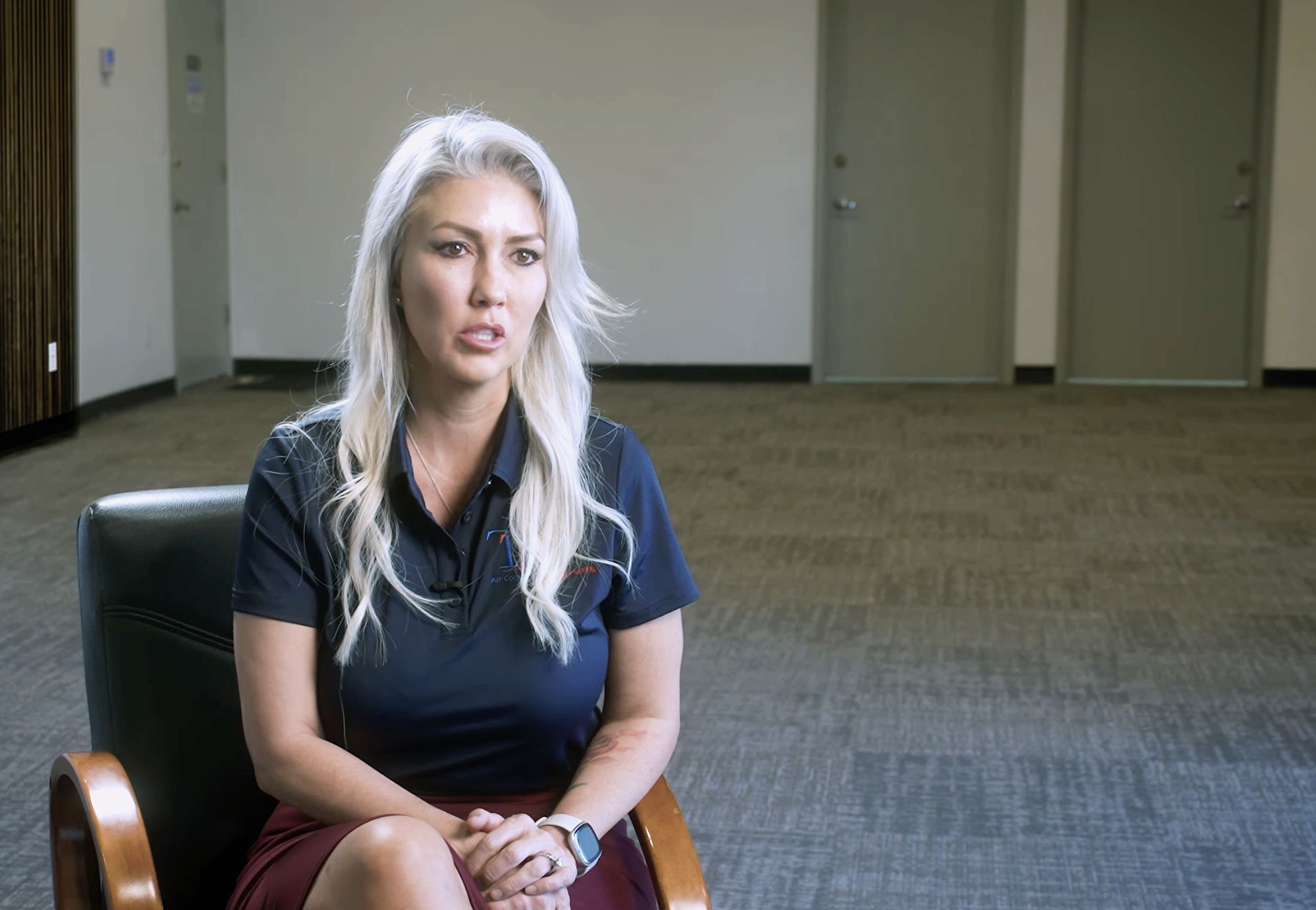
TruTek, a 120-person HVAC contractor, pulls its toolbox talks and safety records from Workyard when a GC asks.
Most crews sign the foreman’s phone together. Some want a copy from each worker. Some meet every Monday. Set it up crew by crew, and every talk lands on the same job.
The crew gathers and signs one talk
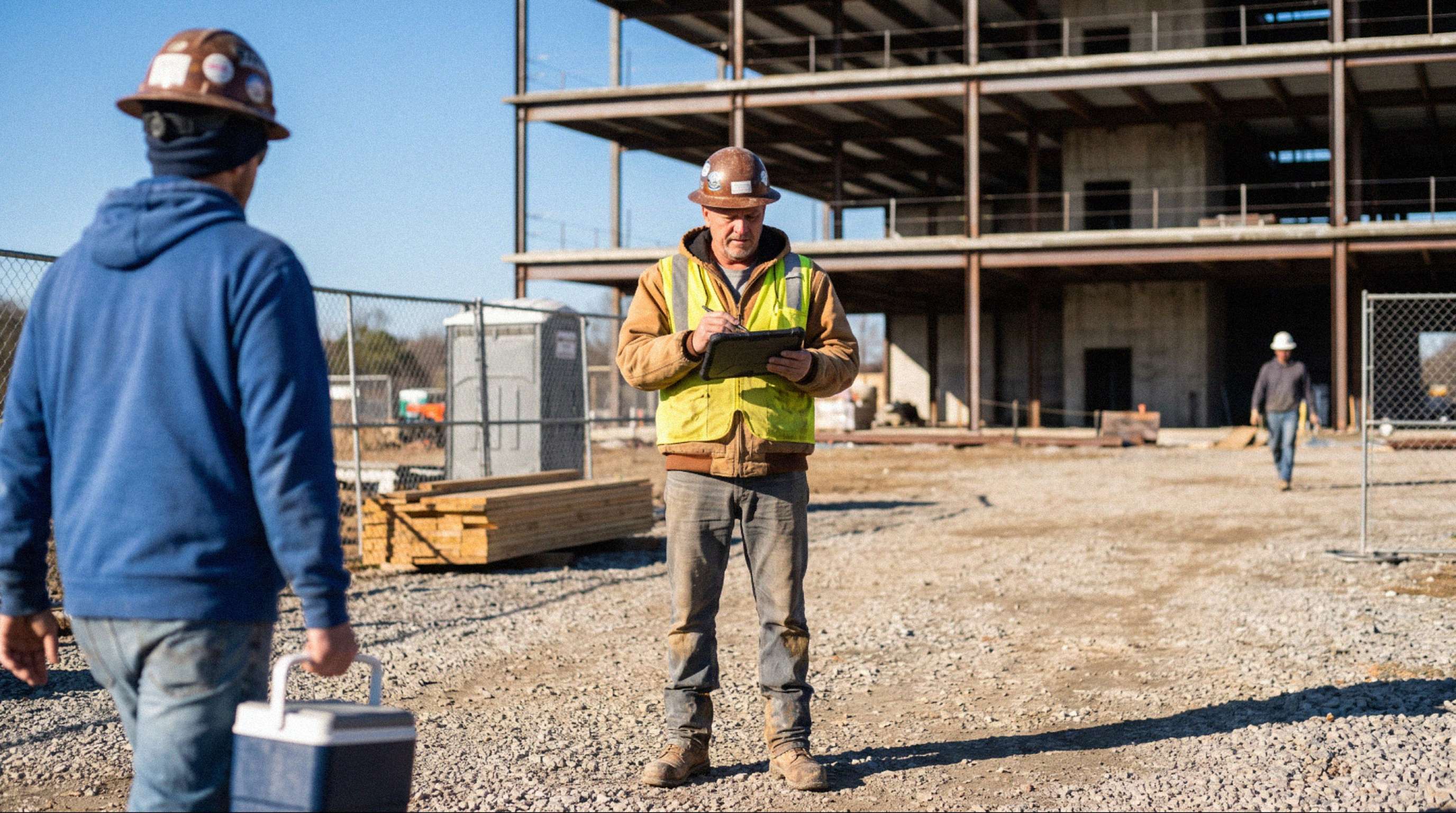
It opens at each worker’s clock-in
A Monday task with the talk attached

"Smart Forms pays for itself through accurate invoicing, insurance savings, and keeping our business moving every single day."
$123Ksaved with Workyard’s Smart Forms
Read the story
"Of all the solutions we’ve been exposed to, Workyard is the best. It’s a good value for the money, and the team is always willing to work with you to meet your needs."
Features
What the foreman taps, and what the office gets.
Snap a photo of your talk or sign-in sheet, or upload the file. We build the phone version.
An attendance sheet and ready-written talks, from heat illness to trenching.
Crew sign-in
A line per attendee, each signed with a finger on one phone.
Due at clock-in
Opens as the foreman, or each worker, clocks in. Clock-out waits until it’s done.
Due on arrival
Opens at the job that needs it, with a reminder if it isn’t done.
Attach the talk to a weekly task. The task shows when it’s in.
Spanish and Portuguese
Translate the talk in one click, then check the wording.
Client-ready PDF
Any talk as a clean report with your logo, ready for the GC.
Filed to the job
Every talk on the job’s Forms tab, to filter by date or worker and export.
Break a task into steps, hazards and controls, on the same phone.
Connect 21 payroll, accounting and project systems. Your jobs and employees sync automatically.









Fair questions, straight answers
A toolbox talk app, or safety meeting app, runs your short on-site safety meeting on a phone: the talk, the sign-in sheet and the record in one place. In Workyard:
Everyone who attended, and the person who ran it: that’s your record of who heard which talk, and when. In Workyard, add a repeating sign-in section, a name and a signature, and each worker signs their own line on the foreman’s phone, so the crew needs no phones. Want a copy from each worker? Set the talk for their own clock-in.
Yes, through the schedule. A form’s own triggers are clock-in, clock-out and arrival at a job, so for a weekly talk, attach it to a task that repeats every week, assigned to the foreman or the crew on that job. They open the talk from the task, and the task shows whether its form is in. A one-off talk works the same way: a task for those workers, on that day.
Federal OSHA doesn’t use the term or set a schedule, but its construction rules require employers to instruct each employee in recognizing and avoiding unsafe conditions (29 CFR 1926.21(b)(2)), and a signed, dated talk is a common way to show it. Cal/OSHA requires toolbox or tailgate meetings in construction at least every 10 working days, and many GCs and insurers require weekly talks. This is general information, not legal advice.
Yes. The talk is a form in the app the crew already clocks in on, so there’s no separate safety app to buy or log into. JSAs, daily reports, inspections and incident reports run the same way, each filed to the same job as the hours. Forms & Workflows covers the rest of your paperwork.
Keep it on site at the start of the shift, 10 to 15 minutes. Tie the topic to today’s work, ask the crew what could go wrong, and write down what they say. Then everyone who attended signs, and the record goes on the job. Our toolbox talk templates lay out the steps.
Yes. Write the talk’s points on the form, or link to the PDF you already have, and set it to open at each worker’s own clock-in. The worker who drove straight to the site gets it when he clocks in there, confirms he’s read it and signs, and his copy is filed with his name and the time. If it’s still open at the end of the day, he can’t clock out until it’s done.
Yes. One form can hold the pre-task plan, the toolbox talk and the crew’s sign-in, set to open at the foreman’s clock-in, so it’s done before work starts instead of recalled at the end of the day. Or keep the talk and the JHA as separate forms that both open at clock-in.
Open the job’s Forms tab: every talk submitted on that job is there, with its date, its signatures and who submitted it. Filter a form’s submissions by date range or by worker to check a week, and get a daily email of what came in. Workyard doesn’t produce a list of who didn’t sign; set the talk at clock-in instead, so nobody clocks out without it.
Tie it to the clock. A clock-in talk opens as the foreman, or each worker, clocks in, and they can’t clock out until it’s done. An on-arrival talk can send a reminder after 15, 30, 45 or 60 minutes. A weekly task shows whether its form is in.
Weekly is the most common rhythm, and many crews meet every morning. Cal/OSHA’s construction minimum is every 10 working days. Add one before high-risk work, like a new trench or a crane pick.
Some, but mostly your own. The template library has a toolbox talk attendance sheet and ready-written talks on electrical safety, hazard communication, heat illness, heavy equipment, tool safety and trenching. It isn’t a library of hundreds of topics: most contractors convert the talks they already use, or the outlines their safety consultant sends, from a photo or a PDF, Word or Excel file. See the toolbox talk templates.
Yes. Translate the talk into Spanish or Portuguese in one click, then check the wording before it goes out. A worker whose phone is set to Spanish reads it in Spanish, in a crew app that runs in Spanish too. Answers come back as they’re written.
Yes. Any talk opens as a clean report with your logo, the topic, the date and every signature, and downloads as a PDF. For a month of talks, filter by date and export them to CSV or Excel. TruTek, a 120-person HVAC contractor in Phoenix, pulls its toolbox talks from Workyard when a GC asks for them.
Federal OSHA sets no single retention period for toolbox talks. California asks for training records to be kept at least a year (8 CCR 3203(b)(2)), and many contractors keep talks for years because insurers, GCs and late claims ask for them. In Workyard each talk is filed to its job, and any date range exports for your own files.
Yes. A talk that opens at clock-in or clock-out works with no signal and sends when the phone finds one. Drafts save offline too; browsing the full form library needs a connection.
A toolbox talk is a short crew meeting on one safety topic. A job hazard analysis (JHA, or JSA) breaks one task into its steps, hazards and controls before the work starts. Most contractors run both, filed to the same job: see our JHA app.
Toolbox talks run on Safety and Forms & Workflows, and weekly talks on Scheduling: all three are part of the Max plan. Ask us on the demo which plan fits, so nothing surprises you after the trial. See pricing.


Live in days, not months, and a real person on the phone the whole way.