


"We can present a complete bill to clients at the end of every 30 day period with an audit trail. Prior to Workyard we didn’t have that supporting evidence."
Kelly Adreani, General ManagerEarned Run
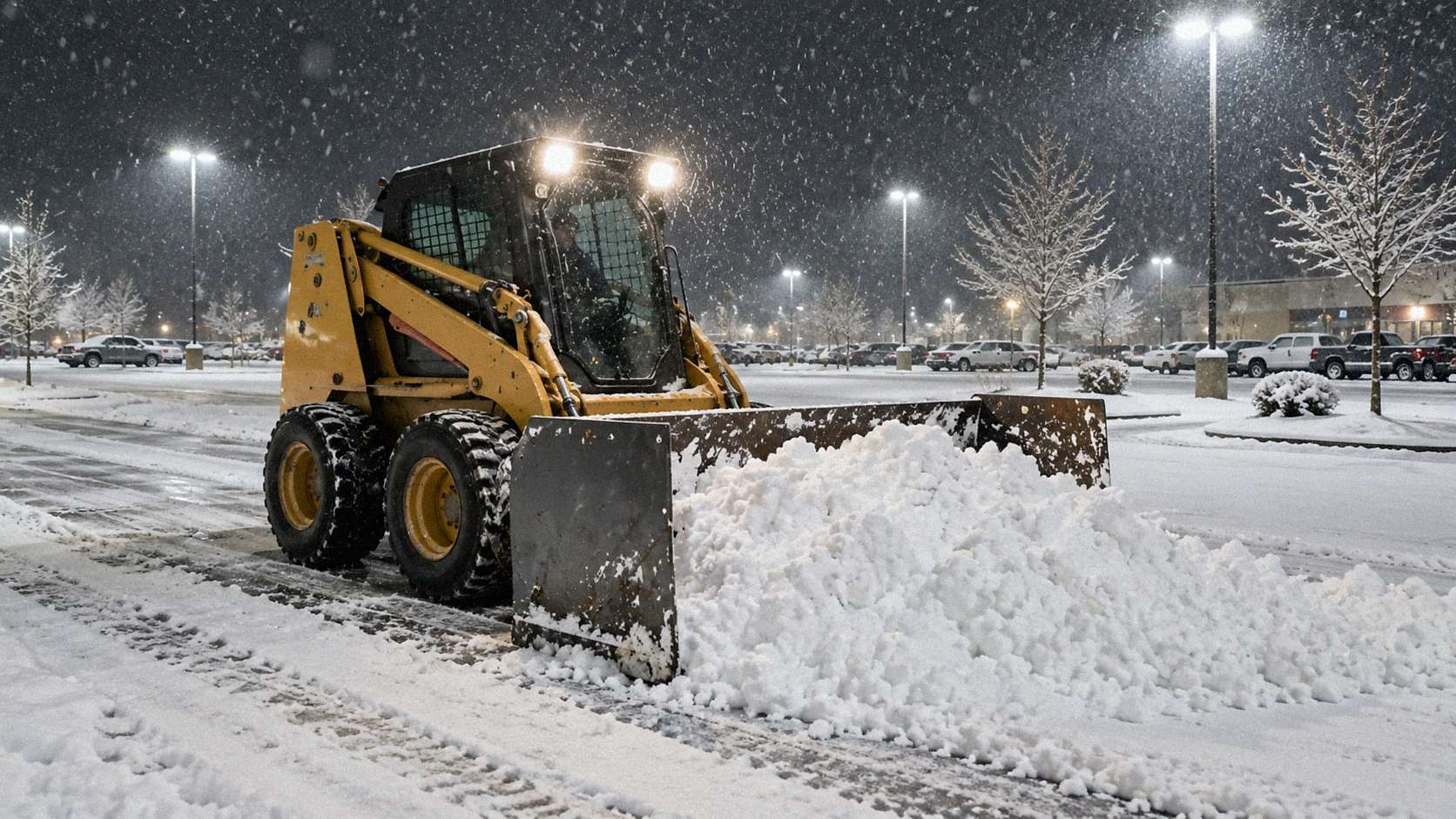
For plow drivers and sidewalk crews: every hour lands on the lot it was worked, every visit is on record from arrival to departure, and forgotten storm-night clock-outs come off payroll before you pay for them.
"We can present a complete bill to clients at the end of every 30 day period with an audit trail. Prior to Workyard we didn’t have that supporting evidence."
Kelly Adreani, General ManagerEarned Run

“Just a Monday for clocking. We save 40 something dollars… it’s kinda crazy.”
Landscaping contractor, 11–50 workers

“Whatever three bucks a guy a month, it’s totally paid for itself.”
OwnerLandscaping contractor, 11–50 workers
The payoff
Job costs
5–25%
unassigned hours before Workyard
GPS and agents put each hour on the job it was worked.
Money
10–18%
off payroll
Rounded times, buddy punches, forgotten clock-outs: eliminated.
Time
30 mins
to prep payroll, not 12 hours
The typical drop for customers.
Workyard is not another everything-suite. It runs the crew side of the business, deeply, and connects to the rest.
For payroll and accounting: QuickBooks, Sage, ADP and 18 more. Jobs come in, and approved hours go to the systems that cost and pay.









Other tools wait for someone to do the work. Workyard’s agents check every timecard and flag only what needs you. That’s the whole job.
From quick answers to hours of work, handled
Time tracking that runs itself
Reports you need, without the spreadsheet work
Works your way
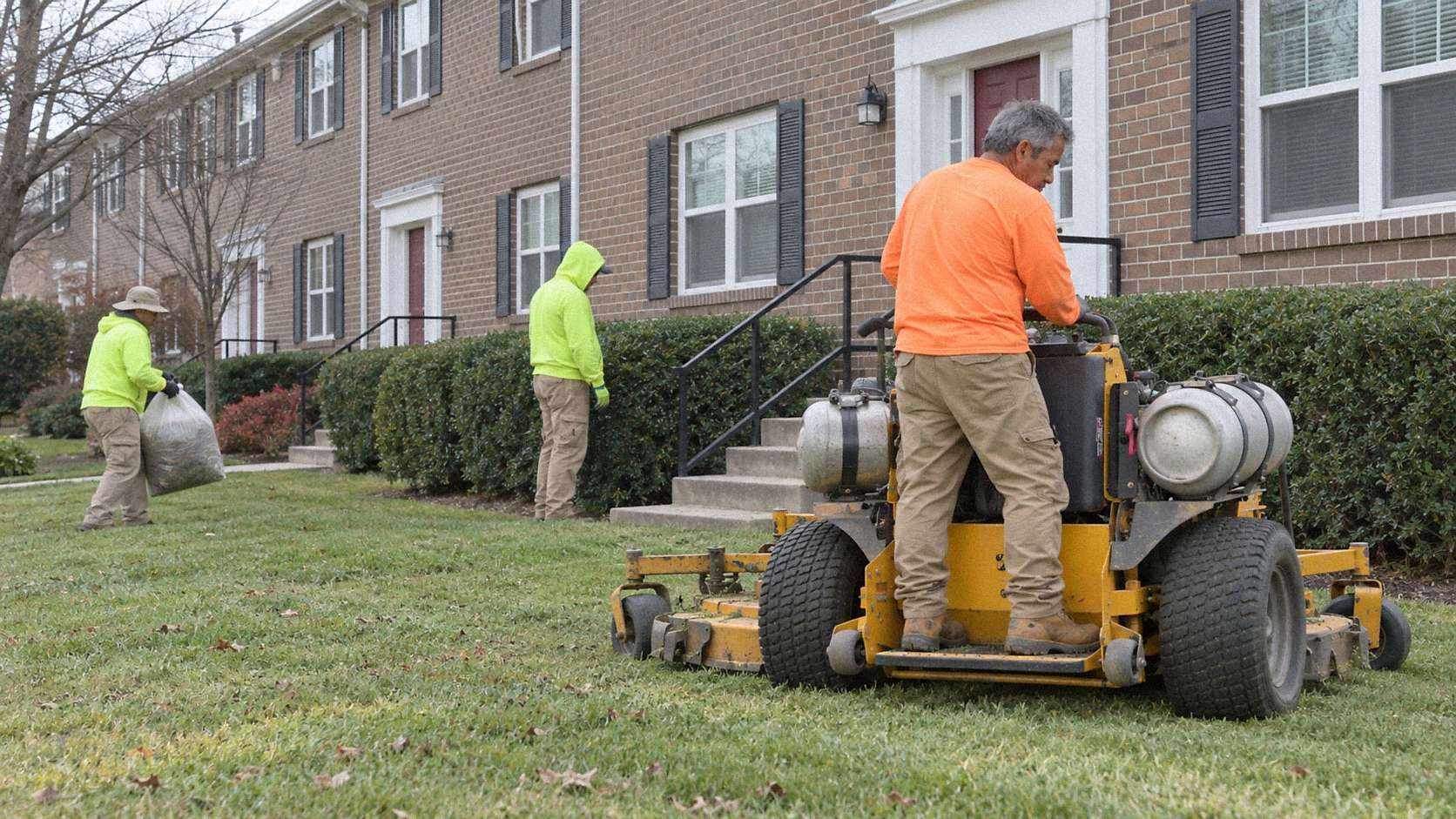
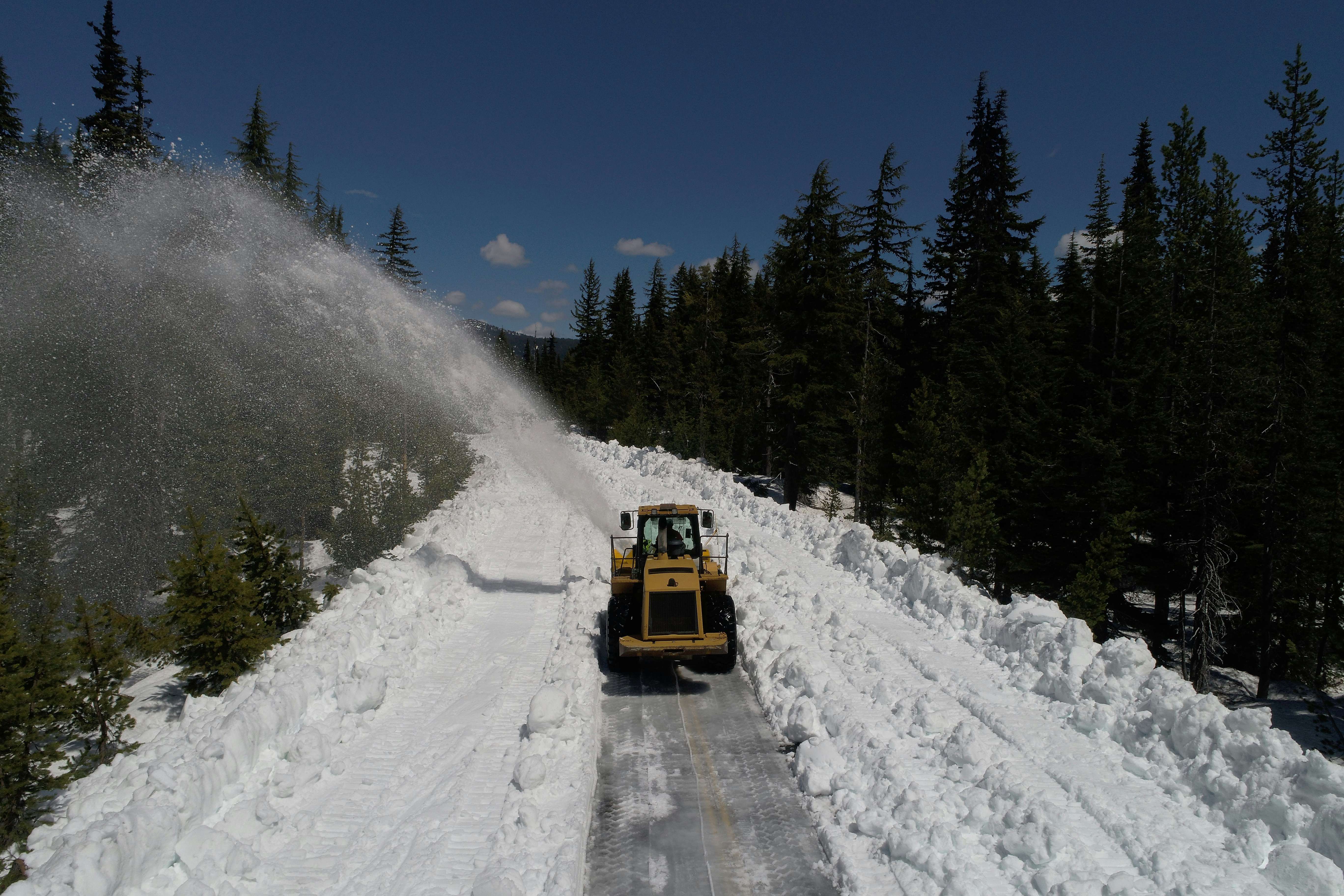
Plow trucks clear the lots overnight. Sidewalk crews shovel and salt the walks and entrances. Workyard fits both.
Drivers plowing lot after lot through the storm
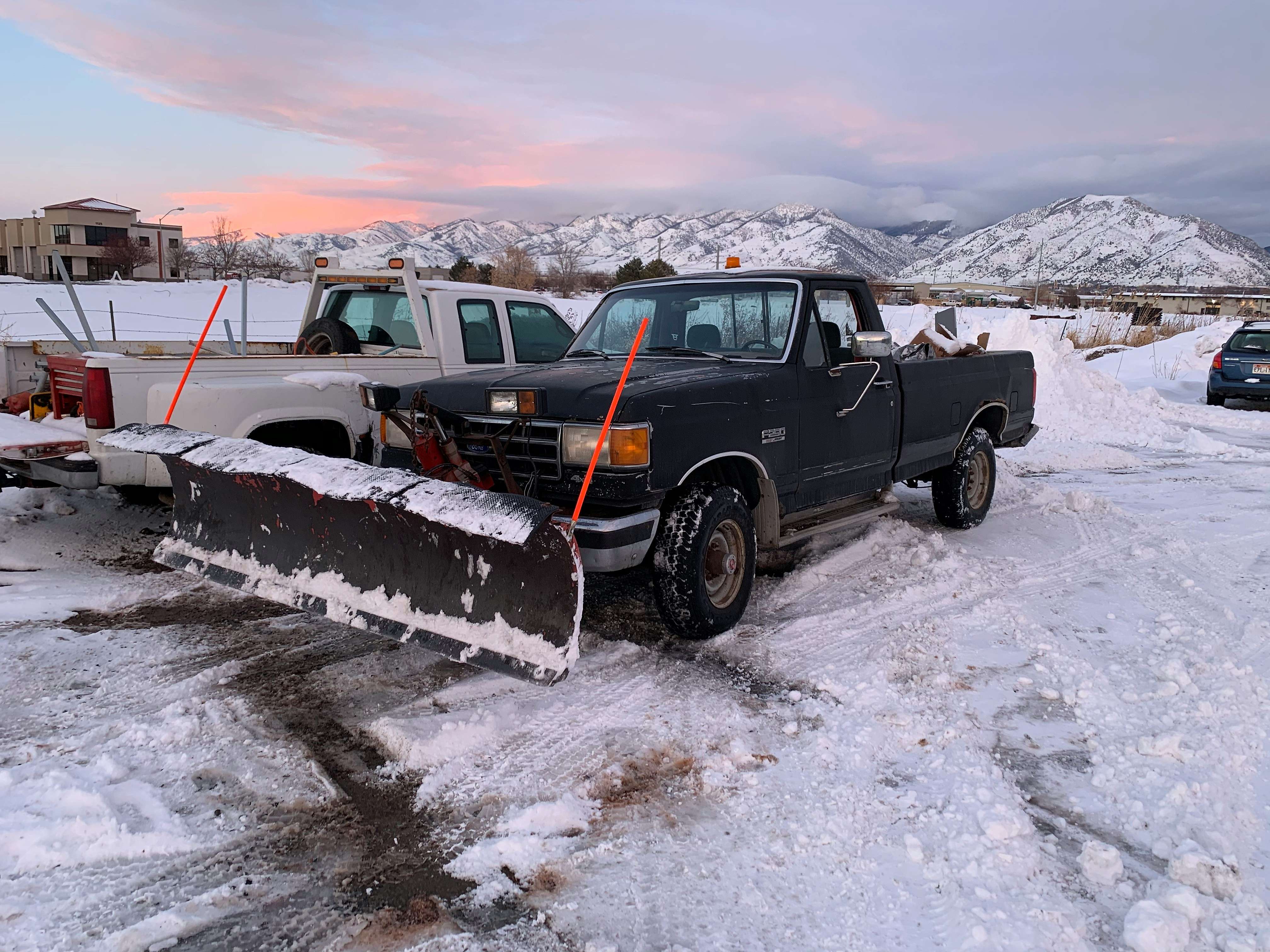
A crew leader and crew on shovels and salt
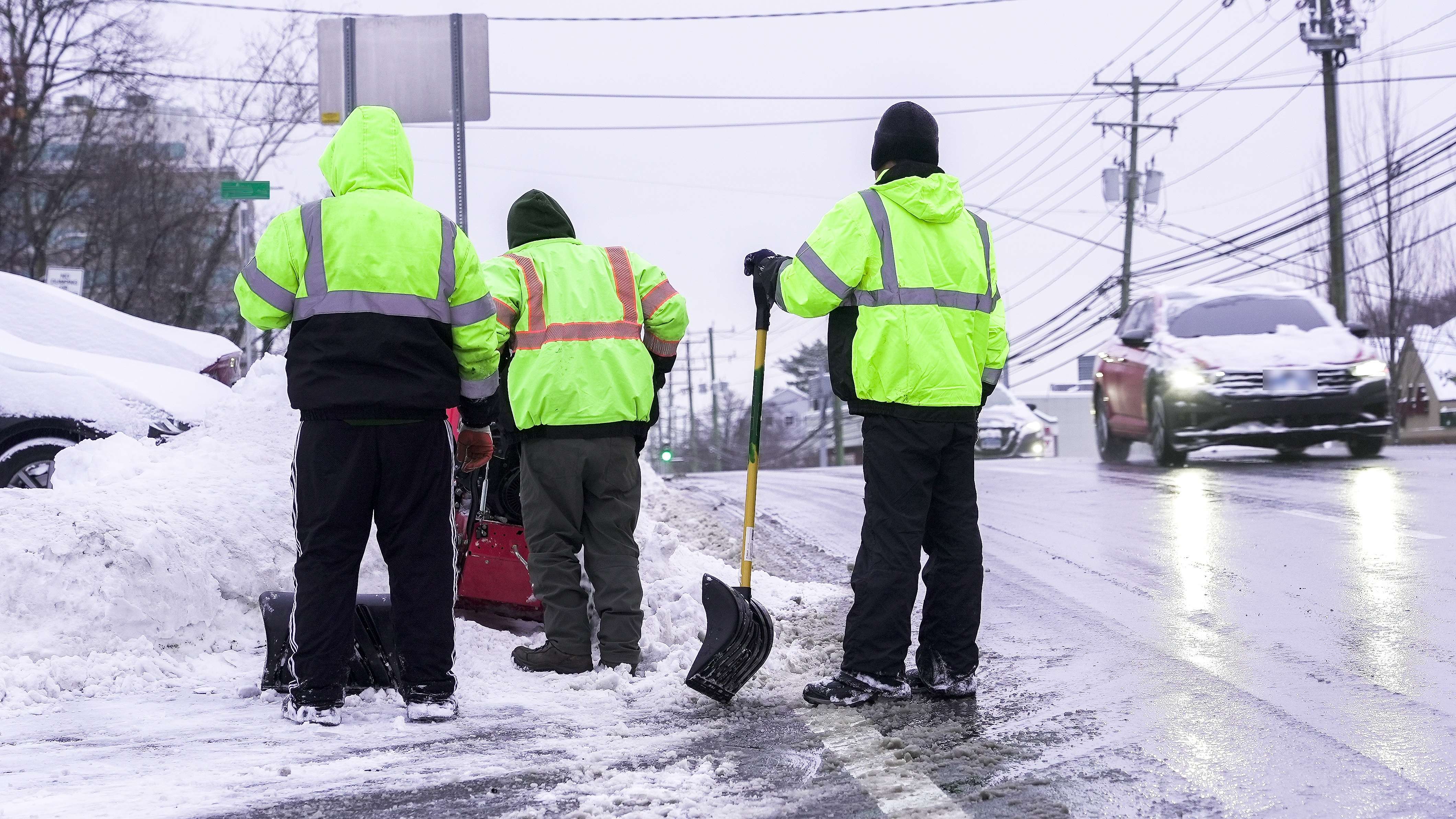
Built for the way snow removal runs
What snow removal contractors ask us for most, each one built in.
Every clock-in carries its GPS location, and each lot’s visit shows when the crew got there, how long they stayed and the drive between. Add a photo as they arrive and as they finish, stamped with the time and place, and a slip-and-fall claim meets a record, not a reconstruction.
Arrive at the next lot and the hours move to it, so a twelve-lot night comes back split twelve ways, with the drive placed by your rule. Trucks and loaders tagged at clock-in land on the same lot, priced at your rate, and each lot’s cost updates as every shift ends.
Put snow crews in their own rule group: how they clock in, what’s tracked and the earliest and latest times on their day, so a 2 AM start stays a 2 AM start. The crew leader clocks the whole crew in from one phone and moves them to the next lot together.
Thousands already do, every day.
GPS and AI drive the capture and correction, so they don't have to.
Works offline. Works in Spanish. Prevents buddy punching. Detects and corrects mistakes.
Location is only shared while on the clock, never after hours. You choose the level of tracking that fits your crew.
"I love this app. It makes it so easy for me to clock in and clock out and it tracks my mileage for my work and everything. I would recommend it, great way to keep up with everything."
"By far the best app I've ever used for work. Most consistent and accurate. Haven't had any difficulties at all. I will never use another app for clocking my hours at work."
"This app is extremely easy for my construction staff to use. It creates reports for me that show different costs by projects and honestly just saves me time and headaches."
You're wondering…
Yes. Every clock-in carries its GPS location, and with location on through the shift the time card shows each lot visited, when they got there, how long they stayed and the drive between. Any past day replays the same way, so a claim that comes in later still has a record behind it. Add photos stamped with the time and place, and download the PDF for the property manager or your insurer.
Yes. Each lot is a job with a geofence drawn on its lot lines, so arriving at the next lot moves the hours to it, and a twelve-lot night comes back split twelve ways. Keep the street outside the fence, and a truck passing an account it isn’t plowing picks up nothing. The drive between lots goes to the next lot, splits across the night’s lots or stays unallocated, as you set it.
Location is recorded only while they’re on the clock, never after hours, and every worker can see that in the app. Each gets a plain-language notice, in English or Spanish, of what’s captured and when. Set tracking per crew: all through the shift, at clock-in and clock-out only, or off. Lot-by-lot hours need it on through the shift.
Yes. The crew leader picks who’s there and clocks them in at once, on the lot and cost code, from one phone, then moves the whole crew to the next lot the same way. Anyone who carries the app can still clock in and out on their own phone; the crew leader just leaves them out. Crew leaders who run the clock need a manager role.
Yes. Put snow crews in their own rule group: how they clock in, what’s tracked, which breaks apply and the earliest and latest times on their day, so a 2 AM start isn’t cut back to a summer start time. Move people between groups when the season turns, and your landscaping crews run in the same Workyard all summer. A card nobody ends stops after 24 hours, trimmed back to when they left the last lot.
Yes. Approved hours go into QuickBooks Online or Desktop by customer, job and service item, into Sage 100 Contractor by job, phase and cost code, and into ADP by person, split into regular, overtime and double time. Paychex, Gusto, NetSuite, Excel exports and more too.
Yes. Add them in Workyard, or let them come in from your payroll or accounting system on the next import. Each gets an invite by text or email, downloads the app and signs in. No phone? They clock in at a kiosk with their own PIN and a photo, or the crew leader clocks them in. If your headcount swings with the season, we build that into your quote.
Yes. Put two required photo questions, with the time and place stamps turned on, on a form that opens when the crew arrives at a lot: one as they get there, one before they pull out. Each photo is stamped and filed to the lot’s job. Download the PDF to send the client: Workyard doesn’t email clients for you.
Yes, through the driver. Drivers tag the truck or loader when they clock in, or when they start running it, and its hours land on the same lot and cost code as their own, priced at the rate you set for that machine. It isn’t a GPS tracker: there’s nothing to install, and a machine logs no time without someone running it.
Yes, on the form. Add a question for bags or tons of salt to the form the crew fills in at each lot, and the form totals the volumes and files to the lot’s job. The quantities stay on the forms: they don’t feed job costs.
Yes. Set them up as their own jobs or cost codes, the way your books split them, and the hours stay apart from the clock-in to the export. If your accounting system uses phases, as Sage 100 Contractor does, cost codes come in by phase and hours go back by job, phase and cost code.
Each crew has its own time approver, who approves their cards on the phone or the web, by crew or all at once. Cards that need a look, like a missed break or a correction request, are flagged and go to the approver in a morning email.
It keeps working. Clock-ins, clock-outs and the forms due at them record on the phone with no signal, the phone keeps logging its position from GPS, and it all sends when it finds coverage again.
No. Workyard doesn’t invoice, whatever the contract. It keeps the record behind the bill: every visit to every lot, who was there, when they arrived and how long they stayed, from the GPS-verified time card. Pull a lot’s hours for the storm or the month as a report and send it with your invoice.
The list, yes; the route, not today. Put each crew on its lots as tasks that run the whole season, and every phone shows the crew its lots with directions to each. Workyard doesn’t plan the order: the crew takes the lots as the storm needs, and arriving at each moves their time to it.
No. Workyard doesn’t send an alert when someone clocks in or hasn’t arrived. Live Locations shows every crew on the clock, the lot they’re on and since when, and who hasn’t clocked in yet, from the office or your phone.
Not in Workyard today: a worker has one pay rate at a time, not a rate per job or kind of work. Snow hours stay on their own jobs and cost codes, so your payroll system can apply the rate. In QuickBooks Desktop, map each cost code to a payroll item once and every line lands on its rate.


We import your jobs, cost codes, and crews. Connected to your systems and live in days, with a person on the phone the whole way.


