

“It gives me more control… I know they have, like, six-hour gap. Why are they working 100 hours?”
Driver fleet operator, 11–50 workers
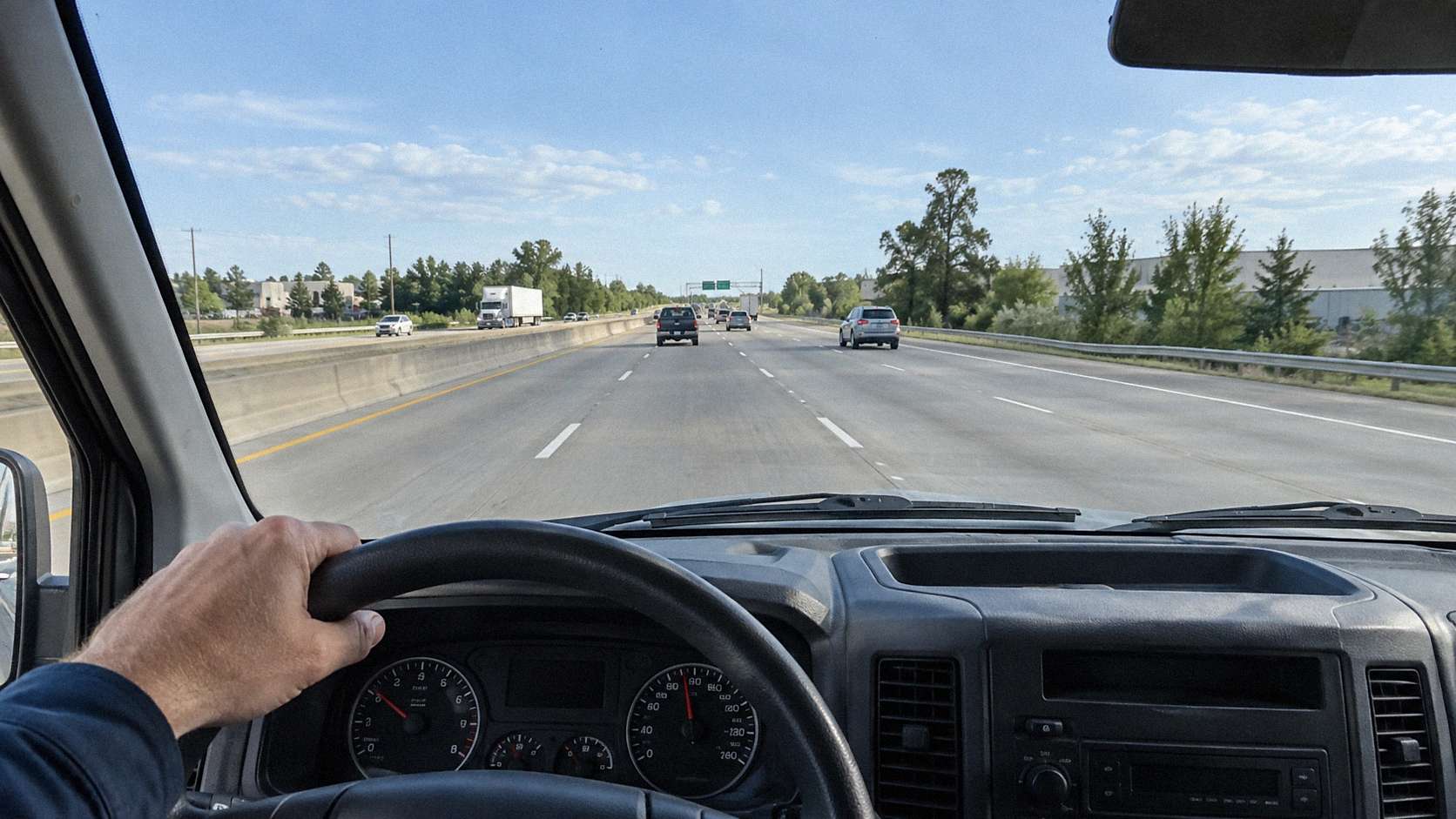
For drivers on the road and crews in the warehouse: every stop and how long it took is on their time card, padded time and forgotten clock-outs come off, and approved hours go to payroll without re-keying.

“It gives me more control… I know they have, like, six-hour gap. Why are they working 100 hours?”
Driver fleet operator, 11–50 workers

“I went through and double checked everything, and and the times are spot on compared to, you know, what I had of when I was on site, my travel time, stuff like that.”
Pump and valve service contractor, 11–50 workers

The payoff
Time
30 mins
to prep payroll, not 12 hours
The typical drop for customers.
Money
10–18%
off payroll
Rounded times, buddy punches, forgotten clock-outs: eliminated.
Job costs
5–25%
unassigned hours before Workyard
GPS and agents put each hour on the job it was worked.

Workyard is not another everything-suite. It runs the crew side of the business, deeply, and connects to the rest.
For payroll and accounting: ADP, QuickBooks, Sage and 18 more. Approved hours go to the systems that pay and bill.







Other tools wait for someone to do the work. Workyard’s agents check every timecard and flag only what needs you. That’s the whole job.
From quick answers to hours of work, handled
Time tracking that runs itself
Reports you need, without the spreadsheet work
Works your way
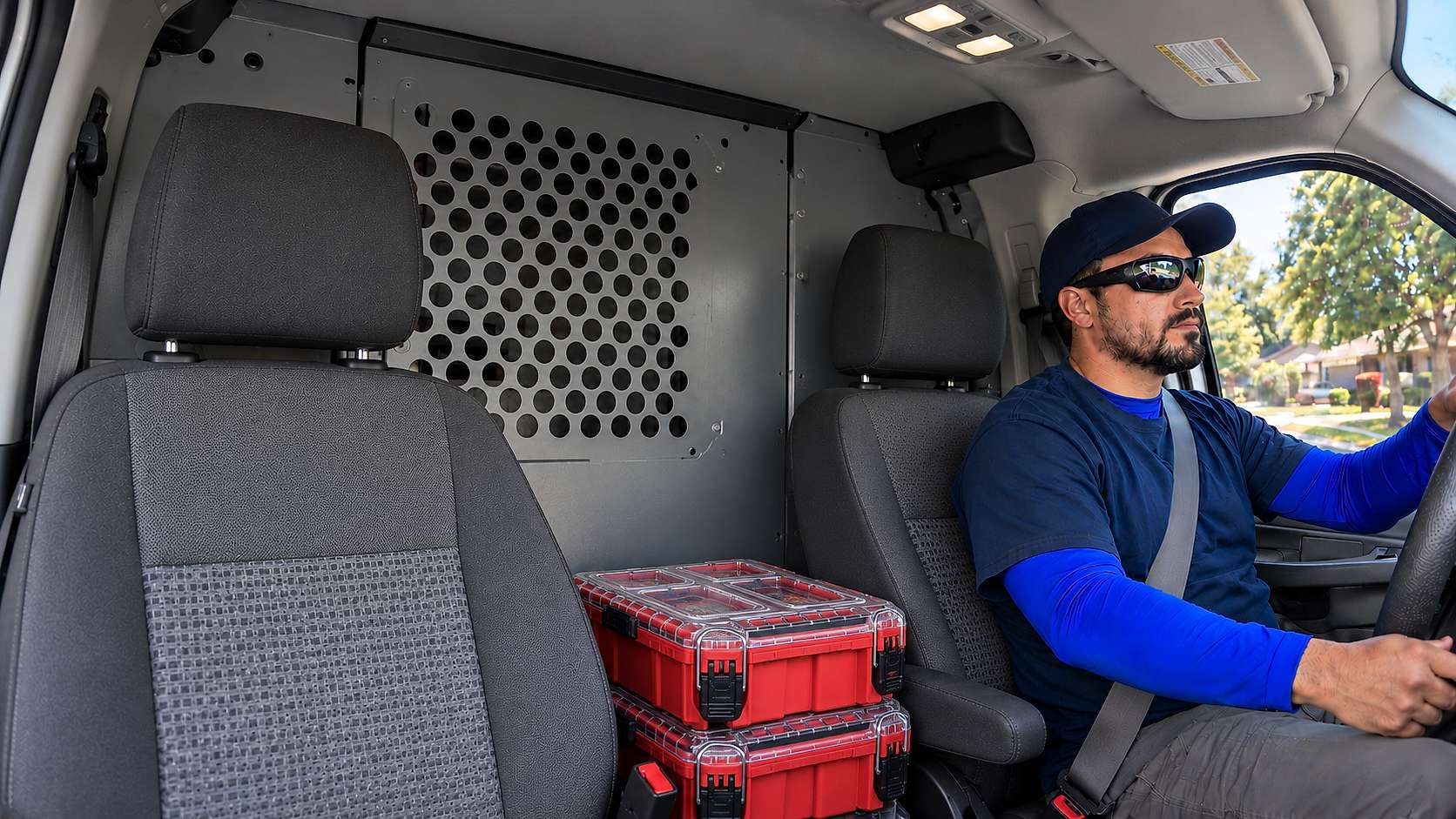
Drivers run stop to stop on their own phones. Warehouse and yard crews clock in at the door. Workyard fits both.
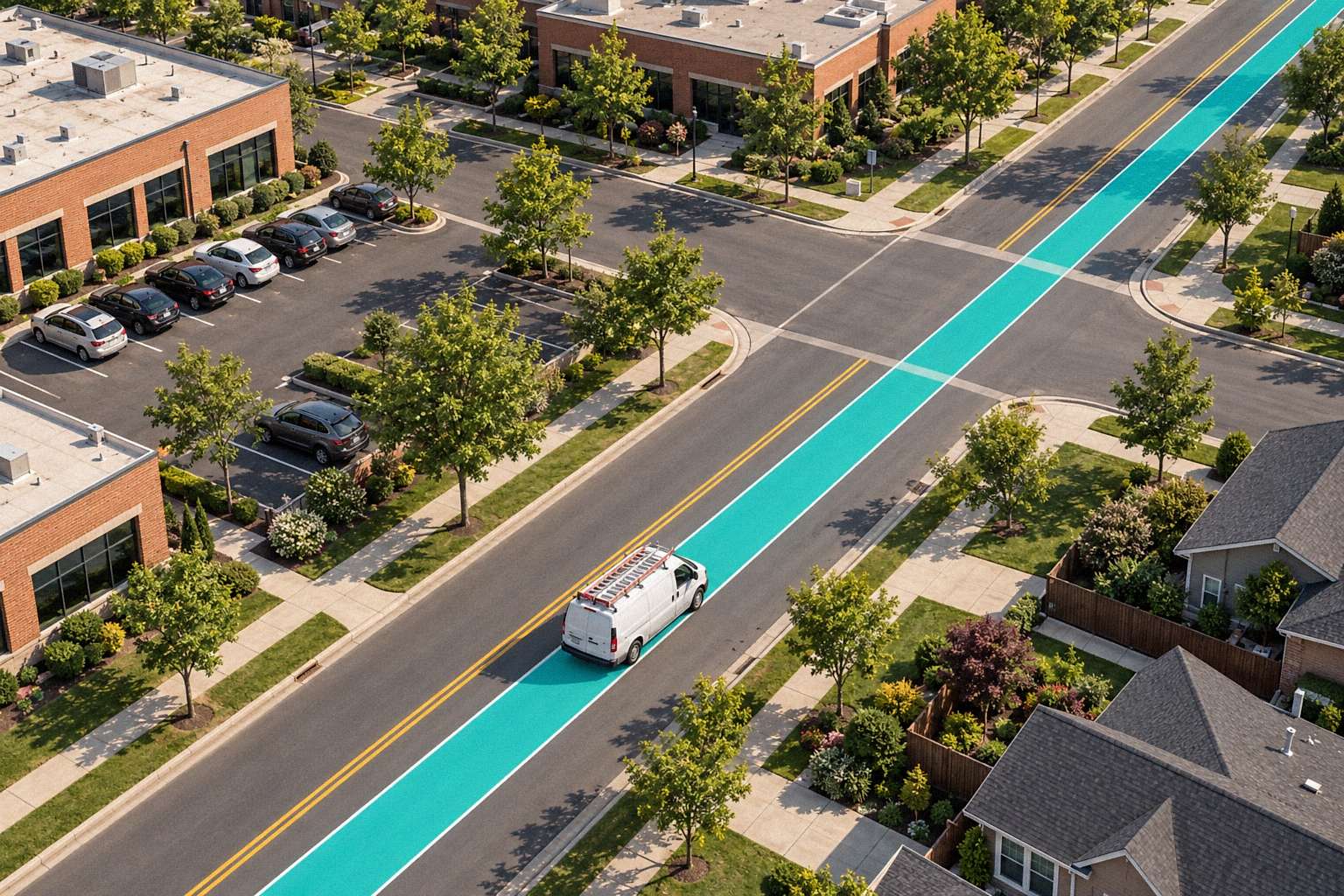
Drivers on their own phones, stop to stop all day
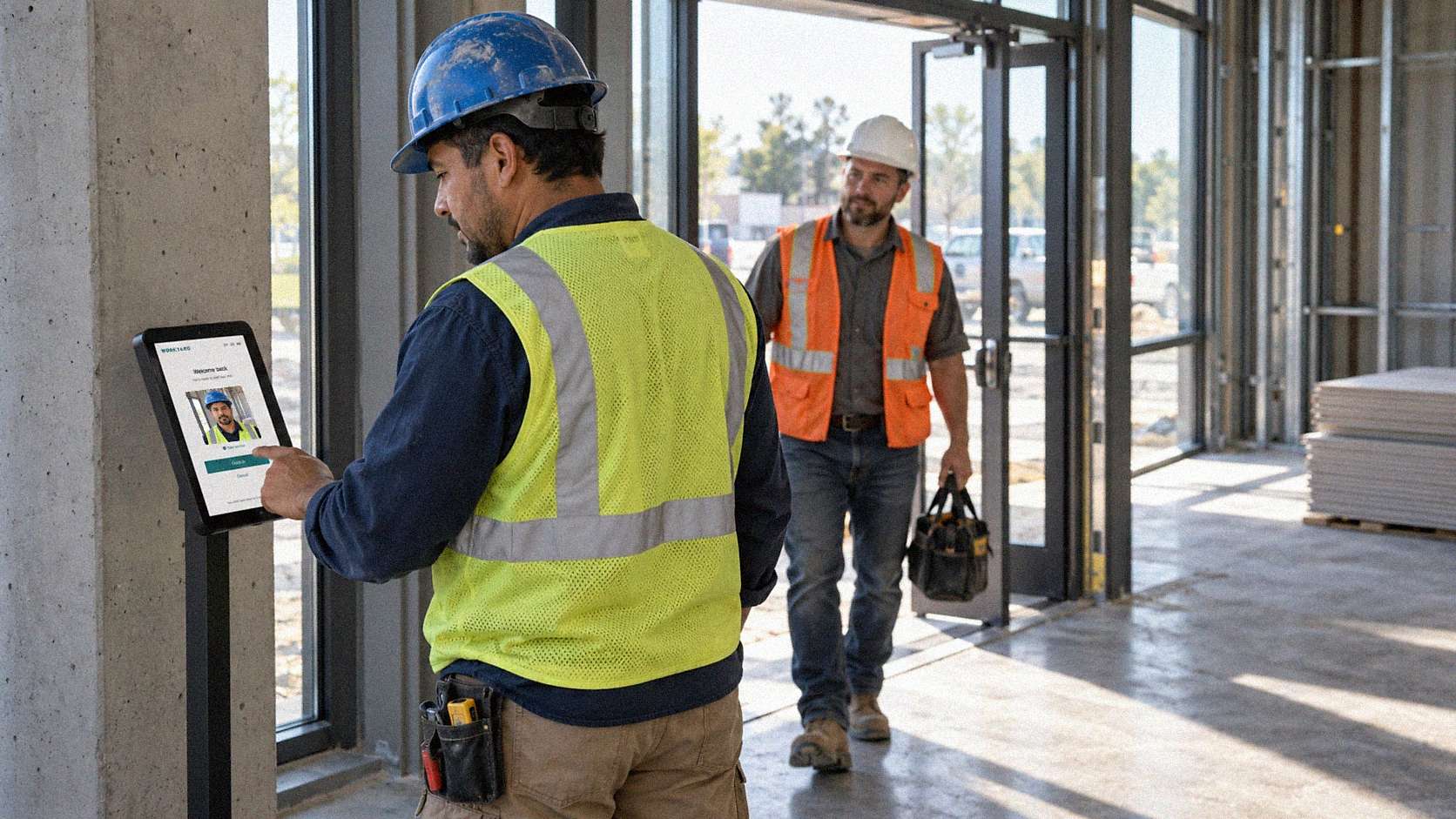
Crews on one site all shift, clocking in at the door
Built for the way logistics runs
The three things logistics companies raise with us more than other customers do, each one built in.
Each driver’s card shows every stop of the day, named even without a geofence, with when they got there and how long they stayed. Fence a customer’s dock as a job and the time there lands on it, ready when you take the wait up with them.
Drivers clock in as themselves on their own phones, each punch stamped with where it happened. At the warehouse kiosk, each worker enters their own PIN and the camera adds a photo to the card, so the office sees who actually clocked in.
Make the pre-trip checklist required at clock-in and the incident report a form of its own. Each one goes to the managers you choose by email and push the moment it’s sent, and an unexpected answer is flagged, not found a week later.
Thousands already do, every day.
GPS and AI drive the capture and correction, so they don't have to.
Works offline. Works in Spanish. Prevents buddy punching. Detects and corrects mistakes.
Location is only shared while on the clock, never after hours. You choose the level of tracking that fits your crew.
"I love this app. It makes it so easy for me to clock in and clock out and it tracks my mileage for my work and everything. I would recommend it, great way to keep up with everything."
"By far the best app I've ever used for work. Most consistent and accurate. Haven't had any difficulties at all. I will never use another app for clocking my hours at work."
"This app is extremely easy for my construction staff to use. It creates reports for me that show different costs by projects and honestly just saves me time and headaches."
You're wondering…
Each site needs one, but you rarely draw it. Jobs that come in from your accounting system bring their address, and the fence comes with it. For any other site, search its address and Workyard puts a 200-foot circle around it, adjustable from 66 to 656 feet, or drop a pin or draw the outline of a big yard. A stop at a place with no fence still shows on the driver’s card under its place name.
Each driver clocks in as themselves on their own phone, and every punch carries its GPS location. At a kiosk, each worker taps their name and enters their own PIN, and the camera can add a photo to their time card. It checks for a face but doesn’t match faces to people: the photo is there so the office can see who actually clocked in.
Yes, while they’re on the clock. Live Locations puts everyone on one map: on site, on the move or not clocked in yet. Each card replays the day: every stop, named even without a geofence, how long each one took, and the drives between with their miles. Nothing is recorded after clock-out.
Yes. Drag a driver or a crew onto a task on the schedule and it lands on their phones with a push and an email: the address, the start, directions in Apple or Google Maps, the checklist and the notes. Press Send when the week is set and everyone gets it at once. There’s no text message option. Pending and approved time off shows on the board, so you see who’s out. It schedules people, not loads or routes. Scheduling comes with the Max plan.
Add them in Workyard, or bring them in from ADP or QuickBooks Online: each import brings in every active employee, so the season’s new hires come over on the next one. Someone who leaves stays in Workyard until you archive them. Each new driver downloads the app and signs in.
ADP Workforce Now and RUN Powered by ADP connect directly: approve the pay period and send it, and nothing is paid until you approve payroll in ADP. Paylocity and Sage 50 take a file Workyard builds in the format each one imports. UKG, a PEO or any other system takes a custom file export or connects through the developer API. QuickBooks, Gusto, Paychex and more are on the list too.
Yes. Give the customer’s site a geofence as a job, and the time drivers spend inside it lands on that job, with each arrival and departure on their cards. Pull the job’s hours for any week, or a driver’s day with every stop and how long it took. Workyard doesn’t bill the wait: you take the hours to the customer.
Yes. Set an iPad up as a kiosk at the door: each worker taps their name and enters their own PIN, and the camera can add a photo. A manager’s PIN starts and stops it, you pick which crews can clock in there, and if the signal drops it keeps clocking people in and syncs later. The kiosk runs on an iPad, not an Android tablet.
It shows. The card marks that stretch with the reason, such as location switched off, the app closed or the phone off. Losing location doesn’t stop the clock, so the office sees the gap on the card and decides what to pay before approving.
The people you choose, the moment it’s sent. Make your incident report a form, and each one goes to the managers you name by email and push, filed with its photos and the time and place. Daily Sign Off can also ask every worker about injuries at clock-out, and an unexpected answer flags the card for their time approver.
Yes. Snap a photo of the checklist you use, or start from a vehicle inspection template, and make it required at clock-in: it opens when they clock in, and the day can’t close until it’s in. A failed check goes to the people you choose, like your mechanic, by email and push the moment it’s sent.
Yes. Office edits need a reason, every change lands in the card’s log with who made it and when, and the driver gets an email and a push. With the GPS location of every punch on the card, a disputed edit has its record.
A forgotten clock-out is trimmed back to when they left the last job, and a card nobody ends stops after 24 hours, trimmed the same way. Every trim is in the card’s log for you to review before you approve, so nobody invents a time on Monday morning.
Yes. Each worker has a time approver who sees and approves their own people’s cards, and a manager can be limited to the jobs they manage, with pay rates left on the admin side. It’s one approval, not a chain: the office can approve anything still open.
Yes. Overtime is split only for team members set as non-exempt; an exempt driver’s hours are tracked without it. Overtime rules sit on each team member, so one can be on daily overtime after 8 and another on weekly overtime after 40. Start from a state preset, or describe the rule in plain English and Workyard builds it. Who counts as exempt is a legal call.
Location is captured only while they’re on the clock, never after hours, and they can see that in the app. Each worker gets a plain-language notice in English or Spanish, and you choose the level per crew: all day, only at clock-in and clock-out, or off. A full day fits on one charge.
Yes. The whole app runs in English or Spanish, on iPhone and Android, and a form translates into Spanish or Portuguese in one click, for you to check before it goes out.
Days, not months. A specialist sets up your sites, crews and pay rules with you, imported from your accounting or payroll where we can, and runs the first payroll export with you watching. Drivers download the app and clock in on their own phones; anyone without one clocks in at a kiosk. Start with one location if you like, and add the rest when it’s working.
No. Workyard keeps the hours you pay, on each driver’s phone: it isn’t an ELD and doesn’t keep the DOT record of duty status. It tracks people, not vehicles, so there’s no truck unit to install, and it runs beside the ELD you have.
We import your drivers, crews and customer sites. Connected to your payroll and live in days, with a person on the phone the whole way.


