"I would probably ballpark it to be roughly about $5,000 and that's just something that we saw fairly immediate, where we were able to save roughly about five visits per job"
Victor Rodriguez, HR Field ManagerSynaptic Solar
Time clock kiosk
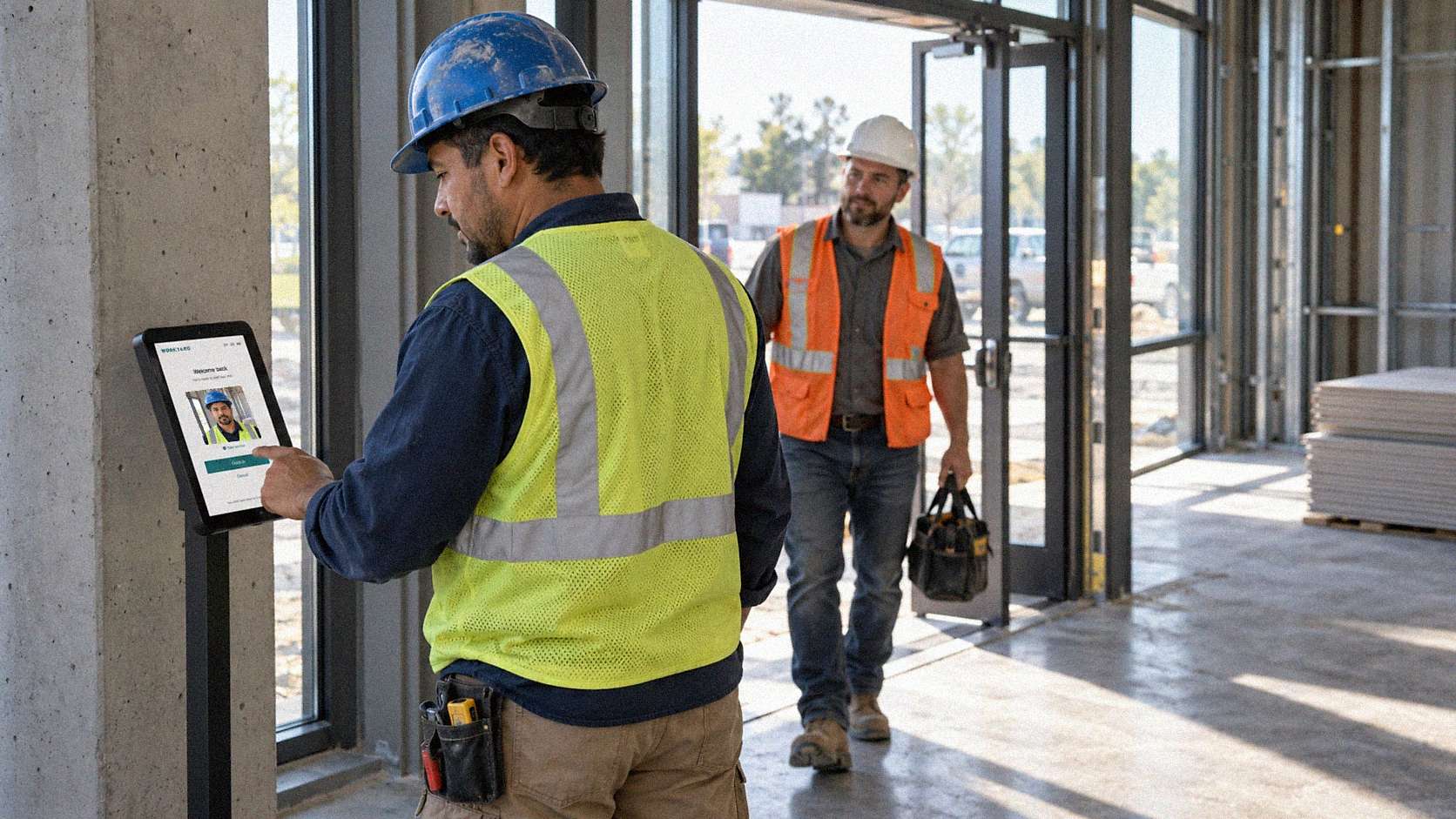
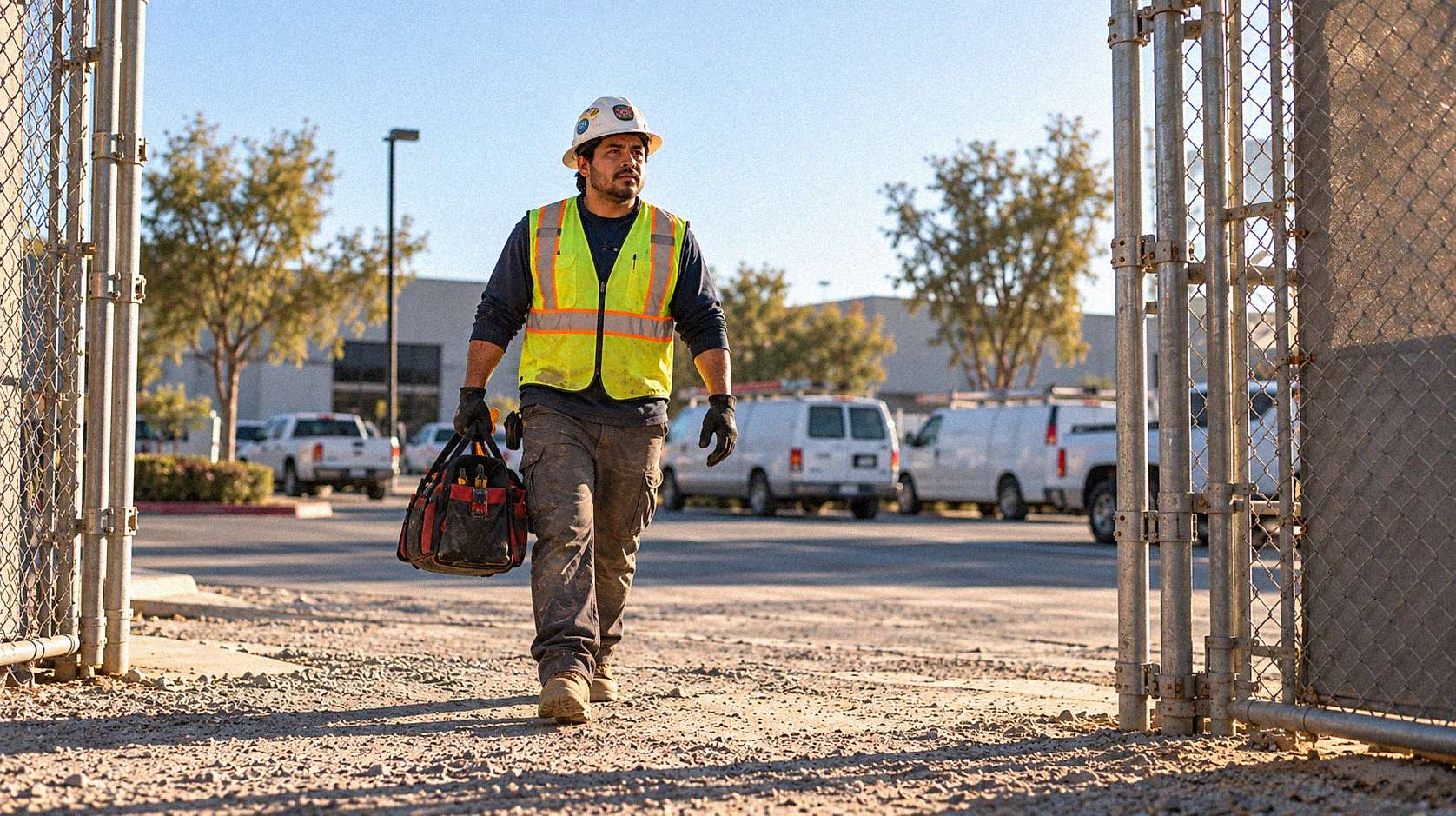
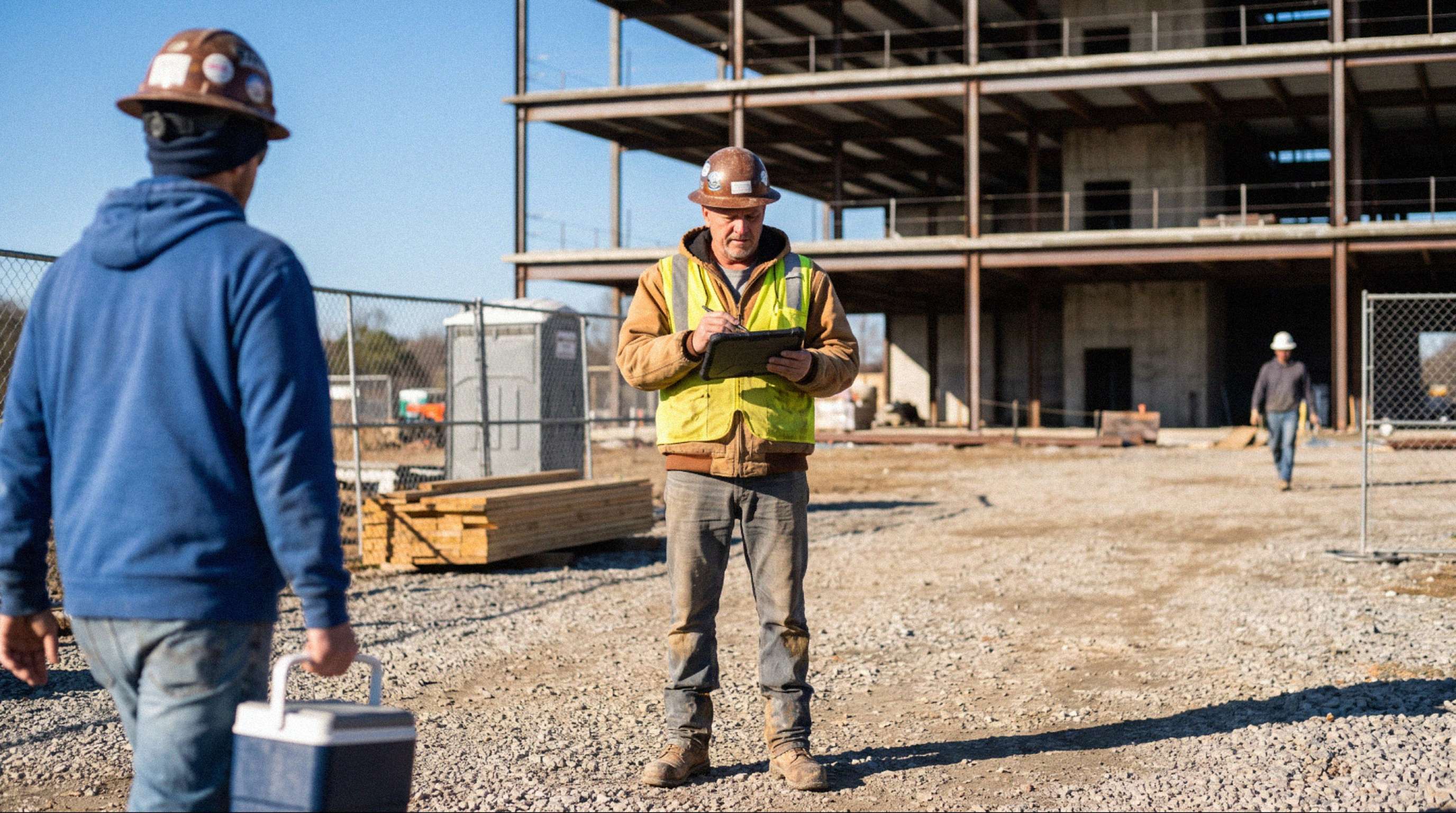
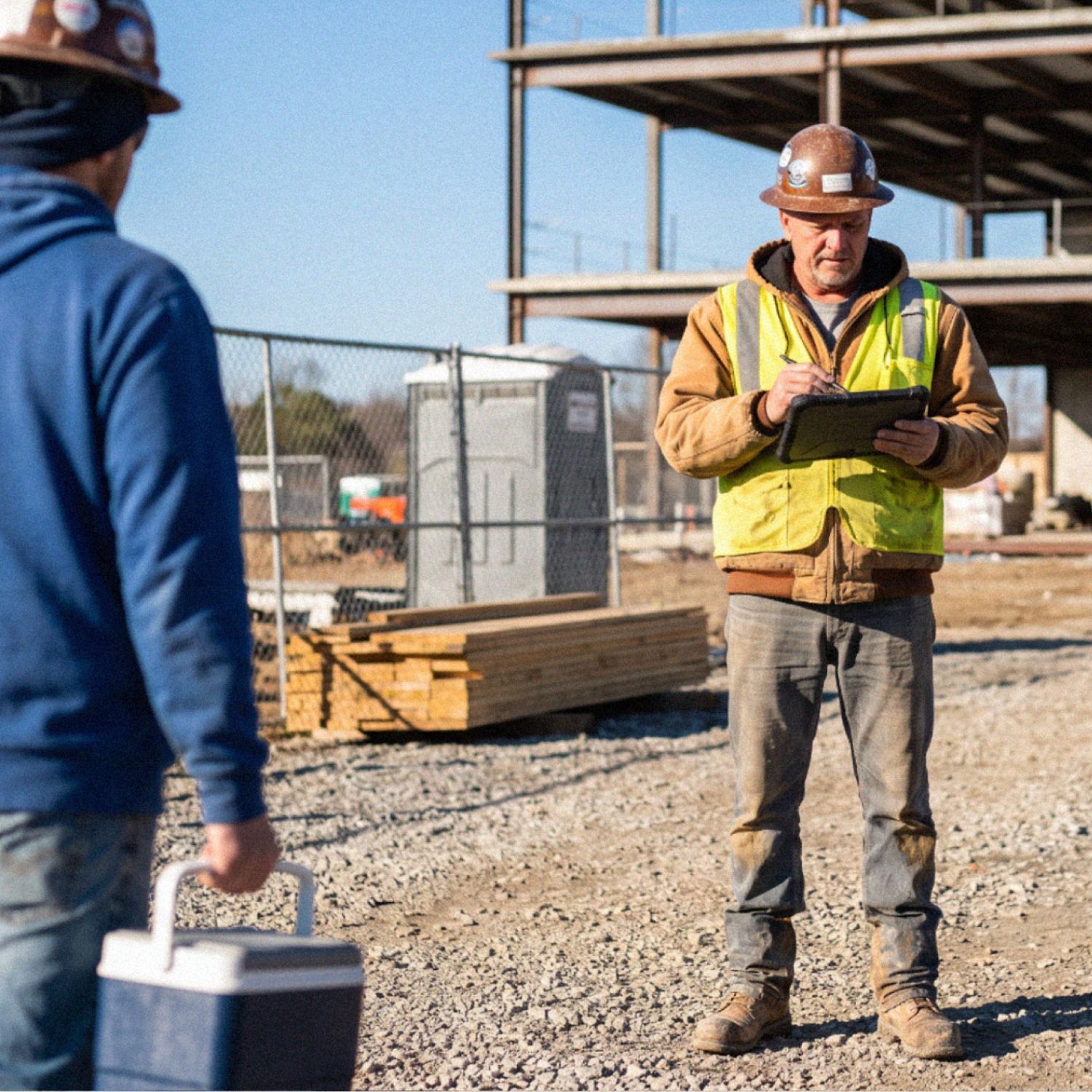
A time clock kiosk is one shared device where a whole crew clocks in and out. Put Workyard’s at the shop, yard, trailer or gate: each worker taps their name, enters their own PIN, and the camera can add a photo to their time card.
"I would probably ballpark it to be roughly about $5,000 and that's just something that we saw fairly immediate, where we were able to save roughly about five visits per job"
Victor Rodriguez, HR Field ManagerSynaptic Solar
$123Ksaved with Workyard’s Smart Forms
"Smart Forms pays for itself through accurate invoicing, insurance savings, and keeping our business moving every single day."

"We wanted more than a time tracking app since many exist. We sought something that helps beyond just tracking time."
Brian Mata, Project ManagerWagler Custom Homes

100s of hrssaved a week routing supervisors by proximity
"It's preventing us from losing more on each project — saving us money."

"Of all the solutions we’ve been exposed to, Workyard is the best. It’s a good value for the money, and the team is always willing to work with you to meet your needs."
James Monzello, CFOGreen Wall Tech

2 weeksto roll out to all 120 crew
"You should ditch the paper, get rid of the other software, get on something that can track your crew's time, track your job costing, and save you real money."

90%fewer timesheet corrections
"If you have field crews, Workyard is one of those tools that pays for itself. It saves us hours every payroll, keeps everyone accountable, and gives us real-time visibility into every job."

How it works
The kiosk is Workyard’s time clock on a device the company owns. Kiosk time cards sit with everyone else’s, with the job, cost code, breaks and clock-out answers on them.
Nothing to install and no login to remember. Clocking in at the kiosk takes a few taps, in English or Spanish.

Riverside gate kiosk
Thu · 7:14 AM
Tap your name to clock in4-digit PIN
A PIN can be shared, so the kiosk can also take a photo at clock-in. The camera waits until it sees a face, then the photo goes on the time card where the office reviews it. It checks for a face. It doesn’t match faces to people.

Give each kiosk a default job and cost code so shop hours land on the shop, or let workers pick theirs as they clock in. Breaks, notes and tasks happen at the kiosk too, and your clock-out questions get answered before anyone leaves.
Marcus A. · Thu Aug 148H 00M
Clock-out questions signed · 3:44 PM
A manager turns on kiosk mode in the Workyard app with their PIN, names the kiosk, sets its address and language, and picks which crews can clock in there. If the signal drops, it keeps clocking crews in and syncs later.
Kiosk settings
Riverside gate
Starts and stops with a manager’s PINPIN
Most contractors run more than one way in: a kiosk at the shop, phones for crews on the move, a foreman clocking in a crew that arrives together. Every punch lands on the same time cards, reviewed and exported once.
Approved kiosk hours go to payroll and accounting with everyone else’s: employees, hours, jobs and cost codes, matched to your system’s fields. Run something else? Custom file exports and the API connect to anything.










Stopping buddy punching
PIN
Someone knew the code
Every worker gets their own 4-digit PIN. PINs can be shared, so a PIN alone won’t stop buddy punching.
Photo
Who stood at the kiosk
The photo sits on the time card, so a stand-in is there for the office to see. Workyard checks for a face, then keeps the picture.
Face match
Not used by Workyard
Matching faces means keeping a scan of each worker’s face, which biometric privacy laws like Illinois’ BIPA regulate.
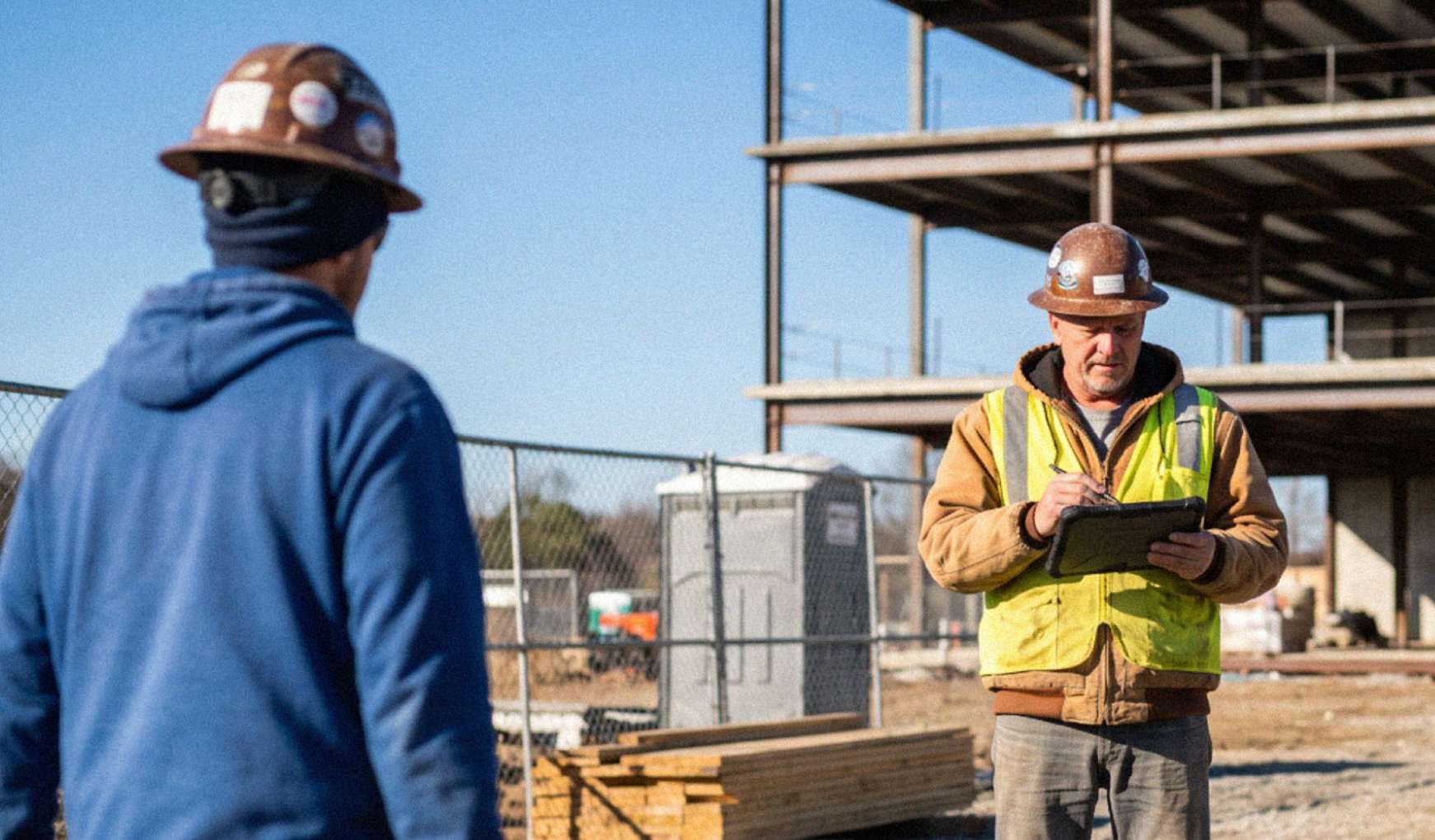
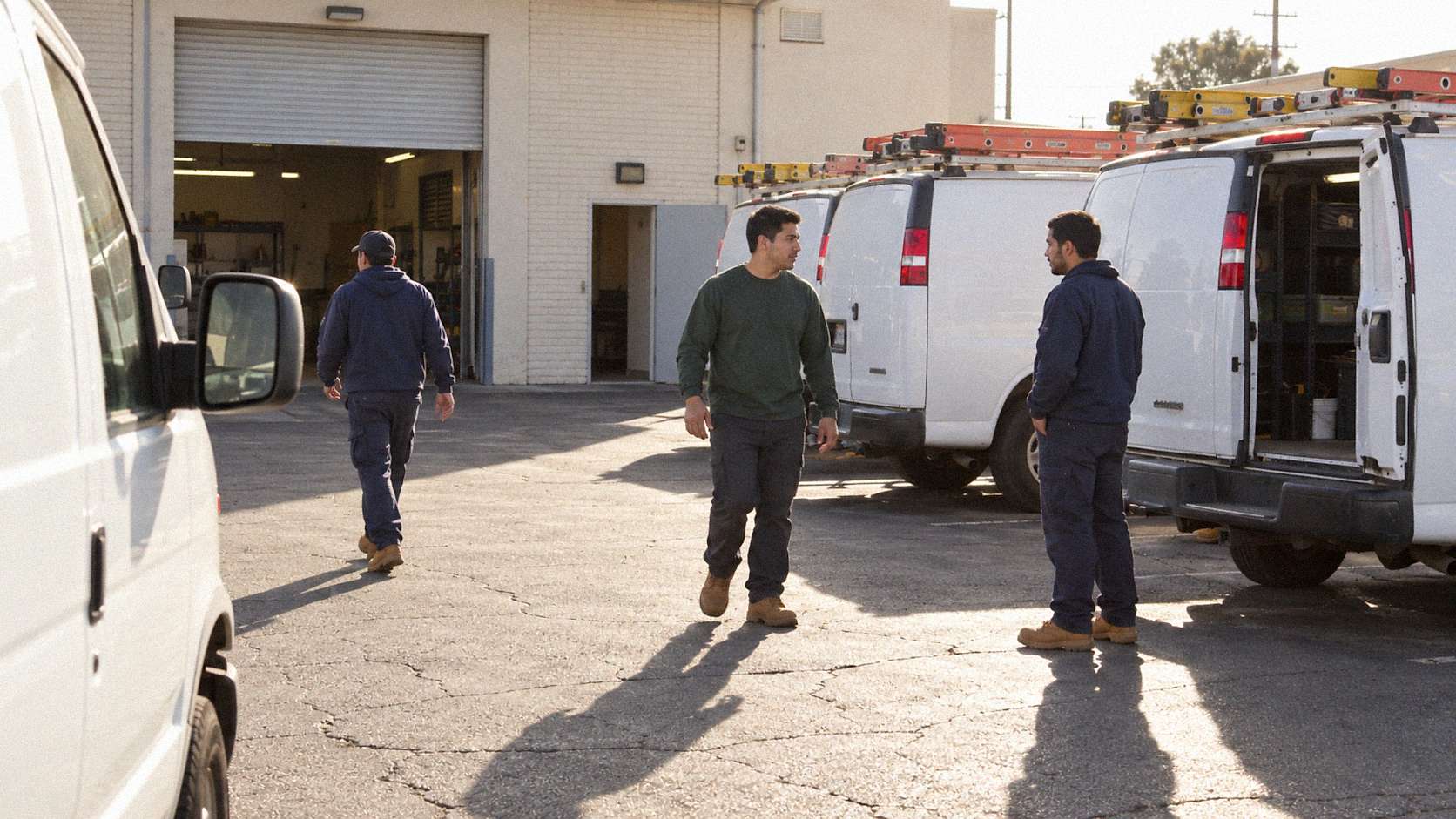
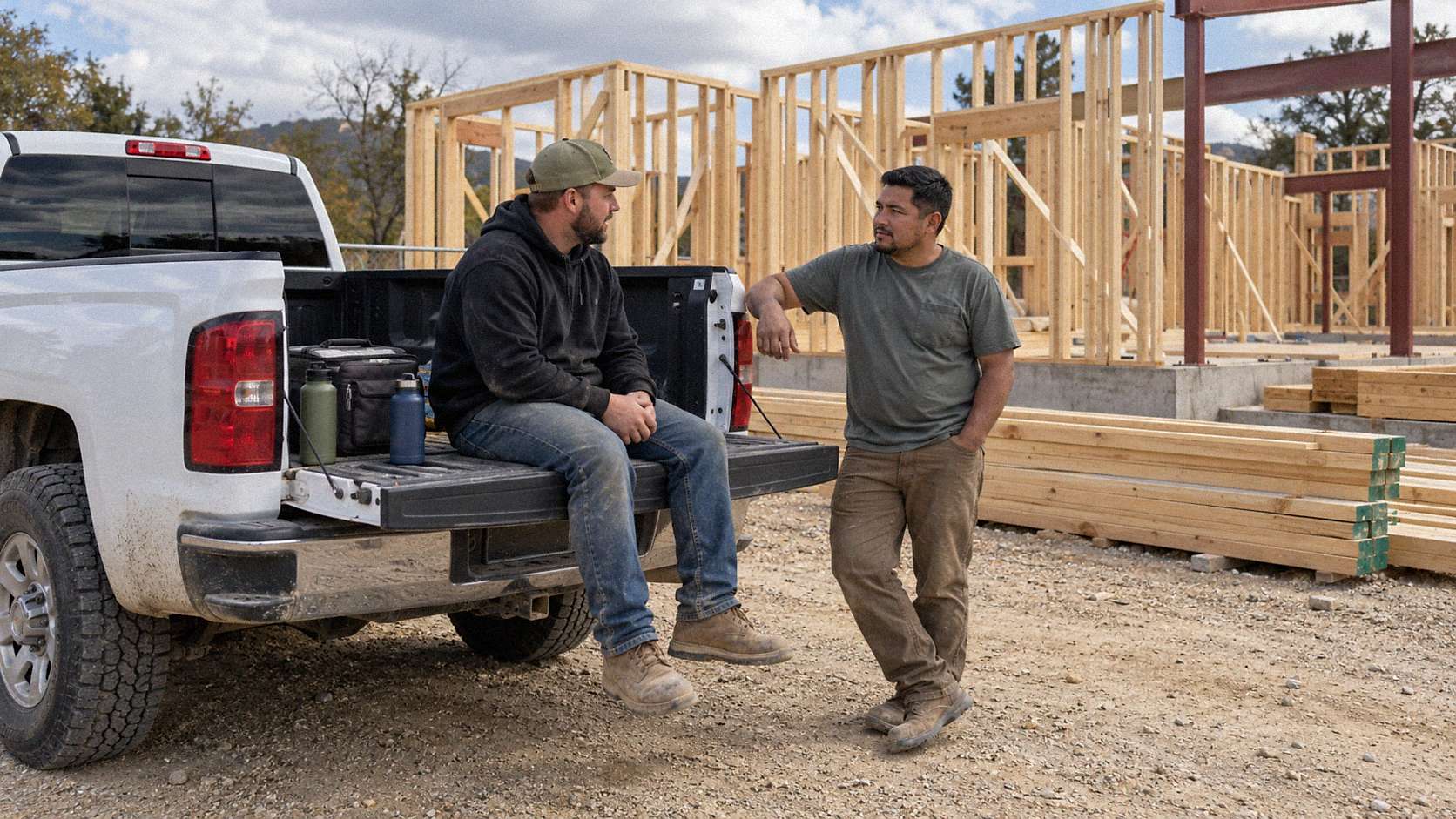
Put a kiosk where the day starts. Each one has its own name, address and default job, and you choose which crews clock in there.
One kiosk by the door, for everyone who starts there
One kiosk per job, for whoever works there today

"If you have field crews, Workyard is one of those tools that pays for itself. It saves us hours every payroll, keeps everyone accountable, and gives us real-time visibility into every job."

"We wanted more than a time tracking app since many exist. We sought something that helps beyond just tracking time."
5xmore accurate payroll
Read the story
"Of all the solutions we’ve been exposed to, Workyard is the best. It’s a good value for the money, and the team is always willing to work with you to meet your needs."
Connect 21 payroll, accounting and project systems. Your jobs and employees sync automatically.









You're wondering…
A time clock kiosk is a shared device, usually a tablet on a wall or a stand, where every worker clocks in and out instead of on their own phone. Each worker proves who they are with a PIN, a badge or their face, and the hours go on their own time card. Workyard’s uses a PIN and a photo, on an iPad.
Buddy punching is one worker clocking in for another. Each check proves something different:
Every kiosk punch also records where the iPad was at clock-in and clock-out.
No. The camera uses face detection: it takes the photo once it sees a face, and the photo goes on the time card. It doesn’t match the face to anyone. Each worker’s own PIN says who they are, and the photo is there for anyone checking who clocked in.
Face scans are regulated. Illinois’ Biometric Information Privacy Act (BIPA) requires written notice, written consent and a published retention policy before an employer collects a scan of face geometry, and Texas and Washington have biometric laws too. This is general information, not legal advice: ask your counsel how your state’s rules apply.
Today it runs on an iPad with iPadOS 17.5 or later, in the Workyard Crew app’s kiosk mode, so iPads you already have will work if they run 17.5 or later. Android is coming soon.
Yes. With no signal, the kiosk keeps clocking workers in and out, holds the punches and photos on the iPad, and syncs them when the connection comes back. One exception: a brand-new worker’s very first clock-in needs a connection.
Most contractors use a mix, and every punch lands on the same time cards.
Yes. Set a default job and cost code for each kiosk so a shop punch needs no choice, or have workers pick theirs as they clock in. During the day they can switch jobs, start and end breaks, write notes and update tasks at the kiosk.
A manager’s PIN starts and stops kiosk mode.
Yes. Approved kiosk hours export with everyone else’s, job and cost code included, to QuickBooks, ADP, Gusto, Paychex, Paylocity, Paycor and more. See all integrations.
No. The kiosk runs on an iPad the company owns, so workers without a smartphone, or who won’t use their own for work, clock in the same way as everyone else.
Only at the punch. Clock-in and clock-out record where the iPad was, and nothing is tracked in between. Geofence automations, like auto clock-in, are off at the kiosk. For GPS on the clock all day, use the employee time clock app.
Yes. Workers start and end breaks at the kiosk. If your company uses the daily clock-out questions, the kiosk asks them before the worker leaves: any injuries, your state’s break questions, whether their time is accurate, and a signature.
No. Each worker uses a 4-digit PIN that Workyard creates and sends them by email and text. If someone forgets theirs, a manager can resend or reset it.
A punch is a name, a PIN and a photo, and a default job and cost code saves the rest of the taps. A second iPad splits the line at a big gate, and a foreman can clock in a crew that arrives together from their phone.
Kiosk mode is included in the Autopilot, Max and Enterprise plans. The daily clock-out questions come with Max. Compare plans.
Sí. Set each kiosk to English or Spanish. The crew’s phone app runs in Spanish too.


Live in days, not months, and a real person on the phone the whole way.