100%of field hours GPS-verified
"If you have field crews, Workyard is one of those tools that pays for itself. It saves us hours every payroll, keeps everyone accountable, and gives us real-time visibility into every job."
Geofencing time clock
A geofencing time clock uses a virtual boundary around each job site to decide when and where workers clock in. Draw one around every job in Workyard, and arriving can start the clock, send a reminder, or be the only place a shift can begin. Location stops at clock-out.
100%of field hours GPS-verified
"If you have field crews, Workyard is one of those tools that pays for itself. It saves us hours every payroll, keeps everyone accountable, and gives us real-time visibility into every job."
$1,000+in payroll errors found in one week
"You should ditch the paper, get rid of the other software, get on something that can track your crew's time, track your job costing, and save you real money."

"I would probably ballpark it to be roughly about $5,000 and that's just something that we saw fairly immediate, where we were able to save roughly about five visits per job"
Victor Rodriguez, HR Field ManagerSynaptic Solar

100s of hrssaved a week routing supervisors by proximity
"It's preventing us from losing more on each project — saving us money."

"We wanted more than a time tracking app since many exist. We sought something that helps beyond just tracking time."
Brian Mata, Project ManagerWagler Custom Homes

$123Ksaved with Workyard’s Smart Forms
"Smart Forms pays for itself through accurate invoicing, insurance savings, and keeping our business moving every single day."

"Of all the solutions we’ve been exposed to, Workyard is the best. It’s a good value for the money, and the team is always willing to work with you to meet your needs."
James Monzello, CFOGreen Wall Tech

How it works
Draw the fences once, on the jobs. Each crew’s rule group decides what a fence does: clock them in, remind them, or keep the clock shut until they’re on site.
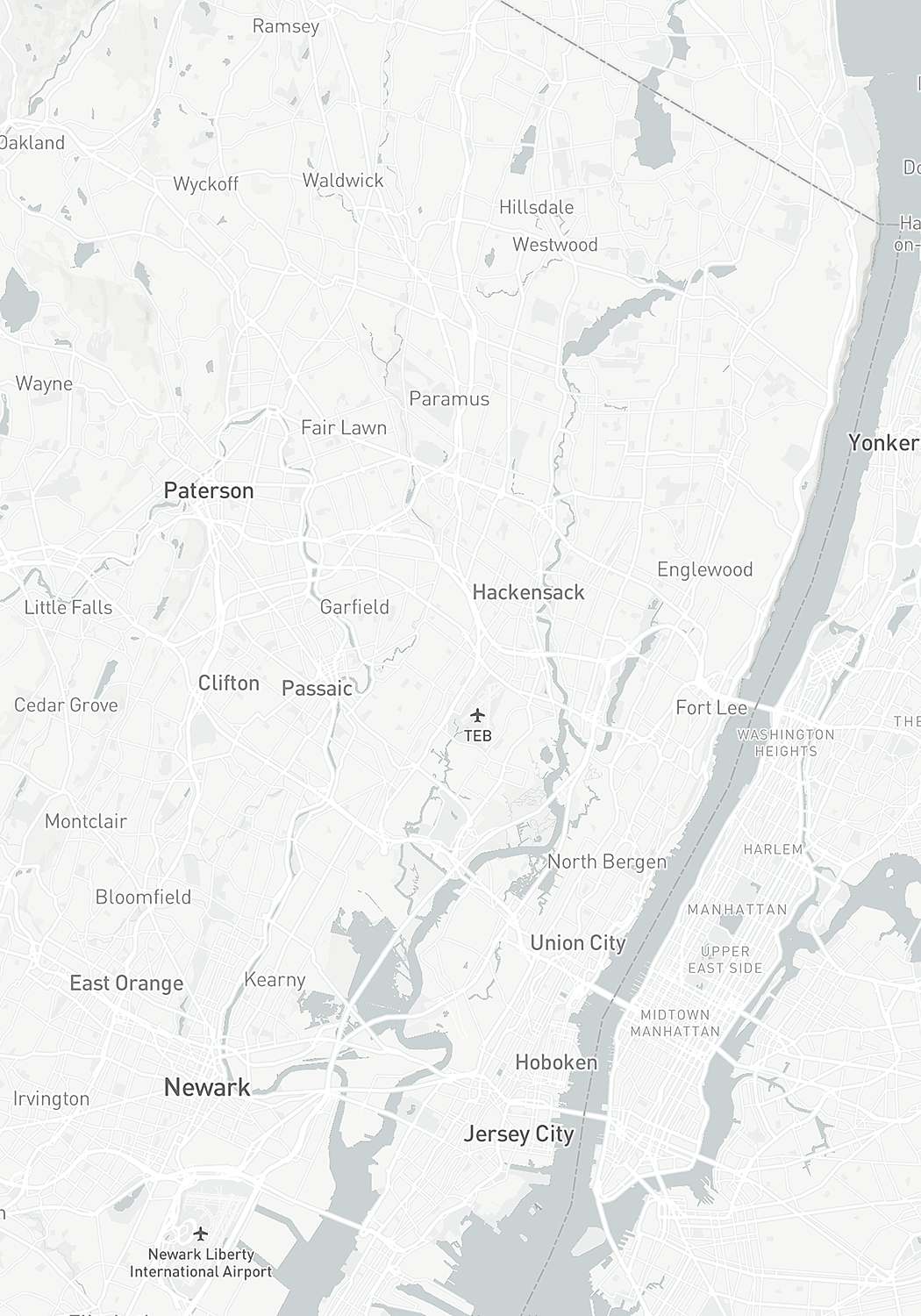
Search the job’s address and Workyard puts a 200-foot circle around it. Resize the circle, drop a pin, or draw the site’s outline point by point. Jobs imported from your accounting system bring their address, and the fence comes with it.
New geofenceChoose an option
26-104 Riverside
Circles from 66 to 656 ft, or draw the outlinePolygon
Pick what the fence does for each crew. Arriving can clock workers in on its own and tell them so, or send a reminder to clock in. Or make the fence the only place a shift can start: outside it, the app shows the nearest job and how far away it is.
"If you have field crews, Workyard is one of those tools that pays for itself. It saves us hours every payroll, keeps everyone accountable, and gives us real-time visibility into every job."
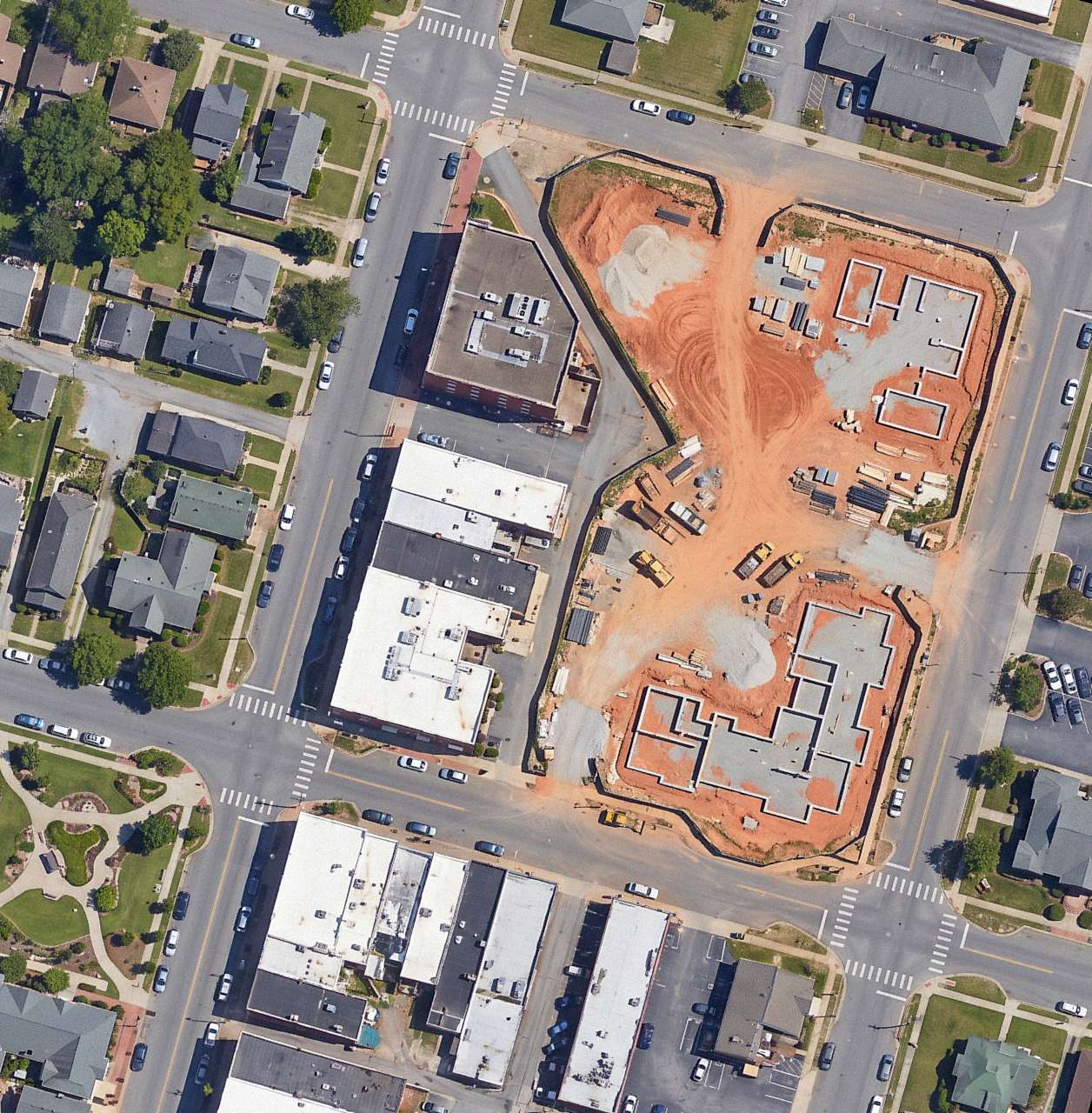
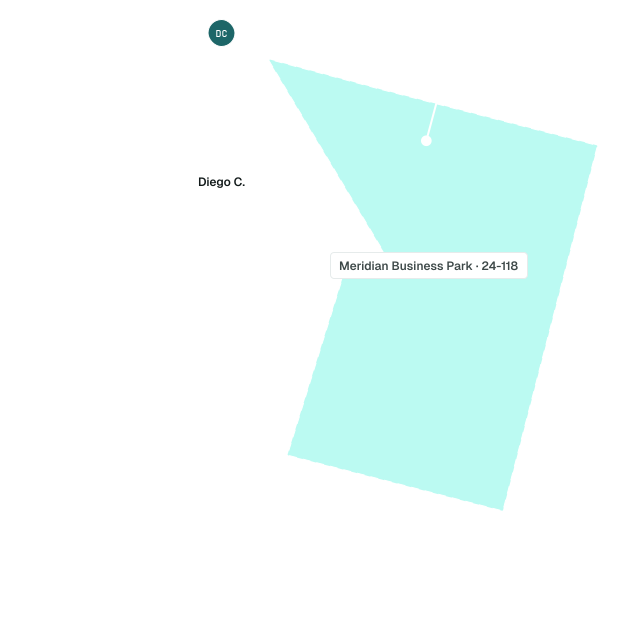
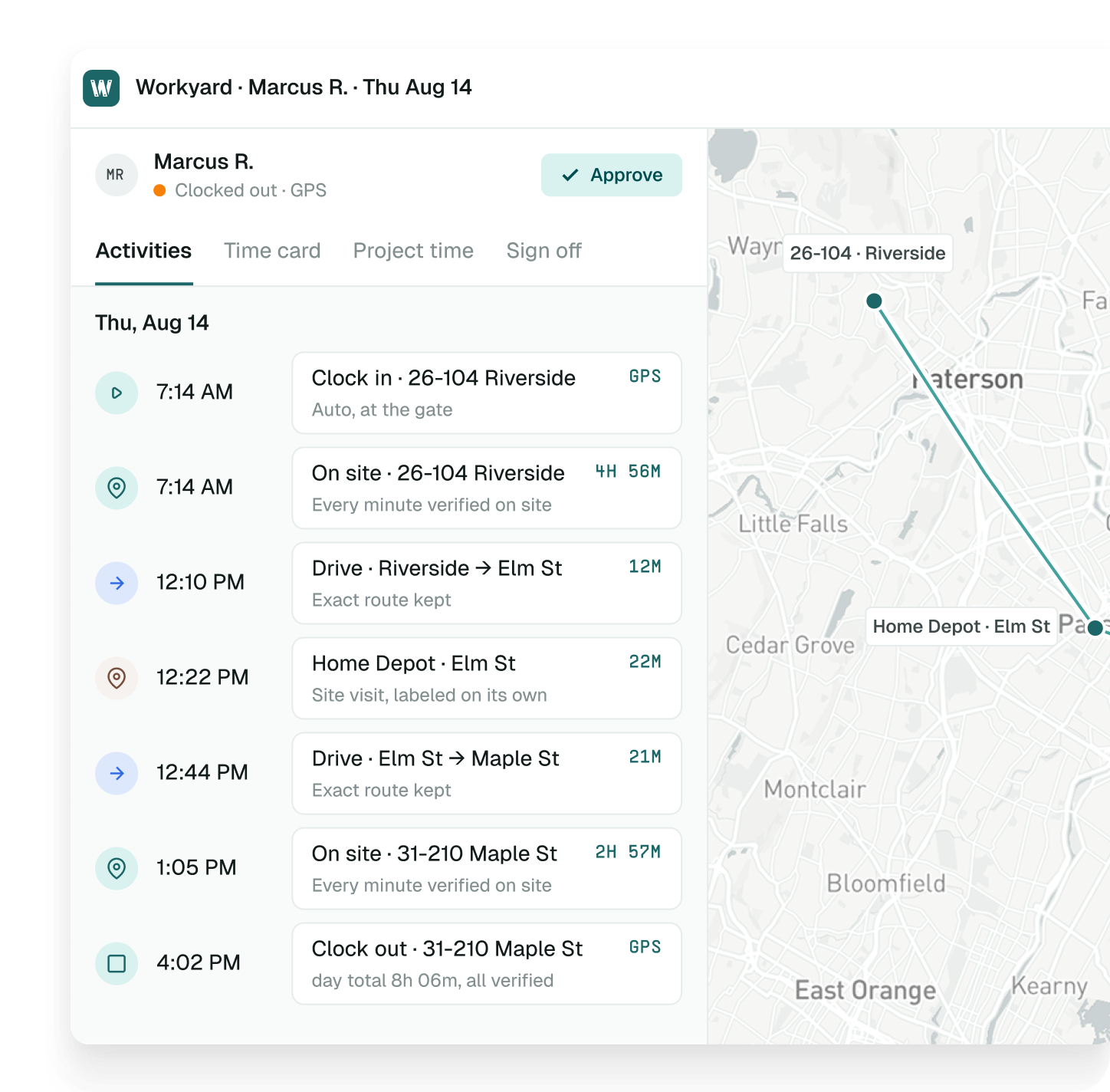
Arriving at the next job’s fence moves the hours with the worker. Drive time and stops that aren’t jobs go where your rules say, and a forgotten clock-out is trimmed back to when they left the last job.
Every team member belongs to a rule group, and its settings decide what the fences do for them. Location is recorded only between clock-in and clock-out. With auto clock-in on, the phone watches for arrival at your job fences before the shift, and records nothing until the clock starts.
Rule group
Field crews
Office staff’s rule group: location off
Each time card opens on the worker’s day: where the clock started and stopped, every site and drive between. Automatic clock-ins and trims are written in the card’s log, and a punch made outside a fence is flagged for review.
The payoff
5-15%
off payroll, in hard dollars
Clock-ins from the truck and forgotten clock-outs stop turning into paid hours.
Every hour
on the job where it was worked
Arriving at the next fence moves the hours, so job costs hold up.
Off the clock
nothing recorded
Location runs from clock-in to clock-out. Never after hours.
Three settings, crew by crew. Every punch still carries its location, and every hour lands in the same payroll.
Arrive and the clock starts
Arrive and the phone says clock in
No clock-in until they’re on site
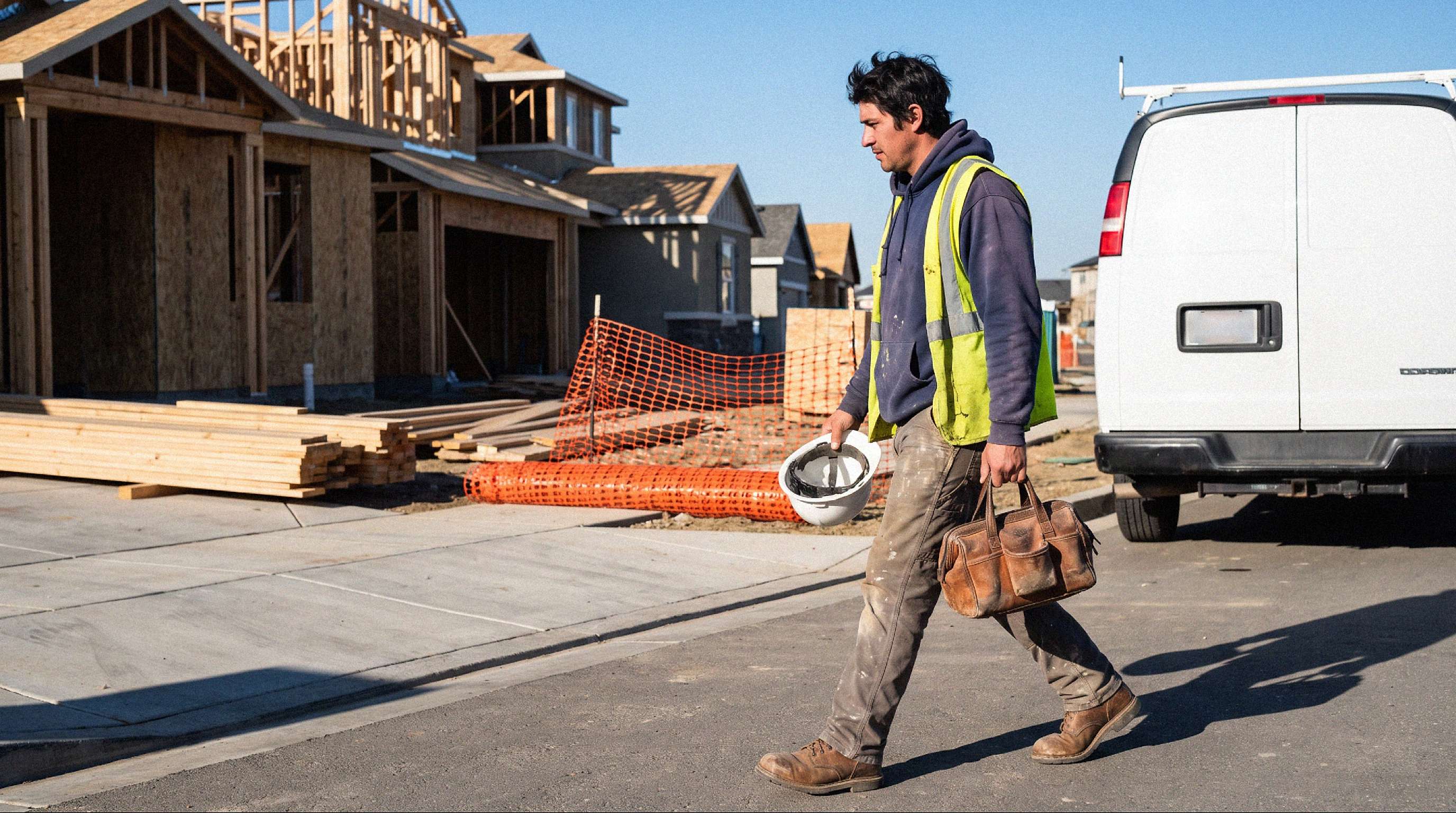

“885 hours of paid time our crews spent off the job, cut without anyone touching it. At this point we don’t even think about it. Auto-trim just handles it.”
885 hrssaved by auto-trim

"It was so simple and easy to use compared to other apps, and the real-time GPS tracking was a huge win for us. Ultimately, that’s why we went with Workyard."

"If you have field crews, Workyard is one of those tools that pays for itself. It saves us hours every payroll, keeps everyone accountable, and gives us real-time visibility into every job."

"I would probably ballpark it to be roughly about $5,000 and that's just something that we saw fairly immediate, where we were able to save roughly about five visits per job"
$5,000 a weeksaved on payroll and job costs
Read the storyFeatures
What a fence does on the job, and what it saves the office.
The whole platform: every hour verified, coded to the job and ready for payroll.
Fences from addresses
Search the address, or import jobs and their fences come too.
Auto clock-in
Arriving at the fence clocks them in, and the app tells them.
Clock-in reminder
Arriving without clocking in sends a nudge to their phone.
Site-only clock-in
No clock-in from outside a job’s fence, crew by crew.
Clock-out trim
A late clock-out is set back to when they left the last job.
Job switching
The next fence moves the hours. Drive time follows your rules.
A form comes due when a clocked-in worker reaches the job.
Who’s on which job right now, on one map.
Their own phone is the time clock, GPS on every punch.
Each punch, site and drive on the time card, fence or no fence.
Looking for something specific?
If a crew needs it, we probably built it.

Connect 21 payroll, accounting and project systems. Your jobs and employees sync automatically.









Fair questions, straight answers
A geofencing time clock is a time clock app that uses a geofence, a virtual boundary around a job site, to decide when and where workers clock in. In Workyard, arriving at a job’s fence can clock workers in, remind them to, or be the only place they can clock in. A plain GPS time clock only stamps where each punch happened. More on geofencing itself in our guide to geofence time tracking.
Every clock-in and clock-out carries the phone’s location, and with location on through the shift the time card shows each job site visited, how long they stayed and the drives between. Automatic clock-ins are logged as such, and a punch made outside a fence is flagged on the card, so you can filter Time Cards for them before payroll. It’s all part of the same construction time tracking as every other punch.
Yes. Turn on Auto Clock In for a rule group, and entering a job’s fence starts the clock and tells the worker it did. Two conditions: the crew’s location must be recorded through the shift, and auto clock-in can’t be combined with a required clock-in photo. Rather the worker decides? Use the reminder instead.
Yes. With Restrict Clock In on, workers can only clock in inside a job’s fence. Outside it, the app shows the nearest job and how far away it is, and they can’t make a manual time card instead. An admin can still add one for them.
Yes, the job. With project time set to Automatic, hours inside a job’s fence go to that job, and arriving at the next fence switches them, so a three-job day comes back split by job. Drive time and stops that aren’t jobs, like the supply house, go to the next job, split across the day’s jobs, or stay unallocated, as you choose.
The fence doesn’t pick the cost code: workers can choose one for each job they visited when they clock out.
Give them their own rule group. Every worker belongs to one, so drivers can clock in anywhere while the field crew has site-only clock-in. Or make the shop a job with its own fence, so a shop start counts as on site. Supply runs end nothing: site-only clock-in checks where the shift starts, not where they go after.
No. Location is recorded only between clock-in and clock-out. With auto clock-in or reminders on, the phone’s own geofence alerts notice arrival at your jobs, and nothing is recorded until the clock starts. Crews that don’t need fences can record location at the punches only, or not at all. See employee location tracking.
Big enough for where the crew works and parks, small enough to stay off the neighbors. An address gets a 200-foot circle, adjustable from 66 to 656 feet, and Workyard warns that anything under 200 feet may be unreliable on phone GPS. For a big or odd-shaped site, a campus or a stretch of road, draw the outline instead, or give the job more than one fence.
Not by hand. Create a job from its address, or import it from your accounting system, and it gets a 200-foot circle around that address. Only the sites that need an outline need drawing. One-off service calls don’t need a fence at all: with location on through the shift, stops that aren’t jobs still show on the time card and are coded by your rules.
No. Crews leave sites for supplies and the next job, so leaving a fence doesn’t end the shift. Turn on Auto Fill Clock Out Time instead: a 6:40 PM clock-out from home comes back as 3:52 PM, when they left the last job. A card nobody ends stops after 24 hours, trimmed the same way, and every trim is in the card’s log.
It shows. The time card marks that stretch as no signal, with the reason, such as the location permission switched off or the app closed or phone switched off. Losing location doesn’t stop the clock, so the office sees the gap and decides what to pay.
Next door, yes, if the fences follow the lots: a drawn outline can’t overlap another job’s fence, so neighboring lots each get their own. Jobs inside the same building share the same ground, and no fence can tell them apart. For those, have workers pick the job at clock-in and switch when they move.
Not if you set an earliest clock-in time. It’s a time limit in each rule group: someone who arrives at 6:15 for a 7:00 start gets a card that starts at 7:00. Or use the reminder instead of auto clock-in, so the worker decides when to start.
It’s built not to:
Every automatic clock-in is marked as one in the time card’s log.
No. Workyard doesn’t send managers a live alert when someone leaves a fence or clocks in away from one. Instead, punches made outside a fence are flagged on the time card and can be filtered on Time Cards, and Live Locations shows who’s on which job right now. With site-only clock-in on, an off-site clock-in can’t happen in the first place.
It’s built to go easy on them. When a worker stays in one place, the app drops to low-power location and wakes when they start moving again, and before the shift the phone’s own geofence alerts do the watching. For crews on older phones, record location at clock-in and clock-out only; the fence automations need location through the shift, so that crew goes without them.
Tracking location during work hours is common in the US, but notice and consent rules vary by state, so check yours with your attorney. Workyard keeps it easy to explain: location only on the clock, and less, or none, for crews where it matters. Our guide covers the laws: GPS tracking employee laws. This isn’t legal advice.
Geofence clock-in automations and site-only clock-in come in every package: Autopilot, Max and Enterprise. Compare plans, or see how other apps stack up in our geofencing time tracking comparison.





Live in days, not months, and a real person on the phone the whole way.