2 weeksto roll out to all 120 crew
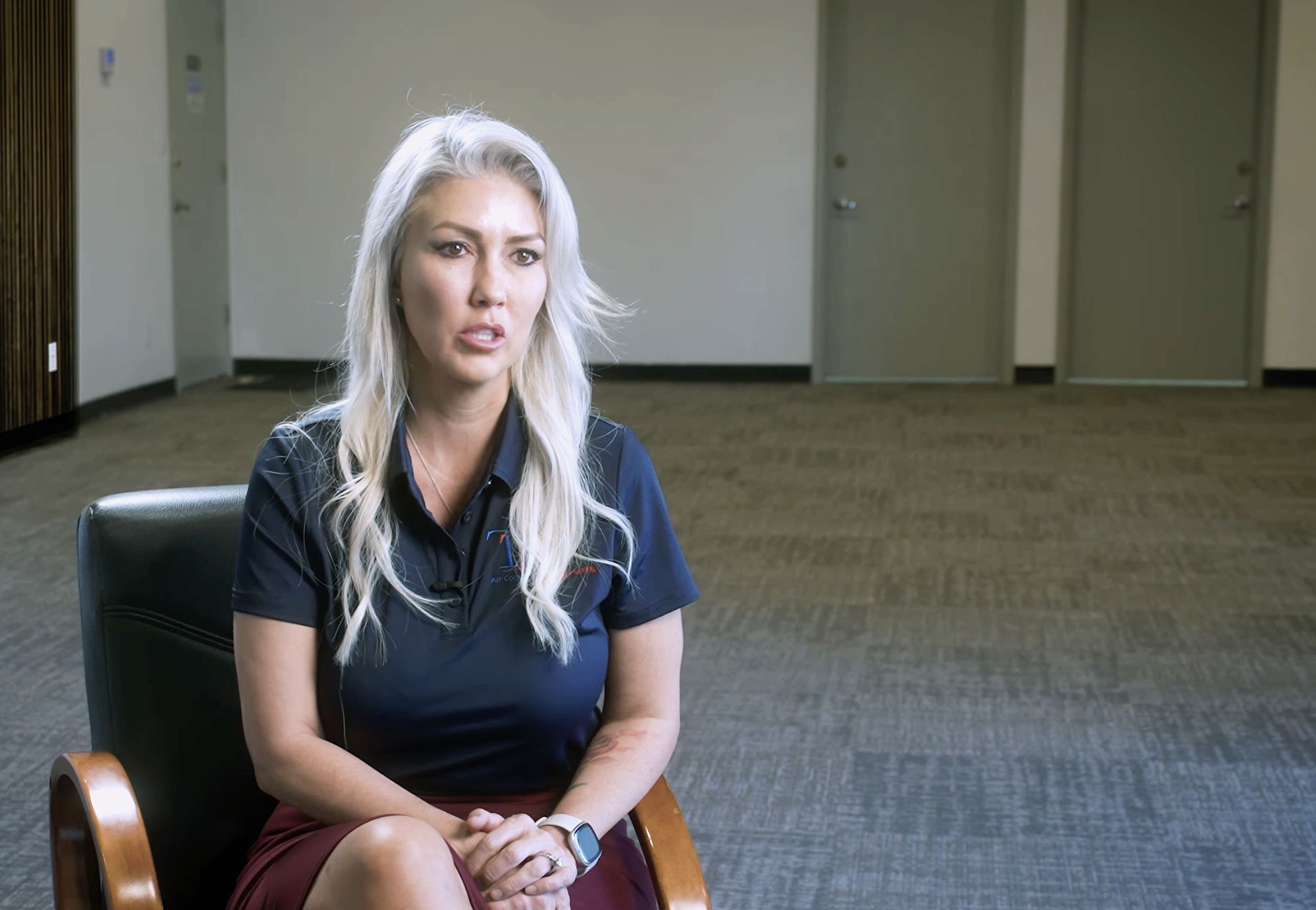
"You should ditch the paper, get rid of the other software, get on something that can track your crew's time, track your job costing, and save you real money."
Employee time clock app
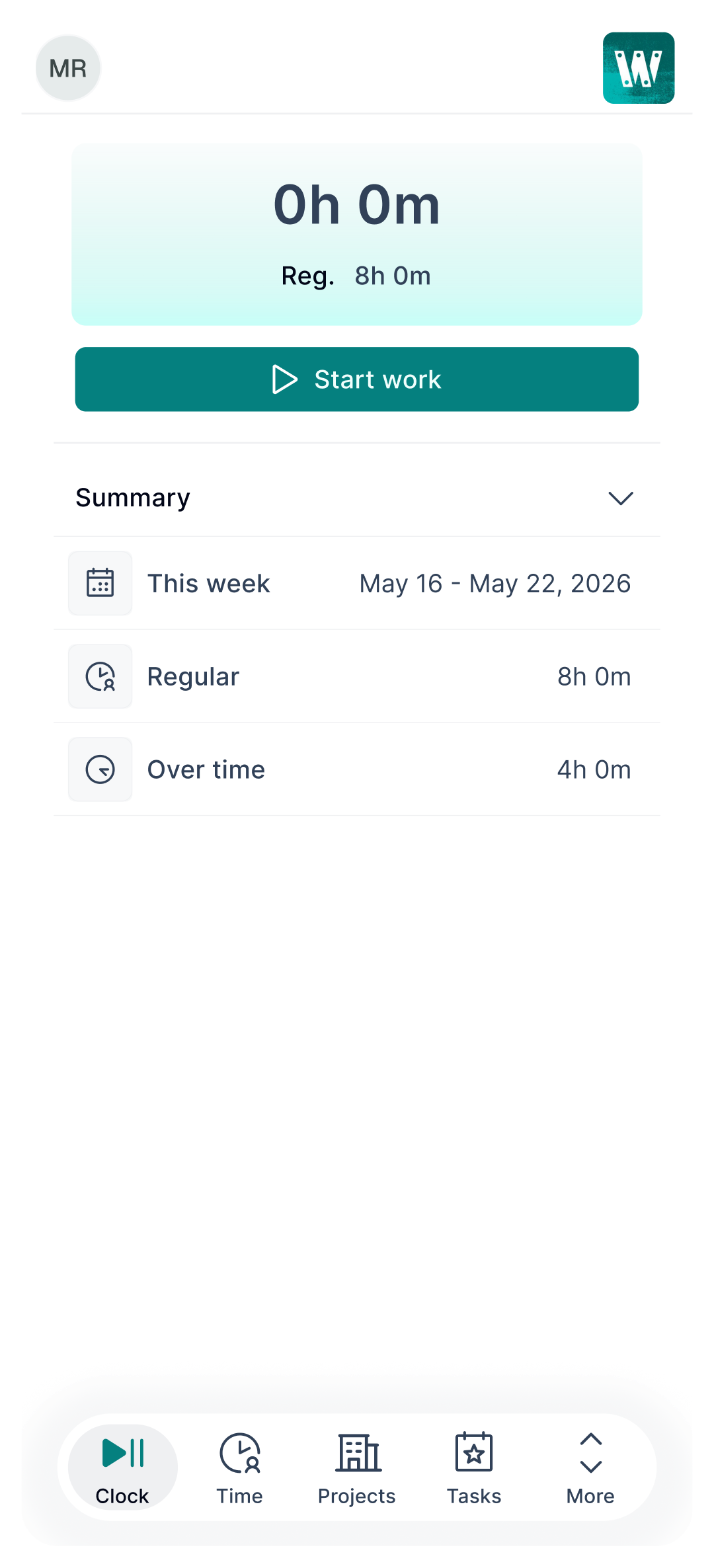
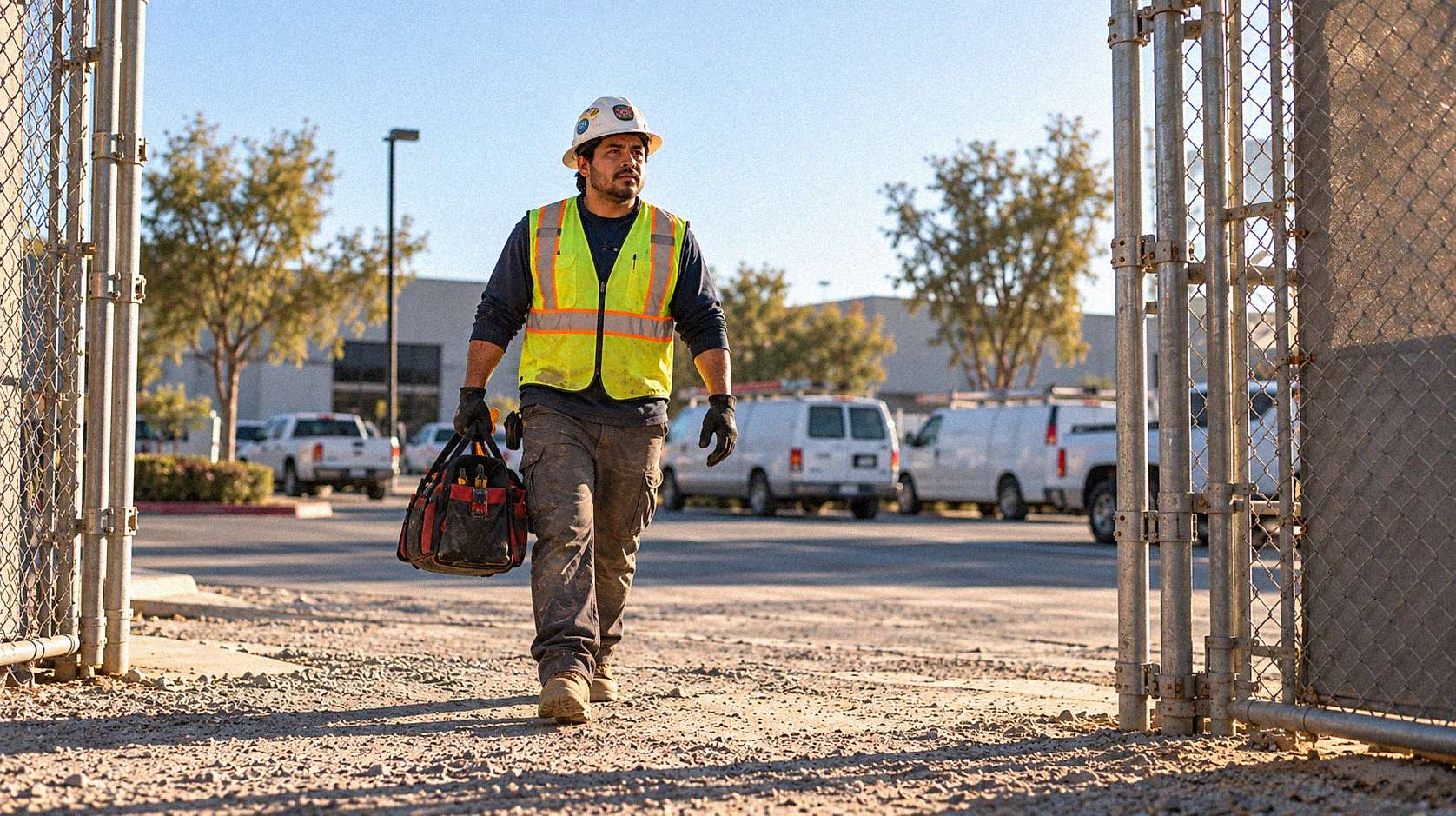
Each worker clocks in and out on their own phone, iPhone or Android. Every punch carries its GPS location, hours land on the right job, and anything that looks off is flagged for the office. Location stops at clock-out.
2 weeksto roll out to all 120 crew
"You should ditch the paper, get rid of the other software, get on something that can track your crew's time, track your job costing, and save you real money."


"I would probably ballpark it to be roughly about $5,000 and that's just something that we saw fairly immediate, where we were able to save roughly about five visits per job"
Victor Rodriguez, HR Field ManagerSynaptic Solar
$123Ksaved with Workyard’s Smart Forms
"Smart Forms pays for itself through accurate invoicing, insurance savings, and keeping our business moving every single day."

"We wanted more than a time tracking app since many exist. We sought something that helps beyond just tracking time."
Brian Mata, Project ManagerWagler Custom Homes

100s of hrssaved a week routing supervisors by proximity
"It's preventing us from losing more on each project — saving us money."

"Of all the solutions we’ve been exposed to, Workyard is the best. It’s a good value for the money, and the team is always willing to work with you to meet your needs."
James Monzello, CFOGreen Wall Tech

100%of field hours GPS-verified
"If you have field crews, Workyard is one of those tools that pays for itself. It saves us hours every payroll, keeps everyone accountable, and gives us real-time visibility into every job."

How it works
No hardware at the gate, nothing to remember at 6 AM. Workers clock in, take breaks and clock out on the app, and the office gets hours it can check.
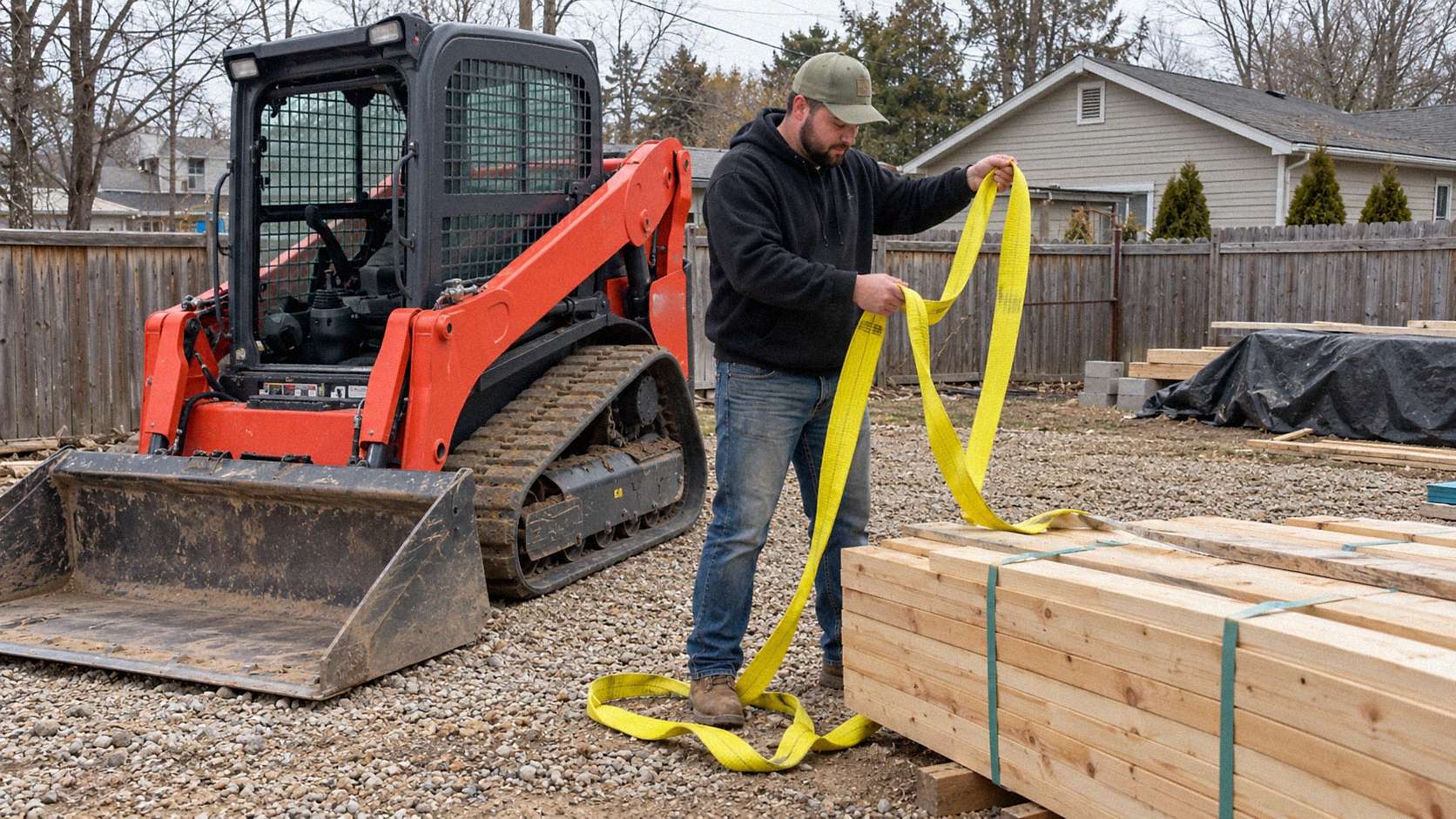
Workers tap Start work in the app, and every punch carries its GPS location. Draw a geofence around the job and arriving can clock them in on its own, or remind them to.
"It was so simple and easy to use compared to other apps, and the real-time GPS tracking was a huge win for us. Ultimately, that’s why we went with Workyard."
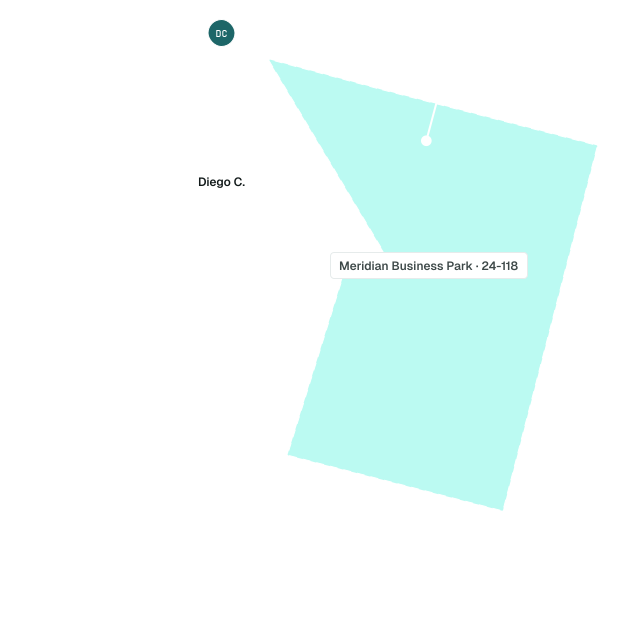
Arrive at the next site and the hours switch with them. Drive time goes where your rules say, and a forgotten clock-out is trimmed back to when they left.
Finish walks them through their own time card before it’s sent: start, finish, breaks and jobs. Then your clock-out questions, answered and signed on the phone.
Location is recorded only between clock-in and clock-out, and workers can see that in the app. You pick how much each crew records: through the shift, at the punches only, or nothing at all.
Location trackingChoose when team members’ location is recorded
Field crews
Office staff’s rule group: Off
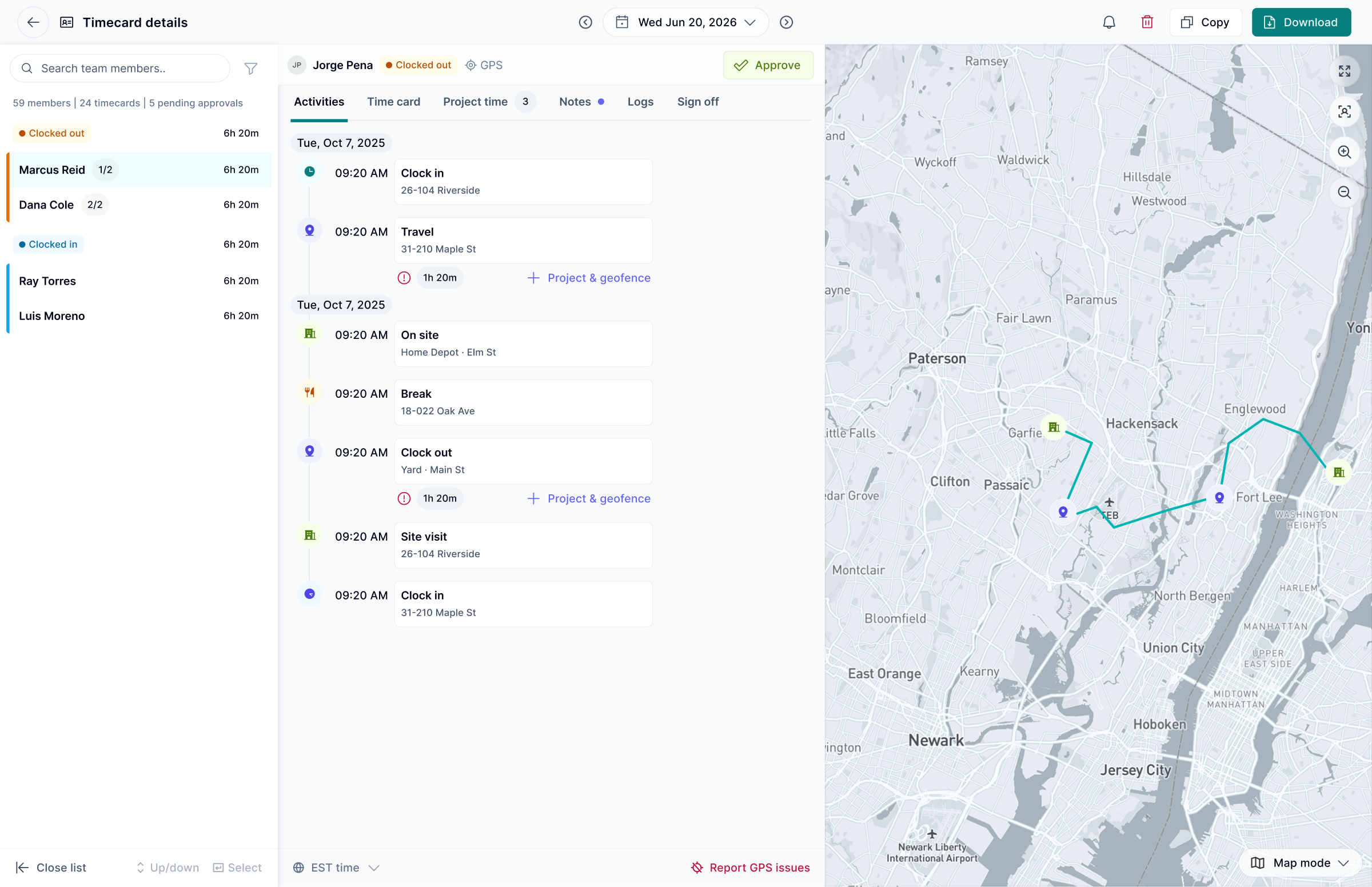
Every time card opens on the worker’s day: where they clocked in, each site and drive, and when they left. Approve it as it is, or fix what’s off with the change kept in the log.
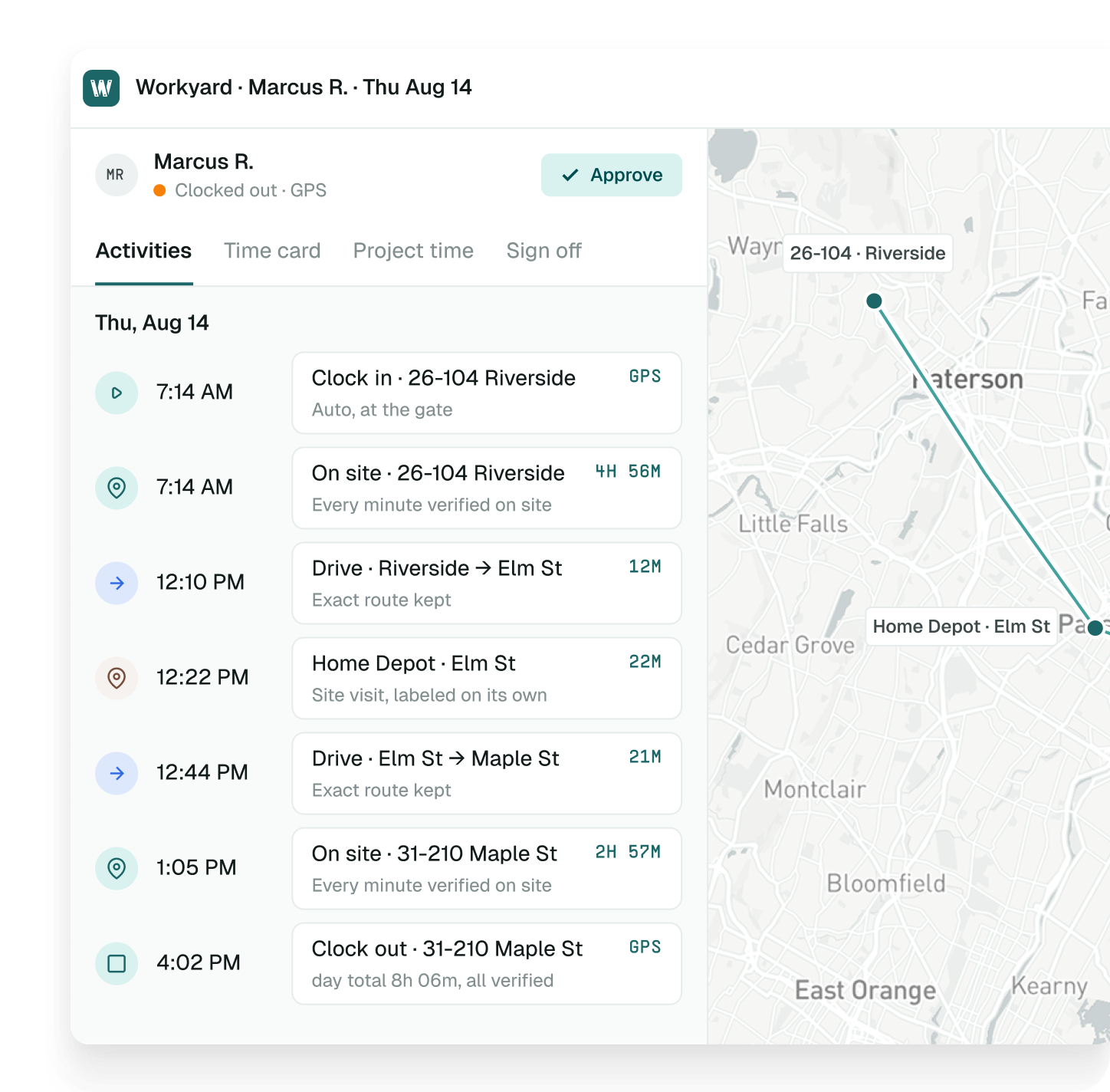
No retyping. Approved time lands in payroll and accounting with employees, hours, earn codes, jobs and cost codes matched to your system’s fields. Run something else? Custom file exports and the API connect to anything.








The payoff
1 hour
to prepare payroll at TruTek, down from 8 hours
Once all 120 crew were clocking in on the app.
5-15%
off payroll, in hard dollars
Padded punches and forgotten clock-outs stop turning into paid hours.
100,000+
workers clock in every day
On iPhone and Android, in English or Spanish.
Every punch
stamped with where it happened
Location on the clock only. Never after hours.
Some crews want the clock to run itself. Some draw the line at the punch. Some don’t carry a phone at all. Set it crew by crew, and every hour lands in the same payroll.
Arrive and the clock starts
Where they clocked in and out, nothing between
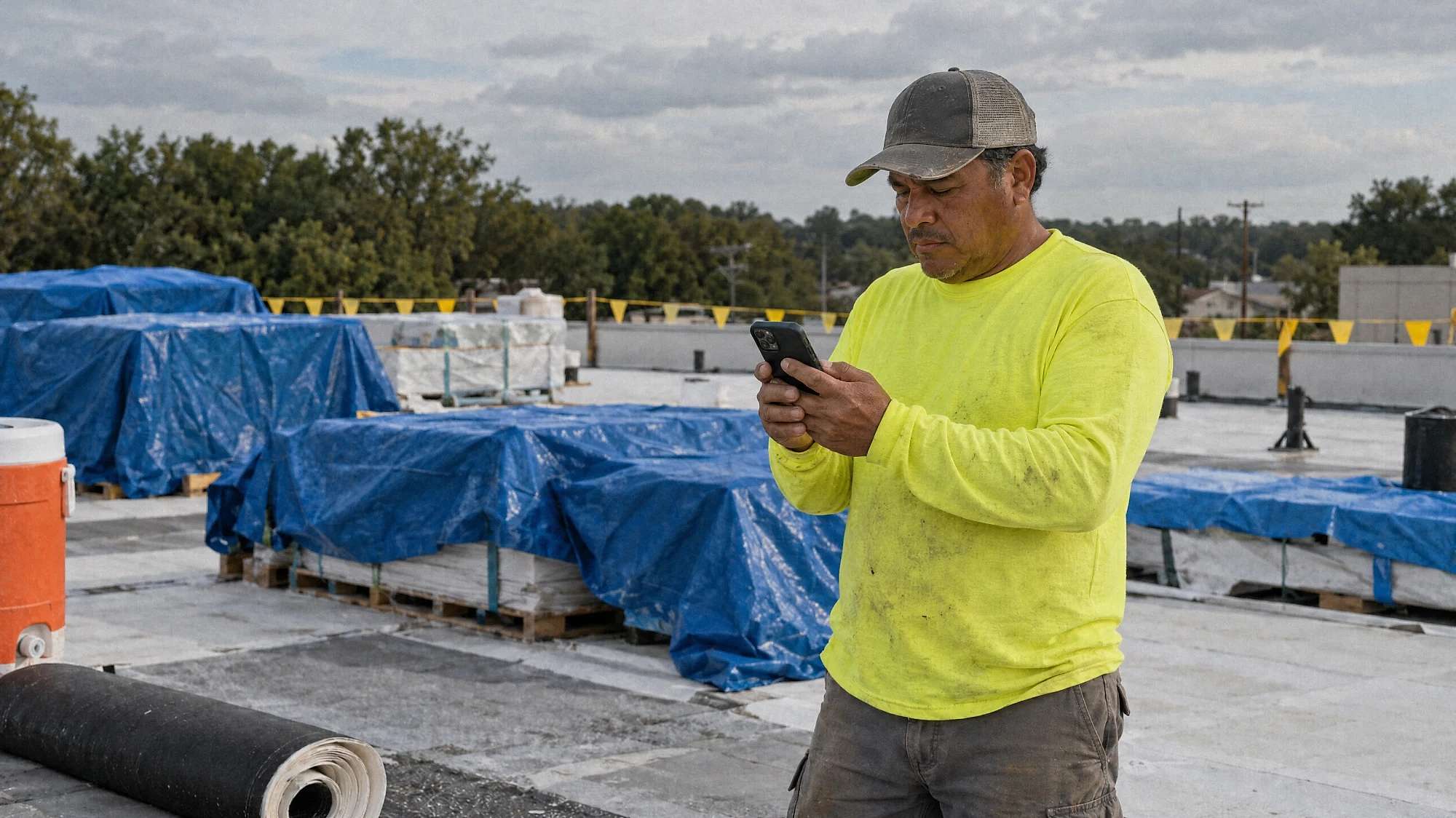
A kiosk at the gate, or the foreman clocks them in
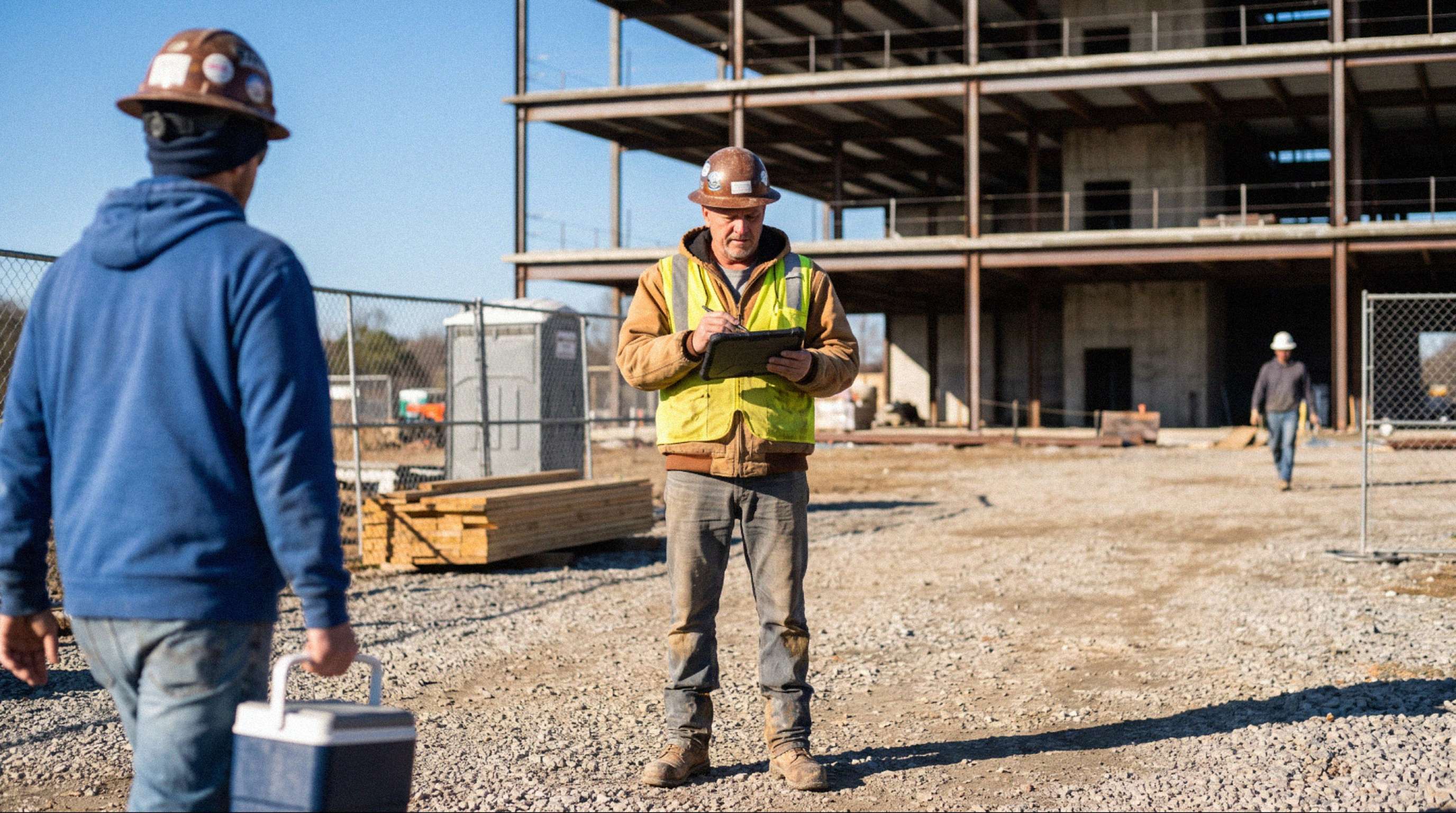
100,000+ workers clock in on Workyard every day.
Start work, Break and Finish. With auto clock-in, even the first tap happens on its own.
Works with no signal, runs in English or Spanish, and stamps every punch with its location.
Location is recorded only on the clock, and the crew can see that in the app.
"I love this app. It makes it so easy for me to clock in and clock out and it tracks my mileage for my work and everything. I would recommend it, great way to keep up with everything."
"By far the best app I've ever used for work. Most consistent and accurate. Haven't had any difficulties at all. I will never use another app for clocking my hours at work."
"This app is extremely easy for my construction staff to use. It creates reports for me that show different costs by projects and honestly just saves me time and headaches."

"If you have field crews, Workyard is one of those tools that pays for itself. It saves us hours every payroll, keeps everyone accountable, and gives us real-time visibility into every job."

"We wanted more than a time tracking app since many exist. We sought something that helps beyond just tracking time."
5xmore accurate payroll
Read the story
"I would probably ballpark it to be roughly about $5,000 and that's just something that we saw fairly immediate, where we were able to save roughly about five visits per job"
$5,000 a weeksaved on payroll and job costs
Read the storyFeatures
What the crew taps, and what it saves the office.
The whole platform: every hour verified, coded to the job and ready for payroll.
Every clock-in and clock-out carries the place it happened.
Auto clock-in
Arriving at the job’s geofence clocks them in, or reminds them to.
Site-only clock-in
Block clock-ins from outside the job’s geofence, crew by crew.
Jobs and cost codes
Workers pick from your list, or location codes the hours for them.
Breaks
Taken in the app, with meal break rules and rest break reminders.
Time limits
Earliest clock-in, latest clock-out and the longest a card can run.
Clock-in photo
A photo with the punch, on the card for anyone checking who clocked in.
Clock-out checklist
Review time, tag project time and finish required forms before they go.
Daily sign-off
Injuries, breaks and all time recorded, answered and signed at clock-out.
Drive time and mileage
Drives and miles recorded on the clock, split out by your rules.
Offline mode
No signal? They clock in anyway, and it syncs when coverage returns.
Spanish
The whole app runs en español.
Location recorded while clocked in. Never after hours.
No phone? An iPad at the gate takes a PIN and a photo.
The foreman clocks the whole crew in from one phone.
Every punch becomes a line on the worker’s timesheet.
Looking for something specific?
If a crew needs it, we probably built it.
Connect 21 payroll, accounting and project systems. Your jobs and employees sync automatically.









Fair questions, straight answers
An employee time clock app turns each worker’s phone into their time clock. They clock in, take breaks, switch jobs and clock out in the app, and each punch records the time and the place. With Workyard, a day runs like this:
Only on the clock. Location is recorded between clock-in and clock-out, never after hours, and workers can see that in the app. You choose how much each crew records:
Each clock-in and clock-out is stamped with the phone’s GPS location, so the time card shows where the shift started and ended. With location on through the shift, the card also shows each site, how long they stayed and the drives in between.
A geofence is a boundary you draw around a job on the map. Restrict clock-in to the geofence and a worker can only clock in on that job site. Leave it open and an off-site clock-in still shows its location on the card.
In a time clock app with GPS, every clock-in and clock-out records where it happened, so each time card shows the hours, the job and cost code, and the location behind them. A punch from the truck or from home stands out without anyone asking.
With location on through the shift, the timesheet also shows each site the worker was at, how long they stayed and the drives in between. A missed clock-out comes back flagged with the fix drafted, and approved hours go straight to payroll.
Your call, crew by crew. With a geofence around the job, arriving can clock workers in on its own, coded to that job, or remind them to clock in. Without one, they tap Start work themselves.
Automatic clock-in needs location recorded through the shift, and it can’t be paired with a required clock-in photo, so pick one or the other for each crew.
Forgetting to clock in: automatic clock-in or a geofence reminder covers the start of the day. Forgetting to clock out: the time card is trimmed back to when they left the job, and the fix is flagged for the office. A worker who leaves at 3:52 PM and clocks out from home at 6:40 PM comes back as 3:52 PM, with the GPS record behind it.
A card nobody stops ends on its own after 24 hours, and every change is kept in the time card’s log.
Each worker clocks in on their own phone, and every punch carries its GPS location, so a clock-in from the truck or from home shows on the card. Then add the checks your crews need:
More in our guide to time theft and buddy punching.
Yes. Workers clock in, take breaks and clock out with no signal. The time card is kept on the phone and syncs as soon as coverage returns, so basements, rural jobs and new subdivisions don’t leave holes in the hours.
You can try Workyard free: start a free trial and have your first crew clocking in today. After that it’s a per-user license, priced on the package and setup you need, and a specialist gives you the exact number on a 30-minute call. A user is anyone who tracks time in Workyard. See pricing.
Yes. They pick the job and cost code at clock-in, switch when the work changes, and tap Break for breaks. Or let location do the coding: arriving at the next job moves the hours with them, and drive time goes where your rules say.
Meal break rules can add a missed meal break on their own, and rest break reminders arrive on the phone on California and Washington schedules.
Rules on notice and consent vary by state, so check yours with your attorney. Workyard keeps it simple to explain: location is recorded only while clocked in, workers can see that in the app, and you can record less, or nothing, for crews where it matters. Our guide covers what the laws say: GPS tracking employee laws.
Show them what it records: location only between clock-in and clock-out, never after hours, and they can see that in the app, in English or Spanish. The worry is usually after-hours tracking, and that isn’t happening.
For anyone who still says no, an iPad time clock kiosk at the gate or foreman clock-in needs no personal phone at all, and their hours land in the same payroll.
It shouldn’t. Location sampling is tuned to sip, not drain, so a full workday fits comfortably on a single charge. For crews on older phones, record location at clock-in and clock-out only, or put them on the kiosk.
Yes, while they’re clocked in. Drives between jobs are recorded with their route and miles, and drive time goes to the job, a cost code or Travel, by your rules. Nothing is recorded on the drive home after clock-out.
Time cards reach the office verified, with problems flagged and fixes drafted. Approve them one by one or in bulk, with every edit kept in the log. Approved hours go to ADP, Gusto, Paychex, QuickBooks, Sage, Foundation, NetSuite and more, or out as a custom file. See how it fits together in Time Tracking.
Both. Crews use the app on iPhone or Android, the whole app runs in English or Spanish, and the kiosk runs on an iPad at the site.
Most time clock apps record what workers tap in. Workyard checks every hour against GPS and your rules, fixes what’s wrong and flags the rest, so the office reviews instead of reconstructs. It’s built for crews on jobsites, too: several jobs a day, the drives between them and cost codes are part of the punch. Comparing options? See our clock-in and clock-out app comparison.
Live in days, not months, and a real person on the phone the whole way.