$10,000+a year saved on time card mistakes
"Let's say an $18/hour employee is off an hour each week. Once you factor in overtime, you're looking at more than $1,500 per employee each year just from those little mistakes."
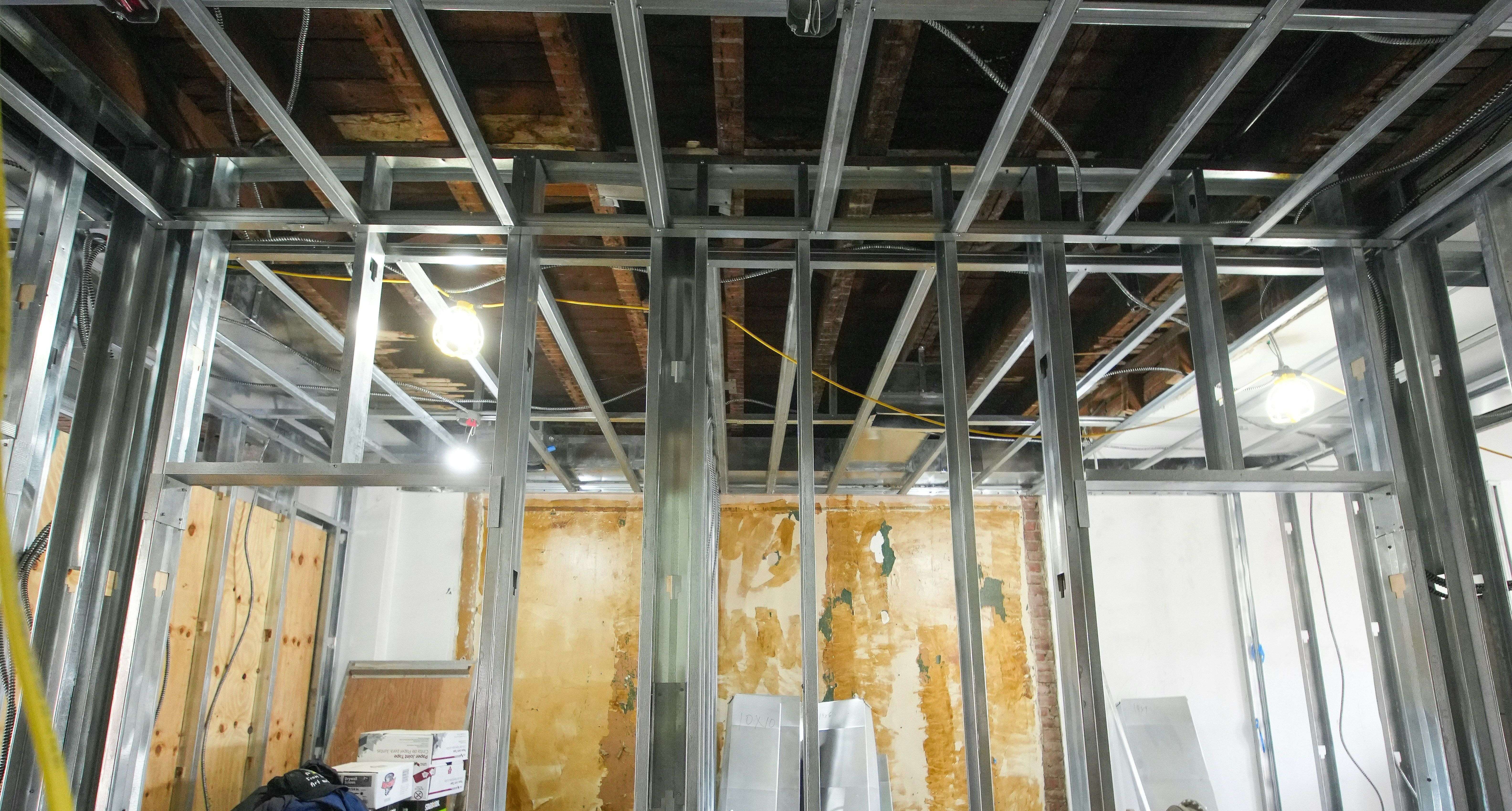
For electrical, mechanical, drywall and other trade crews, on one GC’s job or moving site to site: every hour lands on the right job and cost code, padded time comes off payroll, and the super signs extra work before the crew leaves.
$10,000+a year saved on time card mistakes
"Let's say an $18/hour employee is off an hour each week. Once you factor in overtime, you're looking at more than $1,500 per employee each year just from those little mistakes."
"You should ditch the paper, get rid of the other software, get on something that can track your crew's time, track your job costing, and save you real money."
Isabel Tofstad, HR ManagerTruTek

“So earlier, the work payroll was like a week. … reduced to two days now.”
Telecom contractor, 50+ workers

“The first week, we found on another job, a crew that was hanging out outside the geofence, and … it was … proven that it was right.”
Insulation contractor, 50+ workers

“Now that it's project specific, it makes it much more helpful to go to that project to figure out, first off, did they clock in there, and then secondly, did they submit their reports that they needed?”
OwnerElectrical contractor, 50+ workers

“It's super simple because the only thing I do is … I give them the policy in Spanish or in English whatever way they want it. Then I send them their links … It's really easy.”
ControllerPlumbing & HVAC contractor, 50+ workers

The payoff
Time
30 mins
to prep payroll, not 12 hours
The typical drop for customers.
Job costs
5–25%
unassigned hours before Workyard
GPS and agents put each hour on the job it was worked.
Money
10–18%
off payroll
Rounded times, buddy punches, forgotten clock-outs: eliminated.

A commercial framing subcontractor working from Michigan to Florida. It bids each job to the general contractor at a price it won’t go past, so hours left running pushed jobs over budget. Now geofences clock framers out when they leave the site.
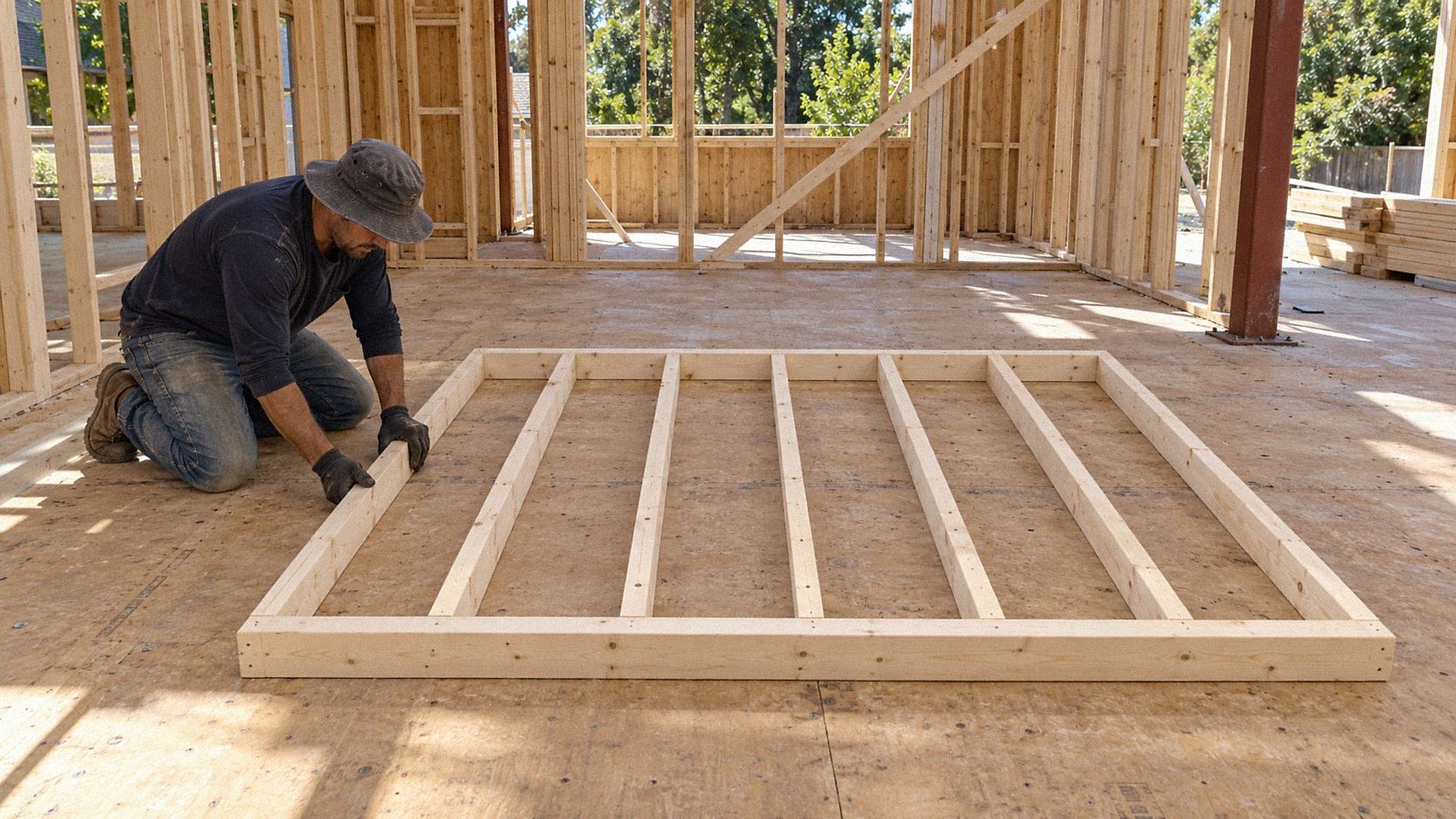

Workyard is not another project management suite. It runs the crew side of every job, deeply, and connects to the rest.
For payroll, accounting and ERP: QuickBooks, ADP, Sage and 18 more. Jobs come in, and approved hours go to the systems that cost and pay.









Other tools wait for someone to do the work. Workyard’s agents check every timecard and flag only what needs you. That’s the whole job.
From quick answers to hours of work, handled
Time tracking that runs itself
Reports you need, without the spreadsheet work
Works your way
Some crews stay on one GC’s job for days at a time, a foreman running the crew. Others move between jobs all day. Workyard fits both.
A foreman and crew on one job for days at a time

Workers on more than one job a day
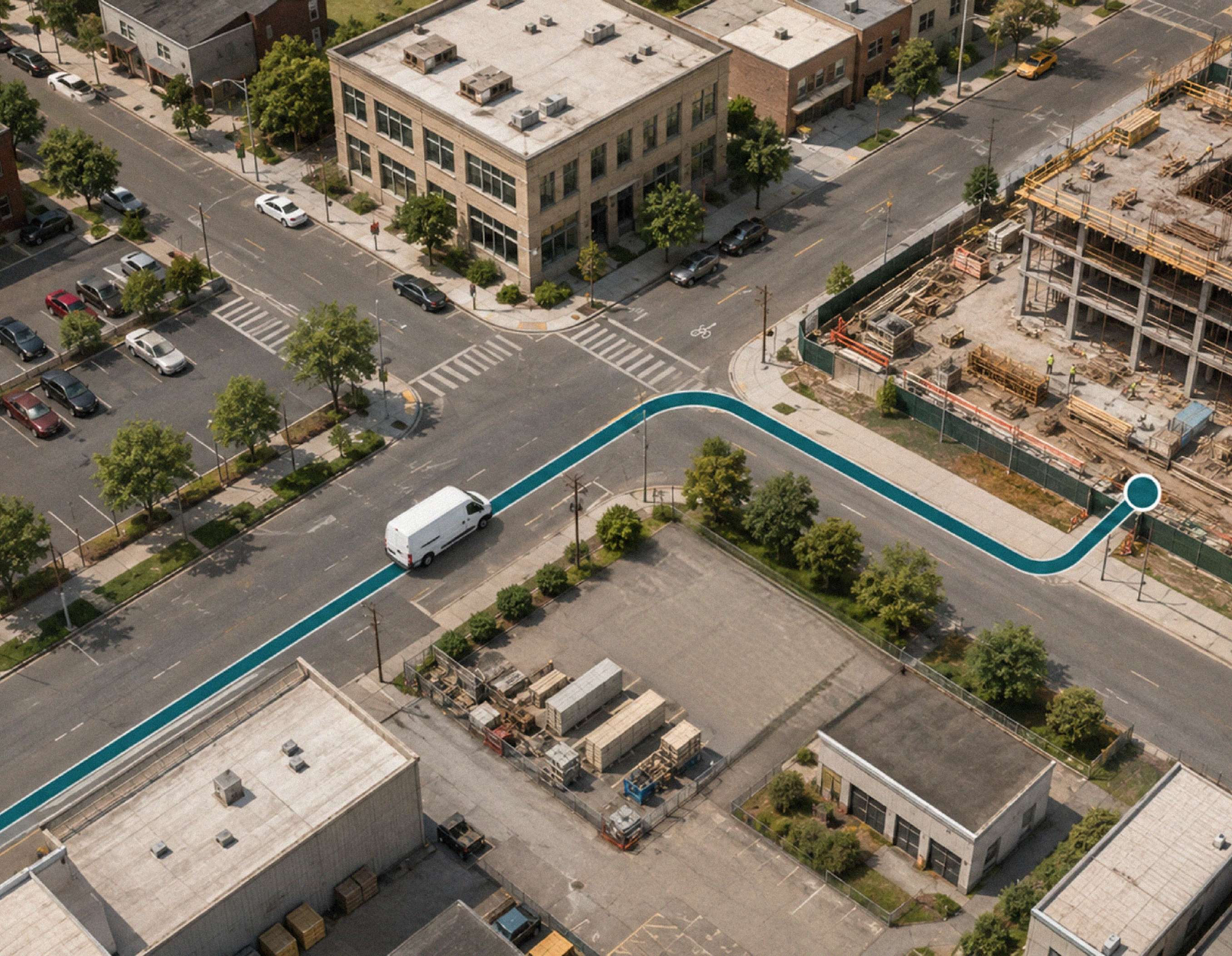
Built for the way subcontractors run
What subcontractors ask us for more than contractors as a whole, built in.
When the GC adds work, the crew opens a field ticket on the phone: what got done, the hours and the photos, and the super signs with a finger on site. It files to the job, downloads as a PDF with your logo, and only shows on the jobs that run T&M.
Arriving at the job’s geofence can clock them in, or remind them to. Forget to clock out and the card is trimmed back to when they left the site, flagged for you to approve. The day’s sign-off asks whether they recorded all their time, and every edit keeps its reason on the card’s log.
Jobs and cost codes sync in from your accounting system and keep coming as you add them, and new hires arrive on the next import. Approved hours go back on the same jobs and cost codes, overtime split out, so nobody retypes a time card.
Thousands already do, every day.
GPS and AI drive the capture and correction, so they don't have to.
Works offline. Works in Spanish. Prevents buddy punching. Detects and corrects mistakes.
Location is only shared while on the clock, never after hours. You choose the level of tracking that fits your crew.

"I love this app. It makes it so easy for me to clock in and clock out and it tracks my mileage for my work and everything. I would recommend it, great way to keep up with everything."
"By far the best app I've ever used for work. Most consistent and accurate. Haven't had any difficulties at all. I will never use another app for clocking my hours at work."
"This app is extremely easy for my construction staff to use. It creates reports for me that show different costs by projects and honestly just saves me time and headaches."
You're wondering…
Add them in Workyard, or let them come in with the next import from your payroll or accounting system. Each gets an invite by text or email, downloads the app and signs in, and someone who leaves stays in Workyard until you archive them. Pricing is a per-user license fee for anyone who tracks time, and if your headcount swings with the work, we build that into your quote.
Yes. Each job has a geofence: arrive and the clock starts on that job, and driving past doesn’t count. Leaving doesn’t end the shift (crews step off for supplies and the next job), but a missed clock-out is trimmed back to when they left the site and flagged for you to approve. Prefer a lighter touch? Have it ask them to confirm, or leave it off, per crew.
Yes. Direct connections to QuickBooks Online and Desktop, ADP Workforce Now and RUN, Sage 100 Contractor, Sage Intacct, Foundation, Gusto, NetSuite, Spectrum, Acumatica and Coastal Payroll. Files built for ComputerEase, Paychex Flex, Paylocity, Sage 50, Sage 300 CRE and Rippling, plus Excel, a custom file export and the API.
A specialist sets up your jobs, cost codes, geofences and pay rules with you, imported from your accounting where we can, and runs the first payroll sync with you watching. Crews download the app and clock in on their own phones; anyone without one clocks in at a kiosk or with the foreman.
Either works. Crews clock in on their own phones or company ones, or at a kiosk on a tablet with their own PIN and, with face photos on, a photo at every punch. Or the foreman picks whoever showed up that day, sets the start time, the job and the cost code, and clocks them all in at once, and each worker gets their own time card.
Yes. Each worker has a time approver who sees and approves their own crew’s cards, and PMs approve the time on their jobs. A manager can be limited to the jobs they manage, with or without the dollars, and pay rates stay with admins. The office can approve anything still open.
The job comes from where they’re standing: each job has a geofence, so arriving sets it. Each job shows only its own cost codes, and a job with one code can default to it. When the GC moves the crew to other work, a worker switches code as the work changes, the foreman can switch the whole crew at once, and the office can split the day on the time card afterwards. Every change stays on the card’s log.
Yes. Electrical, mechanical, plumbing, telecom, steel, drywall, framing, painting, insulation and roofing subs all run their crews on Workyard, each on their own jobs, cost codes and pay rules. Each trade has its own page: electrical, mechanical, plumbing, telecom and fiber, steel erection, drywall, carpentry and framing, painting, insulation and roofing.
Yes. Make it a field ticket: describe the extra work, add the hours, take the photos and get the super’s signature with a finger before the crew leaves. It files to the job and downloads as a PDF with your logo, and you can attach it to the jobs that run T&M, so it only shows up there.
Yes, in the app they clock in with. The crew and their hours fill in from the time cards; the foreman adds what got done, the photos and a signature, and you can make it due at clock-out. Each report downloads as a PDF with your logo, the job and the date, or build the GC’s own form from a photo of it. Workyard doesn’t send reports for you, so you email or share the PDF the way you do today.
By your rule. Each drive can go to the job it ends at, be split across the day’s jobs, or stay unallocated, with its own cost code if you like, so job costs stay clean. Travel time is tracked, but it isn’t sent to payroll as its own pay type.
No. Fences are made from your job addresses, so hundreds of jobs a year stay workable, and you adjust the shapes that need it. A fence can be as big and irregular as the work: one building, a whole campus, or a long stretch of highway.
Yes. You pick which jobs come in from your books, so years of closed jobs stay there, and new jobs keep coming as you create them. When a job wraps, archive it, one at a time or a batch, and its geofence switches off with it, or turn on auto-archive for jobs with no geofence activity for the days you set. The hours stay on record, and you can restore a job when the crew goes back.
To your own Procore account, yes: projects and standard cost codes come in, so crews clock in to the jobs and codes your team runs. Hours don’t go back to Procore today; they go to your payroll or accounting system. Dailies, tickets and inspections don’t post into a GC’s Procore project on their own: each downloads as a PDF with your logo, ready to upload there.
Yes, both. Restrict clock-in so it only starts inside the job’s geofence. Then set when the day can start for each crew’s rule group: a card that starts early begins at that time, so getting to the shop early doesn’t start the clock, and one that runs late is cut back to the day’s limit.
Yes. A specialist sets up your jobs, cost codes, geofences and pay rules with you, imported from your accounting where we can, and runs the first sync with you watching, so you see your own hours land before go-live. Small crews clock in the same week; bigger companies go division by division.
Yes. Put each crew in its own rule group: how they clock in, their meal break rules, how much location is tracked and what they sign at the end of the day. A union crew with tracking off can still clock in at a kiosk with a PIN.
By job, yes: each job’s labor and equipment hours and cost, by cost code, update as every shift ends, on the web and in the app. Against the bid, not today. Your estimate stays in your estimating system, and you compare with this week’s number instead of last month’s.
Not today. A worker has one rate at a time, kept by effective date so it stays put week to week, not a rate per job or classification.
Not the report itself: Workyard doesn’t calculate prevailing wage or produce WH-347s. Hours are coded to the job and cost code, so public and private work stay apart, and you can export the crew on prevailing wage work as its own batch to the system that files it.


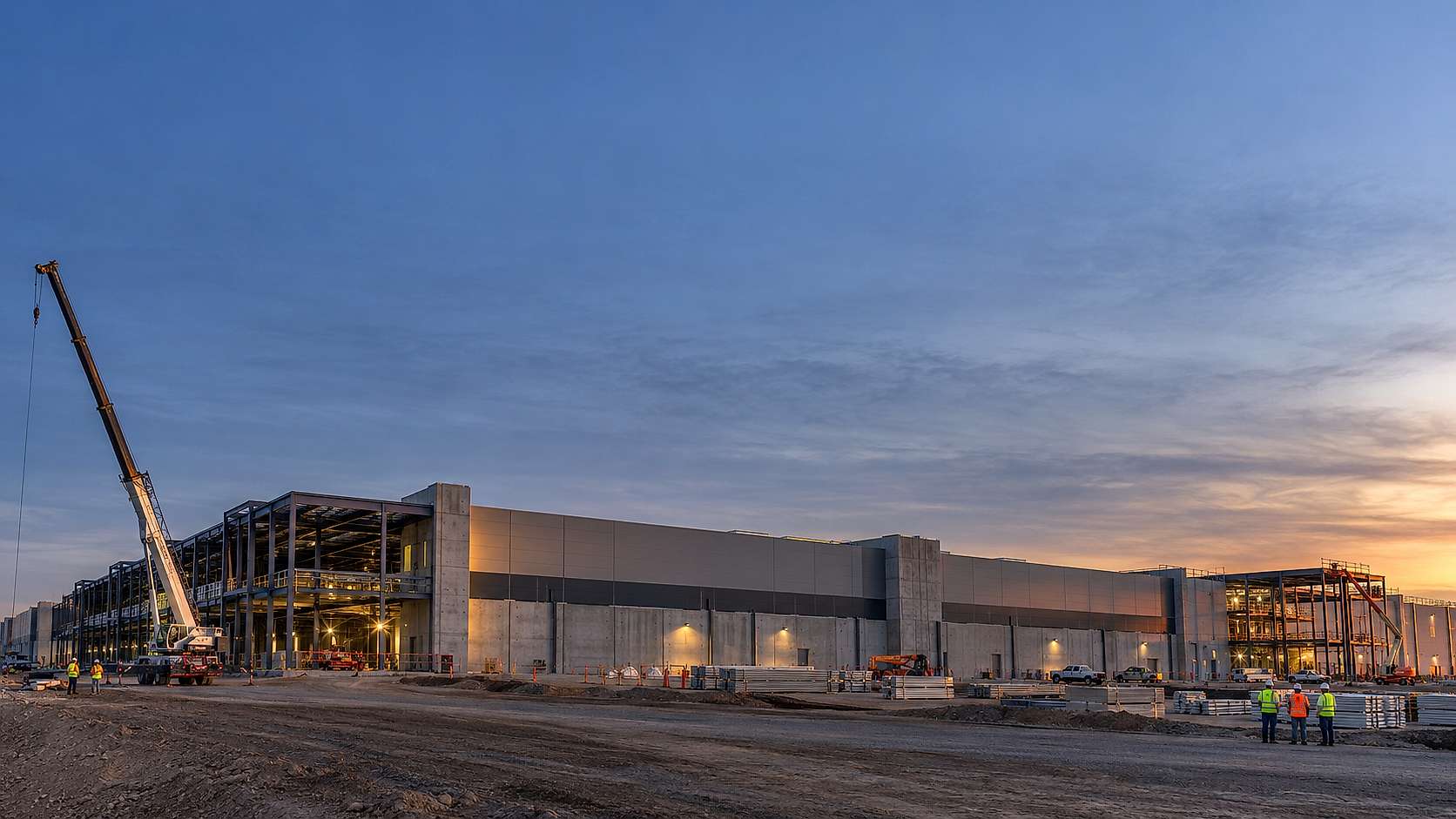
We import your jobs, cost codes, and crews. Connected to your systems and live in days, with a person on the phone the whole way.