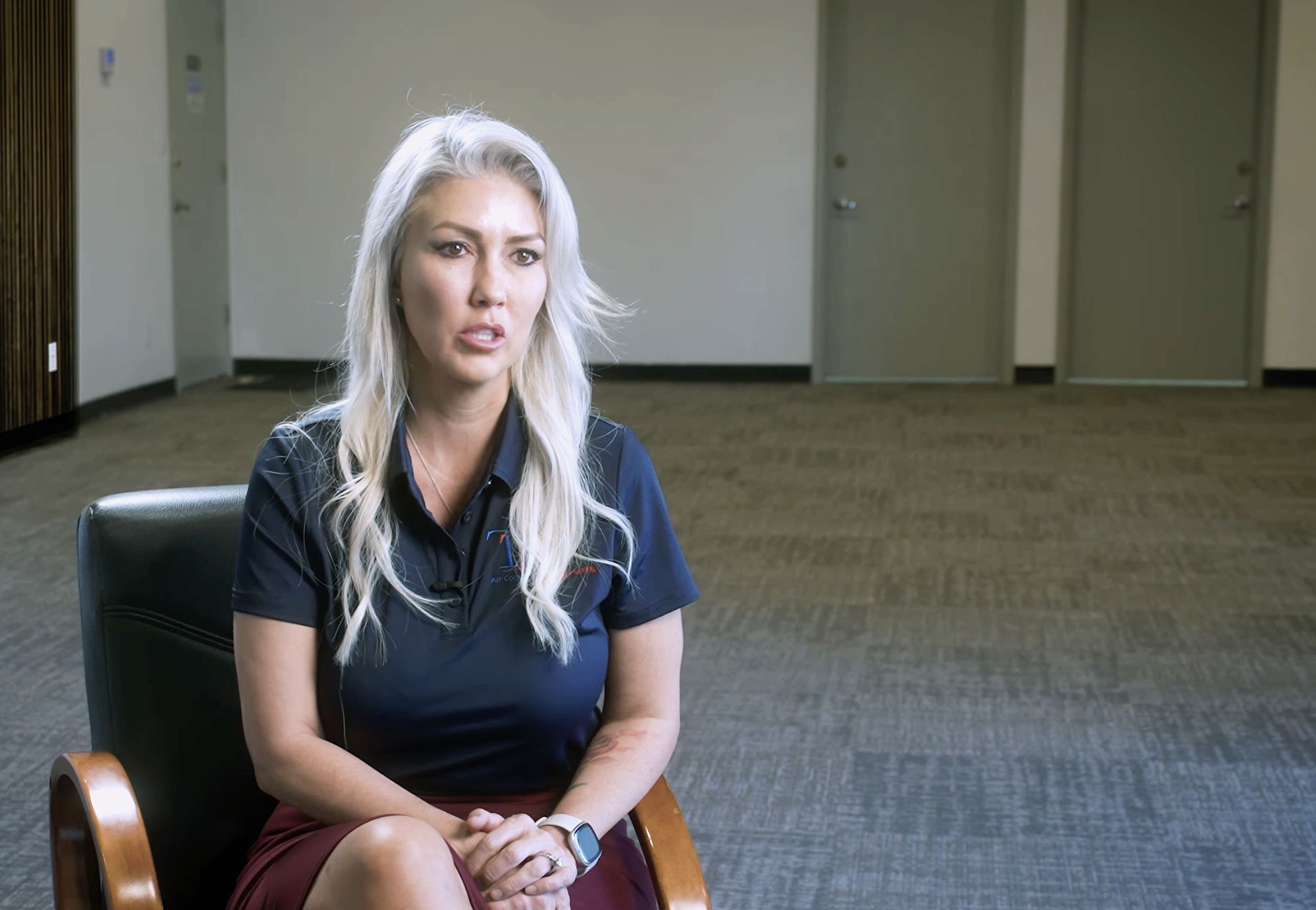
100s of hrssaved a week routing supervisors by proximity
"It's preventing us from losing more on each project — saving us money."
Field service dispatch software
Field service dispatch software gets each service call to the right tech and keeps the day on track as new calls come in. In Workyard, you put techs on calls on one board, each phone gets the call with its notes, forms and directions, and Live Locations shows who’s closest and who’s there.

100s of hrssaved a week routing supervisors by proximity
"It's preventing us from losing more on each project — saving us money."

"You should ditch the paper, get rid of the other software, get on something that can track your crew's time, track your job costing, and save you real money."
Isabel Tofstad, HR ManagerTruTek

15–20admin hours back every month
"If you have field crews, Workyard is one of those tools that pays for itself. It saves us hours every payroll, keeps everyone accountable, and gives us real-time visibility into every job."
"I would probably ballpark it to be roughly about $5,000 and that's just something that we saw fairly immediate, where we were able to save roughly about five visits per job"
Victor Rodriguez, HR Field ManagerSynaptic Solar

$123Ksaved with Workyard’s Smart Forms
"Smart Forms pays for itself through accurate invoicing, insurance savings, and keeping our business moving every single day."

"Of all the solutions we’ve been exposed to, Workyard is the best. It’s a good value for the money, and the team is always willing to work with you to meet your needs."
James Monzello, CFOGreen Wall Tech

One dayof admin recovered each week
"I tried using my payroll provider but they couldn’t adapt to the way I worked. Then I discovered Workyard, and in a way, this platform became my admin team."

How it works
The board in the office, the app on every tech’s phone and the live map all run on the same calls, so the day your techs see is the day you planned.
Group the board by team member to see each tech’s calls, time off included, or by job or customer to see every visit to a site. Look at a day, a week or a month, and filter to one label, like Emergency, or to the calls still open. A call with no one on it waits in Unassigned.

Each tech opens the app to their own calls. Tap one for the rest: start and due, directions in Apple or Google Maps, the checklist, the notes and photos, and the form that comes with it, like your service ticket. A new call arrives as a push and an email, and Send puts the whole day in front of everyone.

The call goes on the board the moment it comes in, with its address and service ticket and no one on it yet. Ray’s done at Oak Ct, so drag him onto it: he gets a push and an email, form and all. Moving a lot? Drag calls to new days, then press Send, and everyone in view gets the new plan. No phone tree.
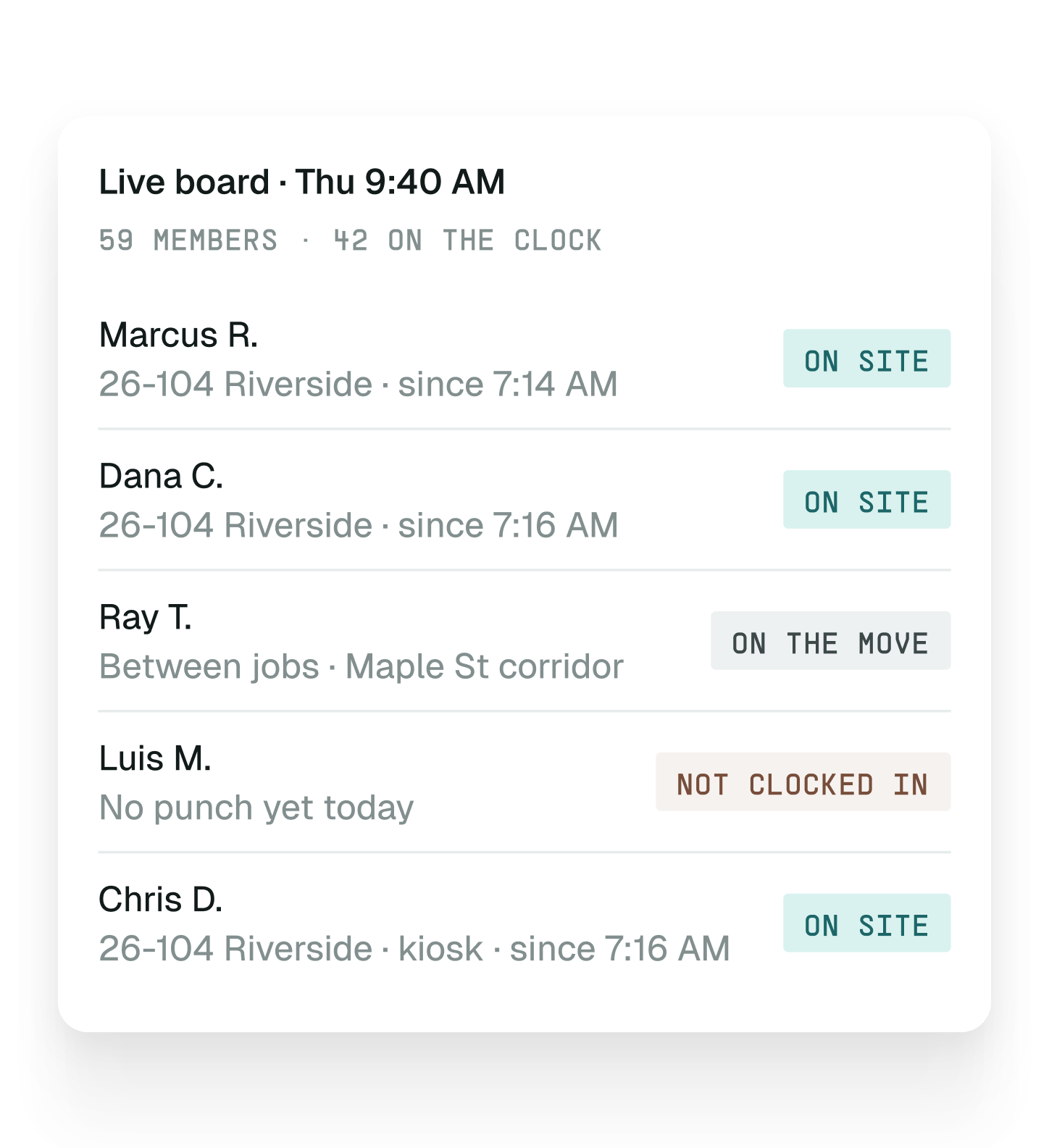
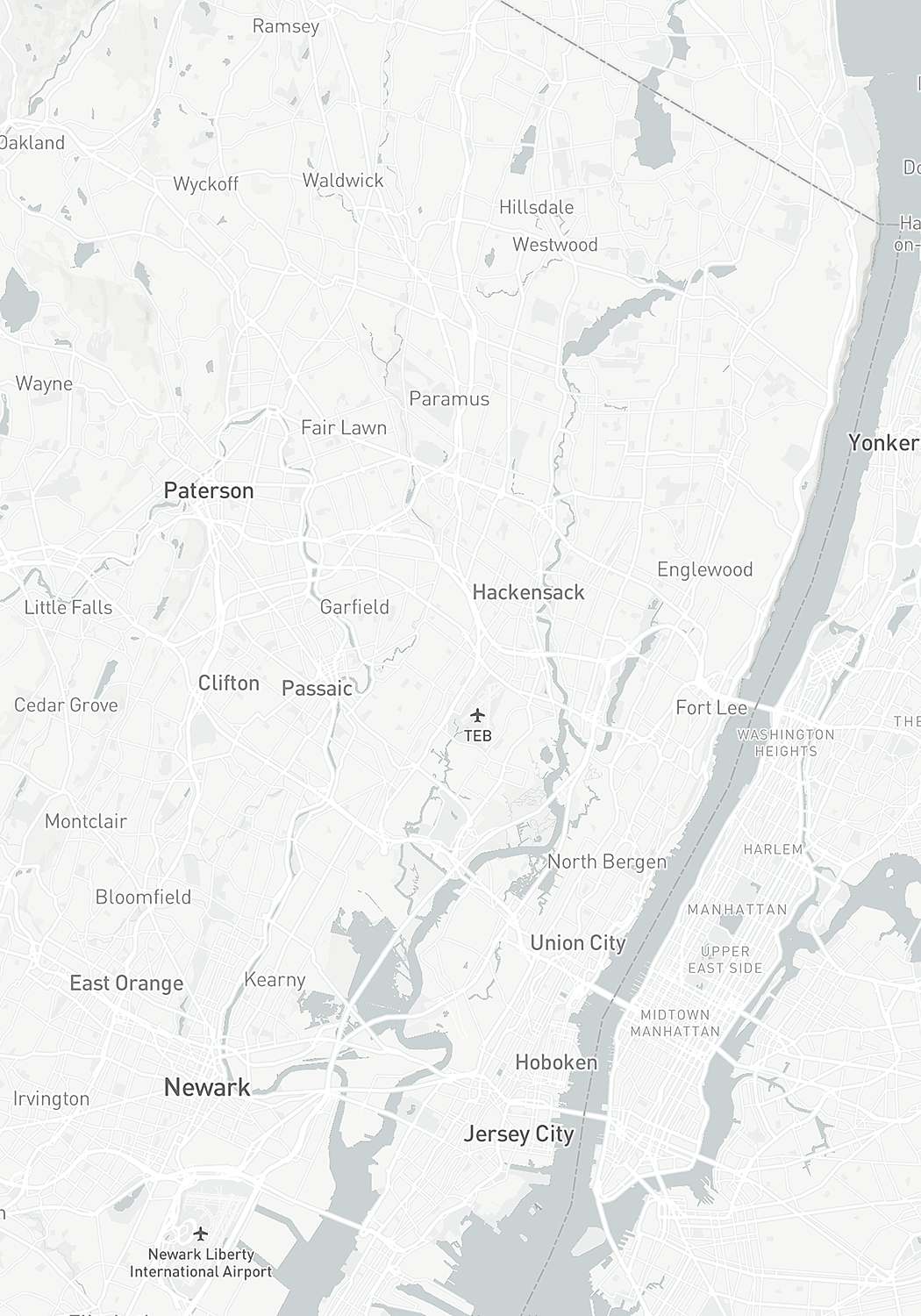
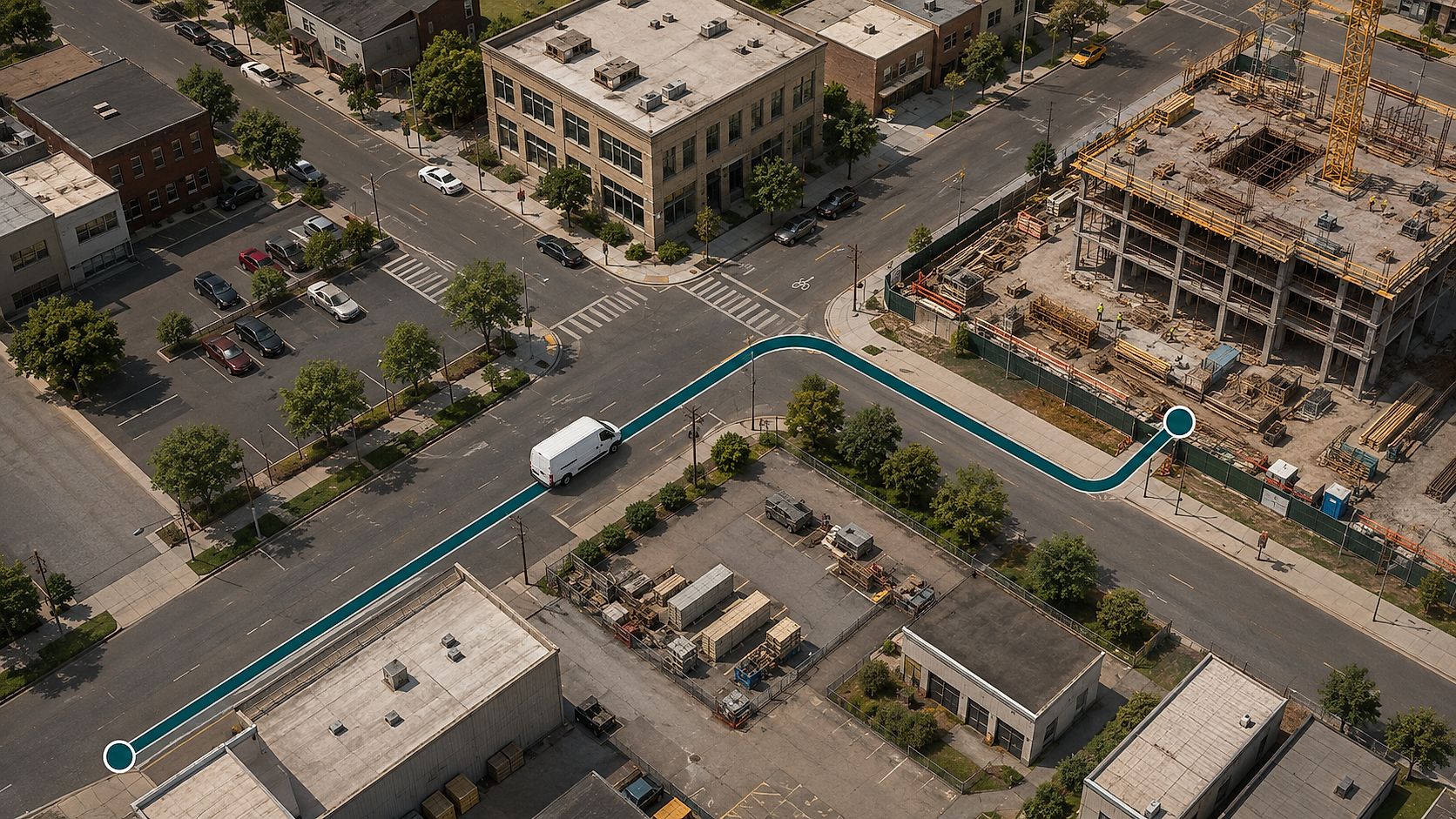
The board is the plan; Live Locations is the day. See which call each tech is clocked in on, who’s driving and who isn’t in yet, so you know who’s closest when the next call lands. Put a geofence on the job and arriving clocks the tech in, or reminds them to. Location is recorded only while they’re on the clock.
"If I need to dispatch them to a job, and I have six jobs, where are they closest to right now that's gonna make the most sense?"
The schedule doesn’t fill in time cards; where the tech goes does. Arriving at each call moves the hours to its job, drive time and supply runs go where your rules put them, and a forgotten clock-out is trimmed to when they left the last call. Techs pick the cost code at clock-out, and Project Time & Cost adds up each job’s labor for the week.

The payoff
100s of hrs
saved a week routing supervisors by proximity
Accord Group, sending the closest of its 20 supervisors.
One tap
sends the day to every tech
No group text, no photo of the whiteboard.
One drag
puts a tech on an emergency call
Their phone buzzes with the call.
100%
of TruControls’ field hours GPS-verified
And on the right job, across many properties.
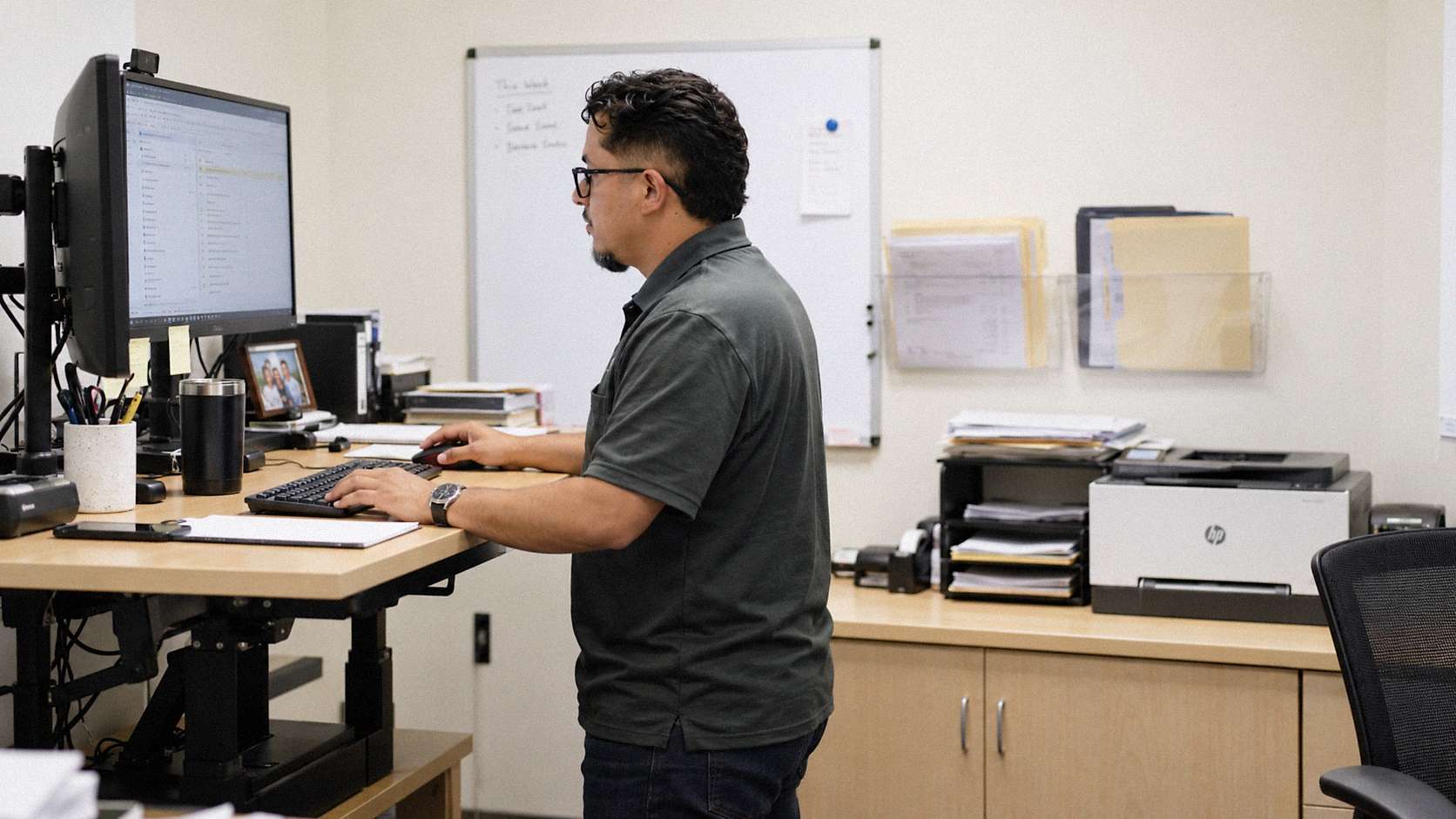
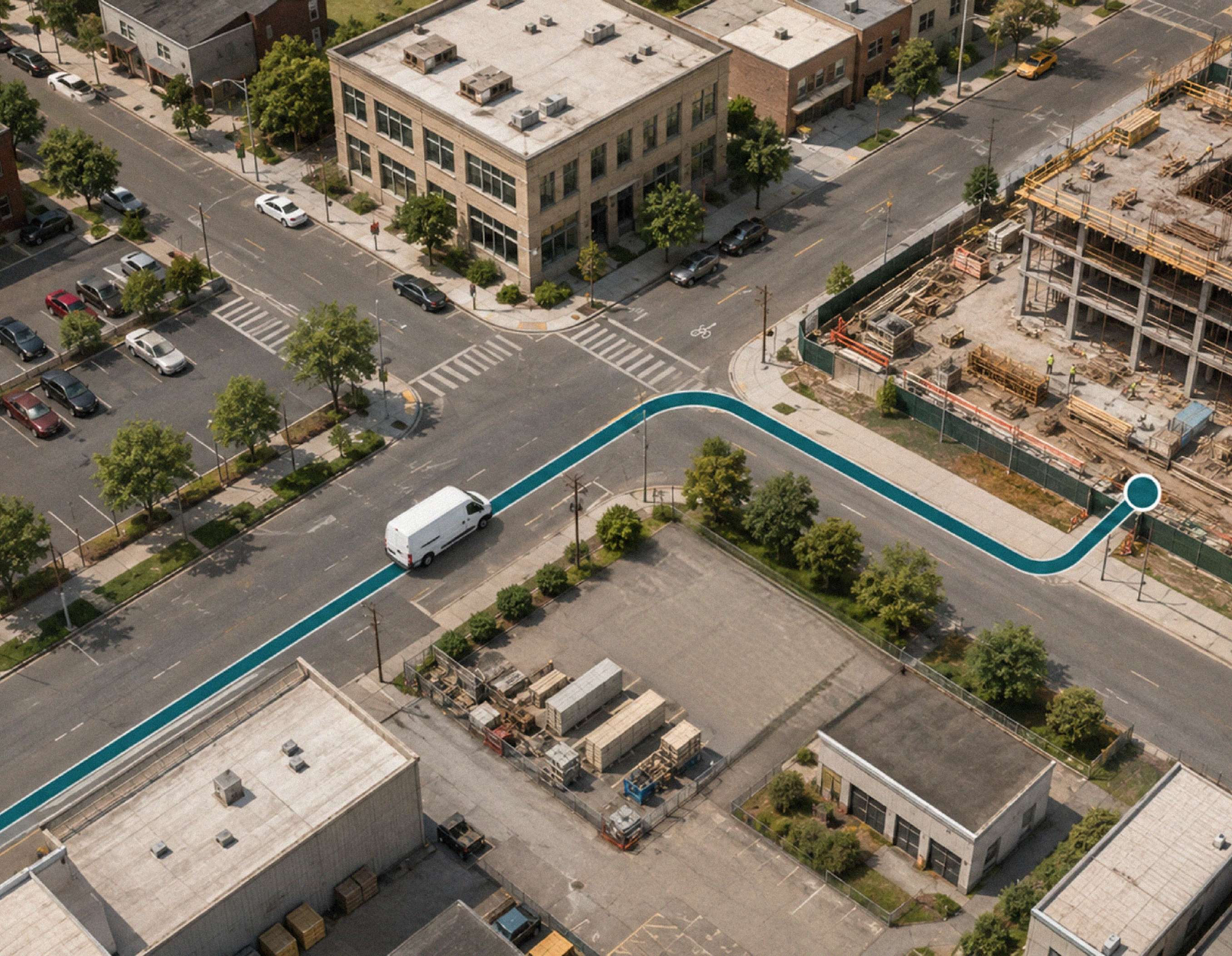
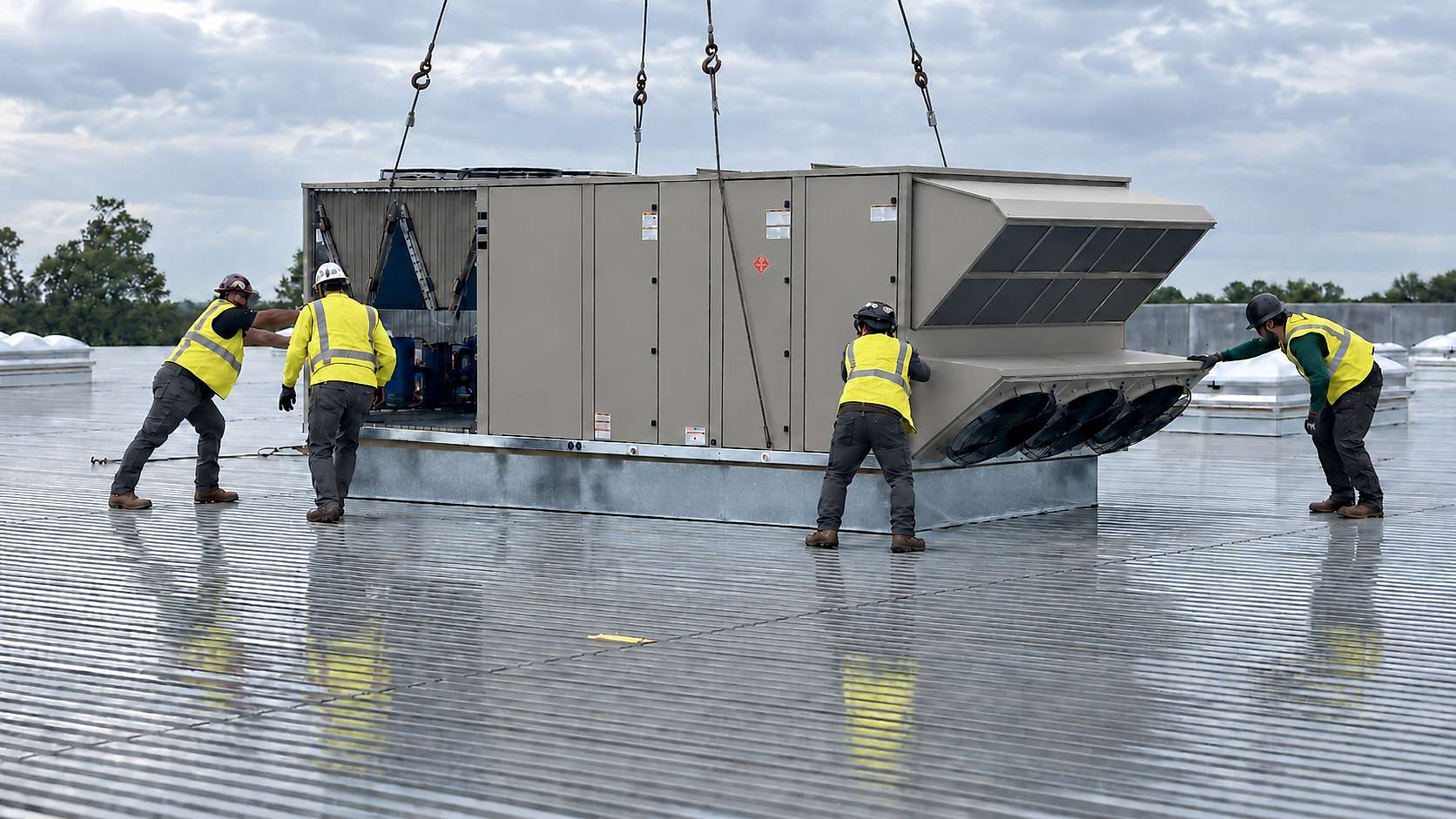
One dispatcher for every call, service managers sending their own techs, or install leads moving their crew on site. Workyard runs all three on the same board.
One dispatcher sends every tech
Each manager sends their own techs
The lead moves the crew on site

"It's preventing us from losing more on each project — saving us money."
100s of hrssaved a week routing supervisors by proximity
Read the story
"If you have field crews, Workyard is one of those tools that pays for itself. It saves us hours every payroll, keeps everyone accountable, and gives us real-time visibility into every job."
Features
The whiteboard, the group text and the phone tree, in one place.
Drag techs onto calls. Day, week and month views.
Unassigned calls
Take the call now, put a tech on it later.
Push and email
A new or changed call reaches the tech’s phone and inbox.
Send the schedule
The day or the week to everyone in view, in one tap.
Open in Maps
Directions to the call in Apple Maps or Google Maps.
The service ticket opens from the task, filled in on site.
Notes, photos and files
Gate codes and photos on the call. Everyone on it hears about new notes.
Labels and filters
Color labels like Emergency. Filter by tech, customer or status.
Repeating visits
Daily, weekly, monthly or yearly. Edit one or all that follow.
Every clocked-in tech on one live map.
Arriving at a call moves the hours to its job.
Labor, drive time and miles land on each job.

Connect 21 payroll, accounting and project systems. Your jobs and employees sync automatically.









Fair questions, straight answers
Field service dispatch software sends each service call to the right technician, puts the details on their phone and keeps the day on track as new calls come in. In Workyard each call is a task, shared by three parts:
Comparing tools? See the best field service dispatch software and HVAC dispatch software.
Yes. Put a tech on a call and they get a push and an email (you can switch that off per task). A tap opens the call: start and due, directions in Apple or Google Maps, the checklist, notes, photos and any form attached, like your service ticket. Workyard doesn’t send text messages (SMS), only push and email.
Yes. Live Locations puts every clocked-in tech on one map: the call they’re on, who’s driving and who hasn’t clocked in yet, so you see who’s nearest before you send anyone. You pick who goes. Location is recorded only while techs are on the clock.
No. Workyard isn’t a field service management (FSM) system: it doesn’t book jobs for customers, write estimates or invoices, take payments or send SMS. It runs dispatch and the crew side beside your FSM. ServiceTitan and Housecall Pro connect through the API, as our integrations page lists. Choosing an FSM? See our FSM software for small business comparison.
Make the task the moment the call comes in, on its job or on none, and drag the nearest tech onto it: they get a push and an email at once. Job not set up yet? If you allow it, techs add it from the app when they clock in, so no hours are lost.
Scheduling plans who works where over the coming weeks. Dispatching runs today: it sends techs to calls and moves them when an emergency lands or a call runs long. In Workyard both are the same tasks on one board. More in Scheduling, or for shifts, employee scheduling.
Not from the schedule: a clock-in never picks its job from the board. Location does. In Automatic mode, arriving at a job’s geofence moves the hours to that job, so a five-call day comes back split by call. There’s no no-show or arrival alert; Live Locations shows who hasn’t clocked in. More in field service time tracking.
Jobs, yes. Work orders, no: Workyard has none, and each call is a task on a job. Jobs and employees sync from the systems on our integrations page, and a job with an address gets its geofence. Calls booked in another system don’t reach the board by themselves: you add them as tasks.
Every call with its job, times and techs, by the day, week or month, or on a Timeline up to a year. Group it by team member, job, team or customer, and filter it by tech, customer, label or status. A call no one’s on waits in Unassigned; a finished one shows as done.
Yes. Managers and foremen can add tasks for their people, from the web app or their phone, and change the tasks they made; admins can change any task. Send one tech, or a whole install crew in one go. Everyone works one company board.
Group the board by team member and you see each tech’s week, with approved and pending time off on it, before you drag them on. It doesn’t block double-booking or suggest who’s free. Drop someone onto a task they’re already on and it tells you.
Where your rules put it, crew by crew: to the call the drive ends at, split evenly across the day’s calls, or left off the jobs. Each drive is recorded with its miles while the tech is clocked in. More in mileage tracking.
No. Workyard doesn’t plan or optimize routes: you choose the order. Give each call its own task and start time, and the tech’s phone lists them with directions to each.
Yes. A task repeats daily, every few weeks, monthly (on a date, or say the first Tuesday) or yearly, and you can change one visit or all that follow. There’s no every-three-months setting, so set a quarterly visit to repeat every 13 weeks.
The tech marks the task complete in the app, and the board shows it done. The service ticket they filled in opens from the task, with their notes and photos. There’s no alert when a call is finished, so check the board.
Yes. Service techs get calls one by one; install crews get multi-day tasks with their lead. See how it fits HVAC, plumbing and electrical contractors, or compare construction dispatch software.
In Workyard, dispatch is part of Scheduling, in the Max plan, with daily reporting, safety, forms and workflows and time card sign-offs. It’s a per-user license priced for your team, and you get the exact number on the demo. See pricing.
Live in days, not months, and a real person on the phone the whole way.