"I would probably ballpark it to be roughly about $5,000 and that's just something that we saw fairly immediate, where we were able to save roughly about five visits per job"
Victor Rodriguez, HR Field ManagerSynaptic Solar
Field service time tracking
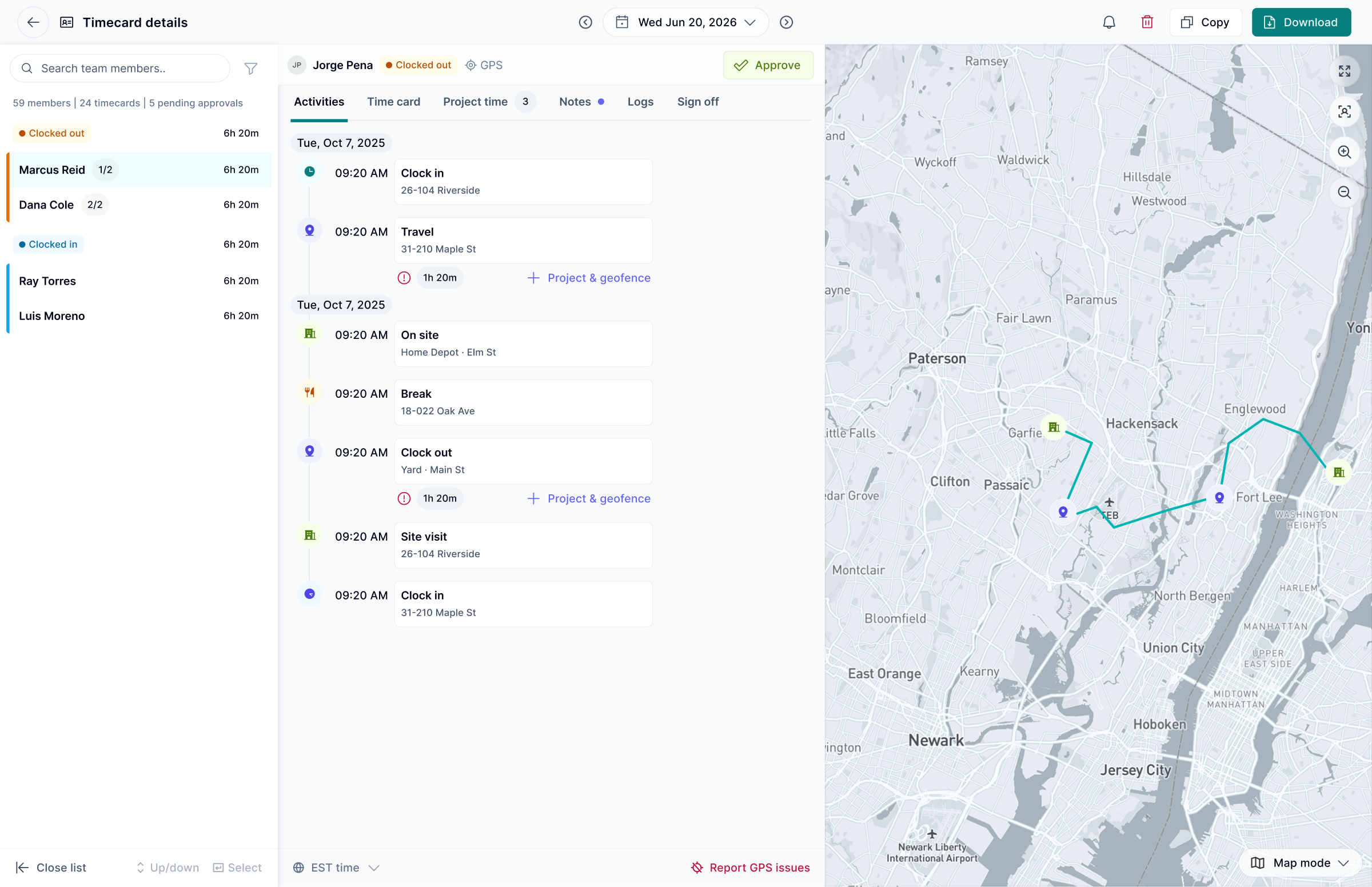
Field service time tracking records the time each tech spends on every call and on the road between calls. In Workyard, techs clock in once. Arriving at each call moves the hours to that job, drives are coded by your rules with their miles, and location stops at clock-out.
"I would probably ballpark it to be roughly about $5,000 and that's just something that we saw fairly immediate, where we were able to save roughly about five visits per job"
Victor Rodriguez, HR Field ManagerSynaptic Solar
$123Ksaved with Workyard’s Smart Forms
"Smart Forms pays for itself through accurate invoicing, insurance savings, and keeping our business moving every single day."

"We wanted more than a time tracking app since many exist. We sought something that helps beyond just tracking time."
Brian Mata, Project ManagerWagler Custom Homes

100s of hrssaved a week routing supervisors by proximity
"It's preventing us from losing more on each project — saving us money."

"Of all the solutions we’ve been exposed to, Workyard is the best. It’s a good value for the money, and the team is always willing to work with you to meet your needs."
James Monzello, CFOGreen Wall Tech

1 hourto prepare payroll, down from 8 hours
"You should ditch the paper, get rid of the other software, get on something that can track your crew's time, track your job costing, and save you real money."

100%of field hours GPS-verified
"If you have field crews, Workyard is one of those tools that pays for itself. It saves us hours every payroll, keeps everyone accountable, and gives us real-time visibility into every job."

How it works
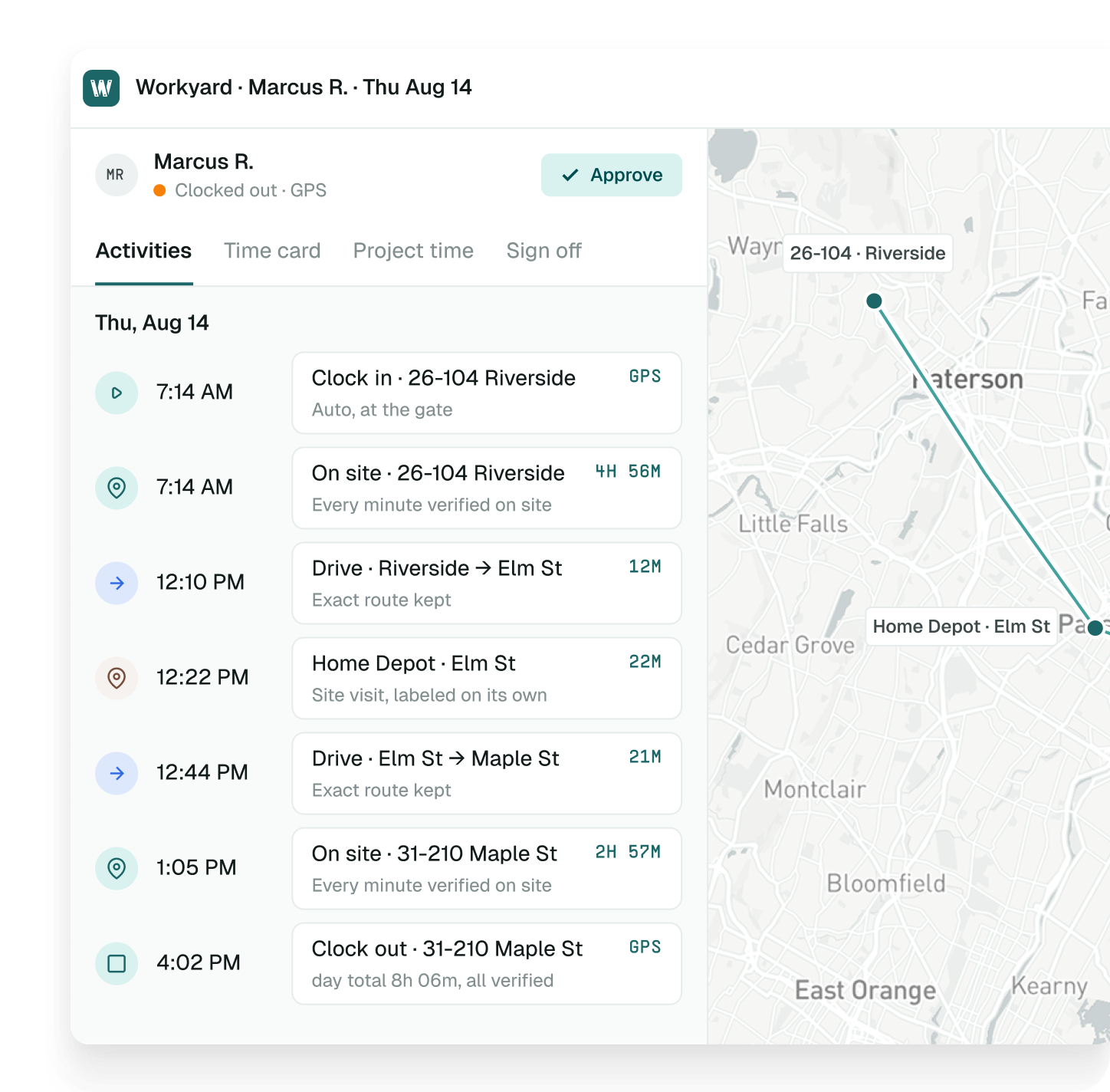
One clock-in in the morning, and Workyard follows the day: each call’s time on its job, each drive coded by your rules, every stop named. The office gets a card it can check against the GPS.
Each job gets a geofence at its address. Arriving at a call moves the hours to that job, so a five-call day comes back split by call, without the tech touching the app between them.
“Everything matched a geolocation. We could see minute by minute what was happening on job sites.”
Luis M. · Tue Aug 127h 50m
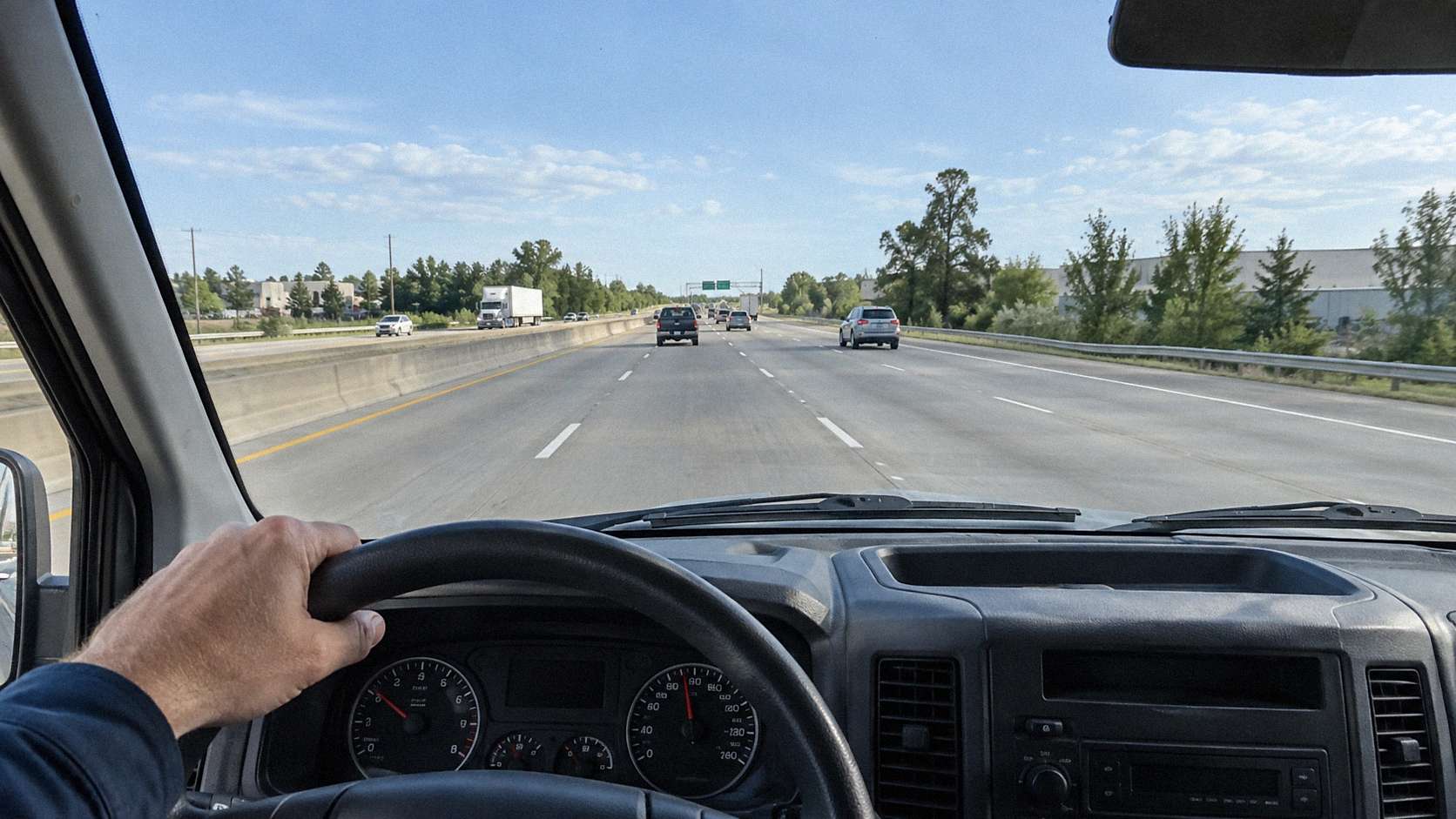
Drive time · 1h 05m · 24.6 miEach drive added to the call it ends at
Pick where drive time goes, crew by crew: to the call the drive ends at, split evenly across the day’s calls, or left off the jobs. Add a cost code like Travel and every assigned drive carries it, miles included. Supply house runs follow a rule of their own.
Assign driving time toTime and miles spent driving go where the rule says
Service techs
Cost code for driving timeTravel
Each time card opens on the tech’s day: when they reached each call, how long they stayed, and every drive with its route and miles. When a customer asks whether anyone came, the answer has times on it.
Set the rules once per crew. Meal breaks go in after the hours you choose, rest break reminders reach the phone, and your state’s overtime splits out on every card. Clock out from home, and the finish goes back to when they left the last call.
“With Workyard, I’m not relying on them to say, ‘I think I clocked out 2 hours ago,’ when really it was 4:00. I can look at the geofencing and see when they left and I have the exact time stamp.”

Rule group
Service techs
Applied to every card before the office sees it
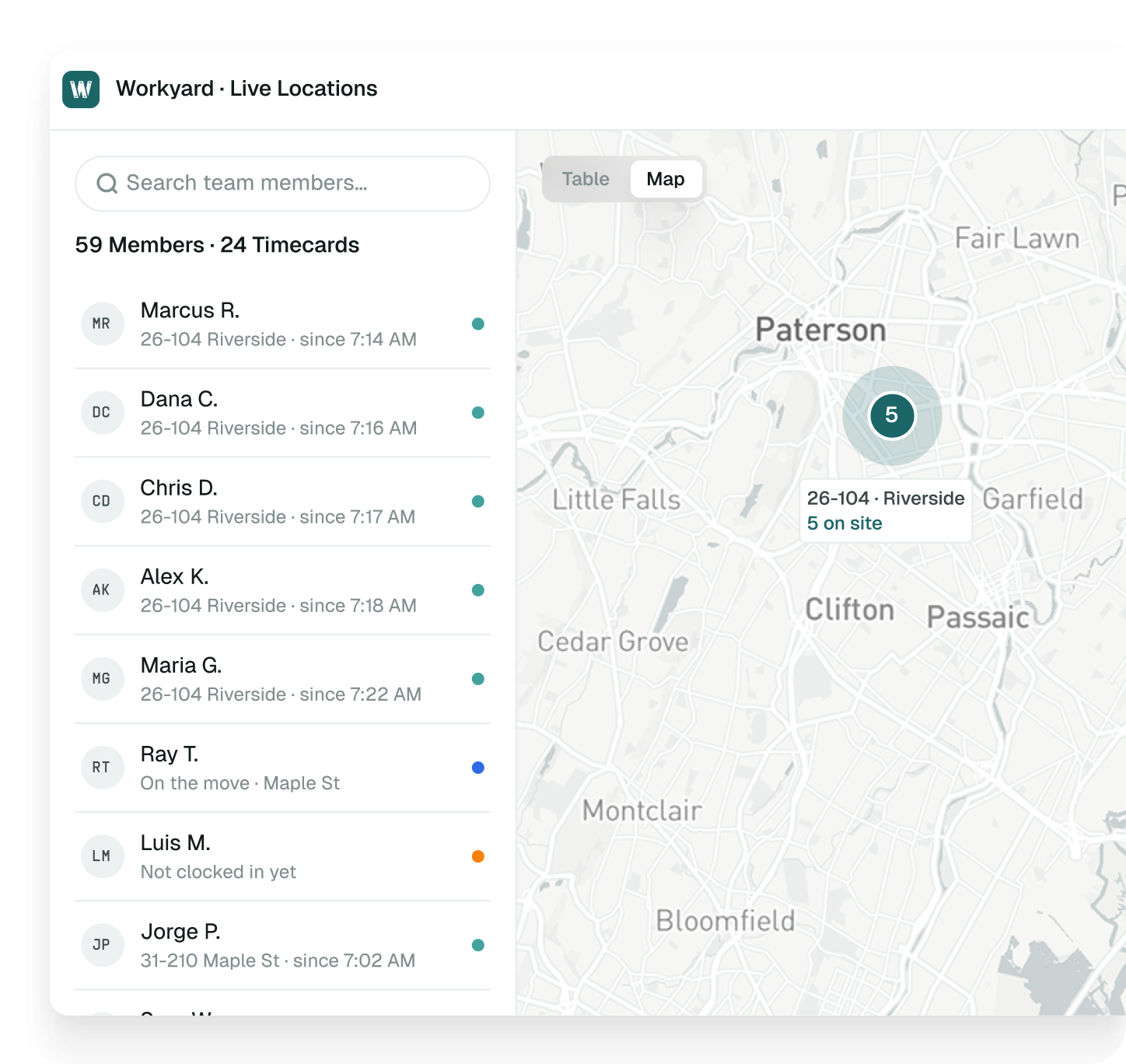
Live Locations shows who’s on a call, who’s driving and who hasn’t clocked in, so you know who’s closest when an emergency call lands. At the end of the week, the cards arrive checked, with anything off flagged for you to fix or approve.
No retyping. Approved time lands in payroll and accounting with employees, hours, earn codes, jobs and cost codes matched to your system’s fields. Run something else, an FSM included? Custom file exports and the API connect to anything.









The payoff
1 hour
to prepare payroll at TruTek, down from 8 hours
A 120-person HVAC crew across Phoenix.
$1,000+
in payroll errors found in one week at TruTek
Spotted in the time and location records.
90%
fewer timesheet corrections at TruControls
Security techs working across many properties.
100%
of TruControls’ field hours GPS-verified
And assigned to the correct job.
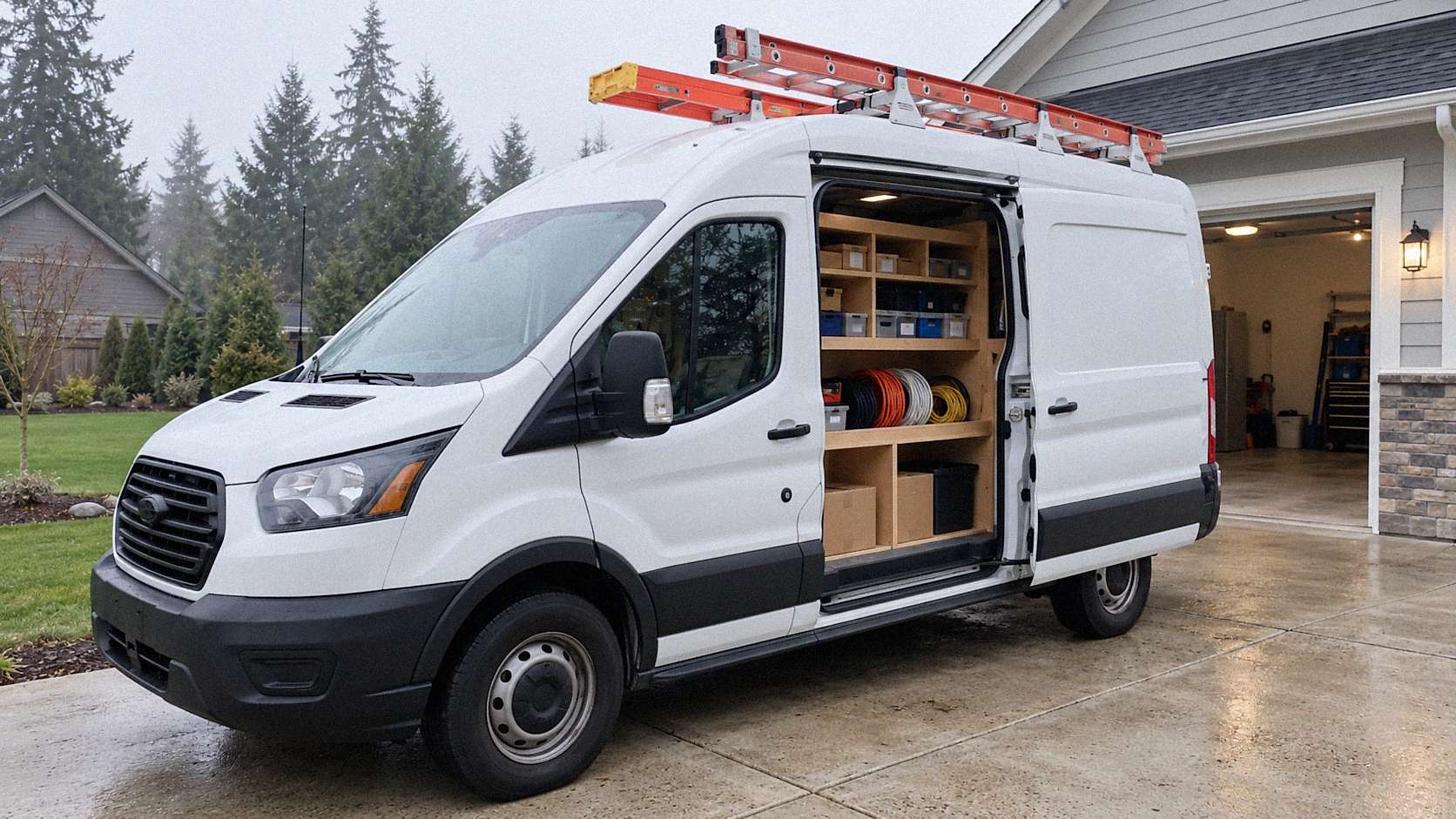
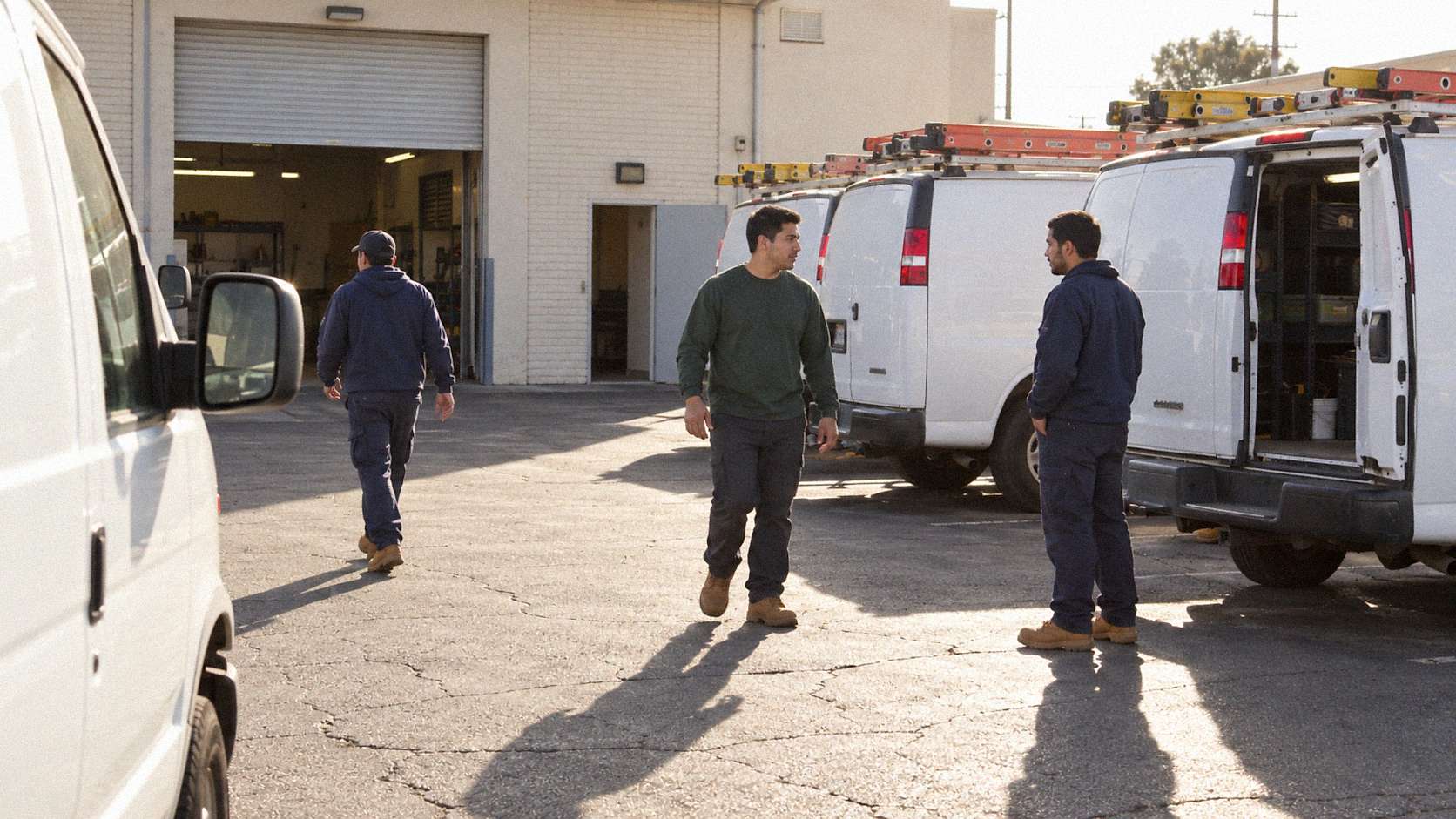
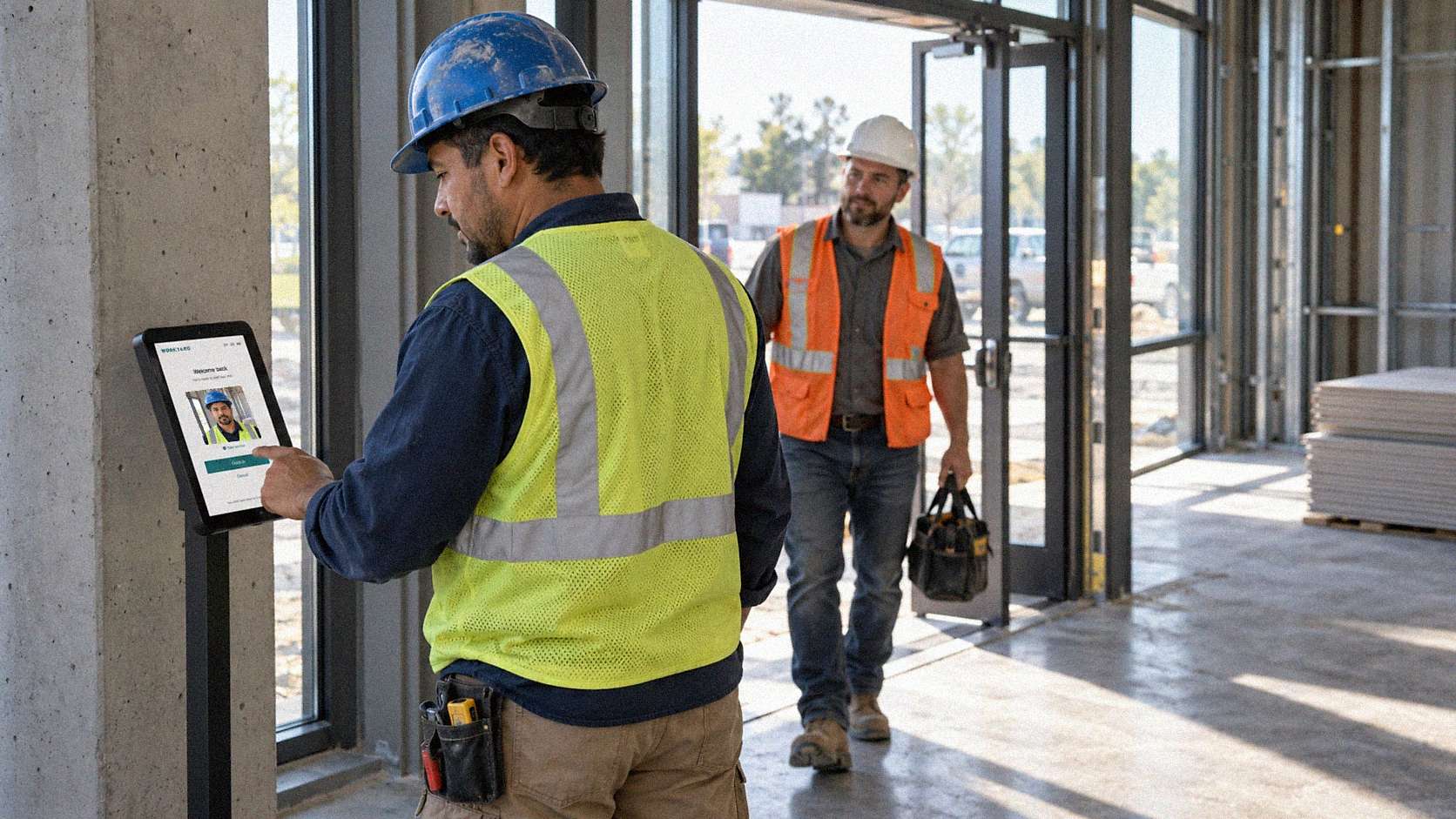
Most service shops run more than one kind of work. Techs on calls switch jobs as they arrive, install crews clock in with their foreman, and the shop uses a kiosk. Every hour lands on the same time cards.
Techs on calls all day, all over town
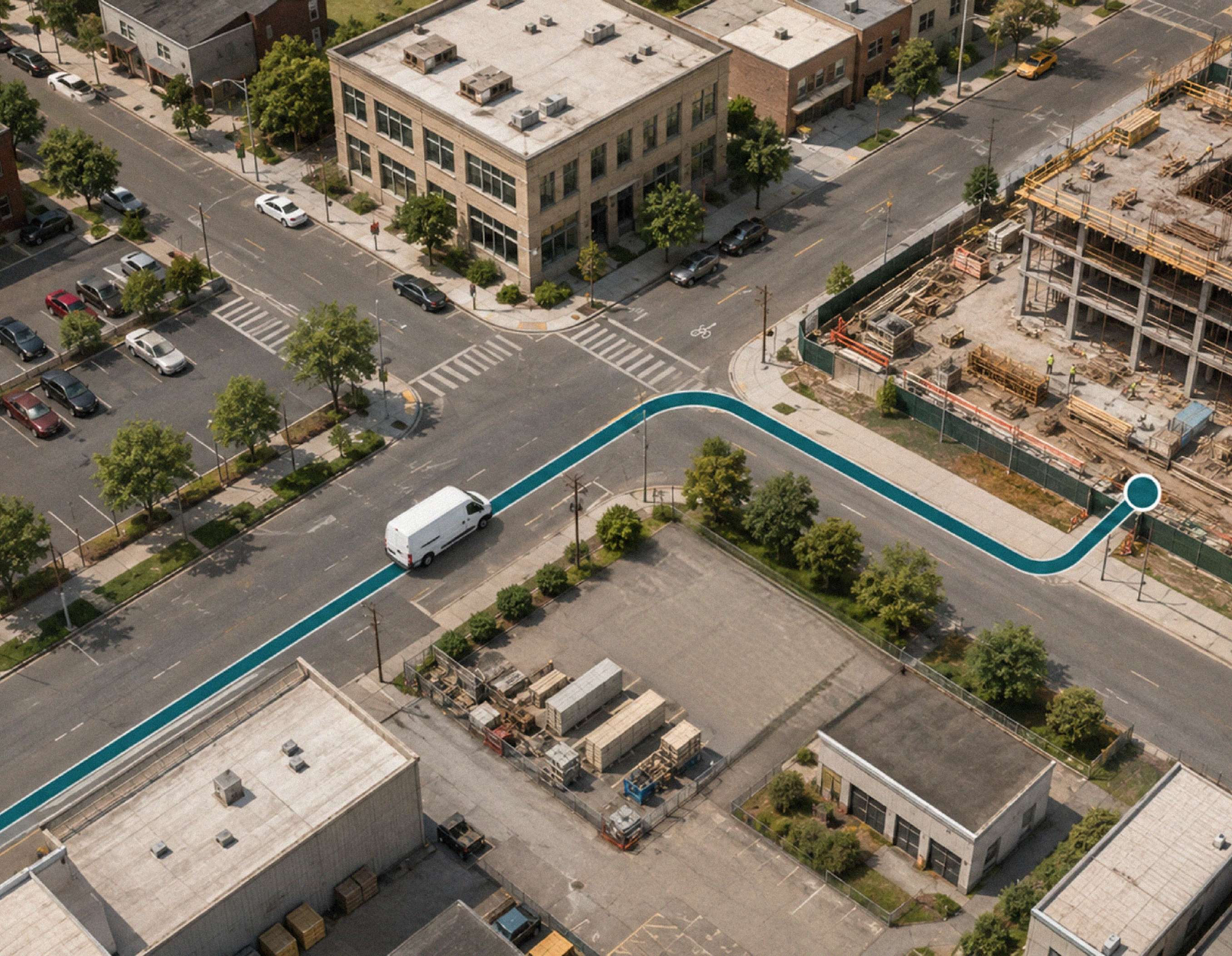
Crews on one job for days or weeks

Warehouse and shop staff on site all day

"If you have field crews, Workyard is one of those tools that pays for itself. It saves us hours every payroll, keeps everyone accountable, and gives us real-time visibility into every job."

"We can present a complete bill to clients at the end of every 30 day period with an audit trail. Prior to Workyard we didn’t have that supporting evidence."
Features
What the tech never has to think about, and what it saves the office.
The whole platform: every hour verified, coded to the job and ready for payroll.
Each tech’s phone is the time clock, GPS on every punch.
Auto clock-in
Arriving at the first call clocks them in, or reminds them to.
Jobs switch on arrival
Each call’s geofence moves the hours to that job.
Drive time rules
To the next call, split across the day, or off the jobs.
Mileage
Miles on every drive, per tech and per job.
Stops named
Supply runs and gas stops labelled on their own.
Clock-out trim
A late clock-out set back to when they left the last call.
Breaks and overtime
Meal breaks, rest reminders and your state’s overtime, by rule.
Offline mode
No signal in the basement? It records, then syncs.
Who’s on a call and who’s driving, on one map.
The day’s calls on each tech’s phone, with directions.
Crews and calls on one board, moved as the day changes.
Looking for something specific?
If a crew needs it, we probably built it.

Connect 21 payroll, accounting and project systems. Your jobs and employees sync automatically.









Fair questions, straight answers
Field service time tracking records the hours each technician spends on every call and on the road between calls, so payroll is right and each job carries its own labor. With Workyard, a tech’s day runs like this:
It’s part of Workyard’s time tracking, with more for your trade on our HVAC, plumbing and electrical pages.
No. They clock in once and out once. In Automatic mode, arriving at each job’s geofence moves the hours to that job, so the day comes back split by call without a tap in between. Arriving at the first call can clock them in too, or just send a reminder. Rather your techs pick the job? Set the crew to manual project time and they choose from your list as they go.
You choose, crew by crew. Each drive is recorded with its time and miles while the tech is clocked in, then goes to:
Add a driving cost code such as Travel and every assigned drive carries it. No setting sends a drive back to the call just finished, but the office can move any time on the card to another job before approving. Stops that aren’t jobs, like the supply house, get the same three choices.
Under federal law, generally yes. The FLSA counts travel from job site to job site during the workday as hours worked (29 CFR 785.38), but not the ordinary commute from home to the first call (785.35). States can add rules, so check yours. This isn’t legal advice. More in our guide to travel time pay.
Every clock-in carries its GPS location, and with location on through the shift, the card shows when the tech reached each call, how long they stayed and every drive between. It runs on the tech’s phone, so there’s no truck hardware to trust. Watch the day live in Live Locations.
Yes, with Scheduling: put a tech on a job and it shows on their phone with its notes and one-tap directions in Apple Maps or Google Maps. Live Locations shows who’s closest when an emergency comes in, and construction dispatch covers moving crews through the day. Workyard doesn’t plan or optimize routes.
Leaving a geofence doesn’t clock anyone out, because techs leave sites all day for the next call. Turn on Auto Fill Clock Out Time instead: at clock-out, the finish is set to when they left the last job, so a 6:40 PM clock-out from the couch comes back as 4:05 PM. A card nobody ends stops on its own after 24 hours, and every change stays in the card’s log.
Every job needs one for its time to land on its own, but you rarely draw them. Jobs imported from your accounting system with an address get a geofence there, and so does a job you add by address. A stop at an address that isn’t a job yet still shows on the card under its place name, and a manager can turn it into a job, geofence and all, from the time card map.
Next door is fine: job fences can’t overlap. A new circle is shrunk so it stops short of a neighbor’s fence, and a drawn outline can’t cross another job’s. Two jobs at the very same address are different. Location can’t tell which one the tech worked on, so have that crew pick the job as they go, or move the time on the card before you approve it.
Set it crew by crew. With Restrict Clock In on, a crew can only clock in inside a job’s geofence, so the clock starts at the first call. Leave it off for techs you pay from the moment they set off: they clock in at home, the punch keeps its location, and the drive is on the card.
It tracks the miles a tech drives on the clock. Each drive on the card shows its miles, the miles follow the drive’s job by your rule, and each job’s report totals every tech’s travel time and miles. It tracks the tech’s phone, not the van, so there’s nothing to install. More in mileage tracking, or see how to calculate mileage reimbursement.
By rules you set once for each crew:
See how the week comes together in Prepare Payroll.
No. Location is recorded only between clock-in and clock-out, and techs can see that in the app. Record it through the shift, at clock-in and clock-out only, or not at all, crew by crew. On call overnight? The tech clocks in when the call comes and out when it’s done.
No. Workyard isn’t a field service management (FSM) system: it doesn’t book jobs, write estimates or send invoices. It runs the time side beside your FSM, and ServiceTitan and Housecall Pro connect through the API, as our integrations page lists. Choosing an FSM? See our field service management software for small business comparison.
Approve cards one by one, by crew or all at once, then send the hours to ADP, Gusto, Paychex, QuickBooks, Sage, Foundation, NetSuite and more, or out as a custom file. Each job’s hours, labor cost, travel time and miles feed job costing.
Every package. Autopilot includes GPS tracking, drive time and mileage tracking, and project time tracking. Max adds scheduling, and Enterprise is built for larger teams. Compare plans, or see the rest of Time Tracking.

Live in days, not months, and a real person on the phone the whole way.