Tree Inspection Report
Documents a tree's identity, measurements, health and failure risk, with recommendations and the inspector's credentials.
- No email
- No sign-up
- Edit it, add your logo
This starts a free Workyard trial.
28 fields · 4 sections · Updated Nov 2026
Built for

Forms
Search...
Tree Inspection Report
No submissionsSubmit
Daily progress report
15 submissionsSubmit
Site safety checklist
15 submissionsSubmit
Toolbox talk
15 submissionsSubmit
Incident report
No submissionsSubmit
Tree Inspection Report
Job *
Select a job
Species (common and scientific)
Enter text
Tree ID/Tag #
Enter text
Location
Enter text
Inspection Date and Time
Select a date
Measurements
Trunk diameter (DBH) in inches
Enter text
Tree height (in feet)
Enter text
Canopy (crown) diameter
Enter text
Health and Condition
Overall health rating
Select an option
Observed issues in leaves/canopy (check all that apply)
Select an option
Observed issues in trunk/crown (check all that apply)
Select an option
Observed issues in roots/soil (check all that apply)
Select an option
Disease/Pests: Note any specific pathogens or pests (e.g. oak wilt, emerald ash borer) if present.
Enter text
Additional notes on condition
Enter text
Risk Assessment and Recommendations
Target / occupancy (people, structures or property that could be struck)
Enter text
Likelihood of failure
Select an option
Likelihood of impacting the target
Select an option
Consequences of failure
Select an option
Overall risk rating
Select an option
Recommended actions
Select an option
Replanting recommended?
YesNo
Replanting notes
Enter text
Follow-up deadline (optional)
Enter text
Responsible party (optional)
Enter text
Inspector and Documentation
Inspector name
Enter text
Credentials / Professional qualifications
Enter text
Inspector Signature
Sign here
Additional notes
Enter text
Photo uploads
Submit
The template
The full Tree Inspection Report
Print it for the clipboard, or put it on your crew’s phones. Same form either way.
Tree Inspection Report
Evaluate tree health, safety, and environmental impact with this Tree Inspection Report. Ideal for arborists, landscapers, and property managers, it documents structural conditions, species data, risk level, and maintenance needs, helping you protect people, property, and ecosystems.
1 · Measurements
2 · Health and Condition
3 · Risk Assessment and Recommendations
4 · Inspector and Documentation
Photo uploads · photo refs
The digital form
Same checklist, on every phone on the job
- Shows up when it’s due. Triggered by the job assignment, or at clock-in or clock-out. Nobody has to remember it.
- Pre-filled before they start. Job, date and inspector fill in on their own, so the crew only answers the checks.
- Photos and other media, attached. Snapped on the spot and saved with the answers they explain.
- Never lose a form again. Every one is filed to the job the moment it’s sent. No data entry back at the office.
This starts a free Workyard trial.
Just need it on paper? Get the paper form
Free download
Tree Inspection Report template: PDF, Word and Excel
Print the form as it is, or download a template you can edit. Every format is free, with no email and no sign-up.

PDF
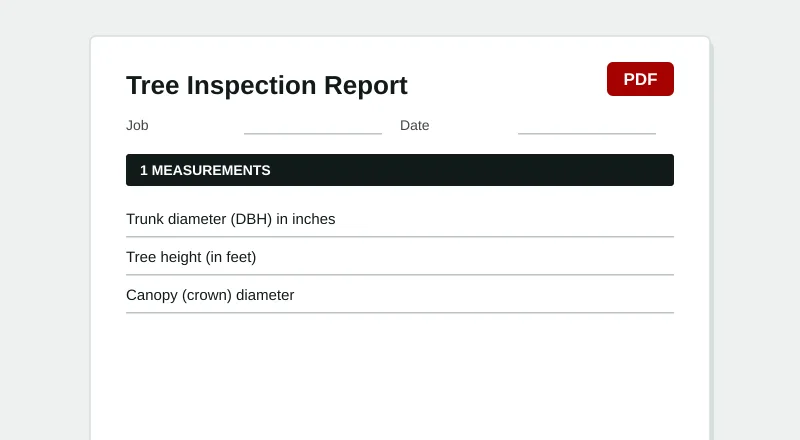
Tree Inspection Report PDF
The printable form: print it for the crew, or save it as a PDF to share or keep on file.

Word
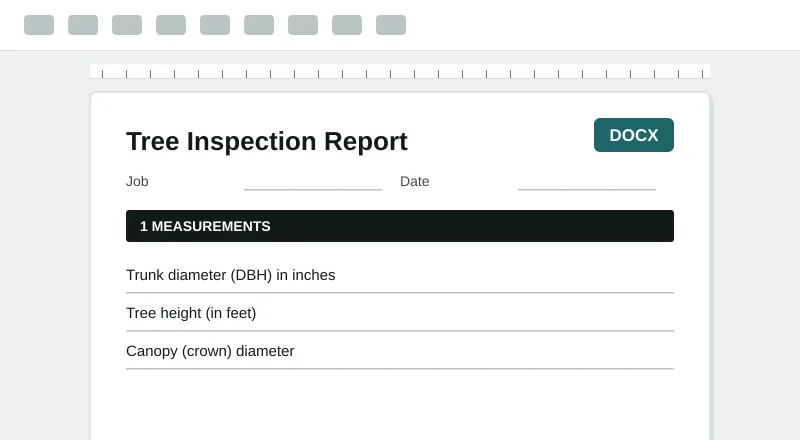
Tree Inspection Report Word template
An editable .docx: add your company name, logo and your own checks, then print or share it.

Excel
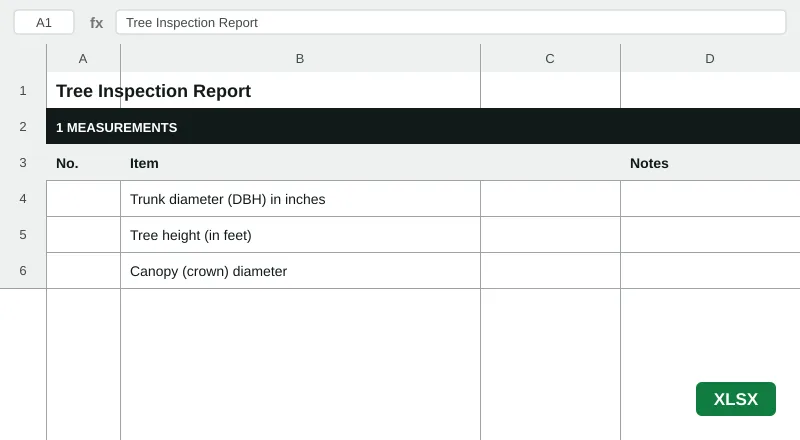
Tree Inspection Report Excel template
A spreadsheet with a dropdown for every answer, ready to fill in, sort and keep as a log.
How to use it
How to run the Tree Inspection Report
- 01
Run it before the work is covered
Walk it before the next trade closes things up or the area is handed over, and again after any fix. Fill in the header first so the record stands on its own.
- 02
Work the sections in order
Go through the 4 sections in order so nothing gets skipped. Answer every check: a blank isn’t an answer.
- 03
Every miss gets a photo and an owner
Write down what’s wrong, take a photo and name the trade that owns the fix, with a date.
- 04
Re-check, sign, then release
Walk the misses again once they’re fixed. Sign it off, and only then let the area close.
Why we built this
An inspection only counts if it’s written down
A miss found before the work is covered up is a quick fix. Found after, it’s a tear-out, a failed inspection and a schedule hit. The written record is how you prove the check happened.
- Built for the field. Every check is written the way crews talk, with room for notes, photos and a signature.
- Free, with no catch. No email, no account. Print it and hand it out.
- On paper or on the phone. The same form runs on the Workyard app, filed to the job when it’s sent.
3,000+contractors run their crews on Workyard
Meet WorkyardWho we are
Workyard is the construction operations platform for specialty contractors and self-performing general contractors determined to grow without sacrificing job control or margins.
Forms like this one are what our customers’ crews fill in on Workyard every day, on the same app they clock in with.
- workers on Workyard every day
- 100,000+
- free templates, none of them gated
- 182
Forms & Workflows
Get every form back from every crew, every day
- It shows up on its own. Attach it to a task, a job or clock-out, and it’s on the crew’s phone when it’s due.
- It can’t be skipped. Make it required and the day can’t close until it’s in.
- You see it the same day. Filed, flagged or missing, every job on one board, before anyone has to call.
$123,000cut from insurance costs at TR3 Group
More site inspections templates
Free templates for the rest of the job
Site Inspections
Drone Building Inspection Report Form
Site Inspections
Above Ceiling Inspection Checklist
Equipment Pre-Start Checks
Air Compressor Inspection Checklist
Site Inspections
Asphalt Plant Inspection Checklist Form
Questions
Tree Inspection Report FAQs
What is a Tree Inspection Report?
A Tree Inspection Report is a detailed document prepared by a certified arborist to assess the health, structural integrity, and risk factors of a tree. It includes species identification, measurements like diameter and height, and evaluation of defects such as decay, cracks, root damage, or disease.
Can this report be used for permit applications?
Yes. A tree inspection report can be used for tree removal or pruning permit applications. Certified arborists or tree risk assessors prepare these reports under ISA Tree Risk Assessment standards, documenting species, size, health, defects, and risk assessments to support compliance and the permit process.
What if a tree is marked for removal?
If a tree is marked for removal, it has been identified as hazardous, diseased, dead, or risky. Property owners must follow local regulations, usually requiring a permit application with supporting documents such as site plans, risk assessments, and photos. Hazardous trees should be removed promptly by qualified providers.
How often should trees be inspected?
Most trees should be inspected at least once every three years, but frequency varies by age, species, location, and condition. Younger, mature, or historically valuable trees may need annual checks. Trees near high-traffic areas should be inspected more often, and always after severe weather or visible changes.
Do I need a Workyard account to use it?
No. Print the paper form, save it as a PDF, or download the Word or Excel file, free, with no email and no sign-up. You only need an account to put the digital form on your crew’s phones.
Can I edit the template?
Yes. Download the Word or Excel version to add your logo, add checks from your project spec or remove sections you don’t need. They open in Google Docs and Google Sheets too.
How do I get my crew to fill it in on their phones?
Add the digital form to Workyard and attach it to the job or the task it belongs to. It shows up in the app your crew already clocks in with, and every form comes back signed, with its photos, filed to the job.
Trigger the form at the right moment