Skip to content
Log InBook a demo
Book a demo
Free template · paper and digital

Hand Tool Inspection Checklist

A quick check of a hand tool for cracks, loose heads and worn grips before use, with the inspector's date, time and sign-off.

WordExcel
  • No email
  • No sign-up
  • Edit it, add your logo
See every check

The template

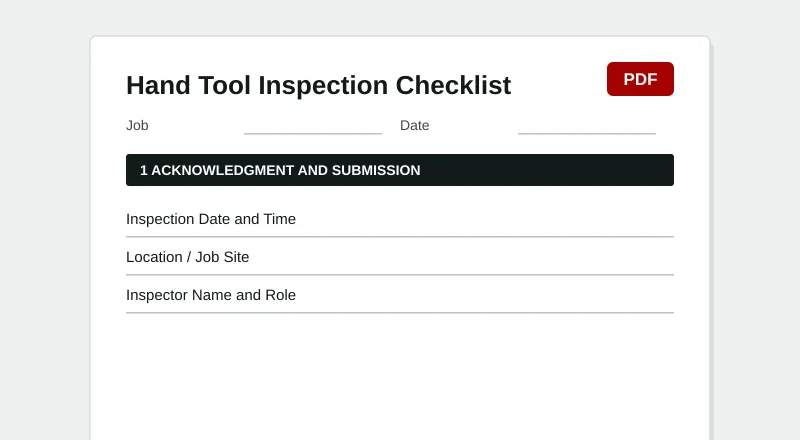
The full Hand Tool Inspection Checklist

Print it for the clipboard, or put it on your crew’s phones. Same form either way.

Your logo

Hand Tool Inspection Checklist

This Hand Tool Inspection Checklist helps your team identify worn or damaged tools, document conditions, and support OSHA 1910/1926 safety guidelines. Ideal for field, shop, or facility use, the form promotes safer worksites and helps improve tool maintenance practices and reduce preventable injuries.

Job
Date
Tool TypeHammerScrewdriverWrenchPliersSawChiselUtility KnifeTape Measure
Tool ID / Asset Number
Visual Defects (Check all that apply):Cracks or fractures in tool body/headChipped, broken, or dulled cutting edgeRust / CorrosionLoose, splintered or damaged handle/gripBent or deformed parts (e.g. wrench jaws, chisel head)Mushroomed striking head (chisels, punches, wedges)No defects found
Action Taken / Needed: (Select One)No action needed (Tool OK to use)Tag for Repair / MaintenanceRemove from Service (Unsafe – Do Not Use)Replace Tool
Comments / Notes: Details or observations (e.g. “pin missing”, “will order replacement part”).

Photo Evidence: Attach one or more photos of the tool or defect. · photo refs

1 · Acknowledgment and Submission

Inspection Date and Time
Location / Job Site
Inspector Name and Role
Name
Signature
Date
Free download

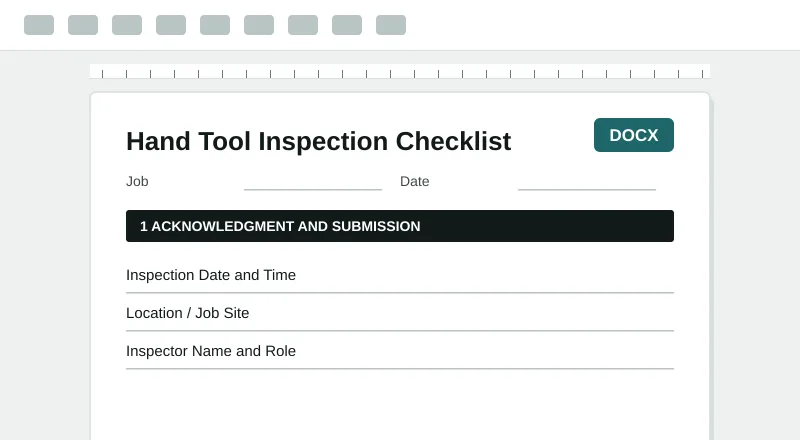
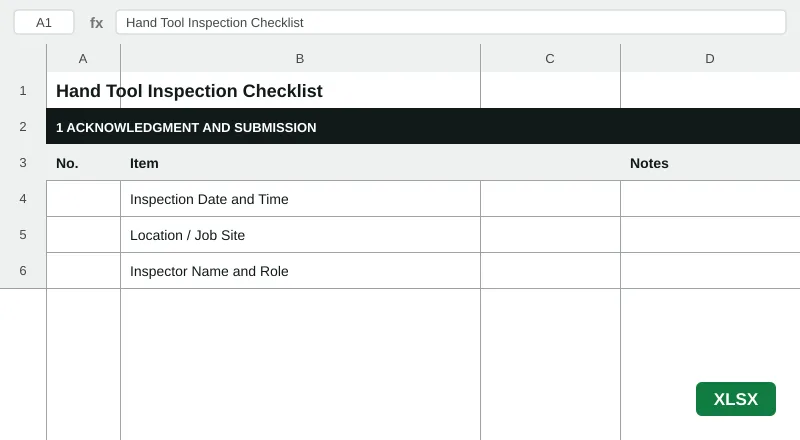
Hand Tool Inspection Checklist template: PDF, Word and Excel

Print the form as it is, or download a template you can edit. Every format is free, with no email and no sign-up.

How to use it

How to run the Hand Tool Inspection Checklist

  1. 01

    Check it before the first start

    Do it at the start of every shift, before the machine moves, with the operator who’ll run it.

  2. 02

    Walk around, then test from the seat

    Work through the 1 sections: fluids and the walk-around first, then controls, brakes and safety devices with it running.

  3. 03

    A fail means it stays parked

    Tag out anything that fails and report it to the shop or the super, with a photo. It doesn’t run until it’s fixed.

  4. 04

    Sign it and keep it with the machine

    The operator signs. Keep each day’s sheet with the machine, so the next operator and the inspector can see its history.

Why we built this

Most breakdowns give a warning first

A leak, a worn hose, brakes that feel soft. A few minutes at the start of the shift catches them before they cost a day of downtime, or someone’s safety.

  • Built for the field. Every check is written the way crews talk, with room for notes, photos and a signature.
  • Free, with no catch. No email, no account. Print it and hand it out.
  • On paper or on the phone. The same form runs on the Workyard app, filed to the job when it’s sent.

3,000+contractors run their crews on Workyard

Meet Workyard

Who we are

Workyard is the construction operations platform for specialty contractors and self-performing general contractors determined to grow without sacrificing job control or margins.

Forms like this one are what our customers’ crews fill in on Workyard every day, on the same app they clock in with.

workers on Workyard every day
100,000+
free templates, none of them gated
182

Forms & Workflows

Get every form back from every crew, every day

  • It shows up on its own. Attach it to a task, a job or clock-out, and it’s on the crew’s phone when it’s due.
  • It can’t be skipped. Make it required and the day can’t close until it’s in.
  • You see it the same day. Filed, flagged or missing, every job on one board, before anyone has to call.

$123,000cut from insurance costs at TR3 Group

More equipment pre-start checks templates

Free templates for the rest of the job

  • Equipment Pre-Start Checks

    Fall Arrest Harness Inspection

  • Equipment Pre-Start Checks

    Impact Driver Inspection Report

  • Equipment Pre-Start Checks

    Chain Hoist Inspection

  • Equipment Pre-Start Checks

    Circuit Breaker Inspection Checklist

Browse all templates

Questions

Hand Tool Inspection Checklist FAQs

What’s the purpose of a Hand Tool Inspection Checklist?

This checklist is used to document the condition of tools before use. It helps identify cracks, loose parts, corrosion, or other issues that could impact safety or tool function. It’s especially useful in fast-paced work environments where hand tools are used regularly and may wear out quickly.

Who should complete this checklist?

Anyone using hand tools on the job should be trained to perform basic inspections. However, safety officers, maintenance leads, and crew supervisors are typically responsible for routine checks and logging results. The checklist helps teams stay accountable and organized.

Does this checklist make my site OSHA compliant?

While it doesn't guarantee compliance, regularly using this checklist may help improve alignment with OSHA’s expectations under sections 1910 and 1926 for tool safety. It’s a useful addition to your site’s overall safety and maintenance program.

Can this checklist be used for any type of hand tool?

Yes. It’s flexible enough to cover a broad range of hand tools, like hammers, screwdrivers, pliers, wrenches, or specialty tools. You can customize the form to match the tools commonly used on your site or within your crew, and even add tool-specific check items as needed.

Do I need a Workyard account to use it?

No. Print the paper form, save it as a PDF, or download the Word or Excel file, free, with no email and no sign-up. You only need an account to put the digital form on your crew’s phones.

Can I edit the template?

Yes. Download the Word or Excel version to add your logo, add checks from your project spec or remove sections you don’t need. They open in Google Docs and Google Sheets too.

How do I get my crew to fill it in on their phones?

Add the digital form to Workyard and attach it to the job or the task it belongs to. It shows up in the app your crew already clocks in with, and every form comes back signed, with its photos, filed to the job.

Trigger the form at the right moment

A job's Forms tab in Workyard: each form, the clock-in or clock-out that triggers it, and how many have been submitted
A van check filled in on the Workyard app: the damage photo, a description and the tech's signature, ready to submit

Book a demo with a Workyard specialist

Your local Workyard specialist

Works with 50 contractors across the US

Your details

30 min · Video call