

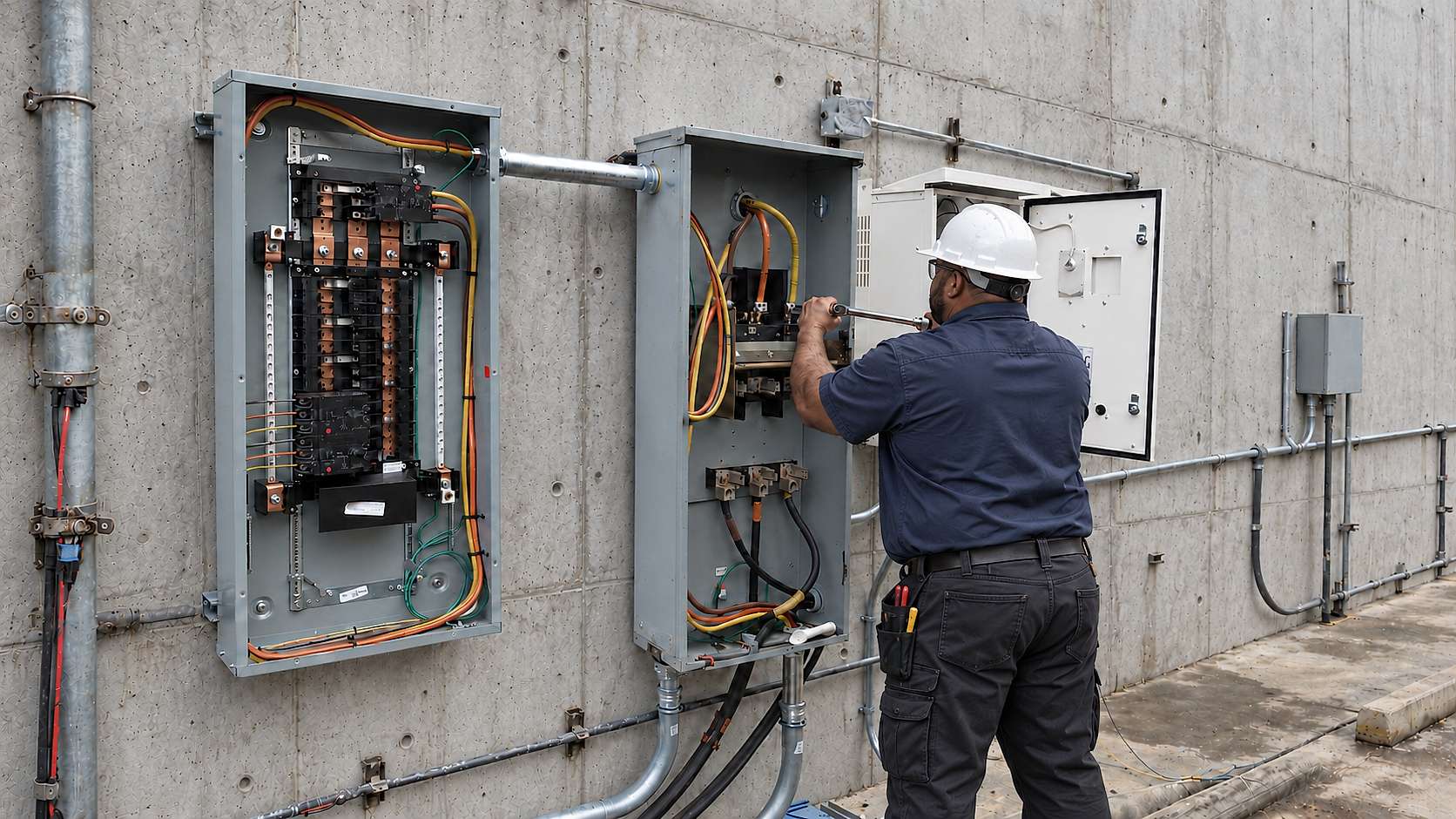

A lockout tagout form is the record a worker fills in before servicing equipment: which energy sources were shut off, where they were isolated, whose lock is on each point, and proof that the machine was tested at zero energy before anyone put their hands in it. Electricians, mechanical techs, maintenance crews and anyone servicing powered equipment on a job use it, and the same sheet closes the job out when the equipment goes back into service.
What the lockout tagout form records
The form is built around one job on one piece of equipment, from shutdown to restart.
| Section | What goes in it |
|---|---|
| Job and equipment details | Work order number, equipment name or asset ID, location or line, description of the work, the authorized employee applying the lock and anyone else working under it |
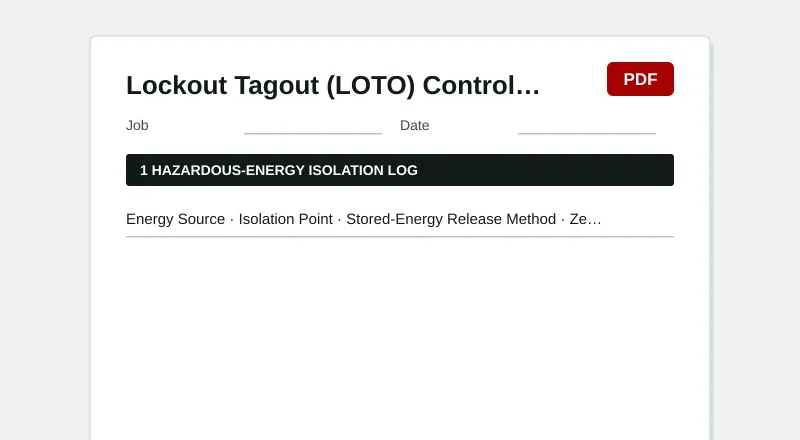
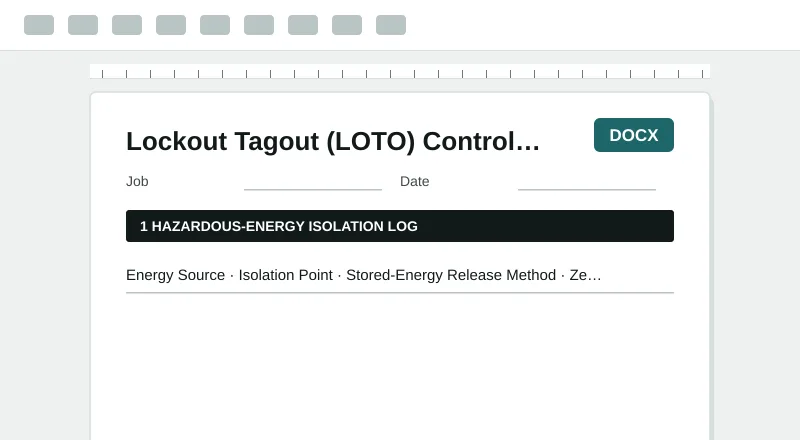
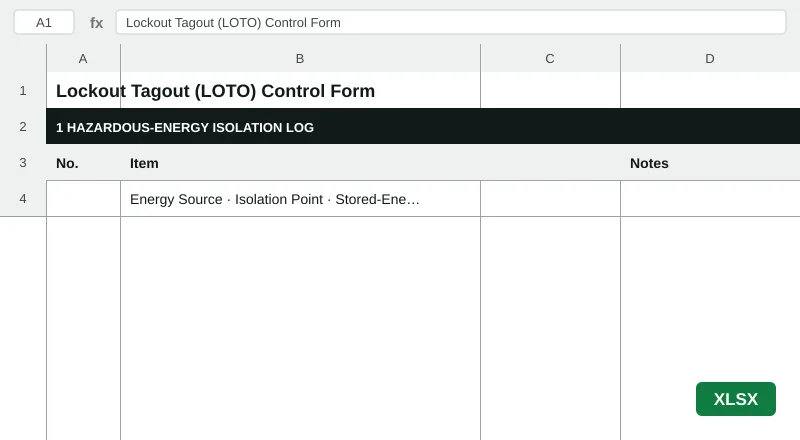
| Hazardous-energy isolation log | One row per energy source: isolation point, how stored energy is released, zero energy verified, lock and tag serial number, date and time, notes, plus photos |
| LOTO application checklist | The seven steps from notifying affected workers to documenting the zero-energy check, each with a time and notes |
| Return-to-service checklist | Guards back on, area clear, locks removed by the person who applied them, workers told, equipment started normally |
| Sign-off | The authorized employee, and a supervisor where your program requires one |
List every source, not just the obvious one. A conveyor might have electrical power, a pneumatic line and a raised section held up by gravity. Each gets its own row and its own release method.
How to use the LOTO form, step by step
The application checklist follows the order the work should happen in:
- Notify the affected workers that the equipment is being shut down.
- Shut the equipment down using its normal controls.
- Isolate every energy source listed in the isolation log.
- Relieve or block residual and stored energy: bleed air, discharge capacitors, block raised parts.
- Apply your personal lock and tag to each isolation point and write the serial numbers down.
- Try to restart the equipment and test for zero energy.
- Record the zero-energy check in the isolation log.
When the work is done, the return-to-service checklist runs in reverse: guards and panels reinstalled, tools and people clear, locks and tags removed, affected workers told, and the equipment started normally.
Who should remove a lock? Only the person who put it on. The return-to-service checklist asks for exactly that, which is why each lock serial number is tied to a name on the form. If a lock has to come off when its owner isn't there, follow your company's written procedure and record what happened on the form.
Lockout tagout requirements and your written procedure
OSHA's lockout/tagout rules require employers to have a written energy control program, train the people who apply locks, and use procedures specific to the equipment. A lockout tagout procedure form like this one is how a crew shows the procedure was followed on a given day. It does not replace the machine-specific procedure itself, and it does not replace training. Check the current OSHA standard that covers your work and the equipment manufacturer's instructions for the isolation points.
If you need a running sheet of every lock applied across a site, the lockout tagout log works as the tracking sheet, with this form behind each entry.
Get the free lockout tagout form
Download the LOTO form as a PDF, Word or Excel file, free and with no sign-up. Print it for the job box, or edit the Word or Excel version to preload your equipment and isolation points. In Workyard, crews fill in the same form on their phones on the job: photos of each lock and tag, signatures on screen, any missed step sent to the named supervisor, and every completed form filed to the job in the office and exportable as a PDF or CSV. See Workyard's safety tools and more JSAs and JHAs.


