Skip to content
Log InBook a demo
Book a demo
Free template · paper and digital

Solar Inspection Checklist Form

Walks a PV install from mounting to rapid shutdown and records system readiness, with QA sign-off on the finished array.

WordExcel
  • No email
  • No sign-up
  • Edit it, add your logo
See every check

The template

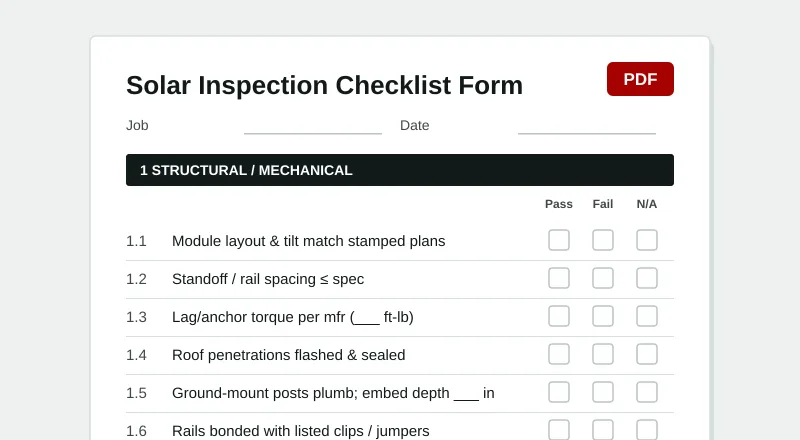
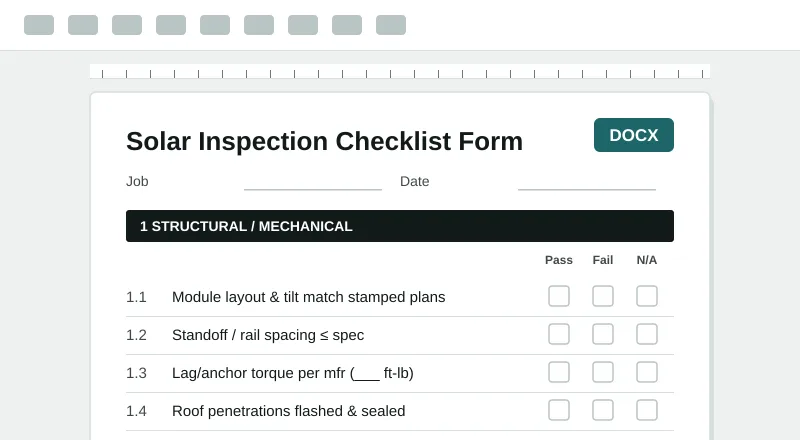
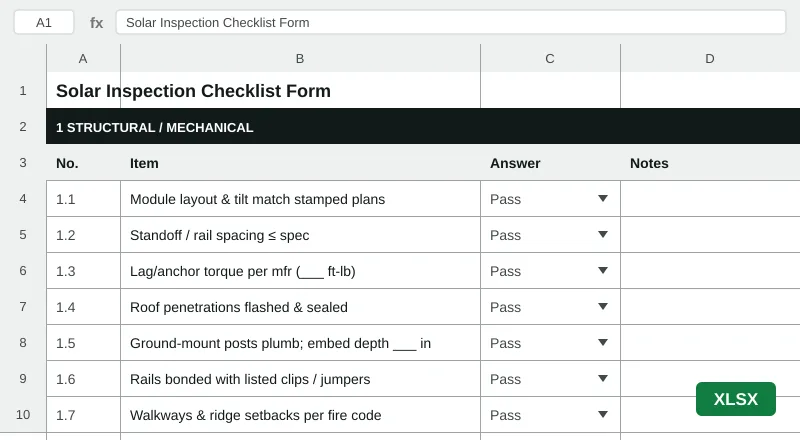
The full Solar Inspection Checklist Form

Print it for the clipboard, or put it on your crew’s phones. Same 38 checks either way.

Your logo

Solar Inspection Checklist Form

Use the Solar Inspection Checklist to confirm racking, wiring, labeling, and rapid shutdown so any PV install passes NEC, IBC, and utility review the first time.

Job
Date
Address
Permit #
Array Size (kW DC)
# of Modules / Make
Inverter / PCS Model
WeatherClearCloudyRainSnowWind

1 · Structural / Mechanical

1 · Structural / MechanicalPassFailN/A
1.1Module layout & tilt match stamped plans
1.2Standoff / rail spacing ≤ spec
1.3Lag/anchor torque per mfr (___ ft-lb)
1.4Roof penetrations flashed & sealed
1.5Ground-mount posts plumb; embed depth ___ in
1.6Rails bonded with listed clips / jumpers
1.7Walkways & ridge setbacks per fire code
1.8Other (describe)

Photos - Structural & Mechanical · photo refs

2 · DC Wiring & Conduit

2 · DC Wiring & ConduitPassFailN/A
2.1PV wire / USE-2 conductors 90 °C rated
2.2Polarity & string configuration correct
2.3Conduit support spacing ≤ 10 ft / 3 ft near box
2.4Bend radius ≥ 5× OD; no kinks
2.5Combiner fuses / breakers sized ___ A
2.6Raceways marked “PHOTOVOLTAIC POWER SOURCE” or “SOLAR PV DC CIRCUIT” every 10 ft, within 1 ft of turns and above/below penetrations
2.7DC disconnect within sight & labeled
2.8String Voc & Isc measured; within expected range
2.9Insulation resistance tested; results recorded
2.10DC arc-fault protection present (NEC 690.11)
2.11Other (describe)

Photos - DC Wiring & Conduit · photo refs

3 · AC & Interconnection

3 · AC & InterconnectionPassFailN/A
3.1Inverter output breaker ≥ 125 % of inverter continuous output current
3.2Bus/load-side calculation (120 % rule) OK
3.3Supply-side tap conductors protected
3.4Utility lockable AC disconnect installed
3.5Neutral-ground bond only at service
3.6Labels: “Power Source Output” at service
3.7Other (describe)

Photos - AC & Interconnection · photo refs
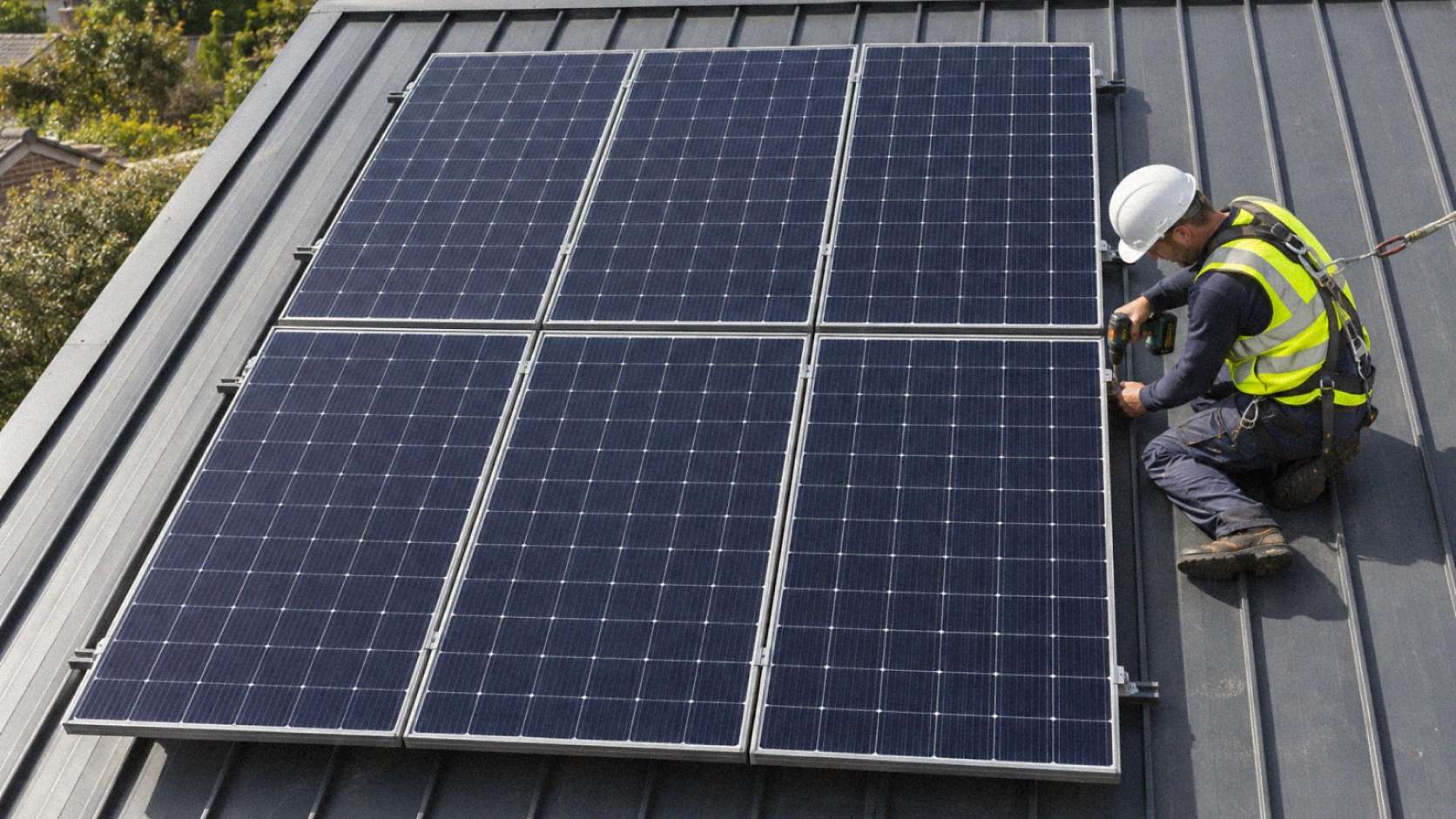
4 · Grounding & Bonding

4 · Grounding & BondingPassFailN/A
4.1EGC size _____ AWG meets Table 250.122
4.2Bonding lugs tight; anti-oxidant applied
4.3Module-to-rail bonds continuous
4.4GEC continuous to electrode / ufer
4.5Ground resistance ≤ 25 Ω (if tested)
4.6Other (describe)

Photos - Grounding & Bonding · photo refs

5 · Rapid Shutdown & Fire Access

5 · Rapid Shutdown & Fire AccessPassFailN/A
5.1RSD equipment listed for rapid shutdown (UL 1741 PVRSE or UL 3741)
5.2Initiator switch location & labeling per code
5.3RSD: ≤ 30 V within 30 s outside array; ≤ 80 V within 30 s inside array or listed PV hazard control system
5.436 in eave-to-ridge pathways & 18 or 36 in ridge setback clear (IFC 1205 / IRC R324.6)
5.5Reflective roof/combiner labels installed
5.6Other (describe)

Photos - Rapid Shutdown & Fire Access · photo refs

6 · Overall Status

System ReadinessPassConditional PassFail
Follow-up Inspection Needed?No

7 · Sign-Off

Inspector / QA

Name
Signature
Date

Installer Lead (where required / appropriate)

Name
Signature
Date

AHJ / Utility Rep (where required / appropriate)

Name
Signature
Date

References & Standards

  • NEC 2023 Articles 690 & 705
  • IBC 2021 – Structural Load Provisions
  • UL 1741 / 1741 SB
  • NFPA 70E – Electrical Safety
  • State/Local Fire-Department Solar Ordinances
  • Utility Interconnection Guidelines

Your AHJ and the code edition it has adopted govern. This checklist supports your inspection; it doesn’t replace the one your jurisdiction requires.

Free download

Solar Inspection Checklist Form template: PDF, Word and Excel

Print the form as it is, or download a template you can edit. Every format is free, with no email and no sign-up.

How to use it

How to run the Solar Inspection Checklist Form

  1. 01

    Run it before the work is covered

    Walk it before the next trade closes things up or the area is handed over, and again after any fix. Fill in the header first so the record stands on its own.

  2. 02

    Work the sections in order

    Go through the 7 sections in order so nothing gets skipped. Answer every check: a blank isn’t an answer.

  3. 03

    Every miss gets a photo and an owner

    Write down what’s wrong, take a photo and name the trade that owns the fix, with a date.

  4. 04

    Re-check, sign, then release

    Walk the misses again once they’re fixed. Sign it off, and only then let the area close.

Why we built this

An inspection only counts if it’s written down

A miss found before the work is covered up is a quick fix. Found after, it’s a tear-out, a failed inspection and a schedule hit. The written record is how you prove the check happened.

  • Built for the field. Every check is written the way crews talk, with room for notes, photos and a signature.
  • Free, with no catch. No email, no account. Print it and hand it out.
  • On paper or on the phone. The same form runs on the Workyard app, filed to the job when it’s sent.

3,000+contractors run their crews on Workyard

Meet Workyard

Who we are

Workyard is the construction operations platform for specialty contractors and self-performing general contractors determined to grow without sacrificing job control or margins.

Forms like this one are what our customers’ crews fill in on Workyard every day, on the same app they clock in with.

workers on Workyard every day
100,000+
free templates, none of them gated
182

Forms & Workflows

Get every form back from every crew, every day

  • It shows up on its own. Attach it to a task, a job or clock-out, and it’s on the crew’s phone when it’s due.
  • It can’t be skipped. Make it required and the day can’t close until it’s in.
  • You see it the same day. Filed, flagged or missing, every job on one board, before anyone has to call.

$123,000cut from insurance costs at TR3 Group

More site inspections templates

Free templates for the rest of the job

Browse all templates

Questions

Solar Inspection Checklist Form FAQs

When should the checklist be used during a project?

Complete it three times: after mechanical completion, at electrical rough-in, and during final commissioning. Early passes catch racking or conduit issues while fixes are cheap; the final pass verifies labeling, rapid shutdown, and punch-list closure before the AHJ and utility arrive.

Who can sign off on the completed form?

Most AHJs accept signatures from the licensed electrician of record plus either a third-party quality-control inspector or the municipal officer. On small jobs, a NABCEP-certified lead installer may sign, but final approval still rests with the local building or electrical inspector.

Which codes and standards does the form reference?

Checklist items align with NEC 2023 Articles 690 and 705, IBC 2021 structural and wind-load rules, UL 1741/1741 SB inverter and rapid-shutdown listings, NFPA 70E safe-work practices, plus typical fire-department solar ordinances for rooftop access, label colors, and remote shutdown-switch placement.

How does thorough documentation benefit system owners long-term?

A completed checklist validates warranties, speeds future troubleshooting, and proves code compliance to buyers, insurers, or financiers. Technicians can locate attachment points, conductors, and disconnects without guesswork during roof repairs, while insurers may offer premium discounts for documented fire-safety and electrical risk mitigation.

Do I need a Workyard account to use it?

No. Print the paper form, save it as a PDF, or download the Word or Excel file, free, with no email and no sign-up. You only need an account to put the digital form on your crew’s phones.

Can I edit the template?

Yes. Download the Word or Excel version to add your logo, add checks from your project spec or remove sections you don’t need. They open in Google Docs and Google Sheets too.

How do I get my crew to fill it in on their phones?

Add the digital form to Workyard and attach it to the job or the task it belongs to. It shows up in the app your crew already clocks in with, and every form comes back signed, with its photos, filed to the job.

Trigger the form at the right moment

A job's Forms tab in Workyard: each form, the clock-in or clock-out that triggers it, and how many have been submitted
A van check filled in on the Workyard app: the damage photo, a description and the tech's signature, ready to submit

Book a demo with a Workyard specialist

Your local Workyard specialist

Works with 50 contractors across the US

Your details

30 min · Video call