



A work order template is the written go-ahead for a specific job: what needs doing, where, by whom, by when and for how much, signed by the person paying for it. Contractors, property managers and service companies use a work order form to turn a phone call or an email request into something a crew can act on and the office can bill from.
You'll also hear it called a service ticket, job order or work ticket. Whatever the name, the point is the same. Nobody rolls a truck until the scope and the price are on paper and approved.
What is a work order in construction?
In construction, a work order is the document that authorizes a defined piece of work before it starts and becomes the record of what was agreed. It is easy to confuse with two other documents that move through the same office:
| Document | What it authorizes | Who usually signs | When |
|---|---|---|---|
| Work order | A specific job or task: scope, labor, materials, schedule, price | Client or owner, and the contractor | Before the work starts |
| Change order | A change to an existing contract's scope, price or schedule | Owner and contractor (and the architect, where the contract calls for it) | After the contract is signed, before the changed work proceeds |
| Purchase order | Buying materials or equipment from a supplier | The buyer, accepted by the supplier | Before the supplier ships |
Keep them apart. Extra work that shows up mid-job goes on a change order form, not as a scribble on the original work order. Whether a signed work order is legally binding depends on the contract it sits under, so check your contract terms or ask your attorney if it matters.
How a work order moves from request to closeout
A work order follows the same path on most jobs, whether it's a service call or a scope inside a larger build:
- Request. A client, property manager or PM asks for the work.
- Review. The office or PM scopes it, prices it and picks a crew.
- Approve. The client or owner signs the work order.
- Schedule. The job gets a date and an assigned crew or technician.
- Perform. The crew does the work and records time, materials and anything unexpected.
- Close out. The work is checked, the order is marked complete and it goes to billing.
The signature belongs at step 3. A work order signed after the crew has already started is a record, not an authorization.
What goes on our work order form
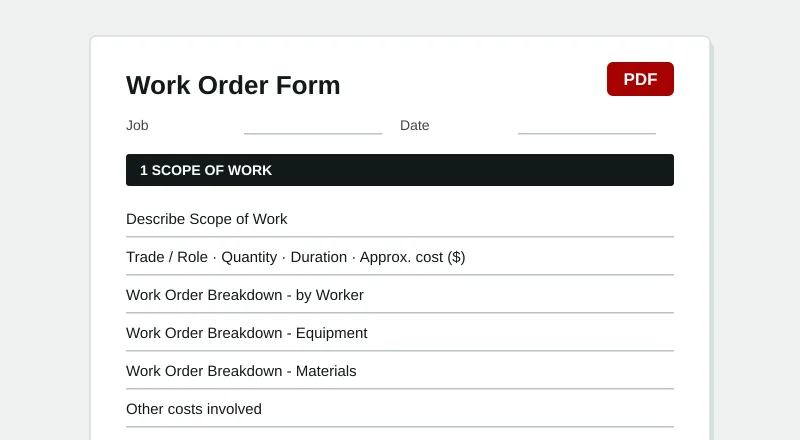
The template has three parts. Each one answers a question someone will ask later.
Work request details
Who asked, for what, and where. The fields are the work order number, request date and time, who requested it and how to reach them, the project or client ID, the location, a priority (Low, Medium, High or Emergency), who it's assigned to (a crew or a technician) and the scheduled date. Number every order. When a client calls about "the job last Tuesday," a number finds it in seconds.
Scope of work and cost breakdown
Most of the form lives here. Start with a written scope, then break the cost down four ways:
- By trade: electrical, plumbing, HVAC, carpentry, roofing and so on, with quantity, duration and an approximate cost for each.
- By worker: name, hours, hourly rate and total.
- Equipment: each item, quantity, cost and total.
- Materials: each item, quantity, cost and total.
Below that sit other costs, payment terms (for example "Net 30 on completion"), the cost code, the budget or contract sum, and two quick checks: insurance on file and bond on file. The cost code is what lets the hours and materials land on the right job when you look at margins later.
Approval
The client or owner's name, signature and the date of approval. No signature, no start.
How to write a work order, step by step
A good work order reads the same to the person who wrote it, the crew that does the work and the client who pays for it. Here's how to fill one out:
- Give it a number and a date before anything else, so it can be tracked from the first call.
- Write the scope for a stranger. Say what gets done, where, and what "done" looks like. "Replace two failed GFCI receptacles in unit 4B kitchen and test" beats "fix outlets."
- Tie every number to a quantity. Hours to workers, dollars to items. A lump sum with no breakdown is the first thing a client disputes.
- Set the priority and the date, and name who's assigned.
- Add the cost code and payment terms so billing doesn't have to guess.
- Get the signature before the crew rolls out, and attach photos of the existing conditions while you're there.
Types of work orders contractors use
The same form covers several kinds of work. Set the priority and wording to match:
- General: a defined task on a job or a service call.
- Preventive maintenance: scheduled work on equipment or a building, such as filter changes or panel checks.
- Emergency: a burst pipe, a dead panel, a roof leak. Mark it Emergency and get approval by phone, then the signature as soon as you can.
- Inspection: a visit to assess something, which often leads to a second work order for the repair.
- Repair: fixing a known problem found by an inspection or a complaint.
- Extra work request: work outside the original scope, which on a contract job should become a change order.
Common work order mistakes
Most disputes over a work order trace back to the same few gaps:
- Vague scope. "Misc. repairs" can't be checked, billed or defended.
- Extra work with no signed change. The crew does it, the client never approved it, and you eat the cost.
- No cost breakdown. A single total invites a fight over every line.
- Weak approval trail. A verbal OK nobody can produce later is not an approval.
- Late closeout. Orders left open for weeks get billed late, or not at all.
- Paper stuck in the truck. The office can't bill what it hasn't seen.
Running work orders on your crews' phones
A work order form in Workyard opens on the phone your crew already clocks in on. Jobs, customers and cost codes are picked from your lists instead of typed, photos are a tap, and the client can sign with a finger on site. Each submission files itself to its job with the date, photos and signatures, and an emergency or an unexpected answer can go straight to the person you name. When the client or the GC asks, filter by job and date and send a PDF. See how it works in forms and workflows, and how the hours on each job feed job cost tracking.
Get the free work order template
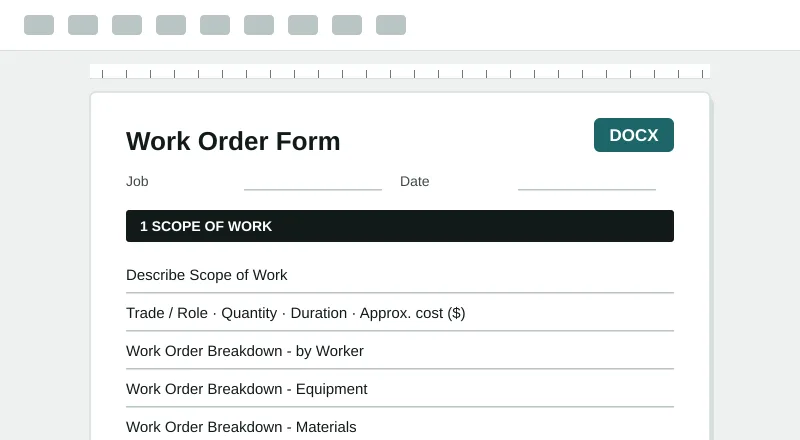
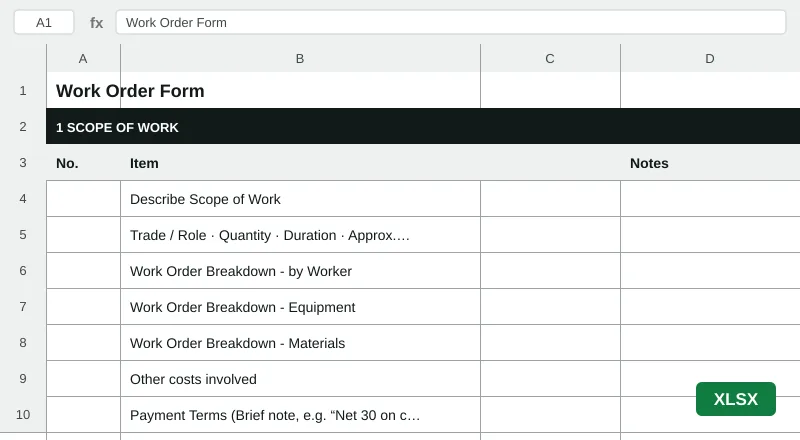
Download the work order form as a PDF to print and keep in the truck, or as a Word or Excel file to add your logo, rates and cost codes. It works as a construction work order template or for service and maintenance calls. It's free, with no sign-up. Prefer your crews fill it in on their phones? The same form runs in Workyard.


