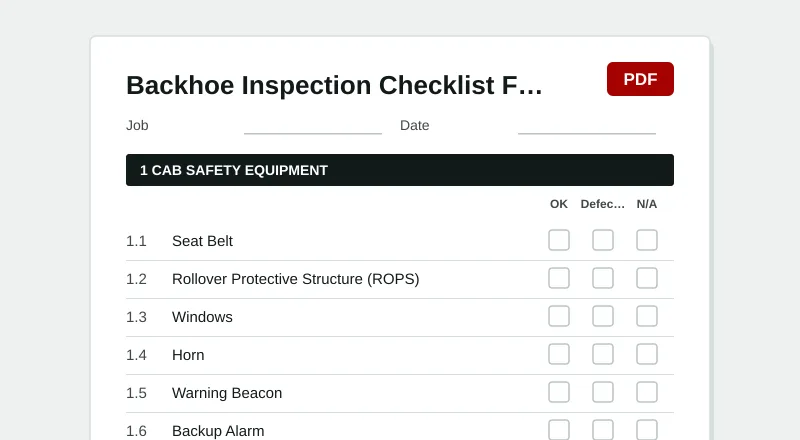
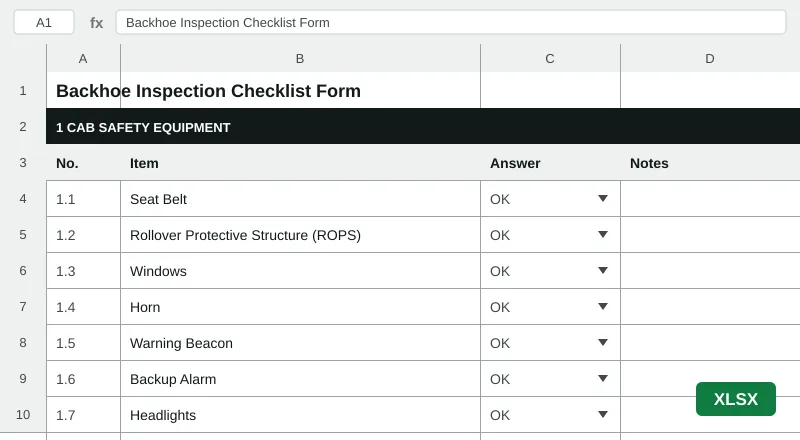
A spreadsheet with a dropdown for every answer, ready to fill in, sort and keep as a log.
Download Excel
How to use it
How to run the Backhoe Inspection Checklist Form
01
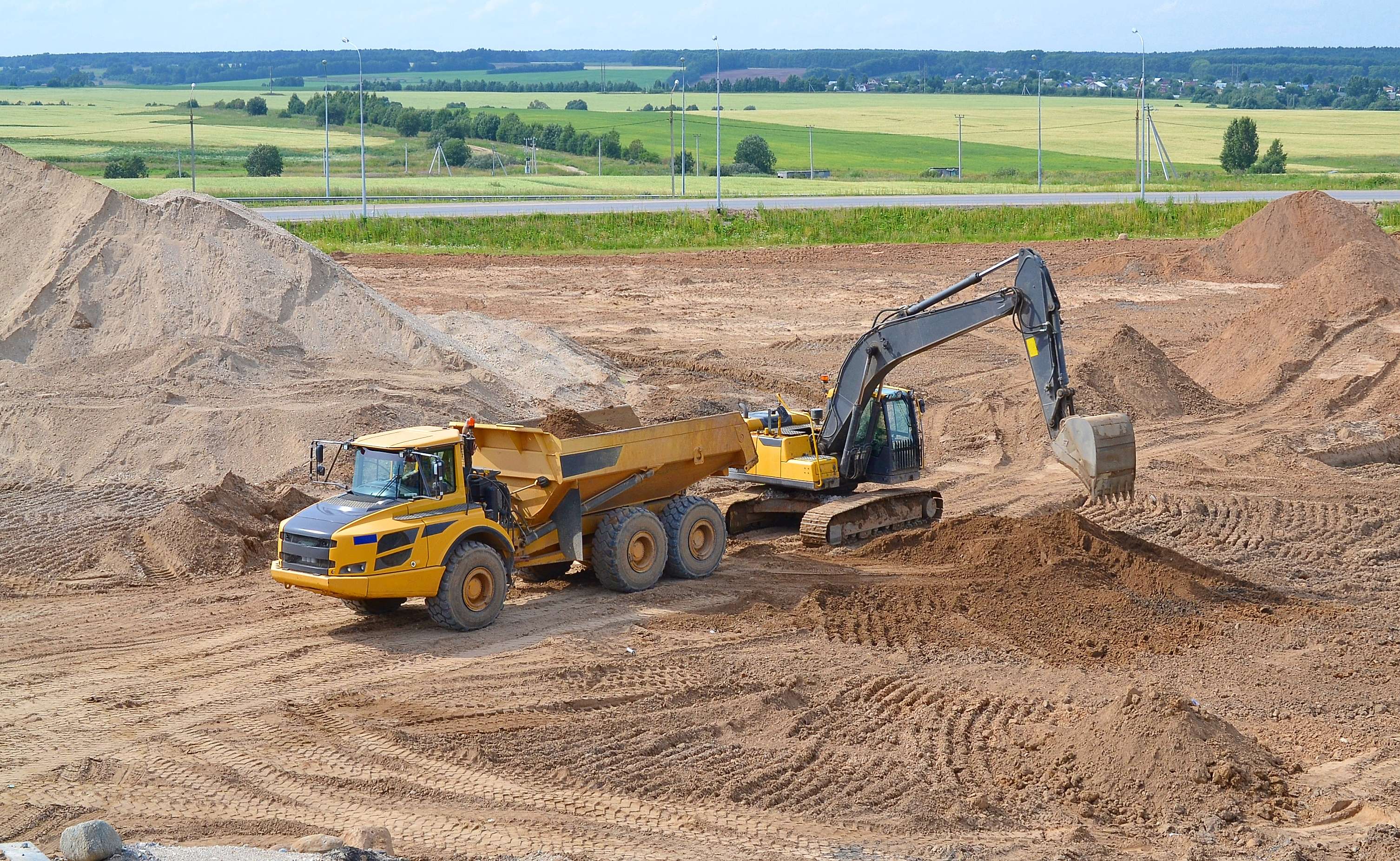
Check it before the first start
Do it at the start of every shift, before the machine moves, with the operator who’ll run it.
02
Walk around, then test from the seat
Work through the 5 sections: fluids and the walk-around first, then controls, brakes and safety devices with it running.
03
A fail means it stays parked
Tag out anything that fails and report it to the shop or the super, with a photo. It doesn’t run until it’s fixed.
04
Sign it and keep it with the machine
The operator signs. Keep each day’s sheet with the machine, so the next operator and the inspector can see its history.
Why we built this
Most breakdowns give a warning first
A leak, a worn hose, brakes that feel soft. A few minutes at the start of the shift catches them before they cost a day of downtime, or someone’s safety.
Built for the field. Every check is written the way crews talk, with room for notes, photos and a signature.
Free, with no catch. No email, no account. Print it and hand it out.
On paper or on the phone. The same form runs on the Workyard app, filed to the job when it’s sent.
Workyard is the construction operations platform for specialty contractors and self-performing general contractors determined to grow without sacrificing job control or margins.
Forms like this one are what our customers’ crews fill in on Workyard every day, on the same app they clock in with.
workers on Workyard every day
100,000+
free templates, none of them gated
182
Forms & Workflows
Get every form back from every crew, every day
It shows up on its own. Attach it to a task, a job or clock-out, and it’s on the crew’s phone when it’s due.
It can’t be skipped. Make it required and the day can’t close until it’s in.
You see it the same day. Filed, flagged or missing, every job on one board, before anyone has to call.
7:02 AMToolbox talkMeridian Business ParkRay T. · 12 signaturesFiled to job
9:40 AMSite inspectionFairview Clinic · L2 eastDiego M. · 8 photosFiled to job
11:15 AMSite inspectionFairview Clinic · L2 westFirestop answered No at grid C-4Flagged · to the PM
2:14 PMPre-start checkMeridian Business ParkExcavator 3 · Dana C. · signedFiled to job
4:30 PMDaily logRiverside TowerDue at clock-outMissing
Fairview L2 west: firestop at C-4 answered No. Photo attached, PM notified at 11:15 AM. The ceiling stays open until it’s fixed, not a box ticked on a sheet in the truck.
Power Cord and Plug: Is the power cord free of cuts, frays or splices, and is the plug intact?
Tool Housing: Is the saw’s body, handle and housing physically sound (no cracks, breaks or loose parts)?
Fixed (Upper) Guard: Is the upper guard securely in place and covering the top of the blade (except where tilted for bevel cuts)?
Retractable (Lower) Guard: Is the lower guard operable (automatically retracts when cutting and returns to cover the blade immediately when not cutting)?
Guard Condition: Are all guards (upper and lower) free of damage, corrosion, or deformation?
Conduct a pre-start inspection at the beginning of every shift and immediately after any incident—tip-over, impact, or major repair. A weekly deep check with fluid sampling and telematics review adds extra protection against unseen wear, maximizing uptime and OSHA compliance.
Who is responsible for completing the checklist?
The assigned operator fills out the form because they best sense subtle changes in performance; a mechanic or fleet safety officer may co-sign on high-risk or rental units. All inspectors must be trained to spot hazards and empowered to tag out unsafe equipment.
What should I do if I find a defect?
Document the issue, attach photos, and rate severity. Top off minor fluids on the spot, but lock-out defects affecting brakes, steering, hydraulics, ROPS, or alarms. Tag the ignition, notify maintenance, and keep the machine offline until qualified repairs and a re-inspection clear it.
Are digital checklists better than paper?
Mobile apps eliminate handwriting errors, auto-stamp time and GPS, attach images, and send instant defect alerts to maintenance teams. Paper works off-grid but risks loss and manual data entry. Many crews combine both: offline app entry that syncs to the cloud once connectivity returns.
Do I need a Workyard account to use it?
No. Print the paper form, save it as a PDF, or download the Word or Excel file, free, with no email and no sign-up. You only need an account to put the digital form on your crew’s phones.
Can I edit the template?
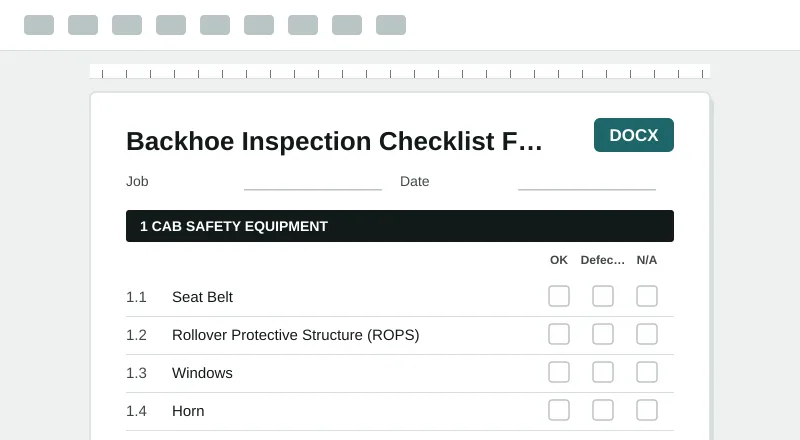
Yes. Download the Word or Excel version to add your logo, add checks from your project spec or remove sections you don’t need. They open in Google Docs and Google Sheets too.
How do I get my crew to fill it in on their phones?
Add the digital form to Workyard and attach it to the job or the task it belongs to. It shows up in the app your crew already clocks in with, and every form comes back signed, with its photos, filed to the job.