Target material only (no trash in recyclables)YesNo
Prohibited hazardous items absentYesNo
Cardboard flattened, banding removedYesNo
Concrete loads free of rebar & dirtYesNo
Scrap metal sorted (ferrous vs. non-ferrous)YesNo
Photos - Segregation & Contamination
Weight Ticket Entry
Scale House / Serial #
Enter text
Gross Weight (lb / ton)
Enter text
Tare Weight
Enter text
Net Weight (lb / ton)
Enter text
Hauler Ticket #/Photo
Diversion % (diverted tons ÷ total tons × 100)
Enter text
Hazardous & Universal Waste
Inspection
Fluorescent lamps boxed & labeledYesNo
Batteries stored by type (lithium separate from lead-acid), terminals taped, in closed labeled containersYesNo
Aerosol cans in a closed, labeled container (puncture only with an approved device under a written procedure)YesNo
Paints / solvents in DOT-approved 5-gal pailsYesNo
Asbestos-containing material double-bagged, labeledYesNo
Photos - Hazardous & Universal Waste
Corrective Actions Summary
Log
Issue
Enter text
Description
Enter text
Recommended Action
Enter text
Responsible Party
Enter text
Photos
Sign-Off
Auditor / Site Supervisor
Sign here
Superintendent / QC Manager
Sign here
Sustainability / ESG Lead (optional)
Sign here
Hauler Representative (optional)
Sign here
Submit
Scroll through the form
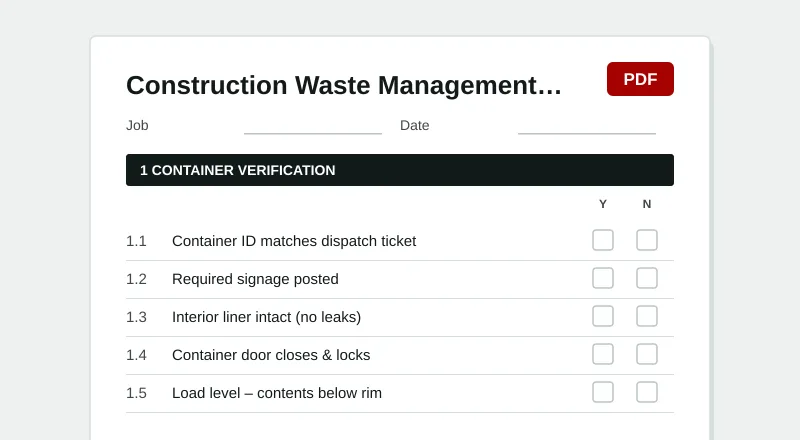
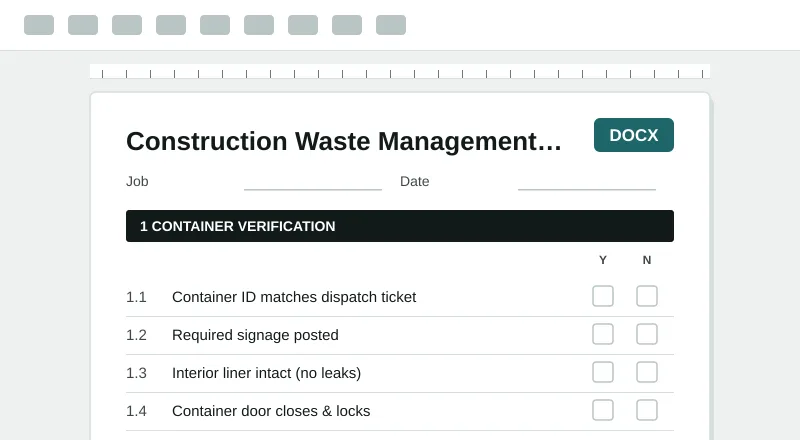
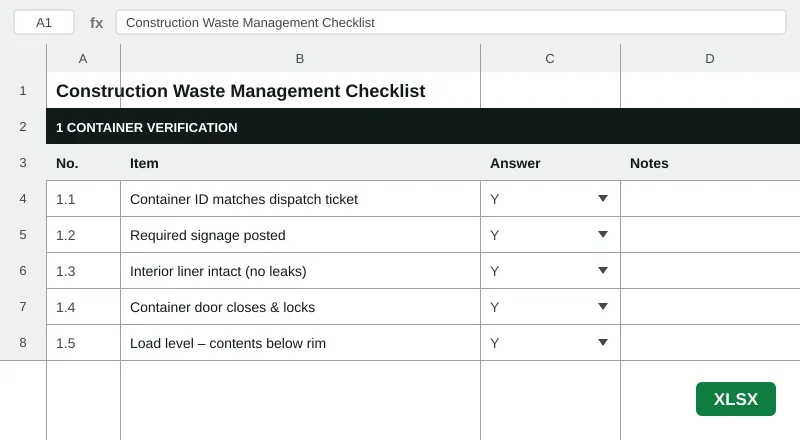
The template
The full Construction Waste Management Checklist
Print it for the clipboard, or put it on your crew’s phones. Same 15 checks either way.
Your logo
Construction Waste Management Checklist
Cut landfill costs and hit diversion targets with our Construction Waste Management Checklist. Inspect bins daily to verify segregation, container labeling, and ticket data. Record weights, photos, and hauler details in seconds, then share live diversion metrics with owners and ESG teams—everything stays in one app.
Job
Date
Project Name
Project Address
Permit / Job No.
Hauler Details
Hauler Company & License #
Container ID / Roll-off #
Material StreamMixed C&DConcreteMetalWoodCardboardGypsum
Load Weight / Volume
Destination Facility
Facility TypeRecyclerReuseLandfillTransfer Station
Diversion %
Date & Time (Timestamp load departure)
Weather
1 · Container Verification
Y
N
Notes
1.1
Container ID matches dispatch ticket
1.2
Required signage posted
1.3
Interior liner intact (no leaks)
1.4
Container door closes & locks
1.5
Load level – contents below rim
Photos - Container Verification · photo refs
2 · Segregation & Contamination
Y
N
Notes
2.1
Target material only (no trash in recyclables)
2.2
Prohibited hazardous items absent
2.3
Cardboard flattened, banding removed
2.4
Concrete loads free of rebar & dirt
2.5
Scrap metal sorted (ferrous vs. non-ferrous)
Photos - Segregation & Contamination · photo refs
3 · Weight Ticket Entry
Scale House / Serial #
Gross Weight (lb / ton)
Tare Weight
Net Weight (lb / ton)
Hauler Ticket #/Photo · photo refs
Diversion % (diverted tons ÷ total tons × 100)
4 · Hazardous & Universal Waste
Y
N
No
4.1
Fluorescent lamps boxed & labeled
4.2
Batteries stored by type (lithium separate from lead-acid), terminals taped, in closed labeled containers
4.3
Aerosol cans in a closed, labeled container (puncture only with an approved device under a written procedure)
4.4
Paints / solvents in DOT-approved 5-gal pails
4.5
Asbestos-containing material double-bagged, labeled
Photos - Hazardous & Universal Waste · photo refs
5 · Corrective Actions Summary
Log
Issue
Description
Recommended Action
Responsible Party
Due Date
Notes
Closed?
Photos · photo refs
6 · Sign-Off
Auditor / Site Supervisor
Name
Role / Company
Signature
Date
Superintendent / QC Manager
Name
Signature
Date
Sustainability / ESG Lead (optional)
Name
Signature
Date
Hauler Representative (optional)
Name
Signature
Date
References & Standards
EPA Sustainable Materials Management: Construction & Demolition Materials –
Workyard is the construction operations platform for specialty contractors and self-performing general contractors determined to grow without sacrificing job control or margins.
Forms like this one are what our customers’ crews fill in on Workyard every day, on the same app they clock in with.
workers on Workyard every day
100,000+
free templates, none of them gated
182
Forms & Workflows
Get every form back from every crew, every day
It shows up on its own. Attach it to a task, a job or clock-out, and it’s on the crew’s phone when it’s due.
It can’t be skipped. Make it required and the day can’t close until it’s in.
You see it the same day. Filed, flagged or missing, every job on one board, before anyone has to call.
7:02 AMToolbox talkMeridian Business ParkRay T. · 12 signaturesFiled to job
9:40 AMSite inspectionFairview Clinic · L2 eastDiego M. · 8 photosFiled to job
11:15 AMSite inspectionFairview Clinic · L2 westFirestop answered No at grid C-4Flagged · to the PM
2:14 PMPre-start checkMeridian Business ParkExcavator 3 · Dana C. · signedFiled to job
4:30 PMDaily logRiverside TowerDue at clock-outMissing
Fairview L2 west: firestop at C-4 answered No. Photo attached, PM notified at 11:15 AM. The ceiling stays open until it’s fixed, not a box ticked on a sheet in the truck.
More cleanup checklists templates
Free templates for the rest of the job
Weekly Site Cleanup Audit (Supervisor)
Walkways & ExitsYNN/A
Are all stairways free of debris, spills, and trip hazards?
Are hallways and corridors unobstructed?
Are emergency exits and egress paths clear and marked?
How does the checklist help us earn LEED v4 MR points?
Each entry captures material stream, weight, and destination. The app’s dashboard rolls those values into the LEED matrix, showing total diversion and individual stream counts, so project teams can demonstrate compliance with Option 1 or Option 2, without juggling separate trackers.
Can diversion percentages be tracked automatically?
Yes. When you enter a weight ticket or cubic-yard estimate, the checklist instantly updates a live diversion scorecard for the project, week, and subcontractor. Threshold alerts warn site managers if performance drops below target, allowing course corrections before audits.
Does the form address hazardous or regulated waste?
A dedicated section prompts inspectors to log bulbs, batteries, aerosol cans, lead, or asbestos. Manifest numbers, transporter details, and disposal site IDs are stored alongside photos, giving EPA and state regulators a complete cradle-to-grave record for special waste streams.
Who typically reviews the in-app records?
Owners, sustainability consultants, and corporate safety teams view real-time dashboards to verify diversion targets. Haulers access only their assigned tickets, while municipal inspectors can be granted read-only links during site visits, eliminating the need for printed binders.
Do I need a Workyard account to use it?
No. Print the paper form, save it as a PDF, or download the Word or Excel file, free, with no email and no sign-up. You only need an account to put the digital form on your crew’s phones.
Can I edit the template?
Yes. Download the Word or Excel version to add your logo, add checks from your project spec or remove sections you don’t need. They open in Google Docs and Google Sheets too.
How do I get my crew to fill it in on their phones?
Add the digital form to Workyard and attach it to the job or the task it belongs to. It shows up in the app your crew already clocks in with, and every form comes back signed, with its photos, filed to the job.