Select Yes if each condition is met or No to describe the obstruction or hazard.
Are all stairways free of debris, spills, and trip hazards?YesNo
Are hallways and corridors unobstructed?YesNo
Are emergency exits and egress paths clear and marked?YesNo
Work Areas & Open Spaces
Select Yes if each area meets standards or No to flag clutter, spills, or hazards.
Are work surfaces, benches, and shelves cleared of debris?YesNo
Are open floor areas swept, dry, and free of obstructions?YesNo
Are tools, small equipment, and hardware returned to their storage?YesNo
Have all oil or chemical spills been cleaned up?YesNo
Scrap Materials & Debris
Select Yes if materials are properly handled or No to note leftover debris.
Is scrap lumber, metal, and concrete removed or in bins?YesNo
Is form and scrap lumber with protruding nails cleared from work areas, passageways and stairs?YesNo
Are trash and non-hazardous waste in designated containers?YesNo
Are solvent waste and oily rags kept in covered, fire-resistant containers?YesNo
Are debris collection points kept clear of overflow?YesNo
Material Storage Zones
Select Yes if storage meets criteria or No to flag any instability or mislabeling.
Are stacked materials stable and not at risk of collapse?YesNo
Are material storage areas clearly marked and organized?YesNo
Are pallets, drums, and containers covered or sheltered?YesNo
Are hazardous materials stored separately with proper labeling?YesNo
Tool & Equipment Cleanup
Select Yes if items are stored correctly or No to note misplacement or damage.
Are power cords, hoses, and cables coiled and stored safely?YesNo
Are hand tools and small equipment returned to labeled racks?YesNo
Is heavy equipment parked in designated zones with brakes on?YesNo
Are flammable liquids and compressors stored in approved areas?YesNo
Corrective Action Log
Issue Description
Enter text
Corrective Action
Enter text
Assigned To
Enter text
Due Date
Enter text
Site & Inspector Details
Jobsite Name
Enter text
Site Address
Enter text
Audit Date
Select a date
Supervisor Sign-Off
Supervisor Name
Enter text
Supervisor Signature
Sign here
Audit Completion Date & Time
Select a date
Submit
Scroll through the form
The template
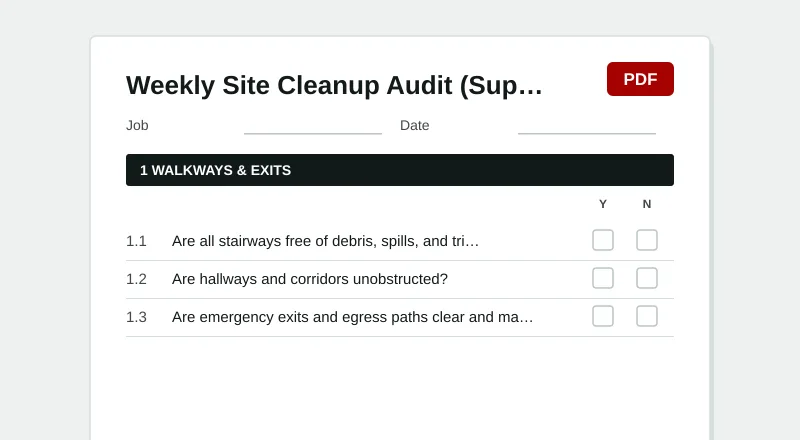
The full Weekly Site Cleanup Audit (Supervisor)
Print it for the clipboard, or put it on your crew’s phones. Same 20 checks either way.
Your logo
Weekly Site Cleanup Audit (Supervisor)
A Weekly Site Cleanup Audit form helps construction and field service teams track cleanup performance across job sites. It allows supervisors to verify that waste, debris, and materials are properly cleared, stored, or disposed of, helping prevent trip hazards, delays, and failed inspections through consistent site documentation.
Job
Date
1 · Walkways & Exits
1 · Walkways & Exits
Y
N
Comment (if No)
1.1
Are all stairways free of debris, spills, and trip hazards?
1.2
Are hallways and corridors unobstructed?
1.3
Are emergency exits and egress paths clear and marked?
2 · Work Areas & Open Spaces
2 · Work Areas & Open Spaces
Y
N
Comment (if No)
2.1
Are work surfaces, benches, and shelves cleared of debris?
2.2
Are open floor areas swept, dry, and free of obstructions?
2.3
Are tools, small equipment, and hardware returned to their storage?
2.4
Have all oil or chemical spills been cleaned up?
3 · Scrap Materials & Debris
3 · Scrap Materials & Debris
Y
N
Comment (if No)
3.1
Is scrap lumber, metal, and concrete removed or in bins?
3.2
Is form and scrap lumber with protruding nails cleared from work areas, passageways and stairs?
3.3
Are trash and non-hazardous waste in designated containers?
3.4
Are solvent waste and oily rags kept in covered, fire-resistant containers?
3.5
Are debris collection points kept clear of overflow?
4 · Material Storage Zones
4 · Material Storage Zones
Y
N
Comment (if No)
4.1
Are stacked materials stable and not at risk of collapse?
4.2
Are material storage areas clearly marked and organized?
4.3
Are pallets, drums, and containers covered or sheltered?
4.4
Are hazardous materials stored separately with proper labeling?
5 · Tool & Equipment Cleanup
5 · Tool & Equipment Cleanup
Y
N
Comment (if No)
5.1
Are power cords, hoses, and cables coiled and stored safely?
5.2
Are hand tools and small equipment returned to labeled racks?
5.3
Is heavy equipment parked in designated zones with brakes on?
5.4
Are flammable liquids and compressors stored in approved areas?
6 · Corrective Action Log
For each corrective item, describe the issue, action plan, responsible party, due date, and status.
Issue Description
Corrective Action
Assigned To
Due Date
Status
7 · Site & Inspector Details
Jobsite Name
Site Address
Audit Date
8 · Supervisor Sign-Off
Supervisor Name
Name
Signature
Date
Audit Completion Date & Time
Weekly Site Cleanup Audit (Supervisor) on a phone
Weekly Site Cleanup Audit (Supervisor)
Job *
26-104 Riverside DuplexesSelect a job
Oct 14, 8:12 AM26-104 Riverside Duplexes
Walkways & Exits
Select Yes if each condition is met or No to describe the obstruction or hazard.
Are all stairways free of debris, spills, and trip hazards?YesNo
Are hallways and corridors unobstructed?YesNo
Are emergency exits and egress paths clear and marked?YesNo
Work Areas & Open Spaces
Select Yes if each area meets standards or No to flag clutter, spills, or hazards.
Are work surfaces, benches, and shelves cleared of debris?YesNo
Are open floor areas swept, dry, and free of obstructions?YesNo
Are tools, small equipment, and hardware returned to their storage?YesNo
Have all oil or chemical spills been cleaned up?YesNo
Scrap Materials & Debris
Select Yes if materials are properly handled or No to note leftover debris.
Is scrap lumber, metal, and concrete removed or in bins?YesNo
Is form and scrap lumber with protruding nails cleared from work areas, passageways and stairs?YesNo
Are trash and non-hazardous waste in designated containers?YesNo
Are solvent waste and oily rags kept in covered, fire-resistant containers?YesNo
Are debris collection points kept clear of overflow?YesNo
Material Storage Zones
Select Yes if storage meets criteria or No to flag any instability or mislabeling.
Are stacked materials stable and not at risk of collapse?YesNo
Are material storage areas clearly marked and organized?YesNo
Are pallets, drums, and containers covered or sheltered?YesNo
Are hazardous materials stored separately with proper labeling?YesNo
Tool & Equipment Cleanup
Select Yes if items are stored correctly or No to note misplacement or damage.
Are power cords, hoses, and cables coiled and stored safely?YesNo
Are hand tools and small equipment returned to labeled racks?YesNo
Is heavy equipment parked in designated zones with brakes on?YesNo
Are flammable liquids and compressors stored in approved areas?YesNo
Corrective Action Log
Issue Description
Enter text
Corrective Action
Enter text
Assigned To
Enter text
Due Date
Enter text
Site & Inspector Details
Jobsite Name
Enter text
Site Address
Enter text
Audit Date
Oct 14, 2026Select a date
Supervisor Sign-Off
Supervisor Name
Enter text
Supervisor Signature
Signed on the phone
Audit Completion Date & Time
Oct 14, 2026Select a date
Submit
The digital form
Same checklist, on every phone on the job
Shows up when it’s due. Triggered by the job assignment, or at clock-in or clock-out. Nobody has to remember it.
Pre-filled before they start. Job, date and inspector fill in on their own, so the crew only answers the checks.
Photos and other media, attached. Snapped on the spot and saved with the answers they explain.
Never lose a form again. Every one is filed to the job the moment it’s sent. No data entry back at the office.
Workyard is the construction operations platform for specialty contractors and self-performing general contractors determined to grow without sacrificing job control or margins.
Forms like this one are what our customers’ crews fill in on Workyard every day, on the same app they clock in with.
workers on Workyard every day
100,000+
free templates, none of them gated
182
Forms & Workflows
Get every form back from every crew, every day
It shows up on its own. Attach it to a task, a job or clock-out, and it’s on the crew’s phone when it’s due.
It can’t be skipped. Make it required and the day can’t close until it’s in.
You see it the same day. Filed, flagged or missing, every job on one board, before anyone has to call.
7:02 AMToolbox talkMeridian Business ParkRay T. · 12 signaturesFiled to job
9:40 AMSite inspectionFairview Clinic · L2 eastDiego M. · 8 photosFiled to job
11:15 AMSite inspectionFairview Clinic · L2 westFirestop answered No at grid C-4Flagged · to the PM
2:14 PMPre-start checkMeridian Business ParkExcavator 3 · Dana C. · signedFiled to job
4:30 PMDaily logRiverside TowerDue at clock-outMissing
Fairview L2 west: firestop at C-4 answered No. Photo attached, PM notified at 11:15 AM. The ceiling stays open until it’s fixed, not a box ticked on a sheet in the truck.
What should be included in a weekly construction site cleanup checklist?
A weekly cleanup checklist should cover walkways, work areas, debris removal, material storage, and tool organization. It should also include fields for site details, audit date, responsible personnel, and a corrective action log to track issues that need follow-up. This helps standardize safety and cleanup protocols.
Why are regular site cleanup audits important?
Regular cleanup audits help prevent trip hazards, improve worker safety, and reduce downtime due to disorganized work zones. They also make it easier to track recurring issues, assign accountability, and maintain compliance with OSHA housekeeping requirements for construction sites (29 CFR 1926.25).
Who is responsible for conducting cleanup audits on job sites?
Site supervisors or project managers typically conduct cleanup audits, though safety officers may also be involved. The goal is to verify that cleanup tasks are completed consistently and documented properly to support internal protocols, client expectations, and compliance efforts.
How can I track cleanup issues across multiple job sites?
Using a digital Weekly Site Cleanup Audit form allows you to document findings in the field and store them centrally. Features like corrective action logs, assigned responsibilities, and digital signatures make it easier to monitor patterns, follow up on issues, and maintain consistency across crews and locations.
Do I need a Workyard account to use it?
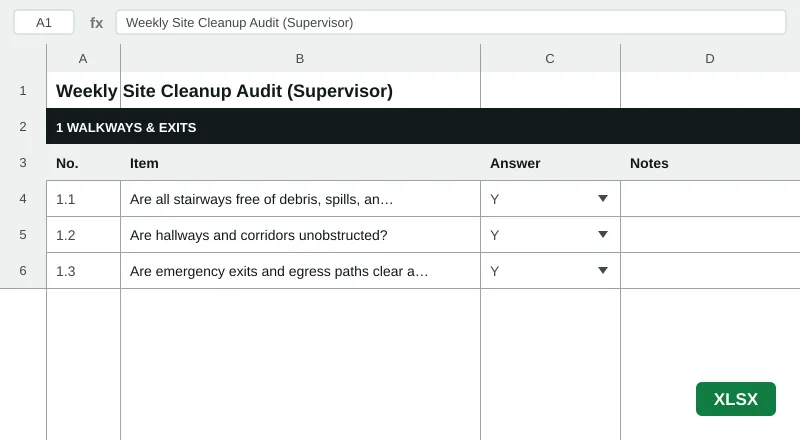
No. Print the paper form, save it as a PDF, or download the Word or Excel file, free, with no email and no sign-up. You only need an account to put the digital form on your crew’s phones.
Can I edit the template?
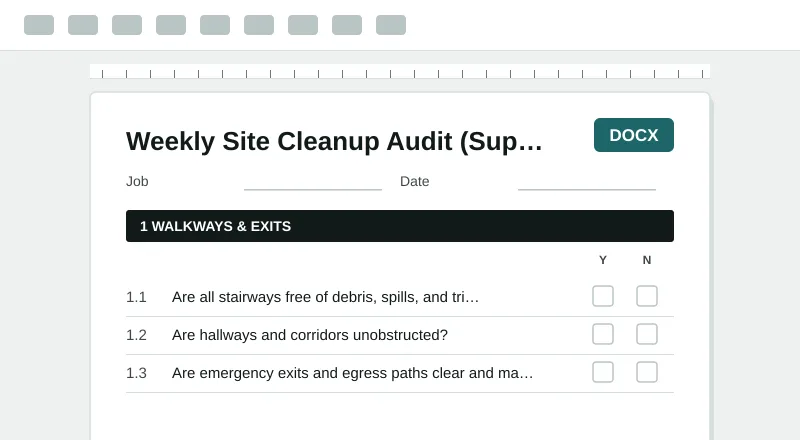
Yes. Download the Word or Excel version to add your logo, add checks from your project spec or remove sections you don’t need. They open in Google Docs and Google Sheets too.
How do I get my crew to fill it in on their phones?
Add the digital form to Workyard and attach it to the job or the task it belongs to. It shows up in the app your crew already clocks in with, and every form comes back signed, with its photos, filed to the job.