Daily Material Usage Log
1 · Material Usage
Material Usage Table · repeat as needed
Tracks the materials a crew used each day, totals them against remaining stock and flags what needs re-ordering.
This starts a free Workyard trial.
18 fields · 3 sections · Updated Nov 2026
Built for

Forms
Search...
Daily Material Usage Log
No submissionsSubmit
Daily progress report
15 submissionsSubmit
Site safety checklist
15 submissionsSubmit
Toolbox talk
15 submissionsSubmit
Incident report
No submissionsSubmit
Daily Material Usage Log
Job *
Select a job
Date and Time
Select a date
Project Name / Location
Enter text
Shift (Day / Night / Swing)
DayNightSwing
Weather
Select an option
Material Usage
Material Usage Table
Cost Code / Activity
Enter text
Material Description
Enter text
Part # / Spec
Enter text
Unit of Measure
Enter text
Quantity Used
Enter text
Batch/Heat # (optional)
Enter text
Quantity Remaining On-Hand
Enter text
Installation Qty / Production
Enter text
Notes / Issues
Enter text
Daily Totals & Re-Order Triggers
Total Materials Used Today
Enter text
Remaining Critical Stock
Enter text
Purchase Re-Order Needed?
YesNo
Sign-Off
Sign-Off
Sign here
Submit
The template
Print it for the clipboard, or put it on your crew’s phones. Same form either way.
Know exactly where your concrete, rebar, and drywall are going—every shift. The Daily Material Usage Log lets crews capture received, installed, and wasted quantities in seconds. Supervisors see live burn-rates, cost codes, and safety flags tied to OSHA 29 CFR 1926.250 storage best practices. All records stay synced and searchable in one secure app.
Material Usage Table · repeat as needed
Your AHJ and the code edition it has adopted govern. This checklist supports your inspection; it doesn’t replace the one your jurisdiction requires.
The digital form
This starts a free Workyard trial.
Just need it on paper? Get the paper form
Free download
Print the form as it is, or download a template you can edit. Every format is free, with no email and no sign-up.

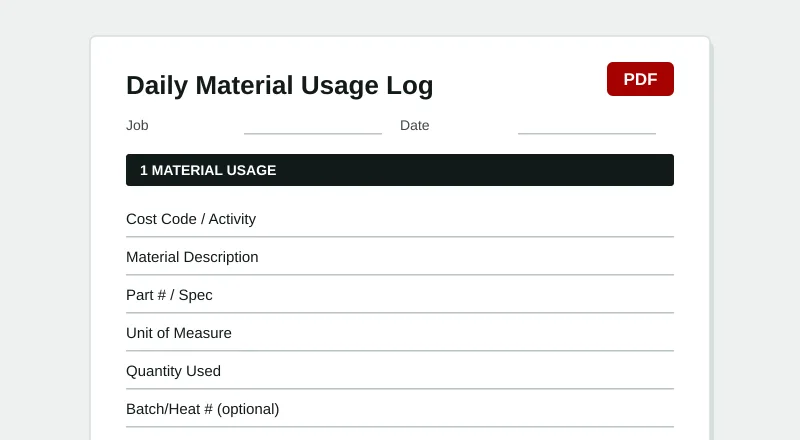
The printable form: print it for the crew, or save it as a PDF to share or keep on file.

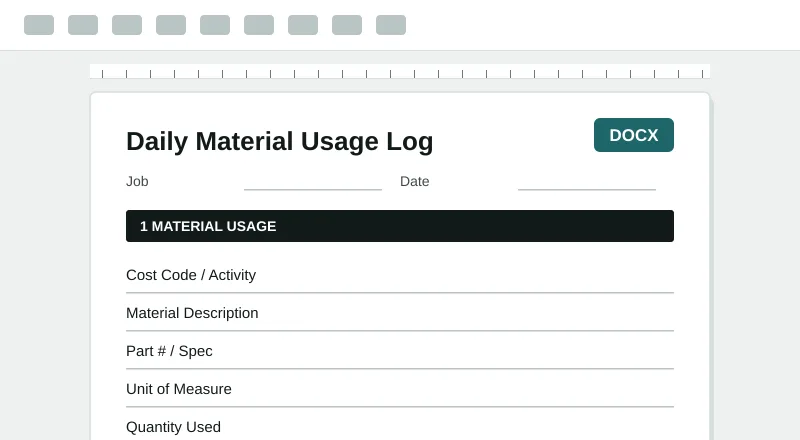
Word
An editable .docx: add your company name, logo and your own checks, then print or share it.

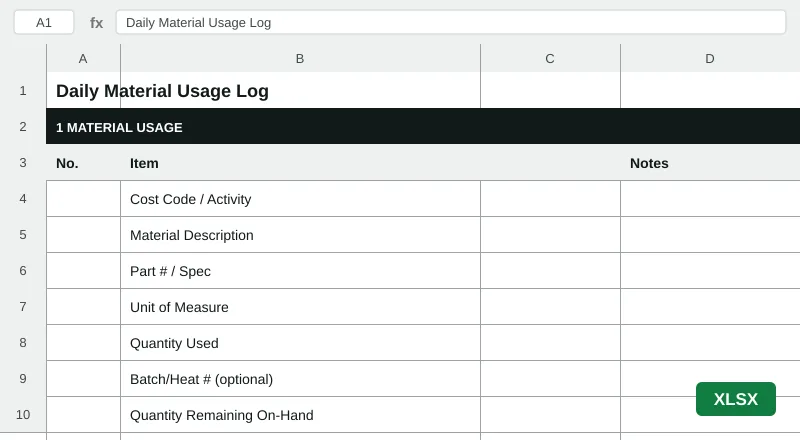
Excel
A spreadsheet with a dropdown for every answer, ready to fill in, sort and keep as a log.
How to use it
Check every delivery against the order when it lands on site, before the driver leaves.
Record quantities received and installed against the job, by area or cost code.
Write down anything short, damaged or wrong, with a photo, so it can be claimed.
File it with the job, so material costs and billing match what’s actually on site.
Why we built this
Short deliveries, damaged stock and material that walks off site all come off your margin. A log at delivery is how you get it back.
3,000+contractors run their crews on Workyard
Meet WorkyardWho we are
Workyard is the construction operations platform for specialty contractors and self-performing general contractors determined to grow without sacrificing job control or margins.
Forms like this one are what our customers’ crews fill in on Workyard every day, on the same app they clock in with.
Forms & Workflows
$123,000cut from insurance costs at TR3 Group
More material tracking templates
Material Tracking
Material Tracking
Material Tracking
Site Inspections
Questions
Record material usage at the end of every shift or when a new delivery arrives. This cadence captures real-time burn-rates, ensures OSHA-compliant storage checks, and keeps procurement and accounting aligned on actual site consumption.
The form supports bulk commodities like concrete and fill, count-based items such as studs or bricks, and packaged goods like sealants. Custom units—tons, cubic yards, linear feet—can be added to match any trade or supplier ticket.
Yes. By comparing received quantities with installed and remaining stock, the app highlights unexplained variances. Photo attachments and GPS stamps create a deterrent and a verifiable trail for insurers or law enforcement if shrinkage occurs.
Daily entries feed live dashboards that compare budgeted vs. actual quantities by cost code. Project managers receive alerts when burn-rates exceed plan, enabling timely scope reviews, purchase-order adjustments, or value-engineering discussions.
No. Print the paper form, save it as a PDF, or download the Word or Excel file, free, with no email and no sign-up. You only need an account to put the digital form on your crew’s phones.
Yes. Download the Word or Excel version to add your logo, add checks from your project spec or remove sections you don’t need. They open in Google Docs and Google Sheets too.
Add the digital form to Workyard and attach it to the job or the task it belongs to. It shows up in the app your crew already clocks in with, and every form comes back signed, with its photos, filed to the job.